
Tembo user flows examples
Explore Tembo user flow examples. Preview the opening screens and steps for each task. Move engineering work to the cloud
Preview these flows
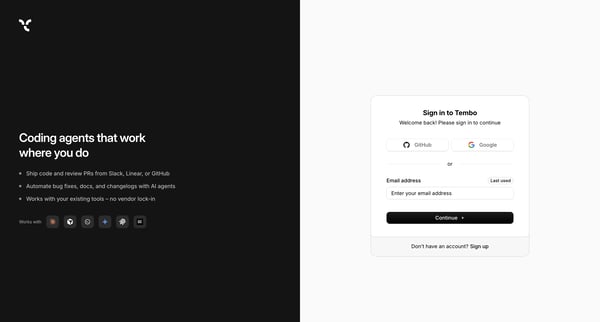
User authenticates via OAuth providers or email on split-screen sign-in interface with marketing panel
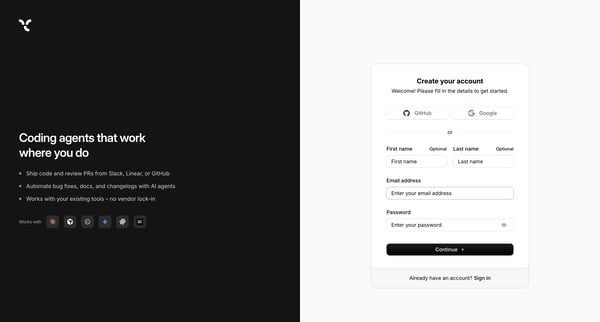
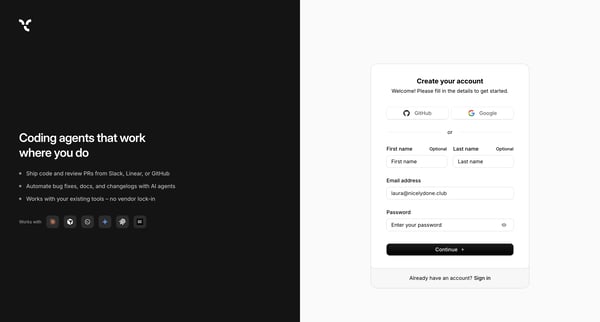
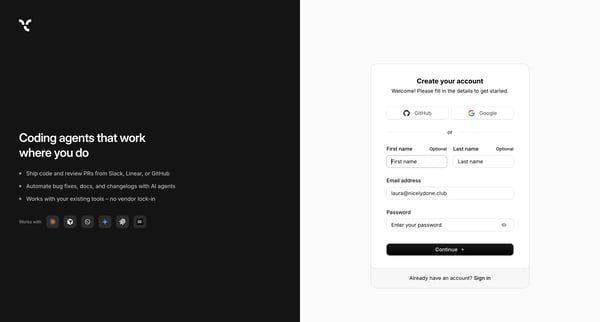
User creates a Tembo account via OAuth or email/password form on split-screen signup page, completes password validation, then enters email verification code
User creates a Tembo account via OAuth or email/password form on split-screen signup page with value proposition sidebar
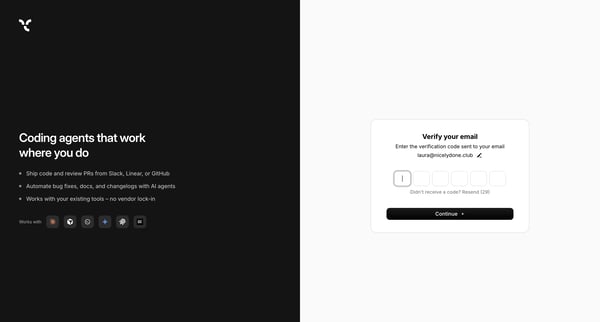
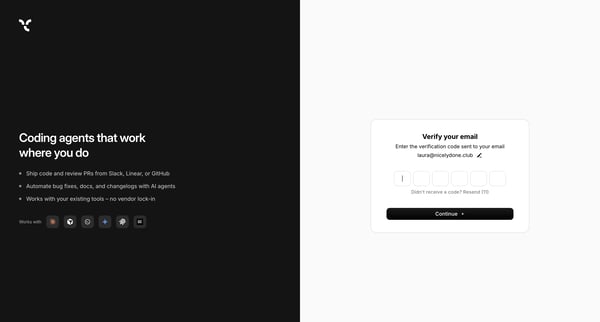
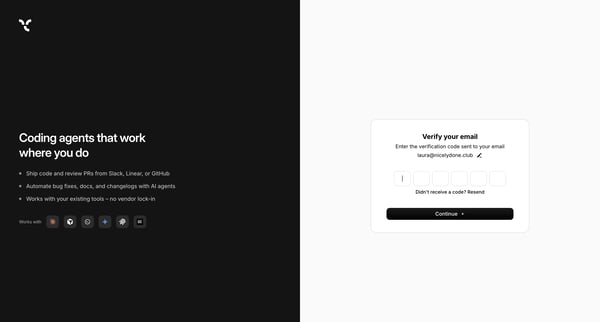
Entering 6-digit verification code sent to email during Tembo signup on auth surface
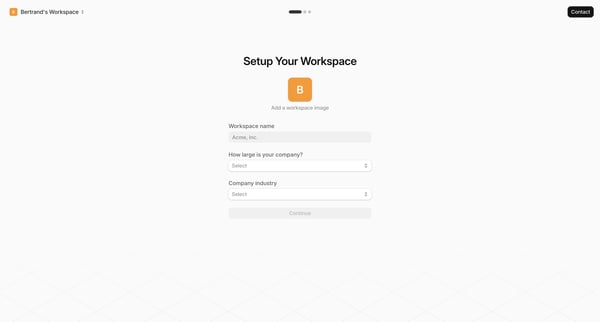
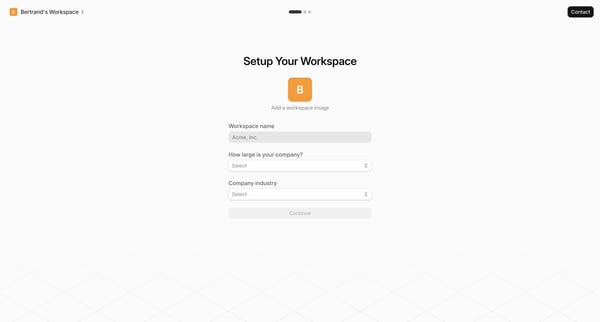
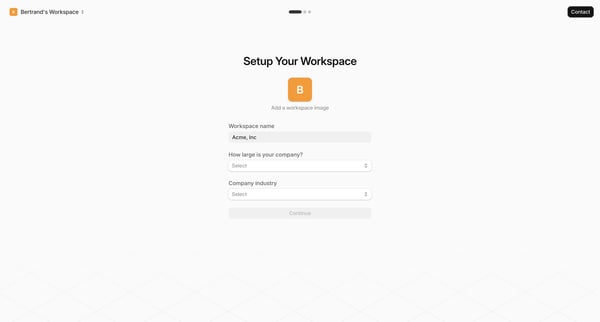
User completes multi-step onboarding by entering workspace details, profile information, and selecting integrations
Onboarding wizard collecting workspace name, company size, and industry details
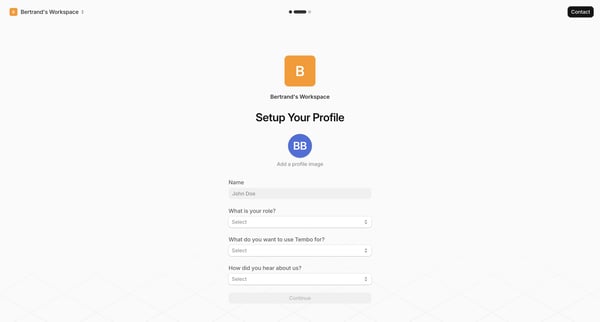
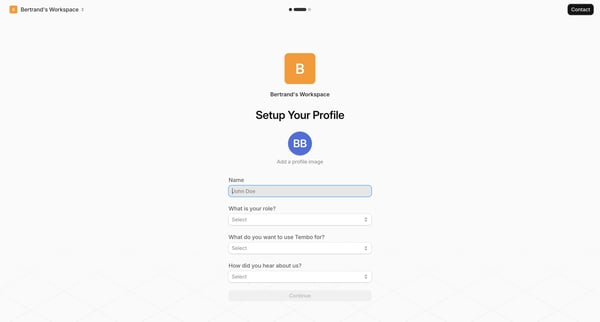
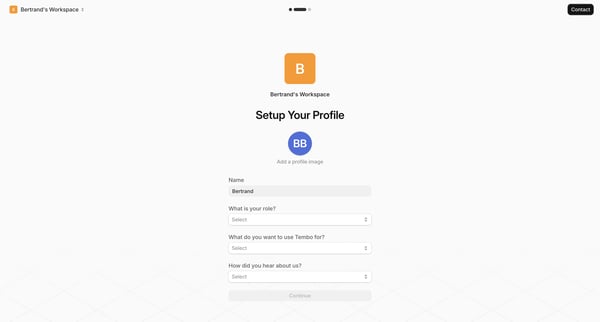
Onboarding profile setup journey filling name, role, use case, referral source, and avatar option across sequential form states
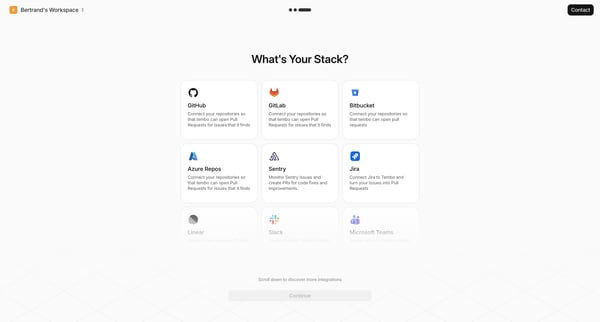
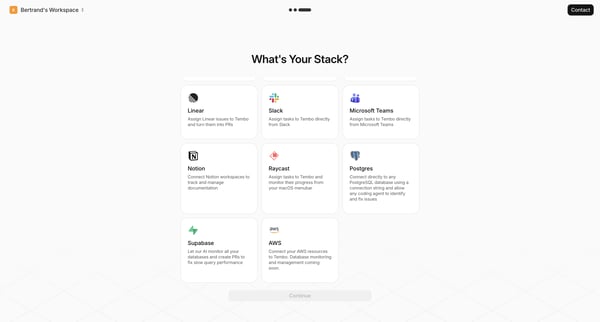
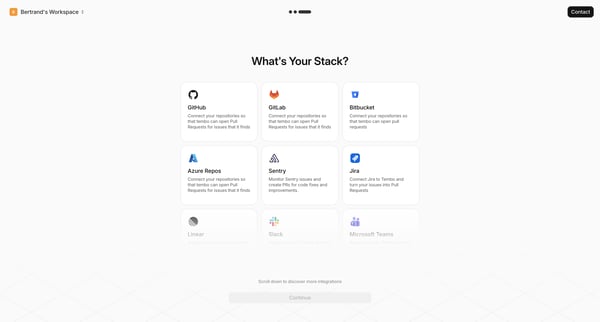
Onboarding workspace setup where user selects developer tools and tech stack integrations such as GitHub, GitLab, Jira, Slack, Notion, and Postgres
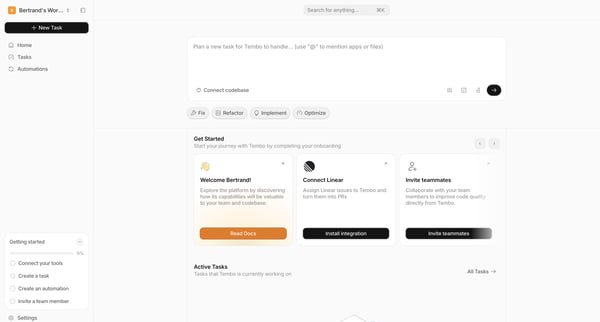
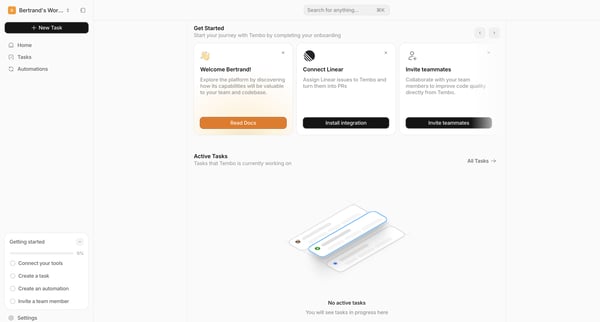
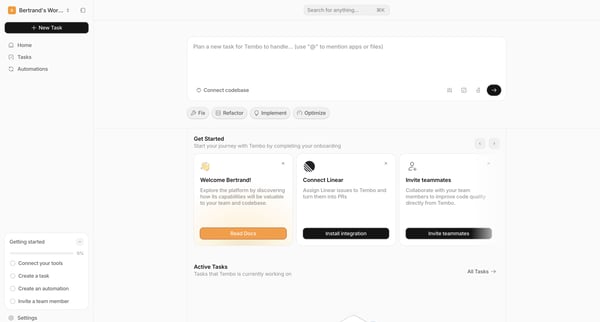
New user lands on home screen showing onboarding checklist at 0% with steps to create task, automation, invite teammate, and connect Linear
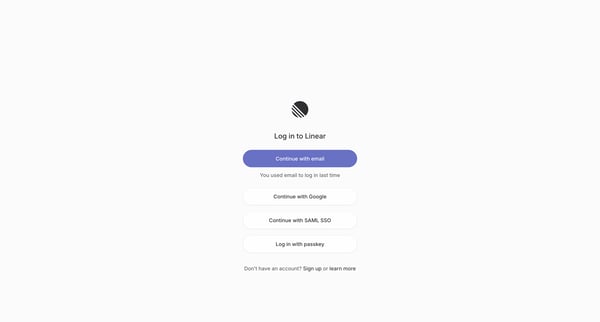
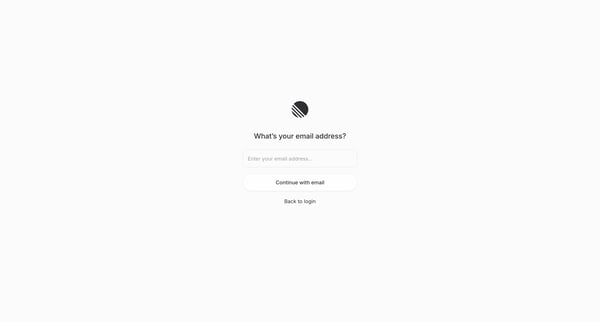
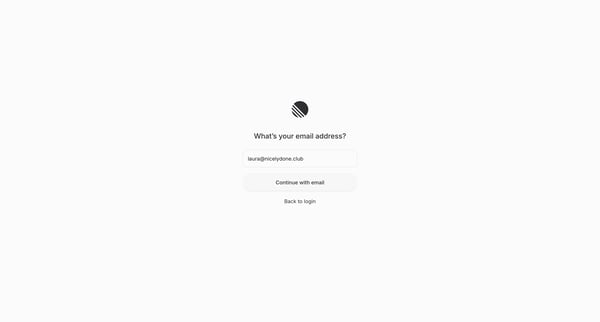
journey through Linear login options to passwordless email entry for authentication
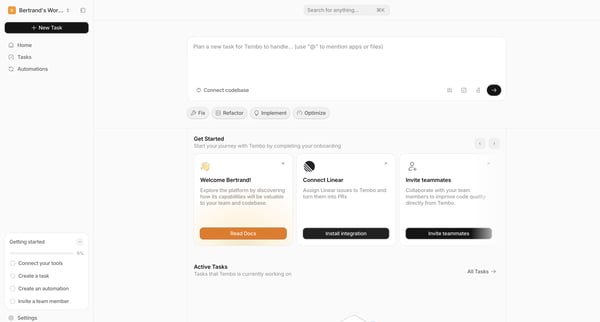
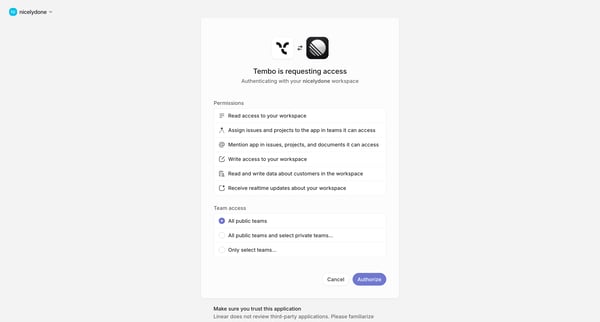
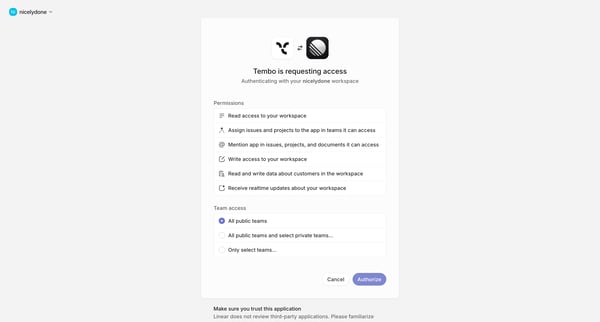
User starts Linear connection from workspace home onboarding carousel and reviews OAuth permissions to grant Tembo access to Linear workspace
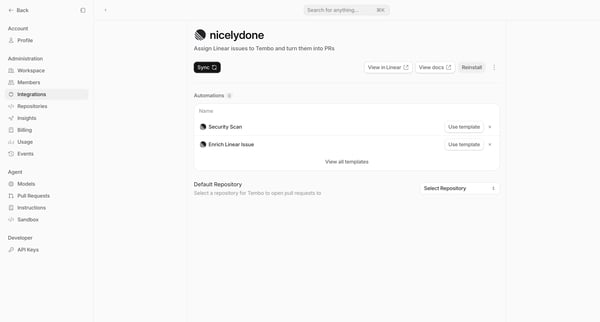
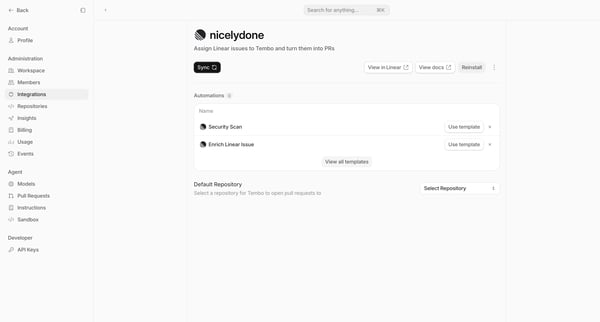
User views and manages Linear integration settings including automations and default repository selection
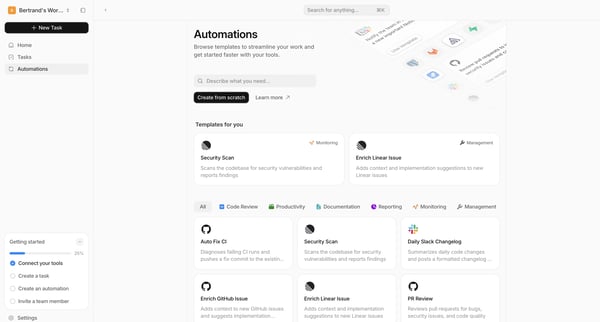
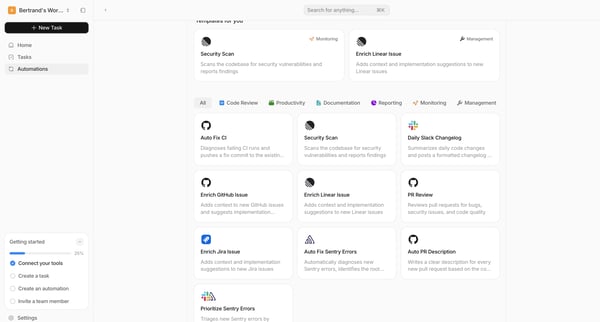
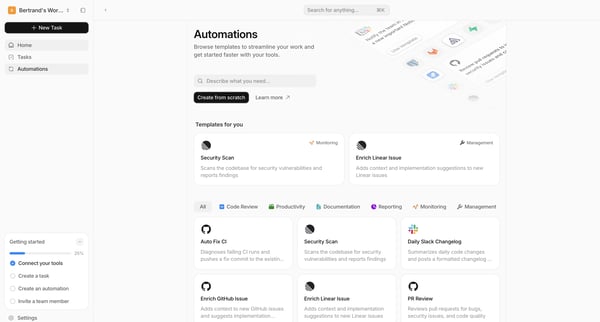
Browsing the automation templates gallery, applying category filters and search to locate pre-built workflows alongside a getting started checklist
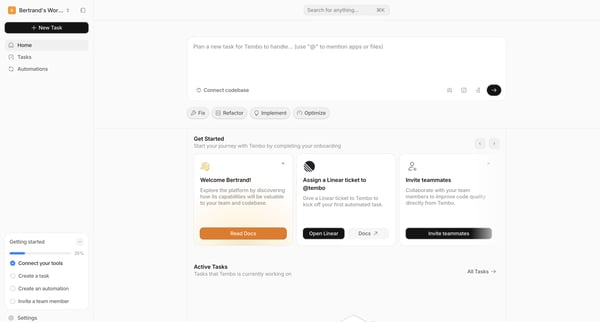
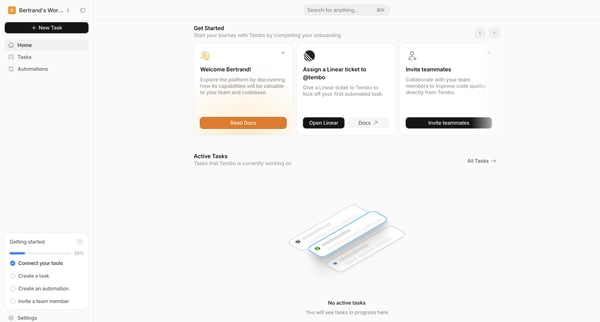
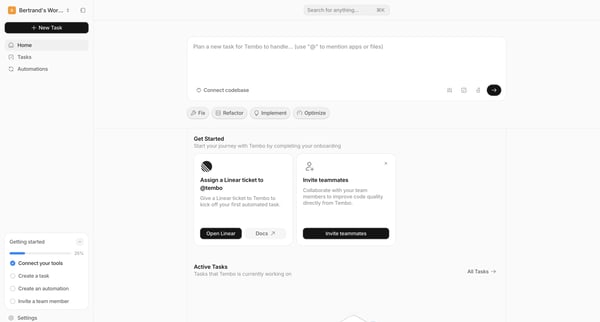
User lands on Tembo workspace home and is guided through an onboarding checklist to connect tools, create tasks, invite teammates, and explore AI agent features
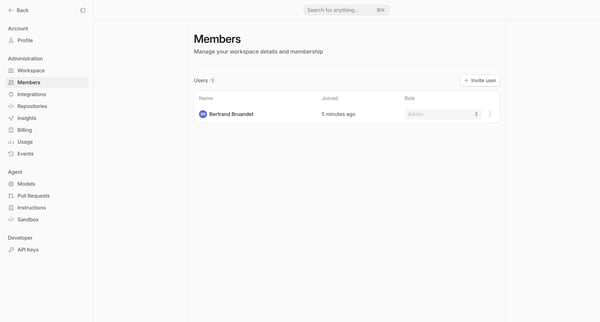
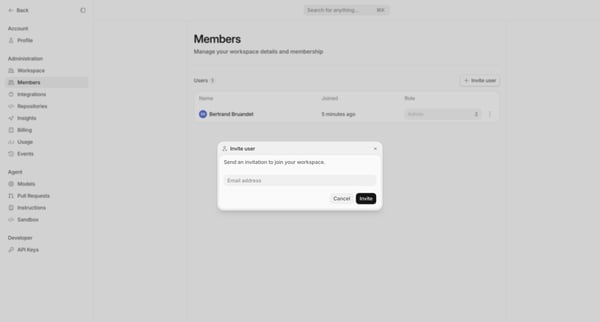
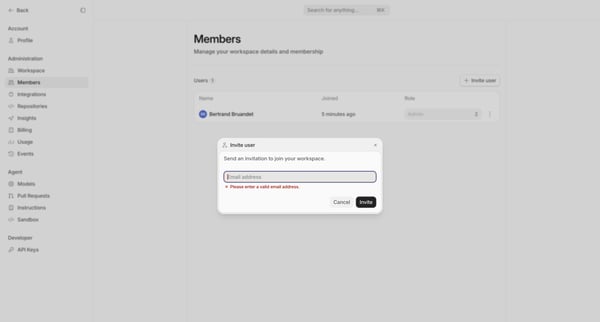
User opens workspace members settings, triggers invite modal, enters email (validation error shown), submits valid email, and sees pending invitation listed with confirmation toast
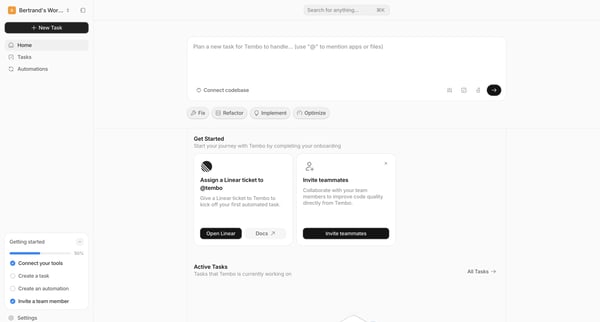
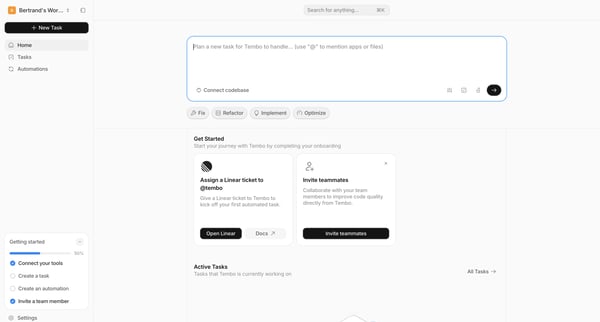
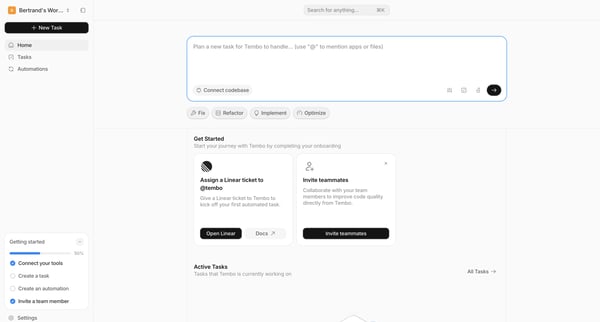
User arrives at Tembo Agent Workspace home to prompt the AI agent with a new task description and view onboarding progress plus active tasks
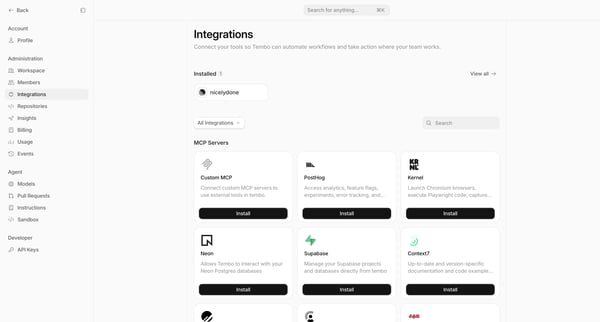
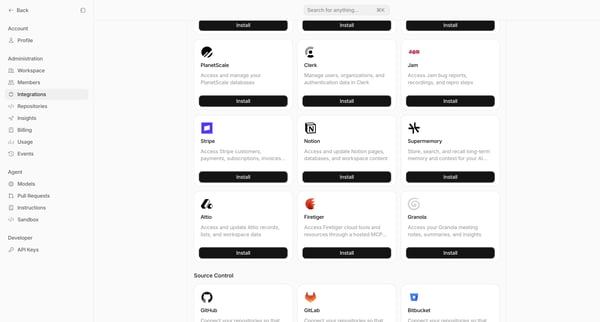
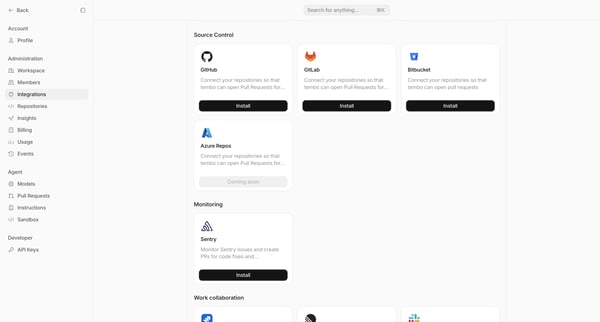
Browsing and installing third-party integrations and MCP servers from the settings marketplace
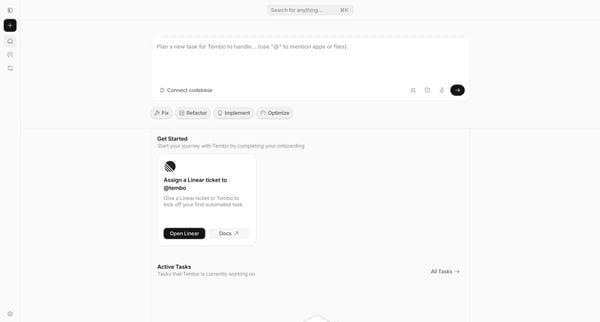
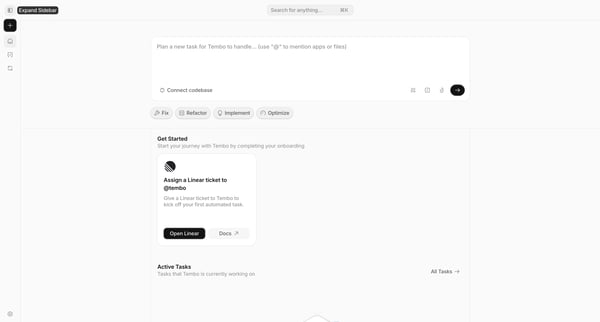
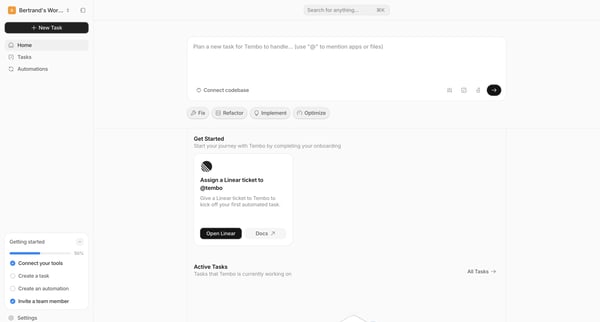
User explores Tembo workspace home screens to plan automated tasks for the AI agent via prompt composer, views onboarding checklist, prompt suggestions, task options, and active tasks.
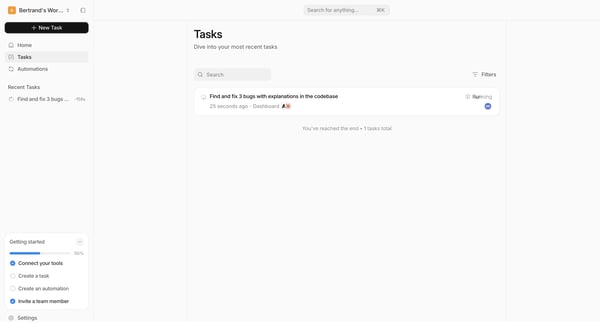
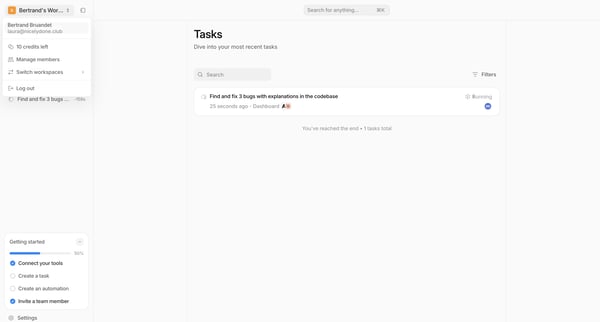
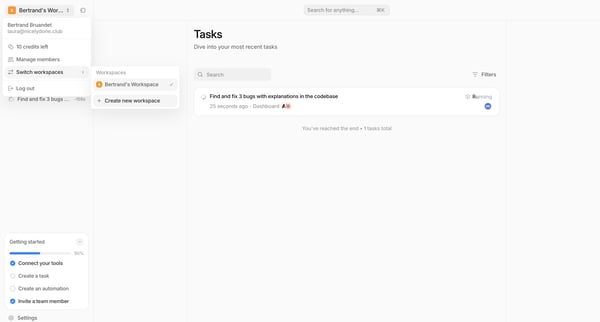
User views and filters recent background tasks in the Tasks list, with search, status filters, and workspace sidebar visible
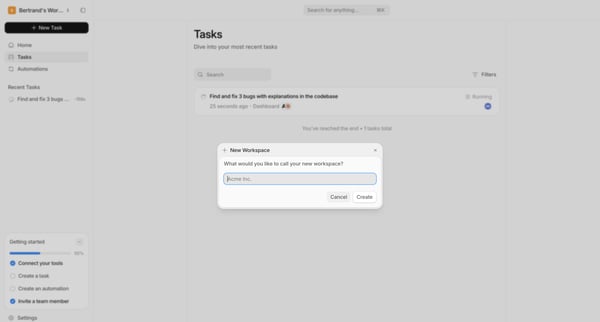
User opens workspace creation modal from tasks list and enters workspace name
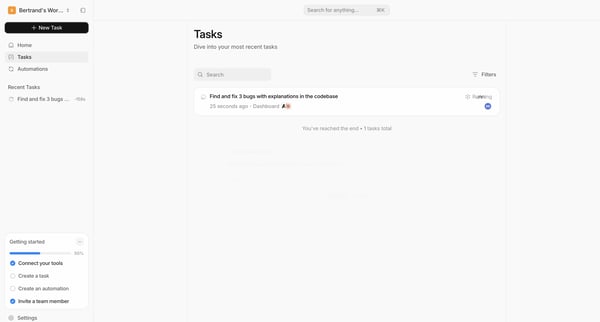
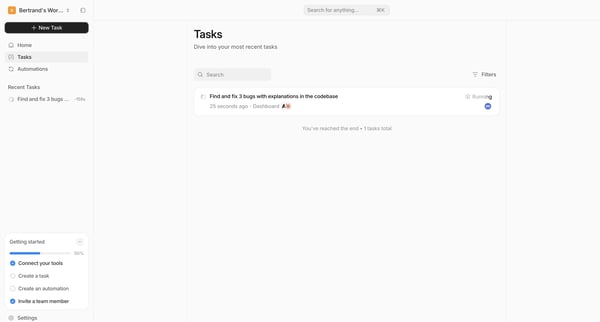
Viewing tasks list to search, filter, and monitor status of recent tasks including AI agent runs
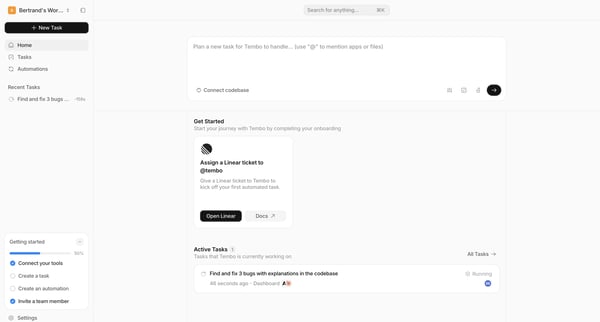
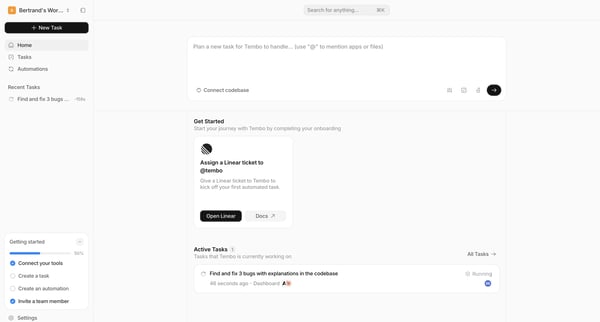
User arrives at Agent Workspace Home dashboard to plan a new task for the AI agent via central composer while viewing onboarding checklist and active tasks
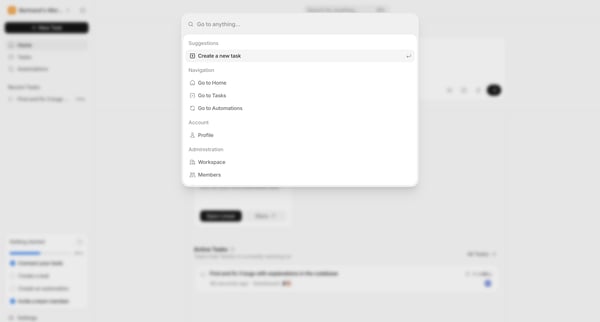
From Agent Workspace Home, user opens global command palette to search and navigate to tasks, pages, settings, or create new items
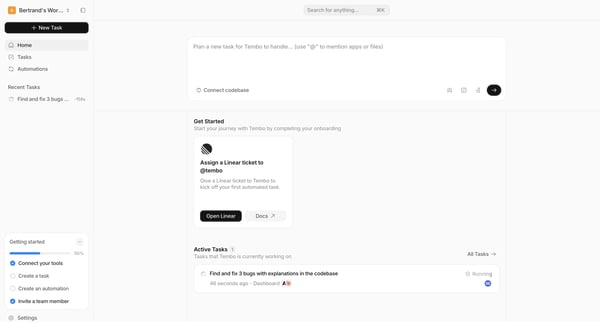
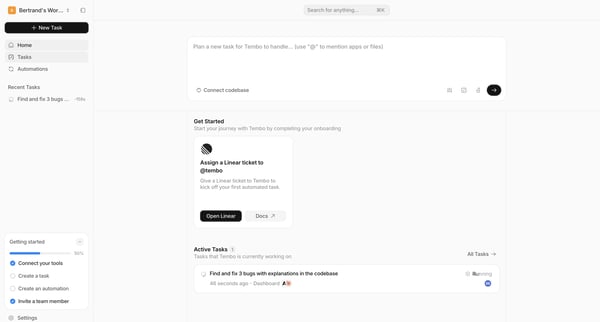
User lands on Tembo home to enter an AI prompt for a new task, view onboarding checklist, and monitor active tasks
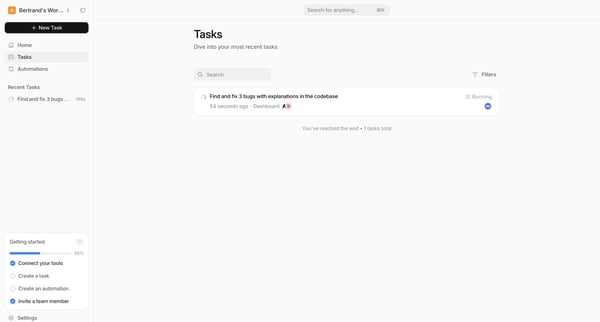
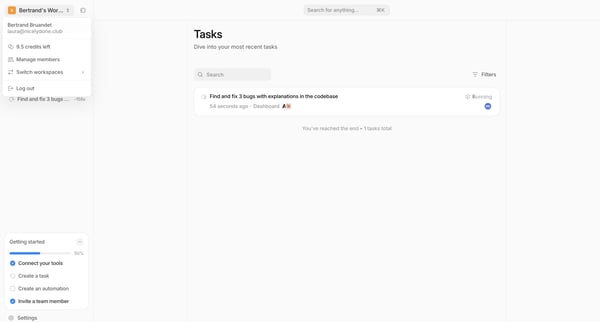
User views and interacts with recent tasks list including search, filters, and status monitoring alongside onboarding checklist
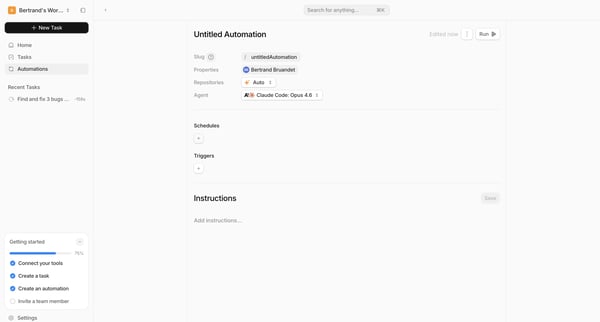
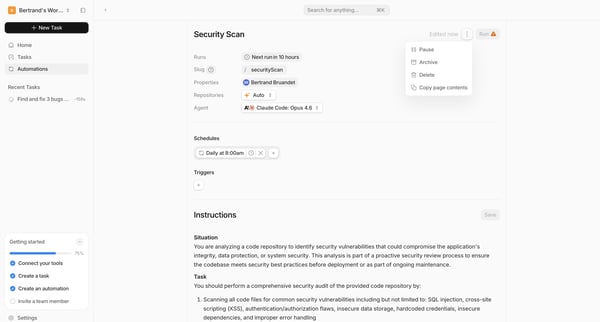
User edits automation details including slug, agent, schedule, triggers, and instructions in the Automation Builder and Automation Detail views