Runway UI components examples
Browse Runway UI component design examples. Preview individual interface elements and explore related component categories. Advancing creativity with artificial intelligence
Explore the examples
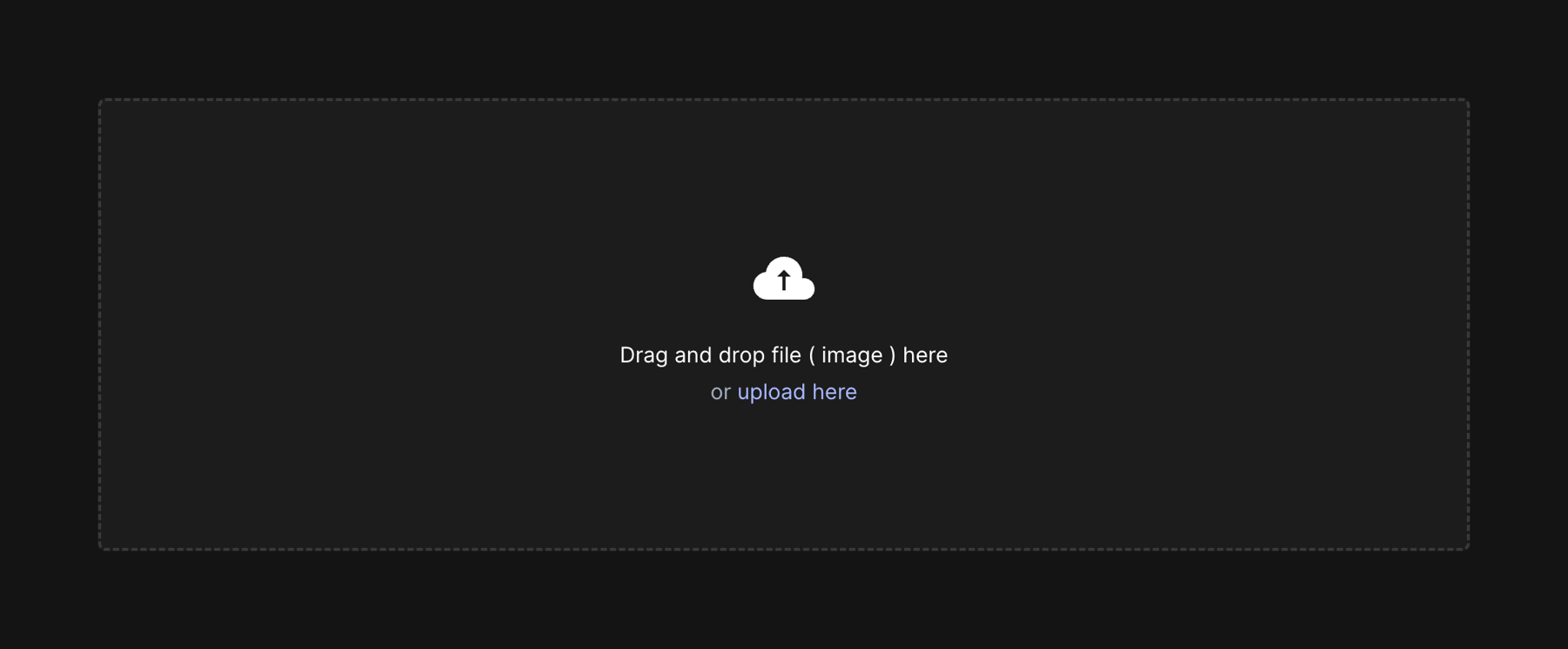

A large drag-and-drop file upload area with a dashed border, a cloud upload icon, and text prompting the user to drag and drop an image or click to upload.
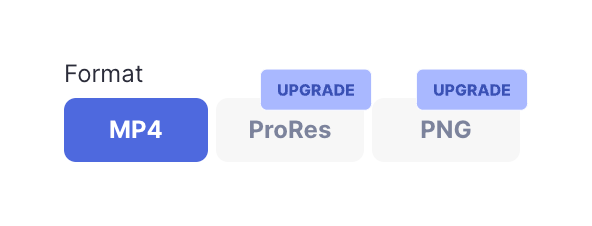
A segmented control or toggle group for selecting an export format. The first option (MP4) is selected, while the other two (ProRes, PNG) are disabled and marked with 'UPGRADE' badges, indicating they require a paid plan.
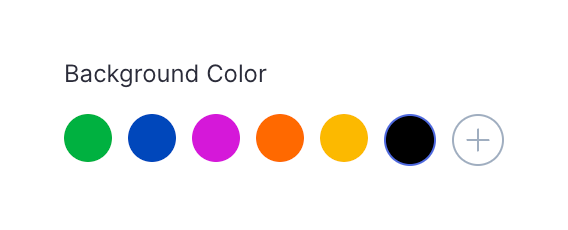
A color picker component allowing users to select a background color from a predefined palette or add a custom color.

A dark-themed top navigation bar for a video editor, featuring a back button, project title with a beta badge, a central toolbar with editing tools and zoom controls, and primary actions for sharing, exporting, and completing the task on the right.
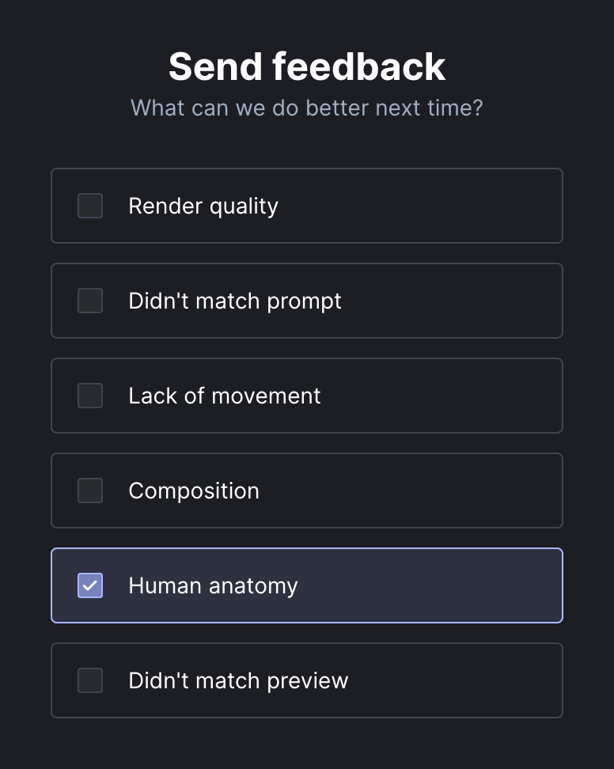
A list of checkbox options for providing feedback on AI video generation quality.
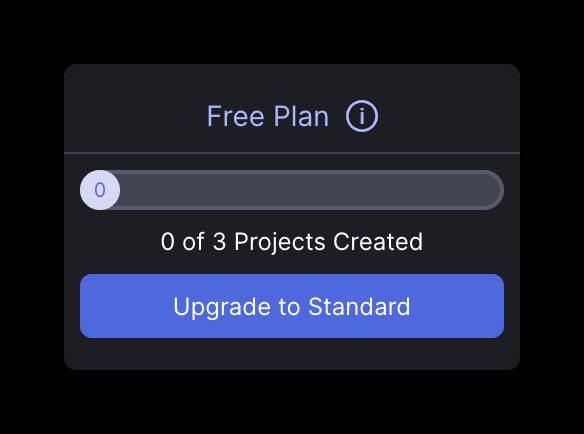
A dark-themed card displaying the user's current plan status, project usage progress, and a prominent call-to-action to upgrade.
Browse the full component library
Browse the full UI component library.
Trusted by the best teams







