Runway user flows examples
Explore Runway user flow examples. Preview the opening screens and steps for each task. Advancing creativity with artificial intelligence
Preview these flows


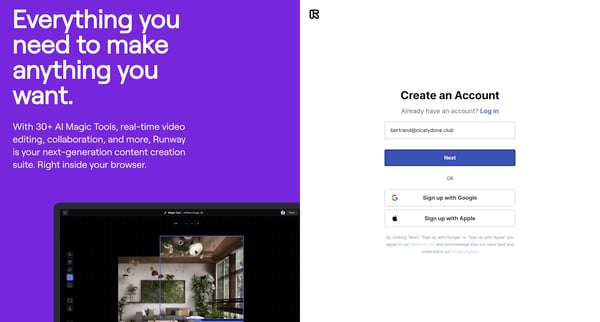
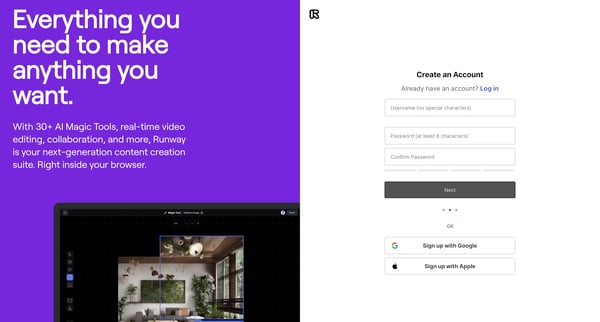
This flow guides users through the process of creating an account on Runway, including signup, error handling, verification, and plan selection, concluding with access to the home dashboard.
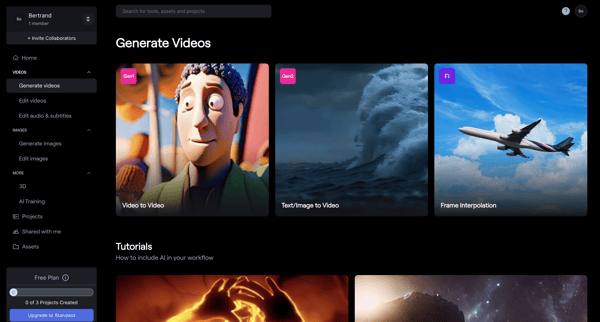
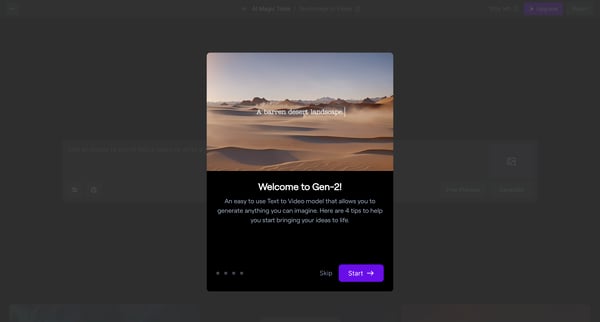
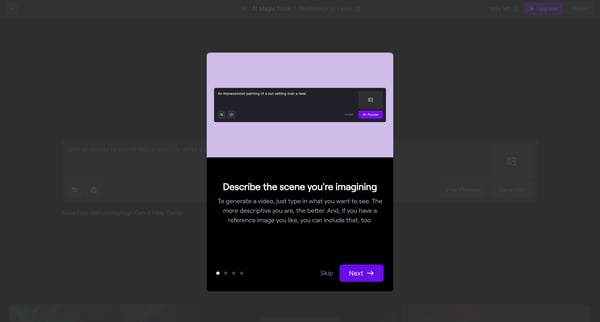
This flow guides a user through the process of using a text-to-video generation tool, from initial introduction to the creation and refinement of video content.
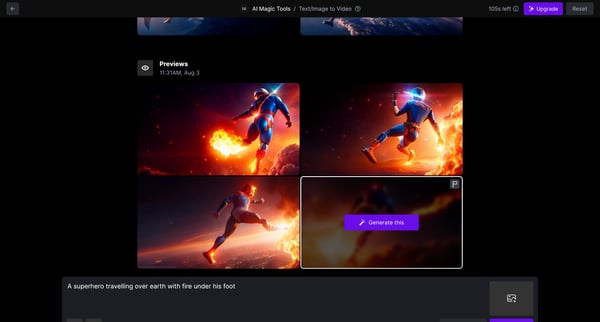
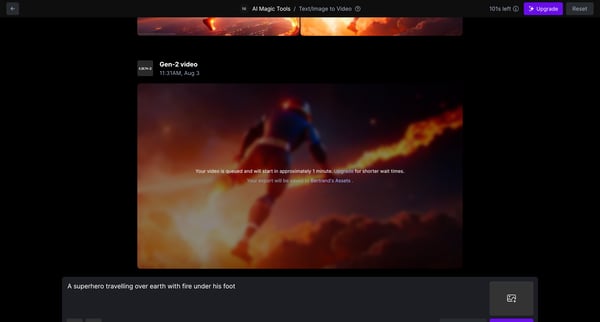
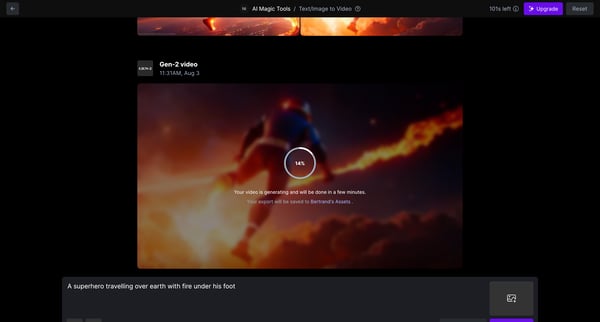
This flow enables users to generate a video based on the text description provided, display the progress of the video generation, and allows for feedback on the generated output.
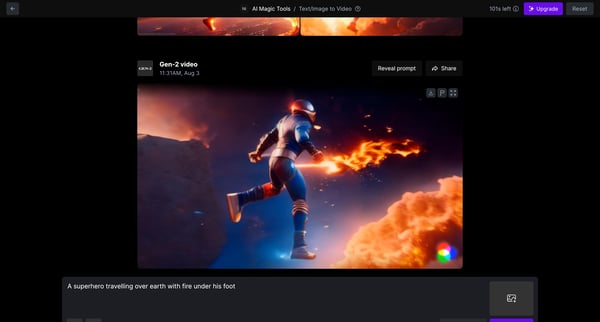
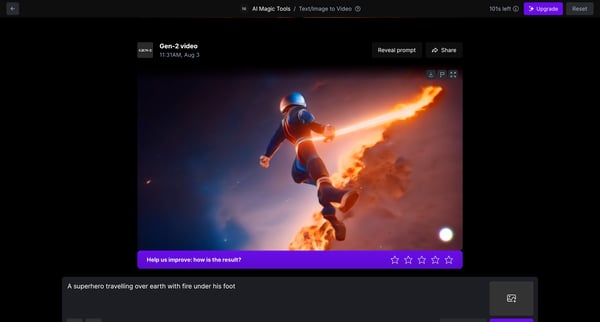
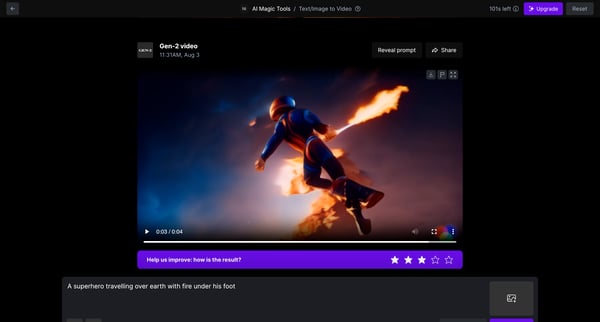
This user flow guides the user through the process of giving feedback on a generated piece of video content, allowing for improvements in future content generation.
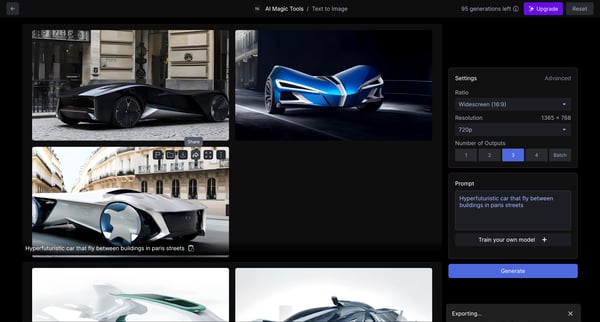
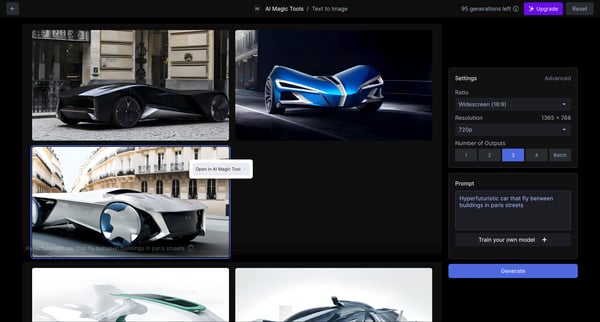
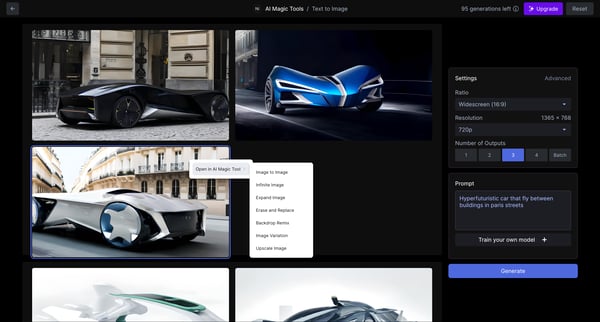
This user flow facilitates the process of generating and modifying an image based on AI capabilities, from setting up initial parameters to the final image generation and modification.
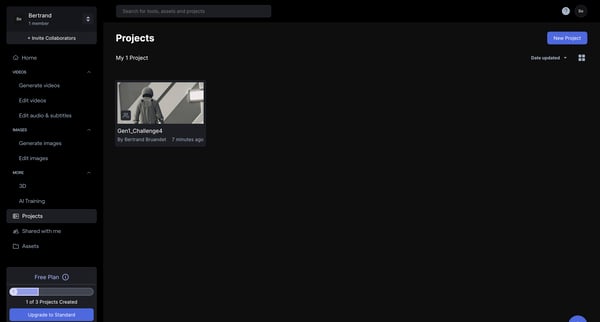
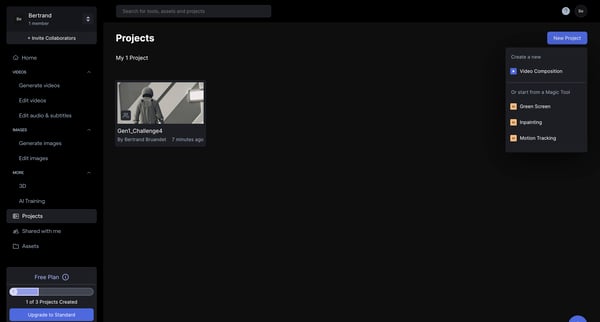
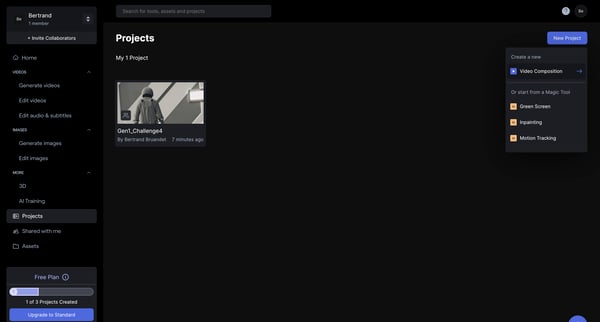
This user flow guides a user through creating and editing a video project, incorporating advanced editing features like AI tools and green screen effects, finishing with exporting the edited
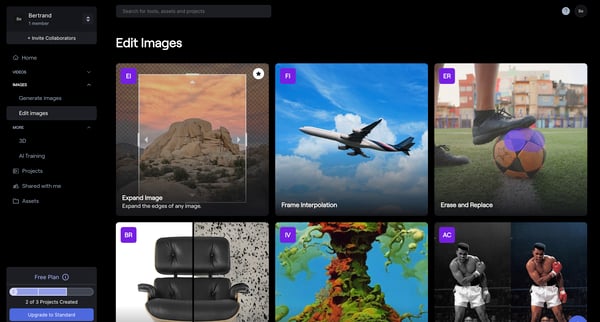
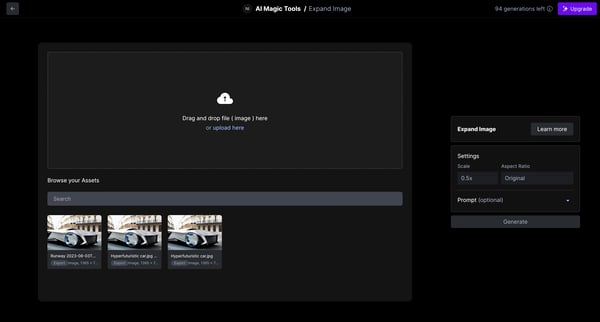
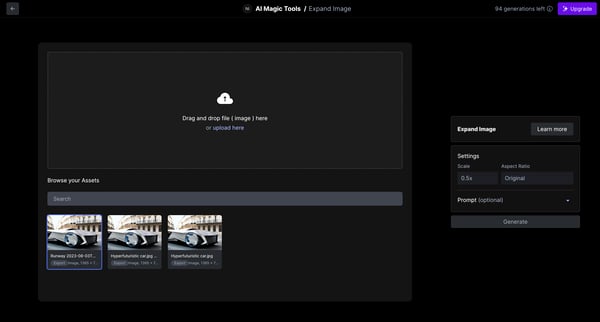
This flow guides users through the process of expanding an image within a software platform, from selecting an image to adjust its settings and finally to viewing the expanded result.
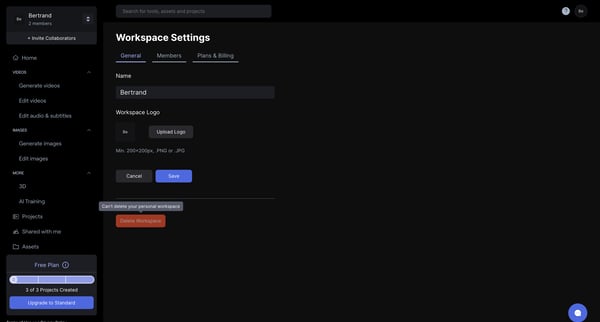
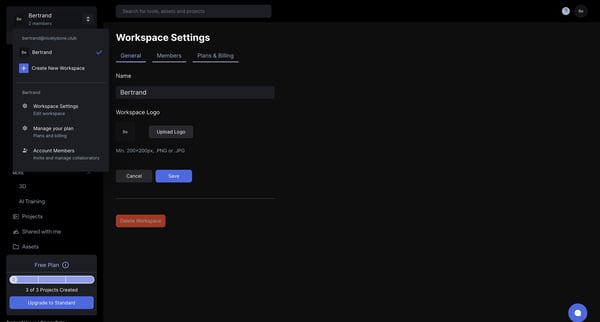
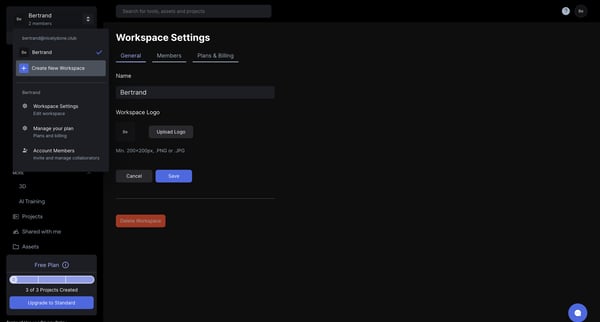
This user flow guides users through the process of creating and setting up a new workspace, including naming, branding, and inviting collaborators.
Explore the full SaaS flow library
Browse the full SaaS flow library.
Trusted by the best teams







