Refrakt UI components examples
Browse Refrakt UI component design examples. Preview individual interface elements and explore related component categories. A more meaningful home for photography
Explore the examples

A row containing a 'Theme' label and three icon buttons for selecting system, dark, or light mode. The dark mode icon is currently selected.
A row containing a 'Theme' label and three icon buttons to select system, dark, or light mode.
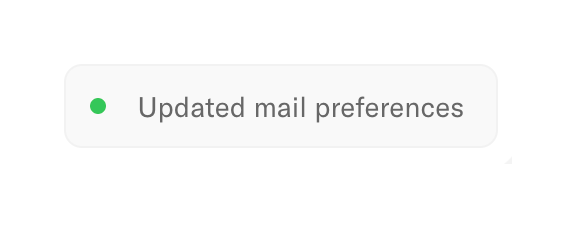
A simple toast notification indicating that mail preferences have been updated successfully.
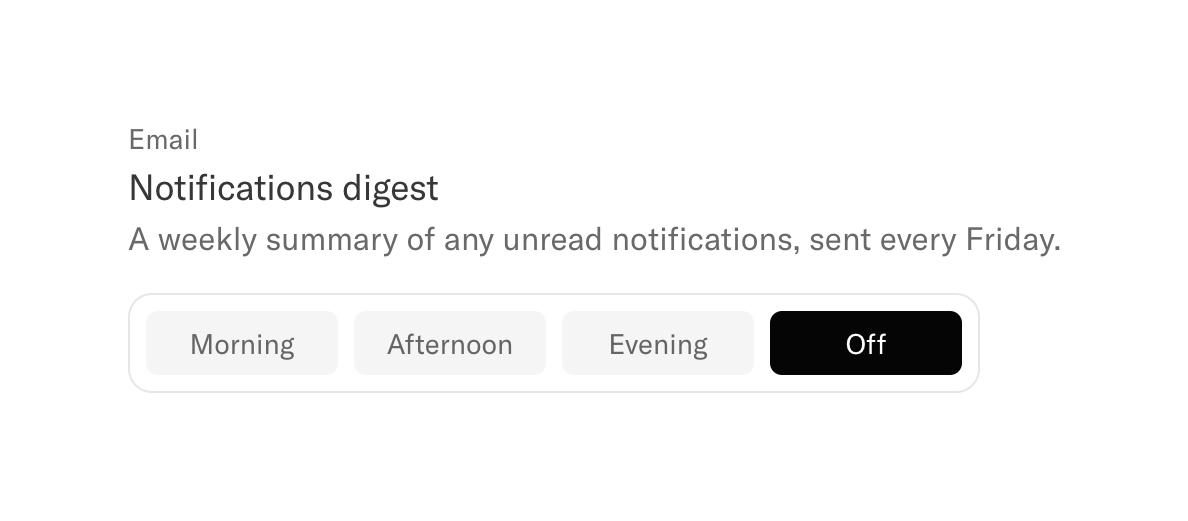
A settings section for configuring the delivery time of a weekly email digest, using a segmented control to select between Morning, Afternoon, Evening, or Off.
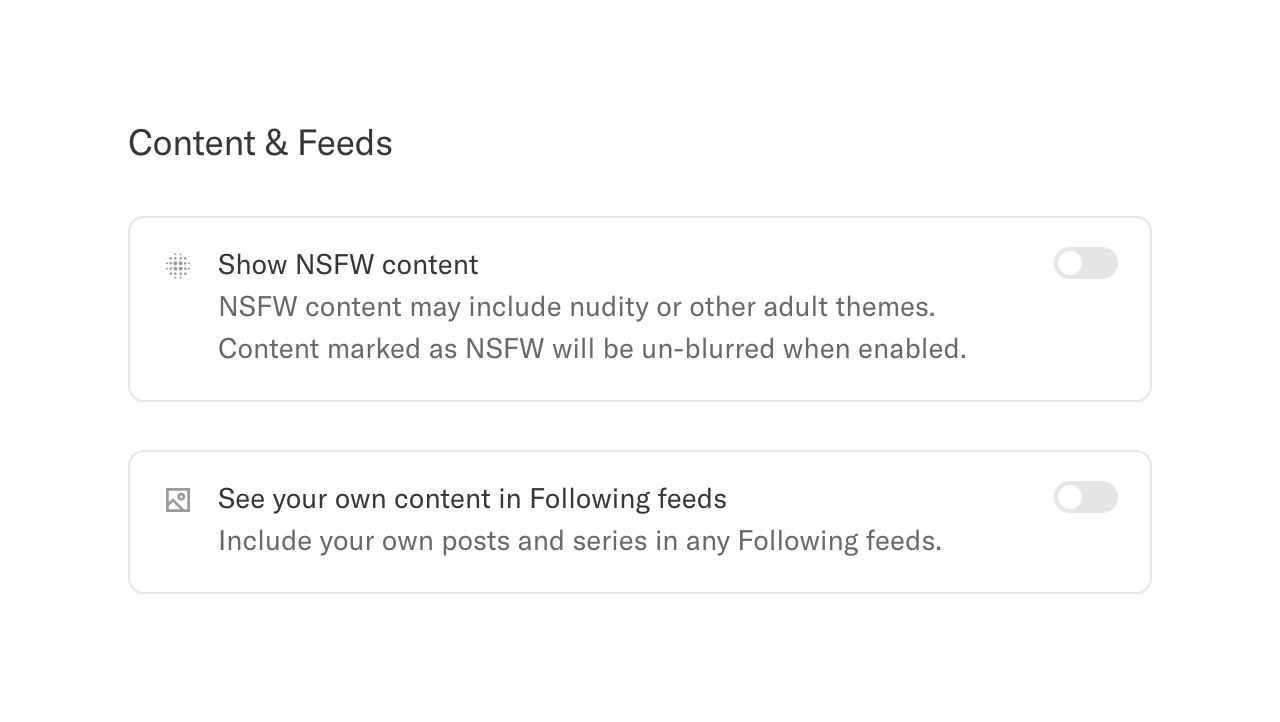
A section titled 'Content & Feeds' containing two settings cards. Each card features an icon, a title, a descriptive subtitle, and a toggle switch on the right.
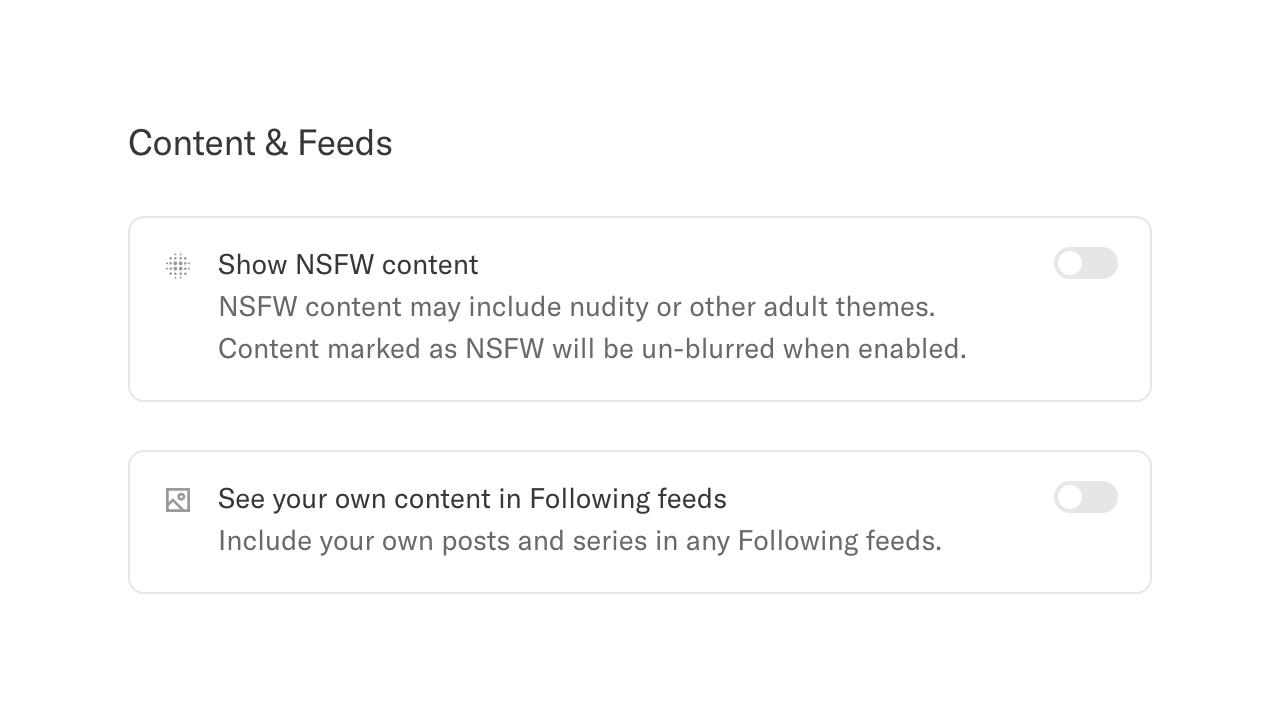
A section titled 'Content & Feeds' containing two settings options, each presented as a card with an icon, title, description, and a toggle switch.
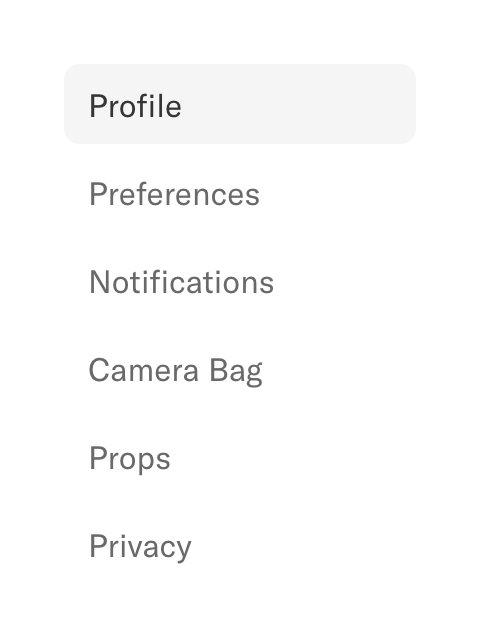
A vertical navigation menu for a settings page. The 'Profile' item is currently selected, indicated by a light gray background.
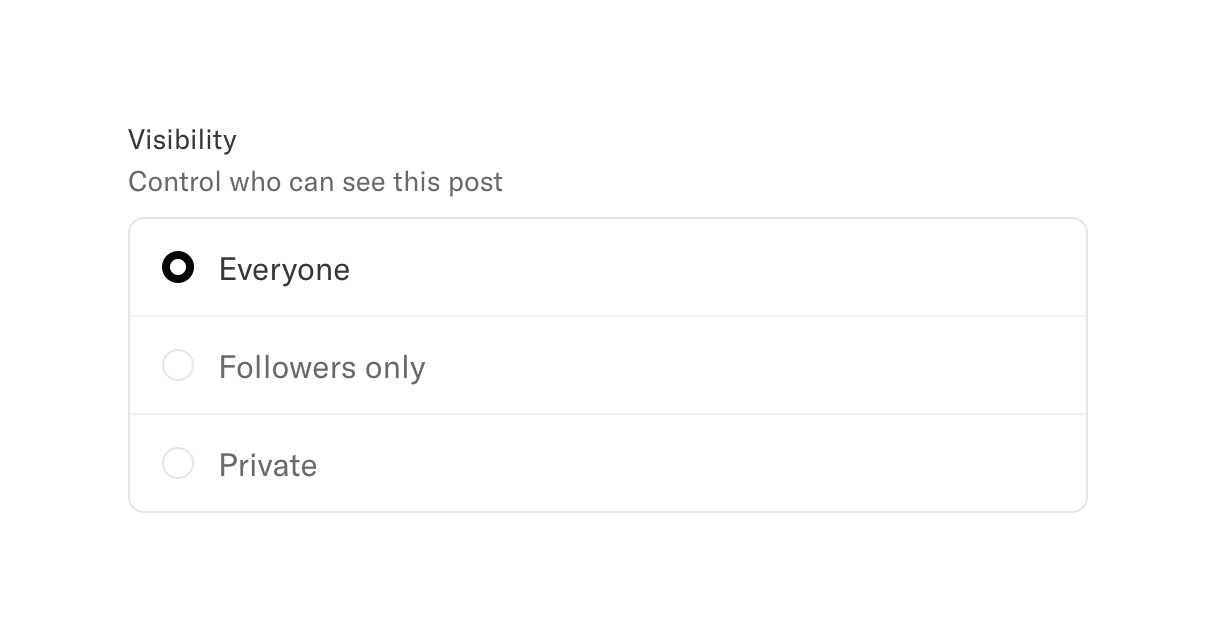
A radio group for selecting post visibility, with options for Everyone, Followers only, and Private. The 'Everyone' option is currently selected.
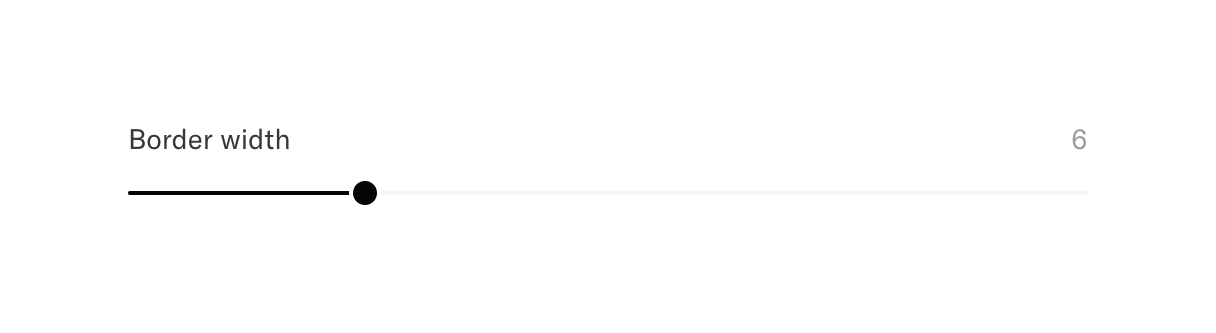
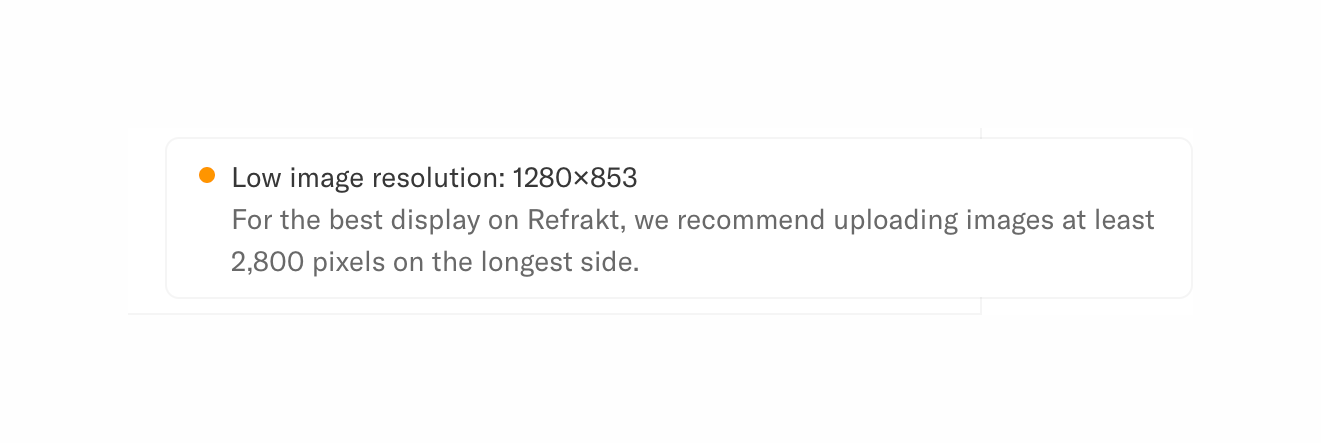
A warning alert displaying a message about low image resolution and recommending a higher resolution for best display.

A warning alert notifying the user about low image resolution, with a recommendation for optimal display.
Browse the full component library
Browse the full UI component library.
Trusted by the best teams







