Qatalog marketing pages examples
Explore Qatalog website design examples. Preview marketing pages and browse related SaaS page designs. AI that works with your data
Explore the examples


Landing page for an AI-powered enterprise search platform highlighting its ability to connect with common work apps and databases.
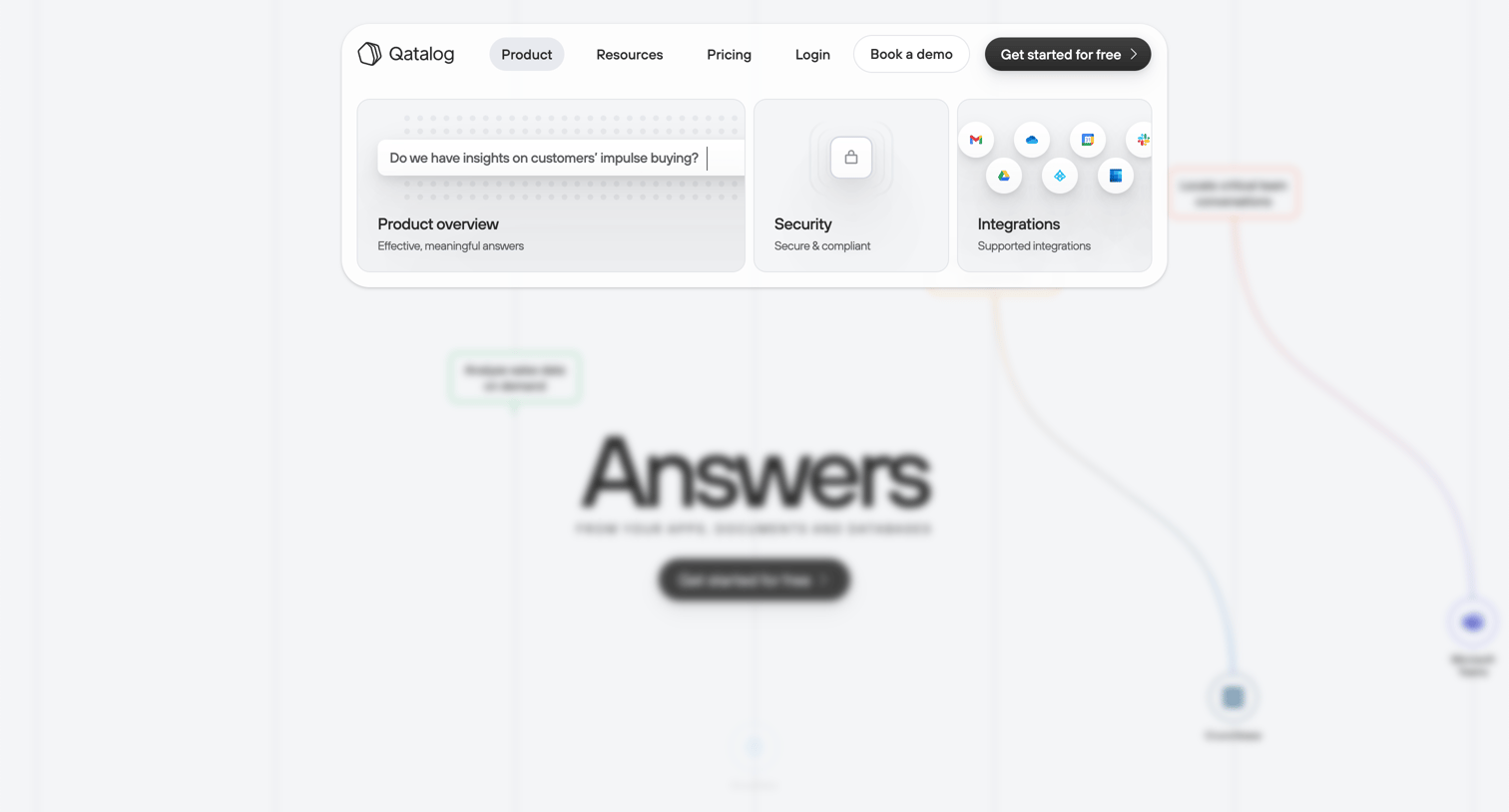
Landing page hero section featuring a prominent floating header that combines primary navigation, call-to-action buttons, and three preview cards highlighting product overview, security, and integrations over a blurred background.
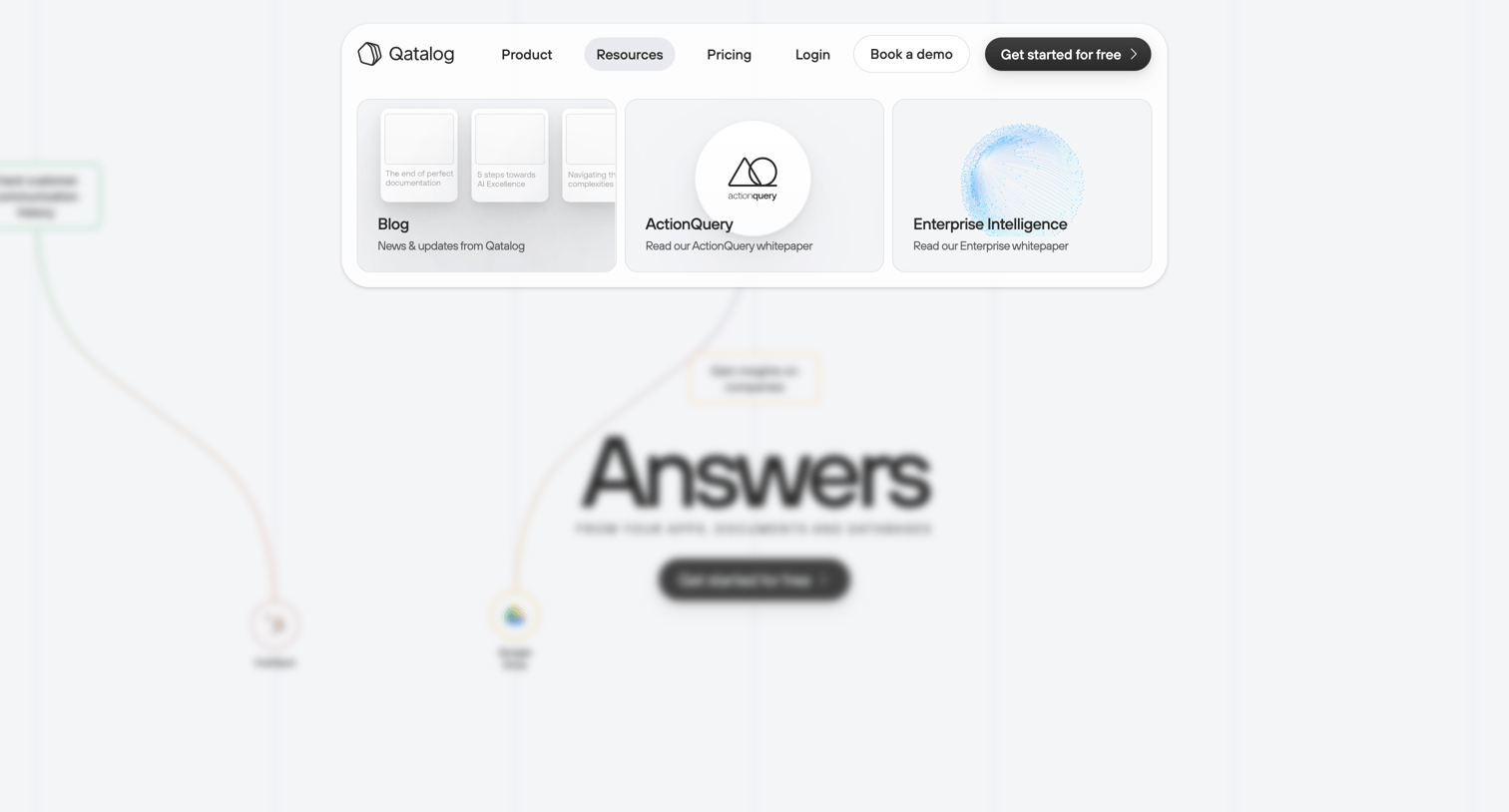
Landing page where the user hovers over the Resources link in the floating header to reveal a mega menu containing blog posts, ActionQuery, and Enterprise Intelligence whitepapers.
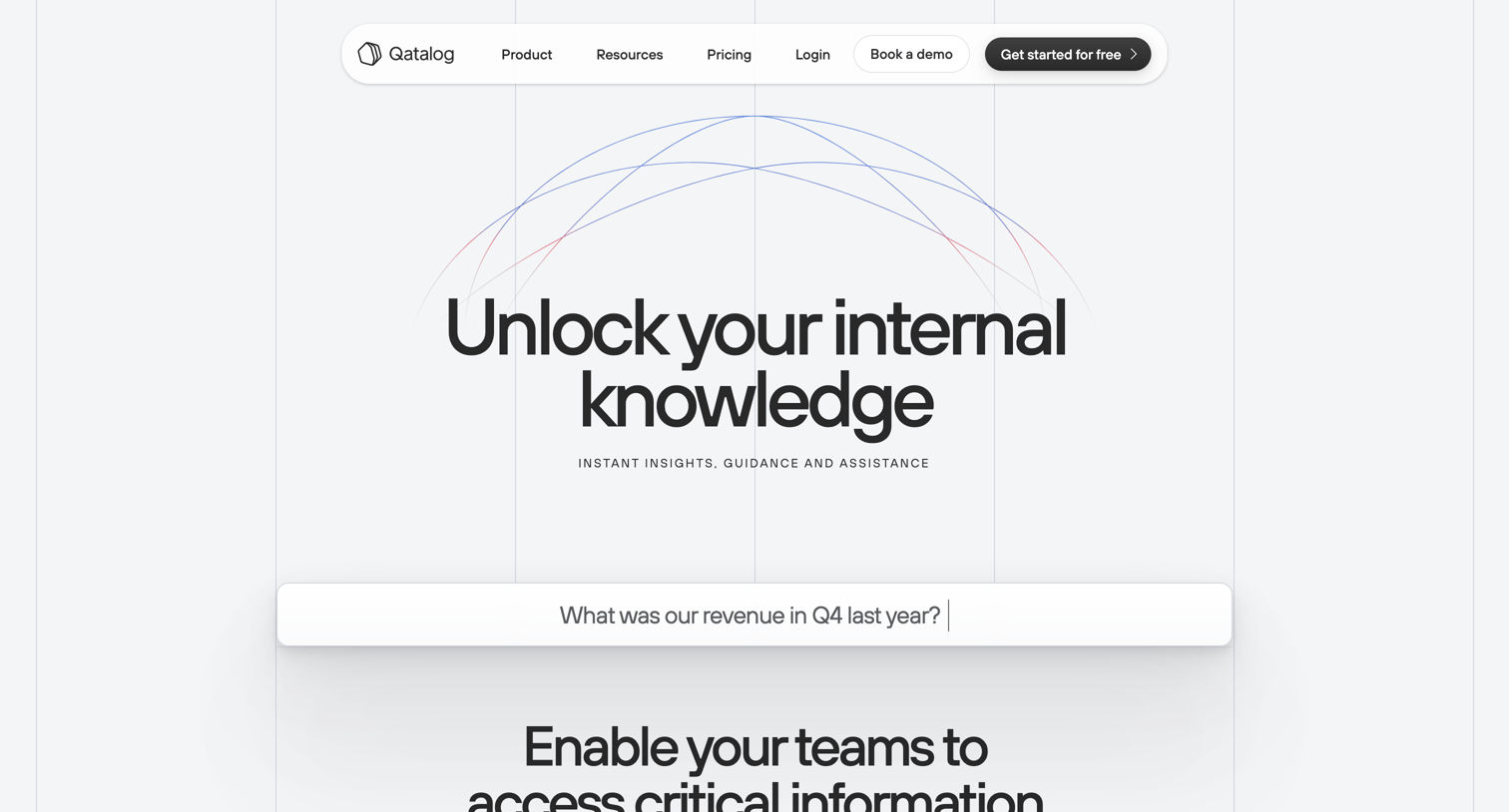
Product page detailing how the AI search platform connects to internal company data sources to provide instant answers to employee questions.
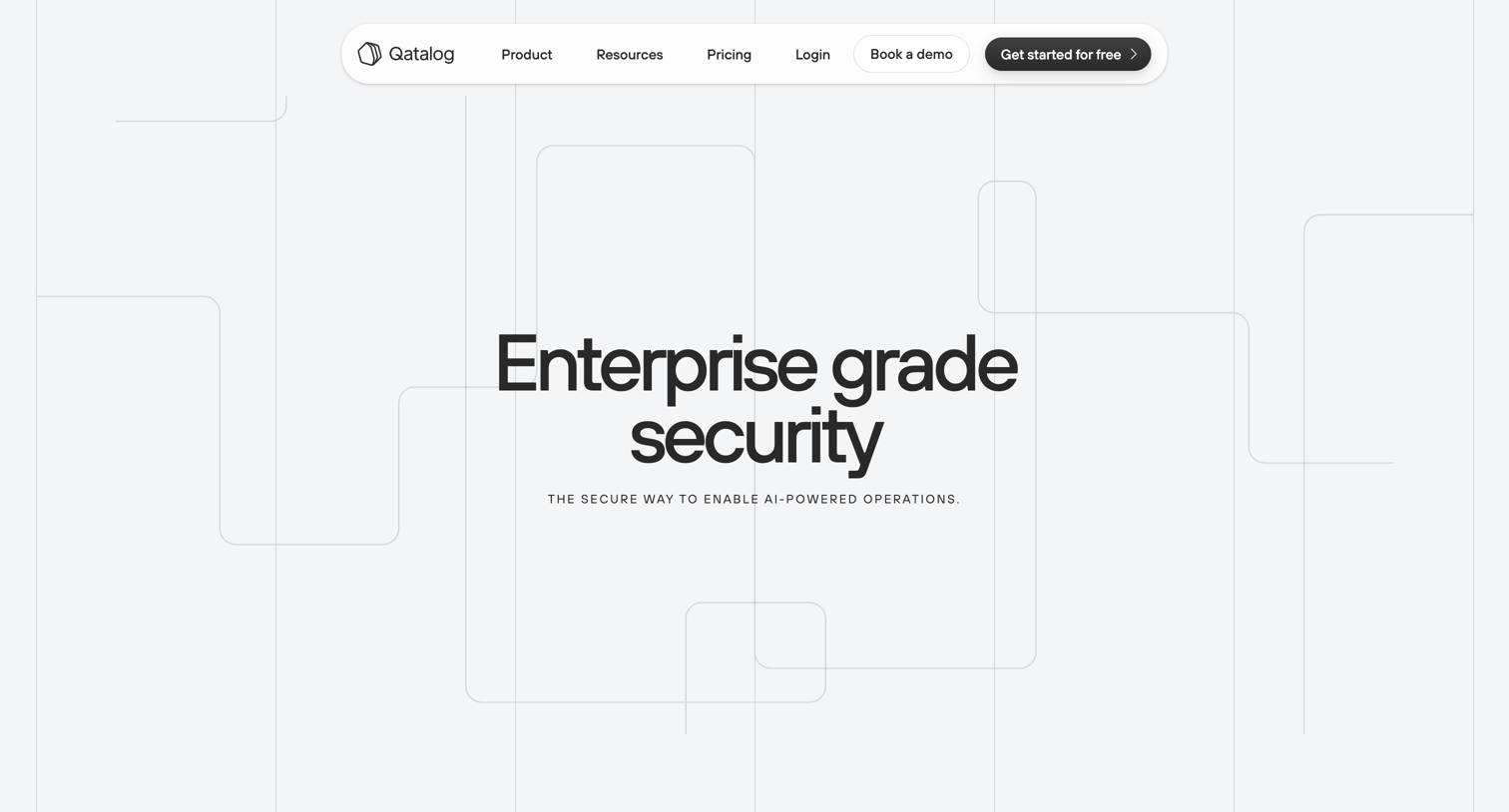
Security page detailing data governance, SOC 2 and GDPR compliance, and Google Cloud infrastructure with a prompt to get started for free.
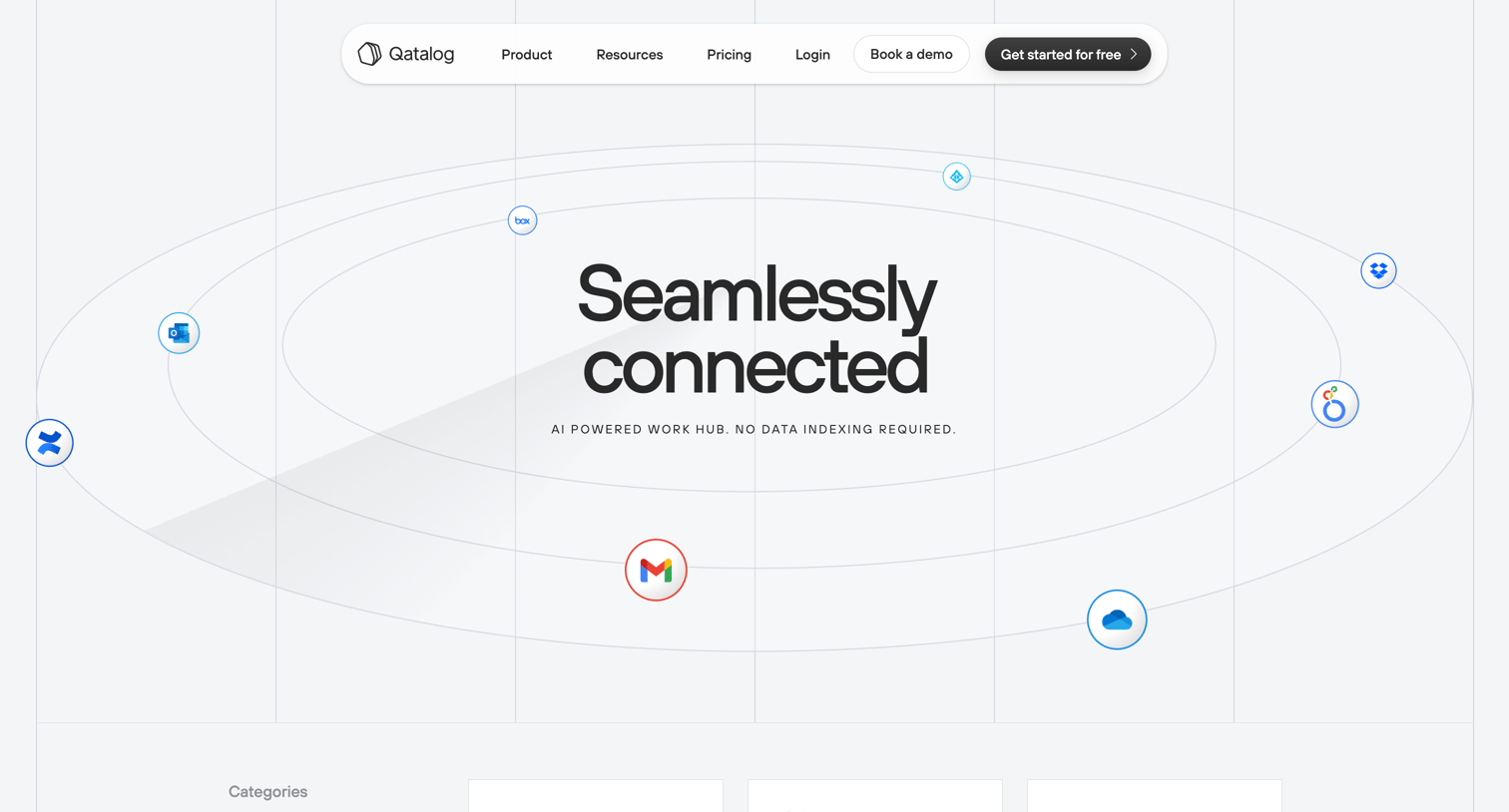
Marketing page where the user browses a searchable directory of supported third-party app integrations categorized by business function.
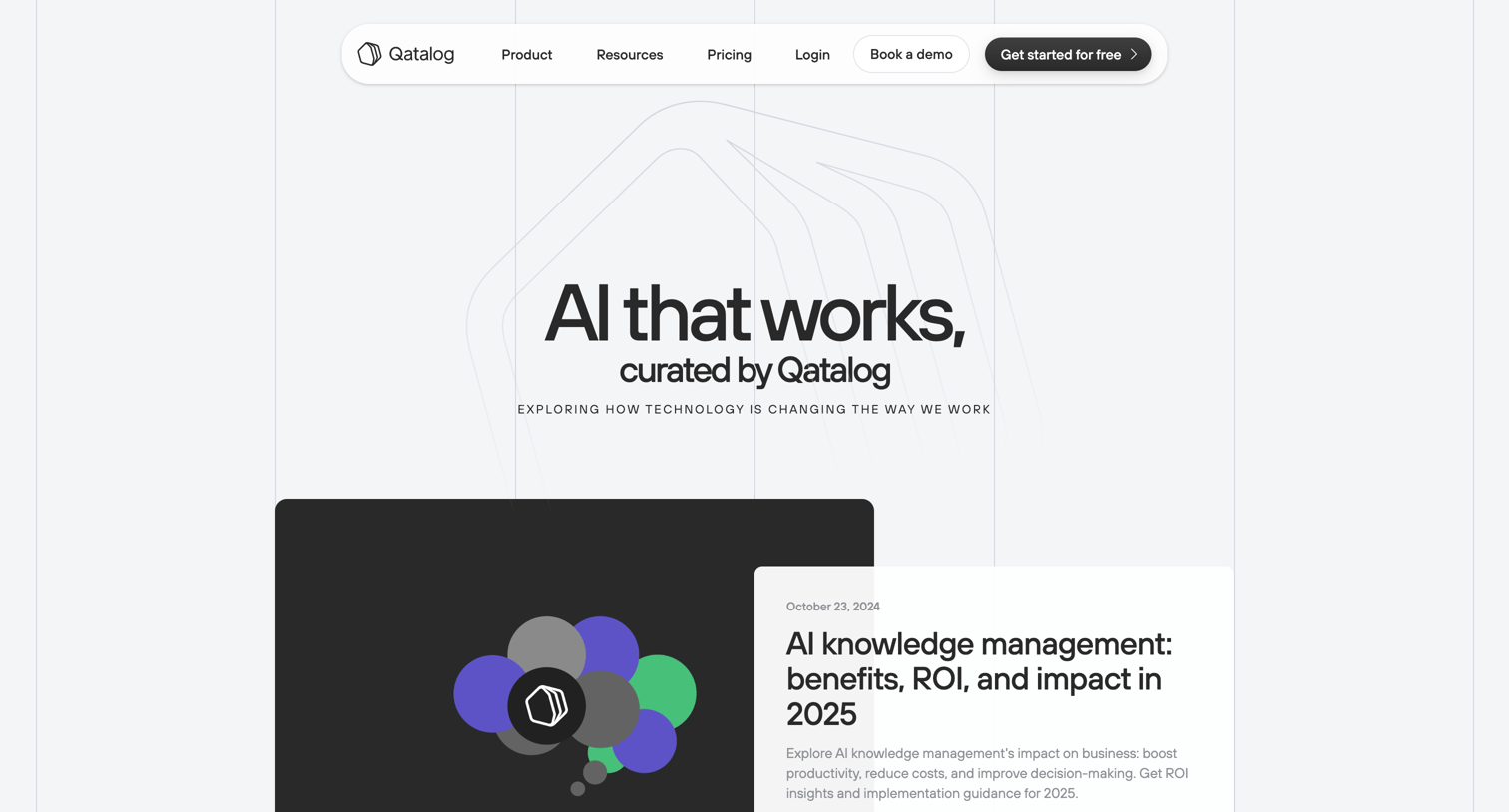
Blog index page where the user can browse and filter articles about AI, knowledge management, and the future of work.
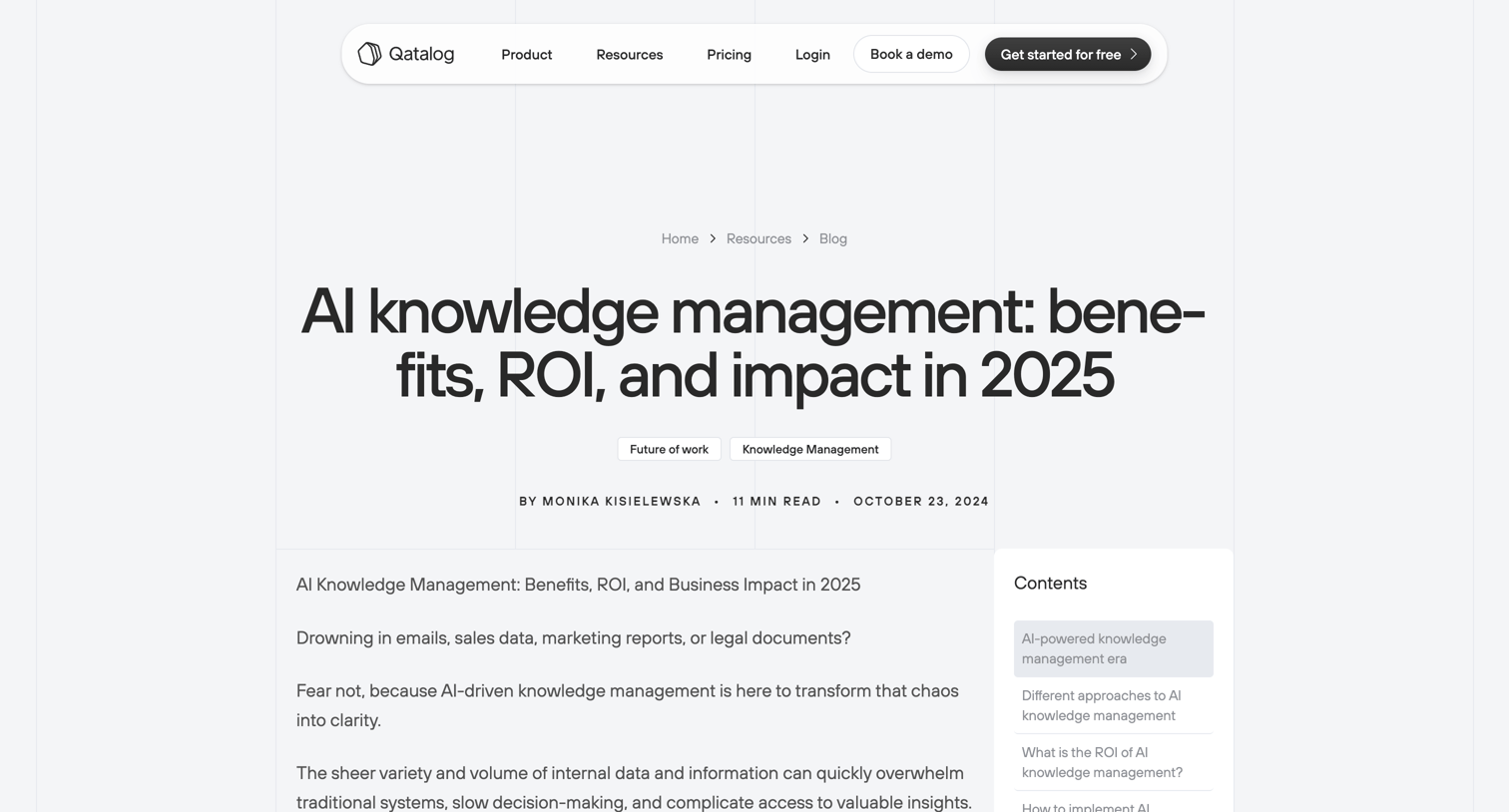
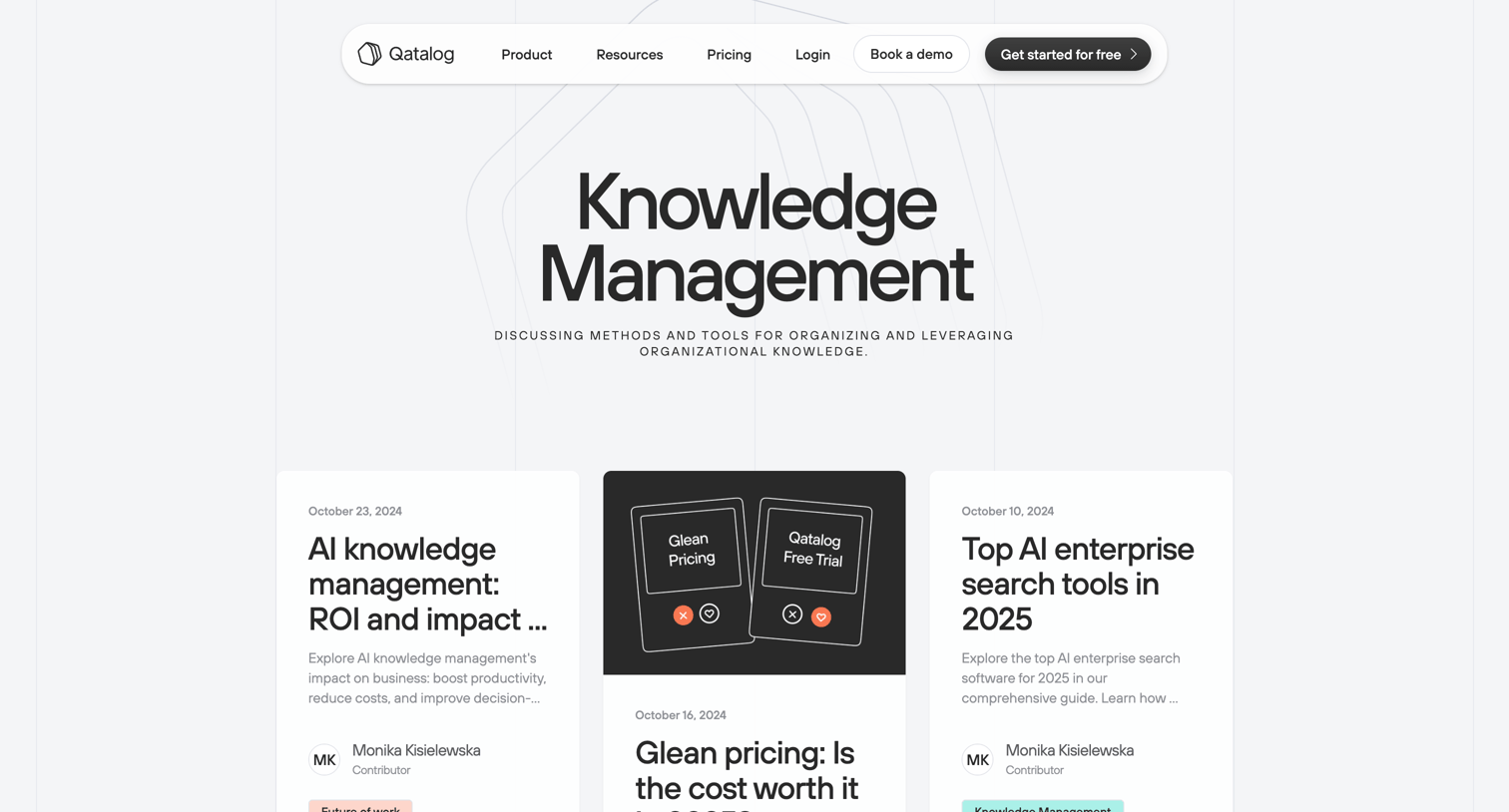
Blog category page listing articles about knowledge management, enterprise search tools, and data silos.
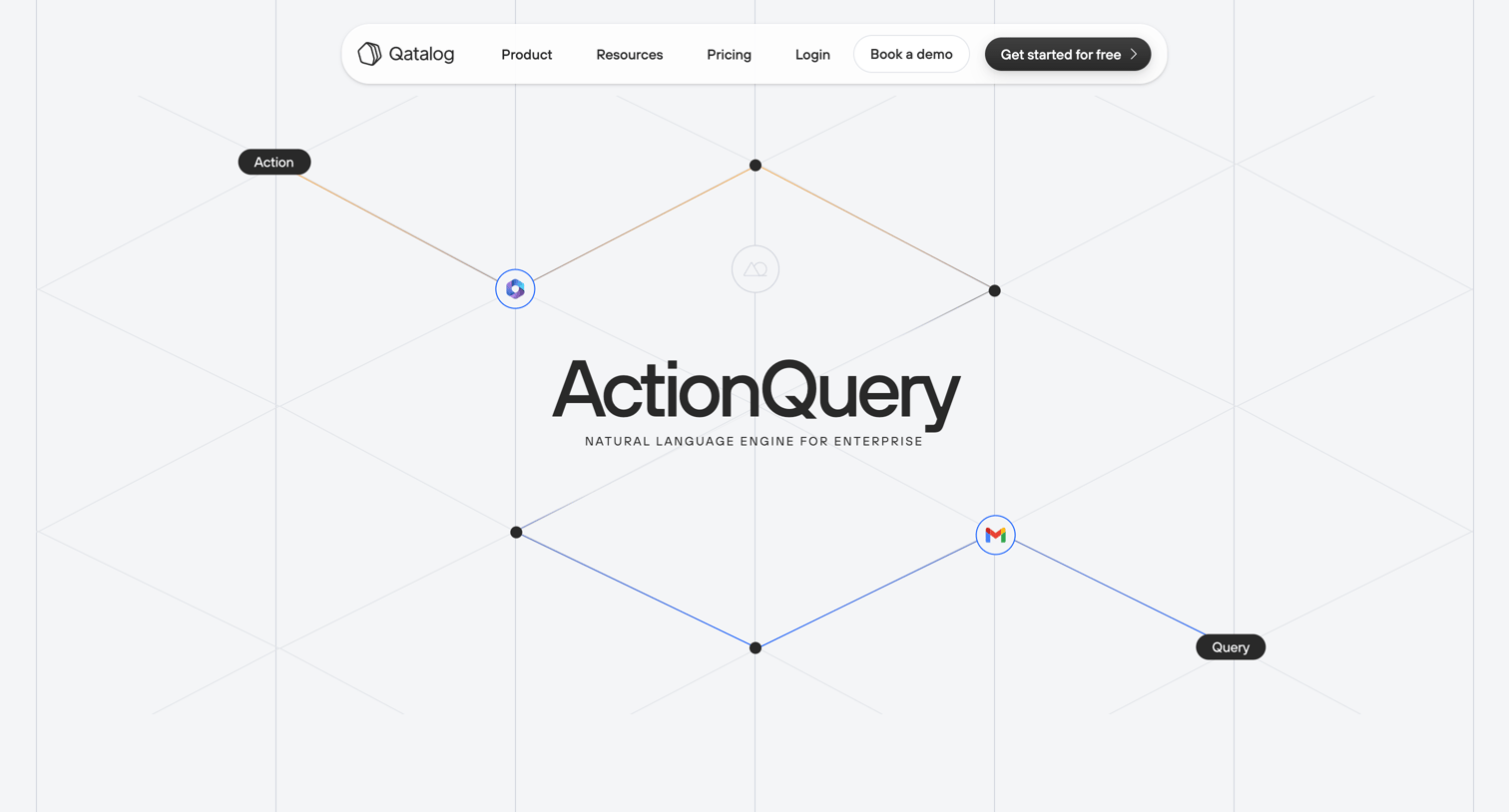
Landing page where the user fills out a form with their email, name, and company size to download the ActionQuery white paper.
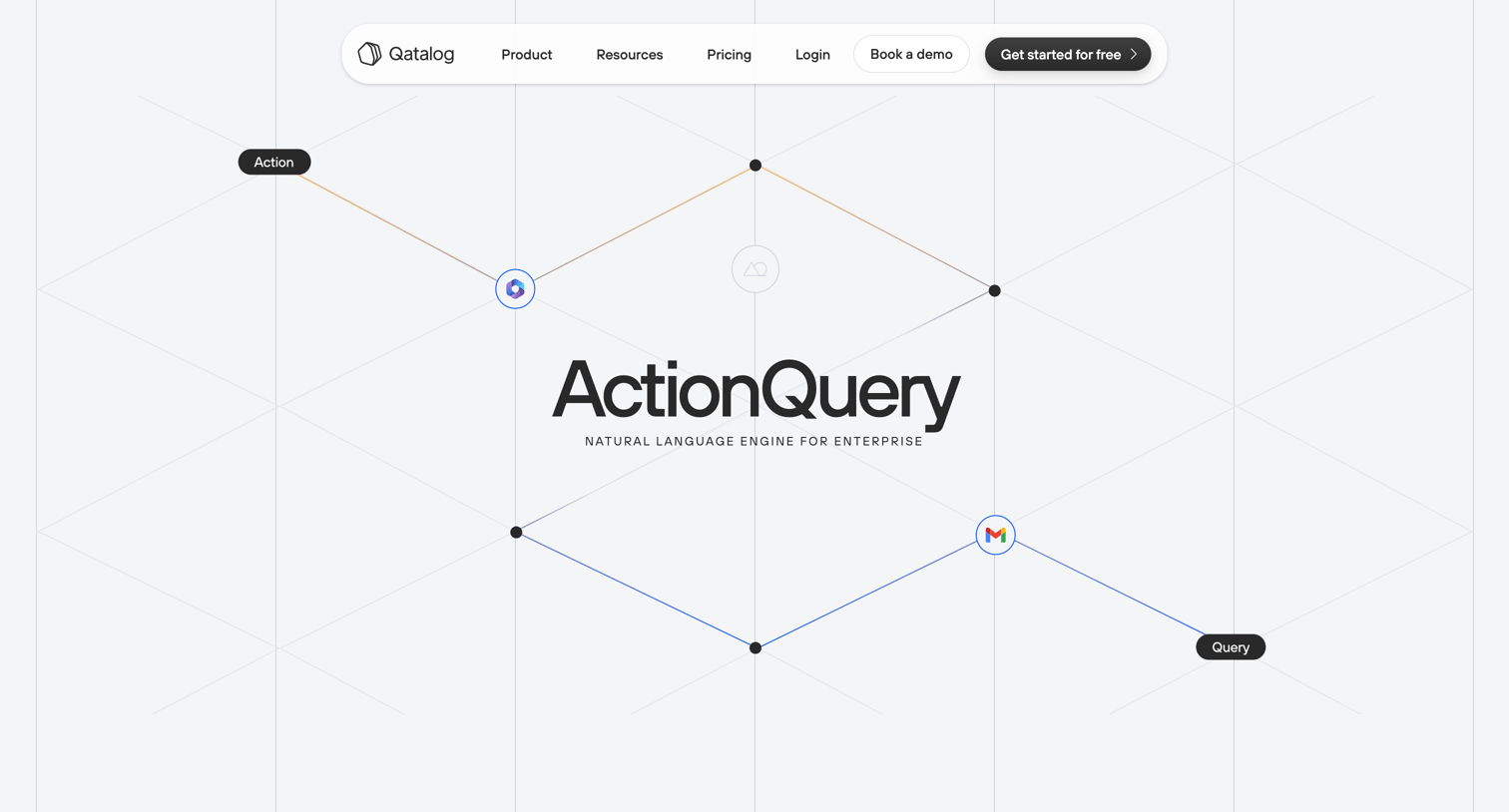
Resources page where the user can download the ActionQuery white paper by filling out a lead capture form.
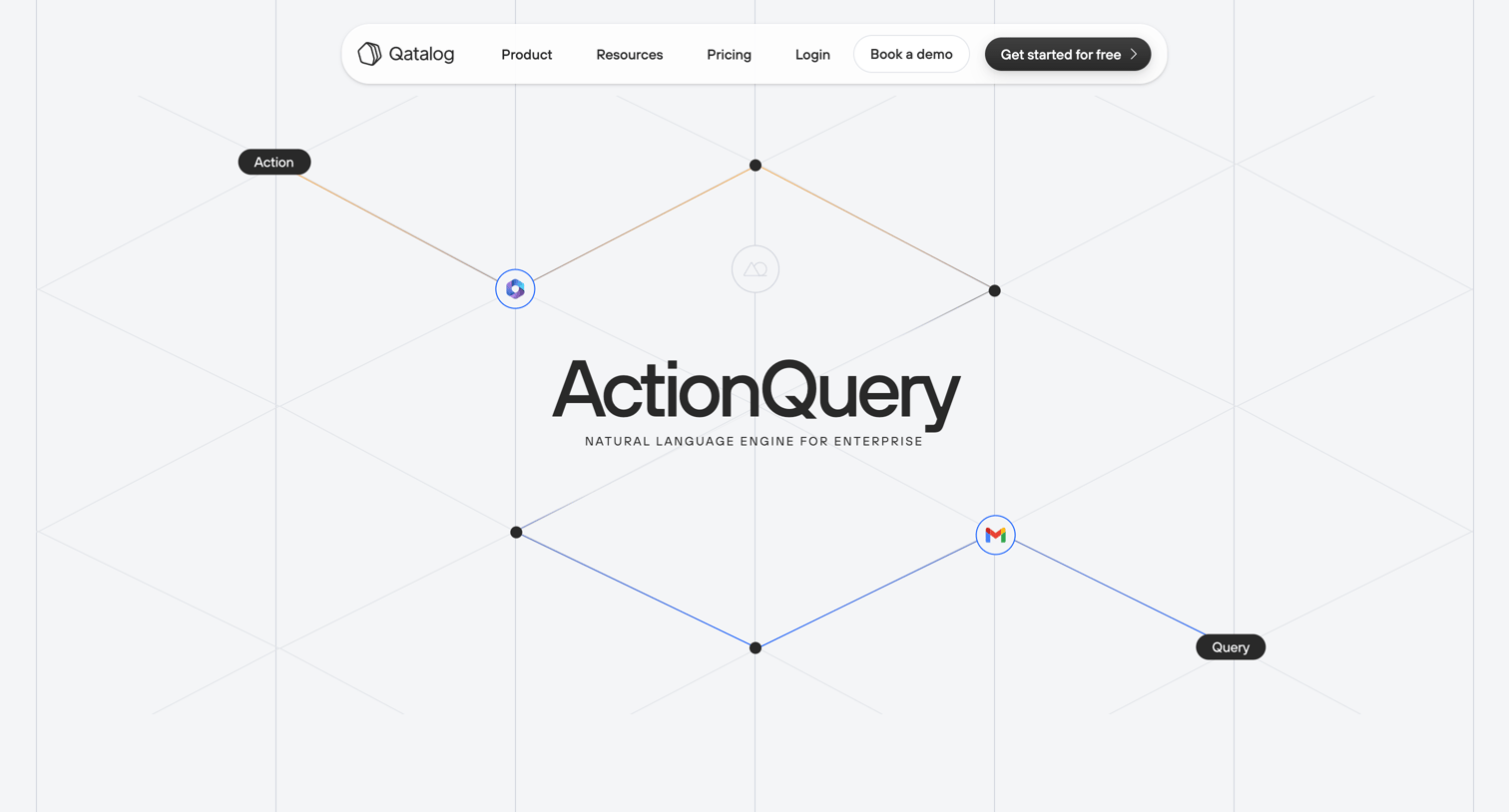
Resources page displaying a success confirmation card after a user requested the ActionQuery whitepaper, alongside a bulleted list of what the paper covers and a call to action to get started.
Explore the full SaaS screen library
Upgrade to unlock the full library.
Trusted by the best teams







