Skip to content

Paper UI components examples

Browse Paper UI component design examples. Preview individual interface elements and explore related component categories. Design, share, ship

Explore the examples
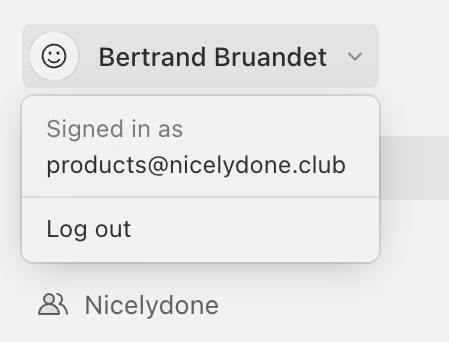
Paper — Dropdown menu component
Paper logo
Paper

A user profile dropdown menu displaying the signed-in user's name, email, and a log out option.
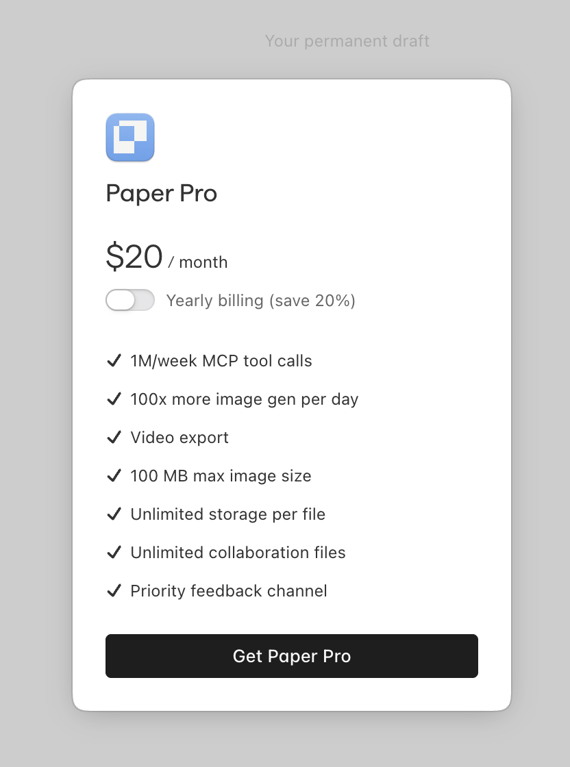
Paper — Modal component
Paper logo
Paper

A modal presenting a "Paper Pro" subscription plan, detailing its monthly price, a yearly billing option with a discount, and a comprehensive list of included features, culminating in a call-to-action button.

Paper — Card component
Paper logo
Paper

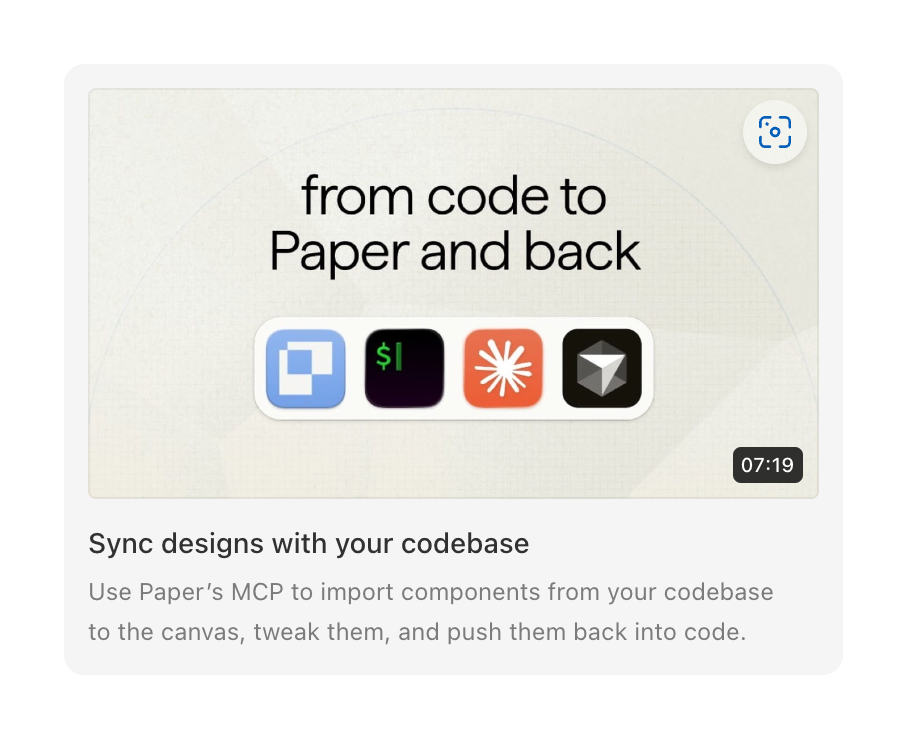
A card displaying a video thumbnail and description about syncing designs with code.

Paper — Dropdown menu component
Paper logo
Paper

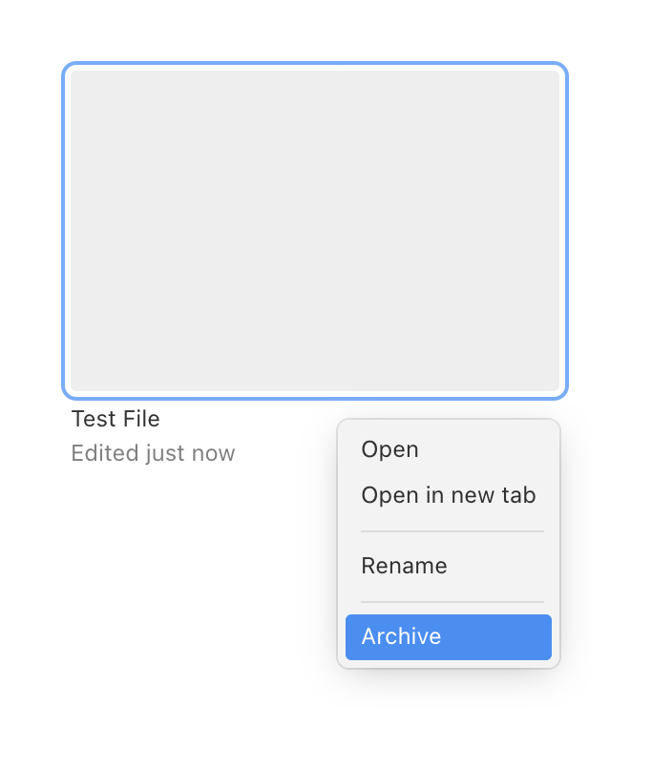
A file card with a contextual menu displaying actions like open, rename, and archive.
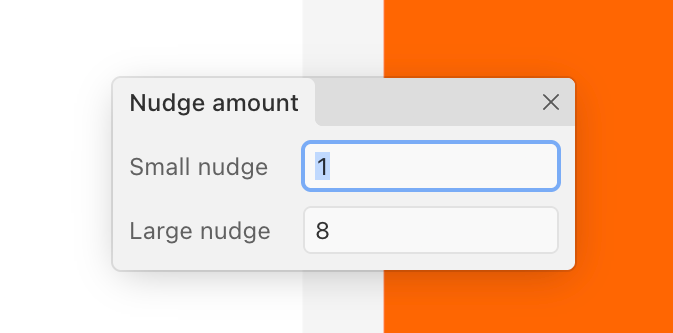
Paper — Modal component
Paper logo
Paper

A modal dialog box for adjusting 'nudge amount' with two input fields, one of which is focused.

Paper — Dropdown menu component
Paper logo
Paper

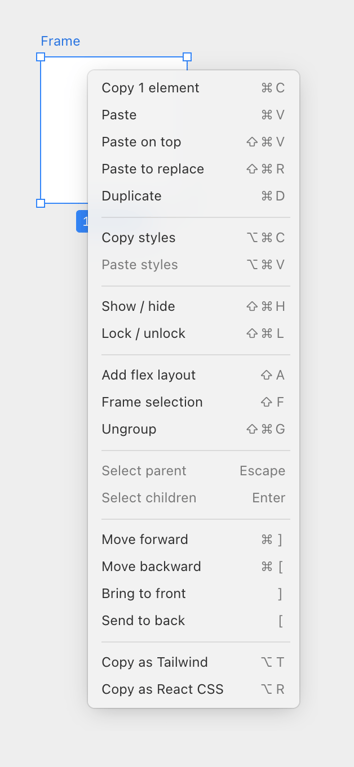
A context menu displaying various actions related to element manipulation, styling, and layout, with associated keyboard shortcuts.
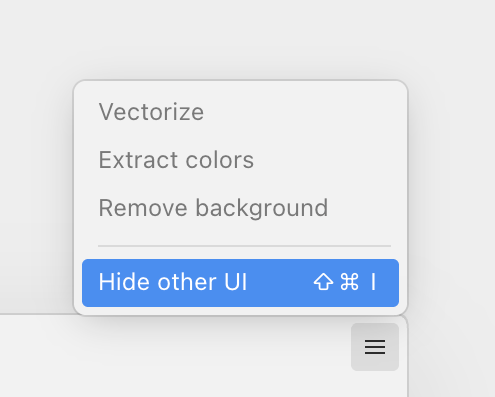
Paper — Dropdown menu component
Paper logo
Paper

A context menu displaying options for image manipulation and UI visibility control.
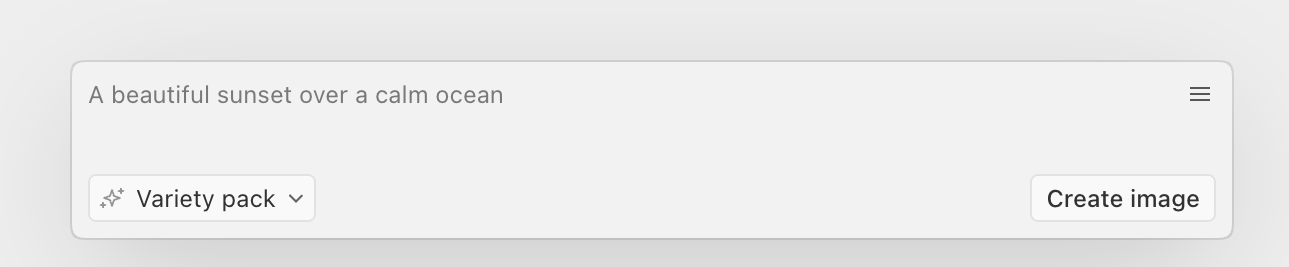
Paper — Artificial intelligence component
Paper logo
Paper

A user interface for text-to-image generation featuring a text input field, a style selection dropdown, and a button to create an image.
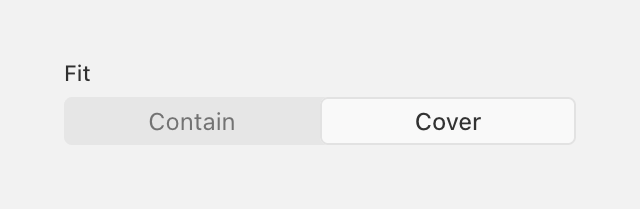
Paper — Segmented control component
Paper logo
Paper

A segmented control with two options, 'Contain' and 'Cover', under a 'Fit' label.
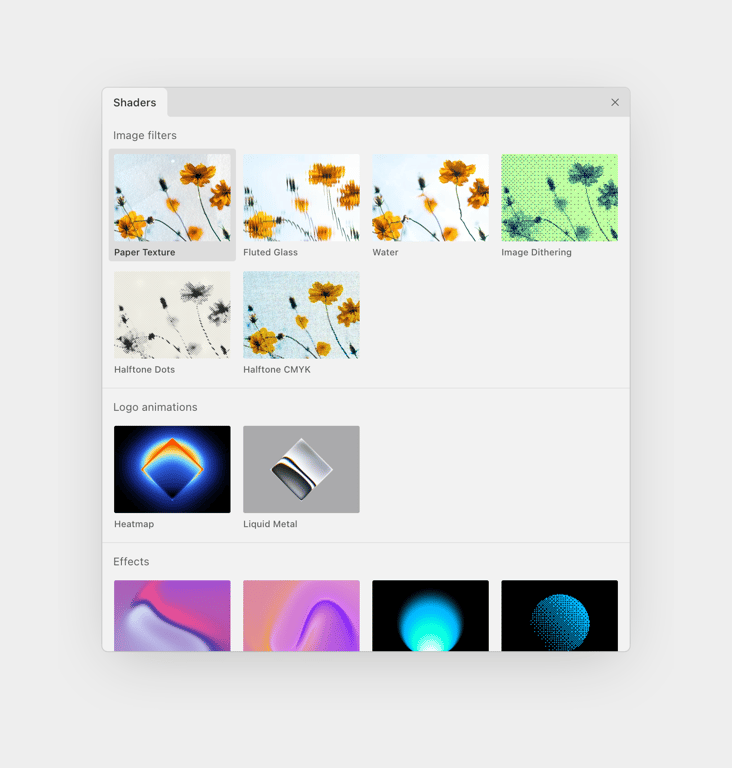
Paper — Modal component
Paper logo
Paper

A modal window presenting various visual shaders, including image filters, logo animations, and effects, organized into distinct categories with visual previews.

Paper — Color picker component
Paper logo
Paper

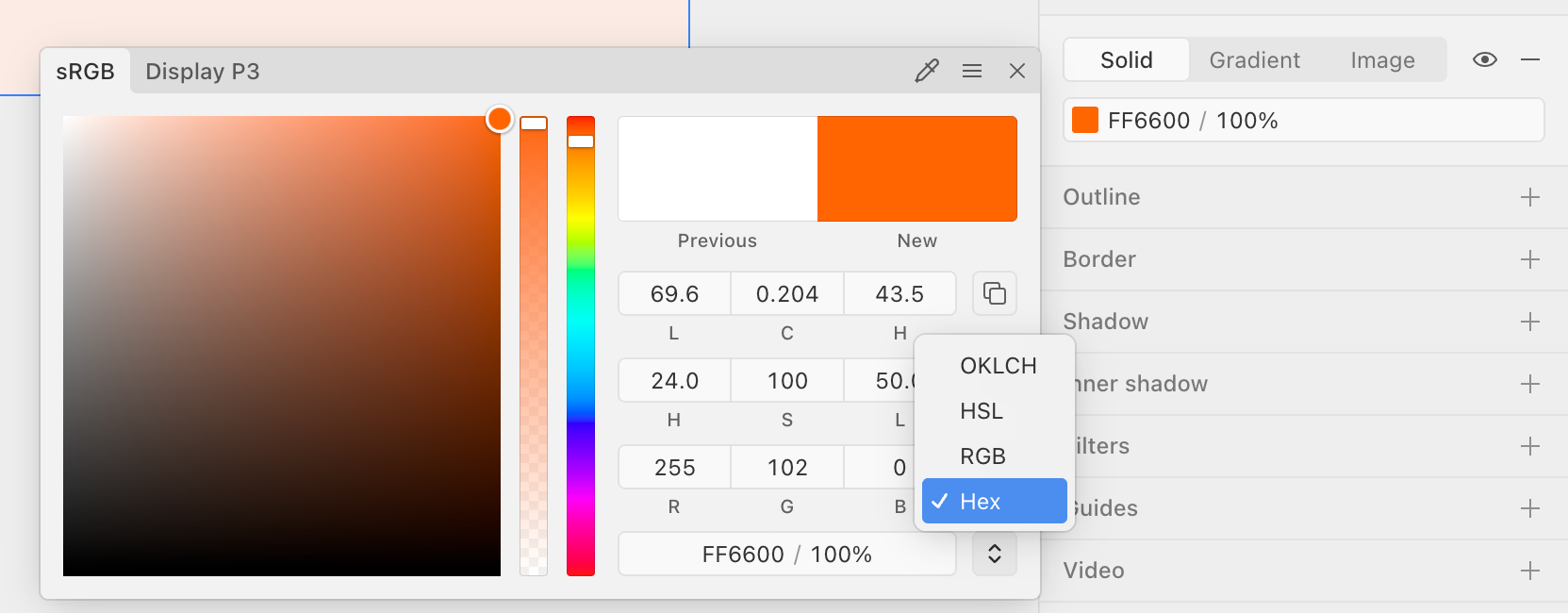
A color picker modal displaying a color spectrum, hue and opacity sliders, numerical input fields for various color models, and a dropdown for selecting color format.
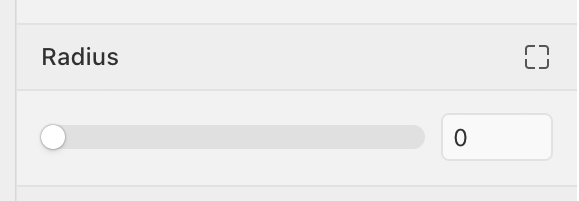
Paper — Slider component
Paper logo
Paper

A user interface component for adjusting a radius value using a slider and a numerical input field.

Browse the full component library

Browse the full UI component library.

Trusted by the best teams