Skip to content

Notion Mail UI components examples

Browse Notion Mail UI component design examples. Preview individual interface elements and explore related component categories. The inbox that thinks like you

Explore the examples
Notion Mail — Vertical navigation component
Notion Mail logo
Notion Mail

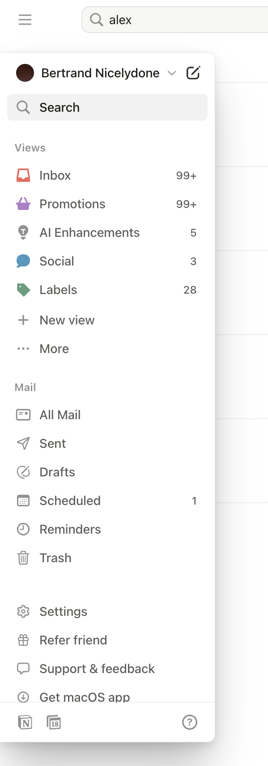
A side navigation panel for an email application.

Notion Mail — Input search component
Notion Mail logo
Notion Mail

A search bar with a menu icon and a clear icon.

Notion Mail — Input search component
Notion Mail logo
Notion Mail

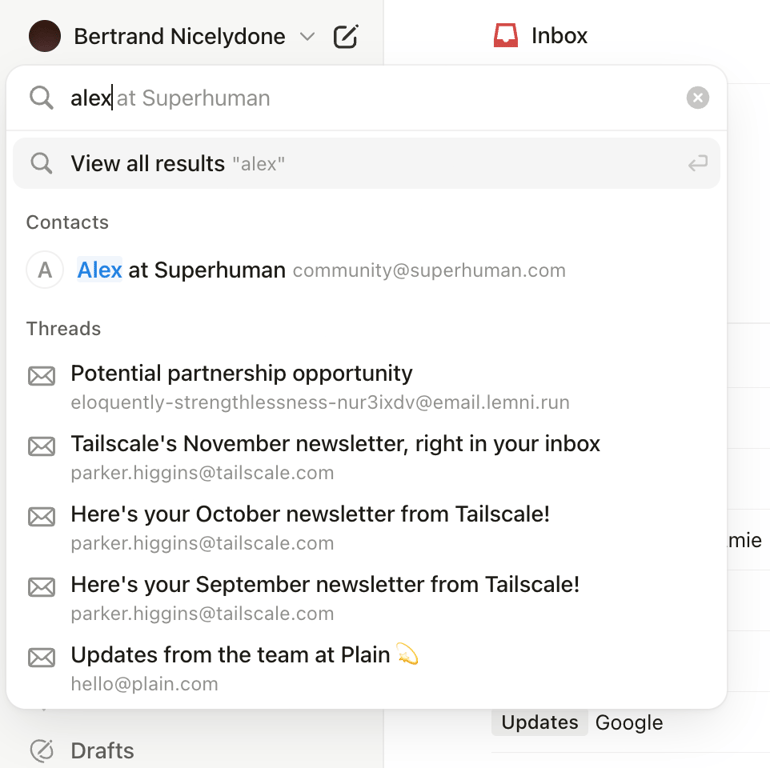
A search modal in an email application.

Notion Mail — Dropdown menu component
Notion Mail logo
Notion Mail

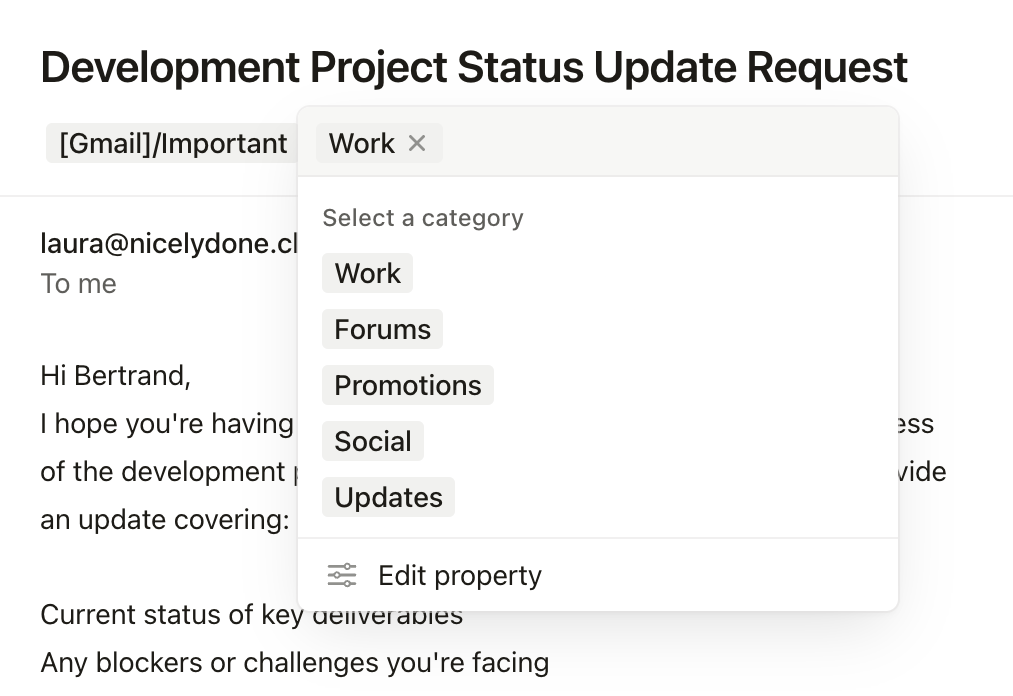
The screenshot displays a modal for selecting a category, with options like Work, Forums, Promotions, Social, and Updates.
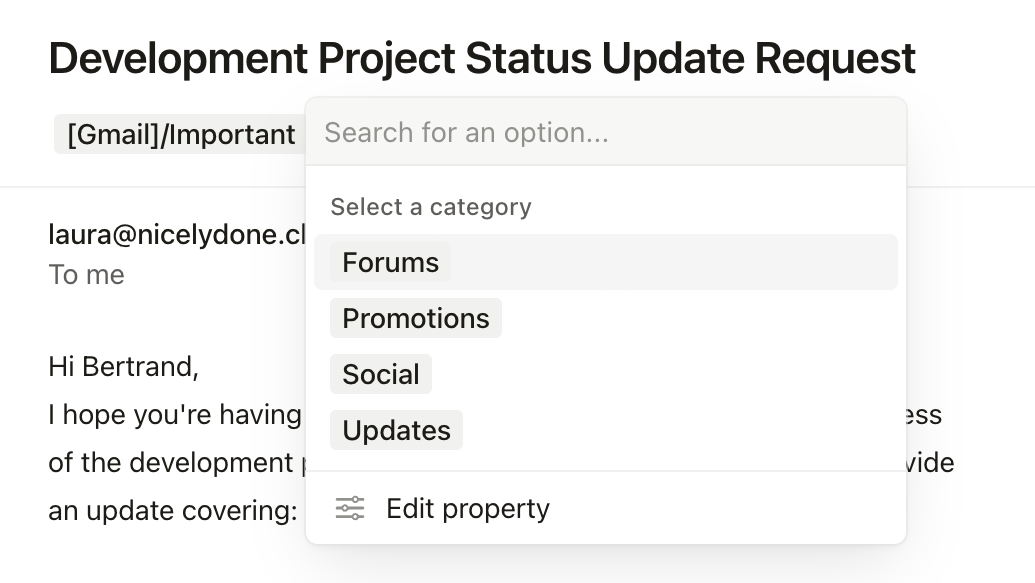
Notion Mail — Dropdown menu component
Notion Mail logo
Notion Mail

This screenshot shows a modal with a dropdown menu for selecting a category.
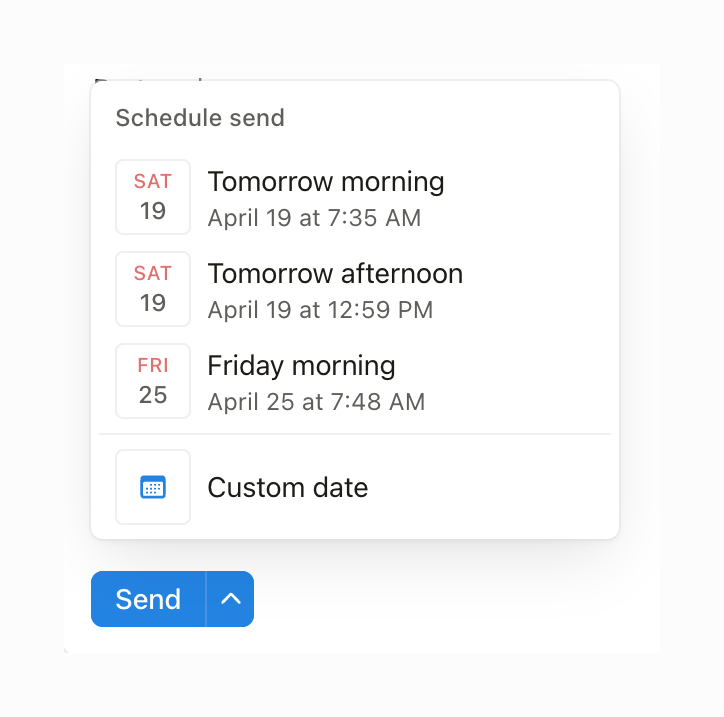
Notion Mail — Datepicker component
Notion Mail logo
Notion Mail

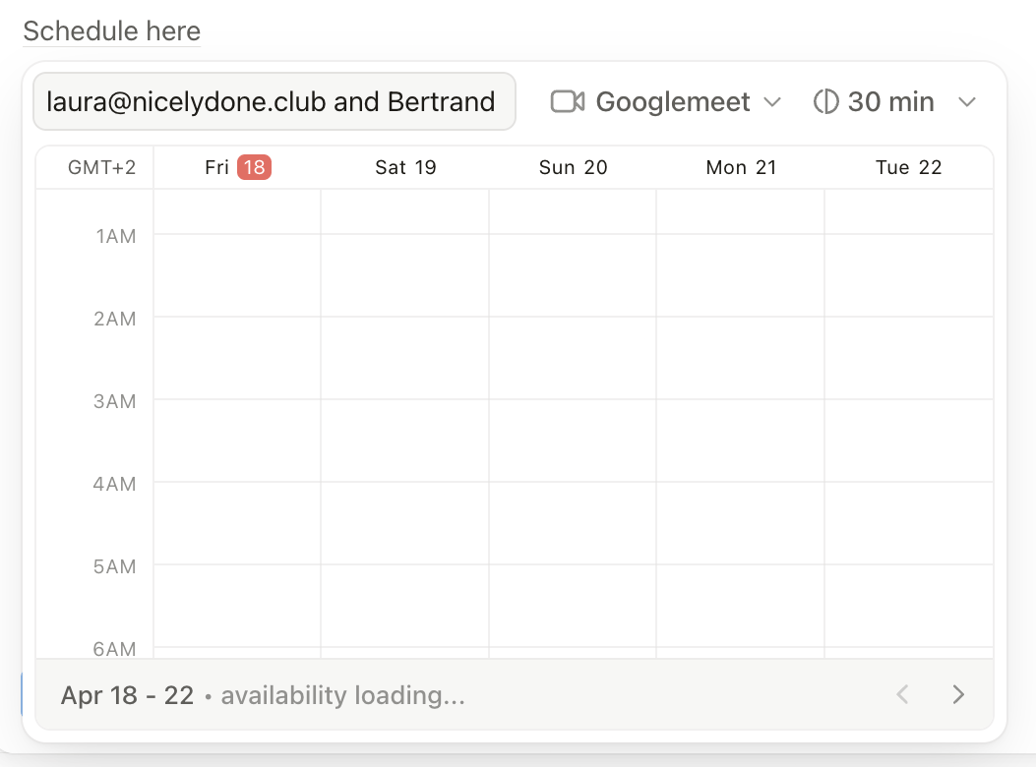
A scheduling modal showing availability.

Notion Mail — Rich text editor component
Notion Mail logo
Notion Mail

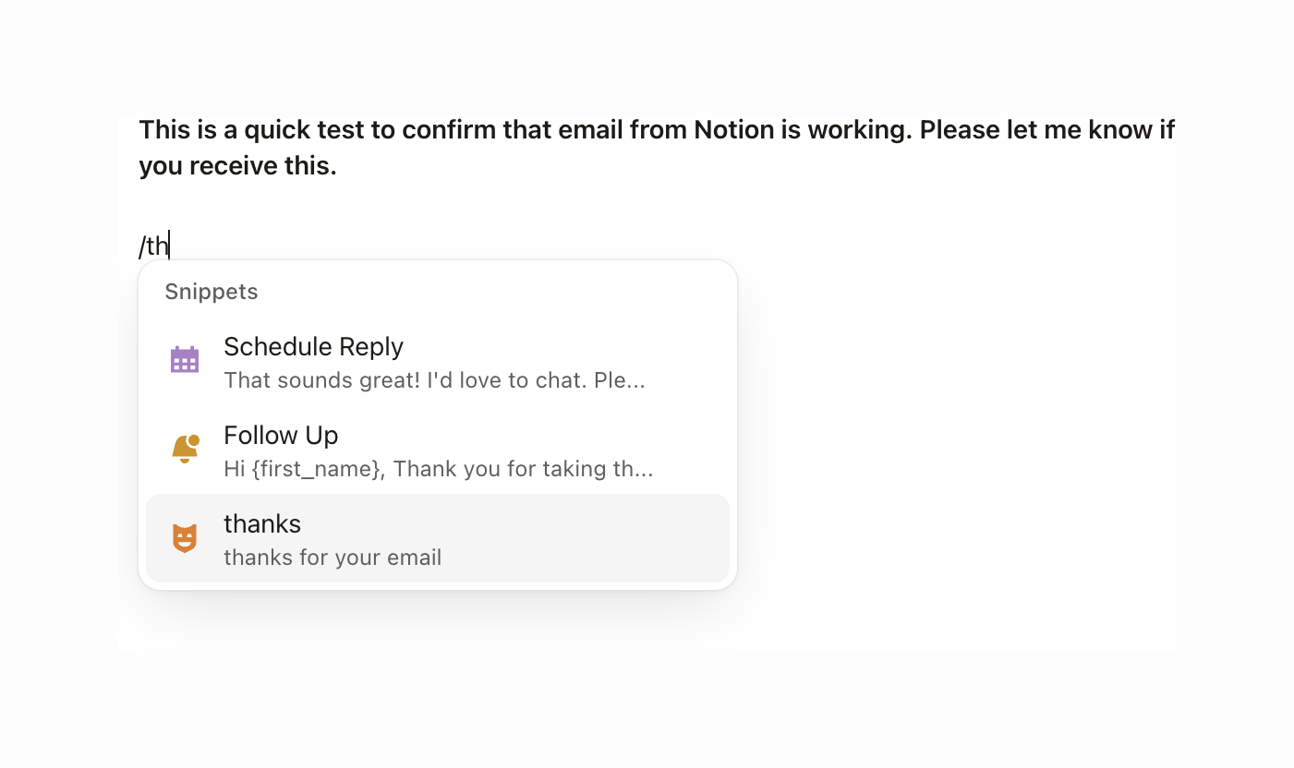
The screenshot shows a snippets modal.

Notion Mail — Artificial intelligence component
Notion Mail logo
Notion Mail

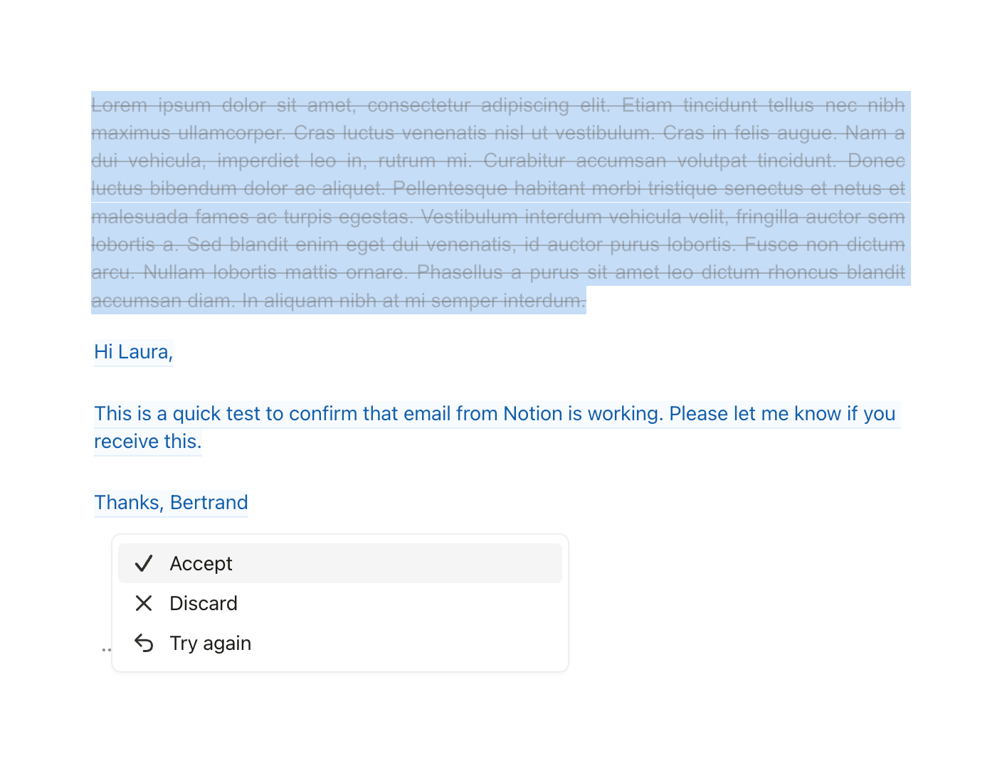
A simple email interface with action options.

Notion Mail — Artificial intelligence component
Notion Mail logo
Notion Mail

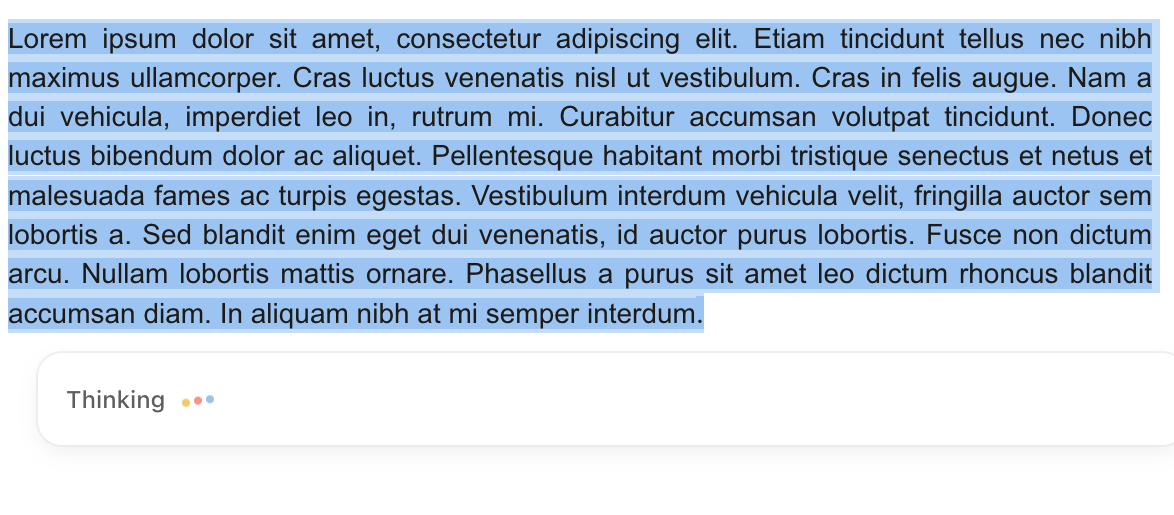
The screenshot shows a text input field with a placeholder text and a loading indicator.
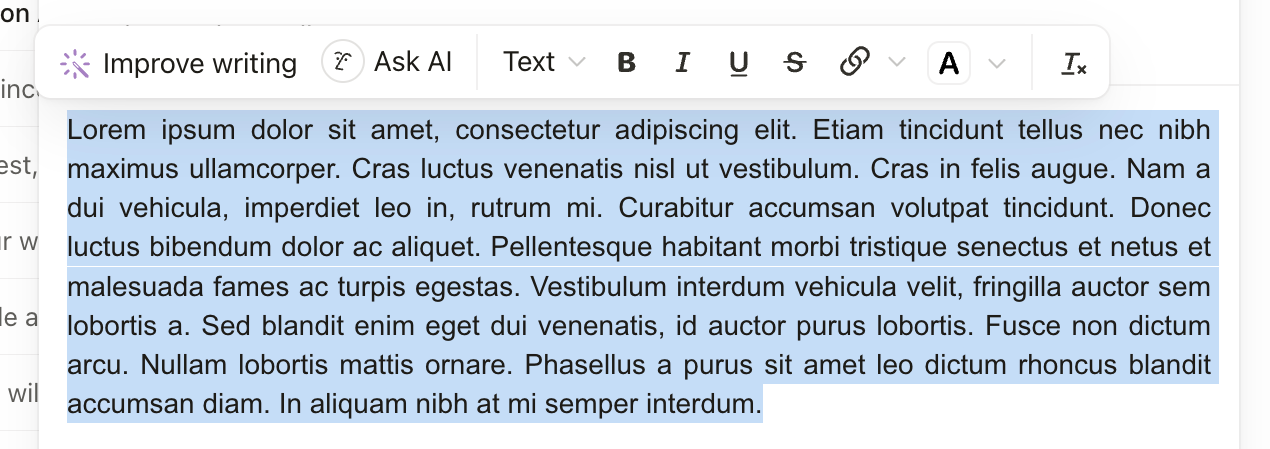
Notion Mail — Artificial intelligence component
Notion Mail logo
Notion Mail

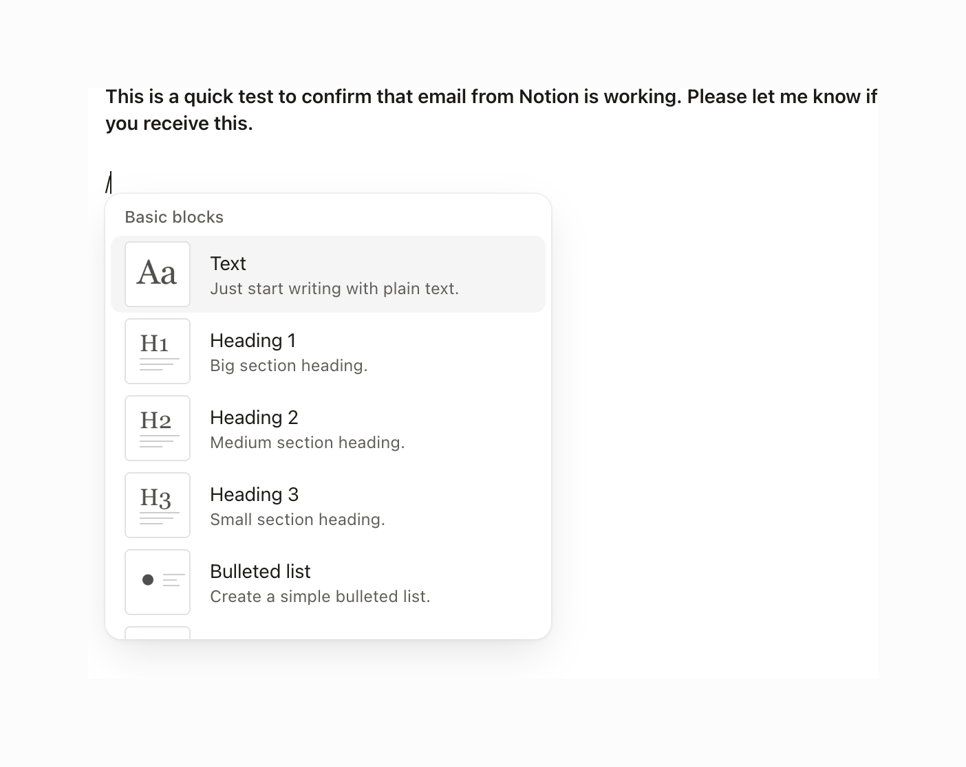
A text editor with formatting options.

Browse the full component library

Browse the full UI component library.

Trusted by the best teams