Mural UI components examples
Browse Mural UI component design examples. Preview individual interface elements and explore related component categories. Level up teamwork with an intuitive digital whiteboard built for teams to do their best work
Explore the examples


A decorative illustration showing a telescope pointing towards stars and a cursor clicking on blue squares.

A card prompting the user to upgrade their plan for extra security features, featuring an illustration of various locks.
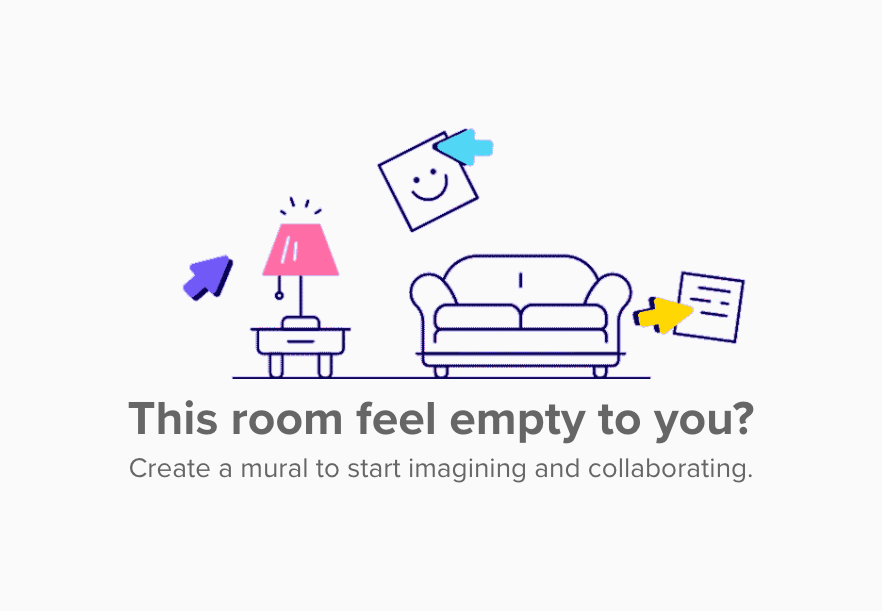
An empty state illustration showing a sofa, a lamp on a side table, and floating sticky notes with cursors, accompanied by a prompt to create a mural.
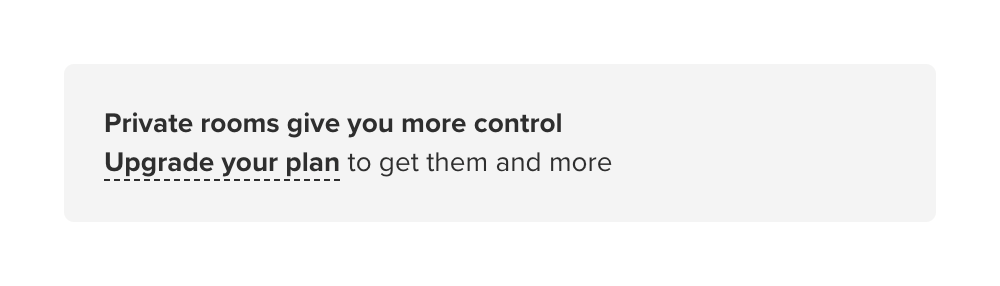
An inline banner prompting the user to upgrade their plan to access private rooms.
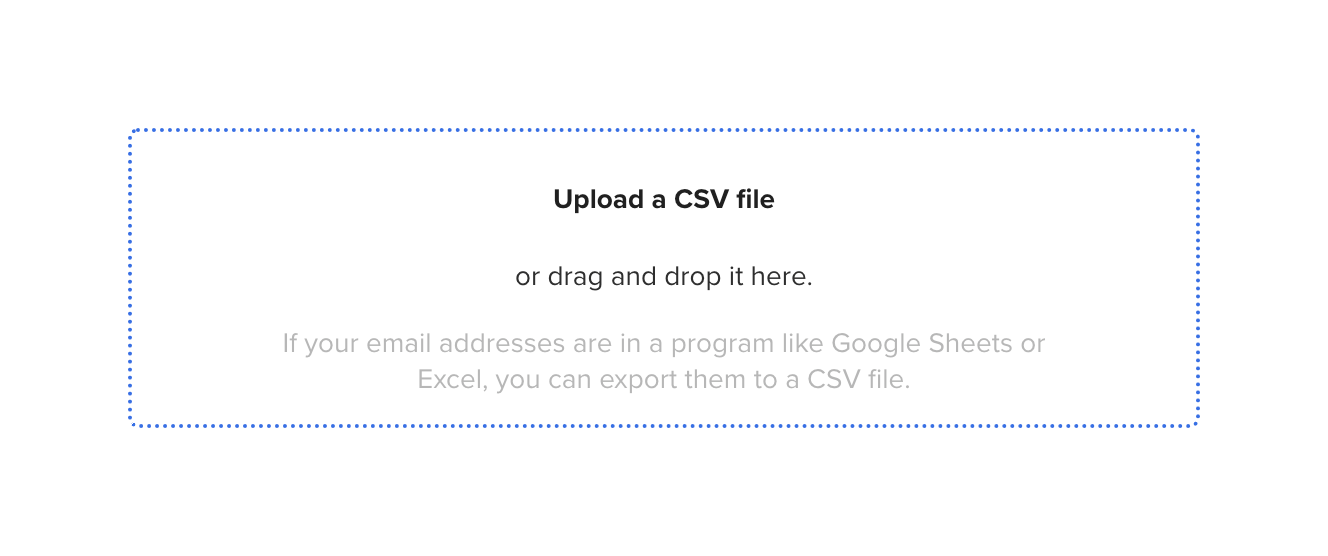
A rectangular dropzone area with a dashed blue border, instructing the user to upload a CSV file or drag and drop it. It includes helper text explaining how to export email addresses to a CSV format.
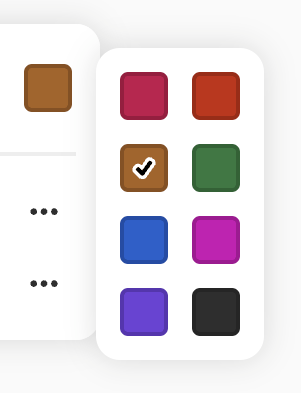
A popover displaying a grid of color swatches for selection. One swatch is currently selected, indicated by a checkmark.

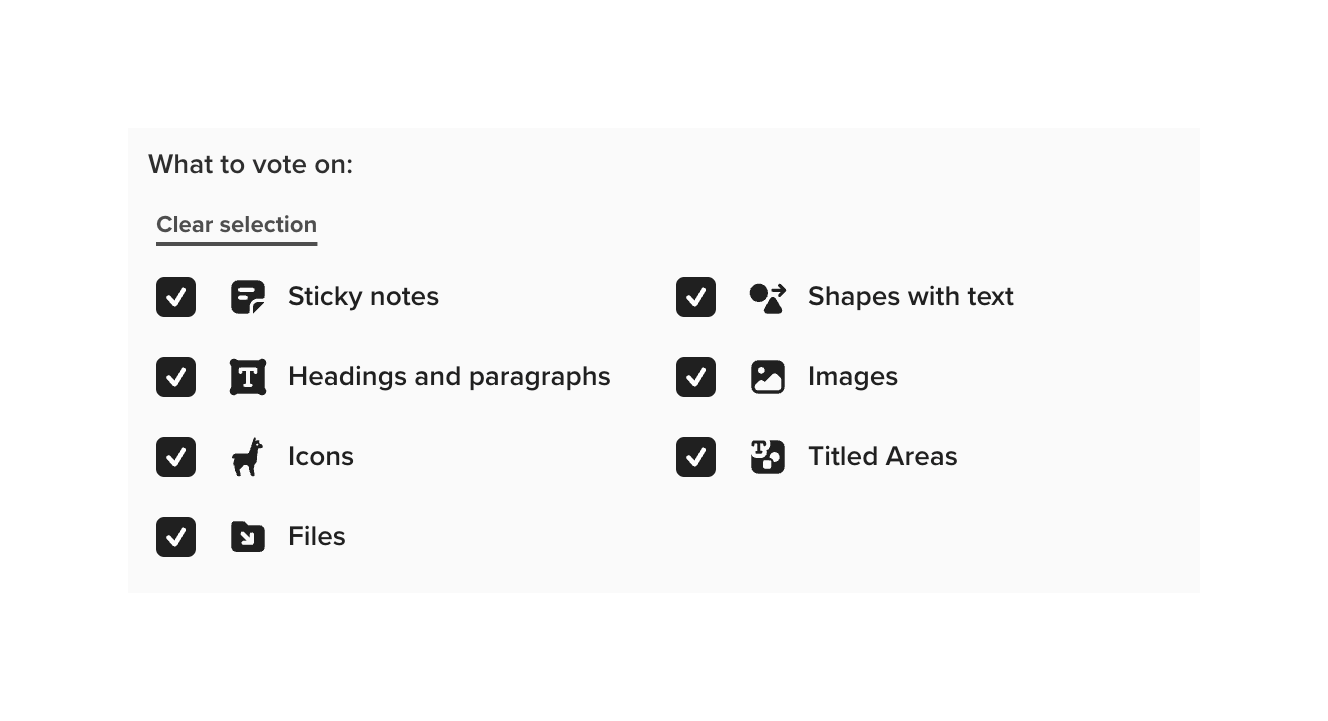
A two-column grid of checkboxes with icons and labels, used to select multiple object types.
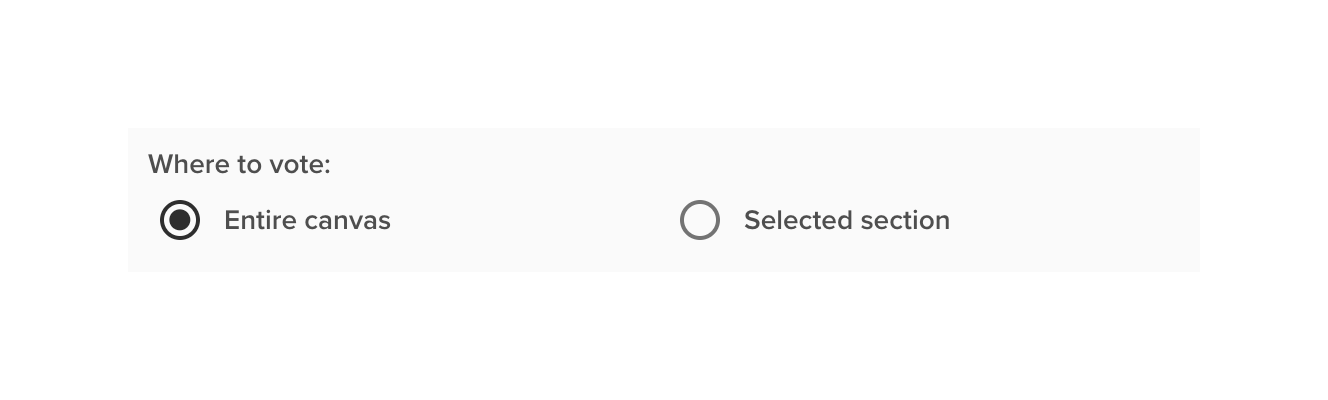
A radio group component allowing the user to select where to vote, with options for 'Entire canvas' and 'Selected section'.
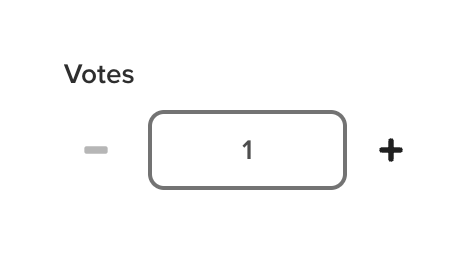
A numeric input field labeled 'Votes' with minus and plus stepper controls on either side.
Browse the full component library
Browse the full UI component library.
Trusted by the best teams







