Mural marketing pages examples
Explore Mural website design examples. Preview marketing pages and browse related SaaS page designs. Level up teamwork with an intuitive digital whiteboard built for teams to do their best work
Explore the examples


Landing page for a digital whiteboard product highlighting features like brainstorming, team alignment, and enterprise security alongside customer testimonials.
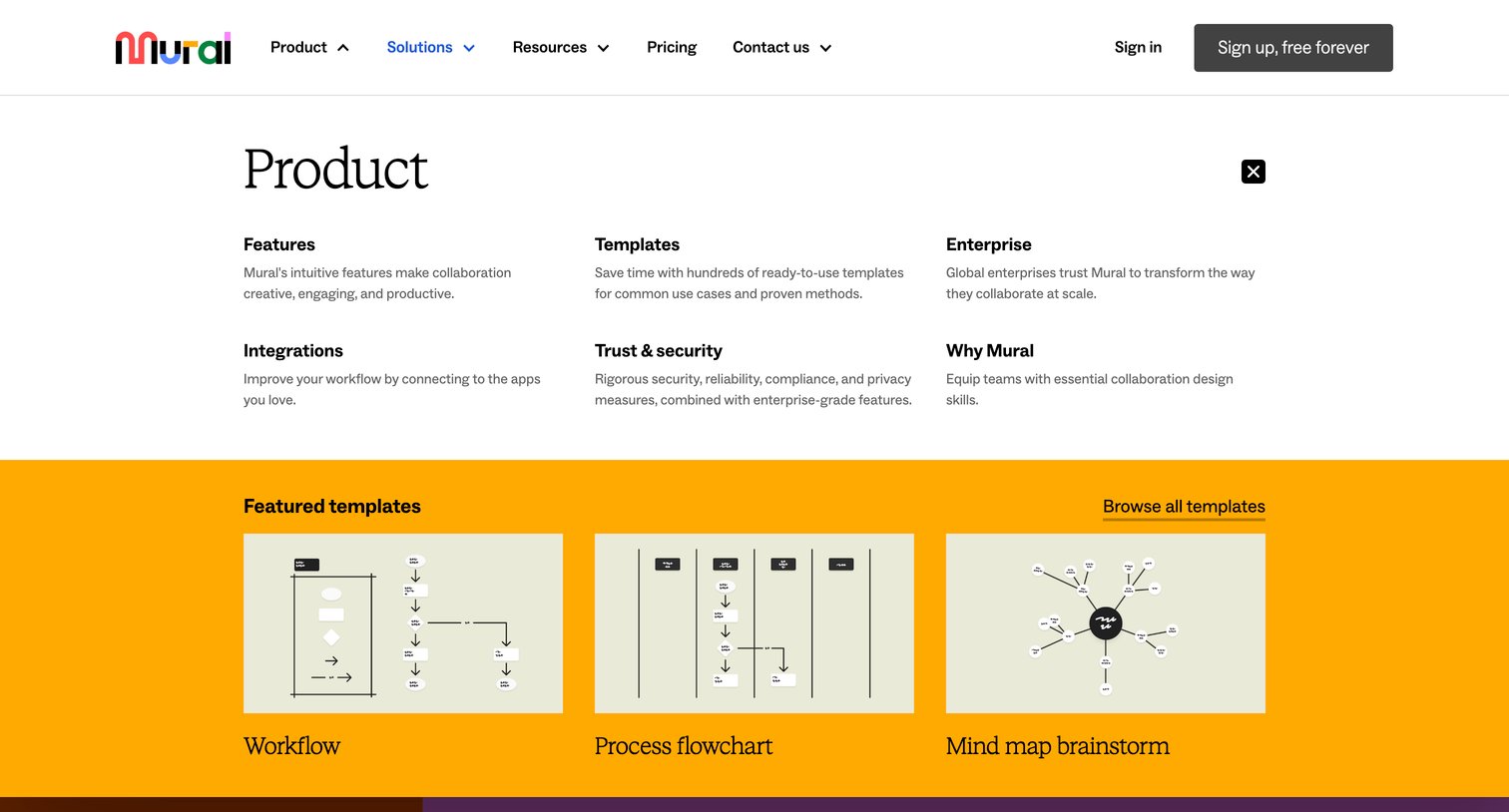
Marketing site header with the product mega-menu open, revealing feature categories and featured visual templates.
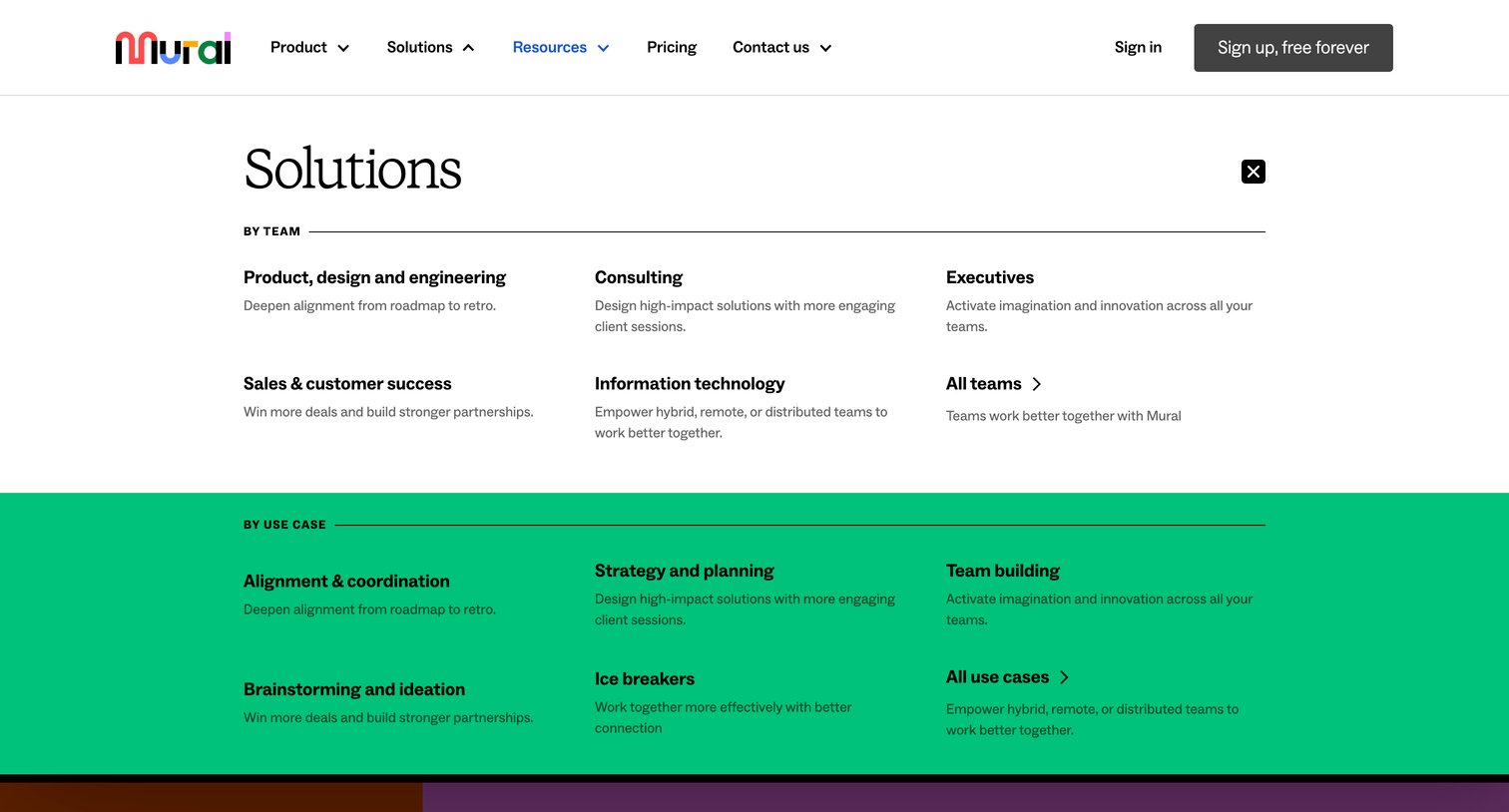
Landing page where the user has opened a full-width mega menu categorizing solutions by team and use case.
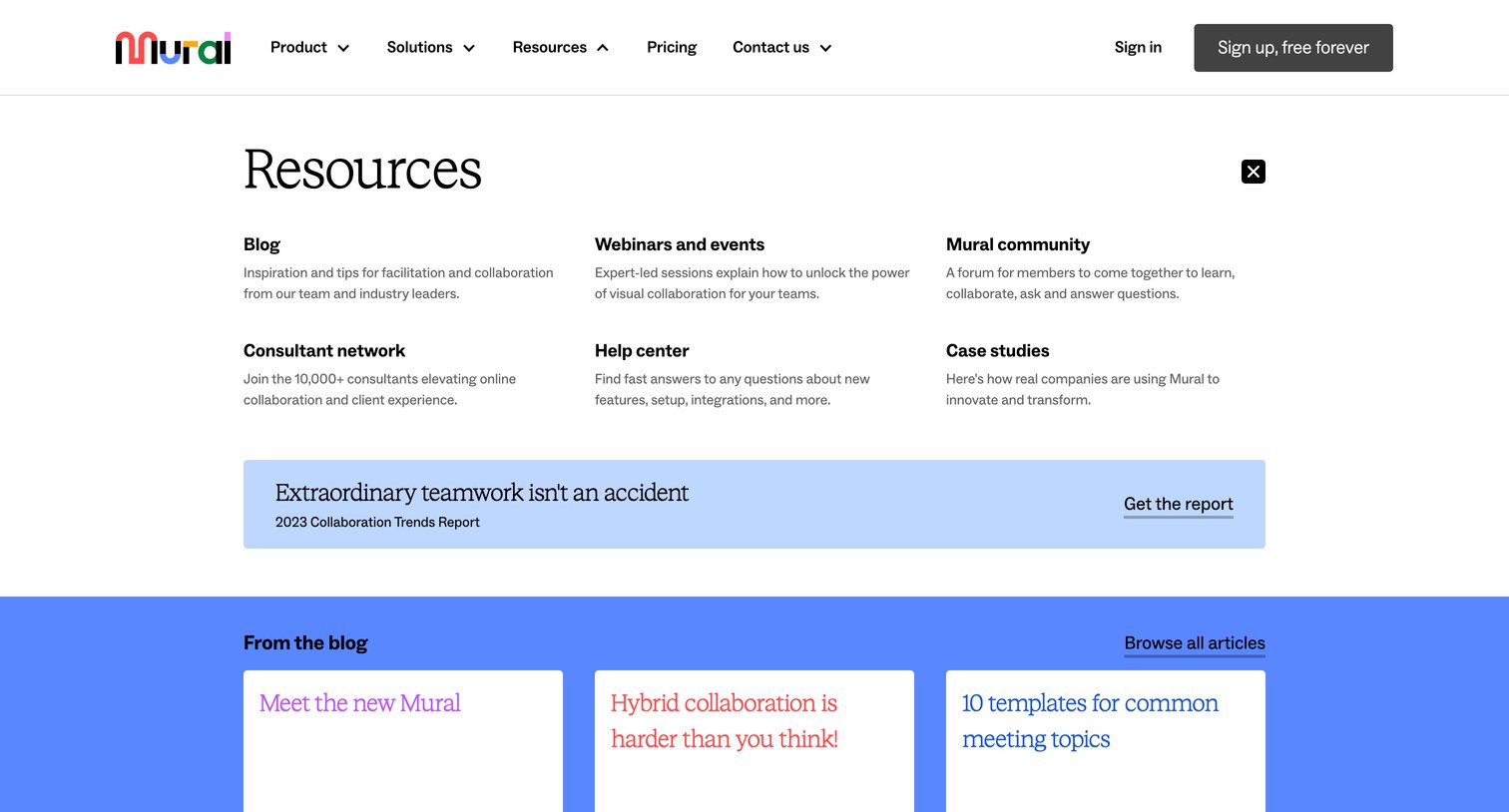
Landing page where the user has opened the resources mega-menu to navigate to the blog, webinars, community, or download a trends report.
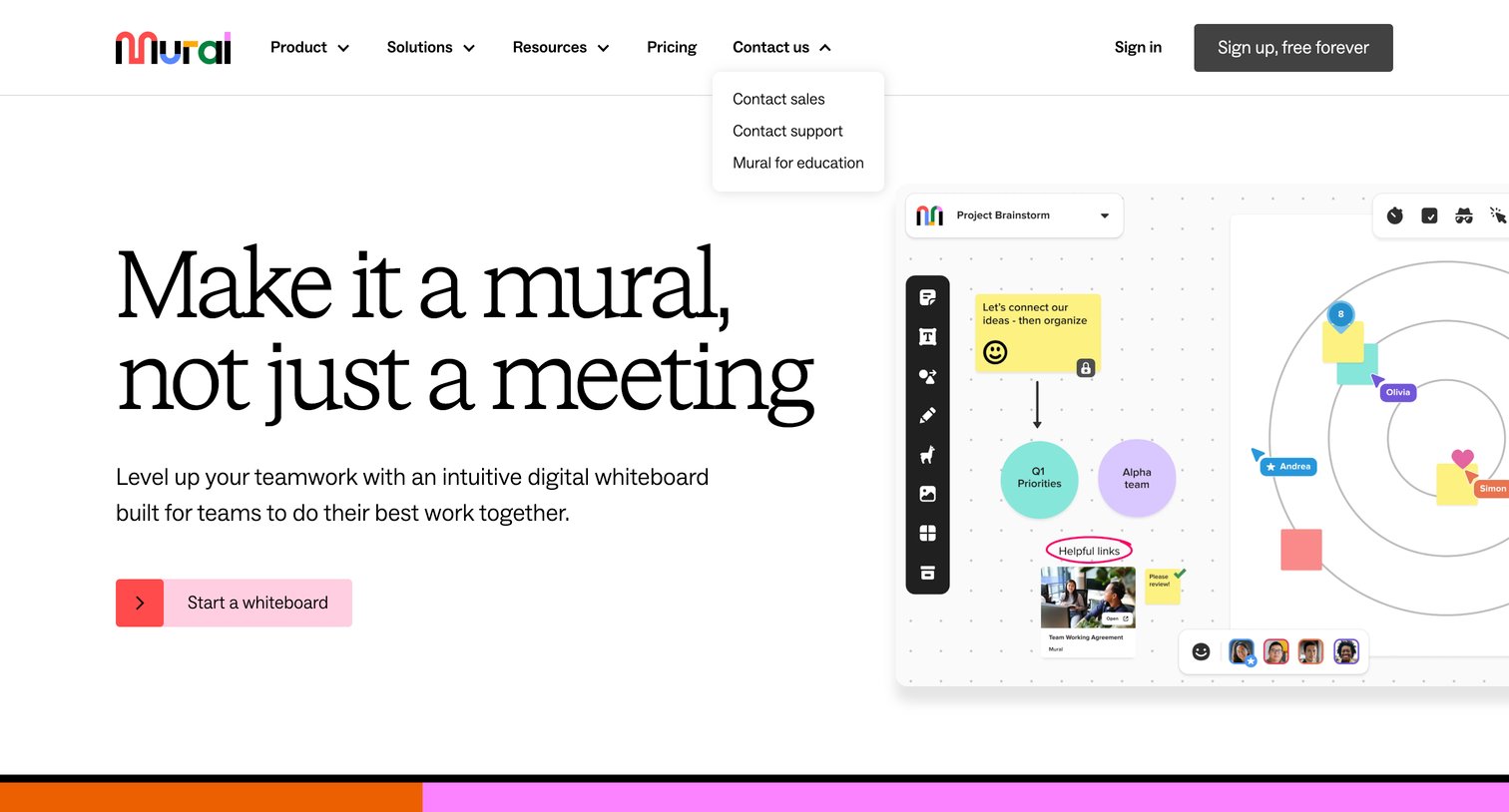
Landing page hero section pitching a digital whiteboard for team collaboration, featuring a product mockup and a primary call to action to start a whiteboard.
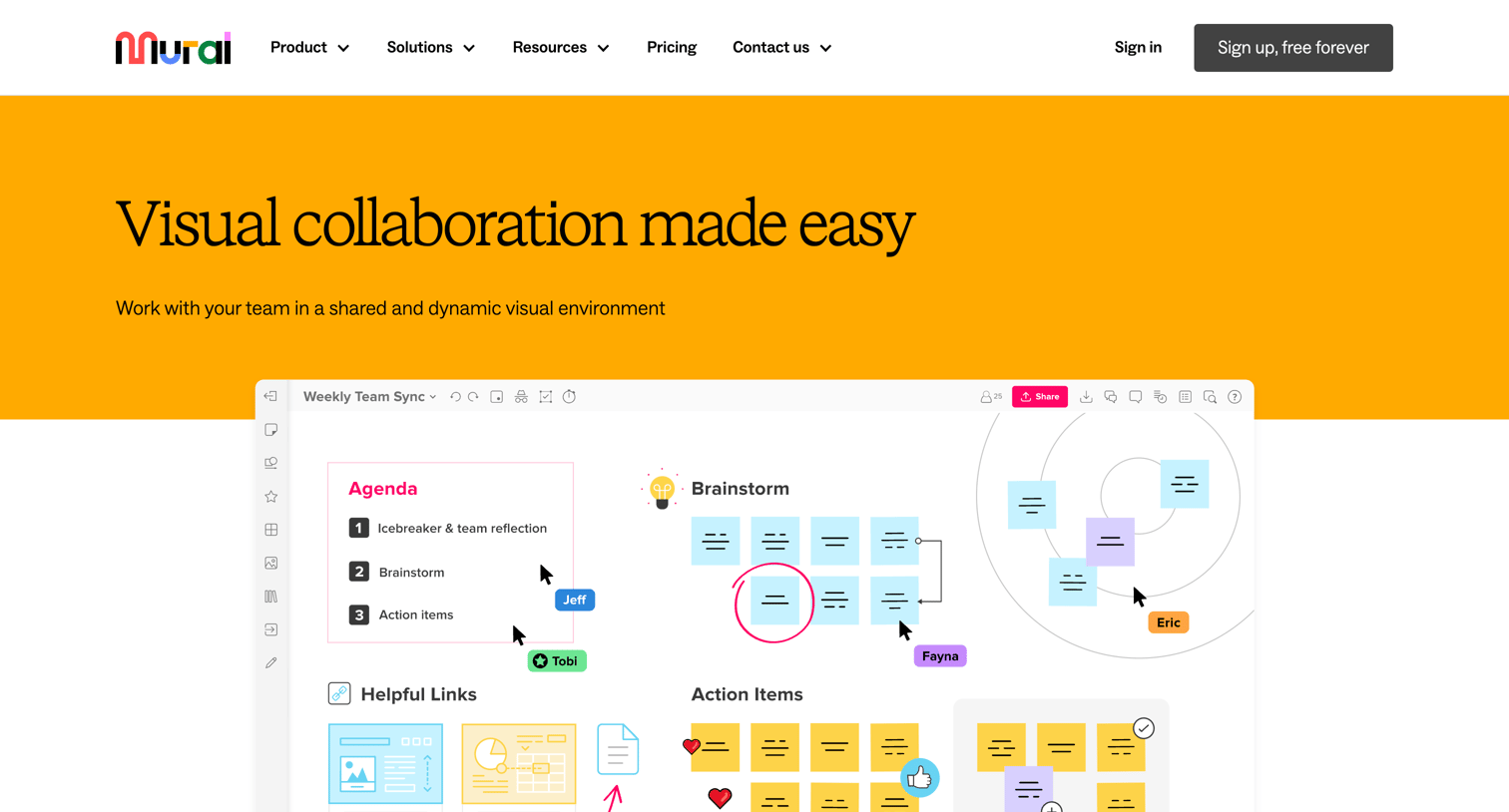
Feature page highlighting visual collaboration capabilities, facilitation tools like timers and super lock, integrations with popular apps, and enterprise security standards.
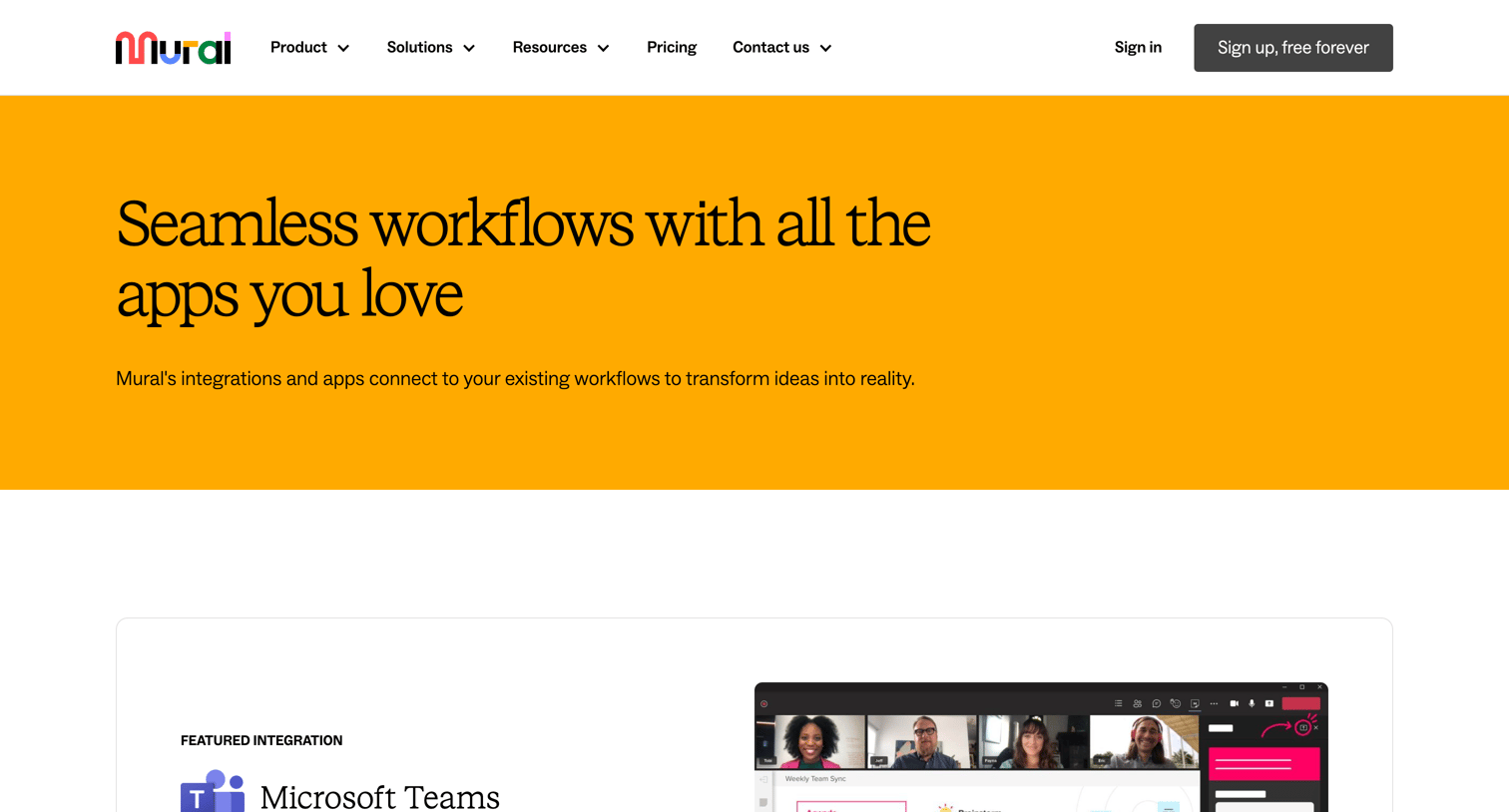
Feature page where the user browses a directory of third-party apps and tools that connect with Mural, featuring a highlighted Microsoft Teams integration.
Feature page explaining the Mural and Adobe Creative Cloud integration, highlighting how users can drag and drop creative assets directly into their workspaces.
Feature page detailing the integration between Mural and Figma, showing how teams can export frames to collaborate on design reviews.
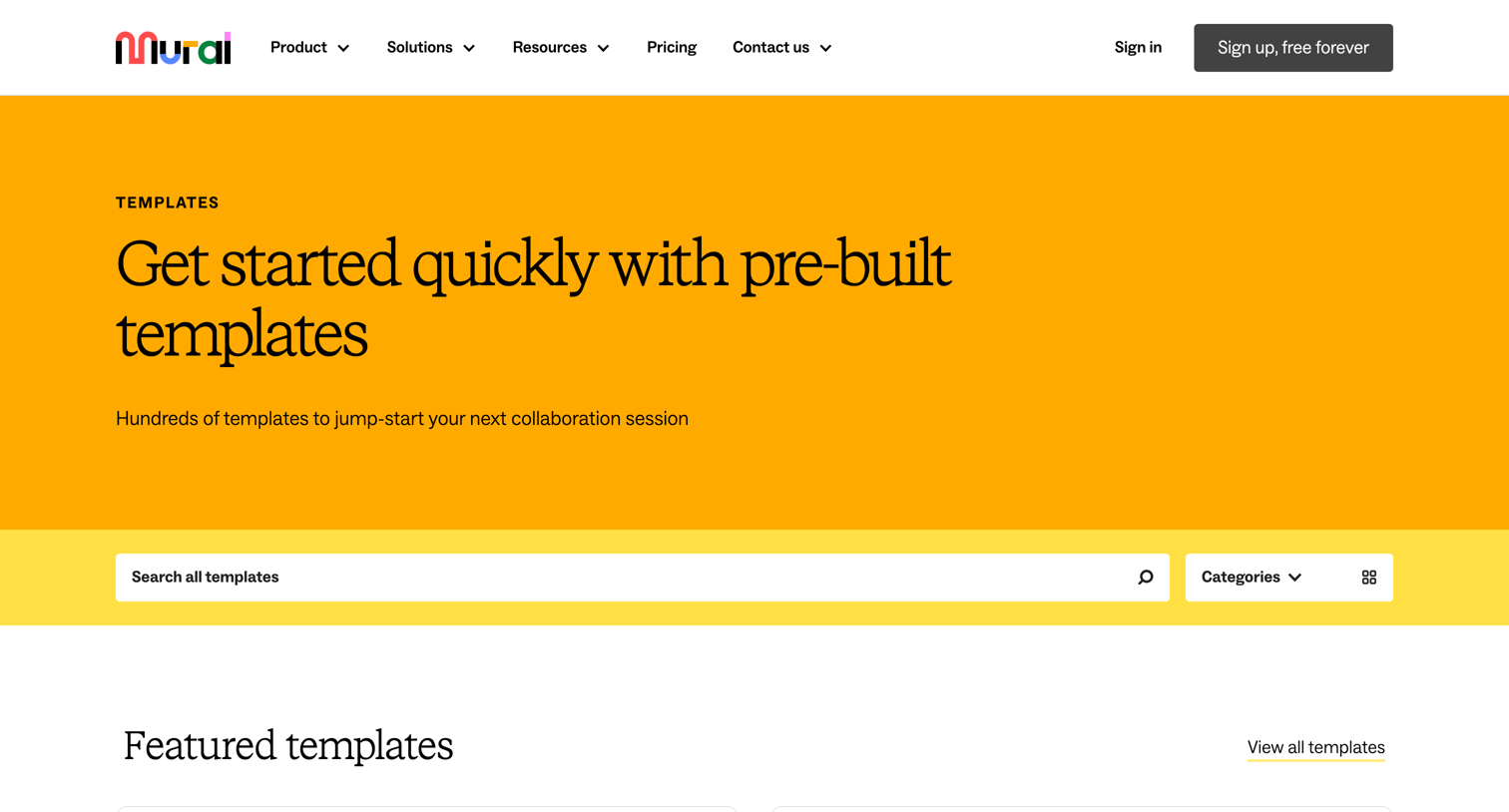
Resources page where users can browse, search, and filter a library of pre-built whiteboard templates categorized by use cases like agile, brainstorming, and design.
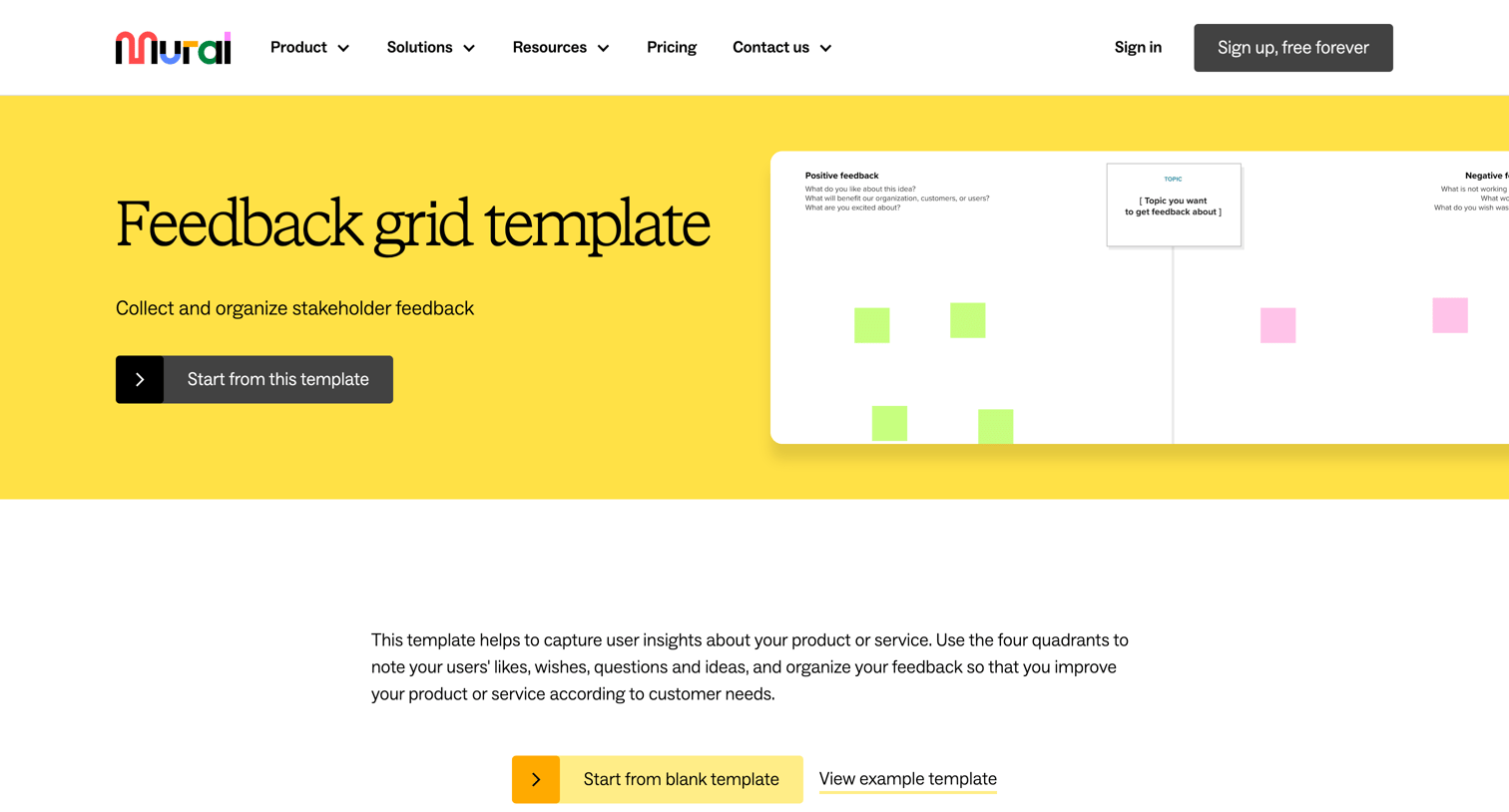
Marketing page for a feedback grid template where the user can start a new whiteboard or browse related evaluation templates.
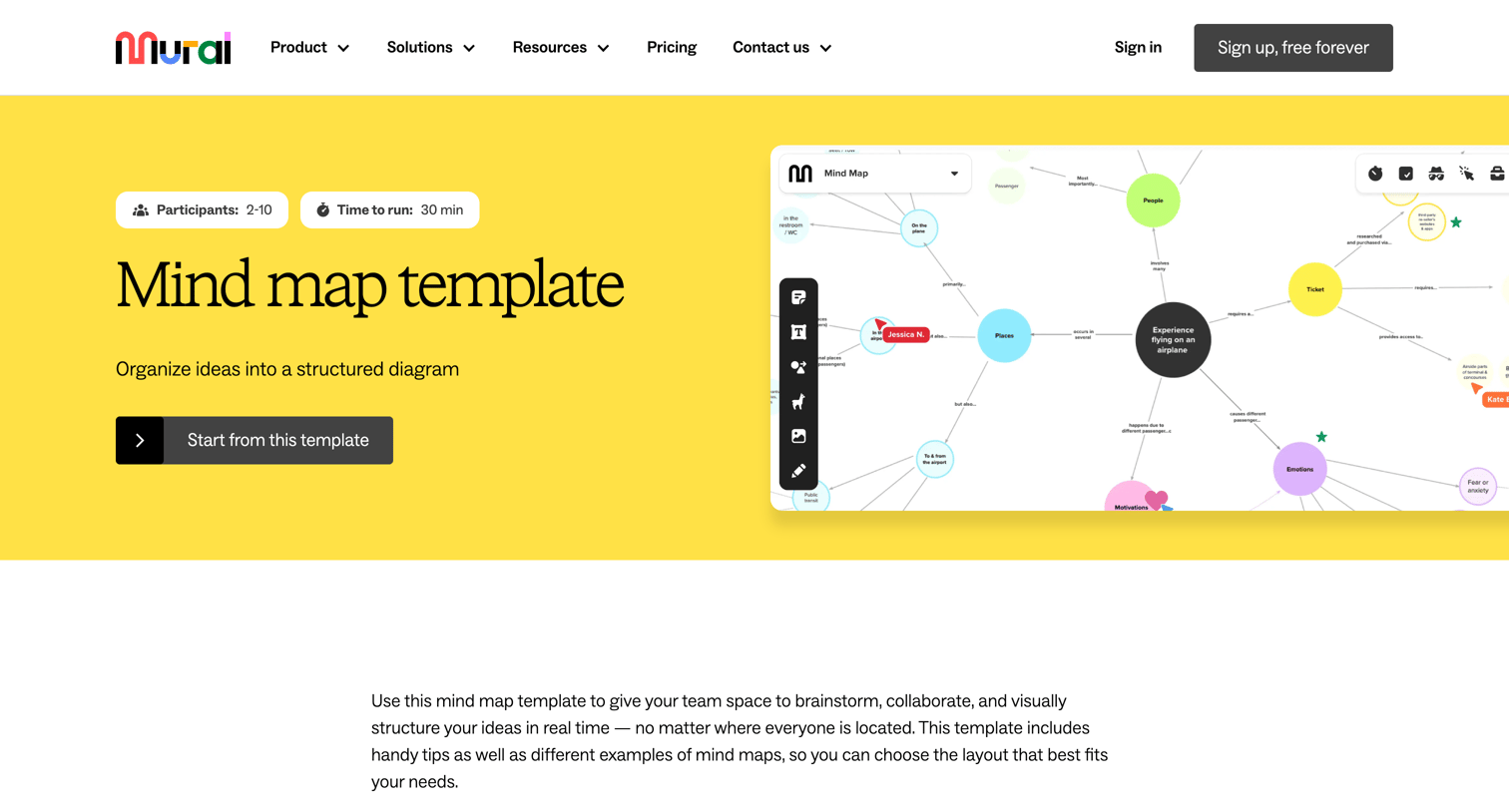
Marketing page for a mind map template detailing what a mind map is, a 5-step guide to creating one, and a grid of specific collaboration features.
Explore the full SaaS screen library
Upgrade to unlock the full library.
Trusted by the best teams







