Skip to content

Maze UI components examples

Browse Maze UI component design examples. Preview individual interface elements and explore related component categories. Rapid testing for modern teams

Explore the examples
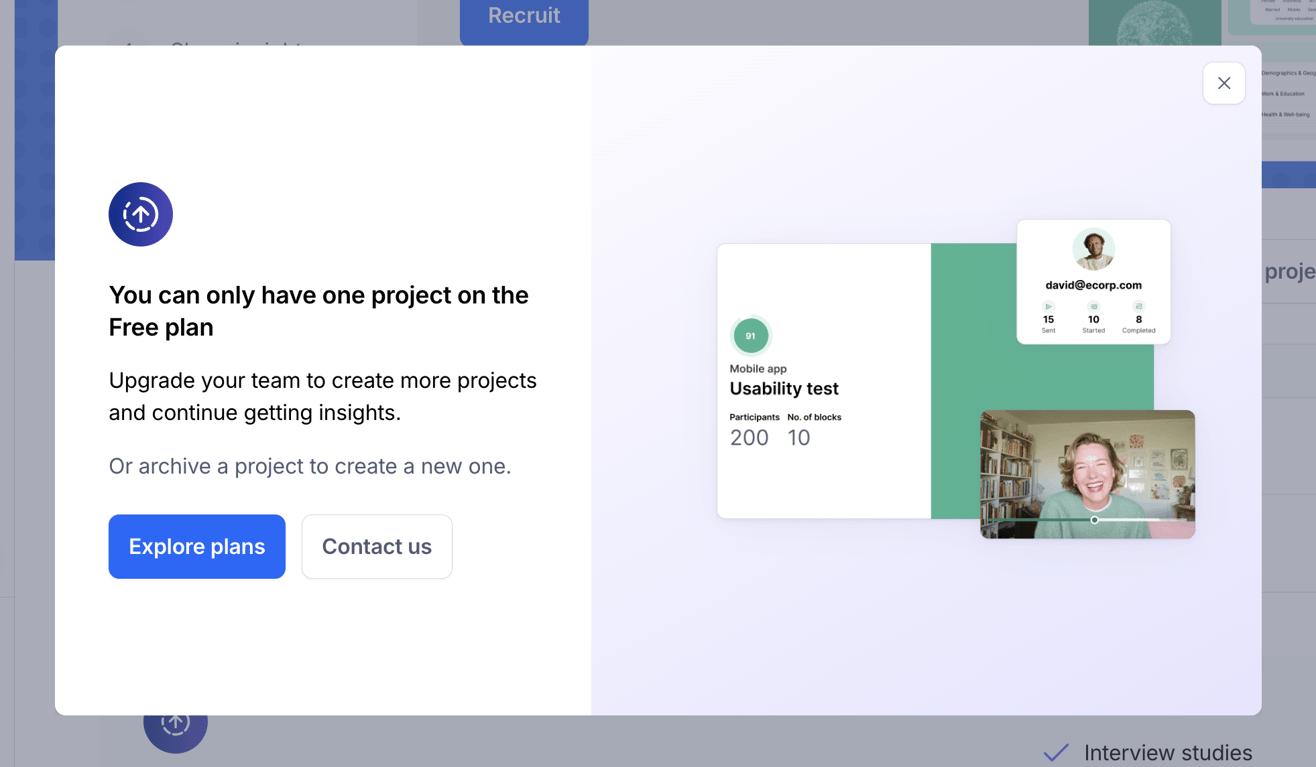
Maze — Modal component
Maze logo
Maze

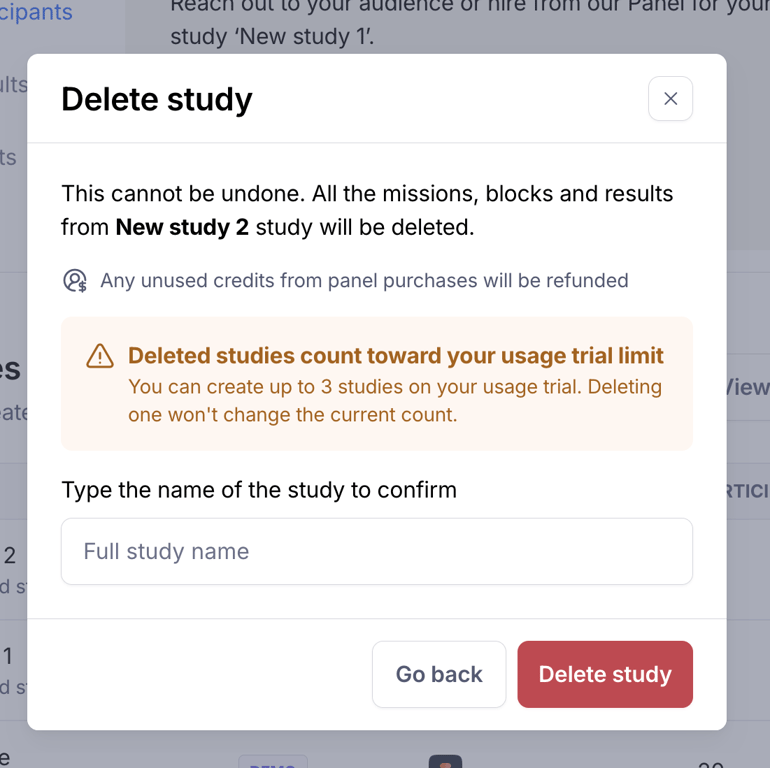
A modal dialog for confirming the deletion of a study, including warnings about data loss and trial limits.

Maze — Message component
Maze logo
Maze

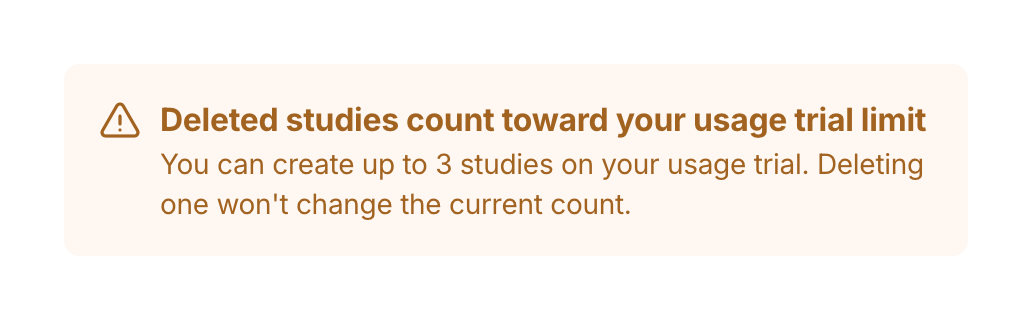
A warning message informing the user about trial usage limits and that deleted studies still count towards the limit.

Maze — Modal component
Maze logo
Maze

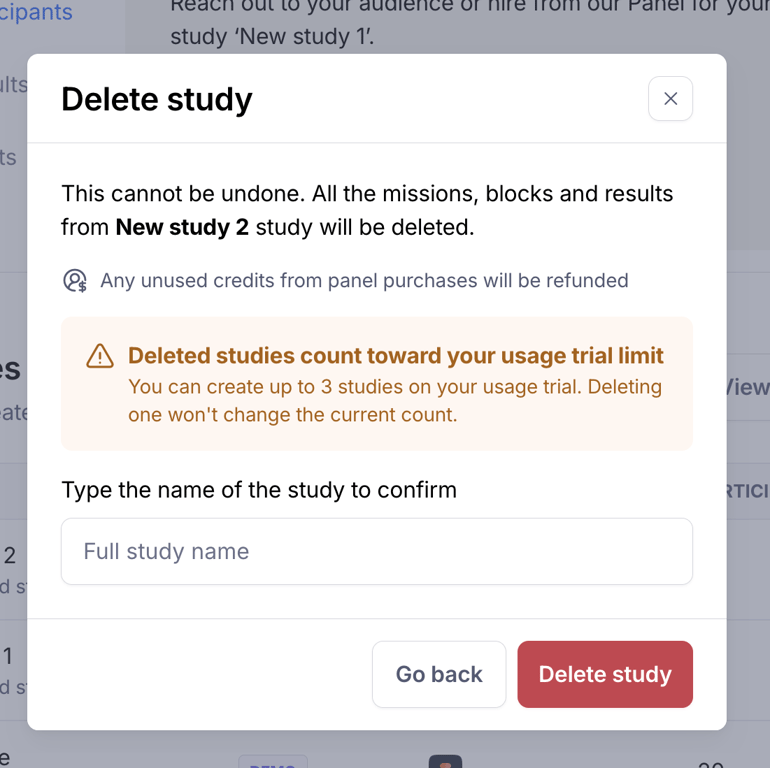
A modal dialog for confirming the deletion of a study, including warnings about data loss and trial limits.

Maze — Message component
Maze logo
Maze

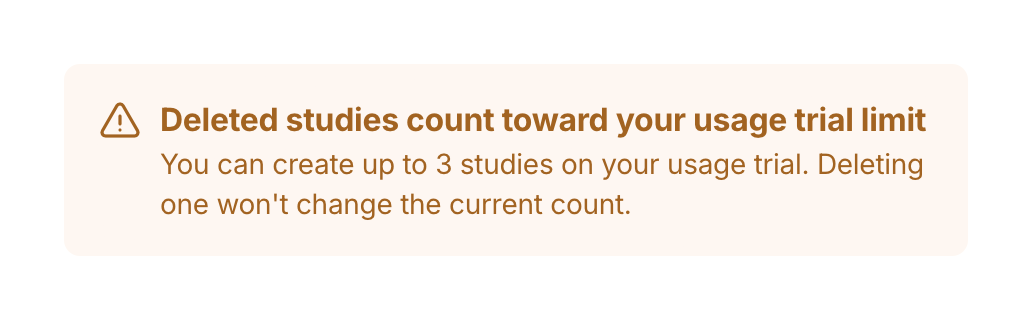
A warning message informing the user about trial usage limits and that deleted studies still count towards the limit.

Maze — Table component
Maze logo
Maze

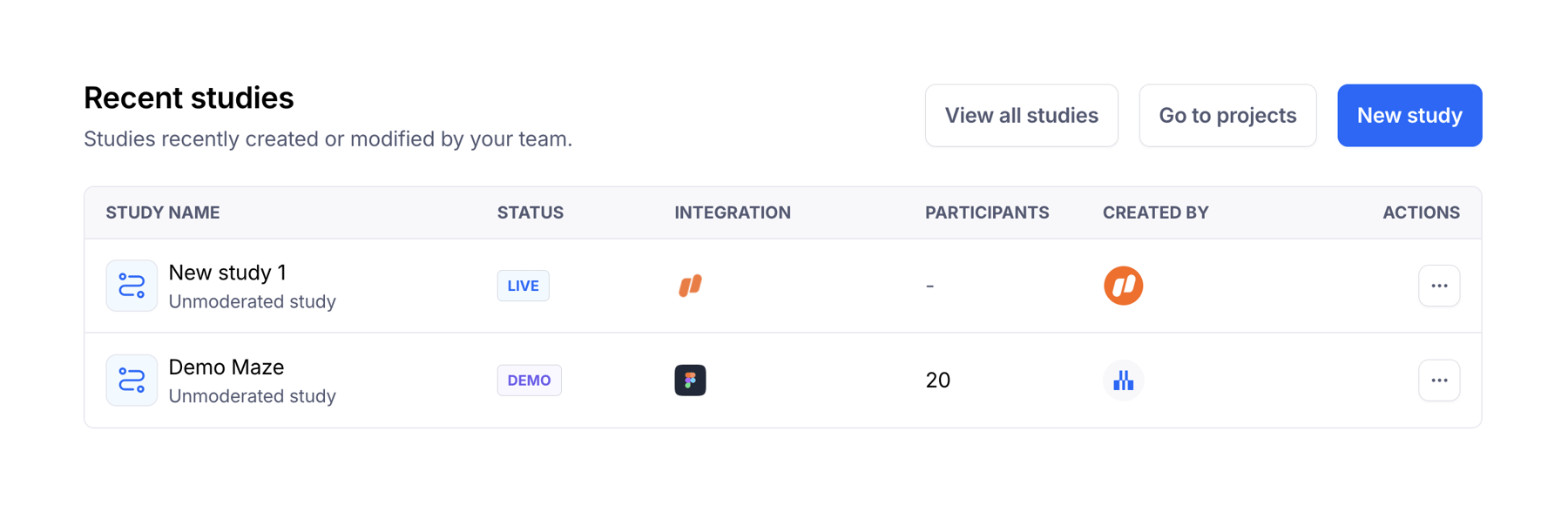
A dashboard section displaying a list of recent studies with their status, integrations, participants, creator, and actions, along with navigation buttons.

Maze — Upgrade your plan component
Maze logo
Maze

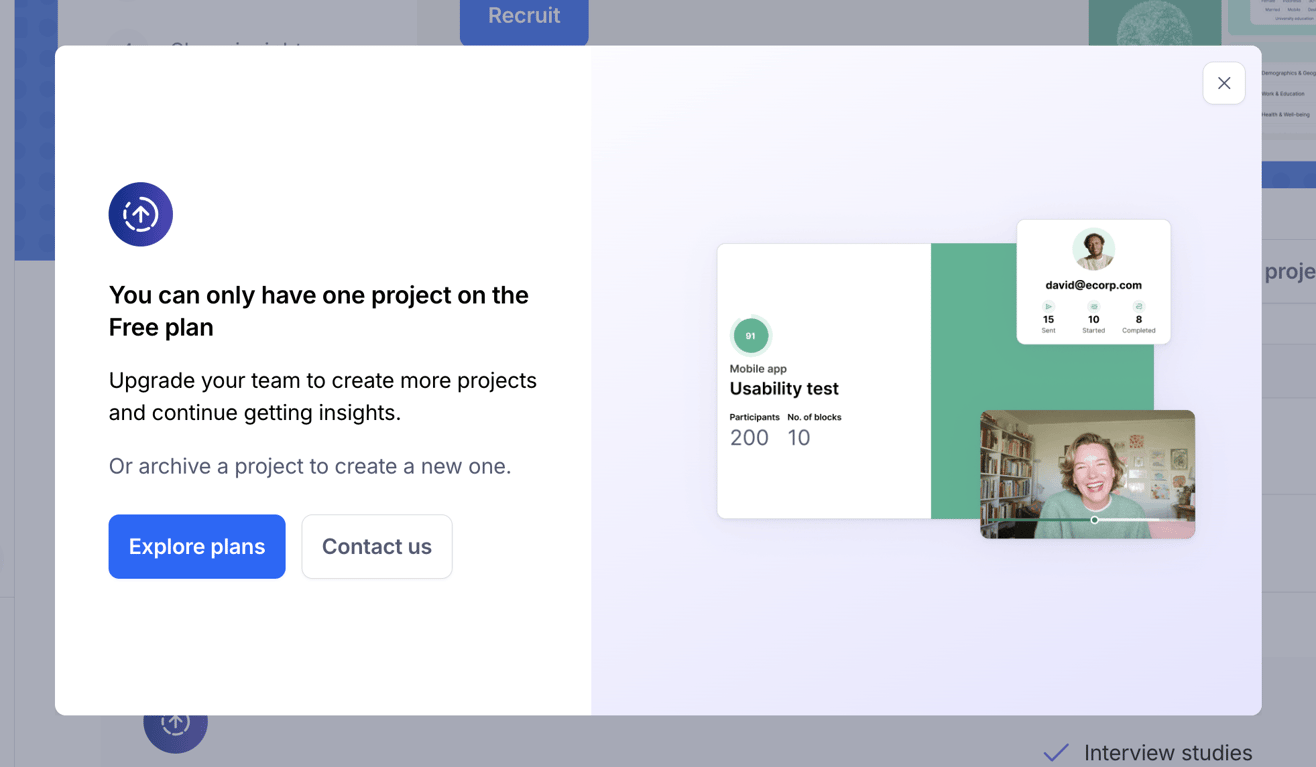
A card displaying a trial limitation message with a call to action to upgrade and a list of premium features.

Maze — Breadcrumb component
Maze logo
Maze

A header with a title and a breadcrumb navigation indicating progress in a study setup process.
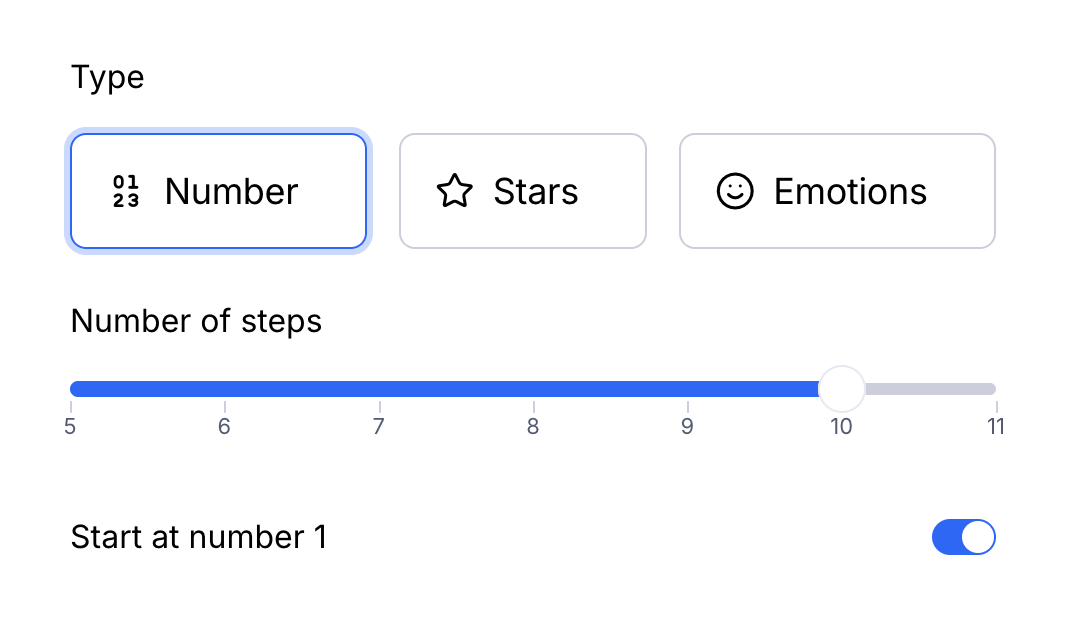
Maze — Slider component
Maze logo
Maze

A user interface for configuring a rating or step selection, featuring type selection buttons, a slider for number of steps, and a toggle switch.

Maze — File upload input component
Maze logo
Maze

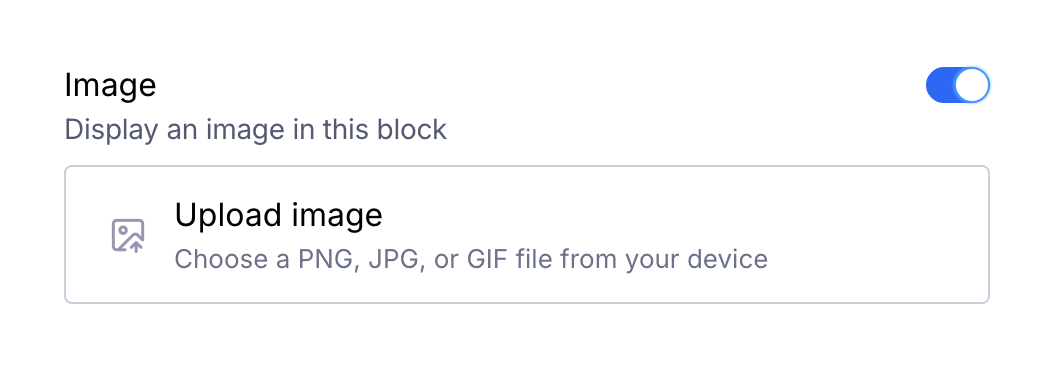
An interface for image upload with a toggle switch

Maze — Input number component
Maze logo
Maze

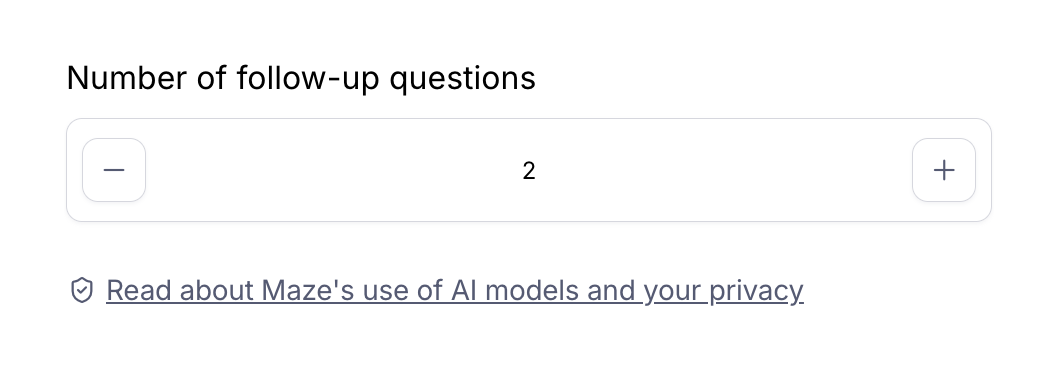
A form section allowing users to specify a number of follow-up questions using a stepper control, accompanied by a privacy link.

Browse the full component library

Browse the full UI component library.

Trusted by the best teams