Maybe Finance product screens examples
Browse Maybe Finance screen design examples. Preview the interface screenshots and explore related UI patterns. The personal finance app for everyone
Explore the examples


Sign-in screen where the user authenticates with their email address and password.
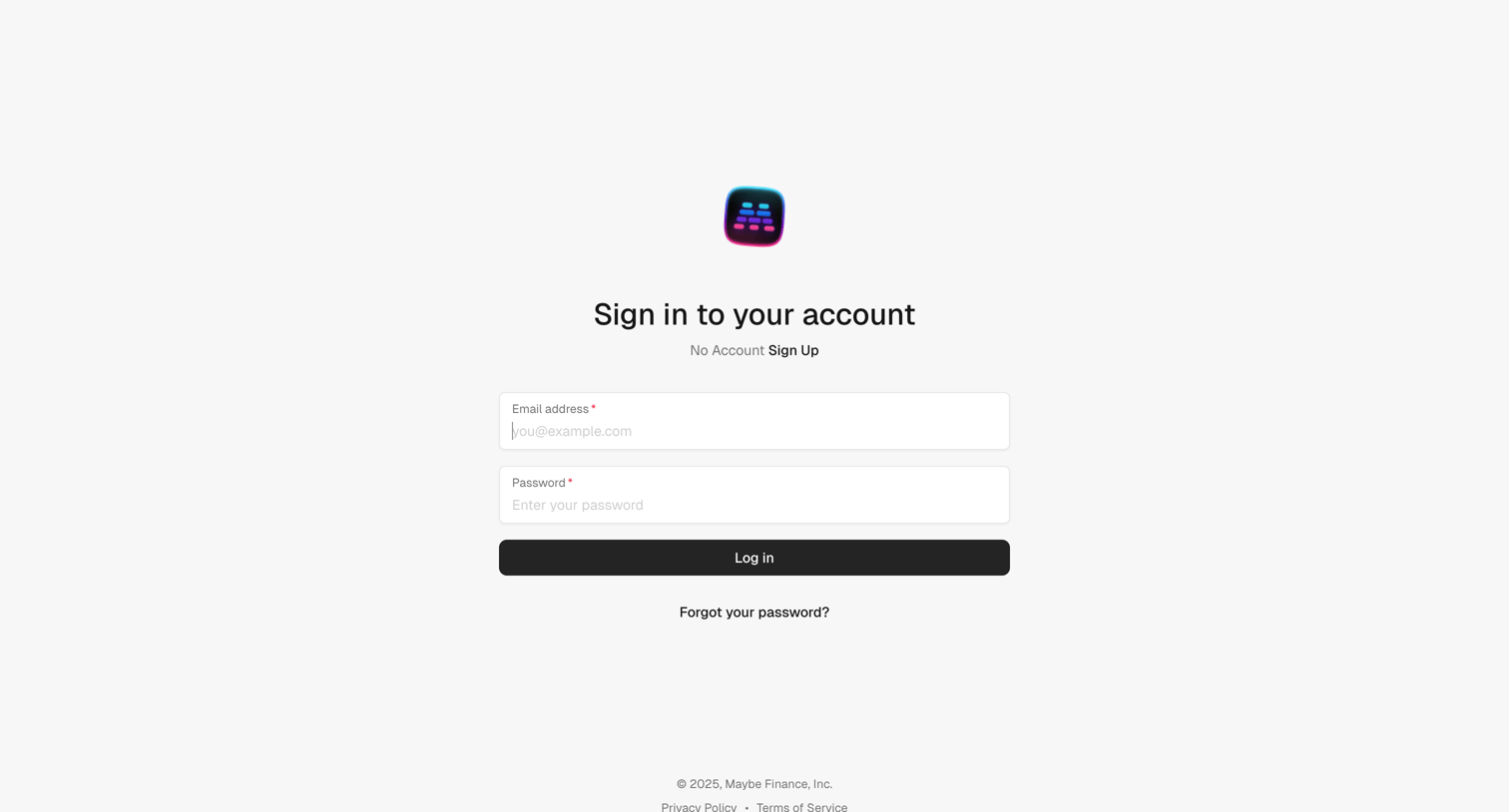
Sign-in screen where the user authenticates with their email address and password.
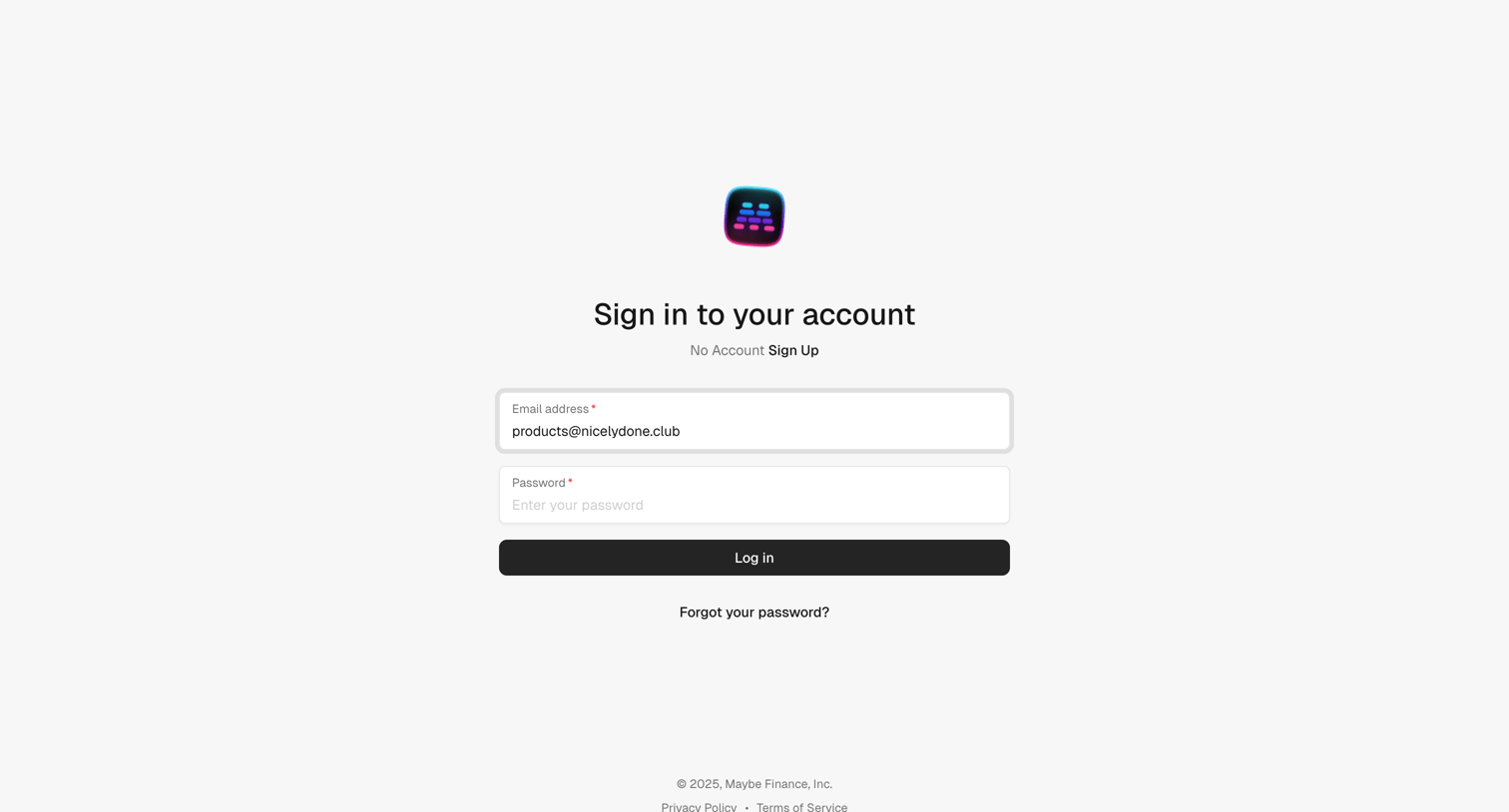
Sign-in screen where the user authenticates with their email address and password.
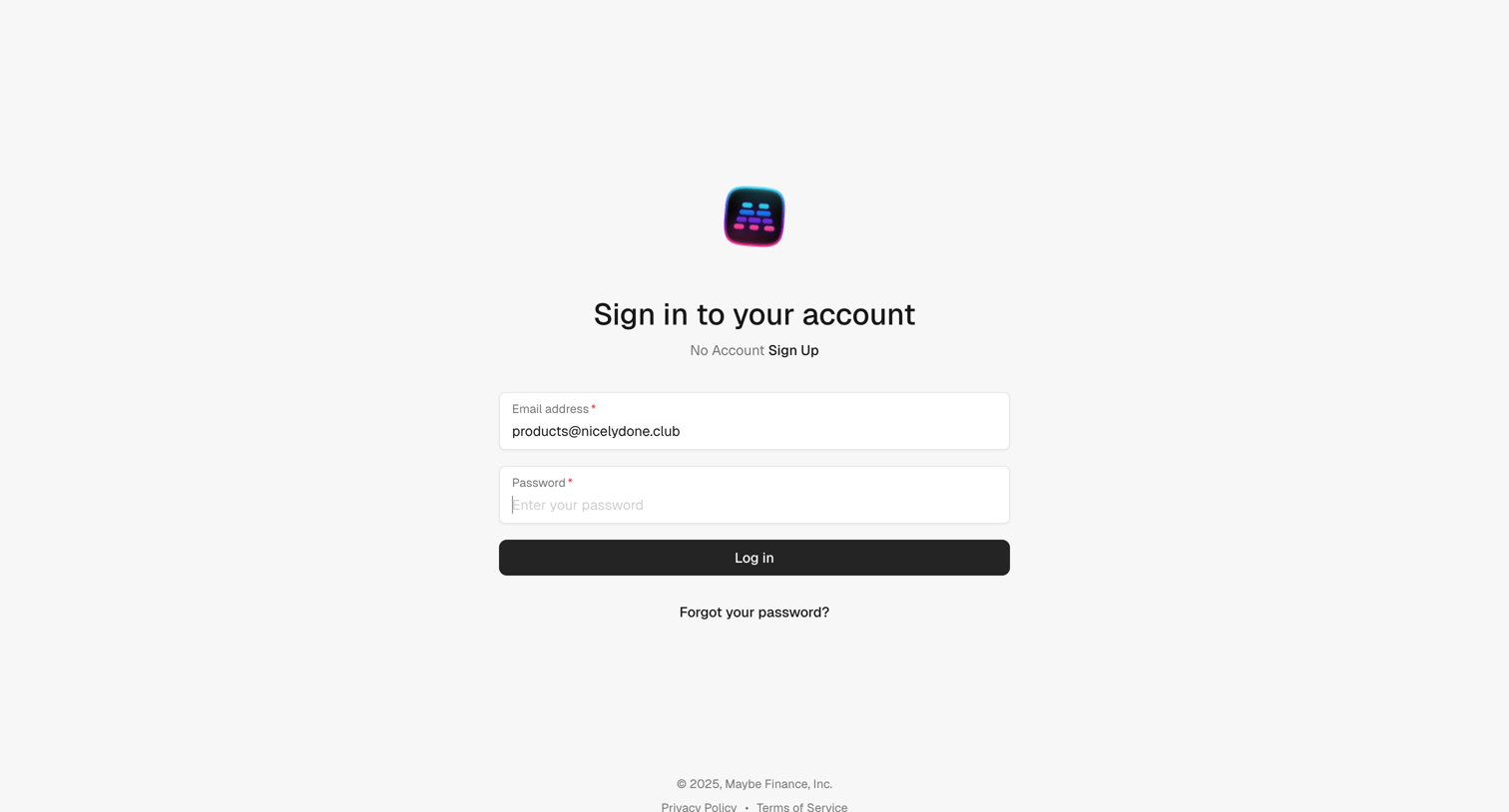
Sign-in screen where the user authenticates with their email address and password.
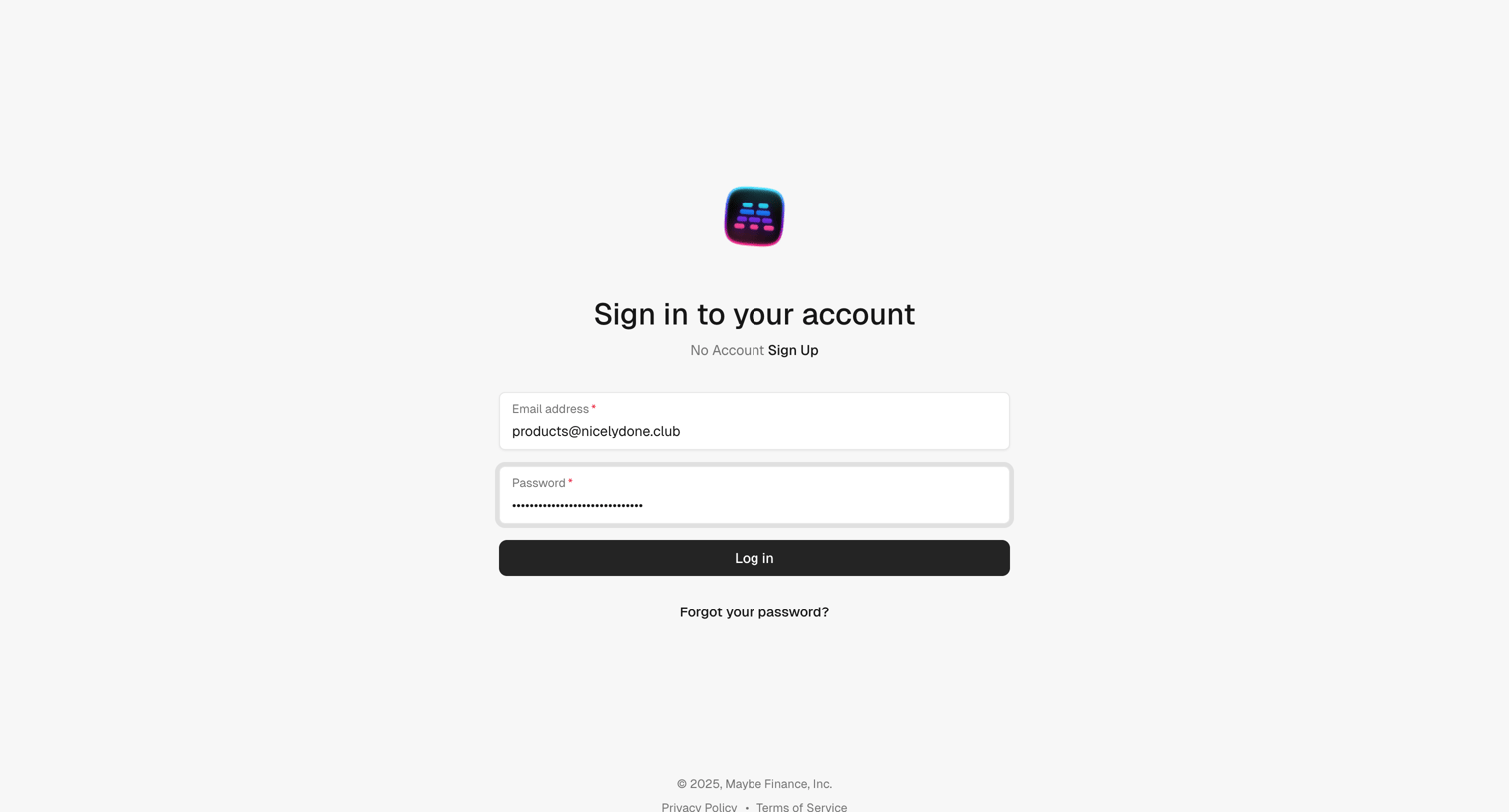
Sign-in screen where the user authenticates with their email address and password.
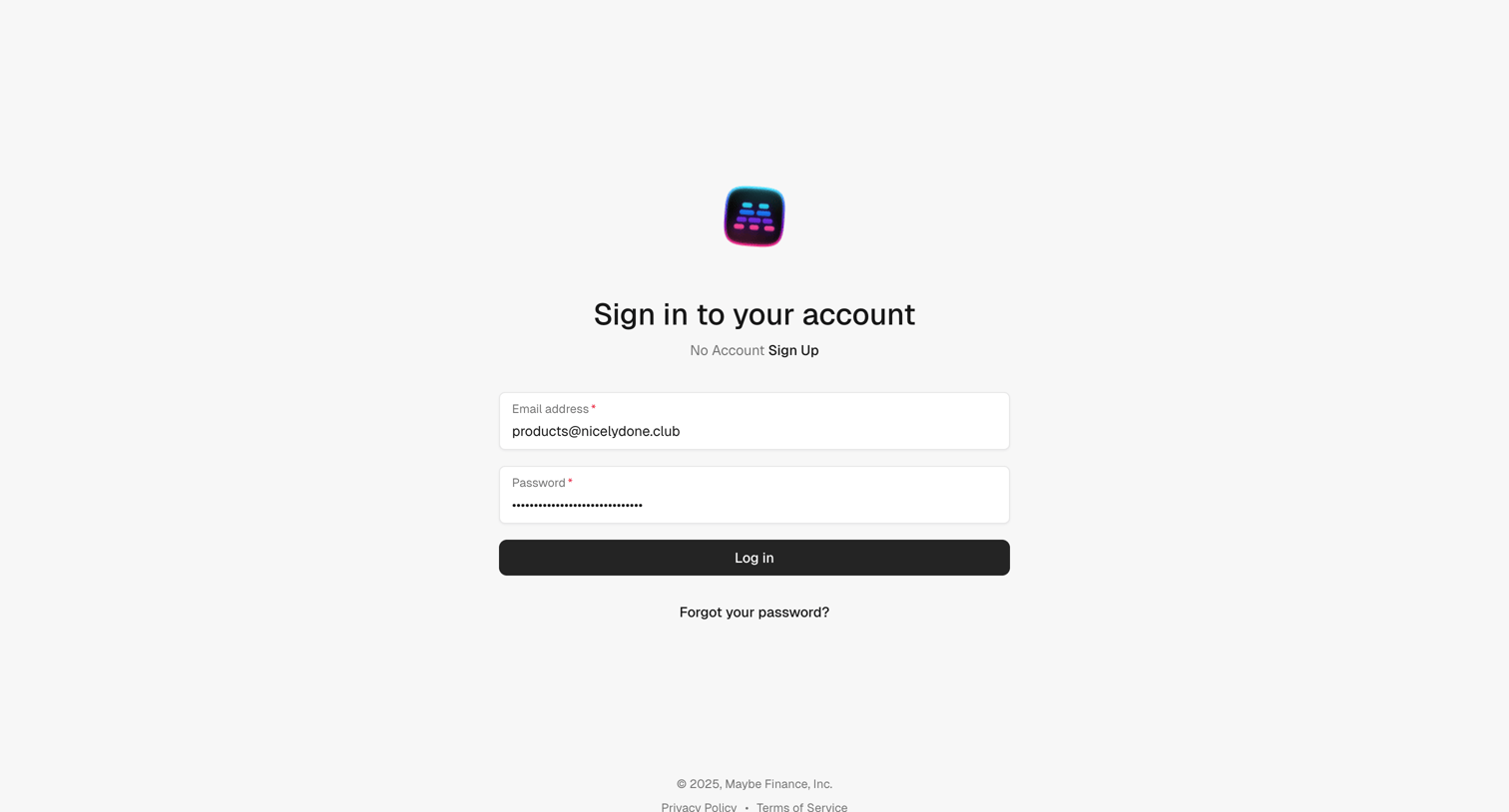
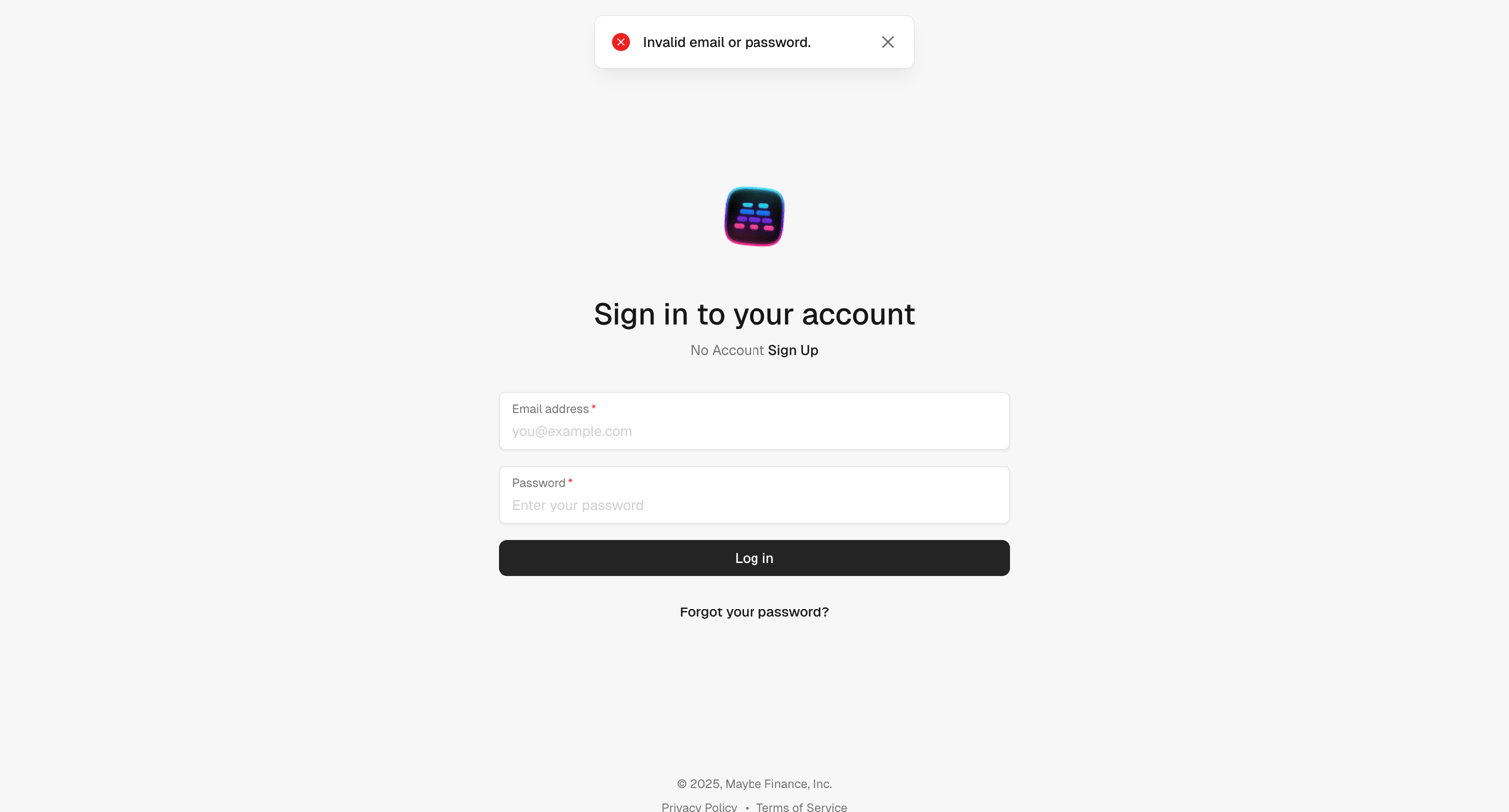
Sign-in screen where the user is presented with an invalid email or password error while attempting to authenticate.
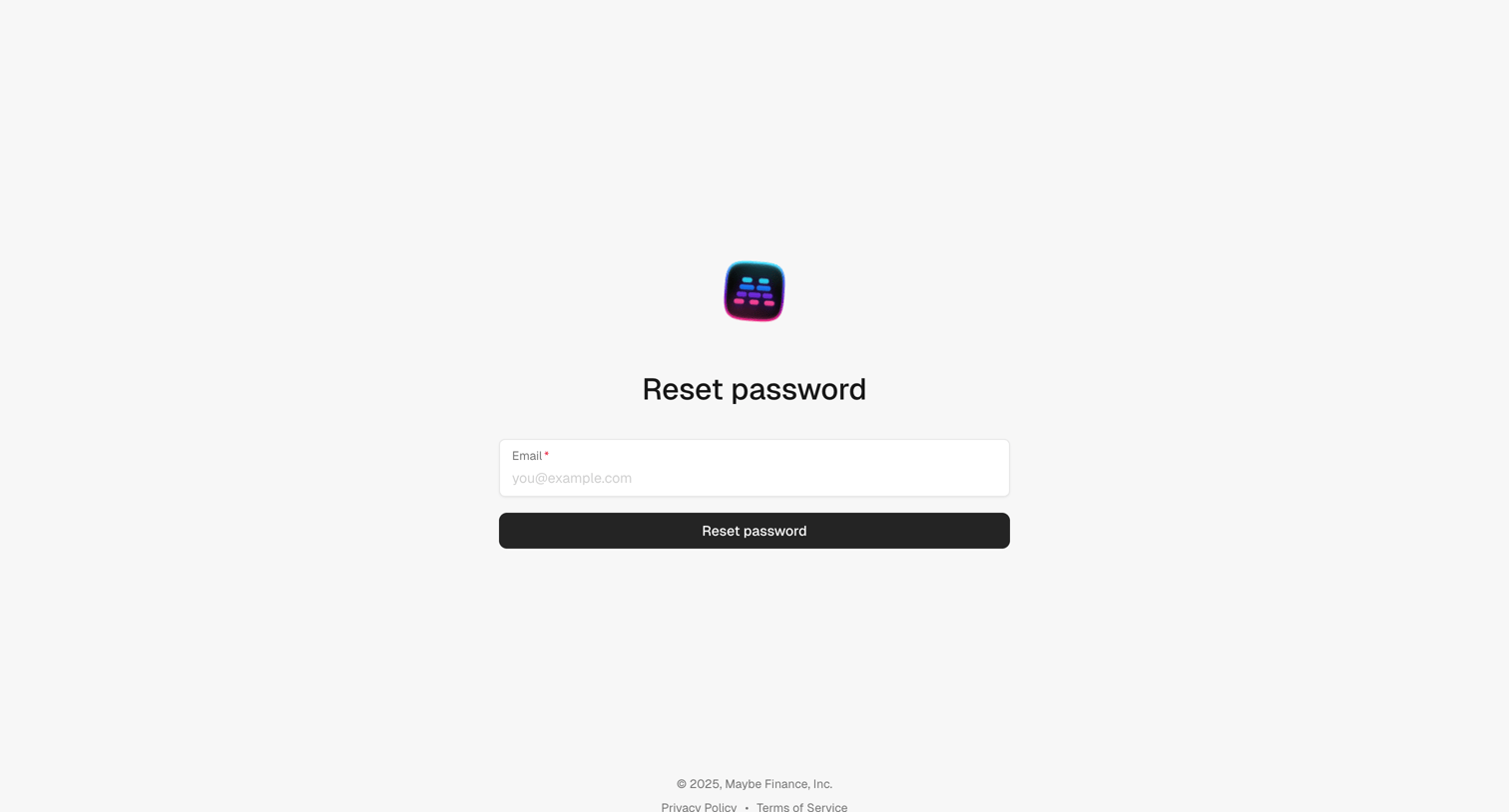
Password recovery screen where the user enters their email address to receive a reset link.
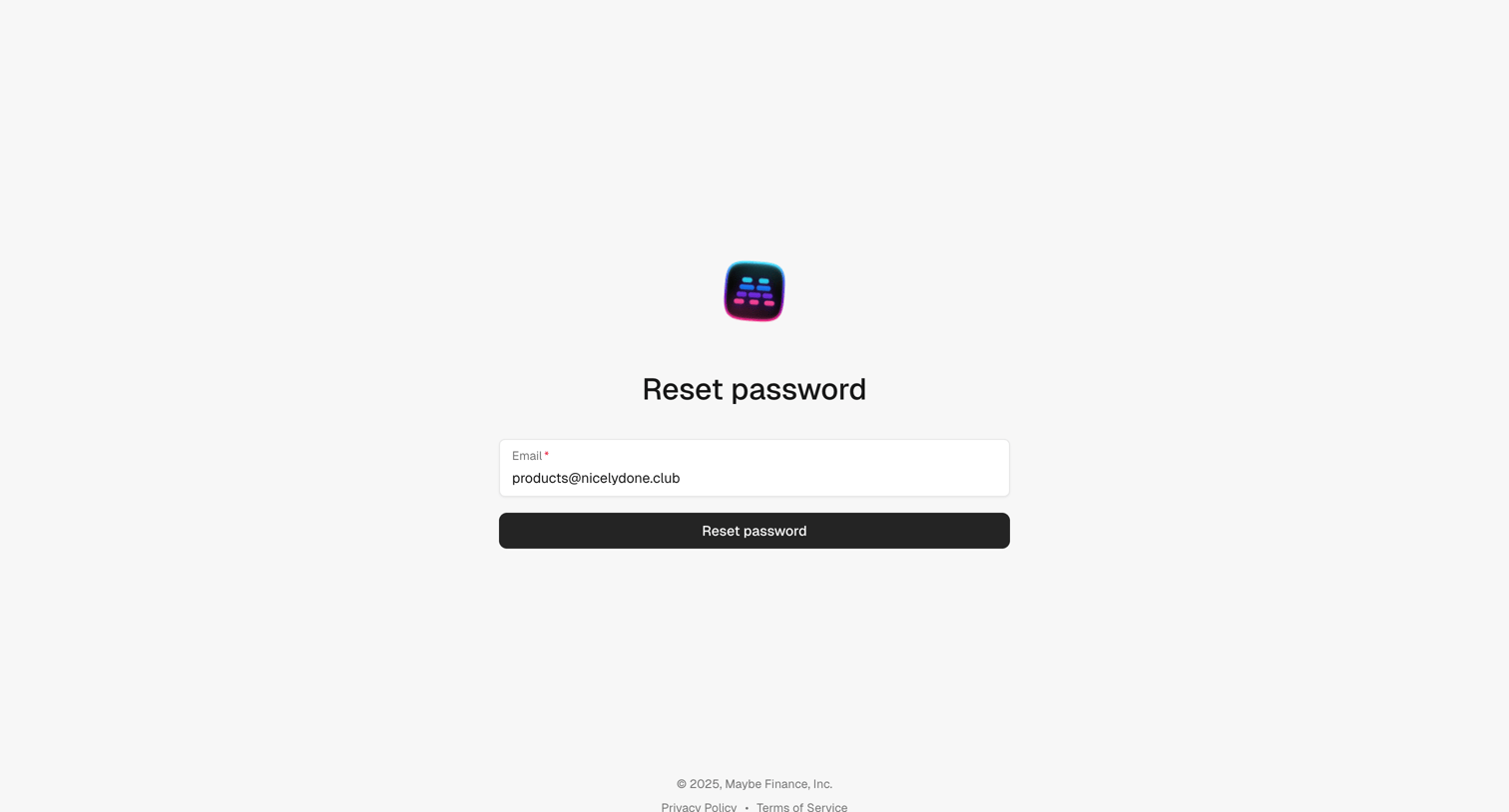
Password recovery screen where the user enters their email address to receive a reset link.
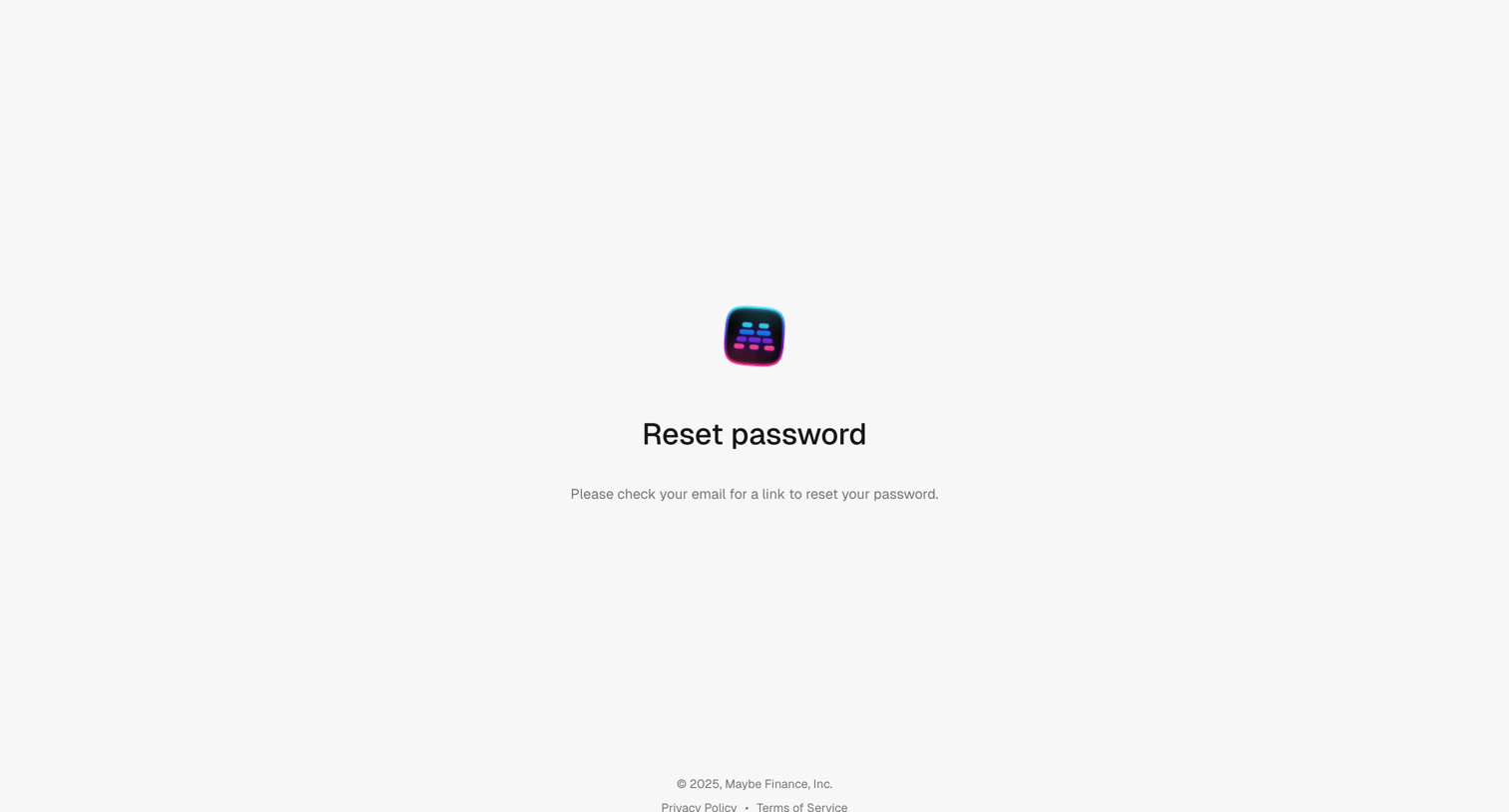
Password recovery screen instructing the user to check their email for a reset link.
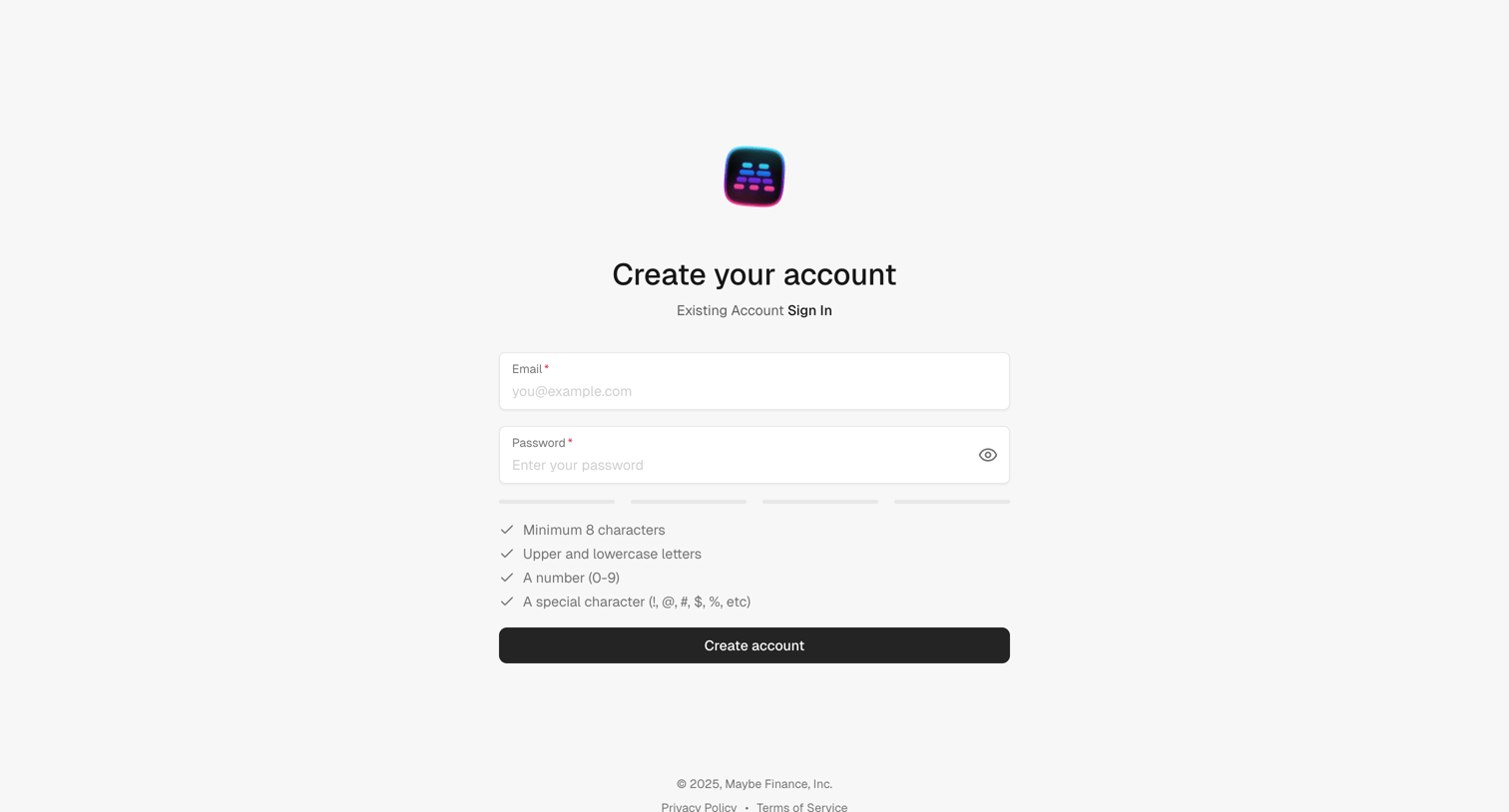
Signup screen where the user creates a new account using an email and password, featuring an inline password strength meter and requirement checklist.
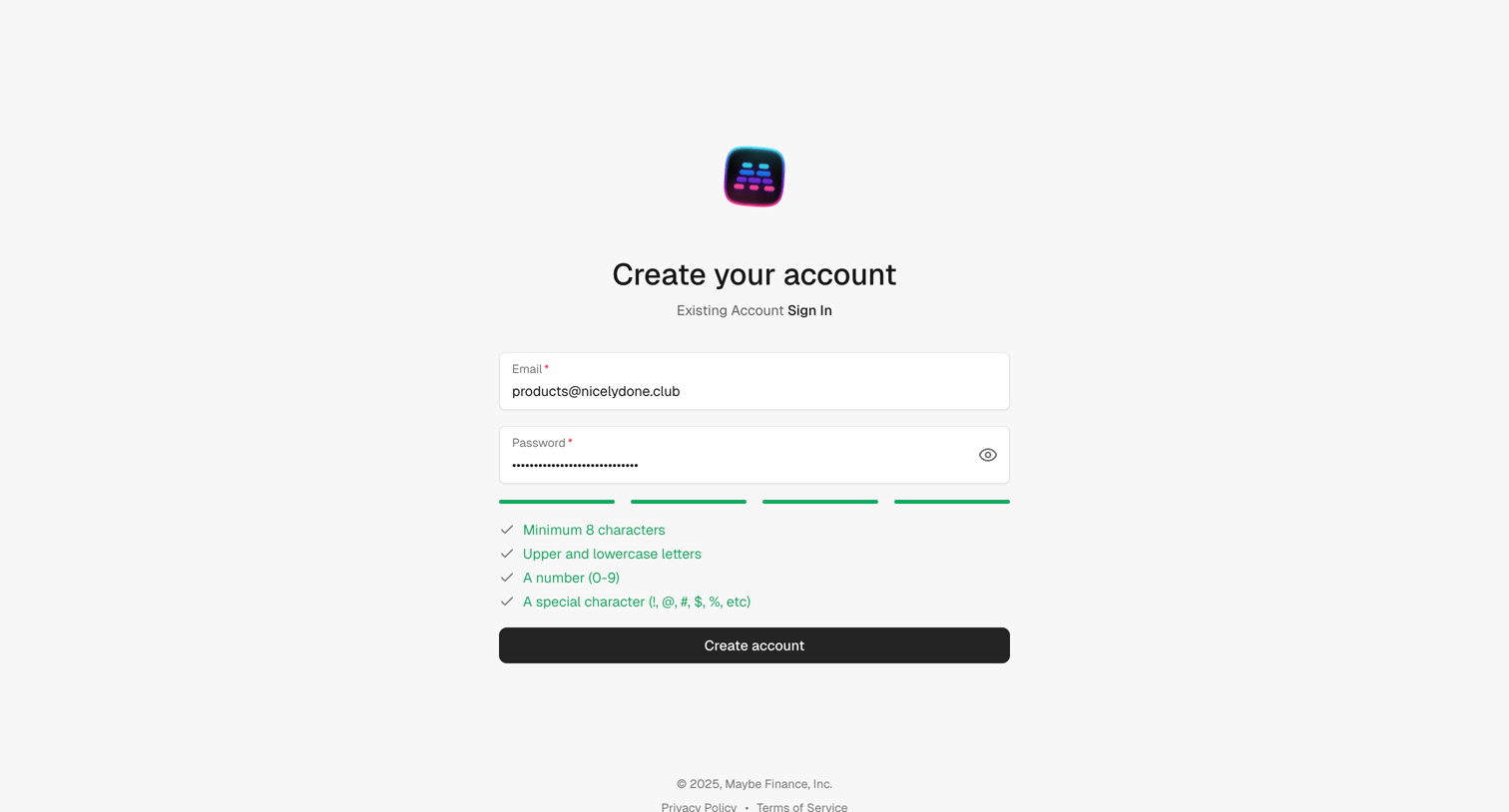
Signup page where the user enters their email and a secure password that meets four specific criteria to create an account.
Explore the full SaaS screen library
Upgrade to unlock the full library.
Trusted by the best teams







