Skip to content

Loom product screens examples

Browse Loom screen design examples. Preview the interface screenshots and explore related UI patterns. Video messaging for work

Explore the examples
Loom - Log into Loom | Loom screen
Loom logo
Loom

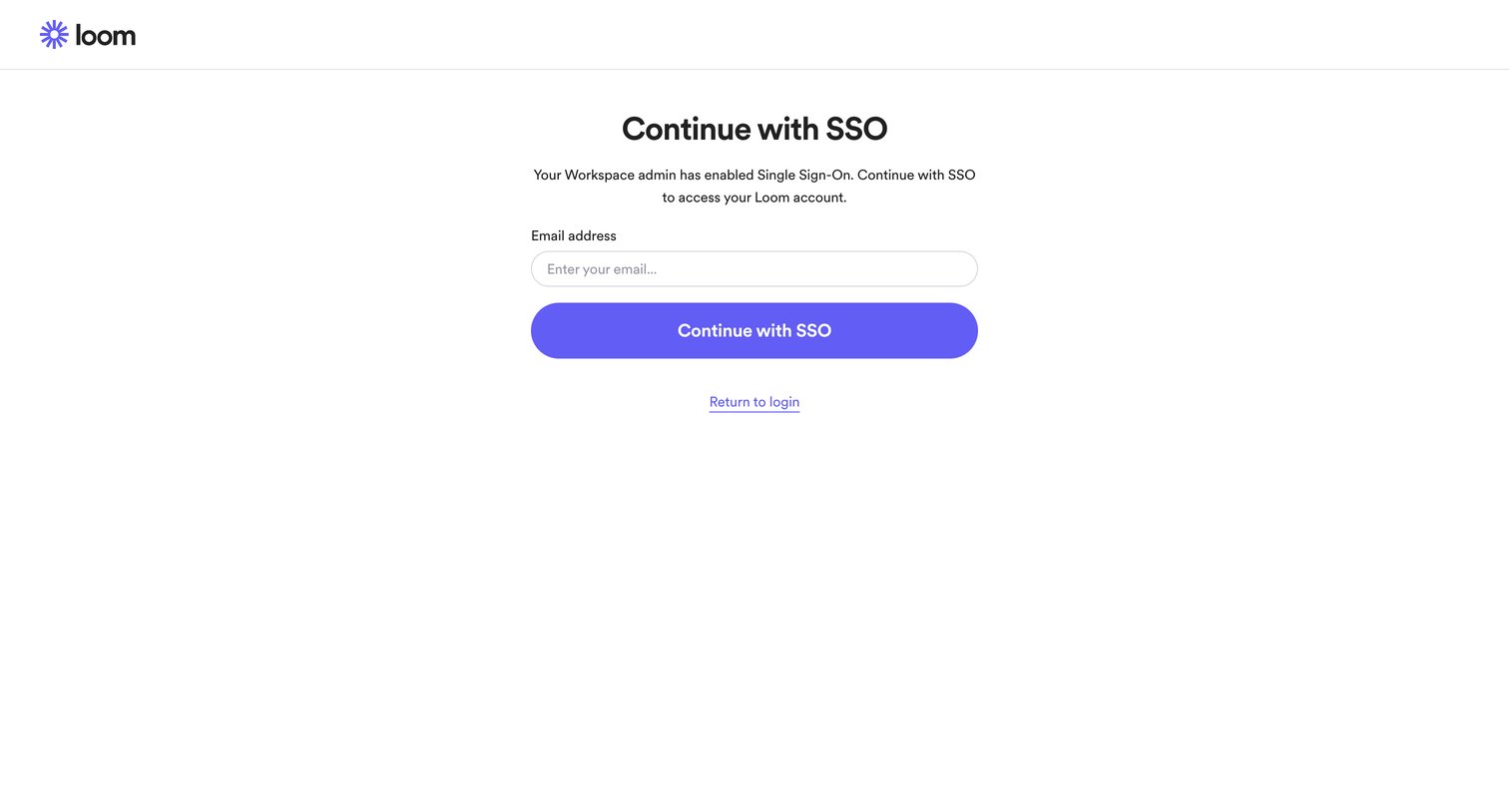
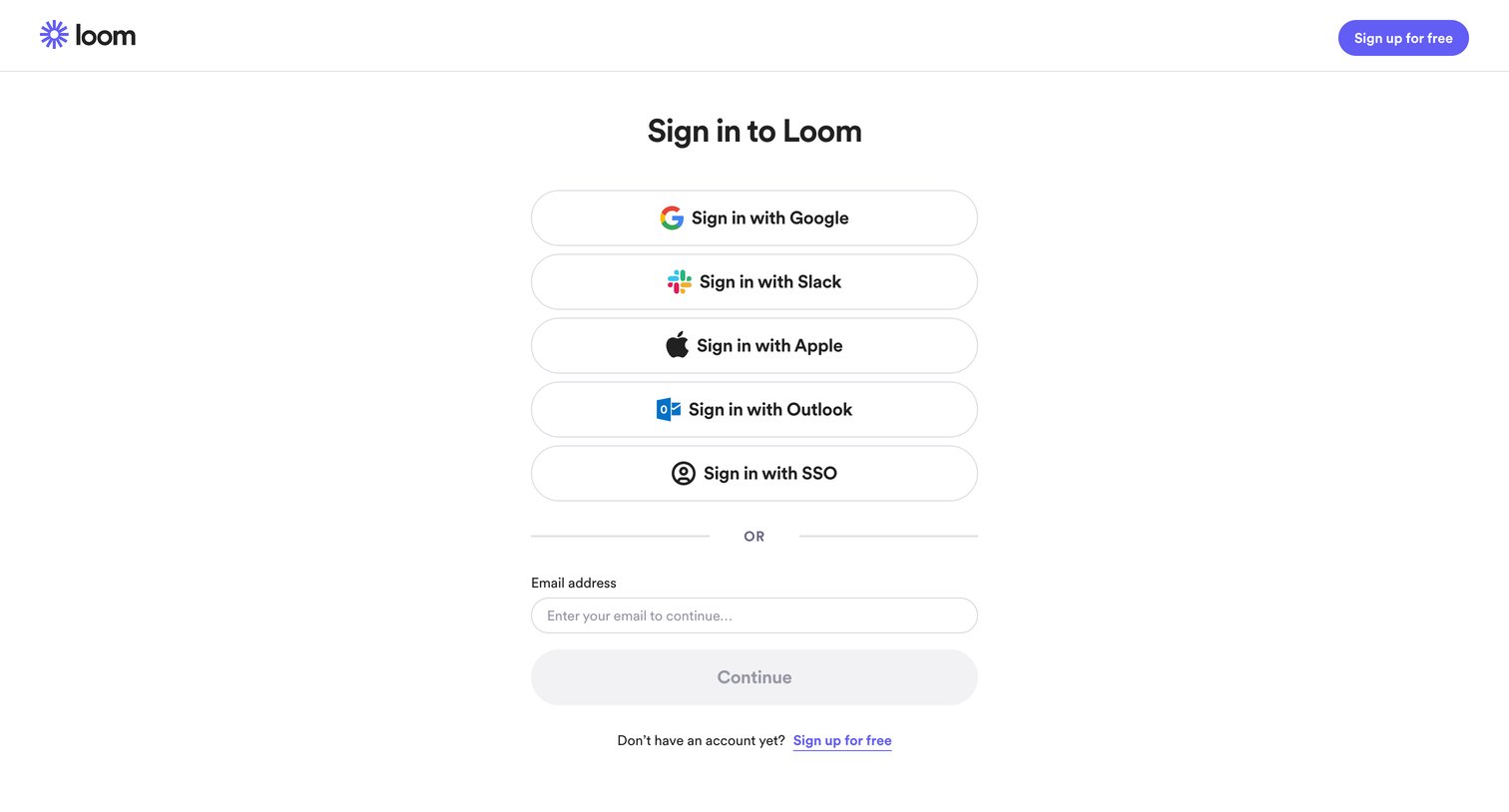
Sign-in screen where the user authenticates with Google, Slack, Apple, Outlook, SSO, or email.

Loom - Log into Loom with SSO | Loom screen
Loom logo
Loom

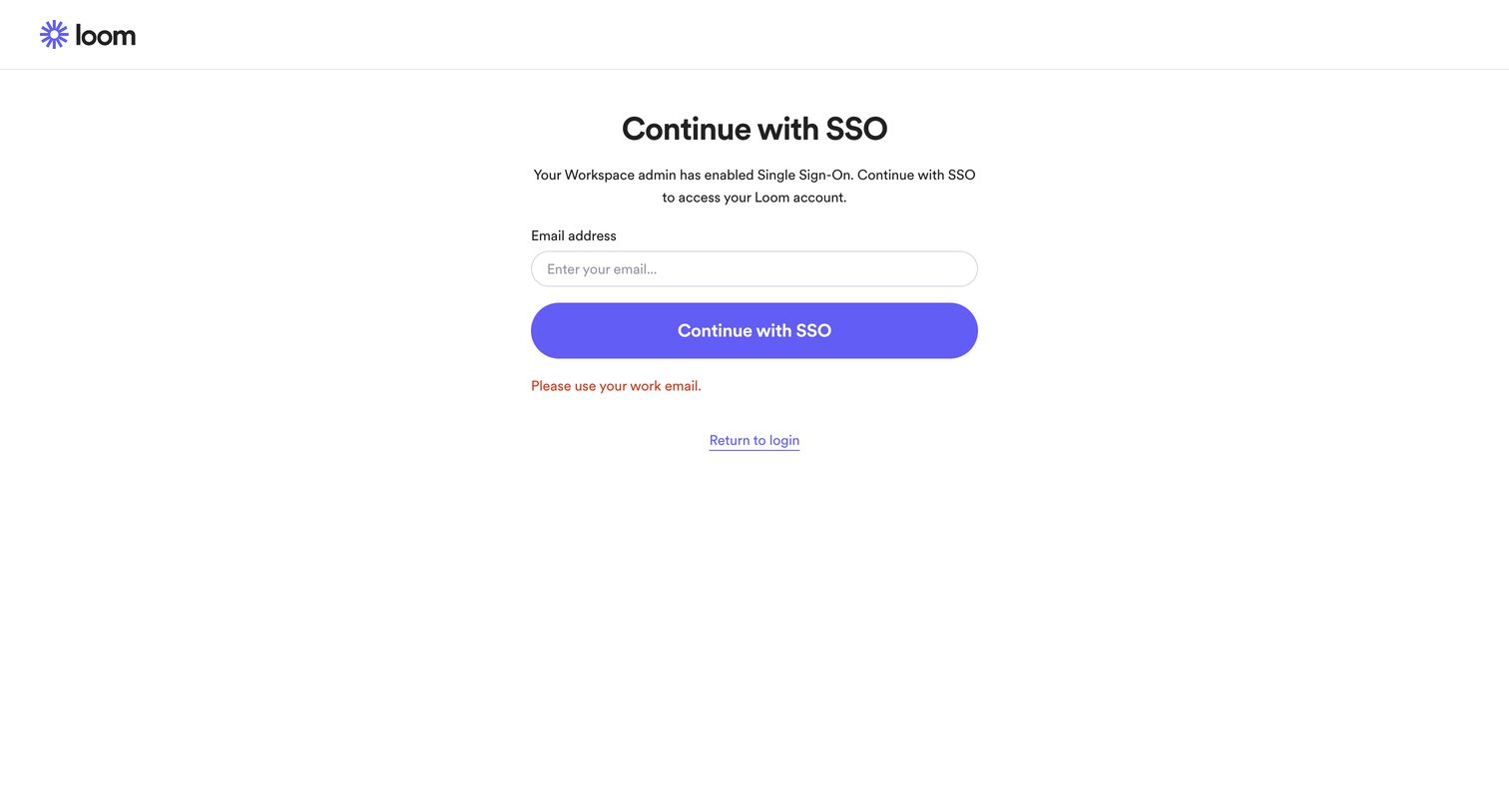
Sign-in screen where the user enters their email address to authenticate via their workspace's Single Sign-On provider.

Loom - Log into Loom with SSO | Loom screen
Loom logo
Loom

Sign-in screen where the user is prompted to enter their work email to authenticate via Single Sign-On.

Loom - Log into Loom | Loom screen
Loom logo
Loom

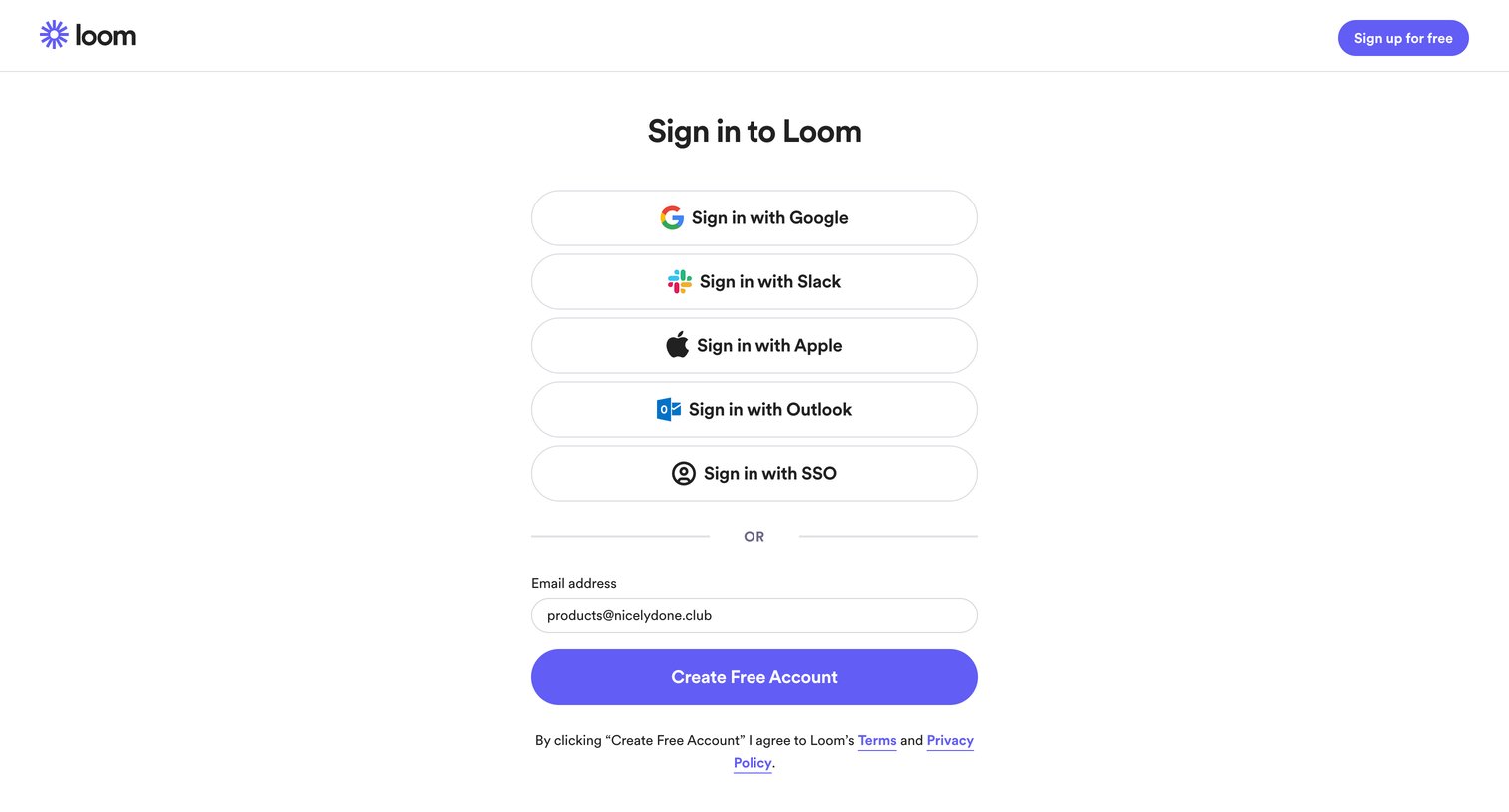
Sign-in screen where the user authenticates with Google, Slack, Apple, Outlook, SSO, or enters their email to create a free account.

Loom - Sign up for Loom | Loom screen
Loom logo
Loom

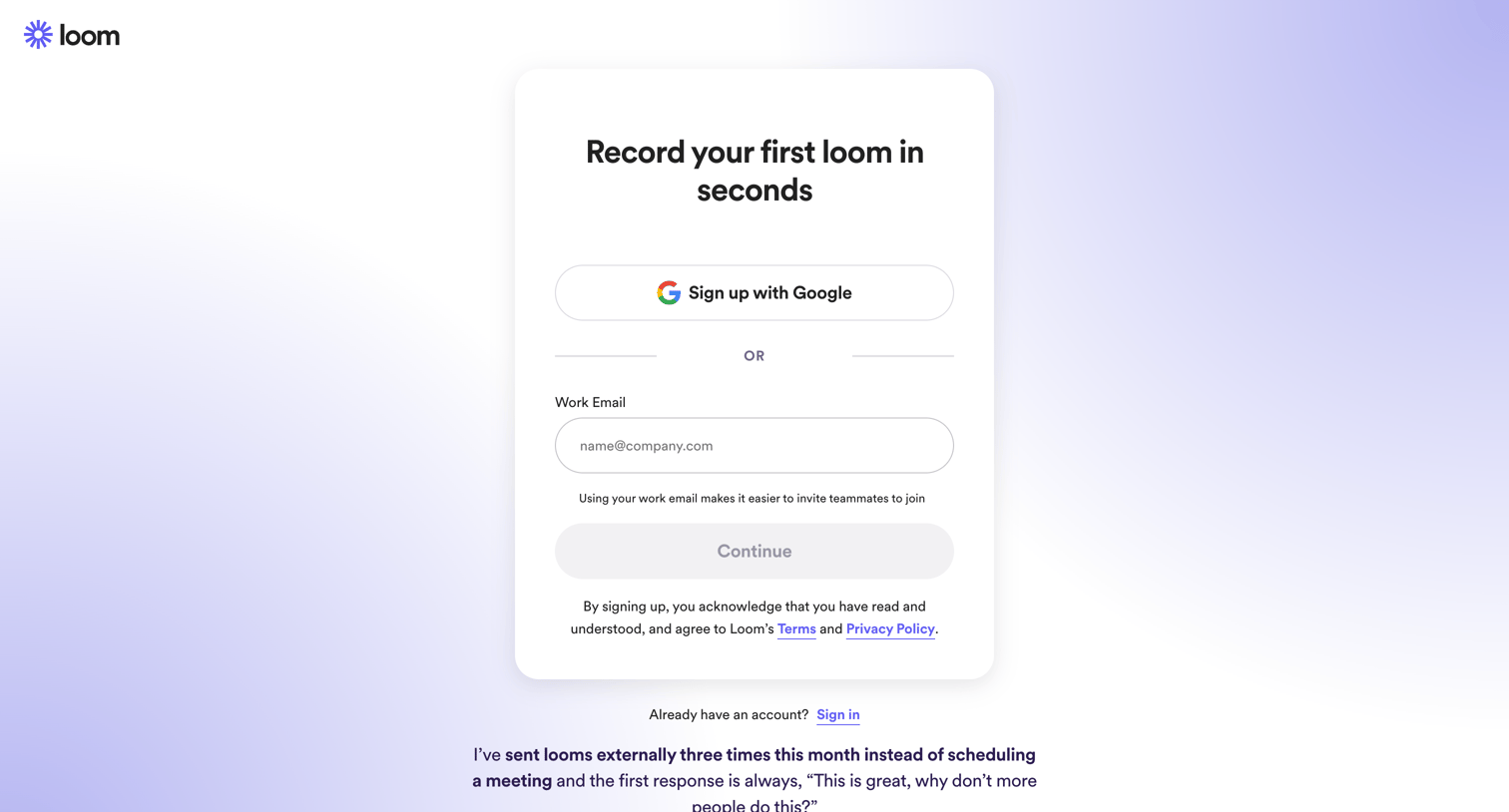
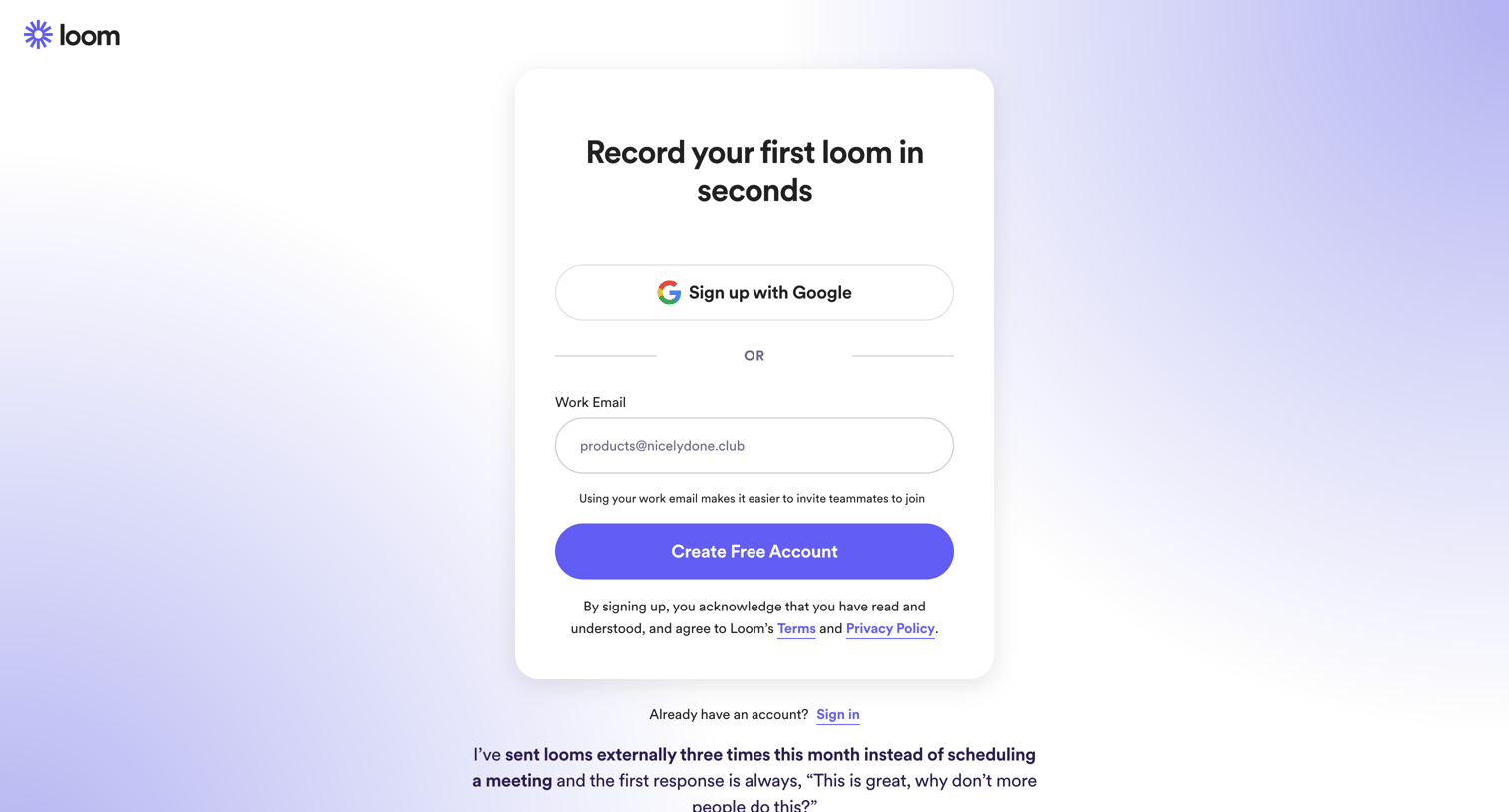
Signup screen where the user can create an account using Google or a work email, featuring a customer testimonial at the bottom.

Loom - Sign up for Loom | Loom screen
Loom logo
Loom

Signup screen where the user creates an account using Google or a work email, accompanied by a customer testimonial.

Loom - Sign up for Loom | Loom screen
Loom logo
Loom

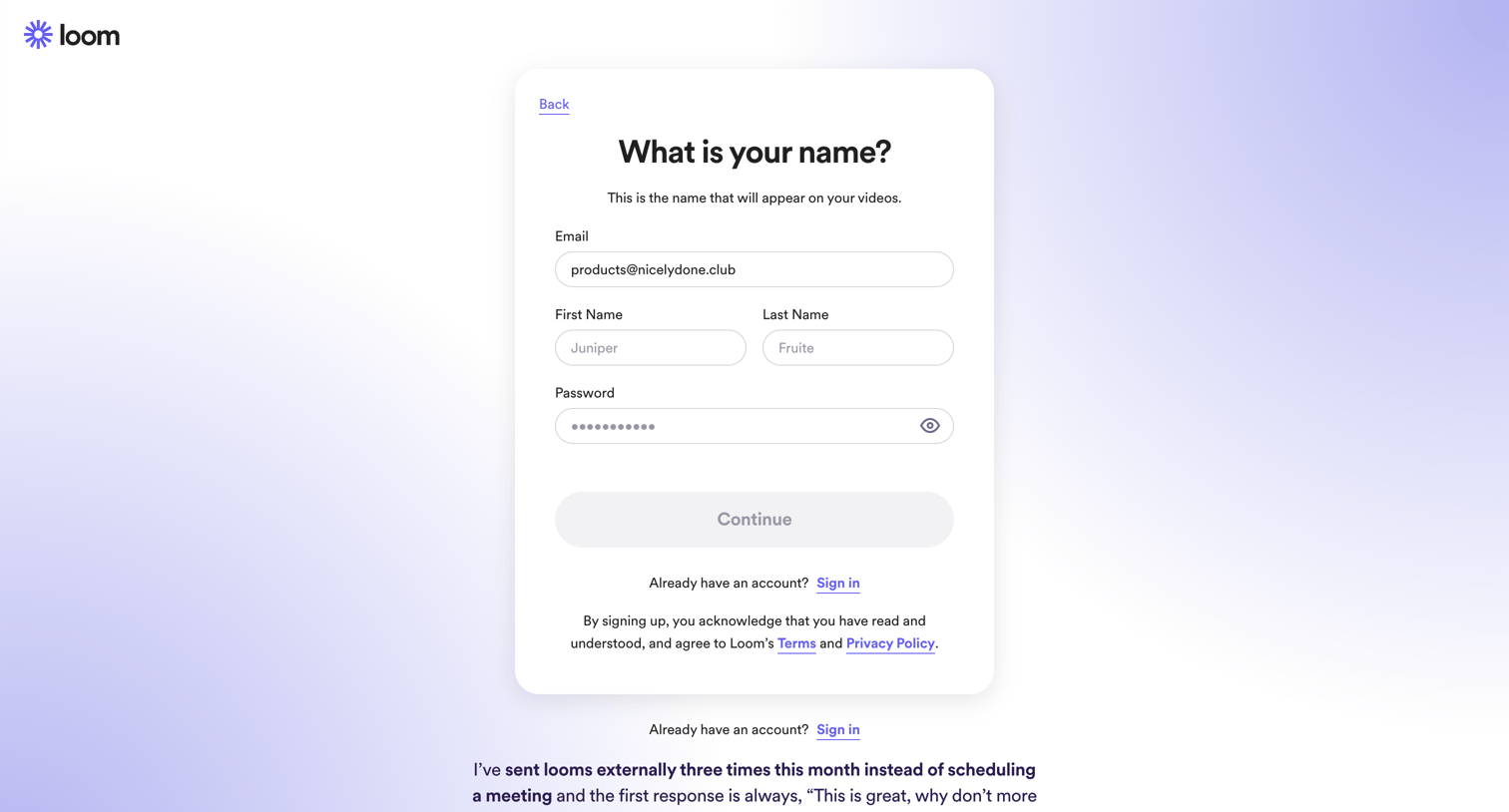
Signup step where the user enters their name and password to complete account creation after providing an email address.
Loom - Sign up for Loom | Loom screen
Loom logo
Loom

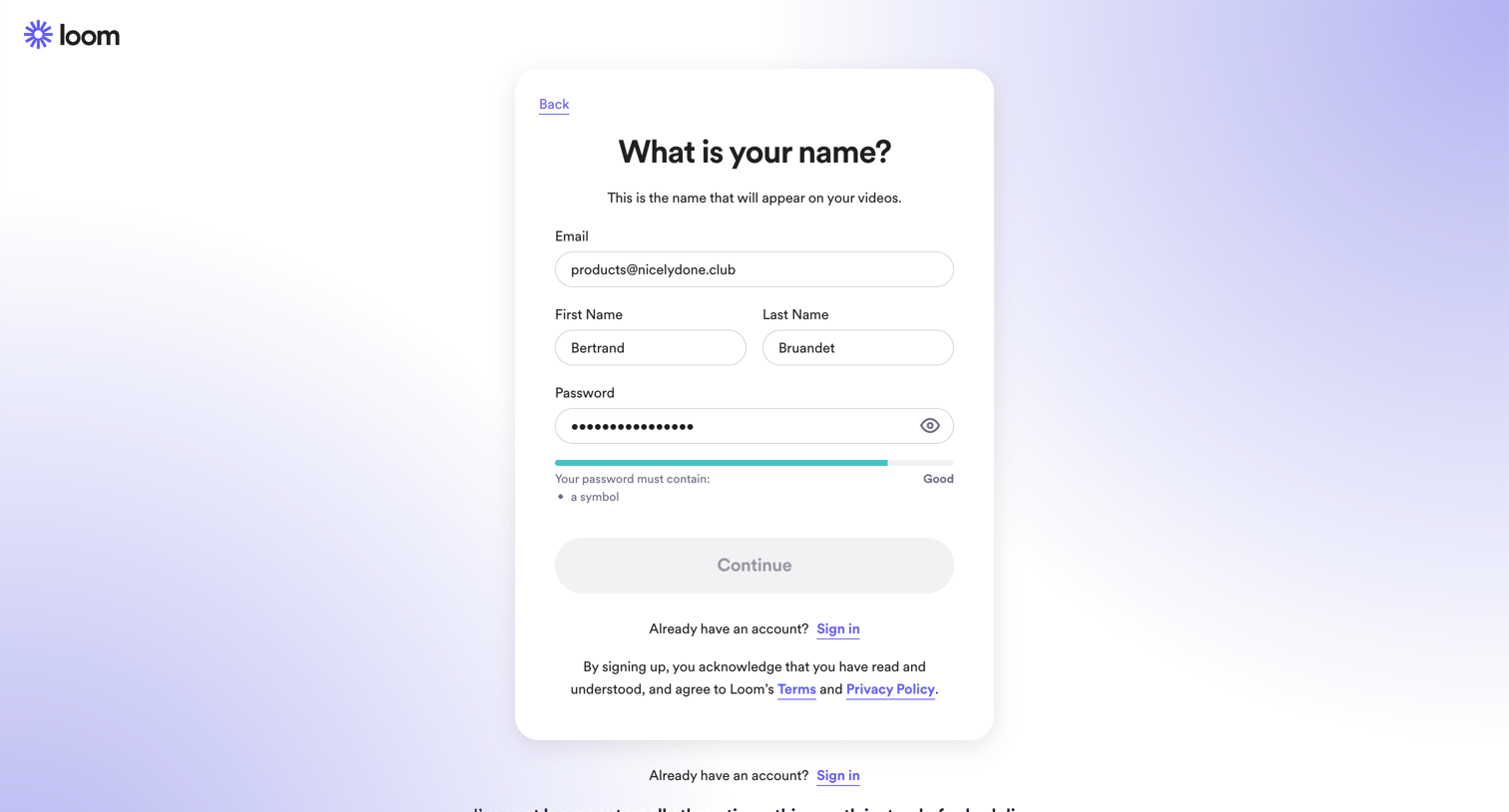
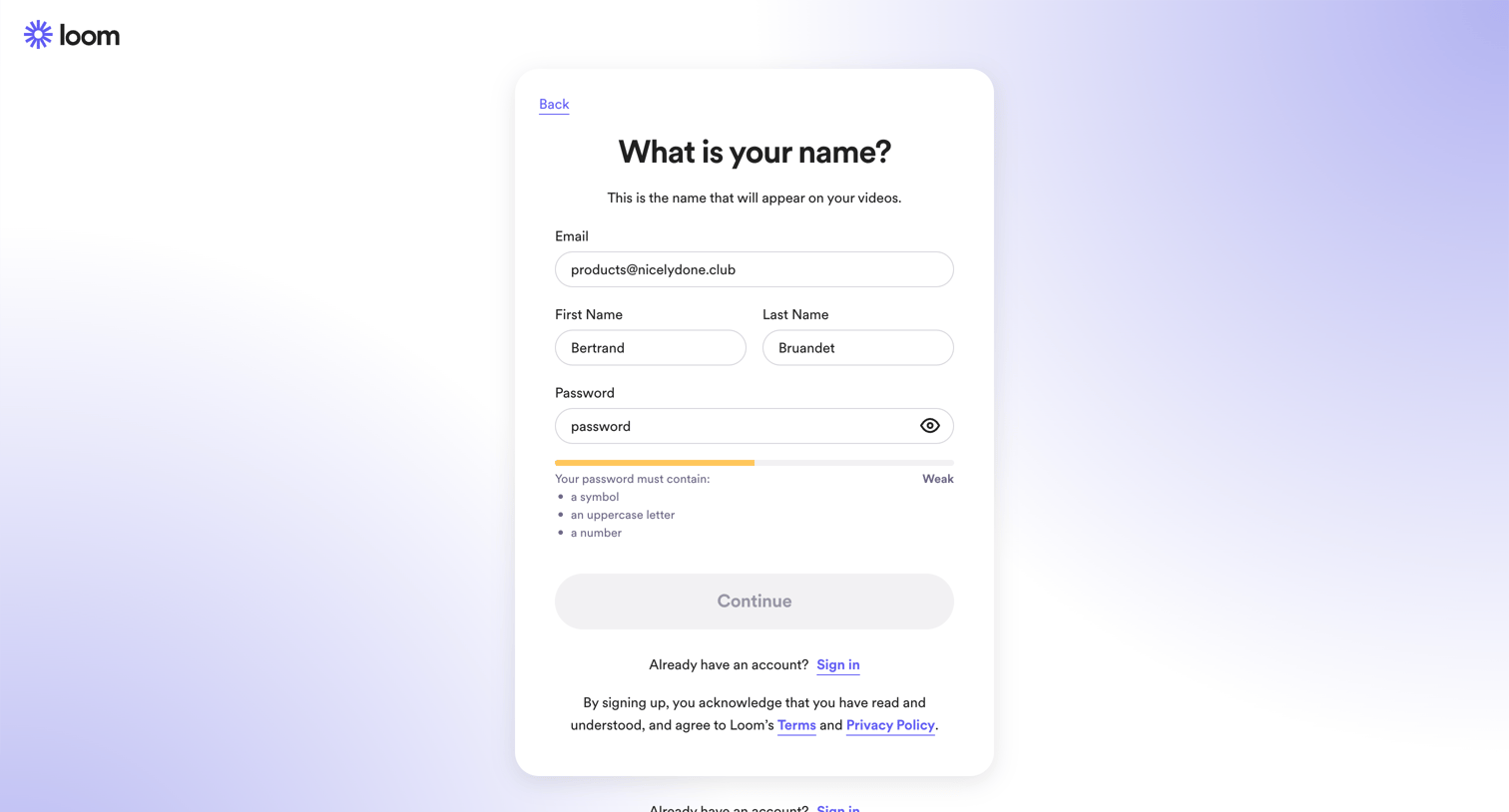
Signup step where the user enters their name and password to create an account, featuring a password strength meter and a customer testimonial.
Loom - Sign up for Loom | Loom screen
Loom logo
Loom

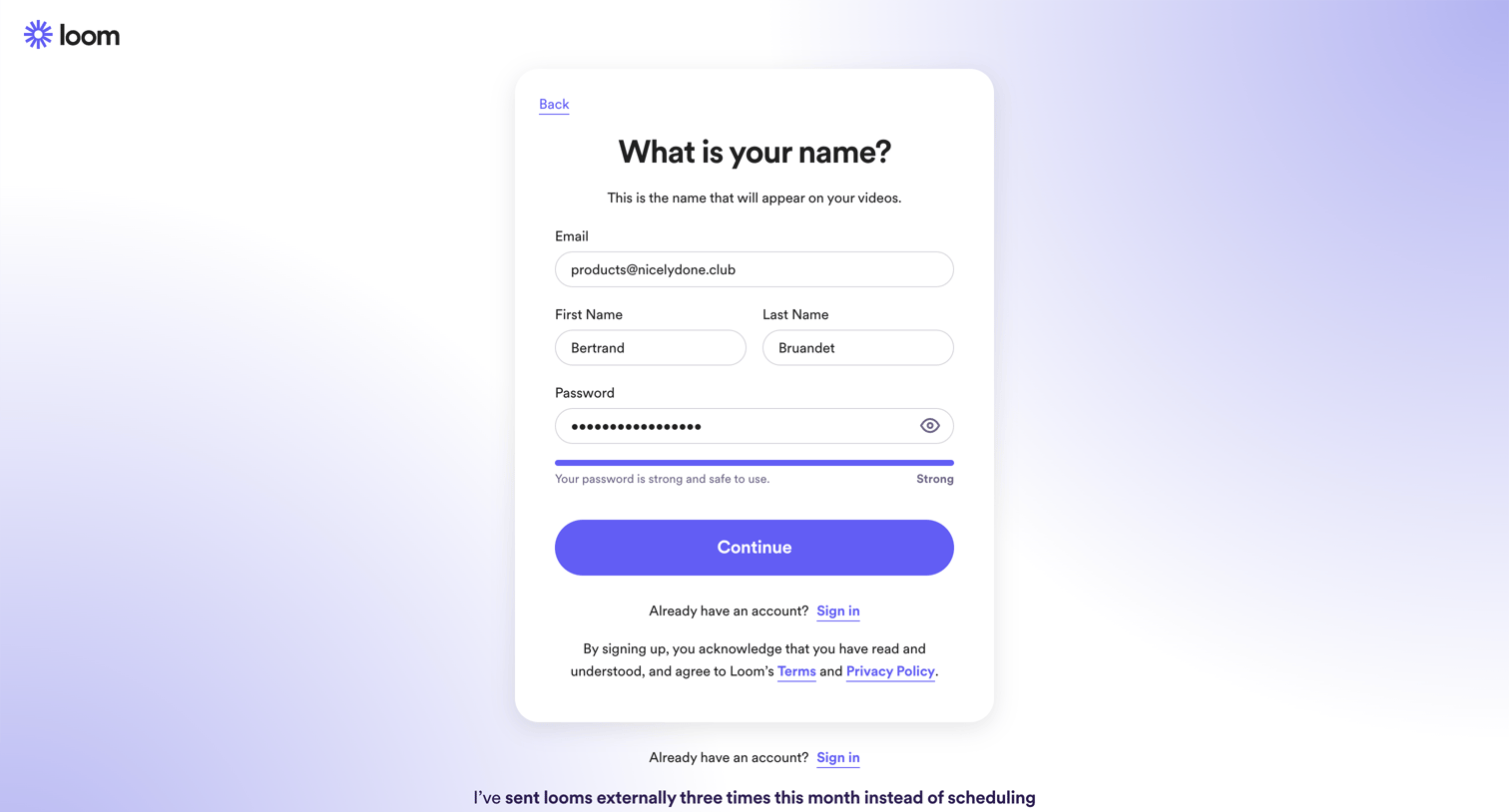
Signup step where the user enters their name and sets a password, featuring a password strength meter and a customer testimonial.
Loom - Sign up for Loom | Loom screen
Loom logo
Loom

Signup step where the user provides their name and sets a password to create an account.
Loom - Verify the email for your Loom account | Loom screen
Loom logo
Loom

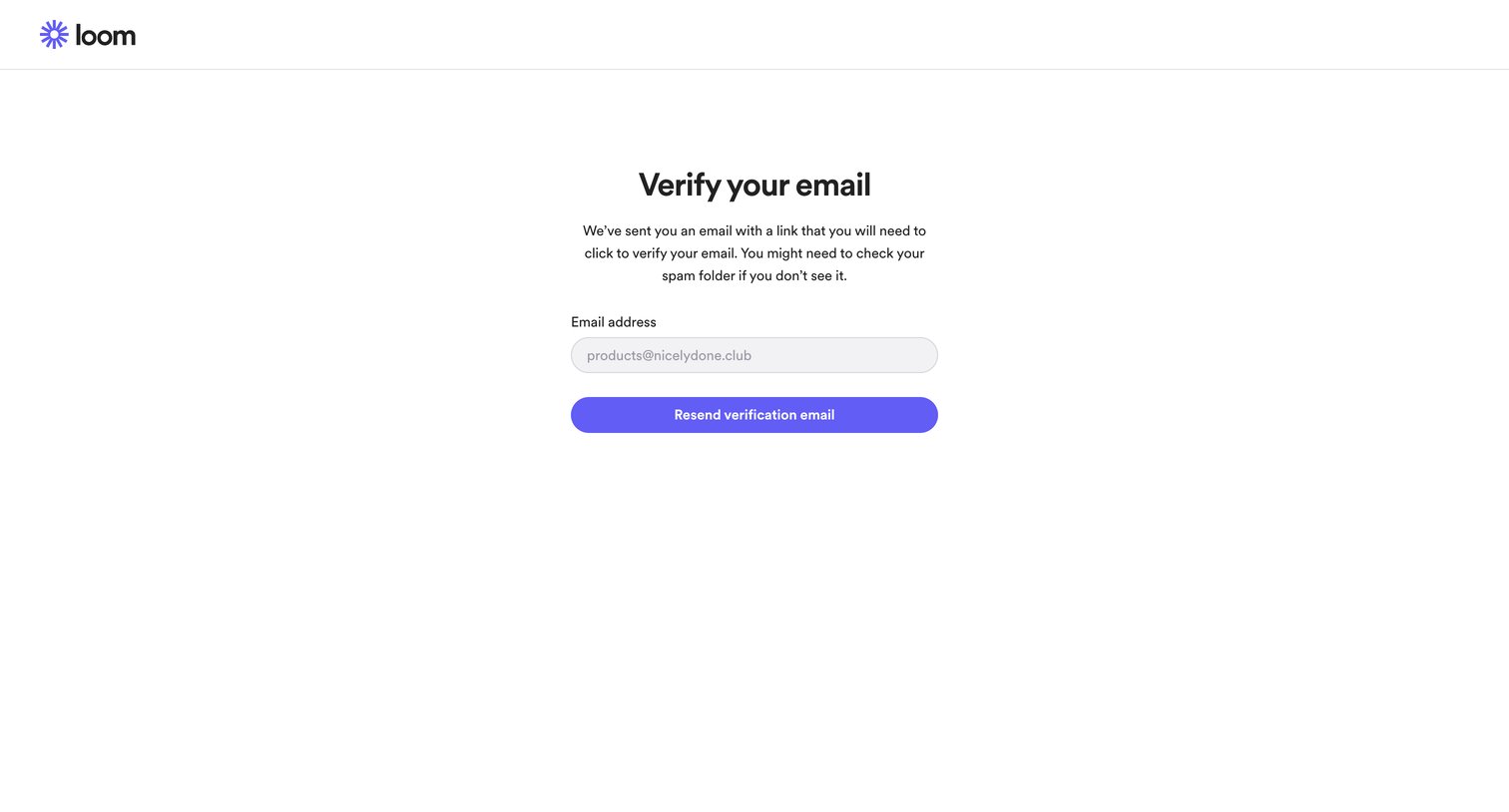
Verification screen where the user is prompted to check their inbox for a link and can request to resend the email to their pre-filled address.
Loom - Verify the email for your Loom account | Loom screen
Loom logo
Loom

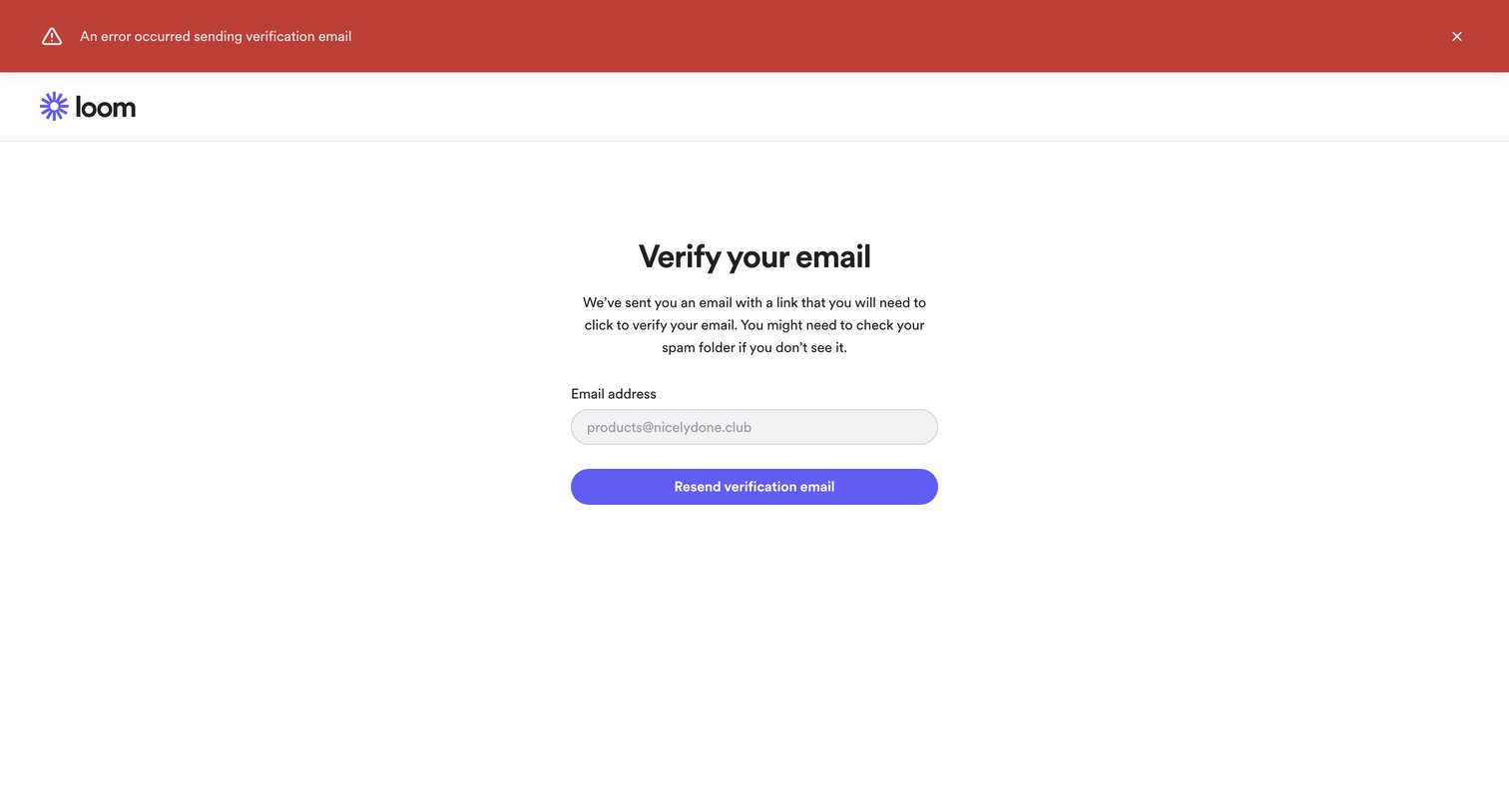
Verification screen where the user is prompted to check their inbox or resend the link, currently displaying an error banner indicating the email failed to send.

Explore the full SaaS screen library

Upgrade to unlock the full library.

Trusted by the best teams