Lightfield product screens examples
Browse Lightfield screen design examples. Preview the interface screenshots and explore related UI patterns. A new kind of CRM
Explore the examples


Authentication screen where the user can sign up or log in using Google or their work email.
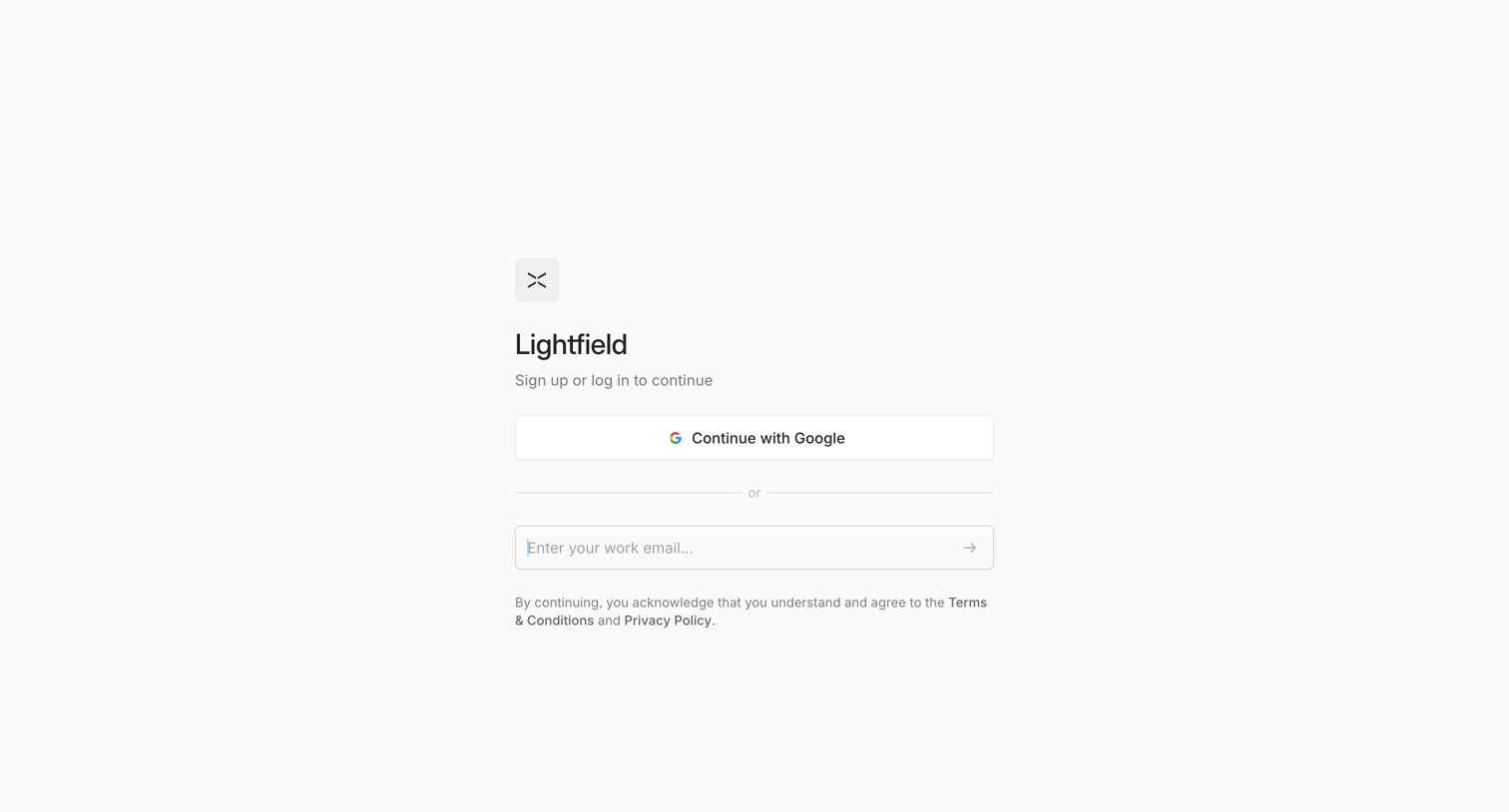
Authentication screen where the user can sign up or log in using Google OAuth or a work email address.
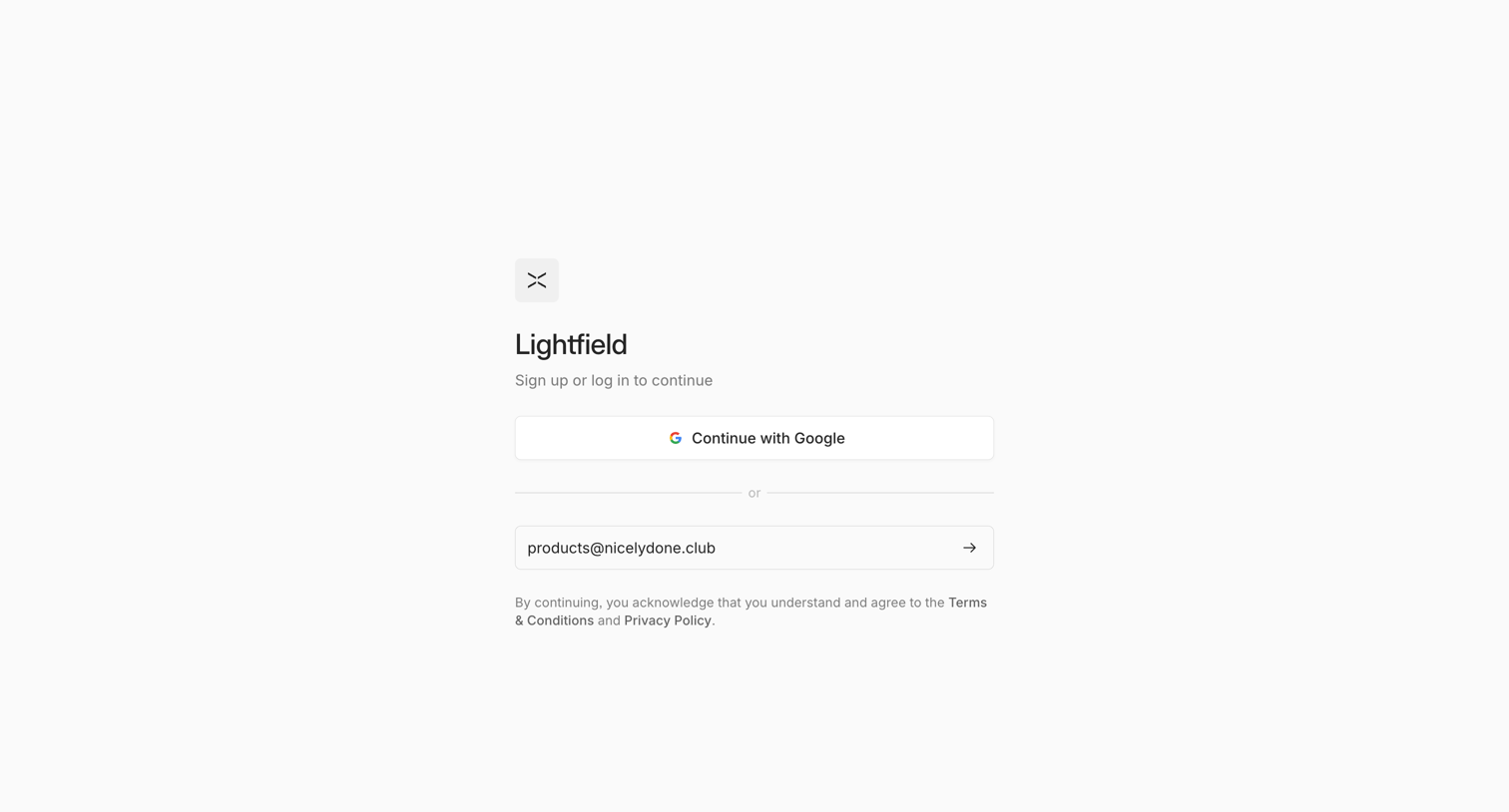
Authentication screen where the user signs up or logs in using Google SSO or an email magic link.
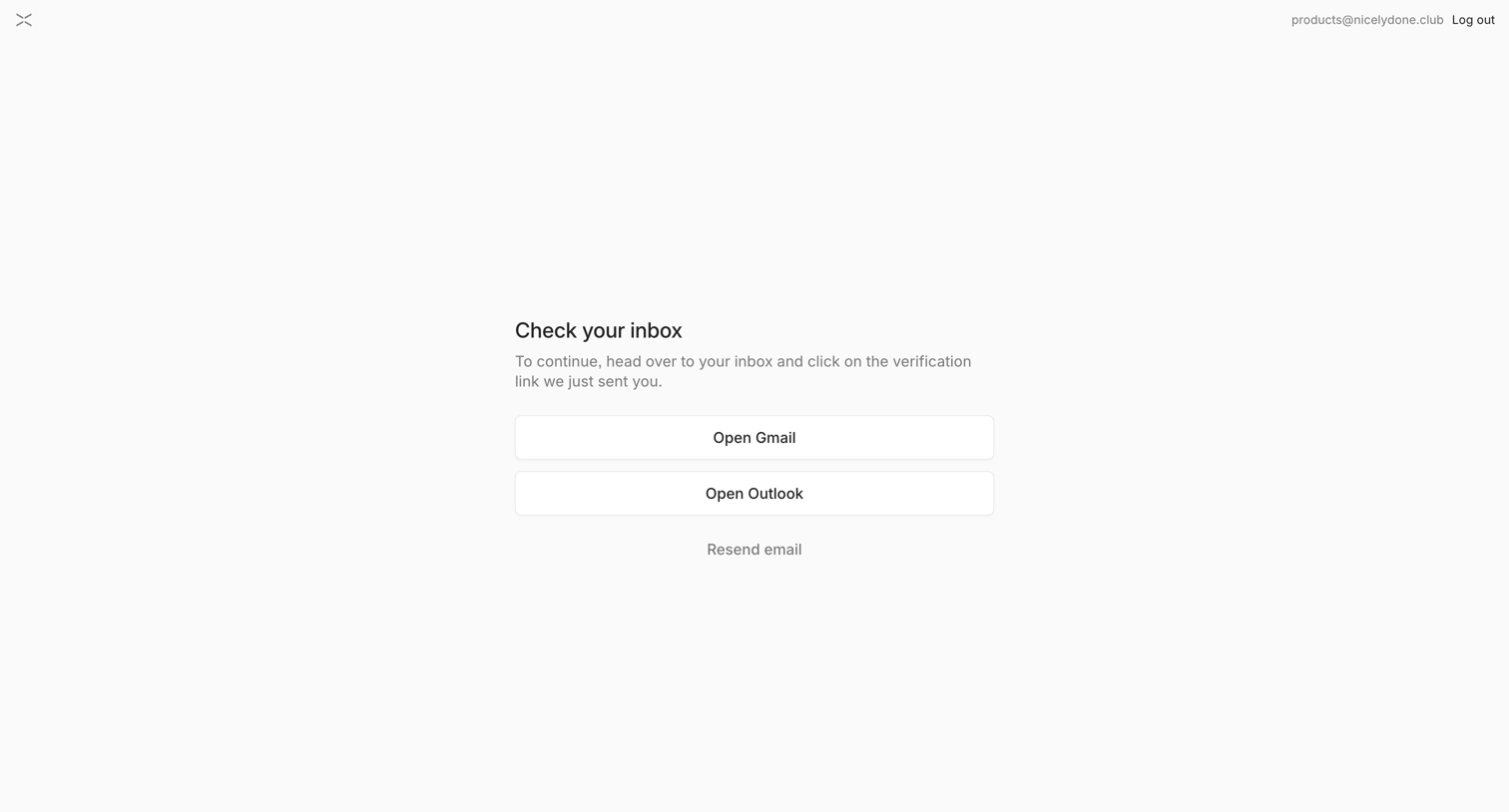
Verification screen where the user is prompted to check their inbox and given quick links to open Gmail or Outlook.
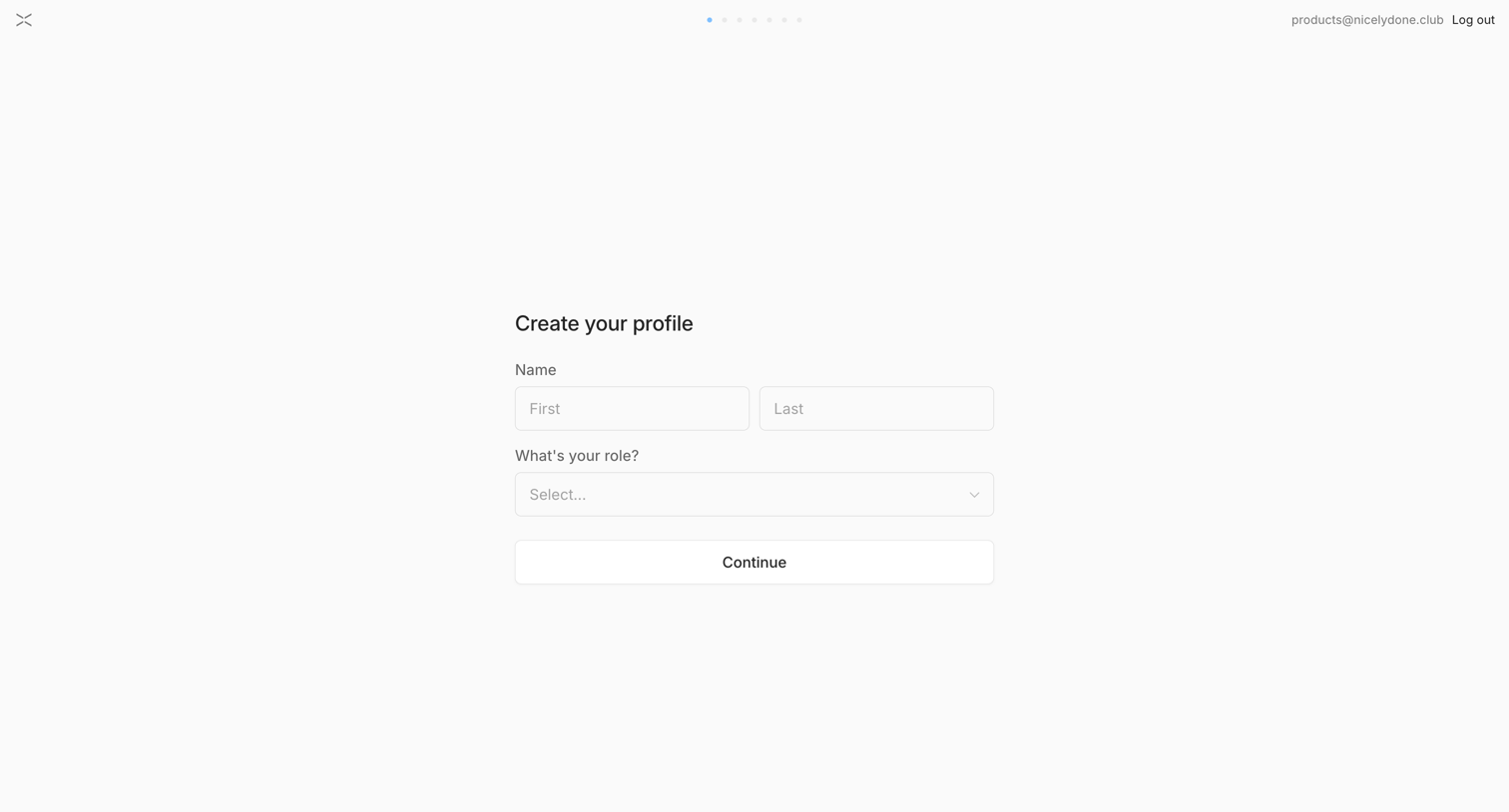
Onboarding step where the user enters their first and last name and selects their role to create their profile.
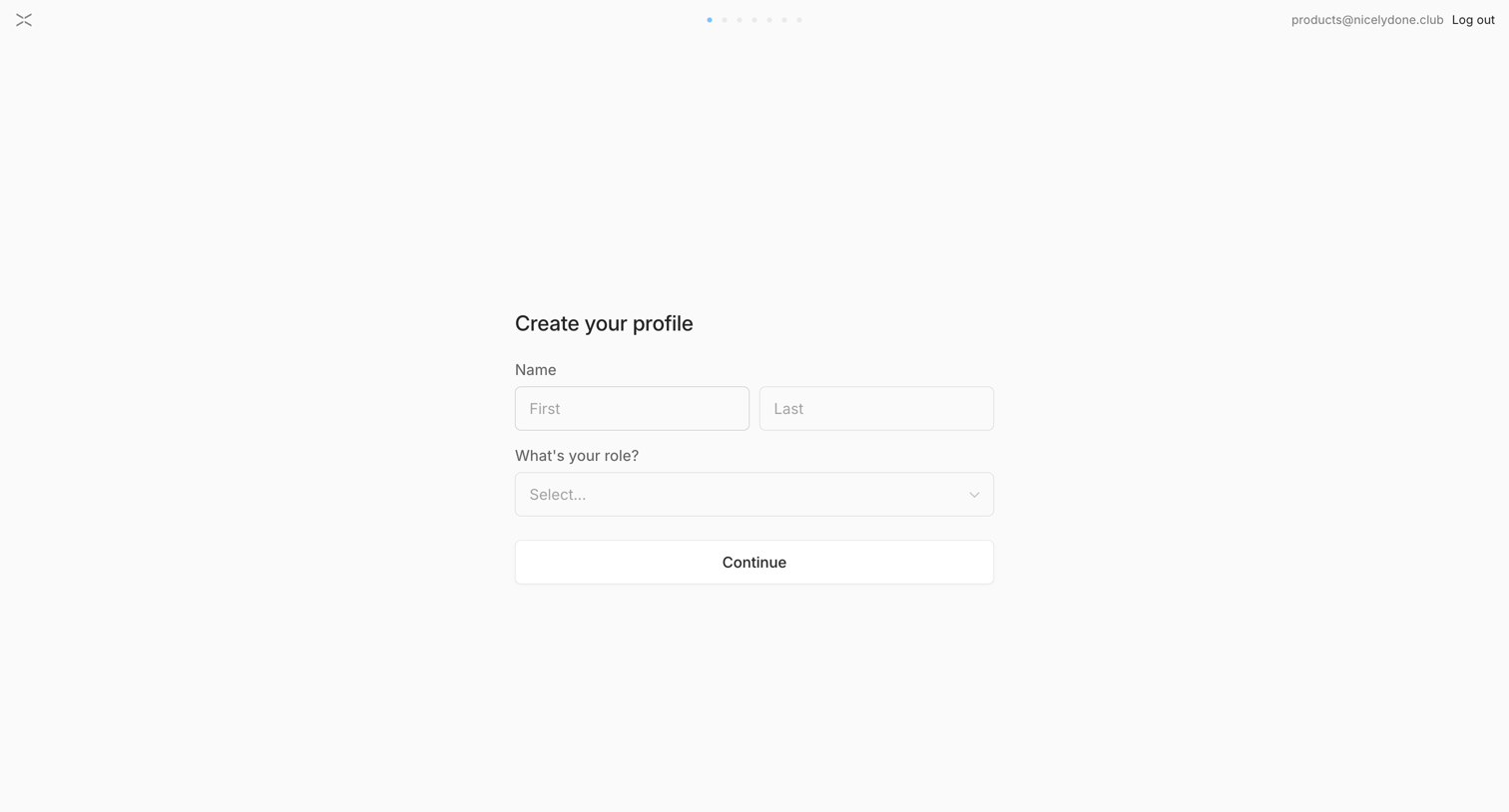
Onboarding step where the user enters their first and last name and selects their role to set up their account.
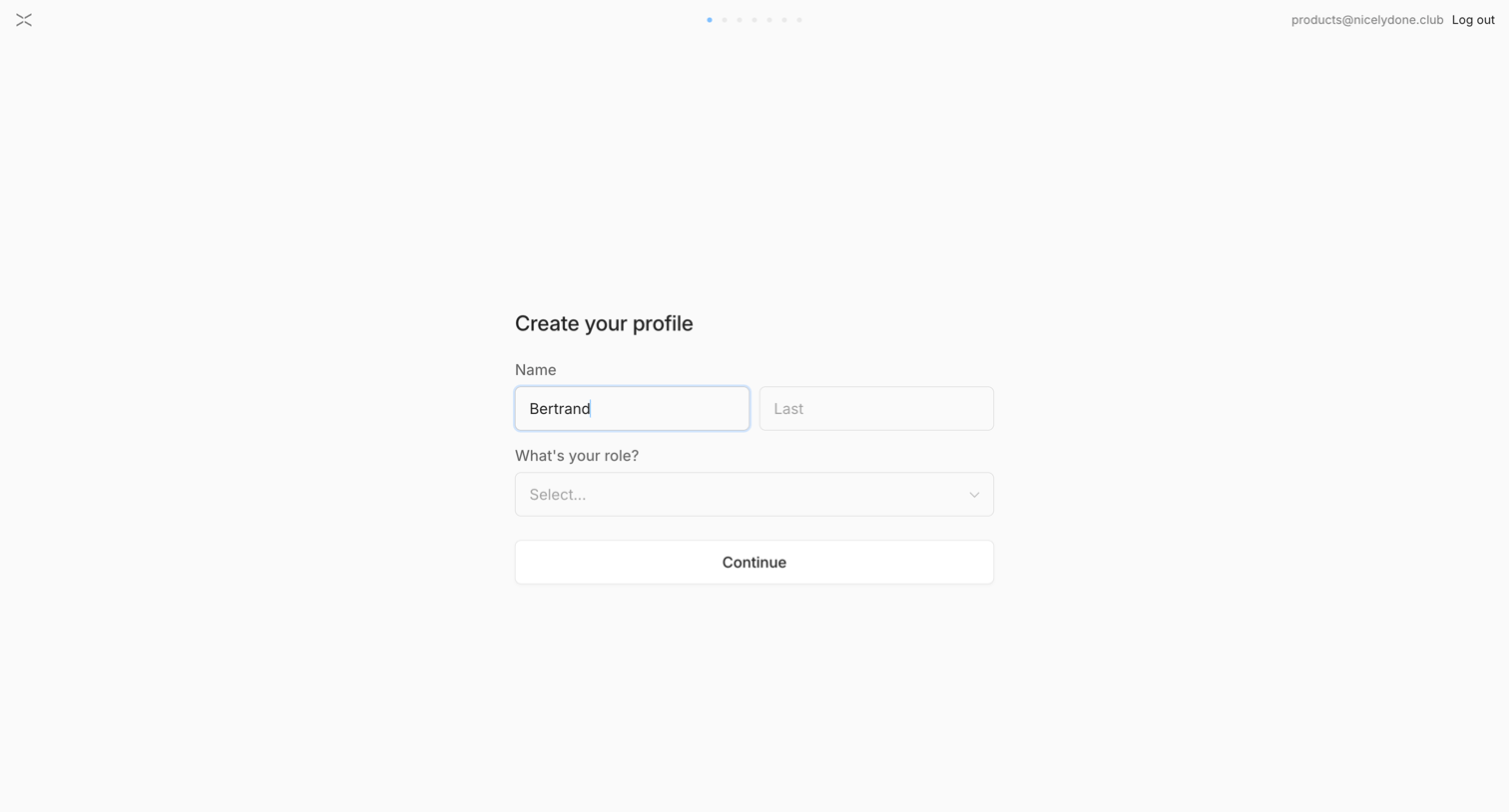
Onboarding step where the user enters their first and last name and selects their role to create their profile.
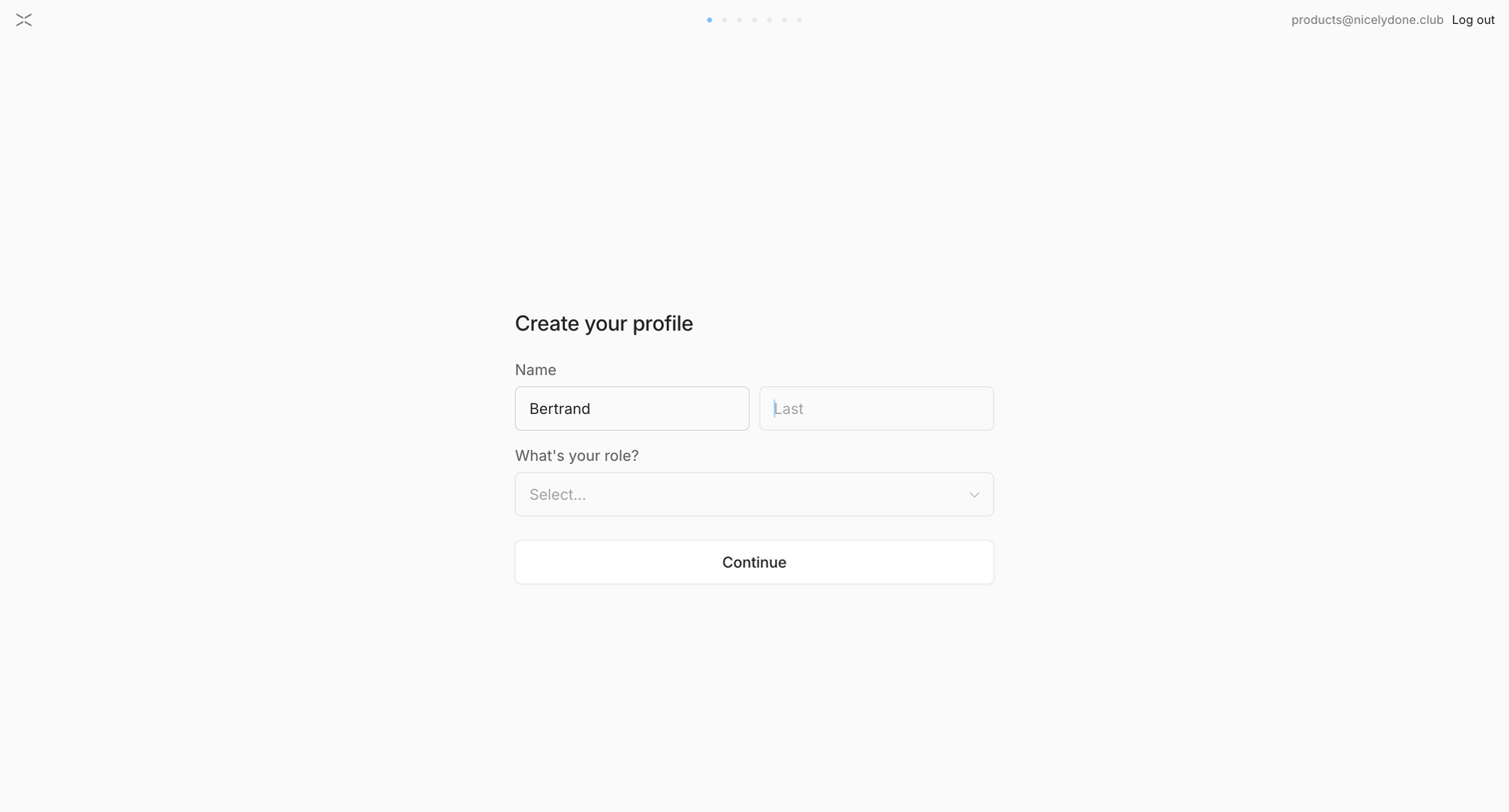
Onboarding step where the user creates their profile by entering their first and last name and selecting a role.
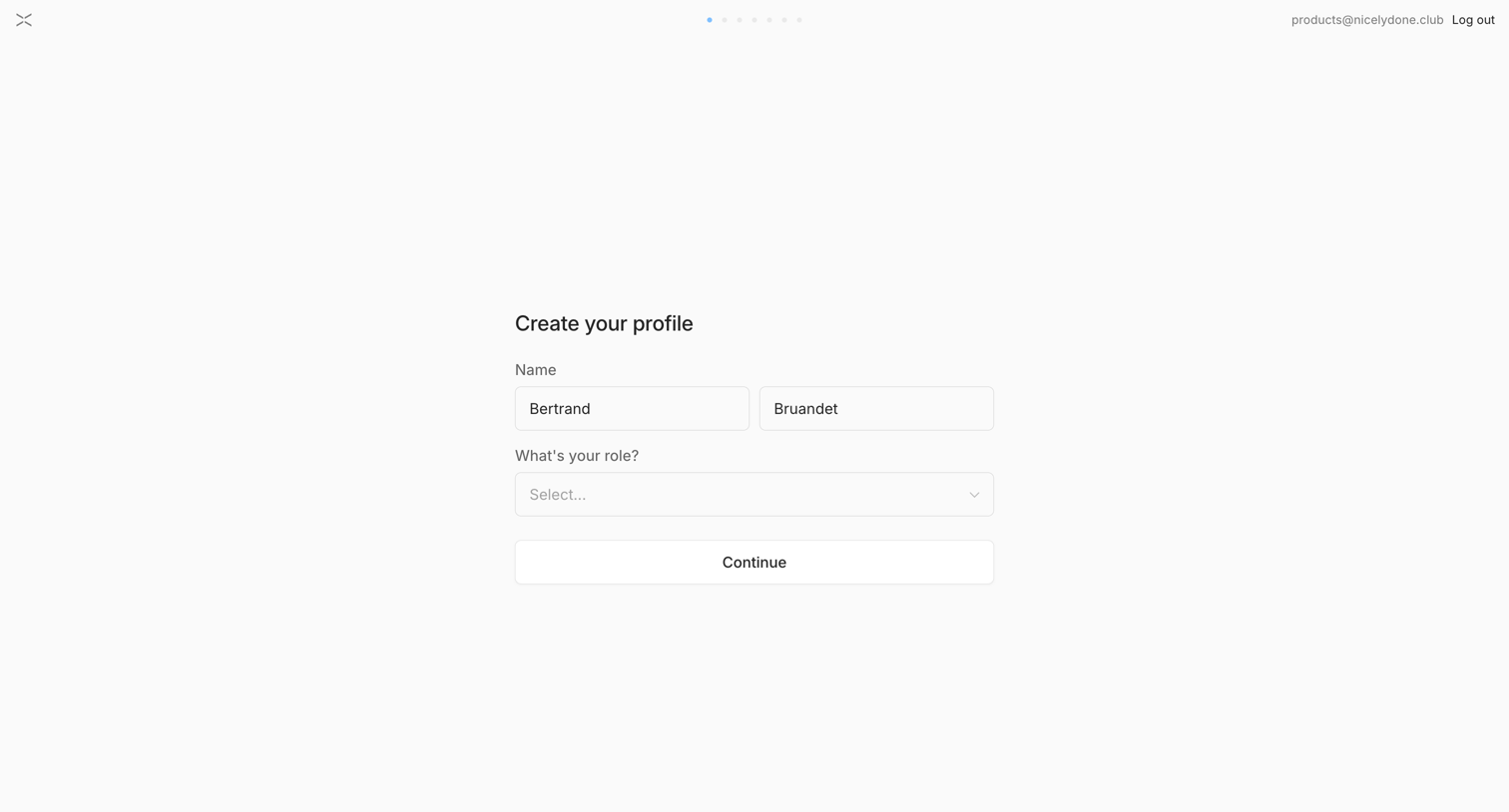
Onboarding step where the user enters their name and selects their role to create their profile.
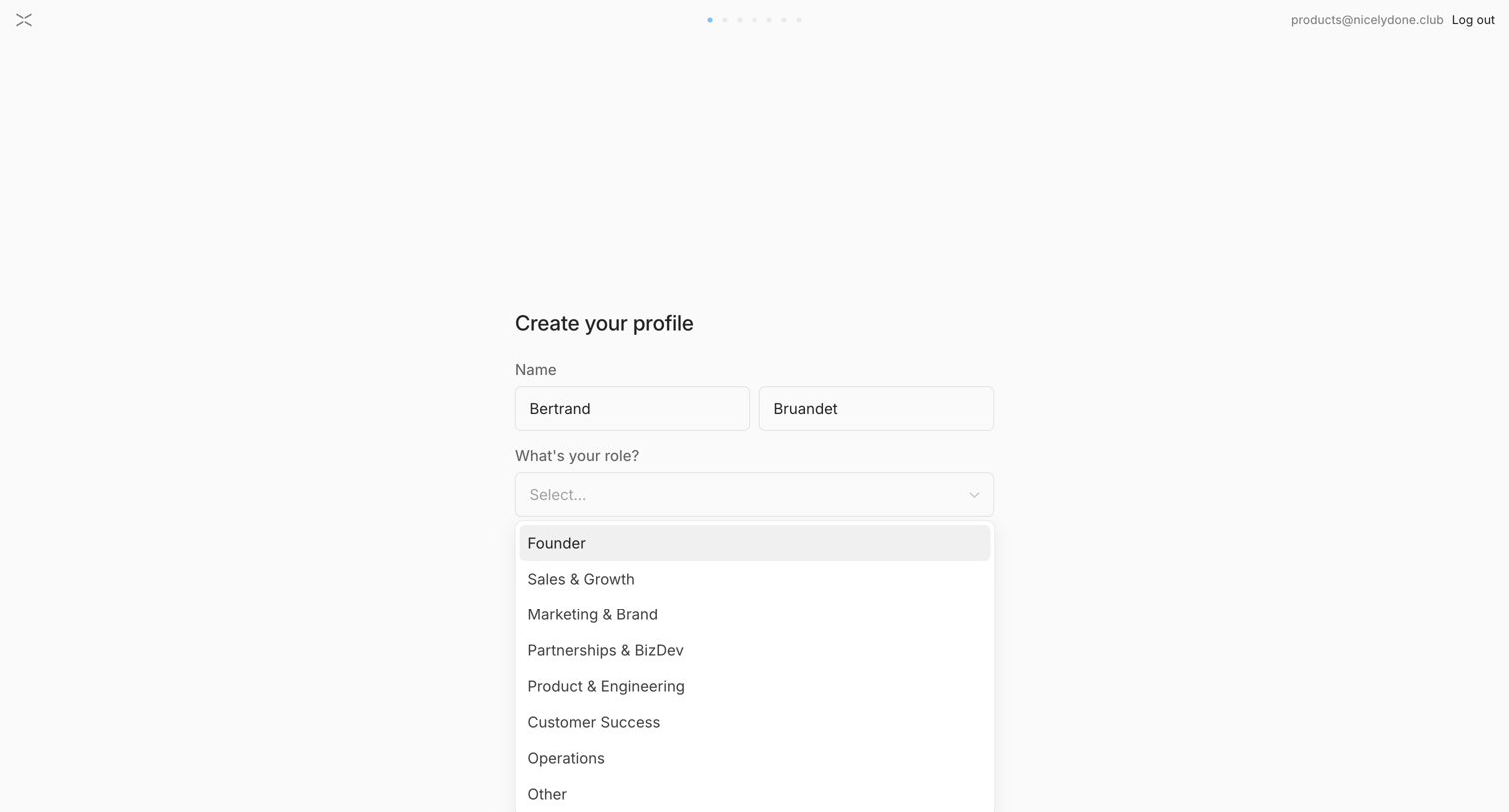
Onboarding step where the user confirms their pre-filled name and selects their role from an open dropdown menu.
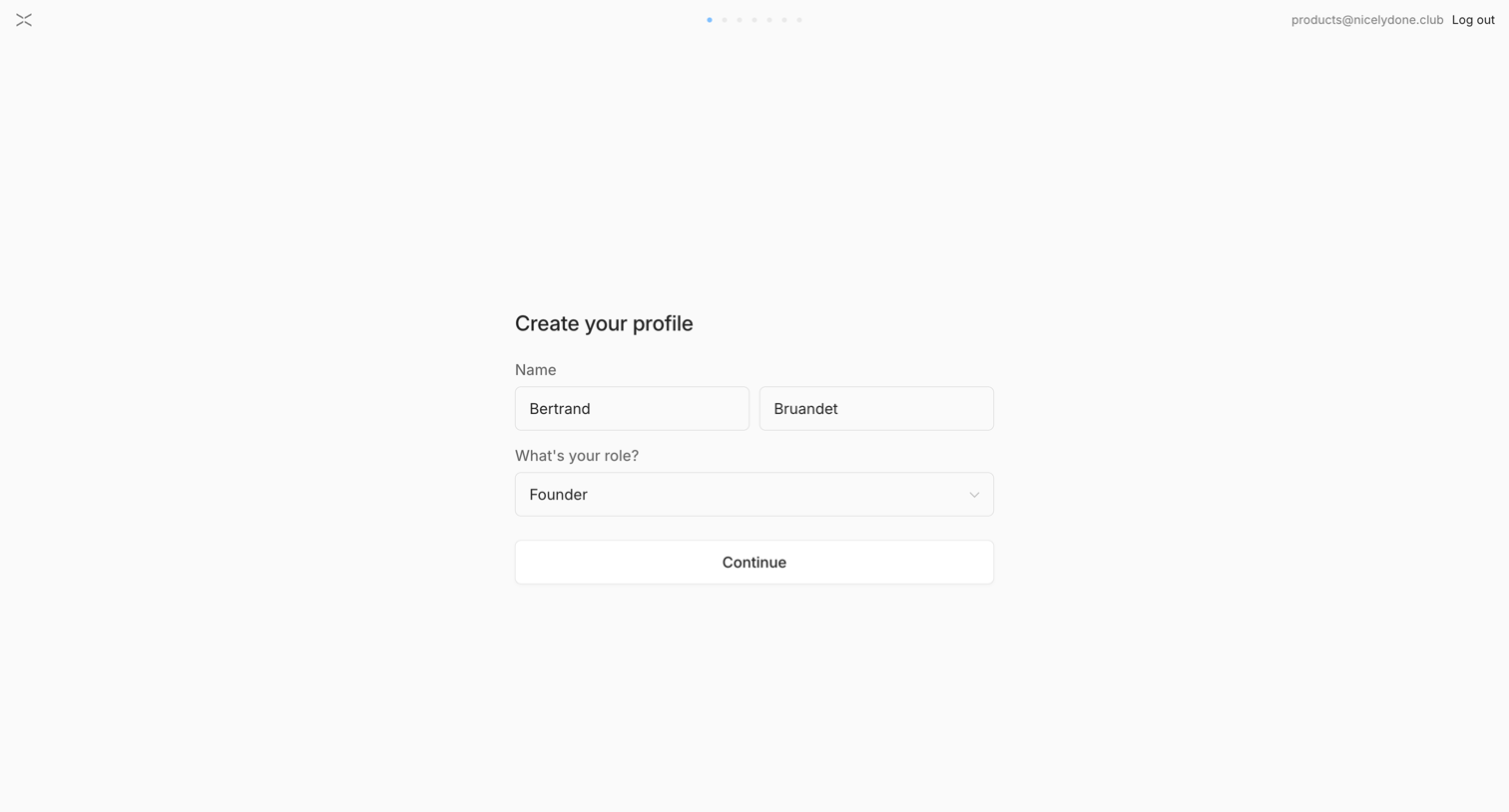
Onboarding step where the user enters their first and last name and selects their role to set up their profile.
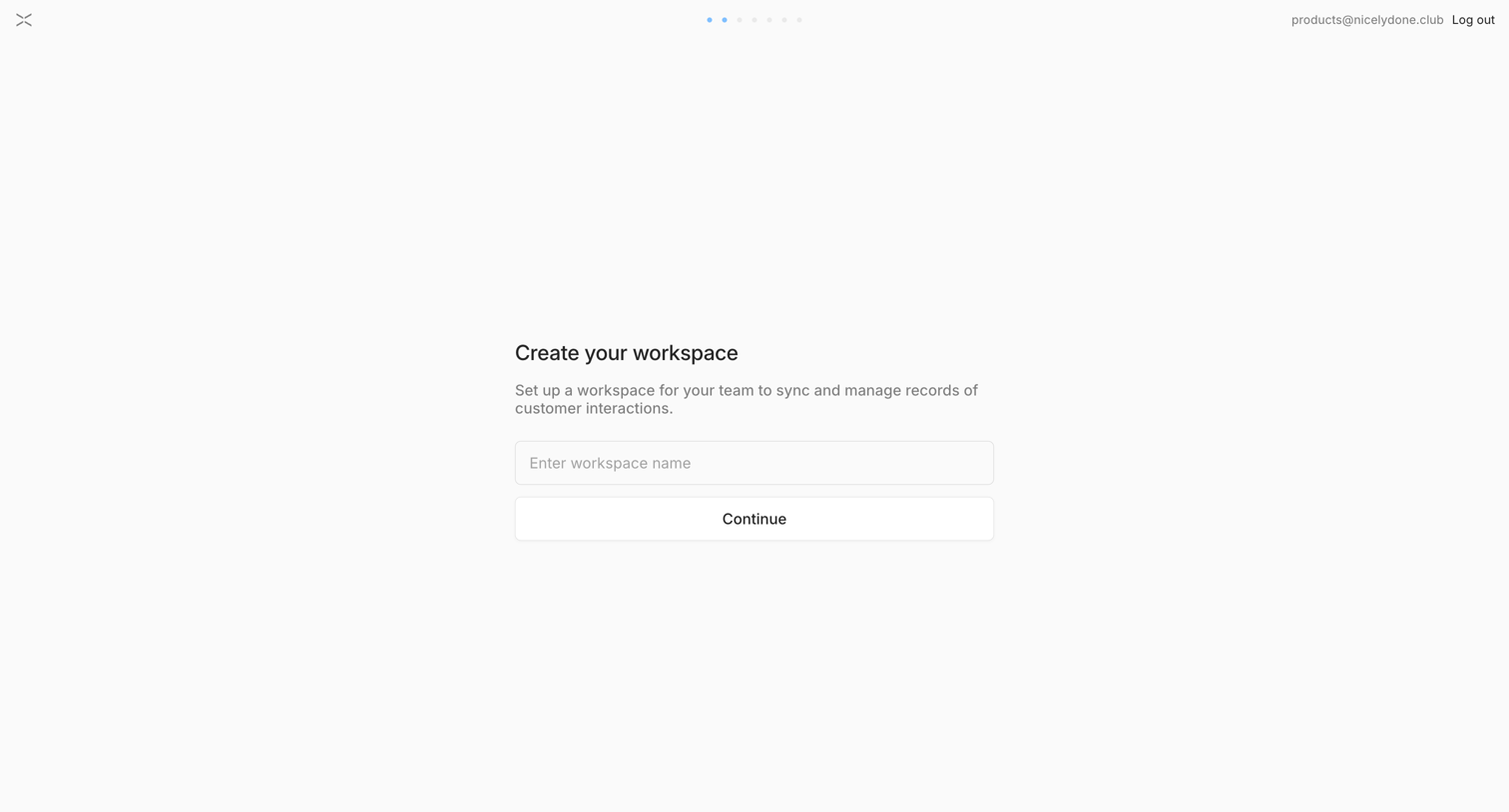
Onboarding step where the user names their first workspace to sync customer interactions.
Explore the full SaaS screen library
Upgrade to unlock the full library.
Trusted by the best teams







