Skip to content

Folk UI components examples

Browse Folk UI component design examples. Preview individual interface elements and explore related component categories. The next generation CRM for teams and individuals

Explore the examples
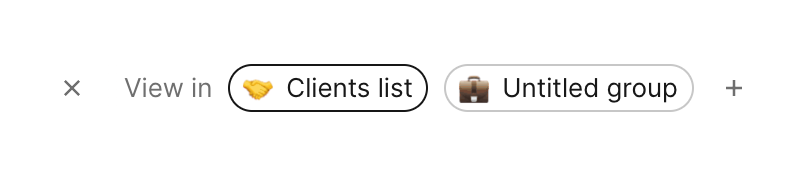
Folk — Sorting & filtering component
Folk logo
Folk

A row of pill-shaped tags indicating which groups or lists a contact belongs to, with an option to add more.
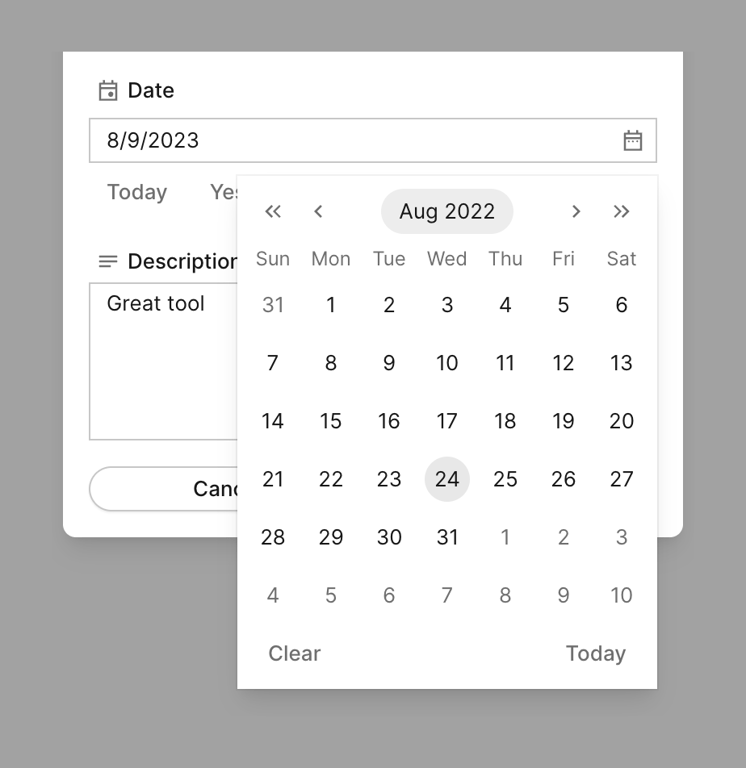

Folk — Input date component
Folk logo
Folk

A date picker modal

Folk — Header component
Folk logo
Folk

A global website header featuring a logo, primary navigation links with dropdowns, secondary links, and a primary call-to-action button.

Folk — Bento box component
Folk logo
Folk

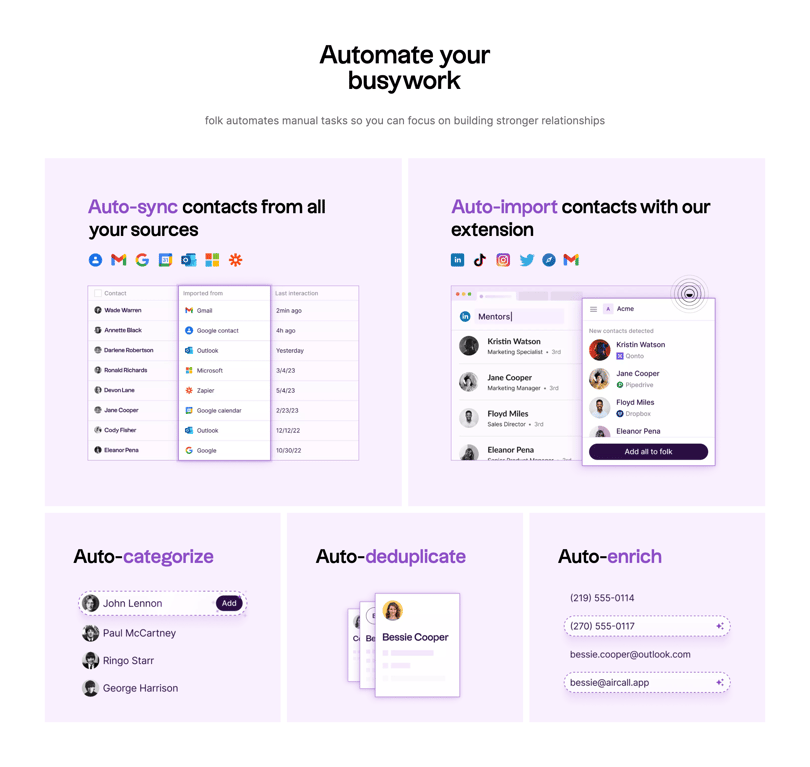
A bento grid layout showcasing different automation features of a CRM. It includes a large heading, a sub-heading, and five distinct cards, each illustrating a specific feature like auto-sync, auto-import, auto-categorize, auto-deduplicate, and auto-enrich with UI mockups.

Folk — Social proof component
Folk logo
Folk

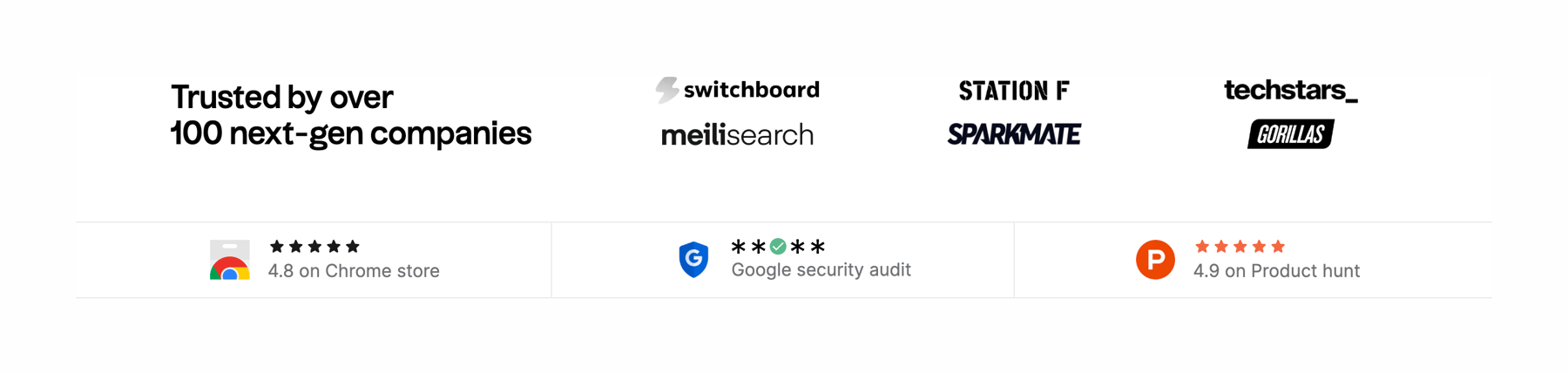
A section displaying a logo wall of trusted companies and a row of badges showing ratings and security audits from various platforms.
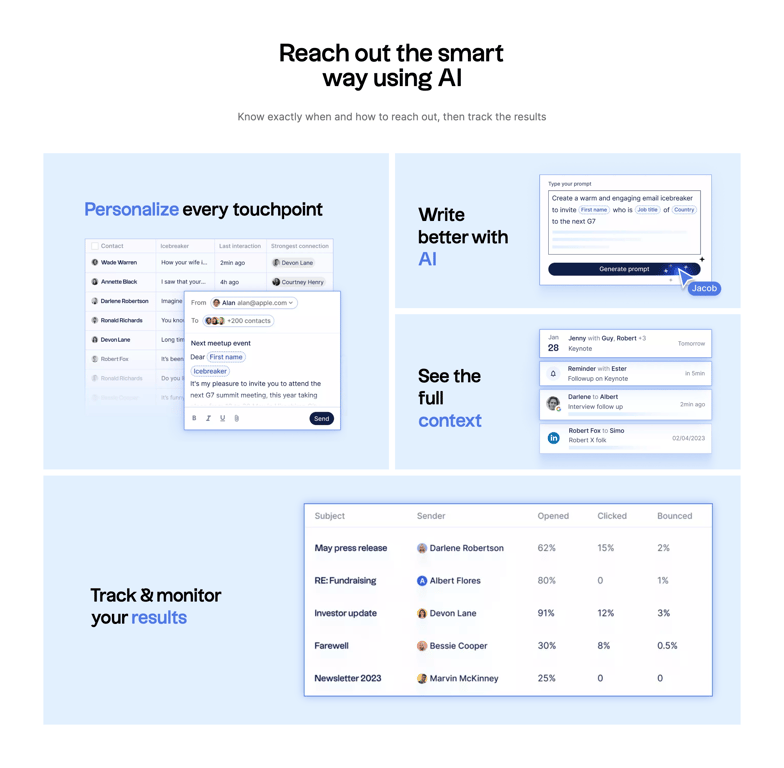
Folk — Bento box component
Folk logo
Folk

A bento grid layout showcasing AI features for a CRM. It includes a headline, subheadline, and four distinct cards highlighting personalization, AI writing, context viewing, and result tracking, each with a title and a UI mockup.

Folk — Bento box component
Folk logo
Folk

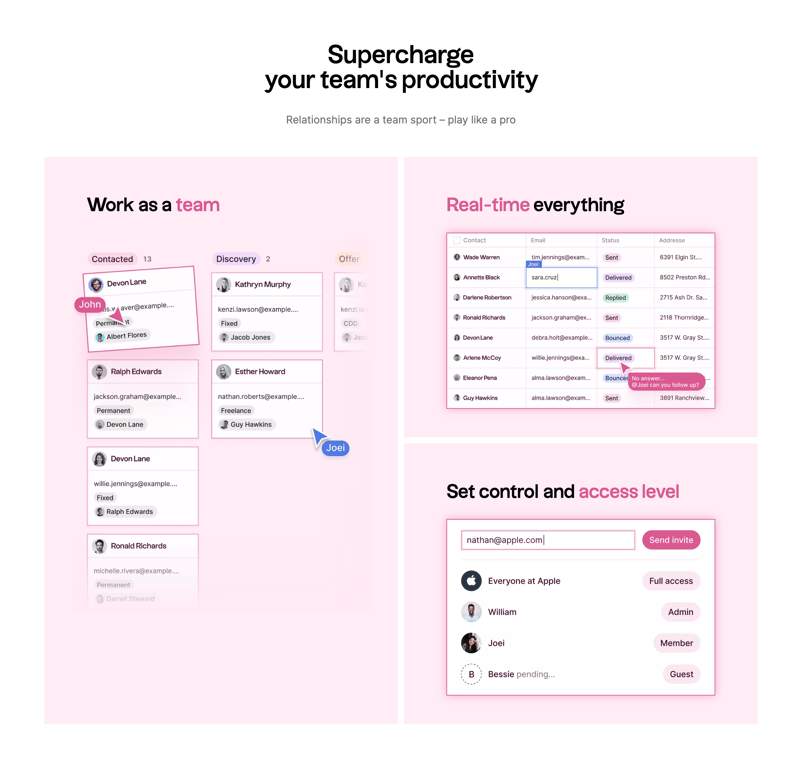
A bento grid layout showcasing three key product features: team collaboration, real-time updates, and access control. Each cell contains a title and a stylized UI mockup illustrating the feature.

Folk — Testimonial component
Folk logo
Folk

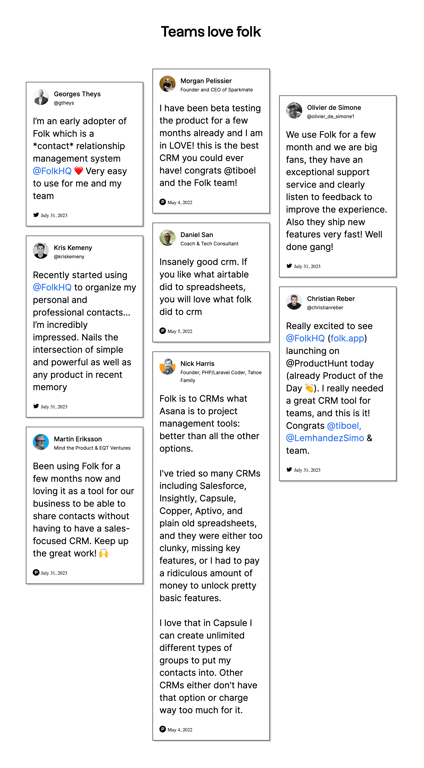
A masonry grid of customer testimonials styled as social media posts. Each card includes an avatar, name, handle or title, the testimonial text, and a date with a platform icon.

Browse the full component library

Browse the full UI component library.

Trusted by the best teams