Folk user flows examples
Explore Folk user flow examples. Preview the opening screens and steps for each task. The next generation CRM for teams and individuals
Preview these flows

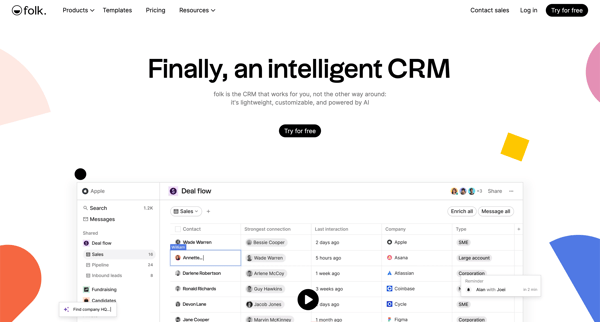
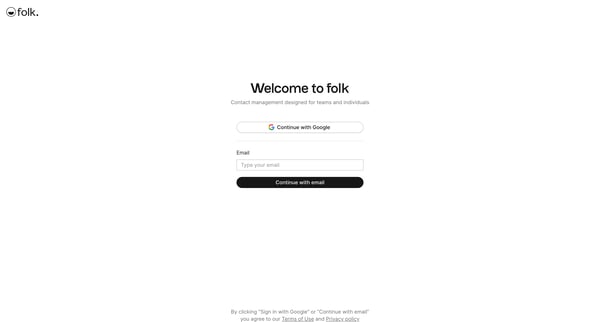
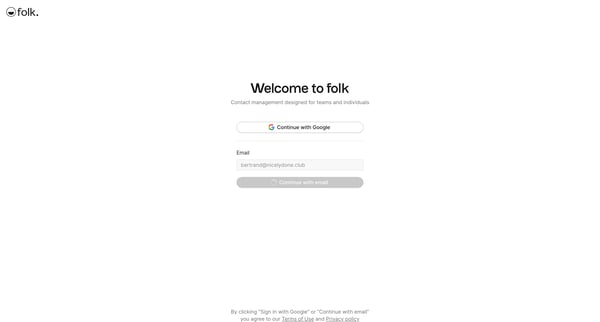
This onboarding user flow introduces new users to a CRM platform, guiding them through the process of signing in, setting up a workspace, and syncing contacts for personalized management.
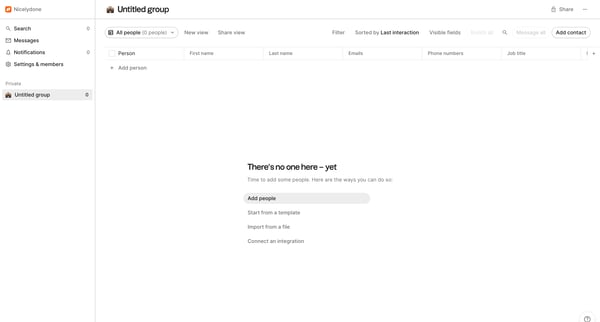
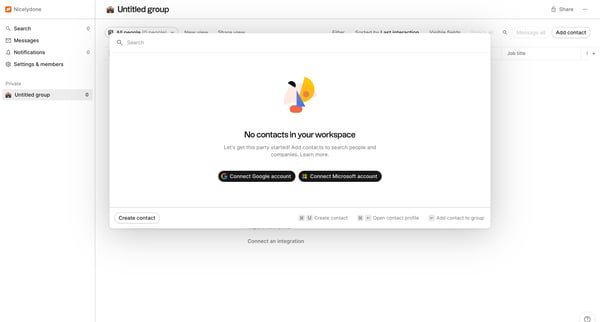
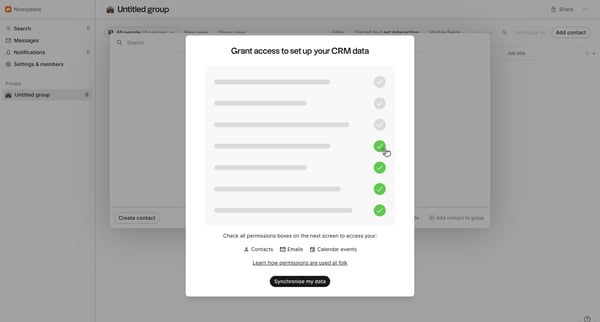
This flow guides users through the process of connecting their account to an integration for the purpose of importing contacts into their workspace.
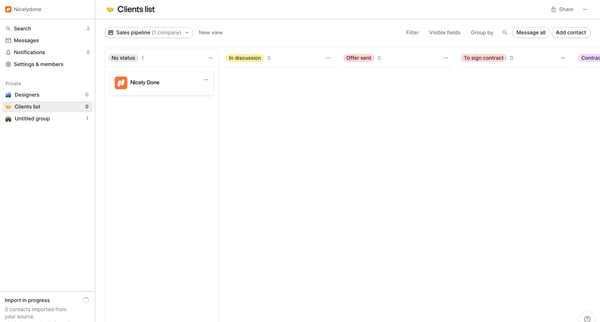
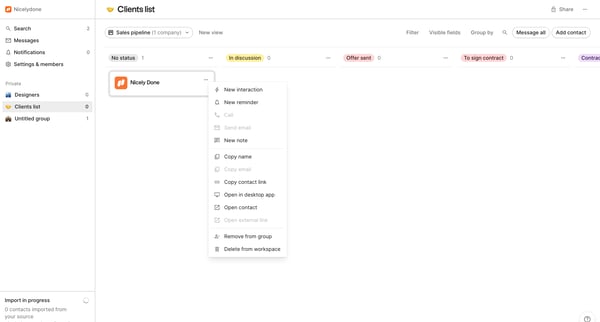
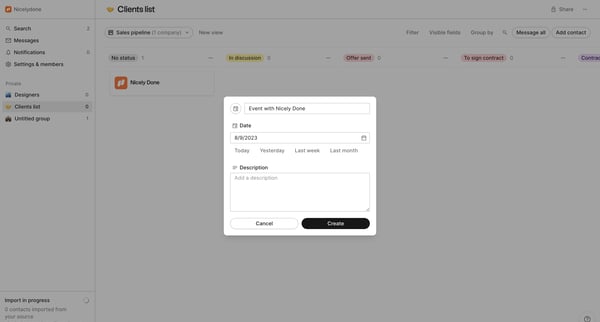
This flow guides the user through creating and scheduling an event with a client, incorporating multiple steps such as setting dates, adding descriptions, and finalizing event details.
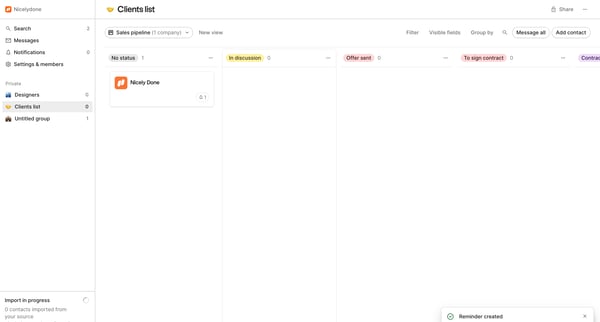
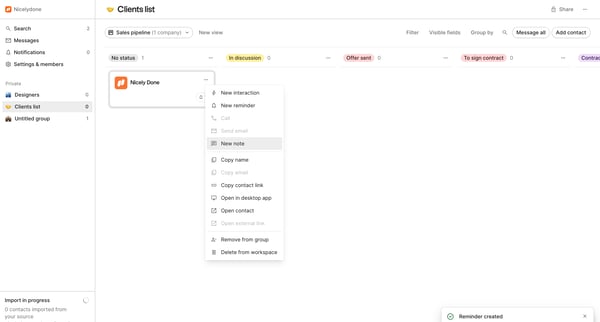
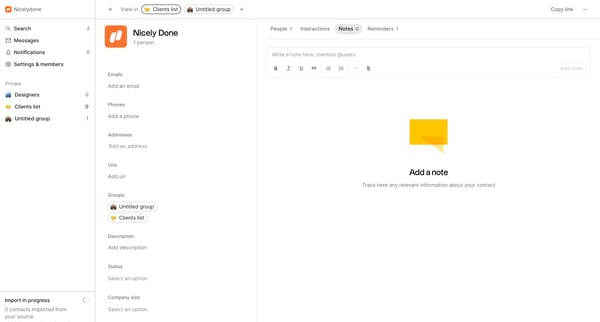
This flow facilitates the management of contact information and communication within a user interface, enabling the addition and editing of contact details, adding notes, and tracking interac
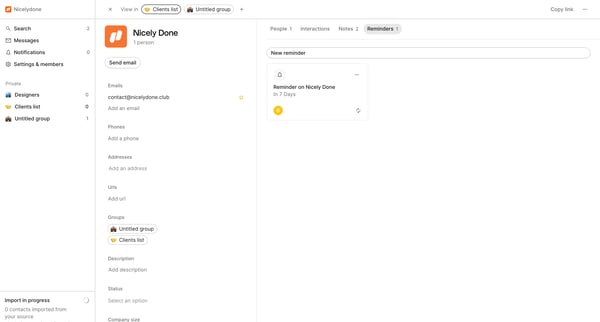
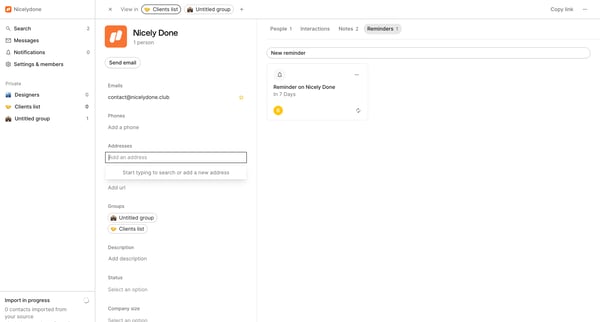
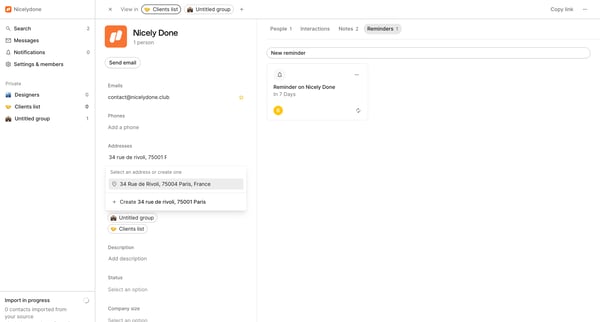
This flow guides a user through the process of editing and updating various elements of a profile, including contact information, group details, and reminders.
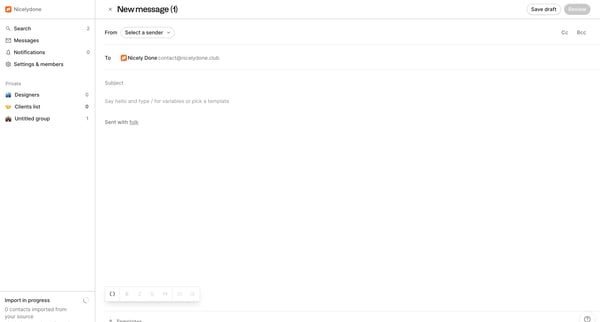
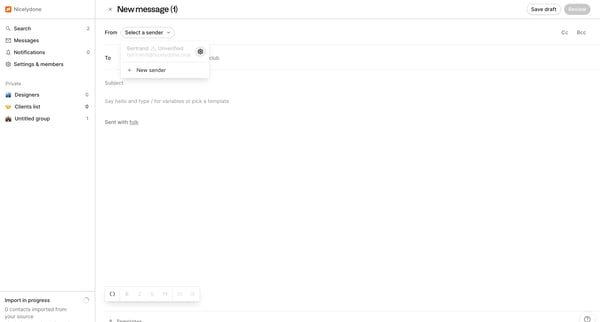
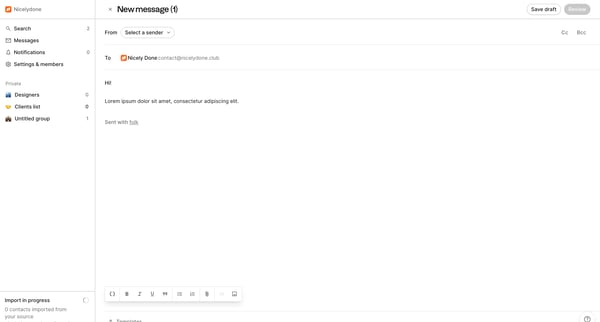
This flow guides the user through the process of creating and sending a personalized message, from selecting a sender to saving the final version.
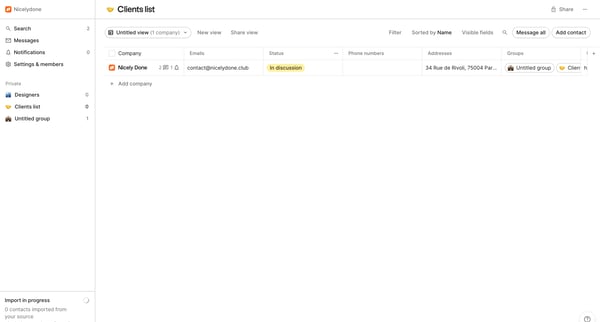
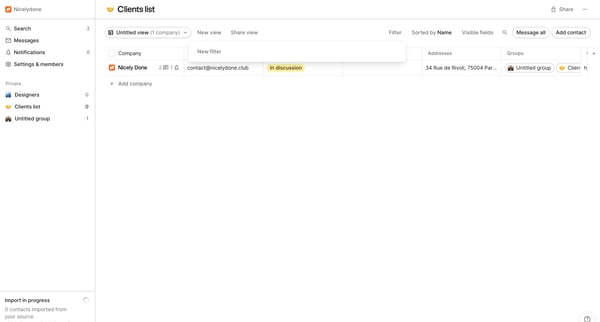
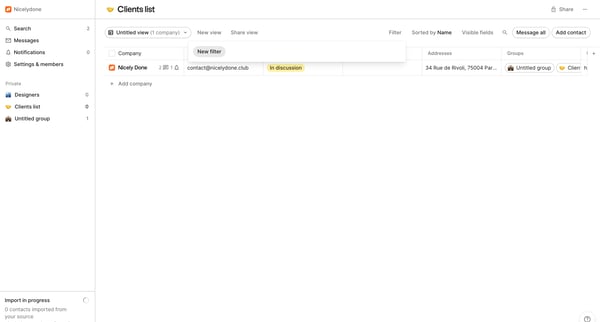
This flow enables users to efficiently filter and sort through a list of clients, customize the criteria, and manage the visibility of the results.
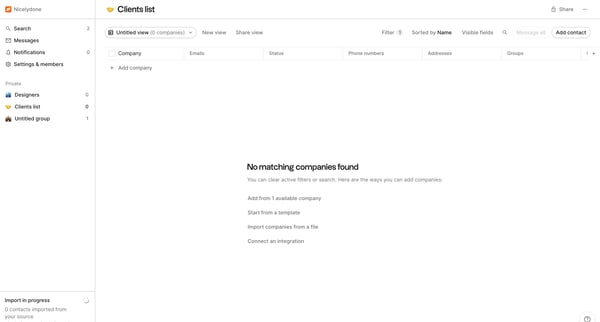
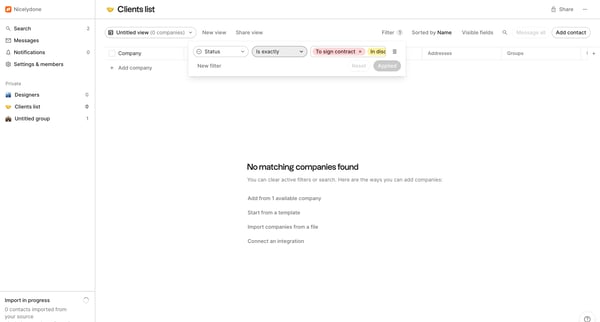
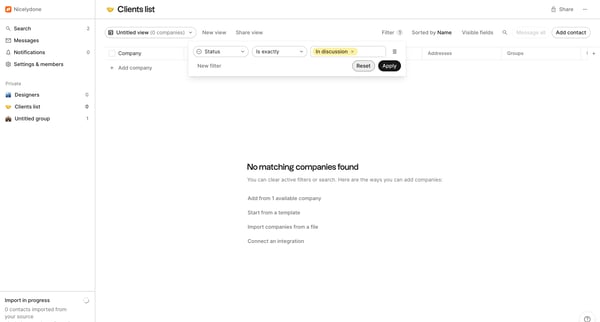
This user flow manages filtering and sorting of companies within a client list, allowing the user to efficiently find and organize company information.
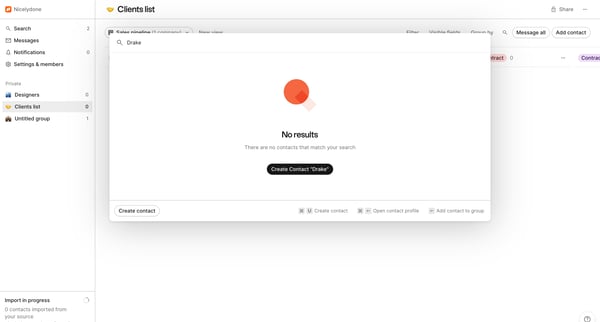
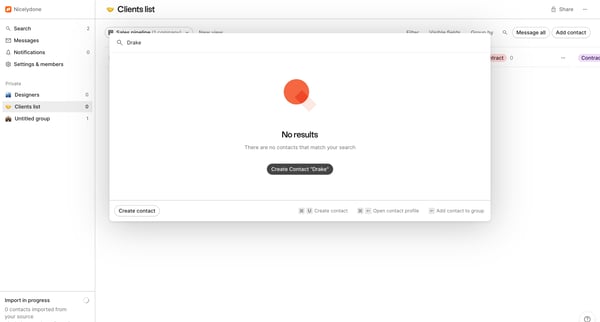
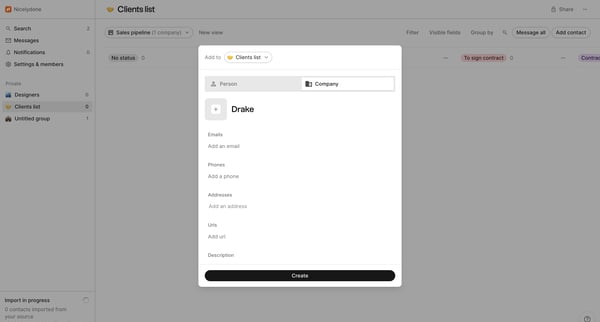
This flow facilitates the creation and updating of a new contact within a client list, by importing, adding details, and affiliating the contact to a company.
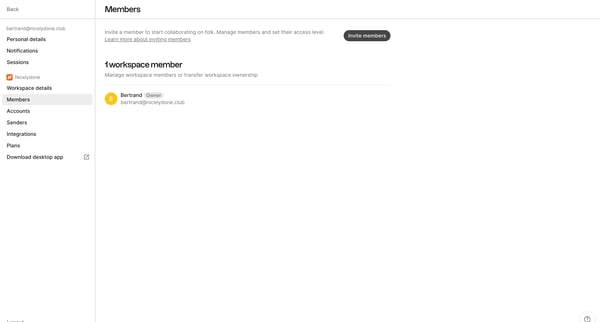
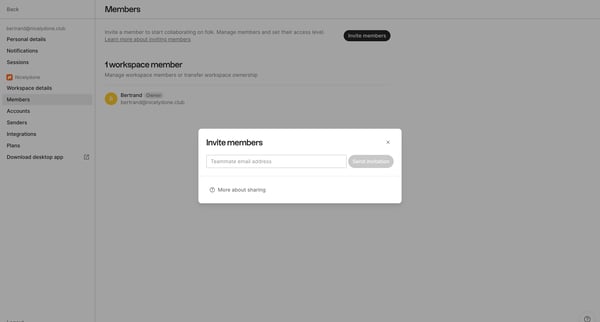
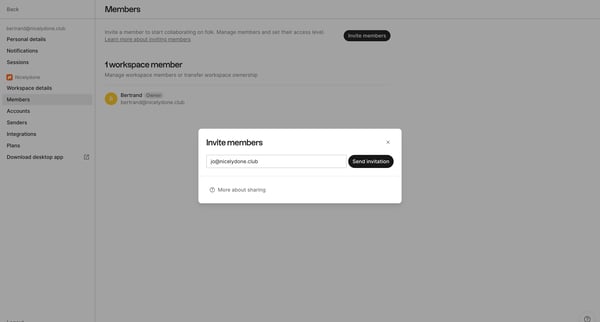
This flow enables a user to invite teammates to a workspace, enter their email addresses, send invitations, and receive confirmations of the sent invitations.
Explore the full SaaS flow library
Browse the full SaaS flow library.
Trusted by the best teams







