Fingerprint UI components examples
Browse Fingerprint UI component design examples. Preview individual interface elements and explore related component categories. Device fingerprinting API
Explore the examples
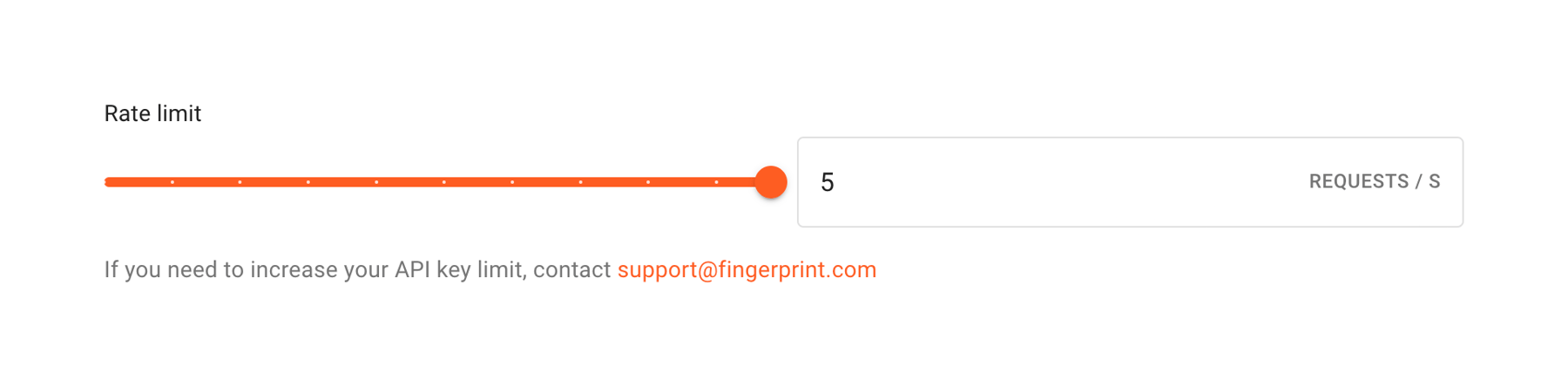

A slider control with an accompanying numeric input field to set a rate limit. It includes a label above and helper text below with a support email link.

A horizontal progress stepper showing three stages of a process. The first step is marked as complete with a checkmark, the second step is currently active, and the third step is pending.



A full-width informational alert banner with a blue background and border. It contains an info icon and a message about SSL certificate limits, including a linked email address for support.

A full-width success alert banner confirming that an app name was updated. It features a green checkmark icon, the success message, and a close icon.

A horizontal tab navigation bar for an application settings page. The 'General' tab is currently active, indicated by bold text and an orange underline.
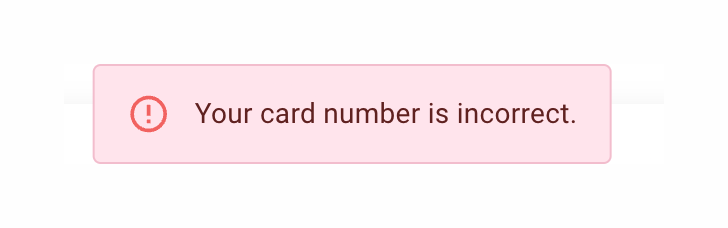
A simple inline alert box displaying an error message about an incorrect card number, featuring a red warning icon and text on a light pink background.

A full-width banner alerting the user to their free trial status, including the remaining days and calls to action for payment or sales contact.
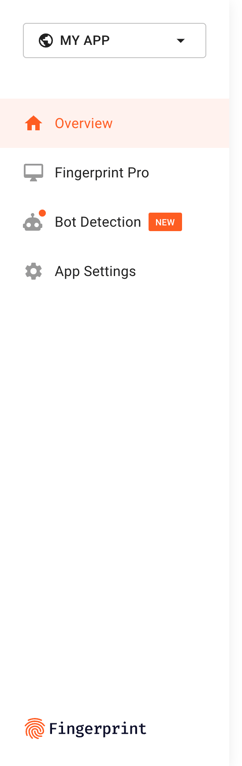
A vertical sidebar navigation menu with an app switcher dropdown at the top, navigation links with icons, and a logo at the bottom.
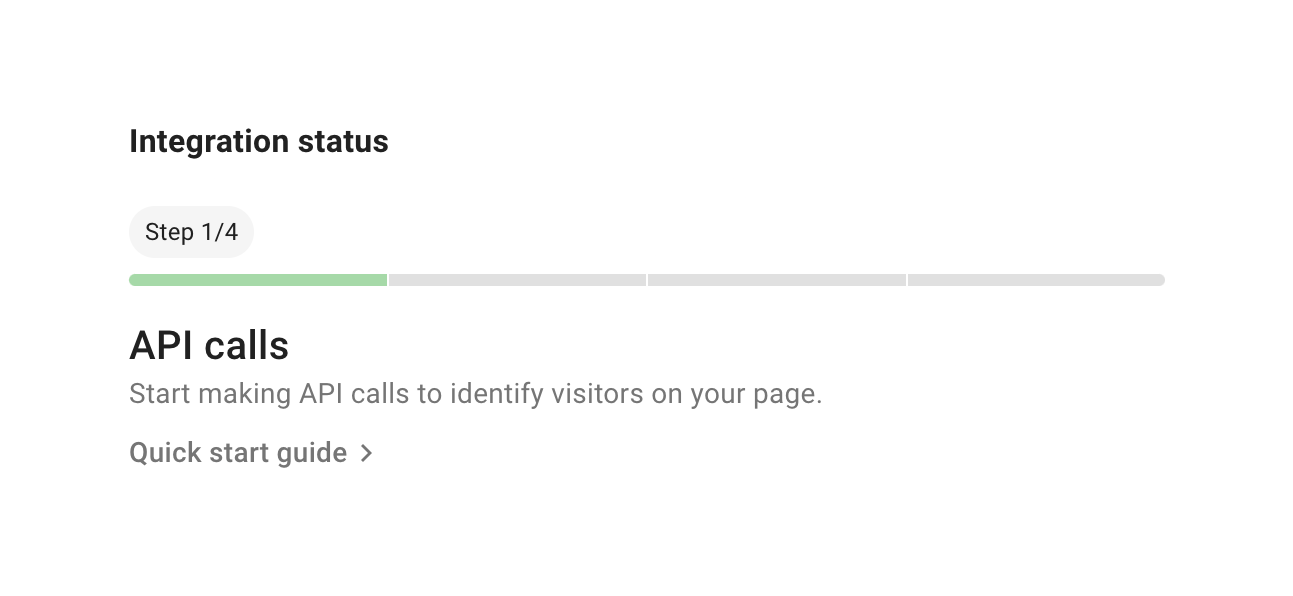
A progress stepper showing the current step of an integration process, with a segmented progress bar and a link to a quick start guide.
Browse the full component library
Browse the full UI component library.
Trusted by the best teams







