Skip to content

Family product screens examples

Browse Family screen design examples. Preview the interface screenshots and explore related UI patterns. Your favorite crypto wallet.

Explore the examples

Family - Aave Account screen
Family logo
Family

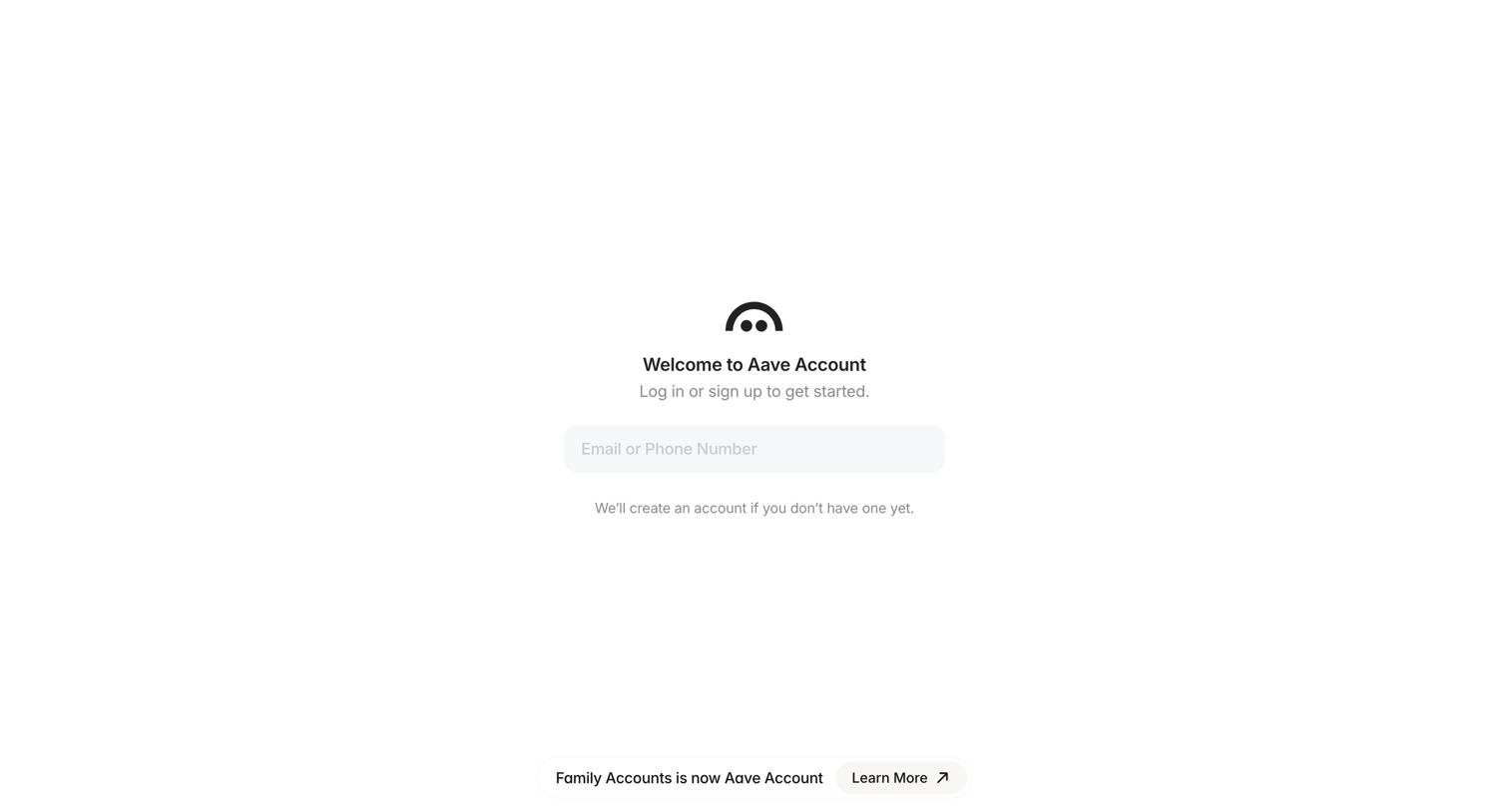
Authentication screen where the user enters their email or phone number to log in or create a new Aave account.

Family - Aave Account screen
Family logo
Family

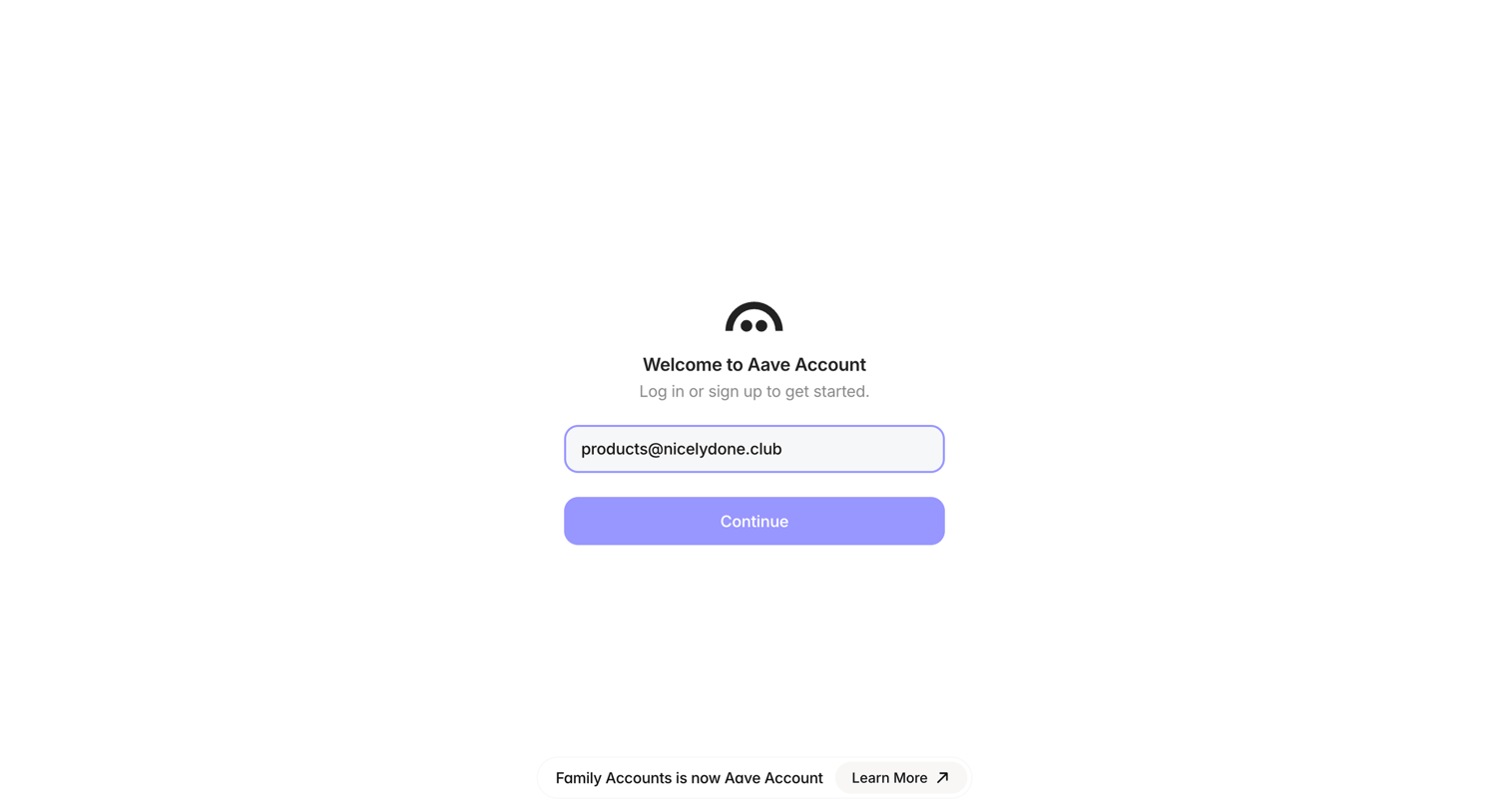
Authentication screen where the user enters their email or phone number to log in or sign up for an Aave Account.

Family - Aave Account screen
Family logo
Family

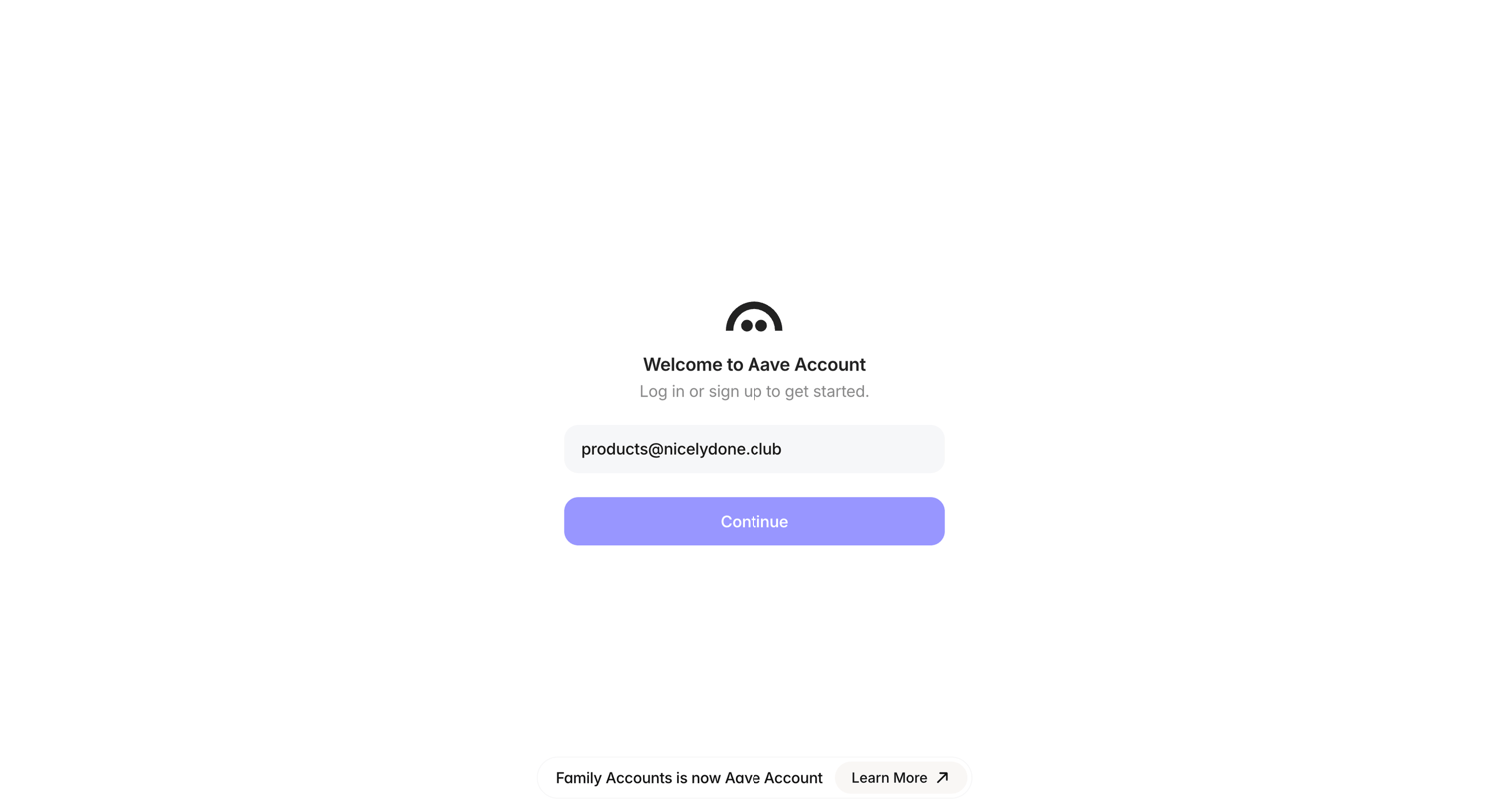
Sign-in screen where the user enters their email address to log in or sign up for an Aave Account.

Family - Aave Account screen
Family logo
Family

Auth screen where the user enters their email to log in or sign up for an Aave Account, featuring a bottom rebranding notice.

Family - Aave Account screen
Family logo
Family

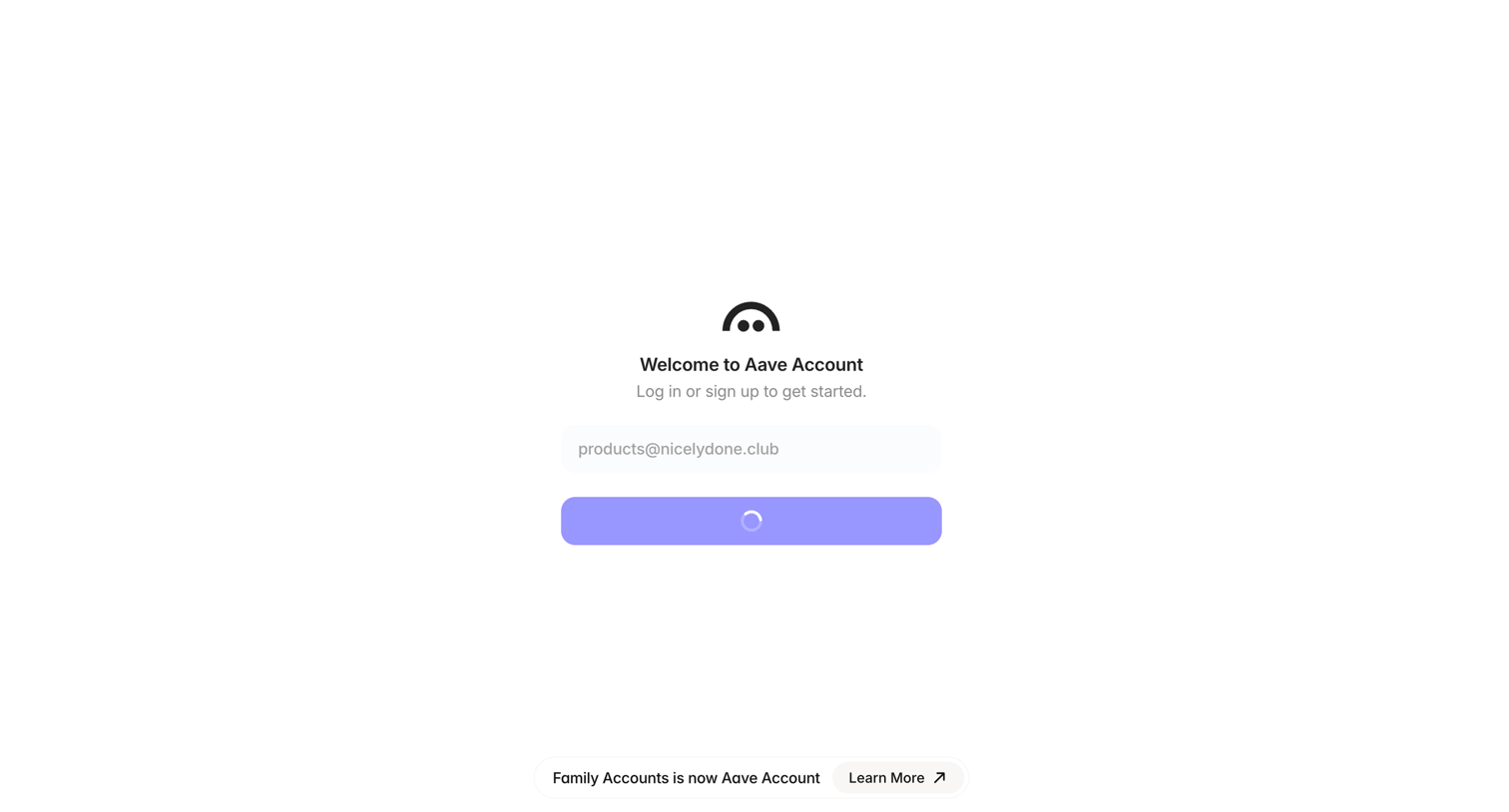
Sign-in screen where the user enters their email to log in or sign up, currently showing a loading state after submission alongside a rebrand announcement banner.

Family - Aave Account screen
Family logo
Family

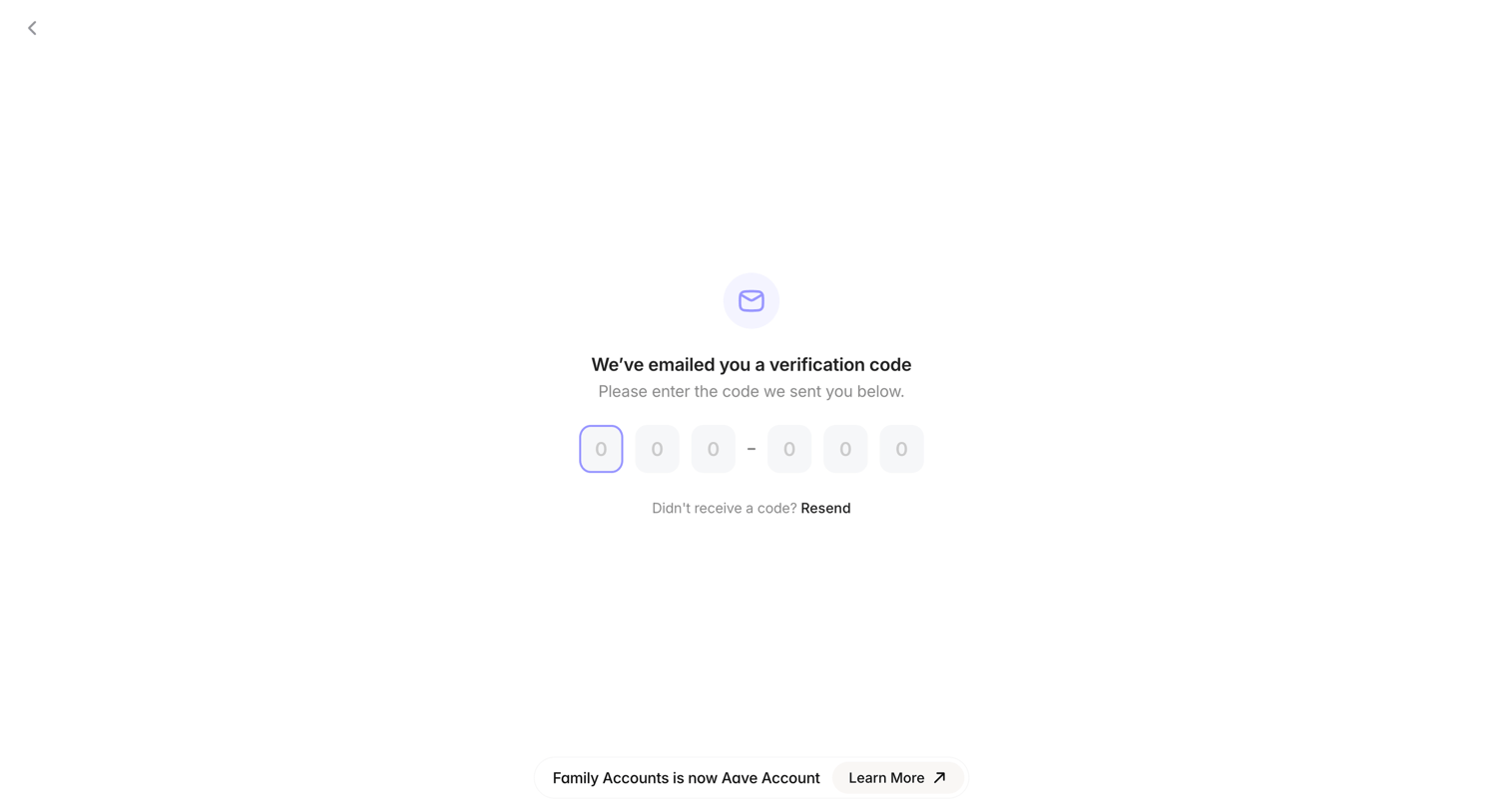
Verification screen where the user enters a 6-digit code sent to their email to authenticate.
Family - Aave Account screen
Family logo
Family

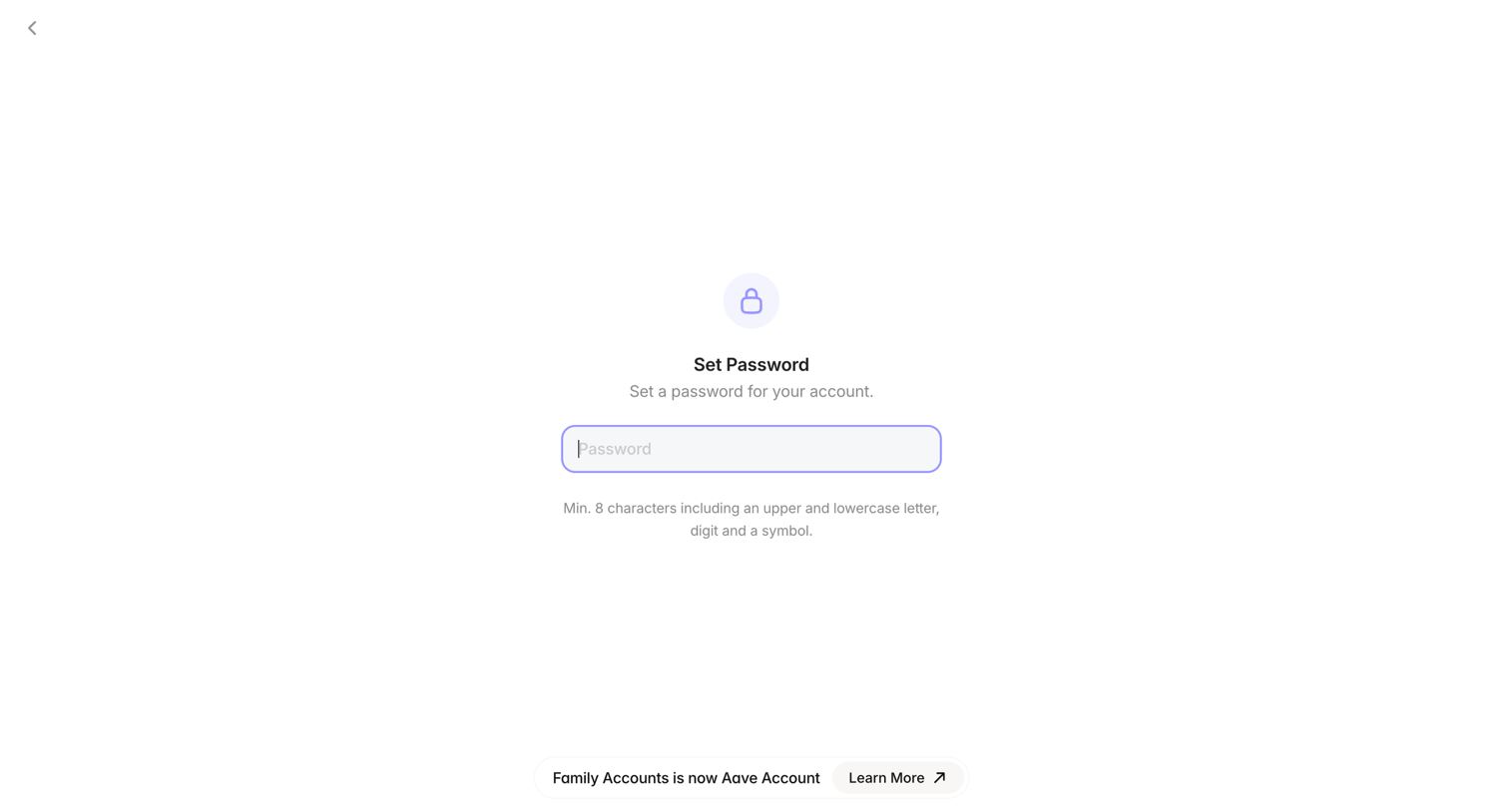
Signup step where the user sets a password for their account with specific character requirements visible below the input.
Family - Aave Account screen
Family logo
Family

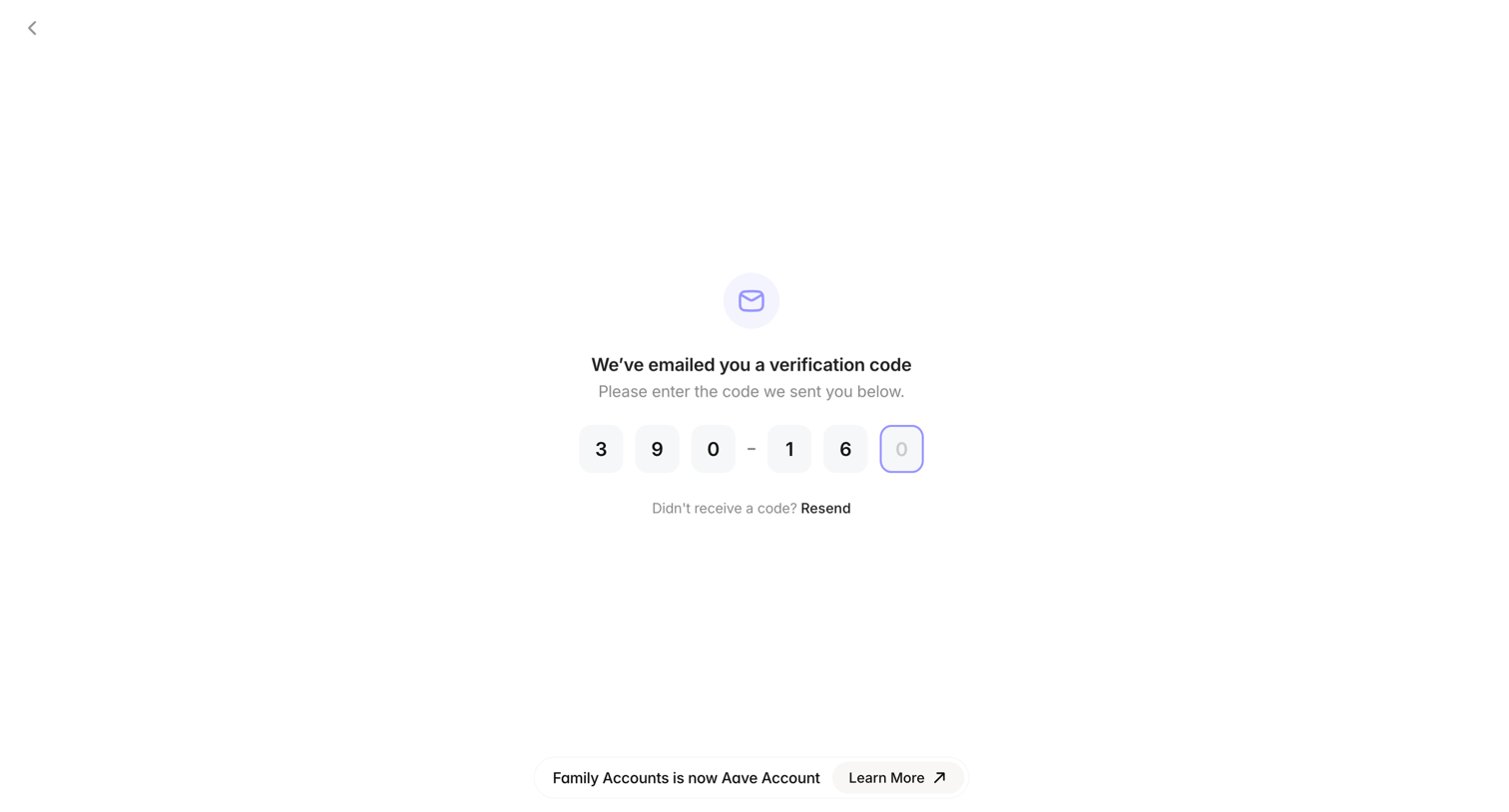
Verification screen where the user enters a 6-digit code sent to their email to authenticate.
Family - Aave Account screen
Family logo
Family

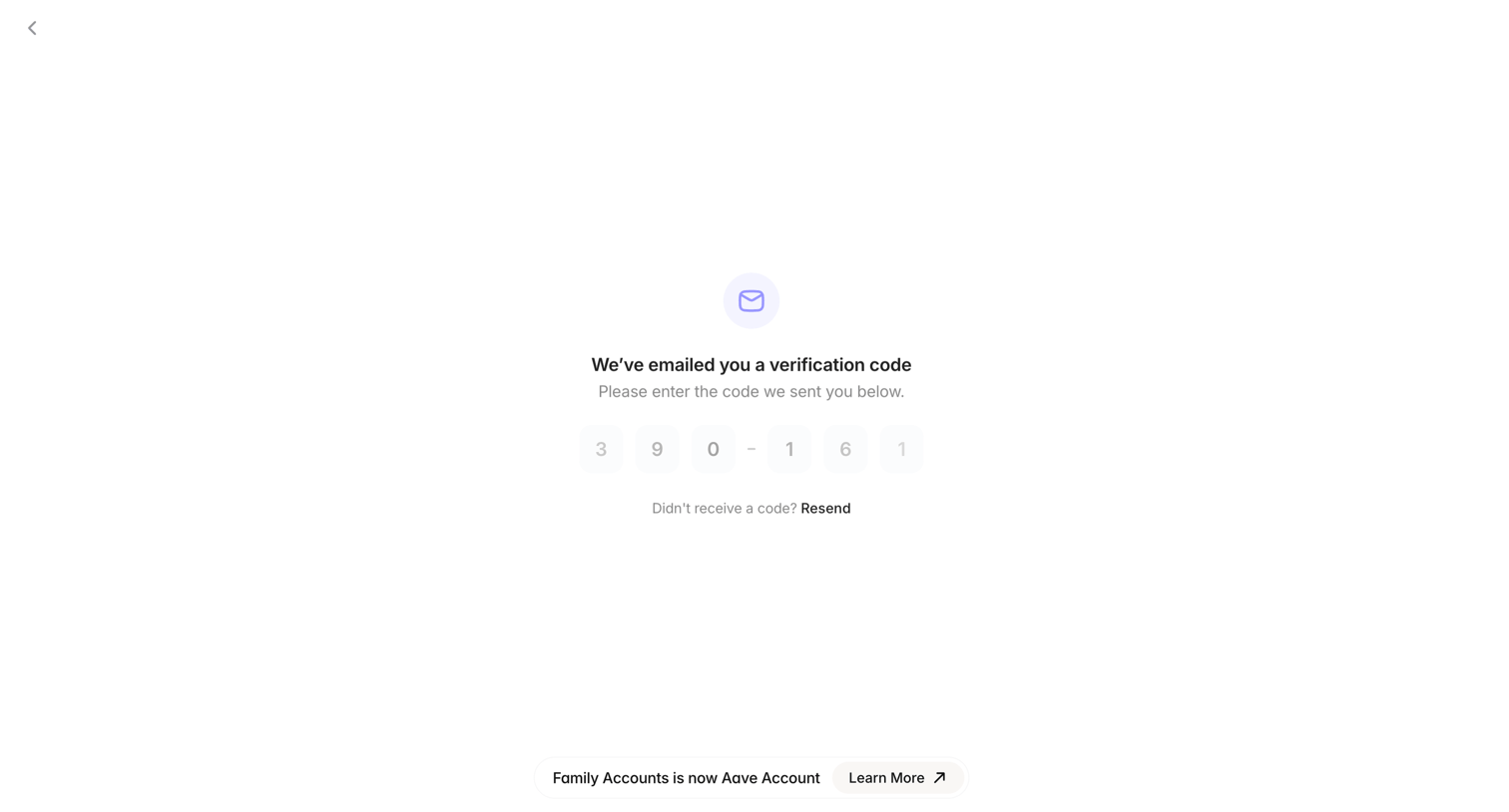
Auth screen where the user enters a 6-digit verification code sent to their email to proceed.
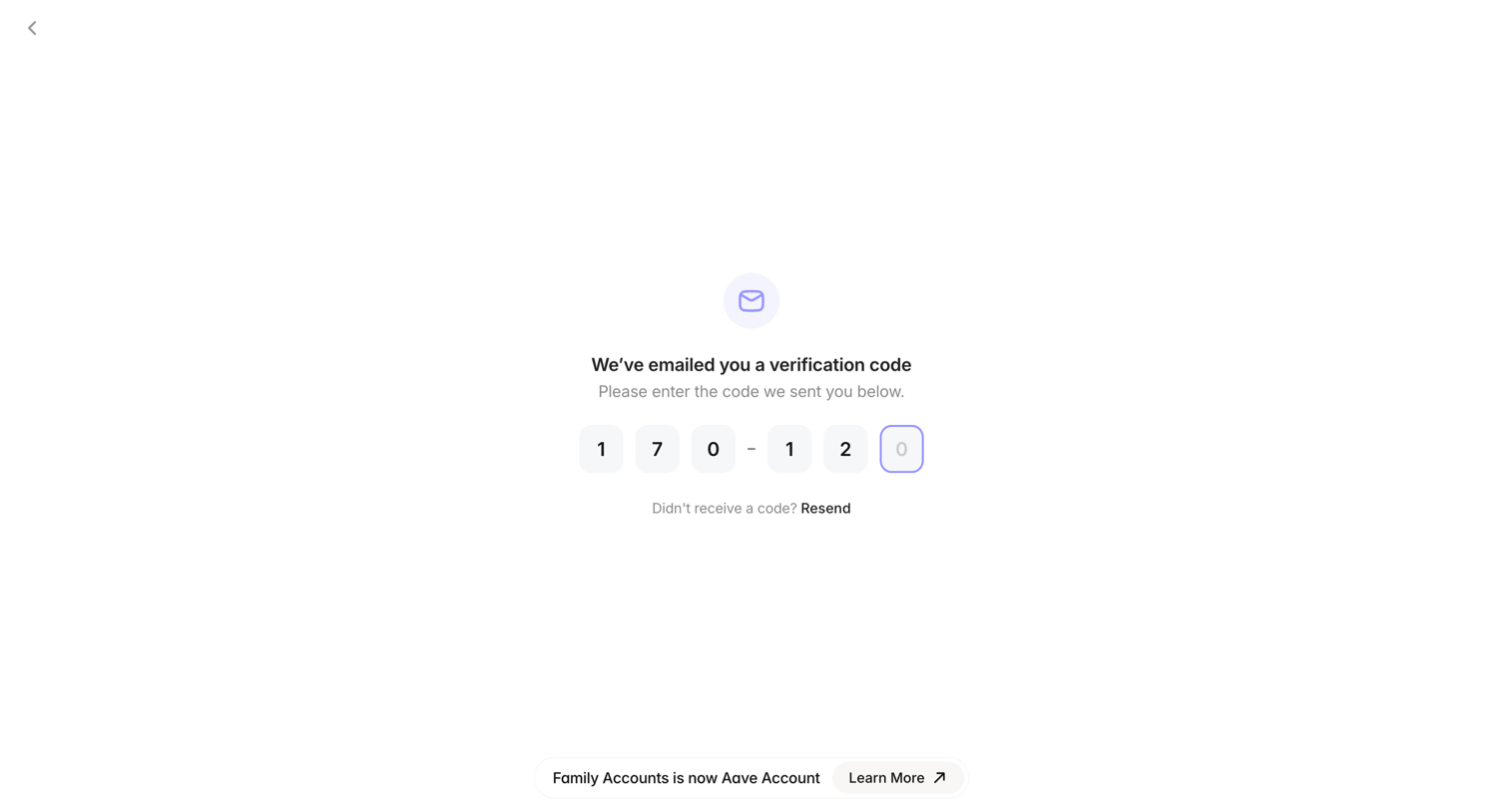
Family - Aave Account screen
Family logo
Family

Verification screen where the user enters a 6-digit code sent to their email to authenticate their account.
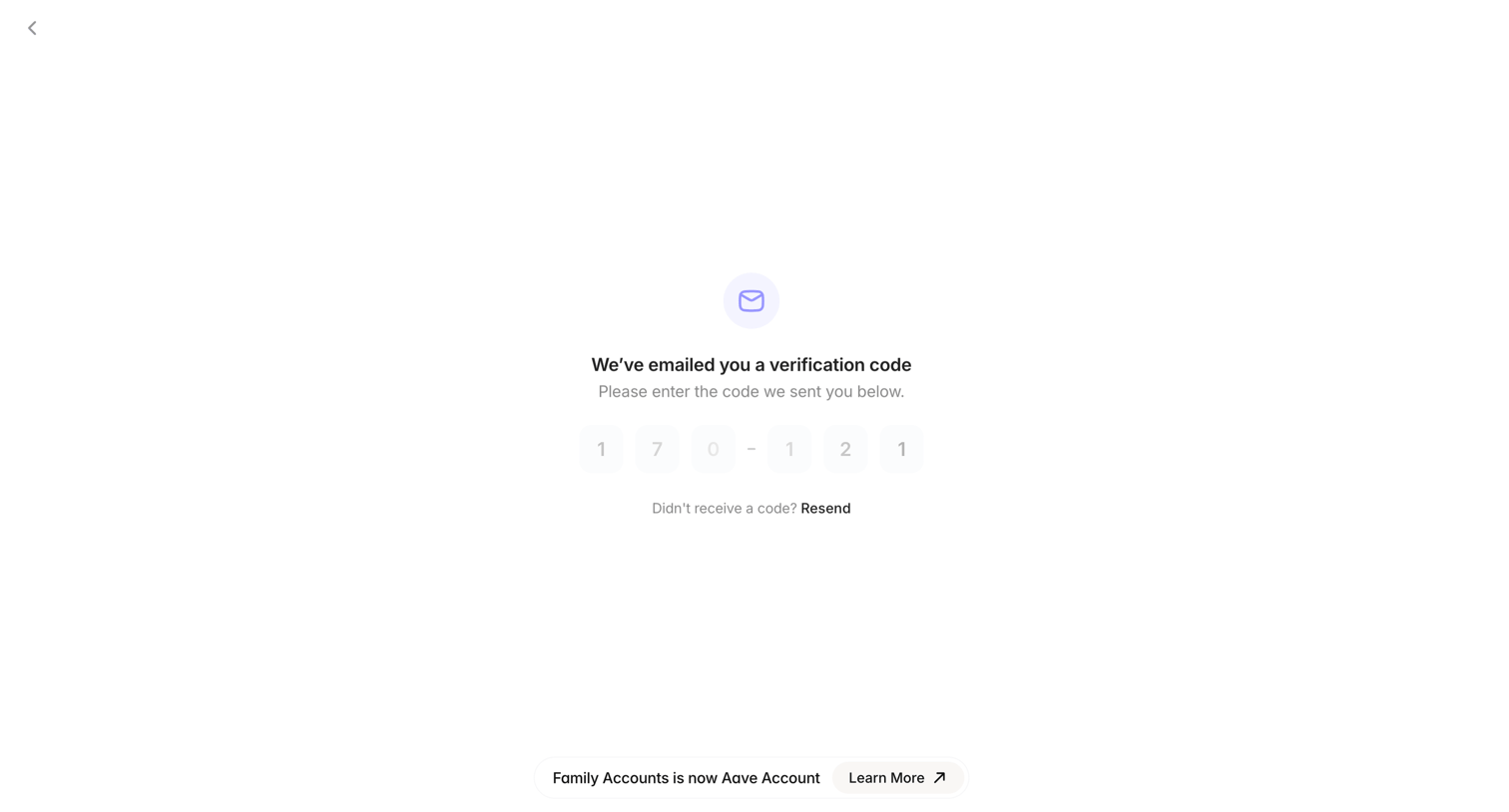
Family - Aave Account screen
Family logo
Family

Verification screen where the user enters a 6-digit code sent to their email to authenticate.
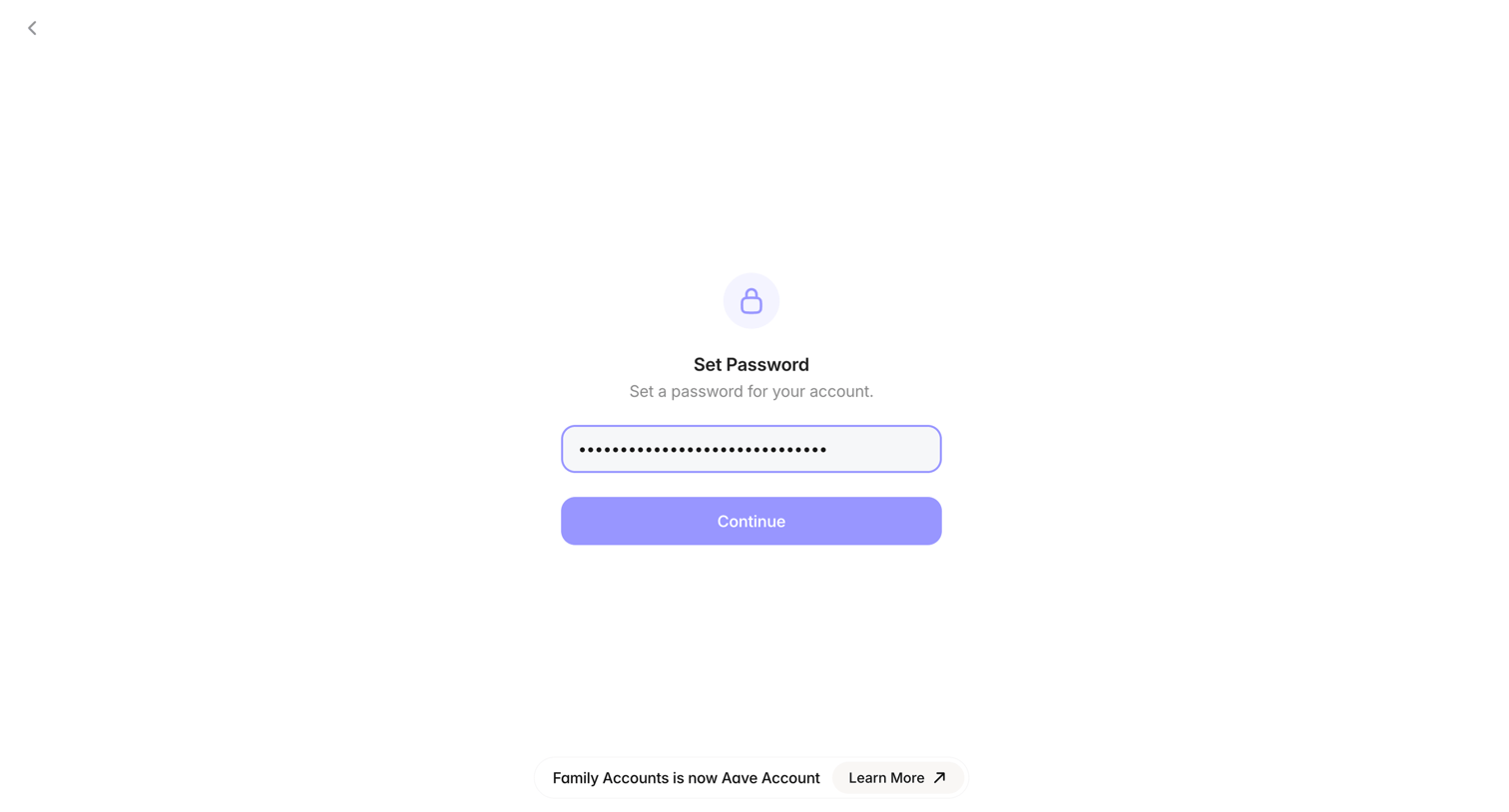
Family - Aave Account screen
Family logo
Family

Auth screen where the user sets a password for their new account, featuring a bottom banner noting the transition to Aave Account.

Explore the full SaaS screen library

Upgrade to unlock the full library.

Trusted by the best teams