Circleback product screens examples
Browse Circleback screen design examples. Preview the interface screenshots and explore related UI patterns. Unbelievably good meeting notes
Explore the examples


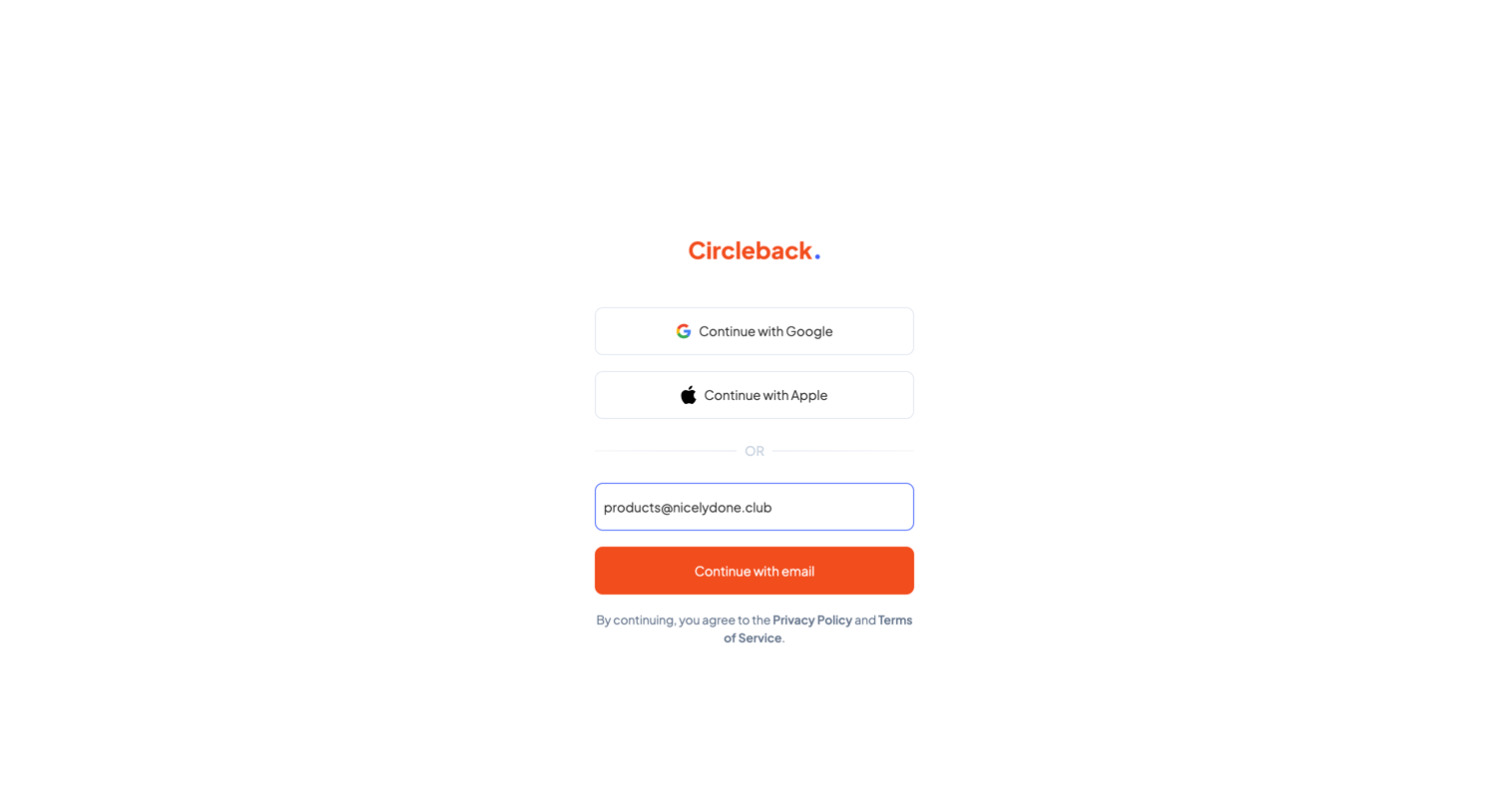
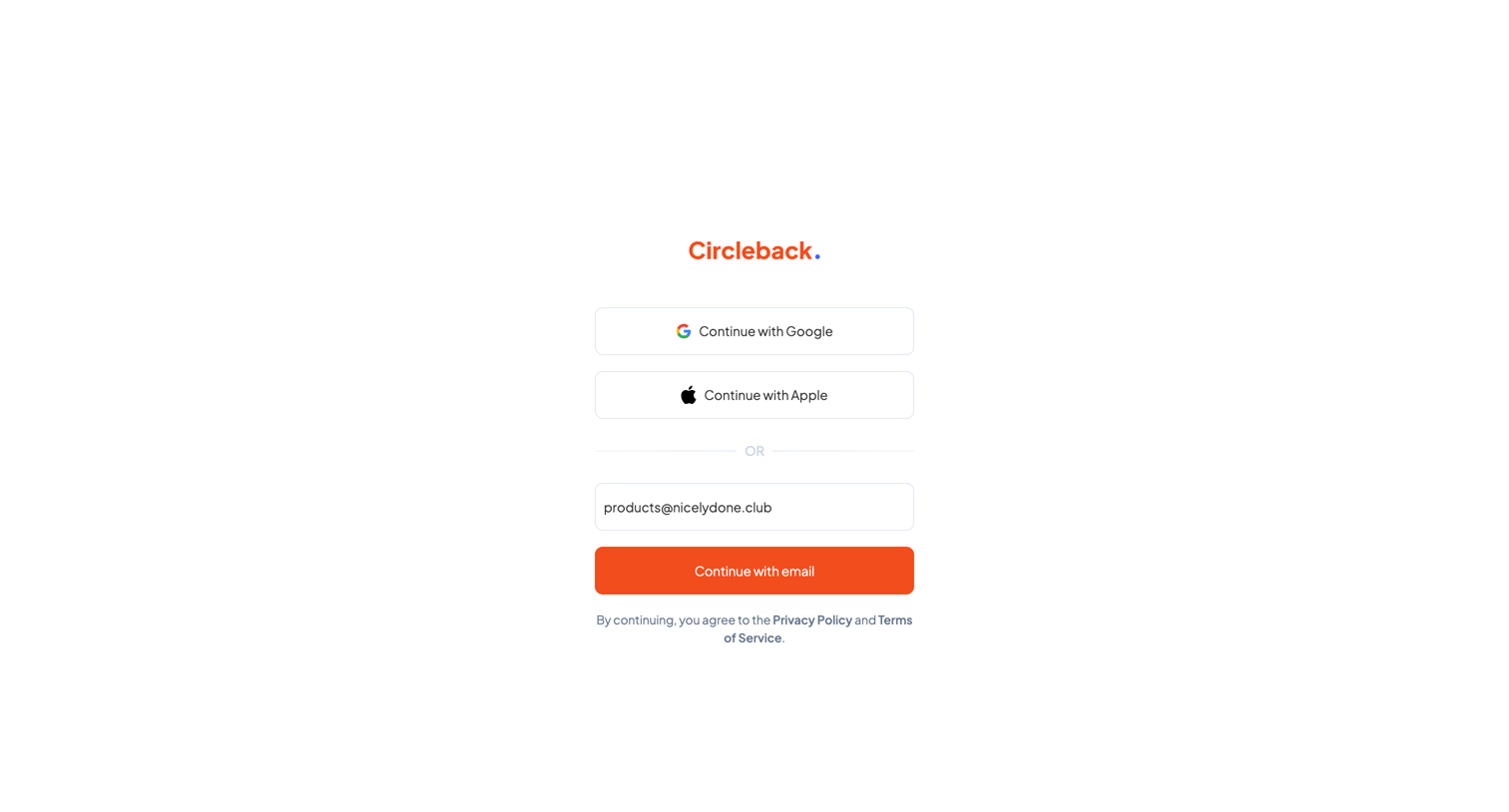
Sign-in screen where the user authenticates with Google, Apple, or by entering their email address.
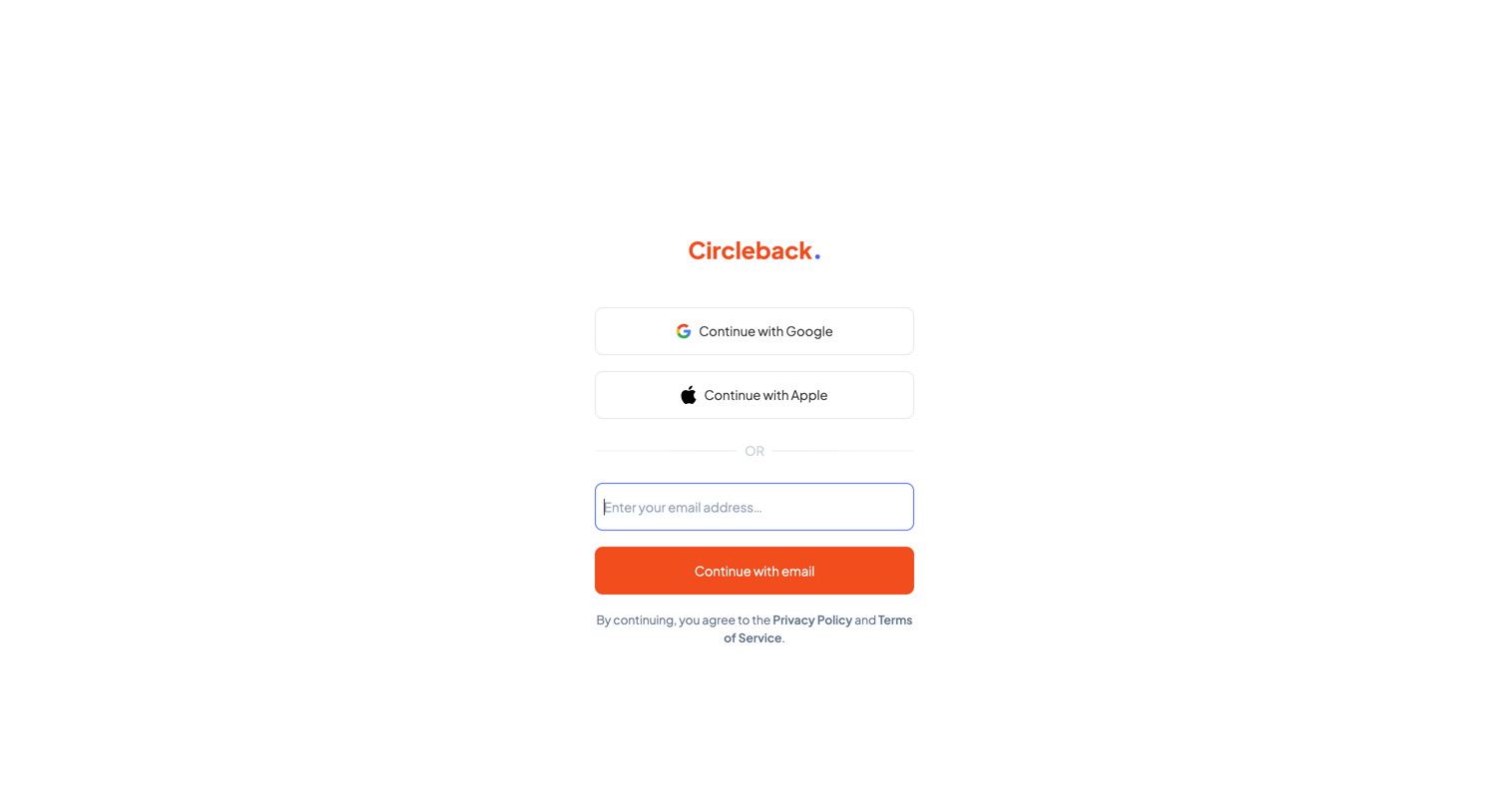
Sign-in screen where the user authenticates with Google, Apple, or by entering their email address for a passwordless flow.
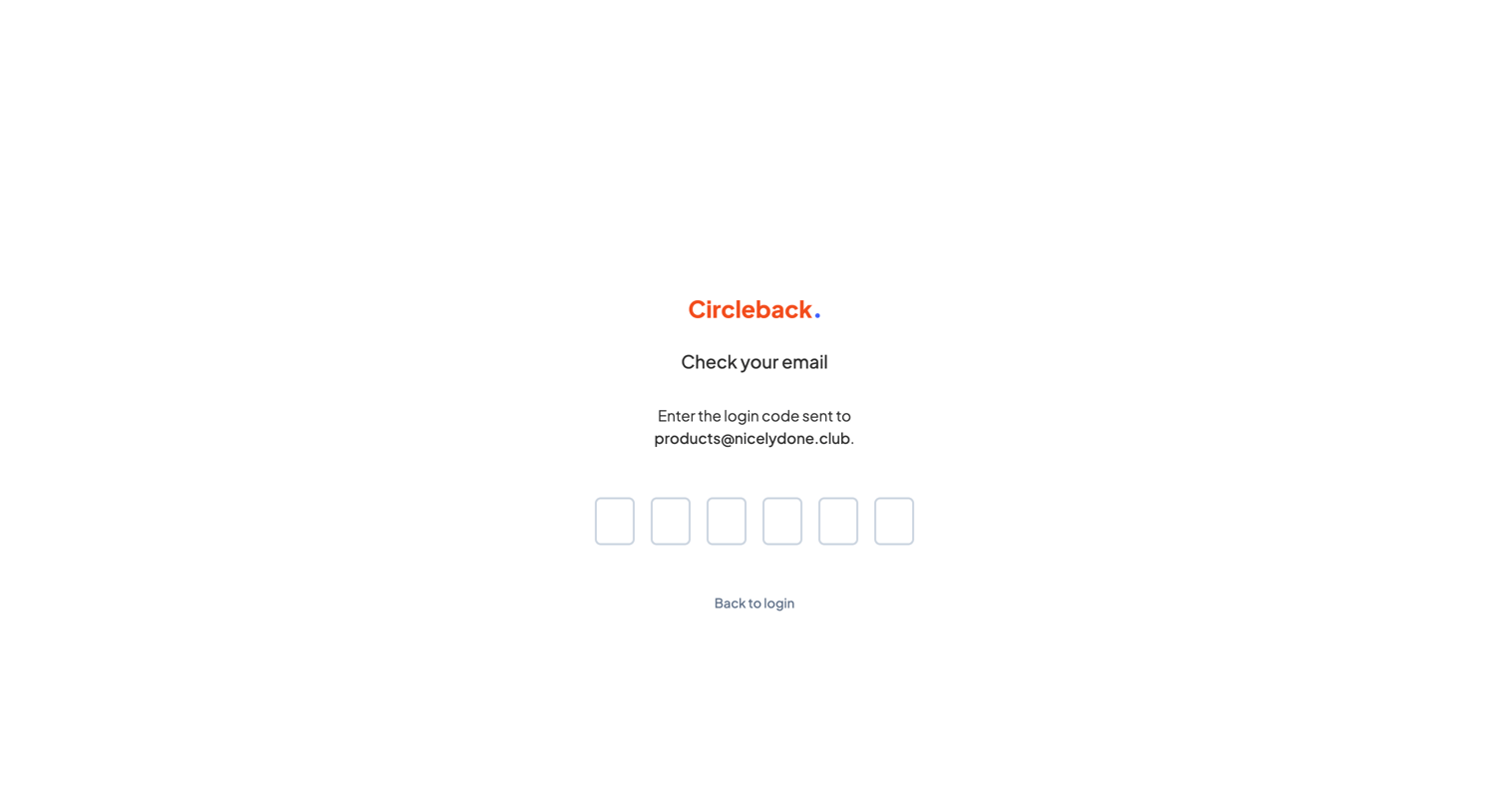
Verification screen where the user enters a 6-digit login code sent to their email to authenticate.
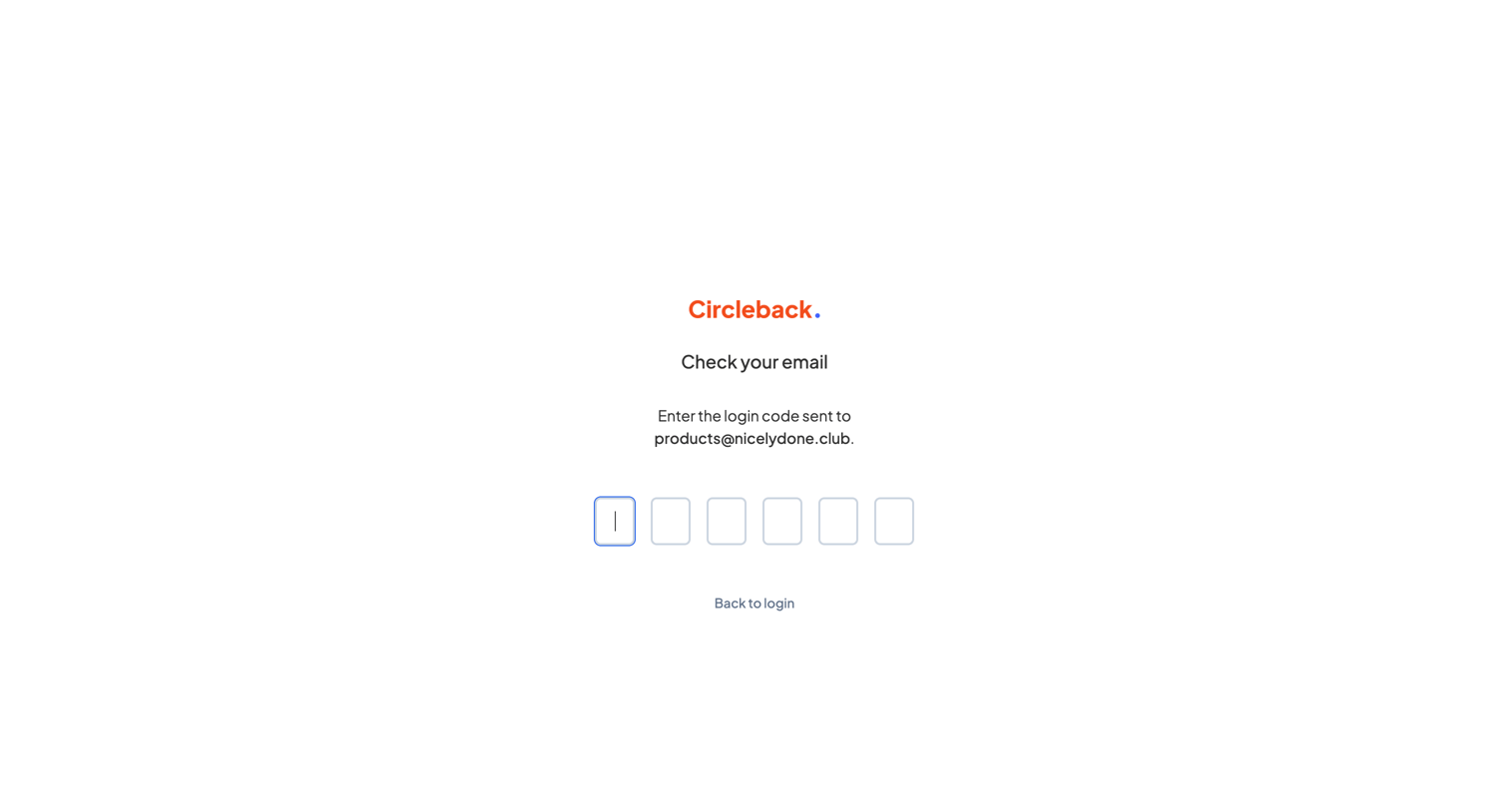
Verification screen where the user enters a 6-digit login code sent to their email address to complete the sign-in process.
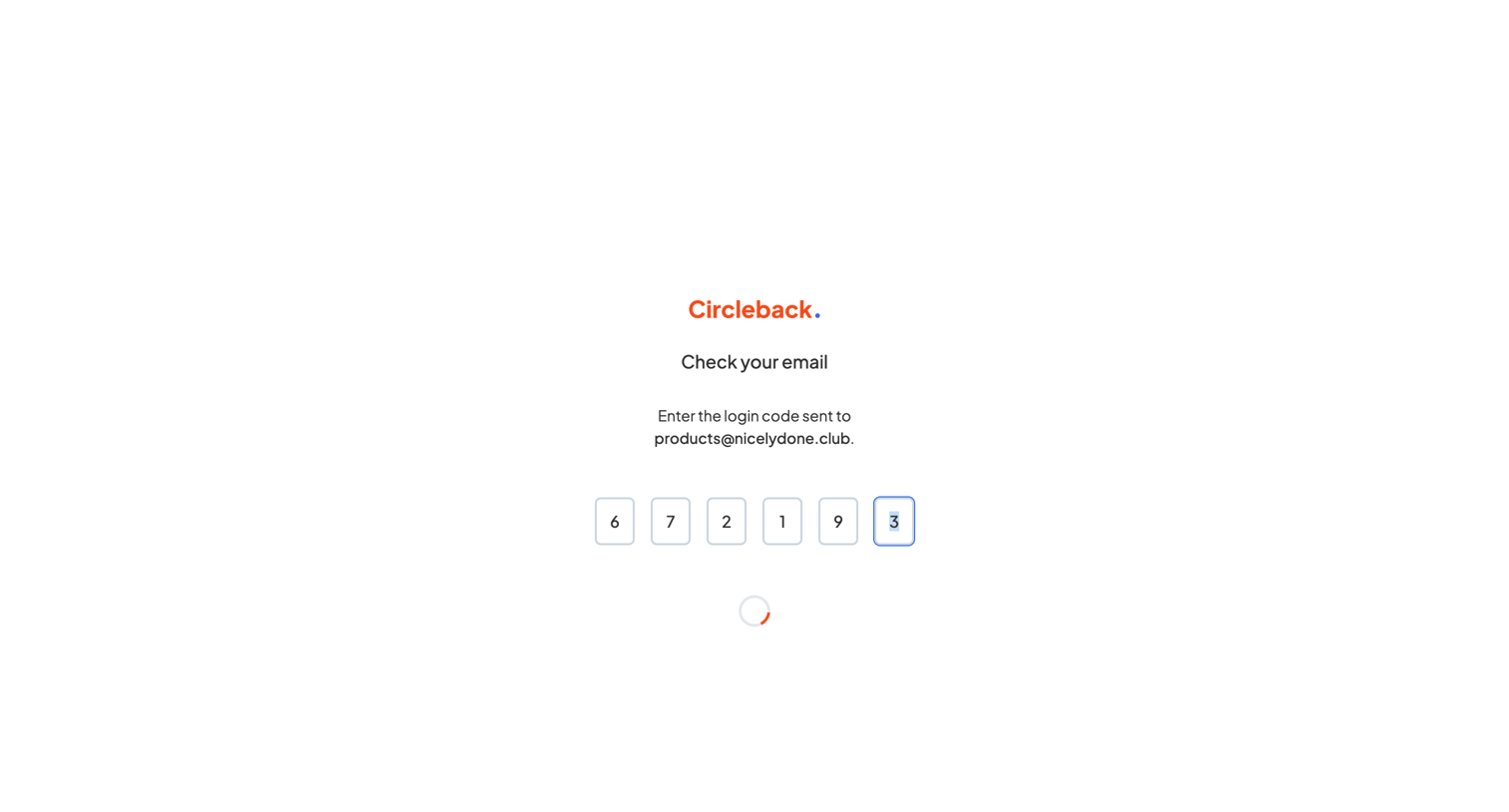
Verification screen where the user enters a six-digit login code sent to products@nicelydone.club to access Circleback, currently showing a loading spinner.
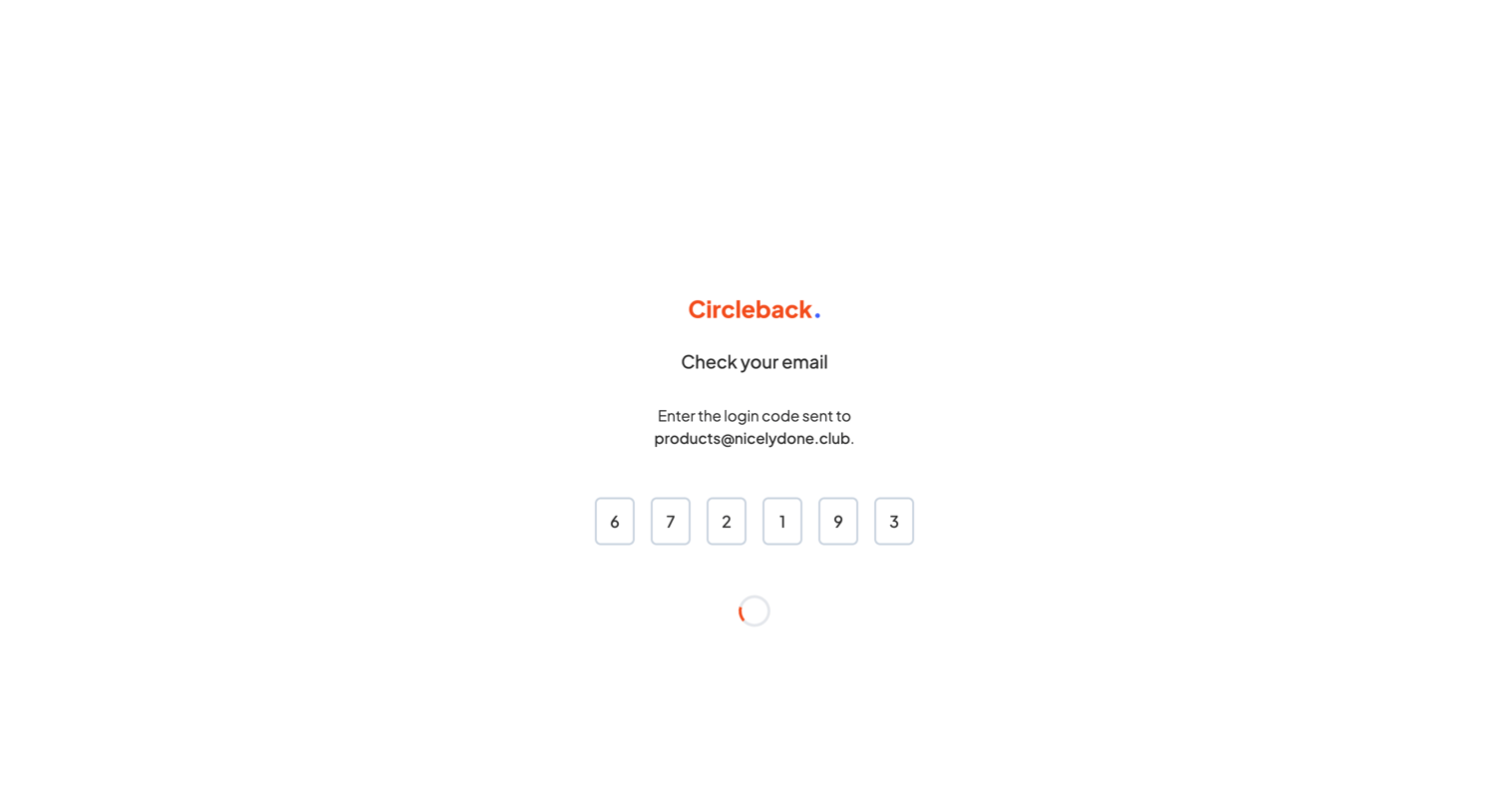
Verification screen where the user waits for authentication to complete after entering a 6-digit login code sent to their email.
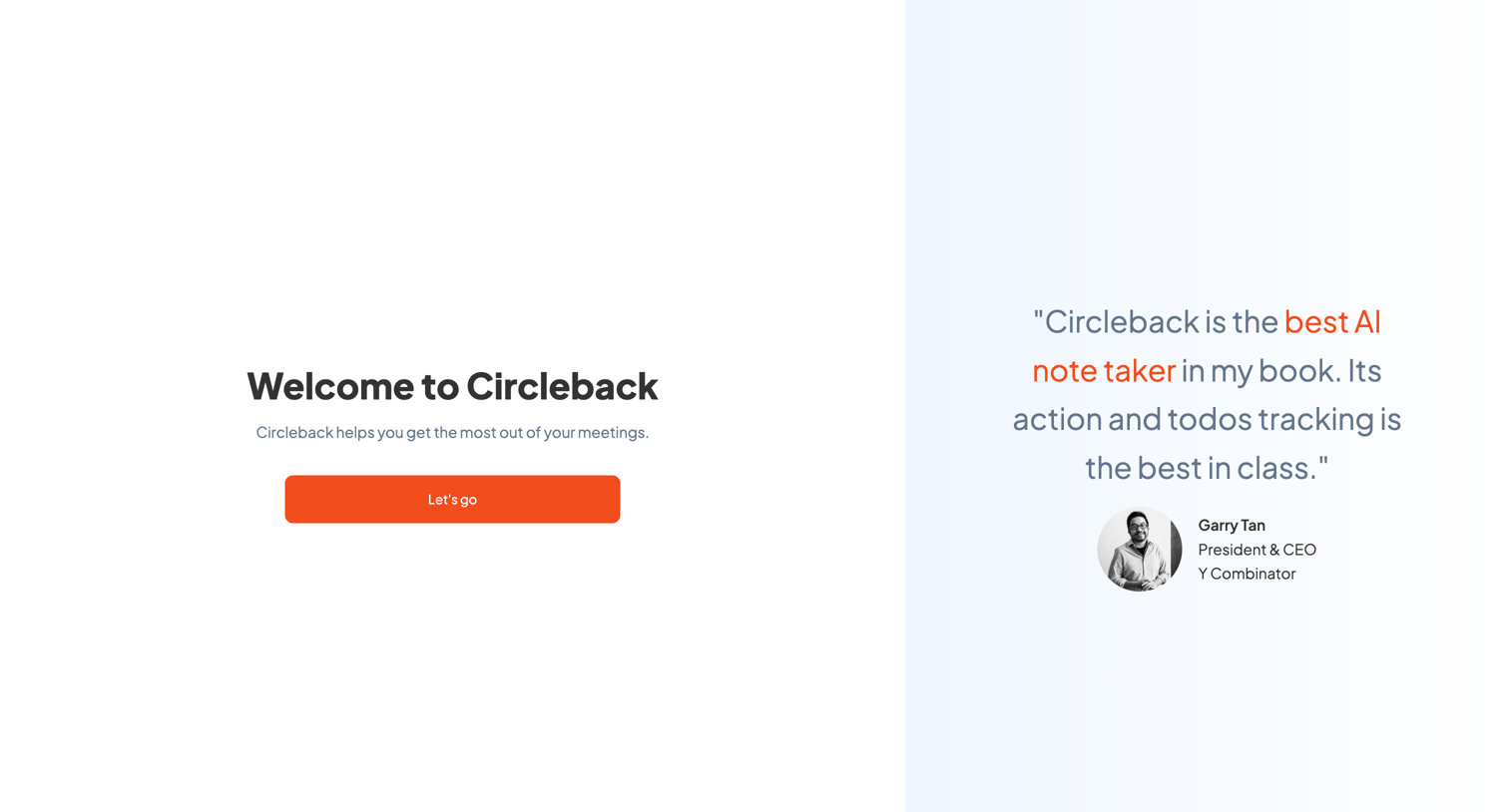
Onboarding welcome screen where the user is greeted to Circleback and prompted to start, alongside a prominent customer testimonial from Y Combinator's CEO.
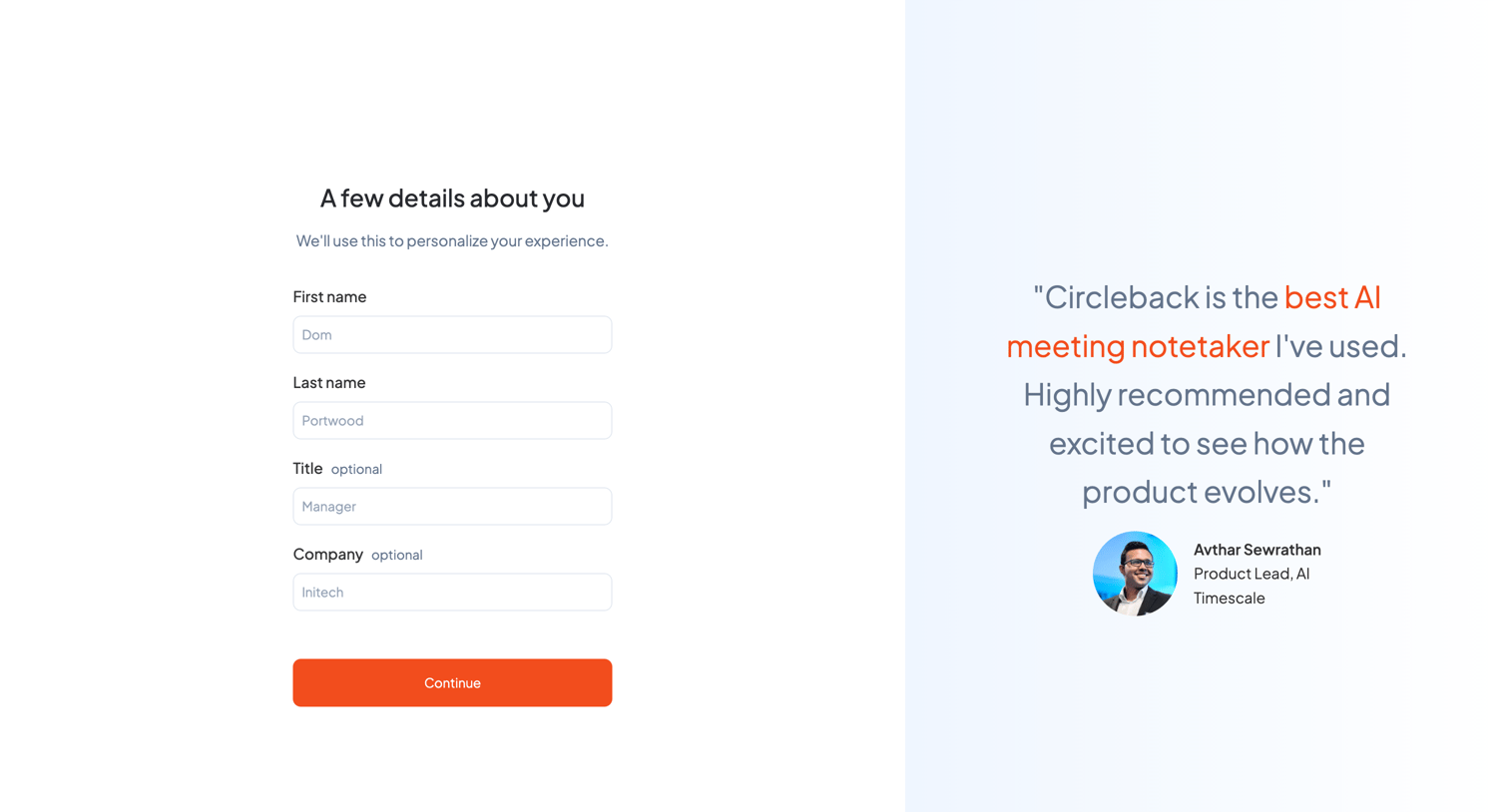
Onboarding step where the user provides their name, title, and company to personalize their experience, alongside a customer testimonial.
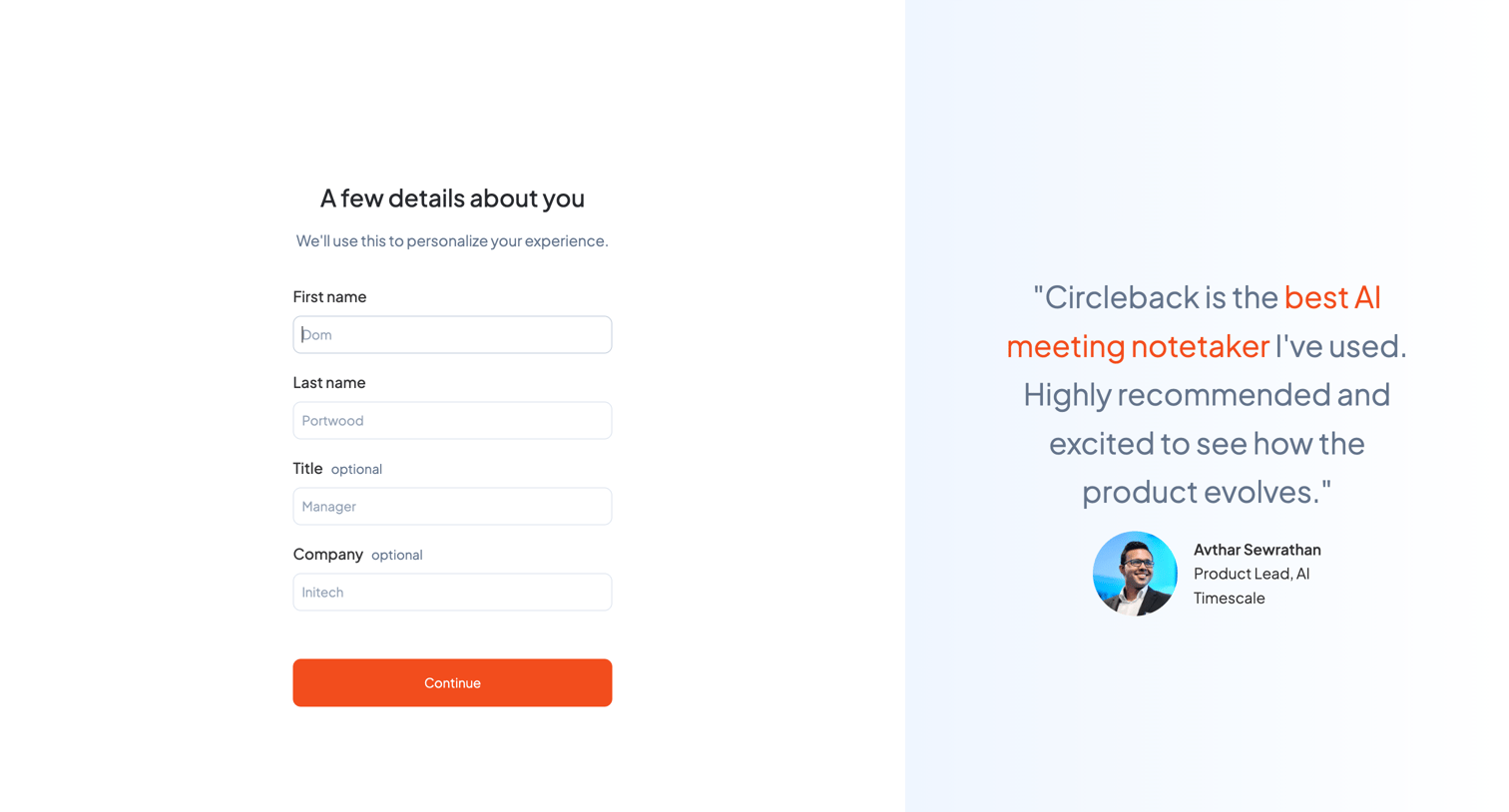
Onboarding step where the user enters their name, title, and company details alongside a prominent customer testimonial.
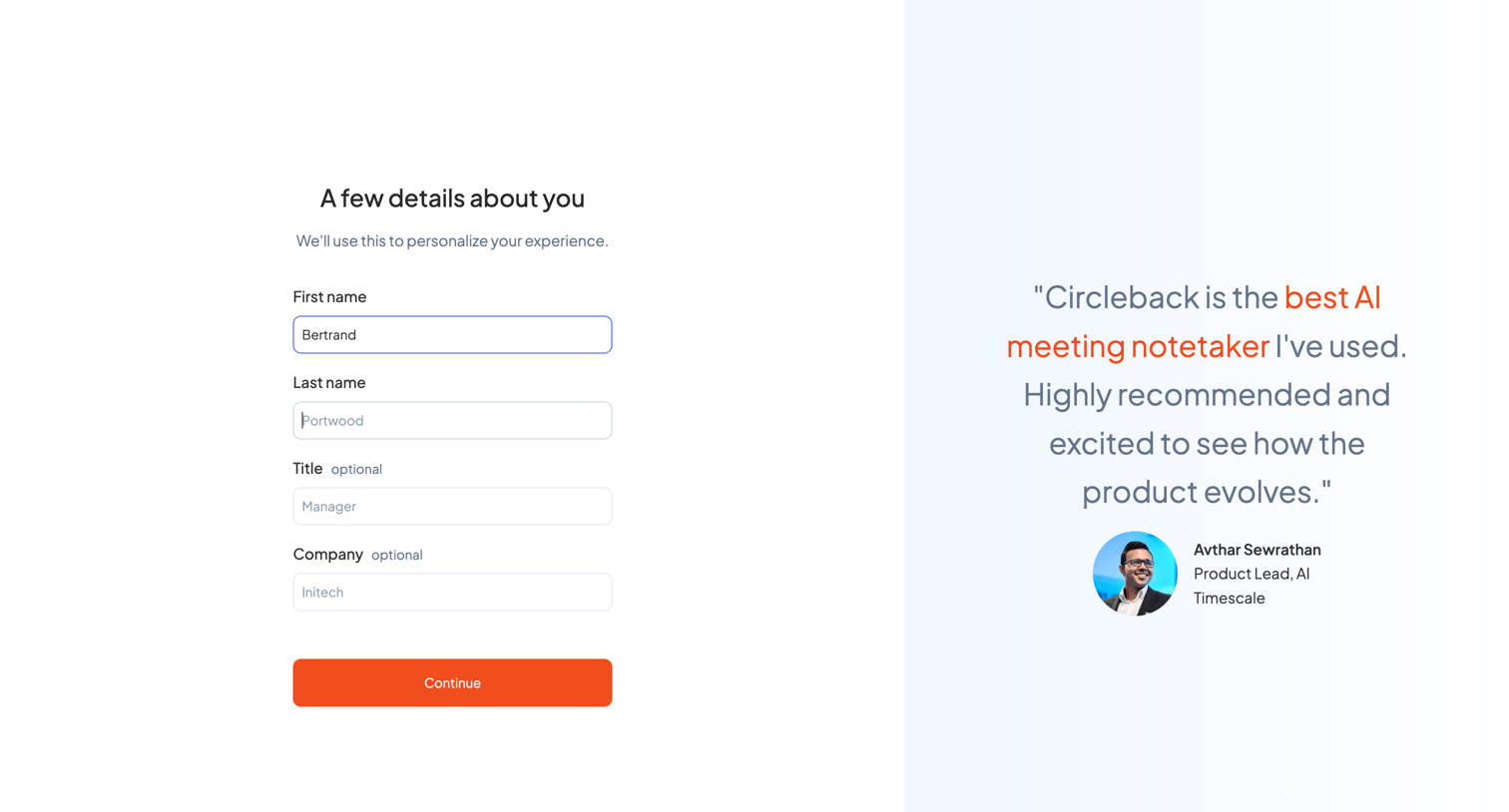
Onboarding step where the user enters their name, title, and company alongside a prominent customer testimonial.
Explore the full SaaS screen library
Upgrade to unlock the full library.
Trusted by the best teams







