Skip to content

Circleback UI components examples

Browse Circleback UI component design examples. Preview individual interface elements and explore related component categories. Unbelievably good meeting notes

Explore the examples
Circleback — Dropdown menu component
Circleback logo
Circleback

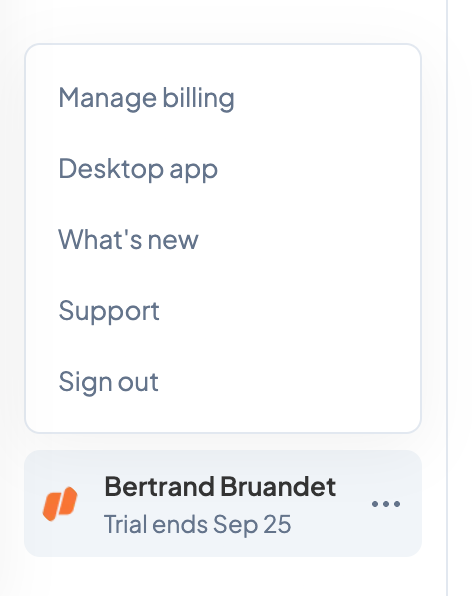
This is a menu with account and billing options.

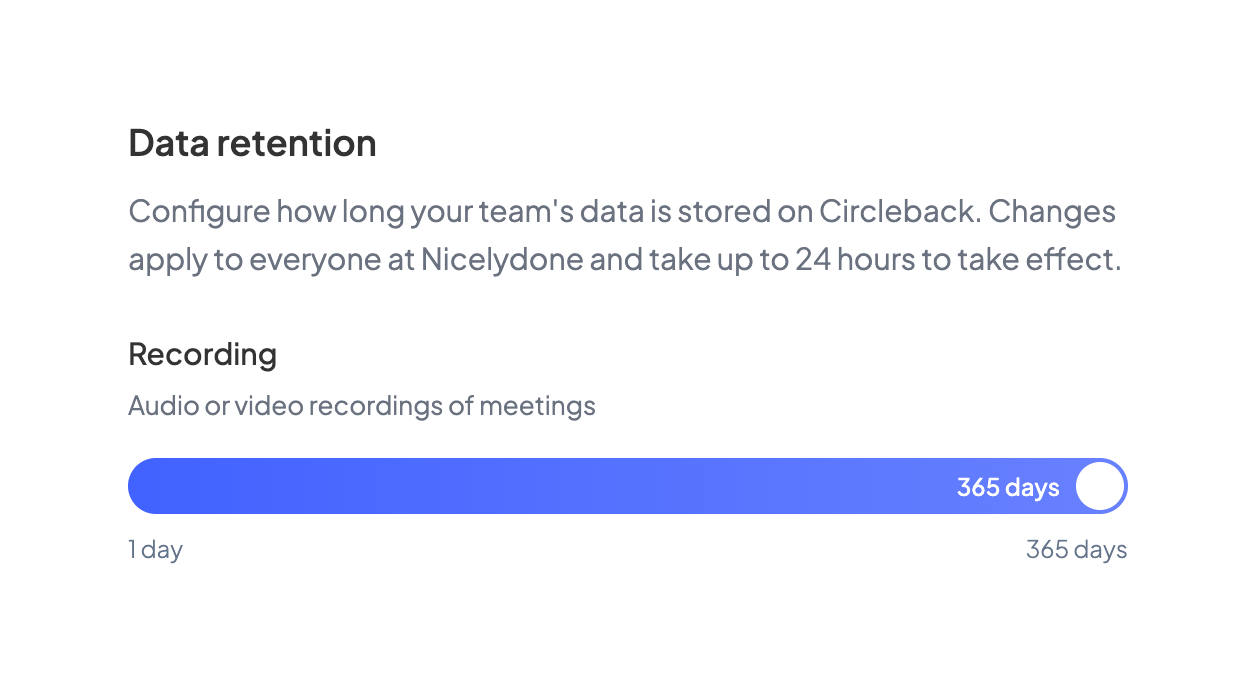
Circleback — Slider component
Circleback logo
Circleback

The image shows a data retention setting with a slider to configure the retention period for audio and video recordings of meetings.

Circleback — Tabs component
Circleback logo
Circleback

Settings page with navigation

Circleback — Toggle/Switch component
Circleback logo
Circleback

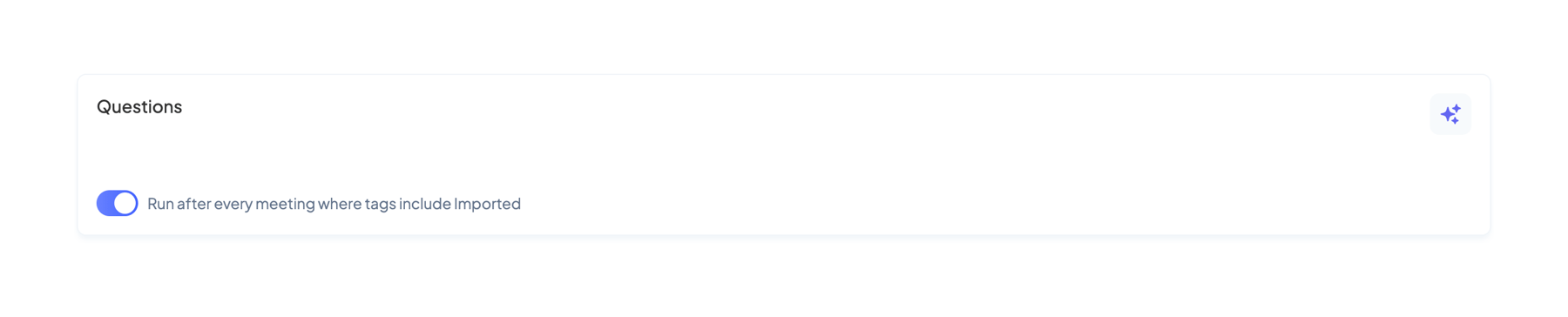
The screenshot shows a settings panel with a toggle to run a process after every meeting where tags include imported.
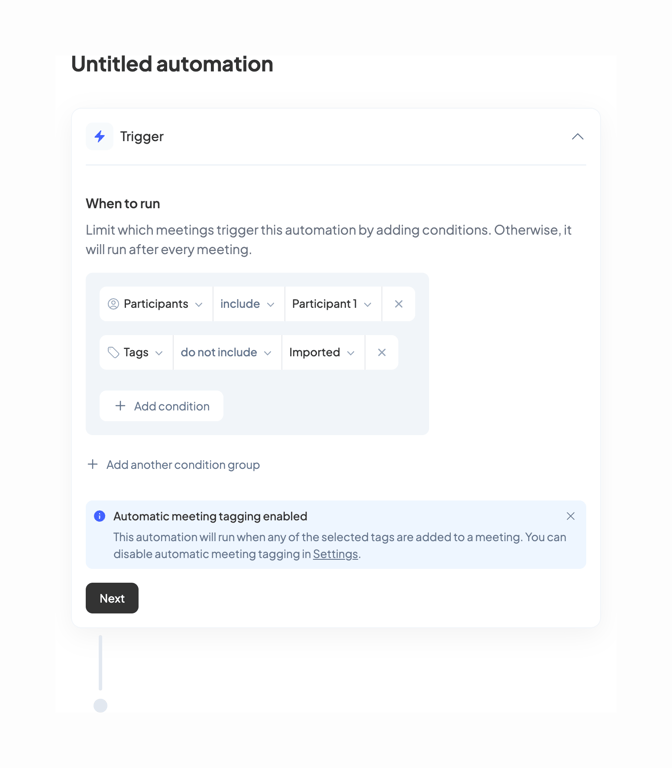
Circleback — Stepper component
Circleback logo
Circleback

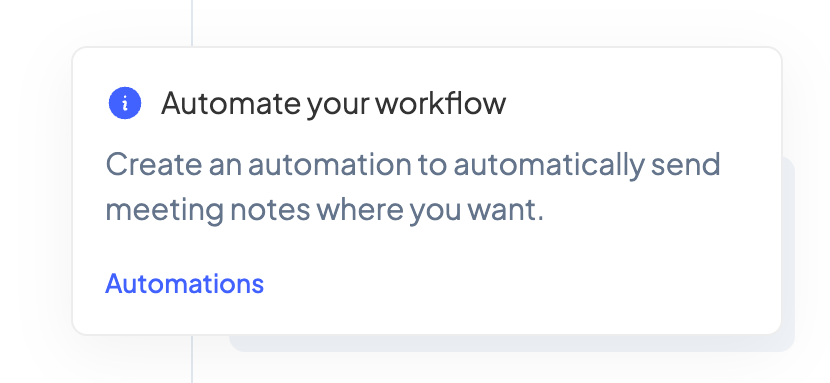
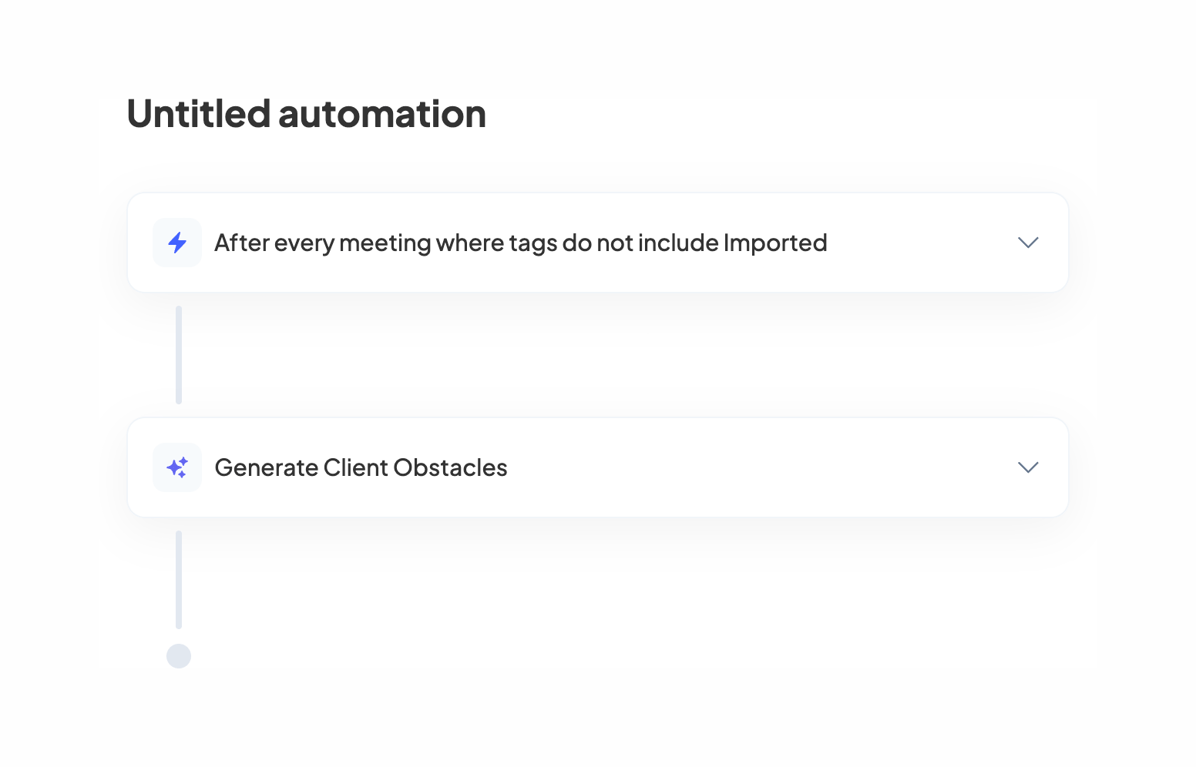
A workflow automation interface.

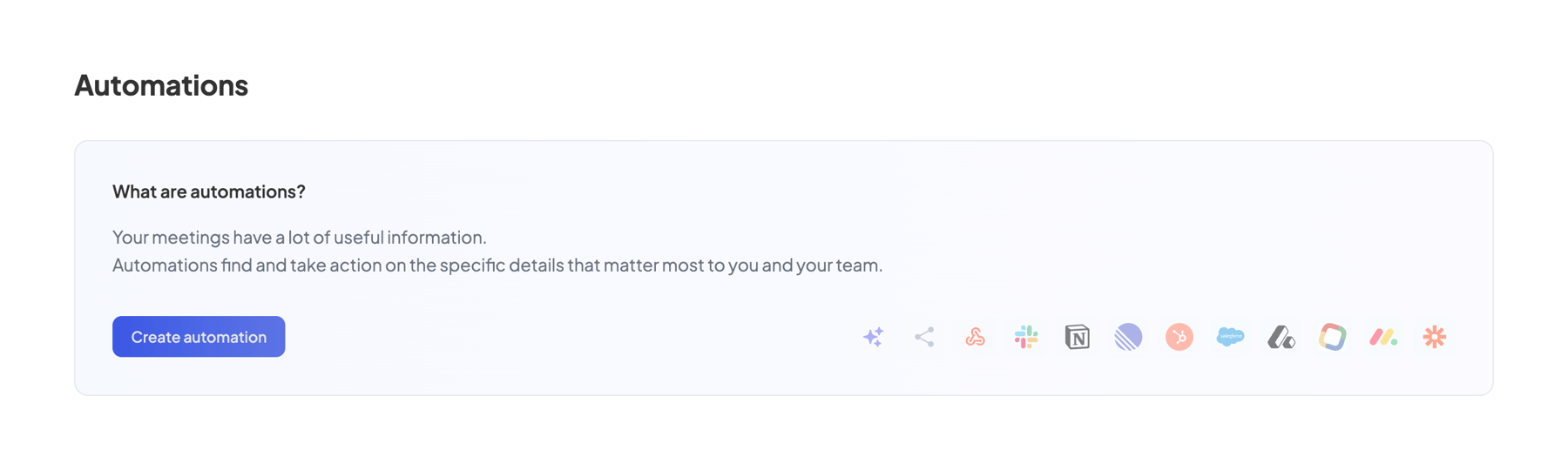
Circleback — Empty state component
Circleback logo
Circleback

The screenshot displays an automation setup interface.

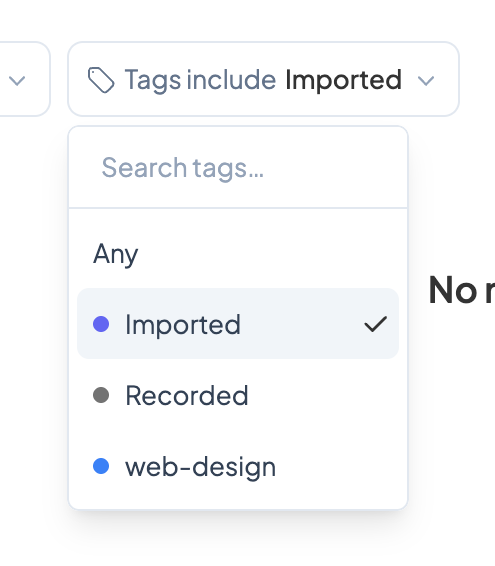
Circleback — Input multi-select component
Circleback logo
Circleback

The screenshot showcases a dropdown menu for filtering tags.

Circleback — Vertical list component
Circleback logo
Circleback

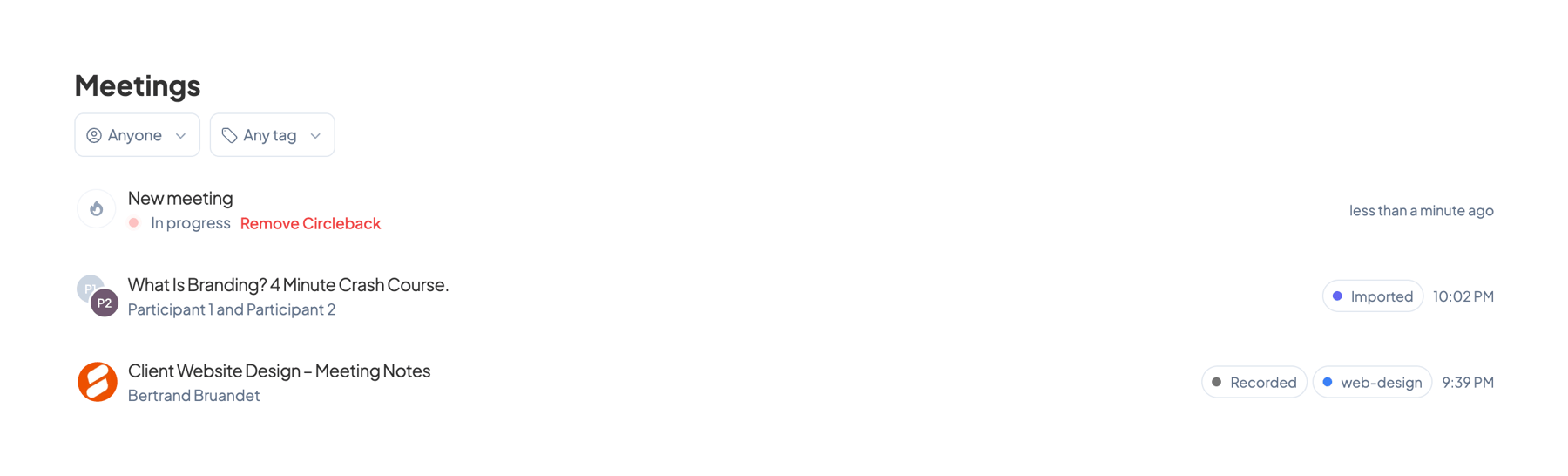
The screenshot displays a meeting list interface.

Browse the full component library

Browse the full UI component library.

Trusted by the best teams