Basehub UI components examples
Browse Basehub UI component design examples. Preview individual interface elements and explore related component categories. Fast, Collaborative, AI-Native Content Management
Explore the examples
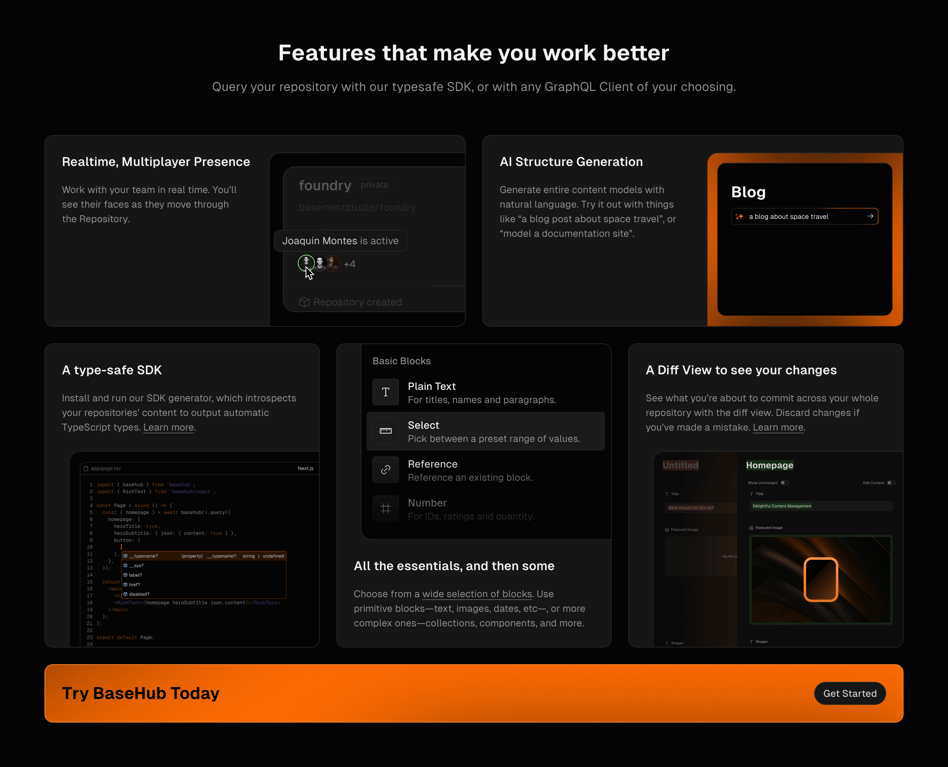

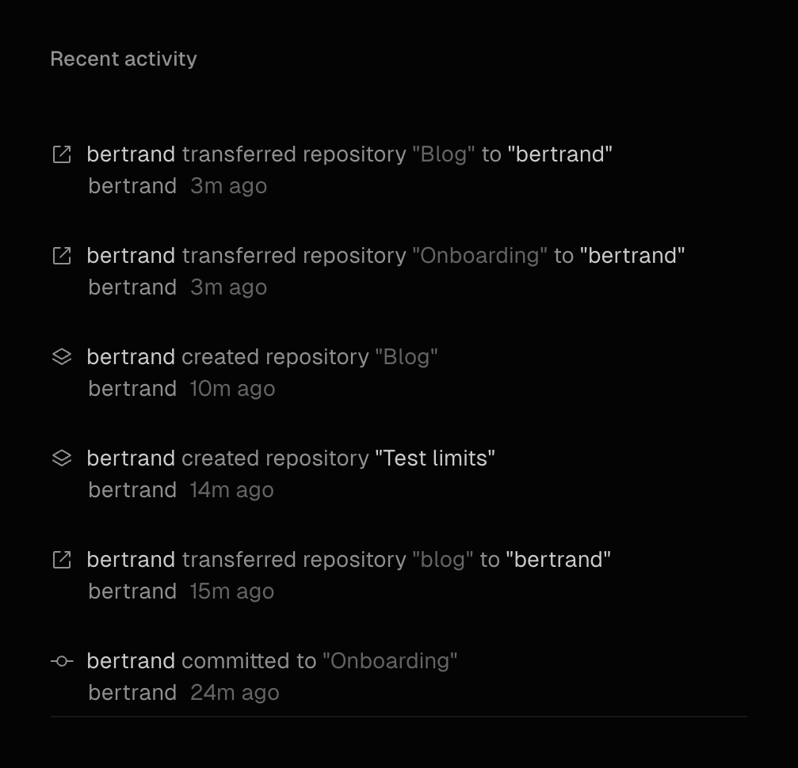

A vertical list displaying recent user actions, such as transferring or creating repositories, with timestamps and icons indicating the type of action.
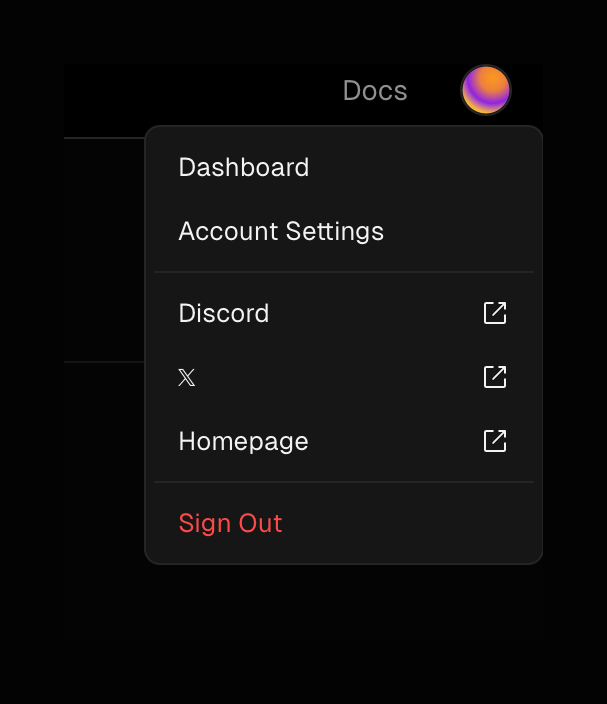
A dark-themed dropdown menu triggered by an avatar, containing links to dashboard, settings, external social profiles, and a sign-out action.

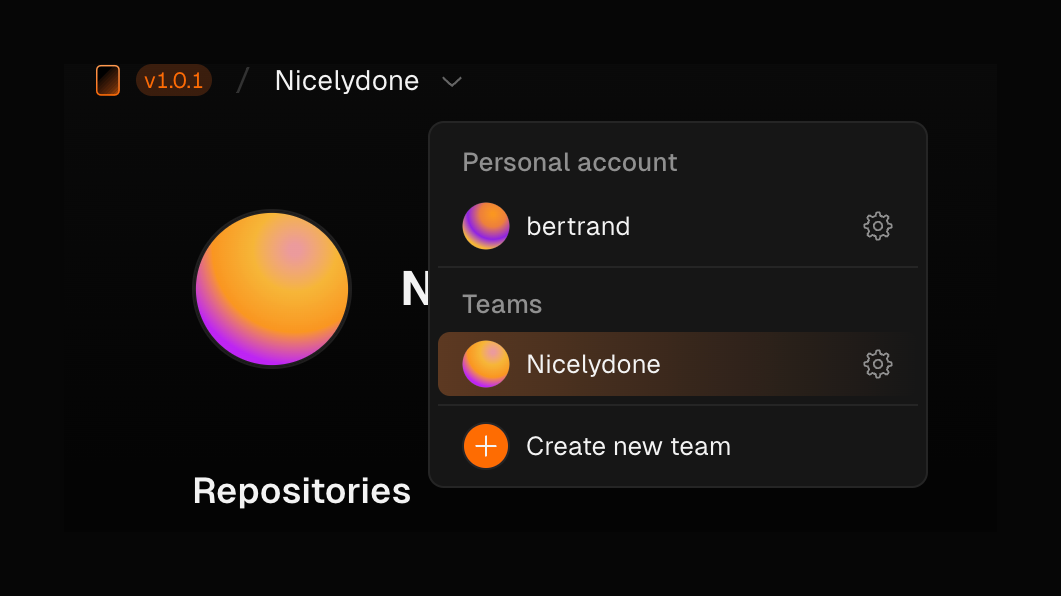
A dark-themed dropdown menu for switching between personal accounts and teams, featuring avatars and settings icons.

A dark-themed email input field with a label and an envelope icon inside the input box.
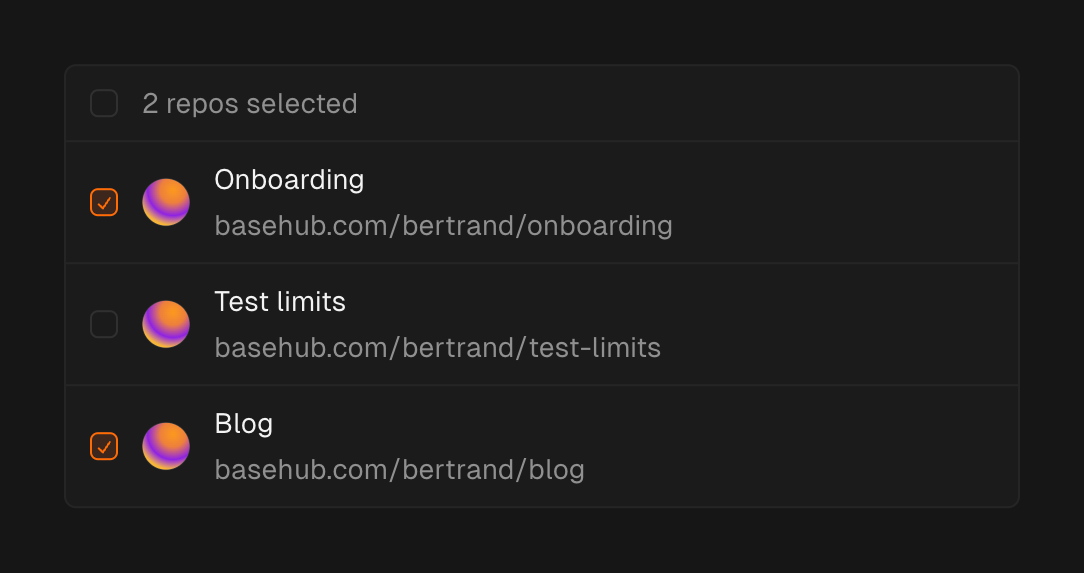
A list of repositories with checkboxes for selection. The header indicates the number of selected items. Each list item includes a checkbox, an avatar, a title, and a URL.
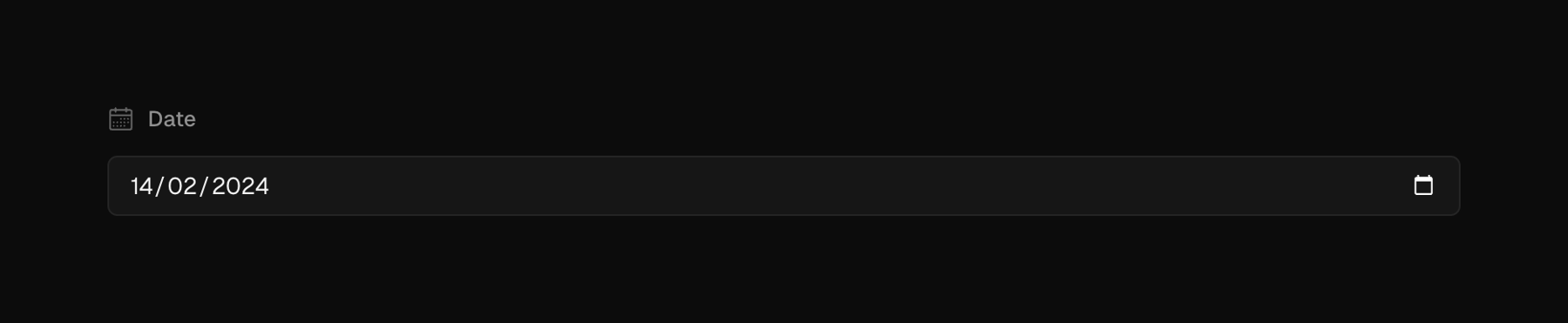
A dark-themed date input field with a label and a calendar icon. The field displays a pre-filled date in DD/MM/YYYY format.

A radio group for selecting publish status, with 'Yes' and 'No' options. The 'No' option is currently selected.

A text prompt encouraging users to invite their team by creating a Team, with an inline link.
Browse the full component library
Browse the full UI component library.
Trusted by the best teams







