
Vev user flows examples
Explore Vev user flow examples. Preview the opening screens and steps for each task. No-code web design platform for professional creatives
Preview these flows
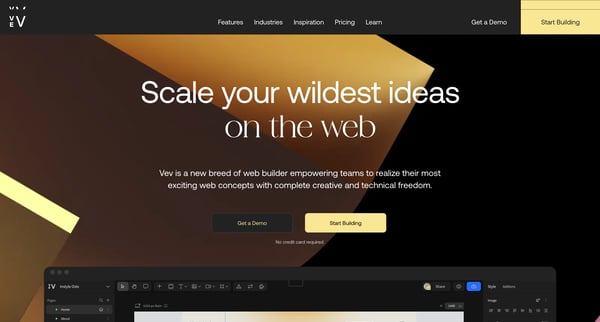
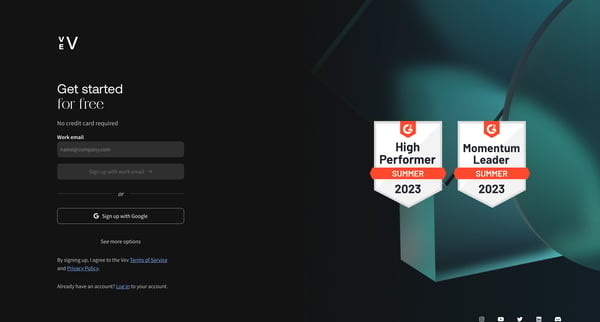
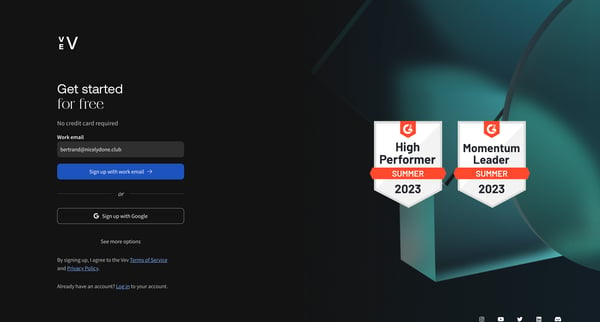
This flow guides a new user through the process of creating an account, specifying their work interests, and setting up their first project in Vev by selecting a template and claiming a stagi
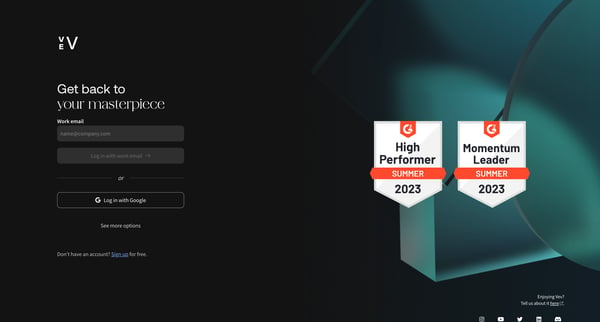
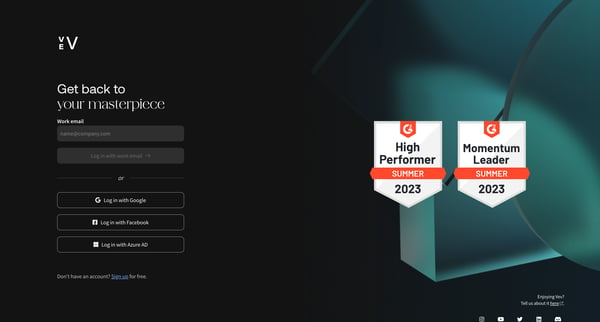
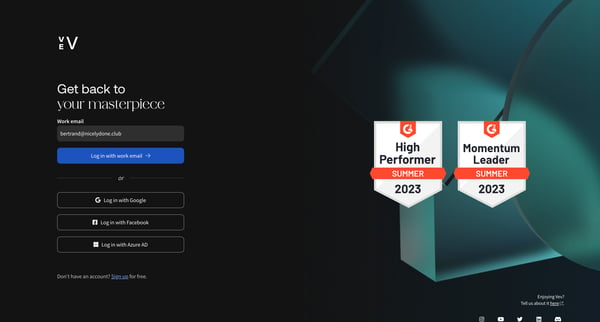
This user flow guides the user through the process of signing into their account on Vev, providing multiple authentication options.
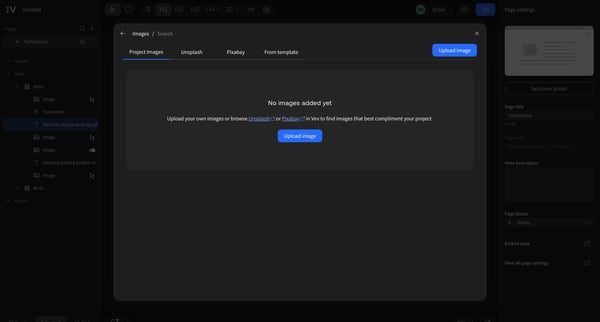
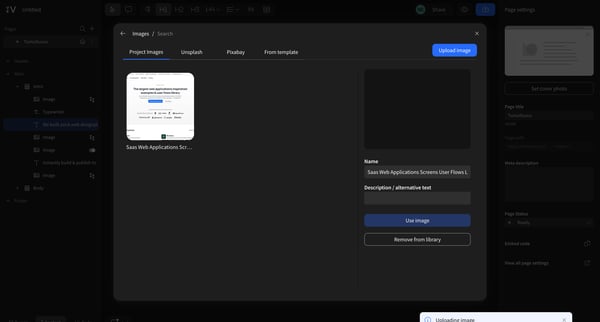
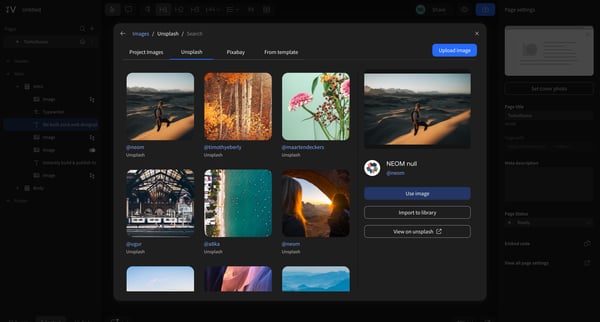
This flow guides the user through the process of importing and managing images within a web design platform, allowing for the selection, upload, and integration of imagery from various source
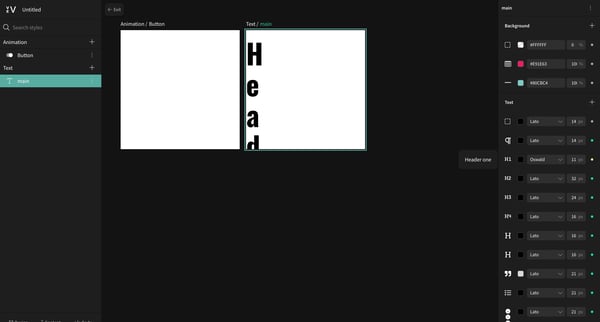
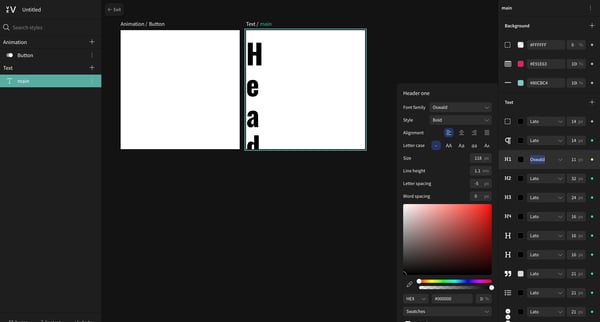
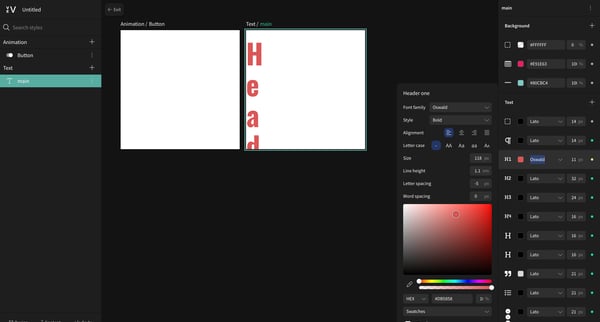
This user flow guides the user through the process of editing text styles, changing text color, updating design elements, and managing layers within a design editor interface.
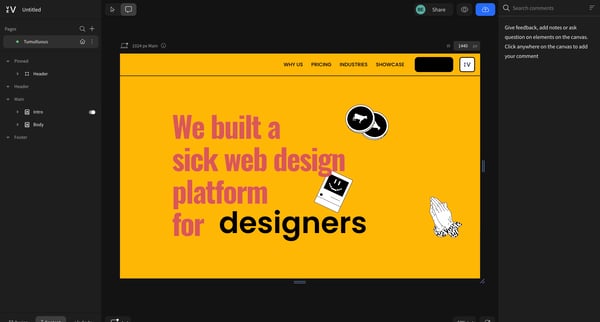
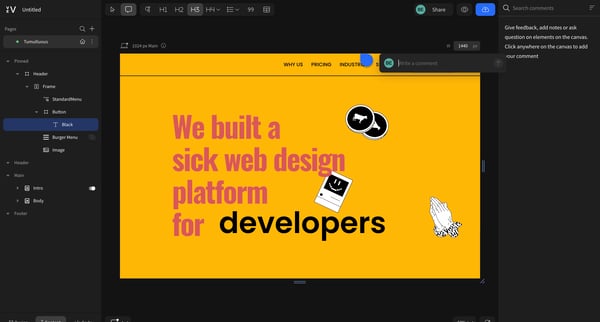
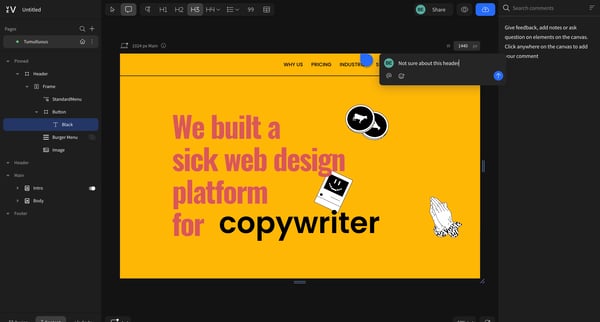
This flow enables users to engage with a web design platform by adding comments and feedback directly on the displayed project canvas.
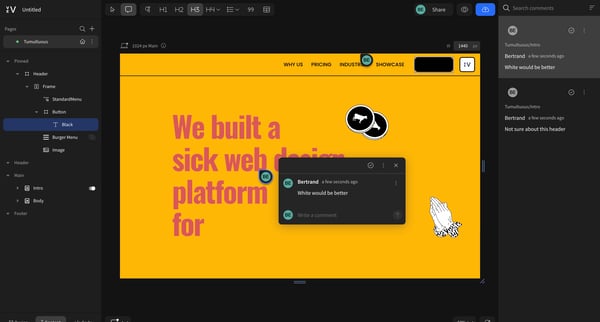
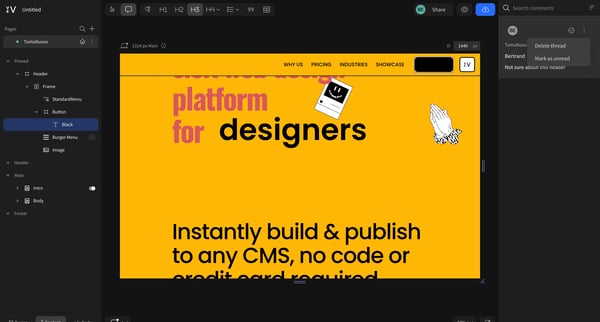
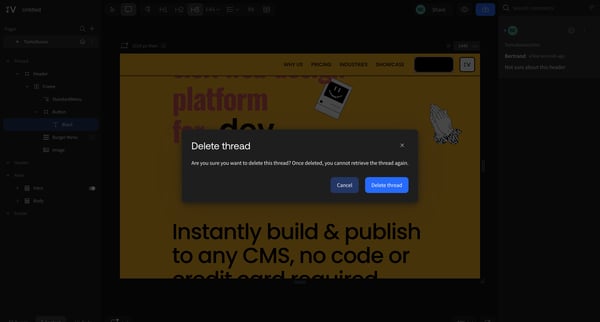
This user flow allows users to engage with content by leaving comments and reacting, as well as manage their interactions such as deleting threads.
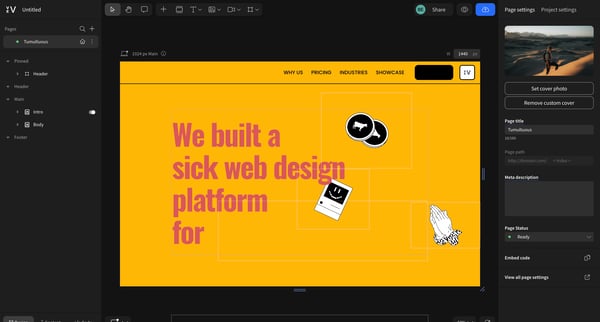
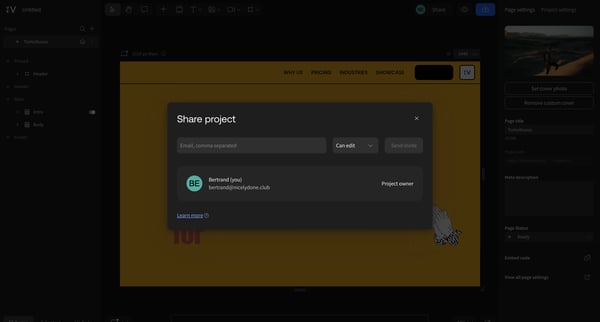
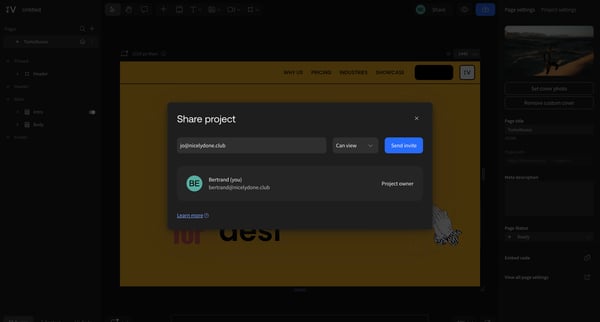
This user flow enables users to share a project through adding email addresses, setting permissions, and sending an invitation.
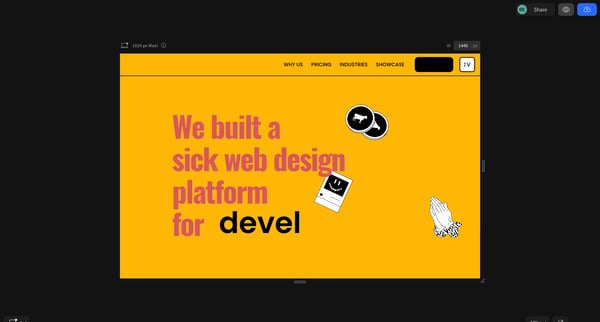
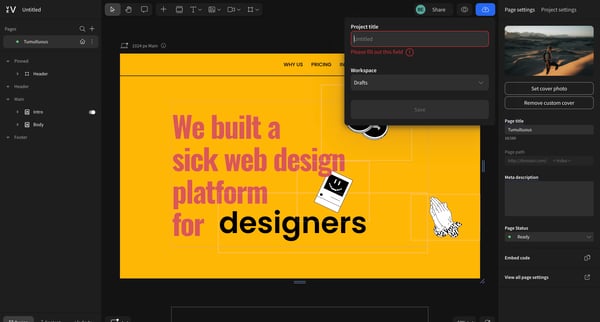
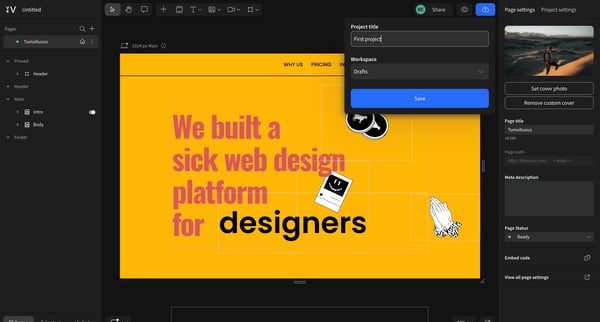
This flow guides a user through the process of editing and configuring a web design project, including setting project details and managing page settings.
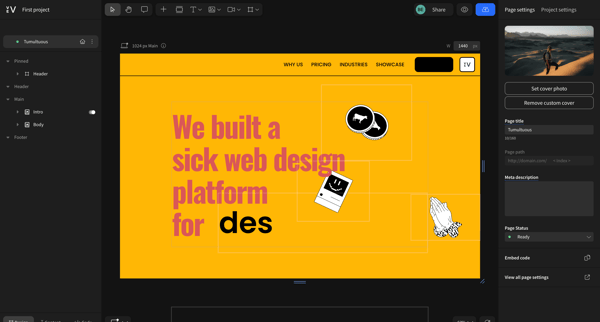
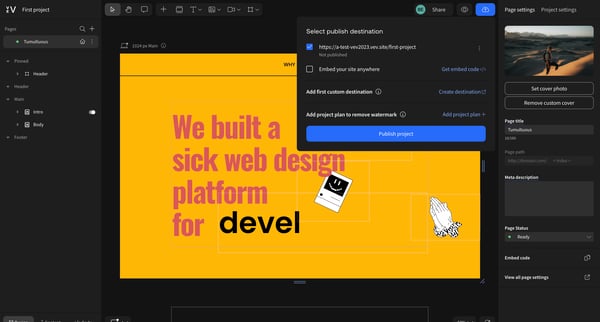
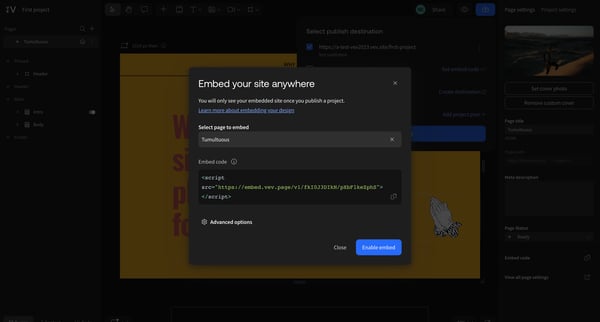
This flow enables users to navigate through various states of publishing and sharing a project on a web design platform, from initial settings adjustments to the final publishing and sharing
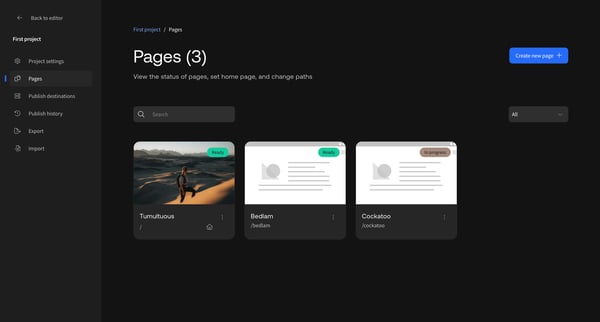
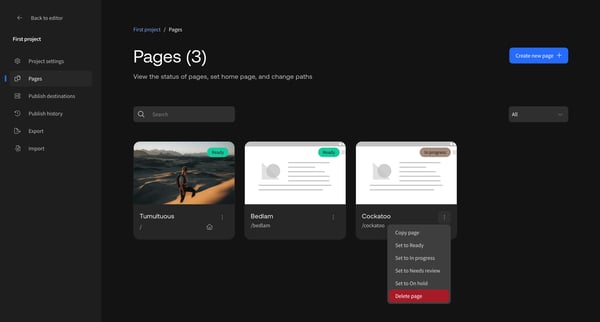
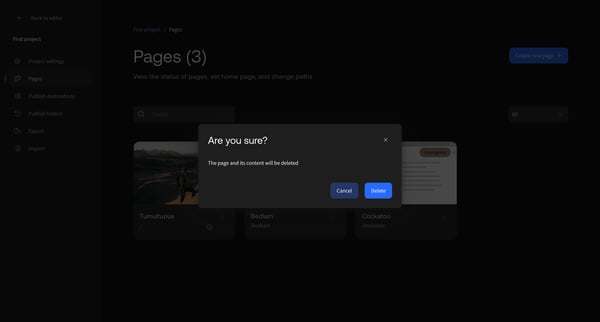
This flow facilitates the process of deleting a page within a project, confirming the deletion, and displaying the updated list of pages.
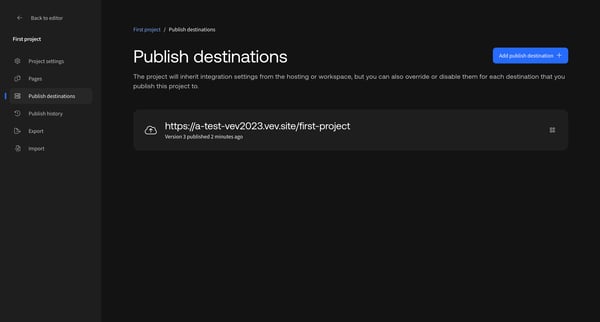
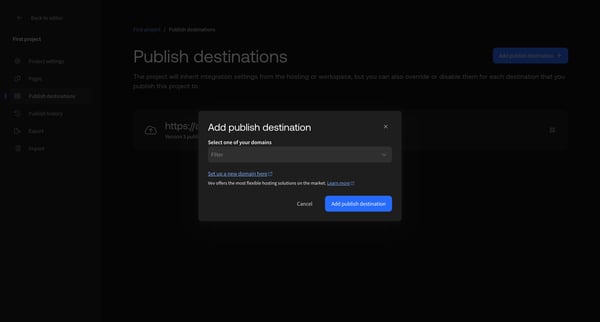
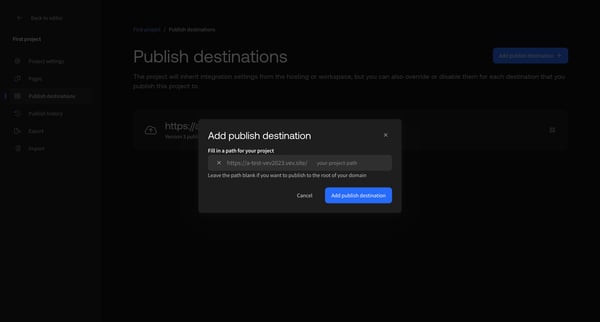
This flow guides users through the process of setting up and choosing a publish destination for their project, offering flexibility in integration settings and domain selection.
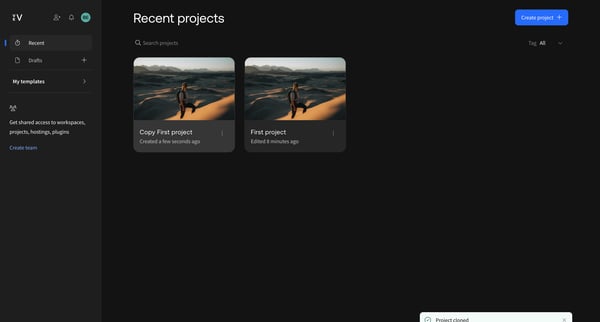
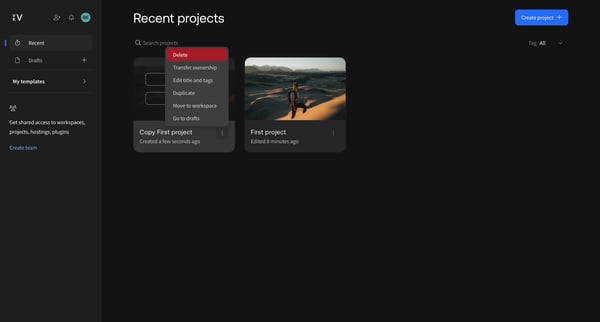
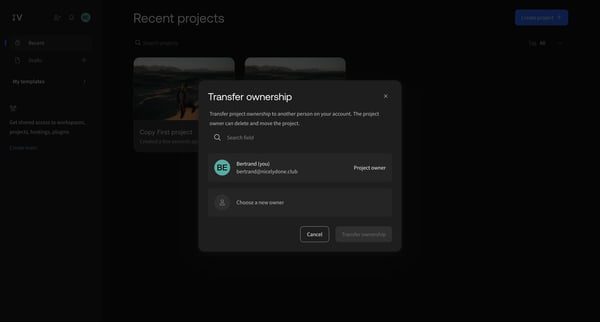
This user flow facilitates the transfer of project ownership from one user to another within a project management platform.
Explore the full SaaS flow library
Browse the full SaaS flow library.
Trusted by the best teams







