
Outverse user flows examples
Explore Outverse user flow examples. Preview the opening screens and steps for each task. Where software companies build community
Preview these flows
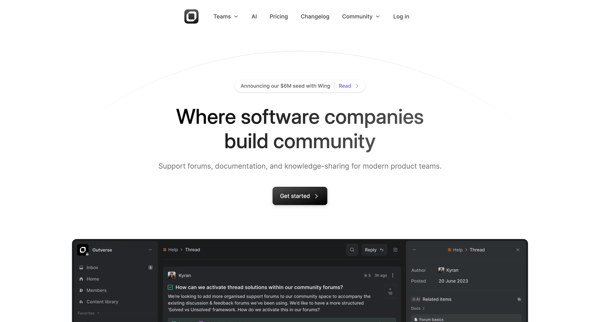
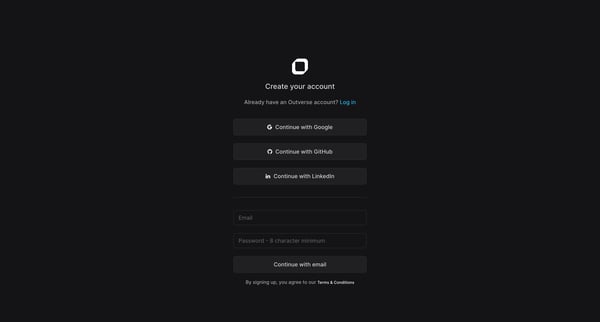
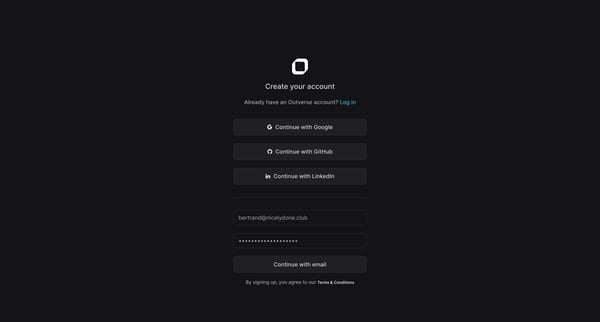
This flow guides a new user through the process of creating an account on Outverse, setting up their profile, and establishing a new community, ensuring a tailored and engaging initial experi
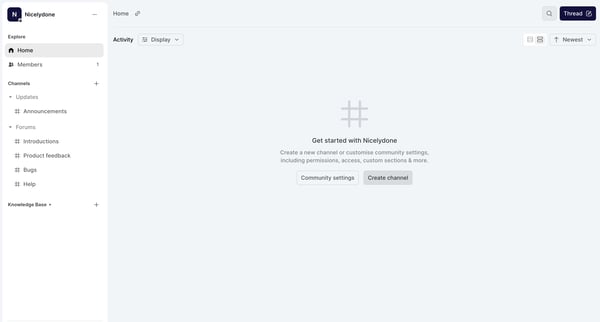
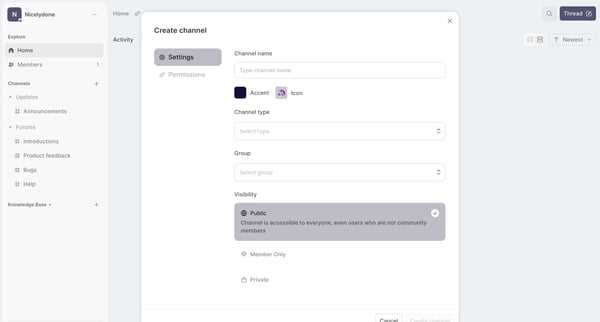
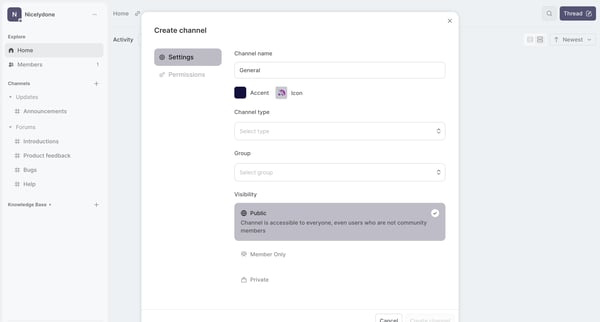
This flow guides a user through the process of creating a new community channel on Nicelydone, allowing customization of settings such as channel type, visibility, permissions, and further ch
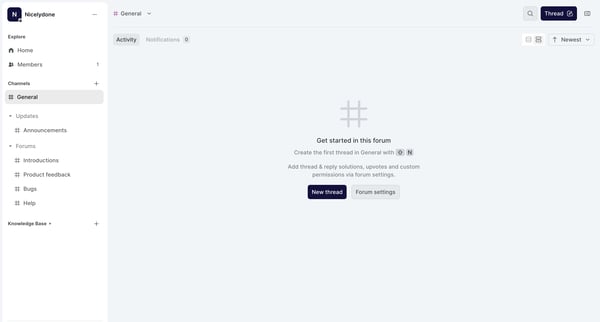
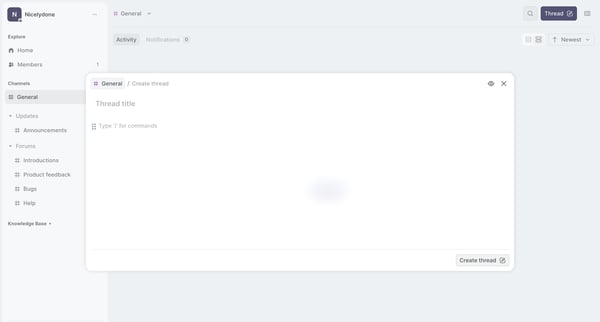
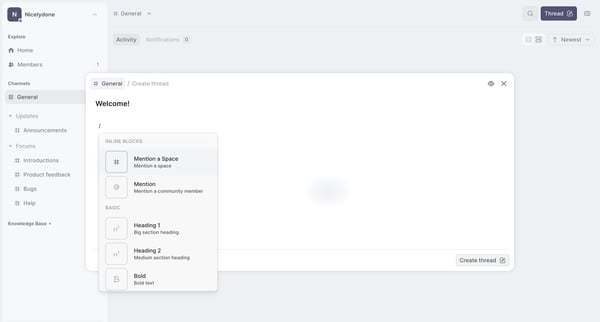
This flow facilitates users in creating, editing, and posting updates to a thread within a forum, including textual content and member mentions.
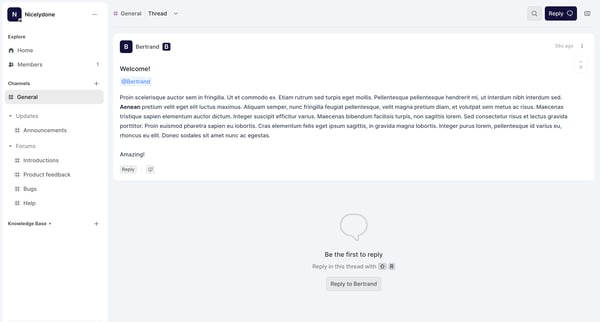
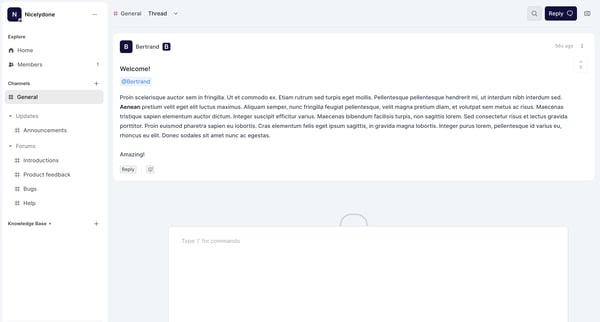
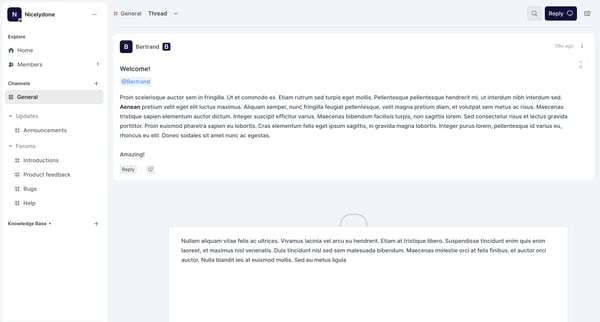
This flow guides a user through engaging with a forum thread, from the initial exploration of comments to responding and closing the interaction with feedback.
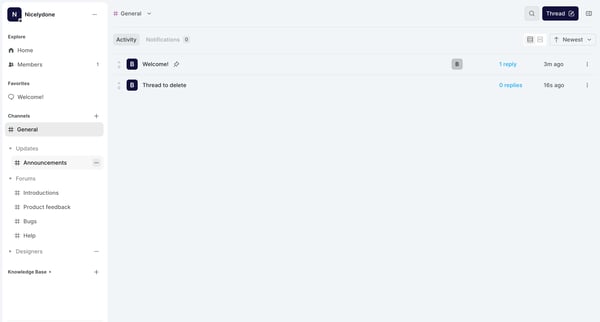
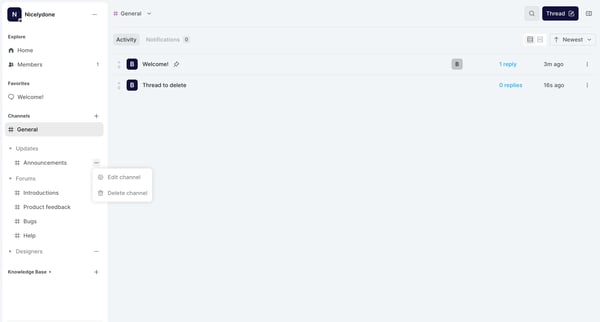
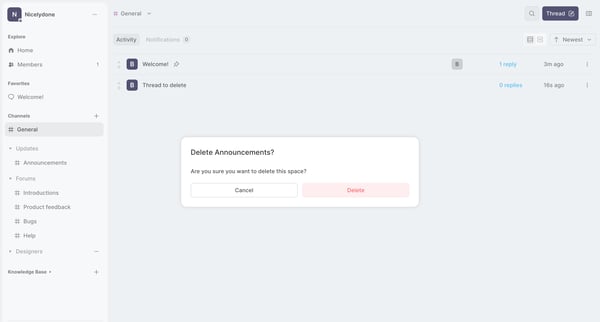
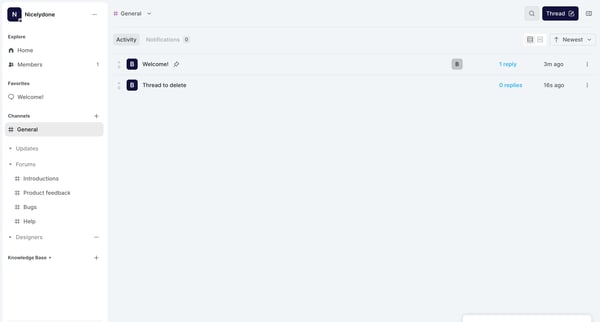
The flow guides a user through the process of deleting a thread or channel from a community or discussion platform.
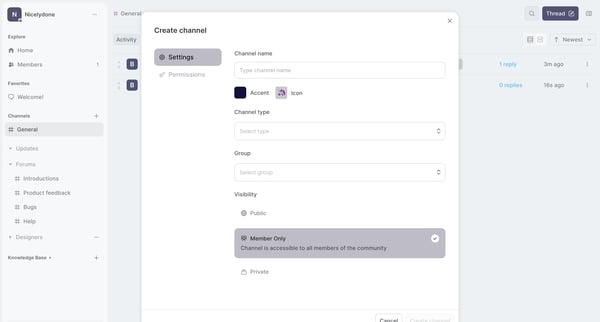
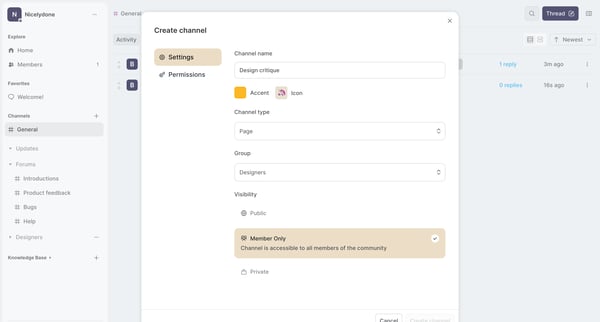
This flow illustrates the process of creating a new channel within a community platform, from navigating the home screen to completing the channel creation.
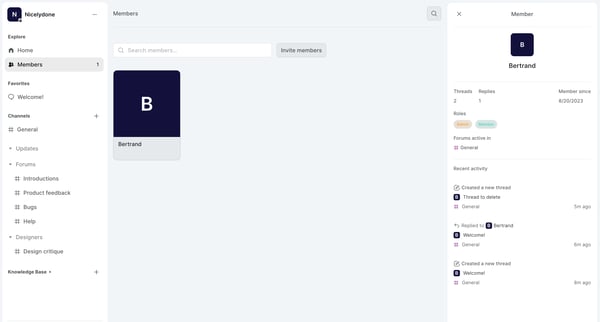
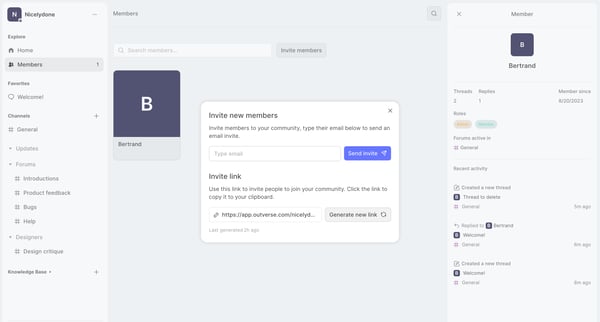
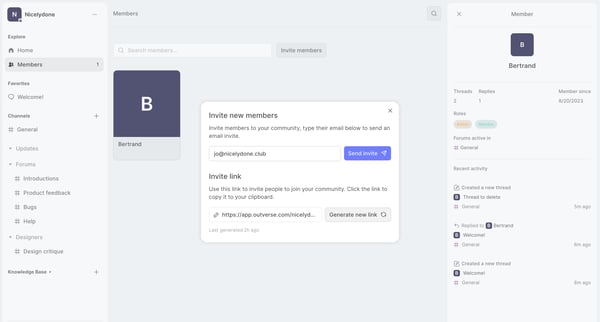
This user flow facilitates the process of inviting new members to join a community by sending email invites or sharing an invite link, with options to generate a new link.
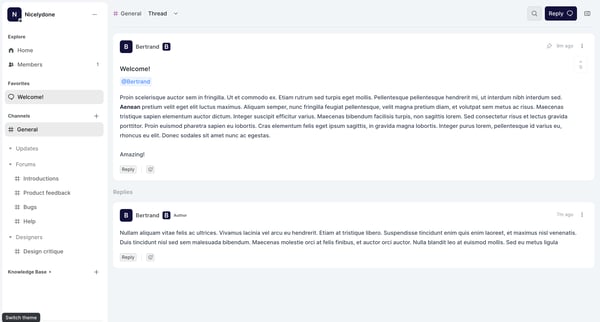
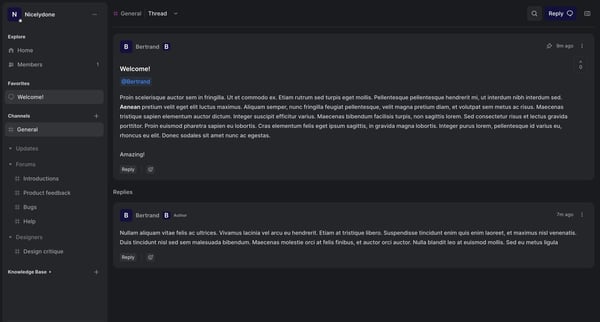
This user flow enables users to switch the visual theme of the Outverse interface.
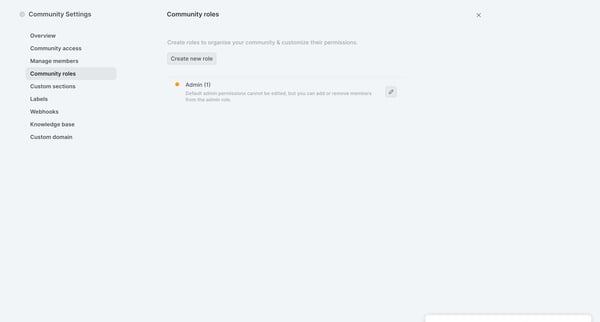
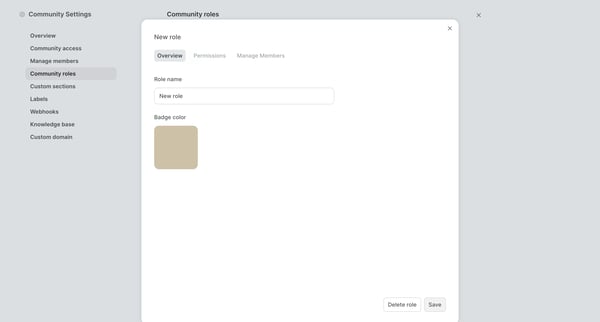
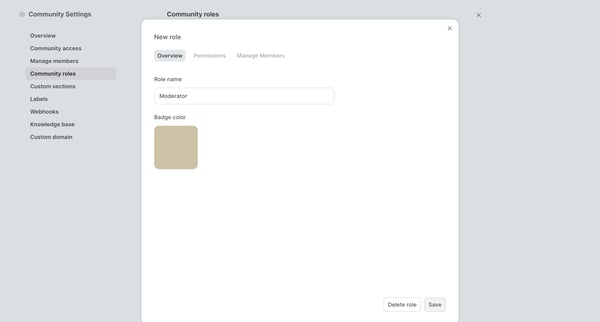
This flow facilitates the process of creating and configuring a new role within a community, including setting permissions and adding members.
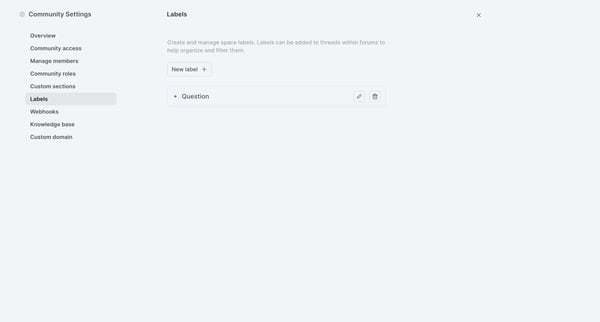
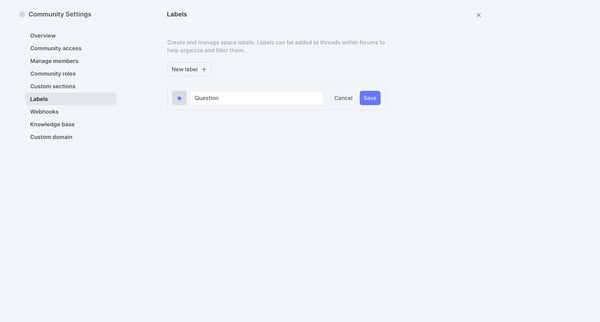
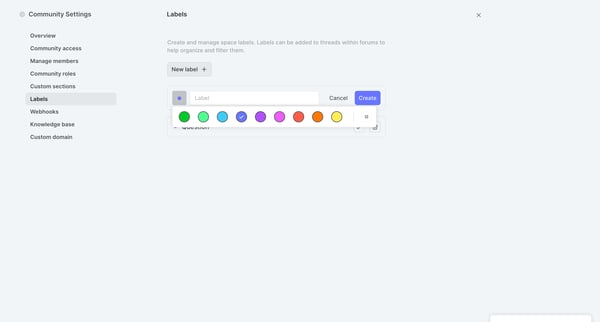
This flow guides the user through the process of creating and managing labels for organizing threads within forums on a community platform.
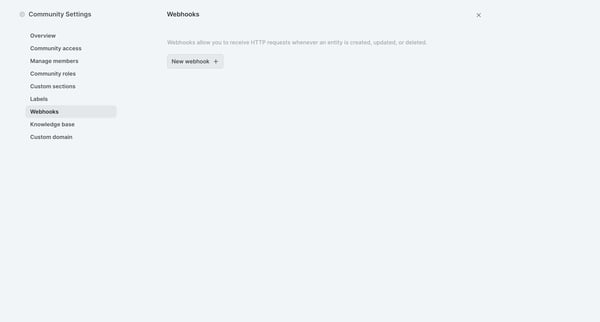
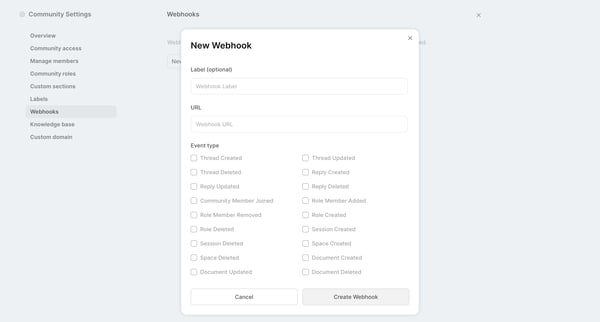
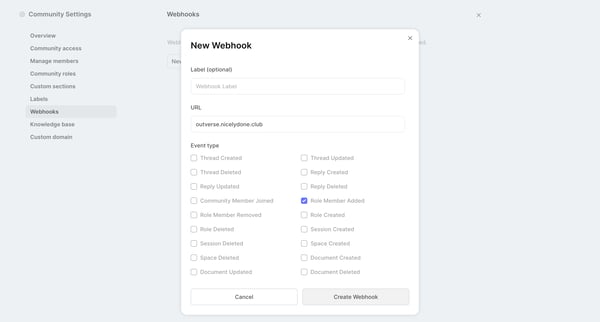
This flow facilitates the configuration of a webhook within community settings, enabling HTTP request notifications for specific events.
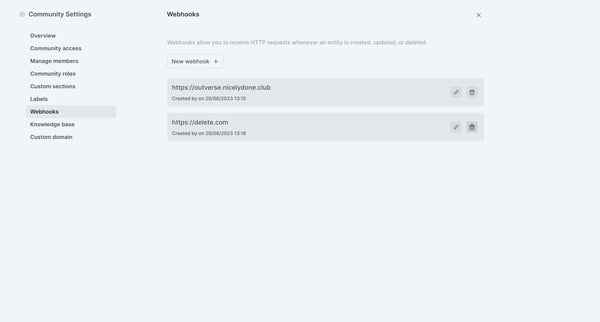
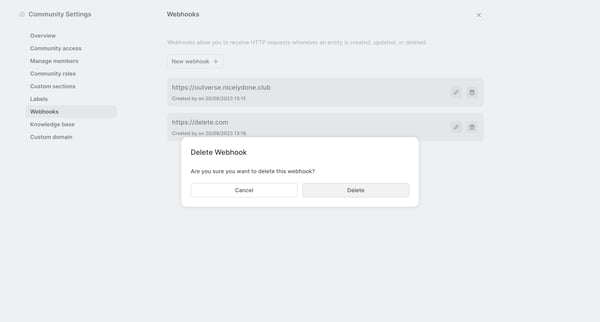
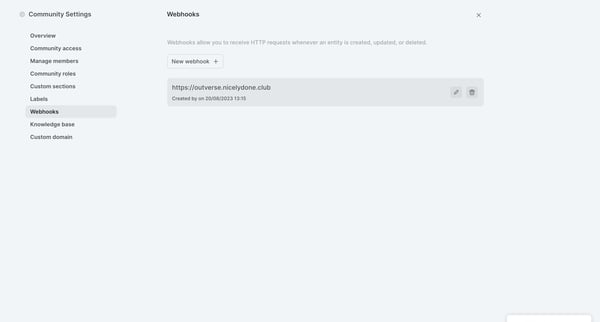
This flow allows users to manage and delete webhooks in community settings, ensuring timely updates or removals.
Explore the full SaaS flow library
Browse the full SaaS flow library.
Trusted by the best teams







