Tooltip page examples
Tooltip page design examples from SaaS websites. Enhance user experience with effective Tooltip page design in your SaaS application. Tooltips, sometimes called infoboxes or hints, are small pop-up…
Explore the examples
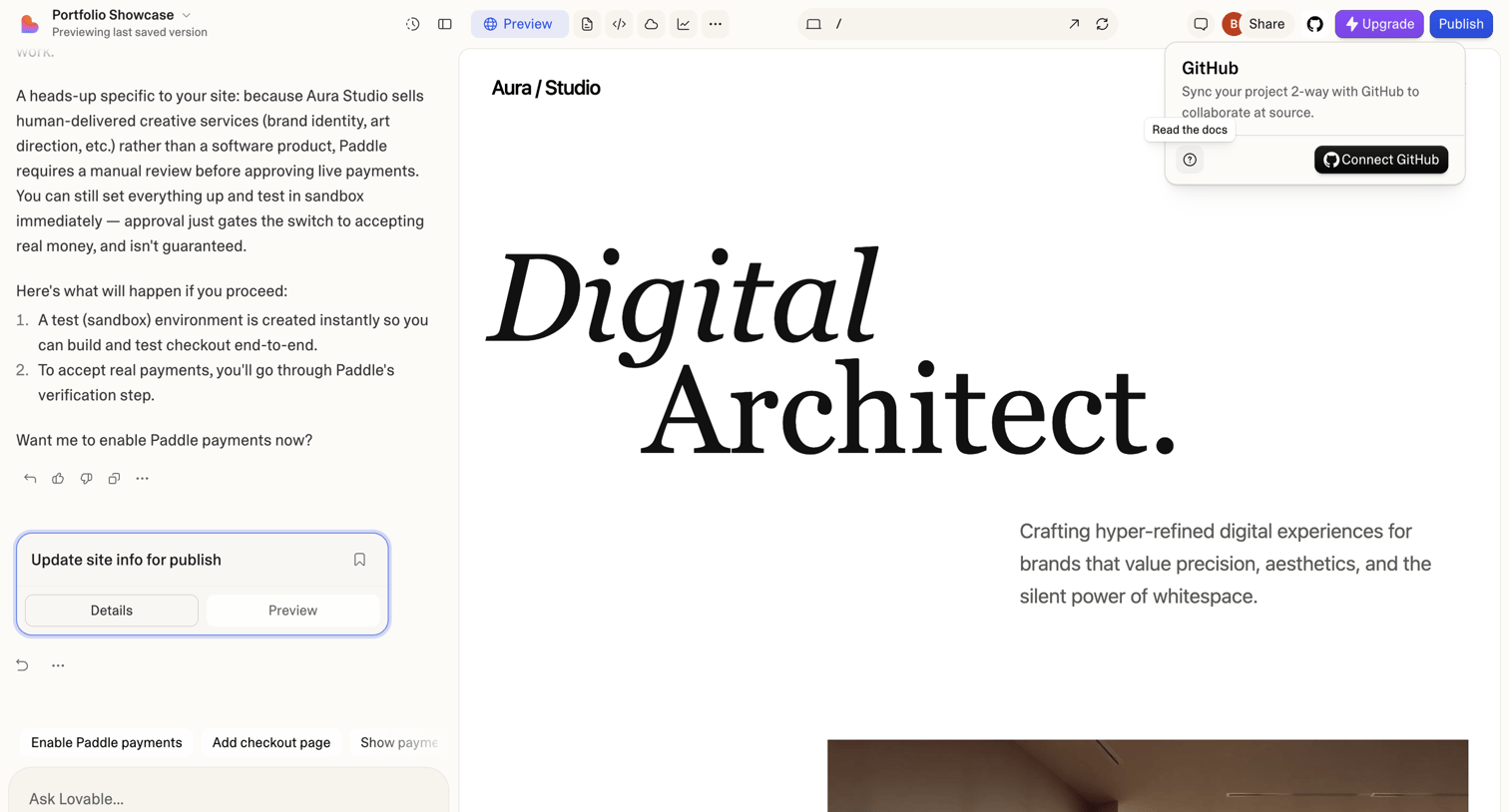

AI generation interface where the user chats with an assistant to build a portfolio website, featuring a live preview canvas and a GitHub integration popover.
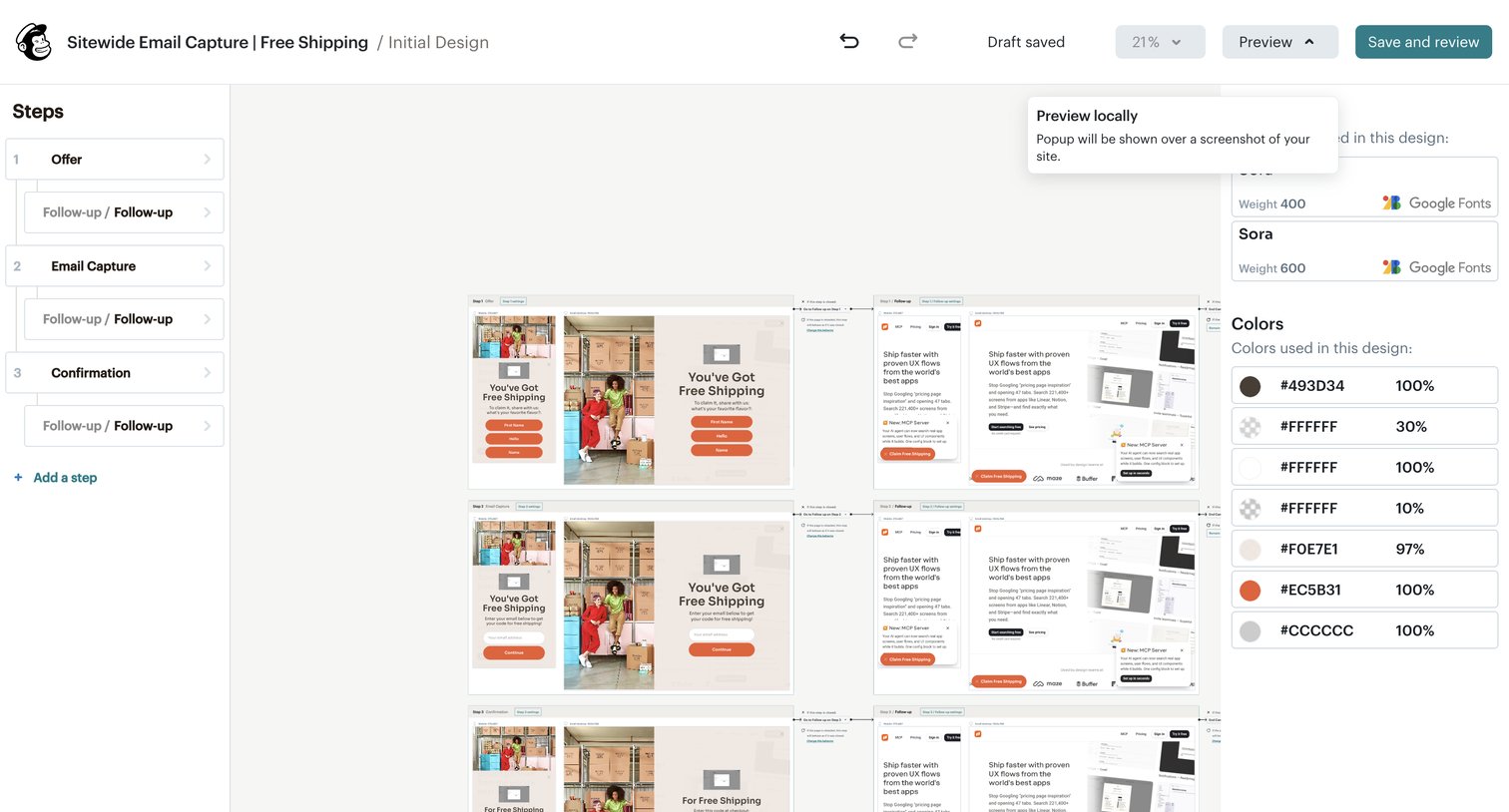

Form builder editor where the user designs a multi-step sitewide email capture popup, configuring steps on the left and styling fonts and colors on the right.
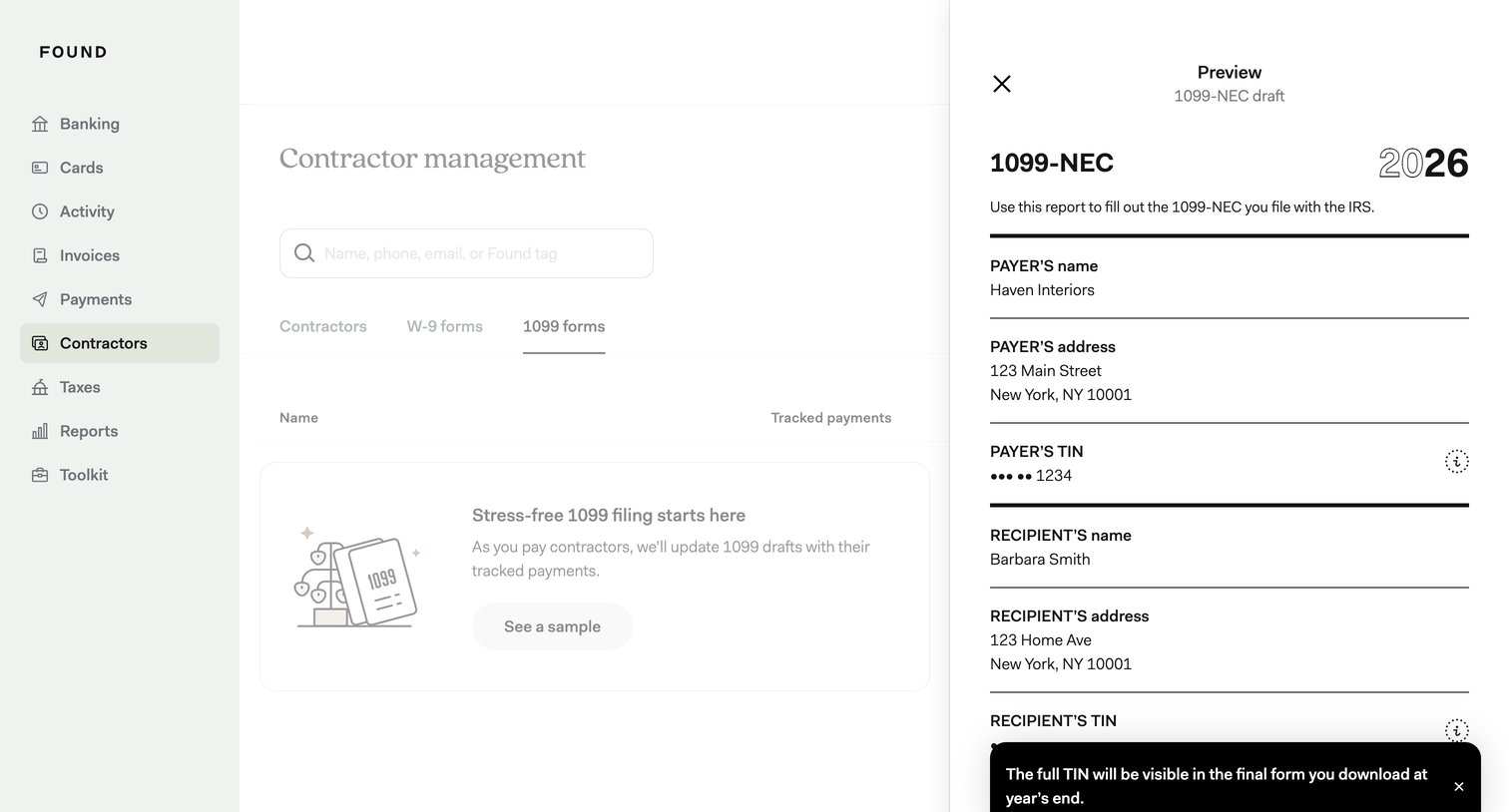

Contractor management list view showing an empty state for 1099 forms, with a side drawer open to preview a sample 1099-NEC draft document.
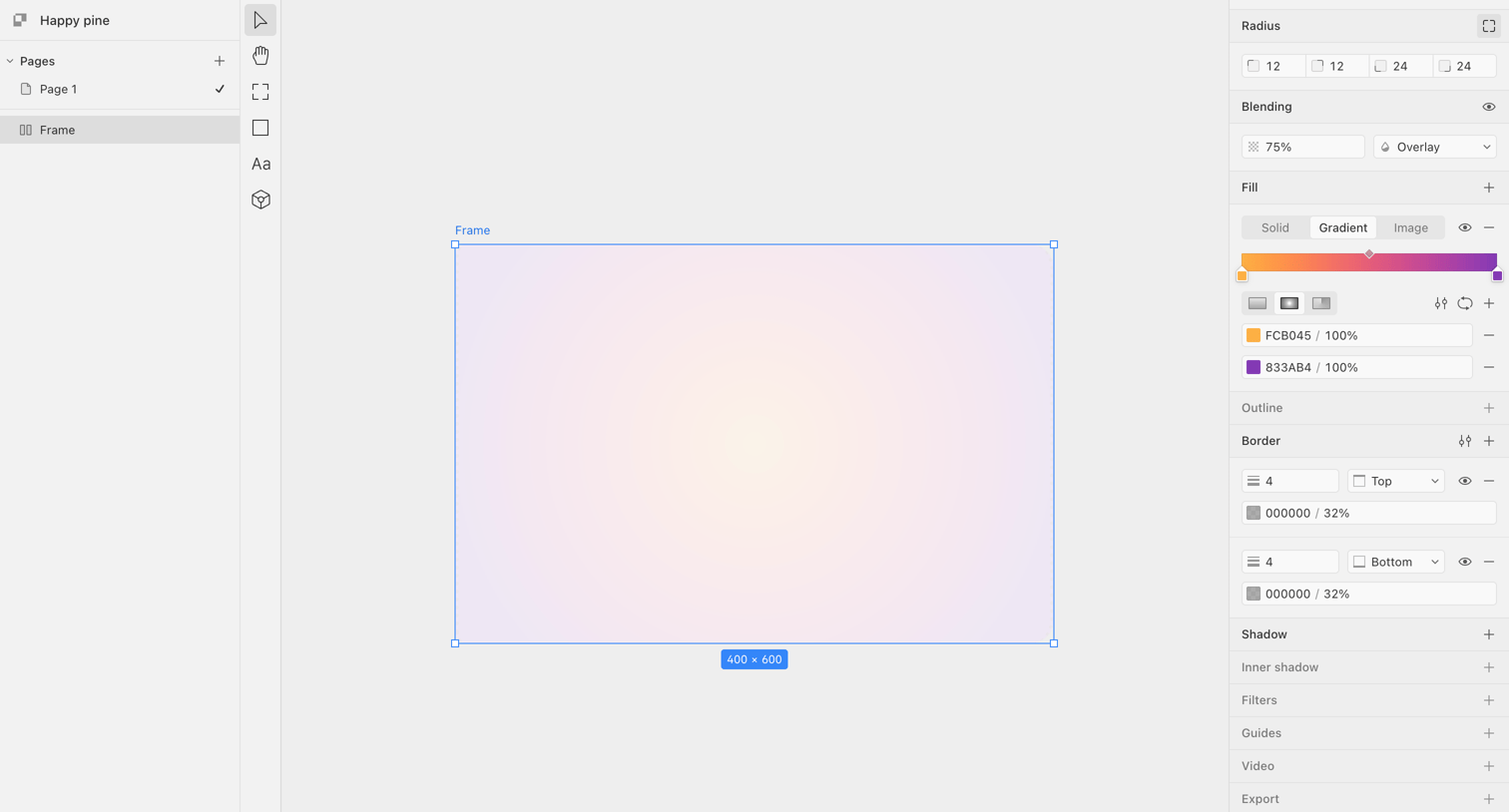

Design editor interface where the user is configuring a linear gradient fill and border properties for a selected frame on the canvas.
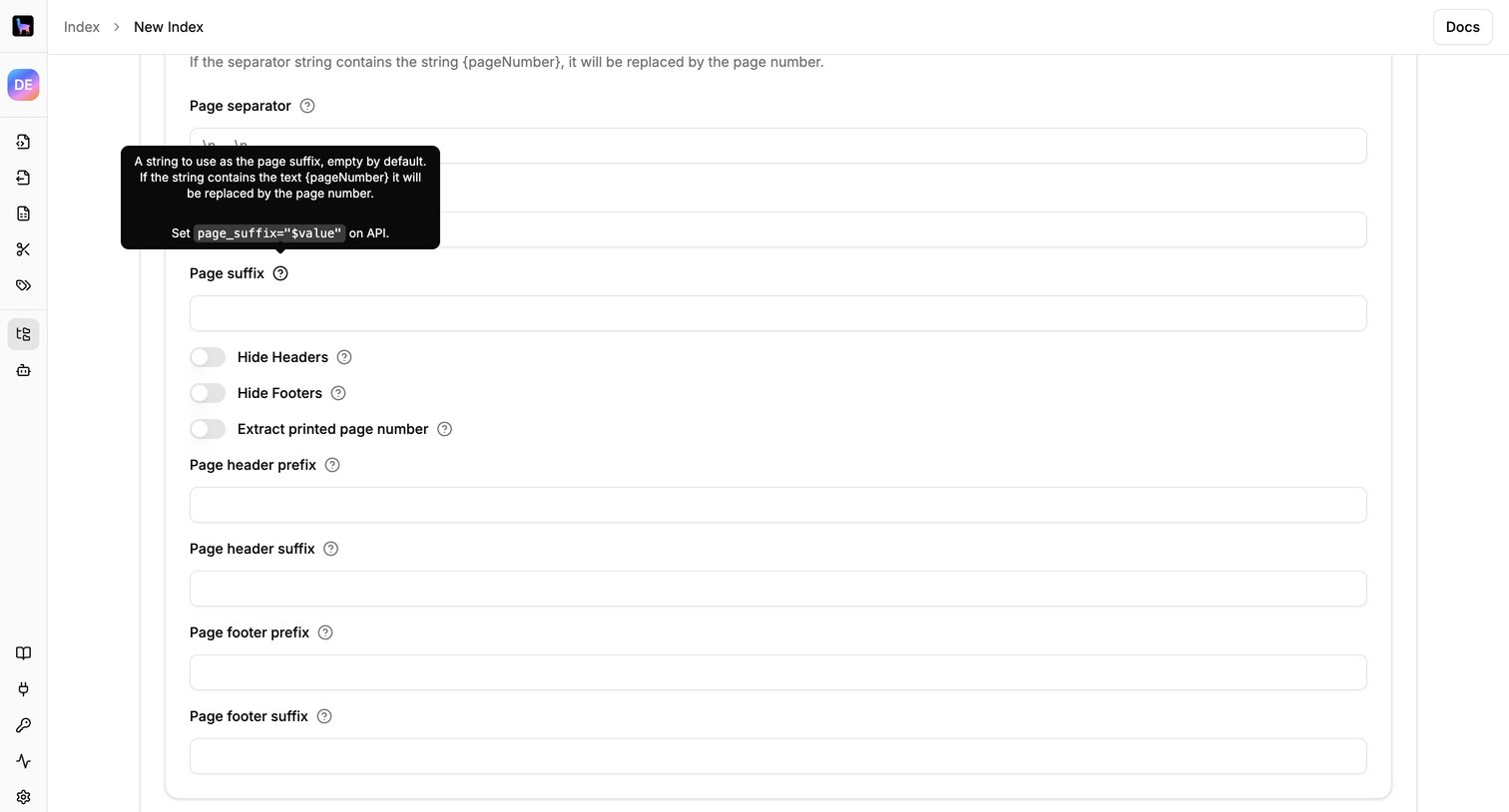

Creation page where the user configures document parsing settings like page separators, headers, and footers for a new index.
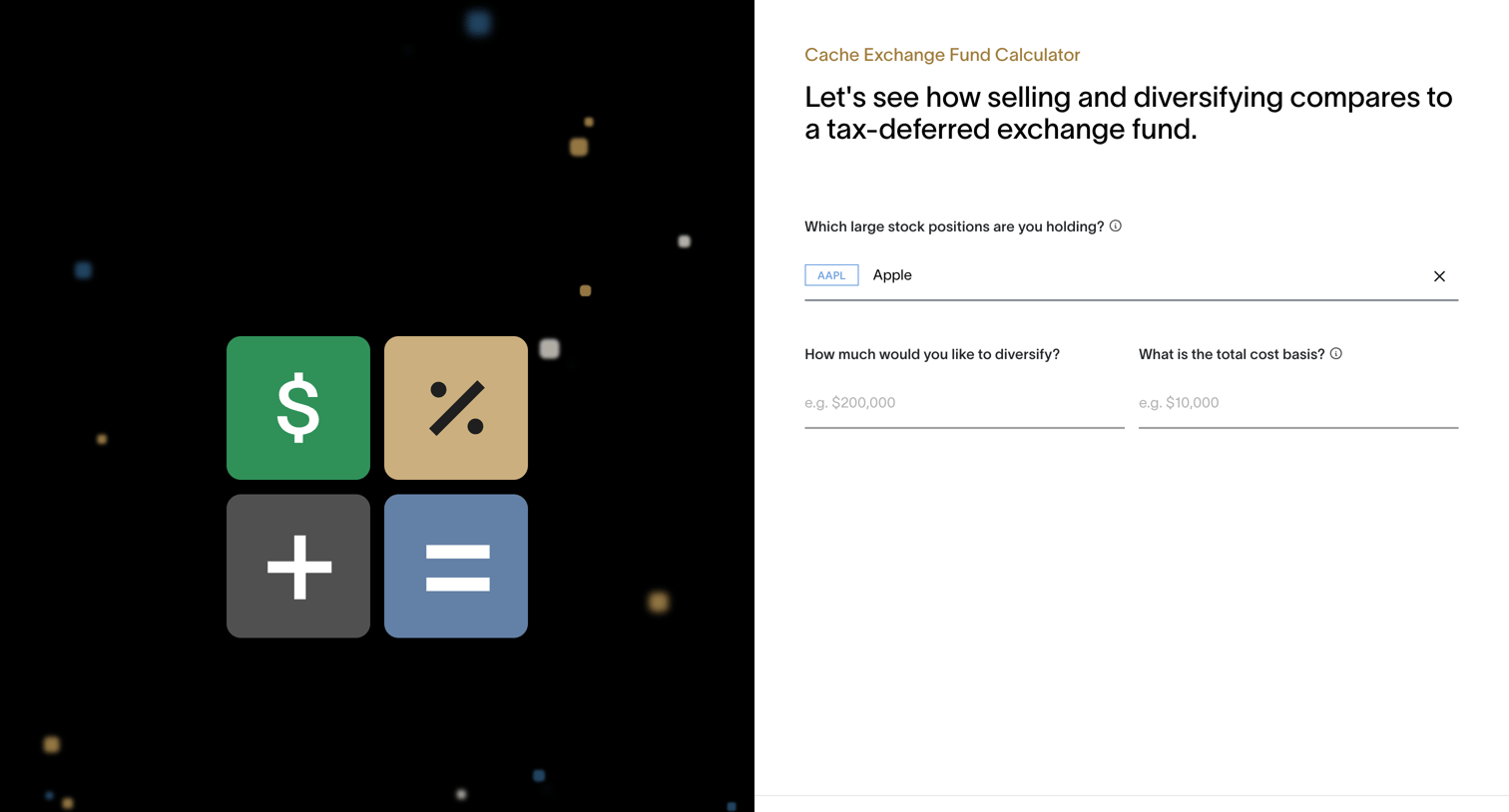

Marketing tool where the user enters their stock positions, diversification amount, and cost basis to calculate potential tax benefits.
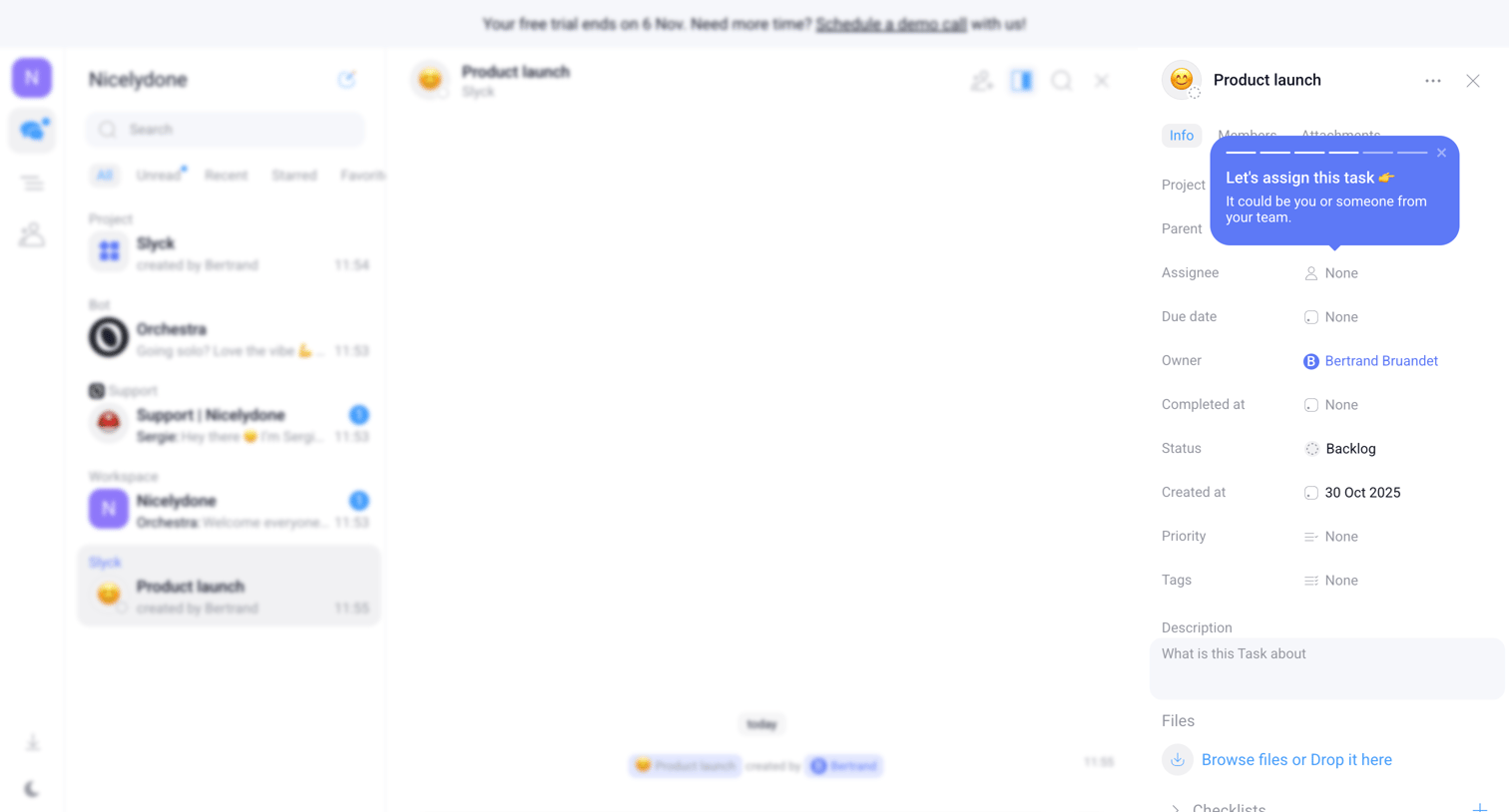

Inbox view where the user views a chat for a specific task alongside its detailed properties in a side panel, featuring an active onboarding coach mark.
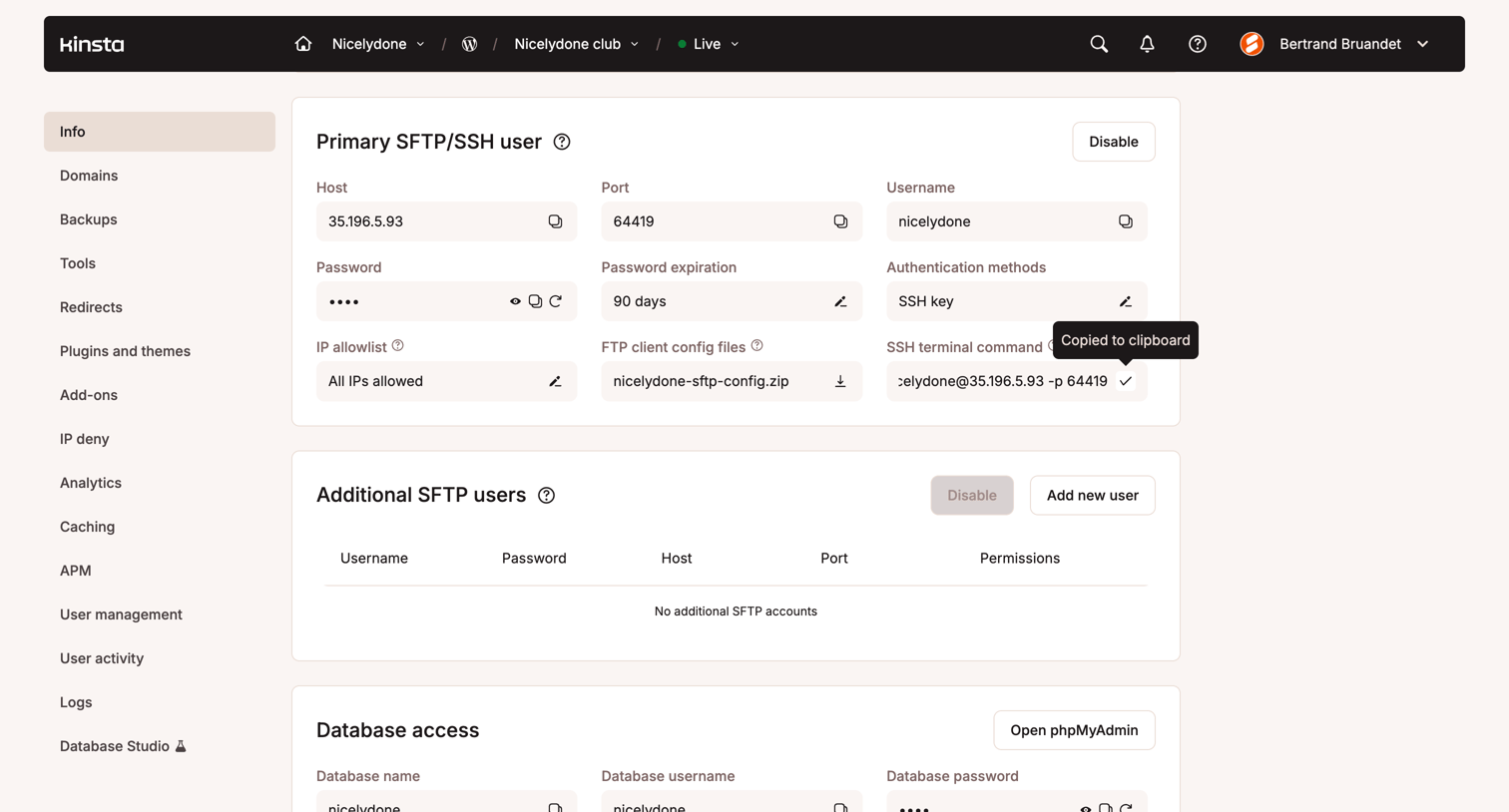

Settings page where the user views and manages SFTP, SSH, and database access credentials for a specific site environment.
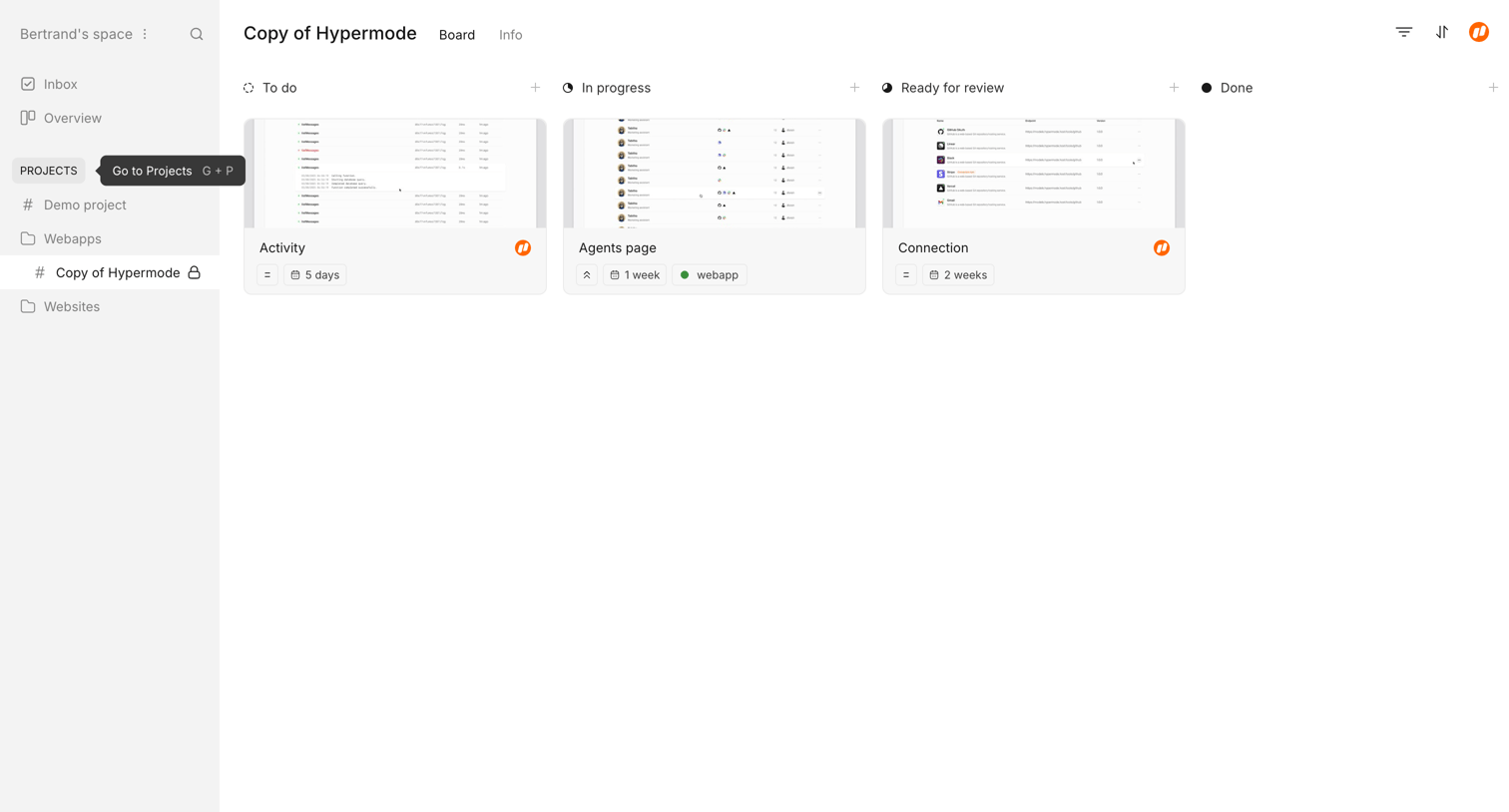

List view where the user manages project tasks like Activity and Agents page across To do, In progress, and Ready for review columns.
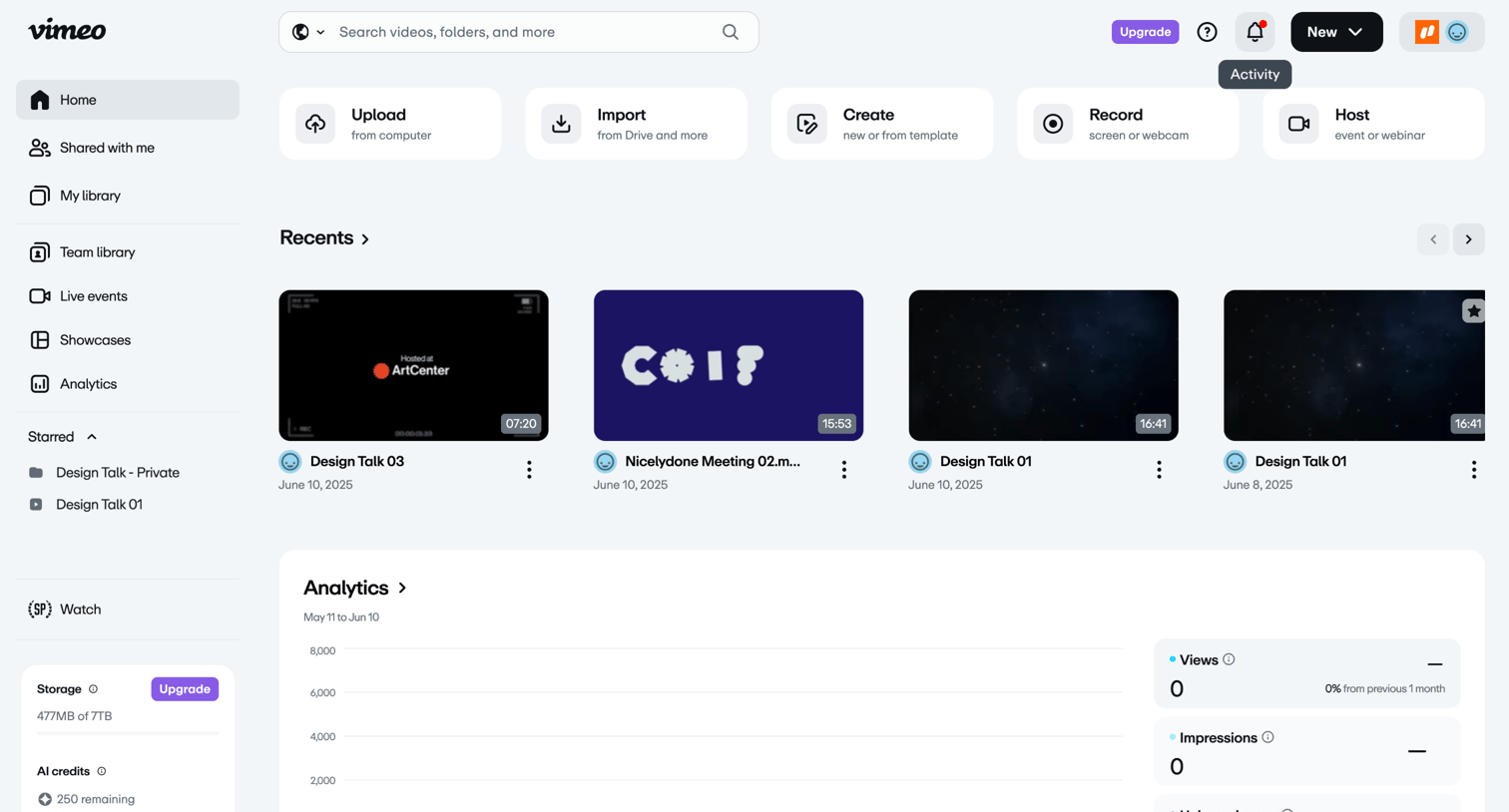

Home screen where the user can quickly initiate video creation, access recent library items, and view high-level channel analytics.
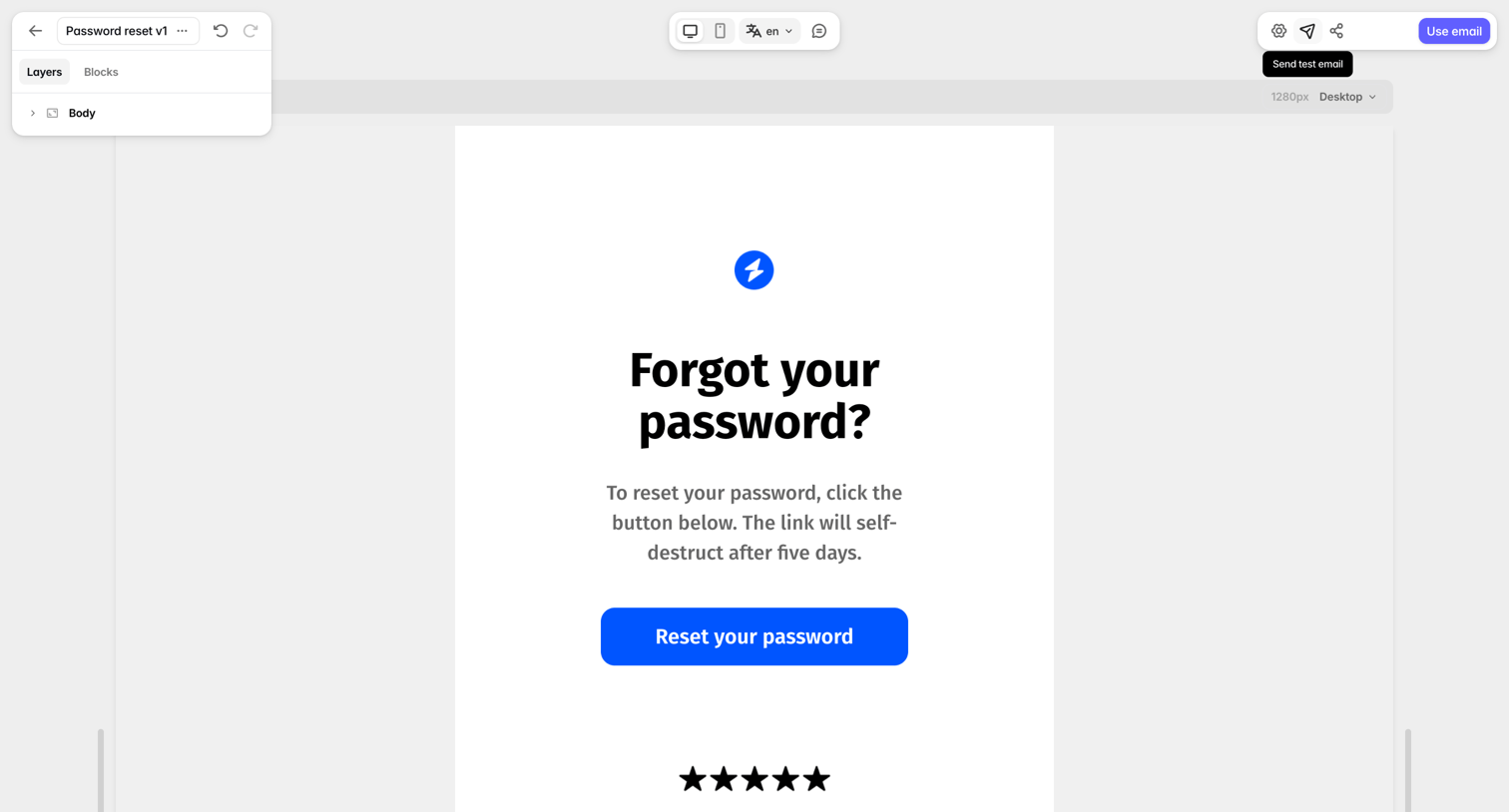

Design editor where the user customizes a password reset email template using a layers panel and device preview toggles.
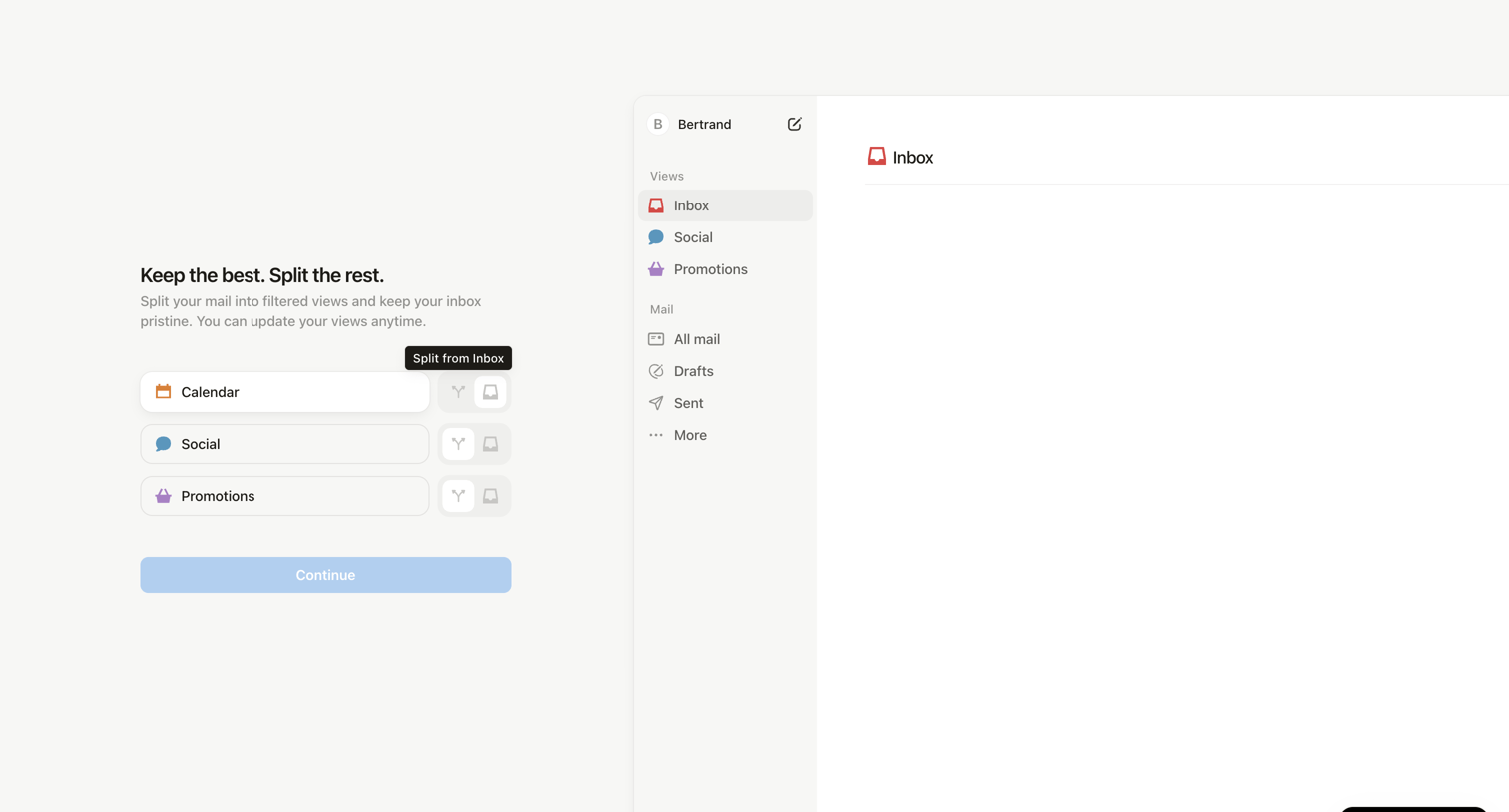

Onboarding step where the user configures filtered views for their inbox like Calendar, Social, and Promotions.
Explore the full SaaS screen library
Upgrade to unlock the full library.
Trusted by the best teams








About Tooltip
Enhance user experience with effective Tooltip page design in your SaaS application. Tooltips, sometimes called infoboxes or hints, are small pop-up messages that appear on hover, offering quick explanations of features or elements. They provide guidance and context without cluttering the user interface. Browse examples of Tooltip pages design from the best SaaS apps and learn how to implement them effectively.