DevRev Flow Example: Creating a task
This user flow guides through the process of managing tasks within a productivity tool, from accessing a task list to adding a new task.

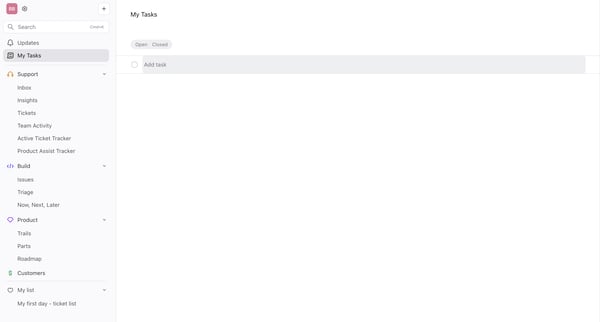
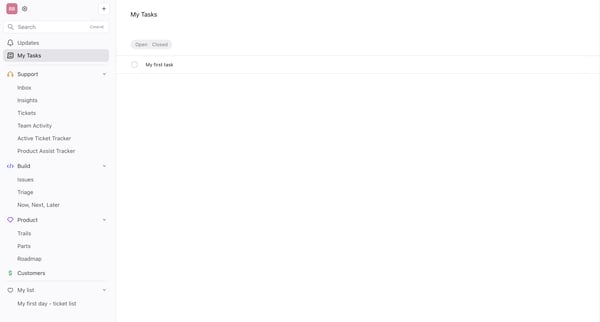
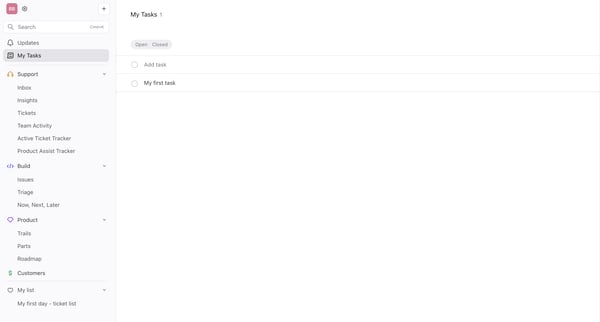
This user flow guides through the process of managing tasks within a productivity tool, from accessing a task list to adding a new task.
Related user flows

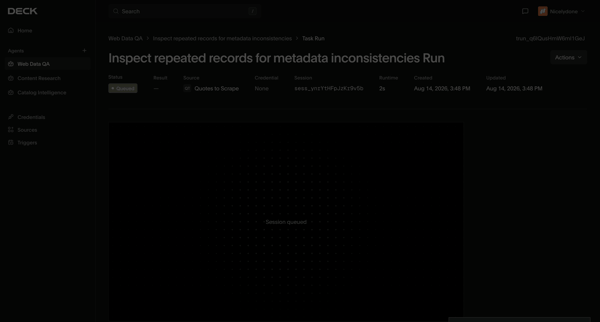
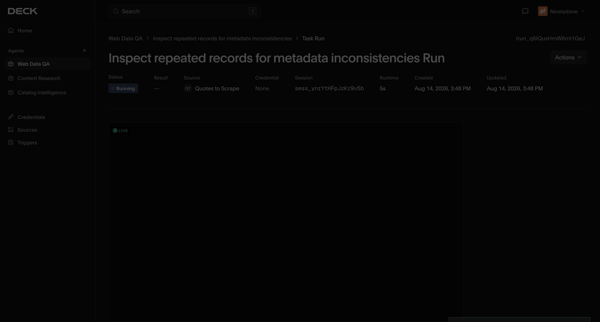

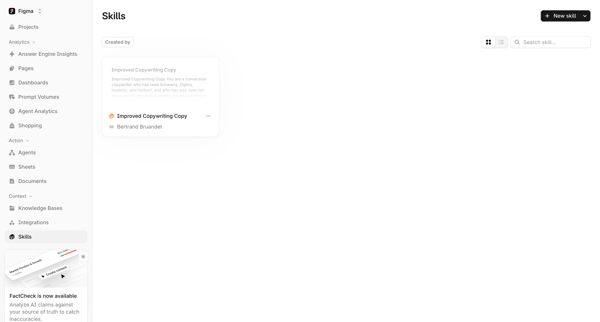
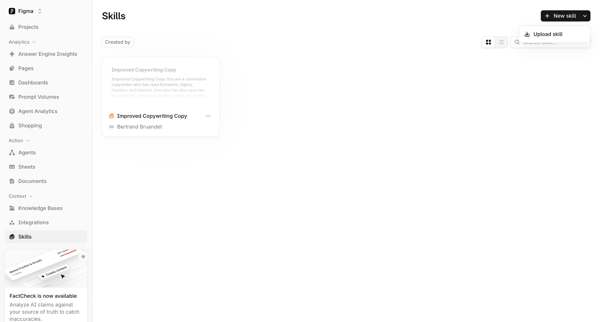
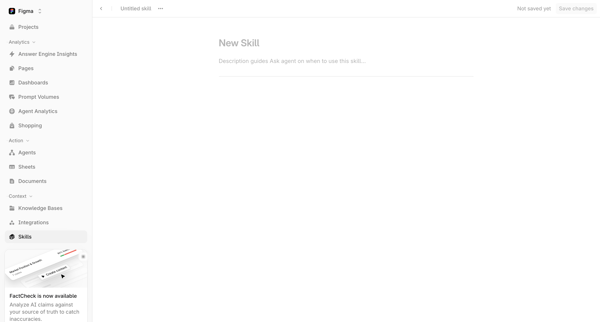
User starts from Skills List, opens Skills Library to access creation options, fills New Skill Form with name and description, drafts skill content in Markdown editor, and returns to updated Skills List showing the new skill.

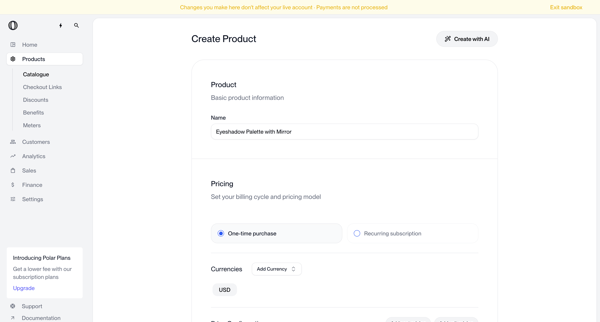
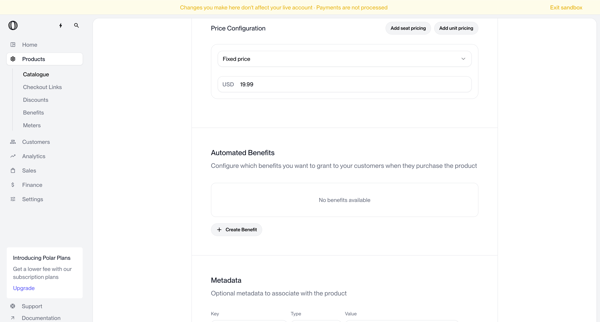
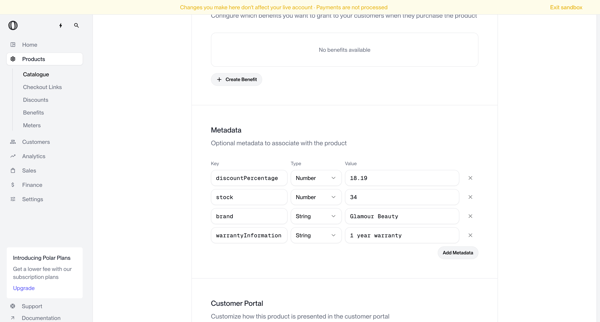
Multi-screen form journey configuring a new product name, pricing model, currencies, benefits, metadata, portal visibility, checkout description, images, and custom fields

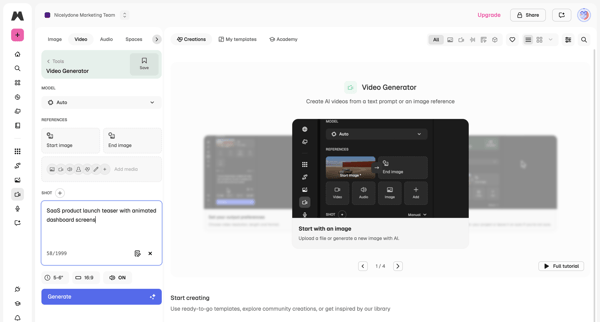
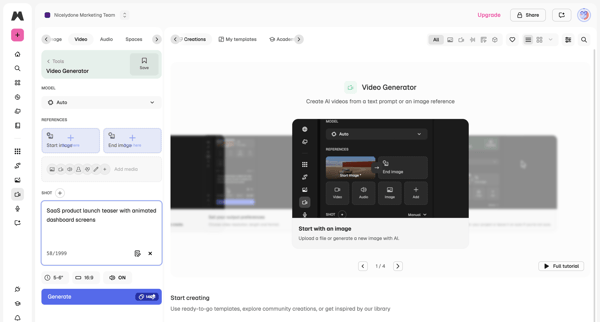
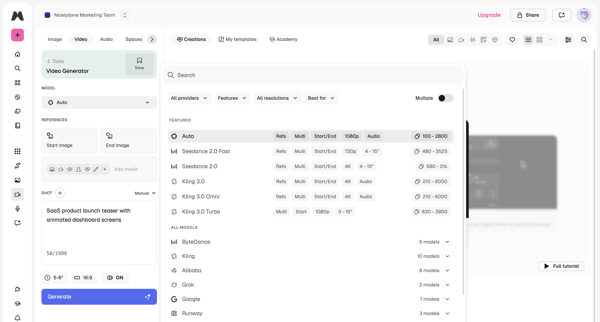
User configures AI model, text prompt, reference images, aspect ratio and duration in workspace then triggers generation and reviews output
Explore the full SaaS flow library
Browse the full SaaS flow library.
Trusted by the best teams







