Skip to content
DevRev logo

DevRev user flows examples

Explore DevRev user flow examples. Preview the opening screens and steps for each task. Bridging the gap between developers (Dev) and end-users (Rev) across the globe

Preview these flows

DevRev logo

Signing up

30 screens

·
FromDevRev
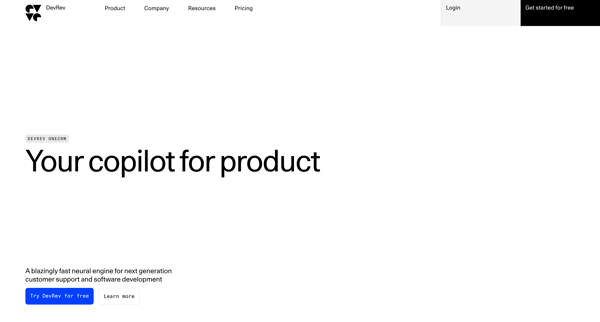
DevRev OneCRM from DevRev
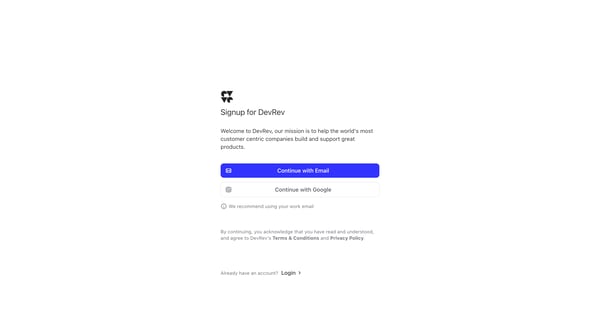
DevRev from DevRev
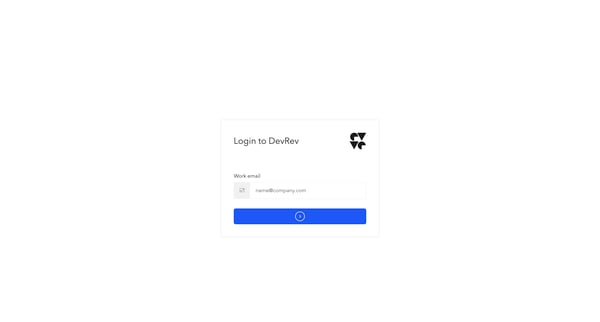
DevRev Sign In from DevRev

This flow guides a new user through the process of signing up, verifying their email and phone number, setting up their DevRev Org, customizing UI style, creating a profile, collaborating wit
DevRev logo
DevRev from DevRev
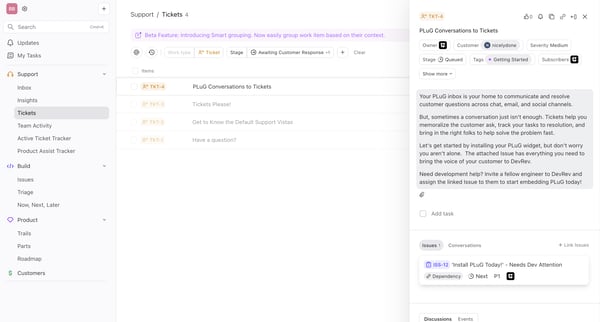
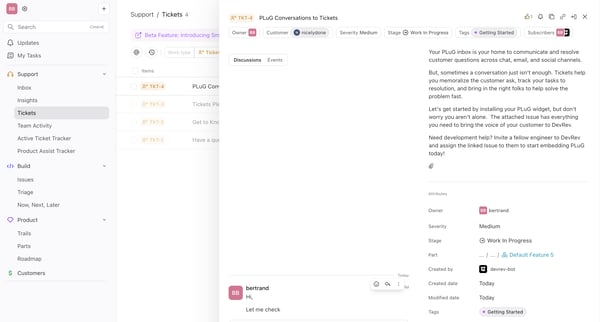
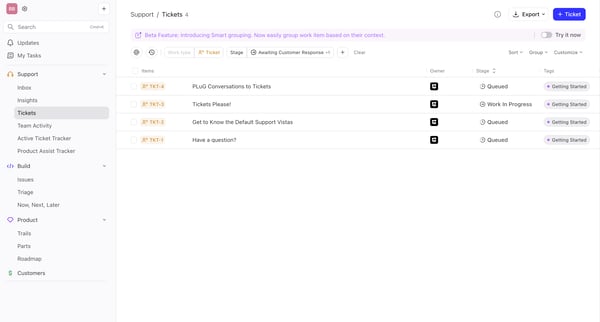
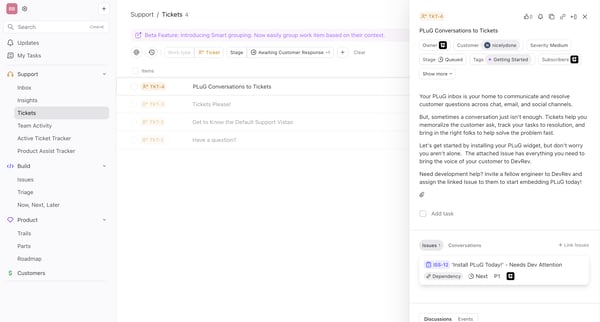
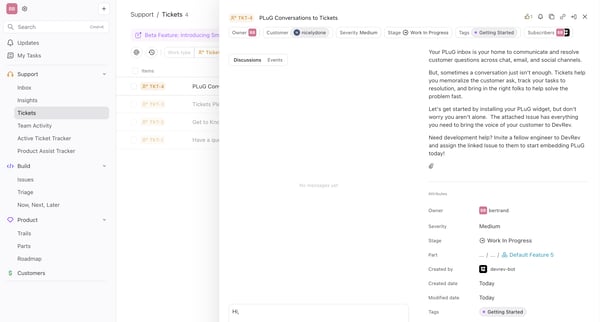
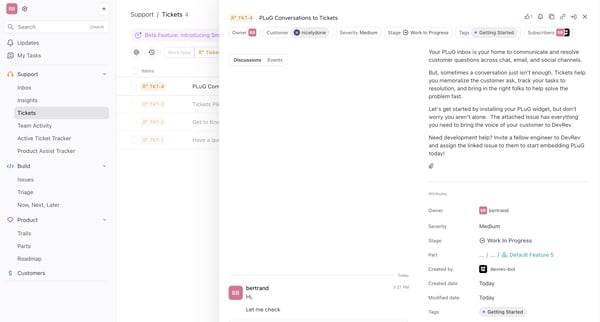
TKT-4 PLuG Conversations to Tickets from DevRev

This user flow facilitates the process of creating, editing, and managing ticket attributes within a support ticket system, enhancing collaborative efforts and task tracking.
DevRev logo
DevRev from DevRev
DevRev from DevRev
DevRev from DevRev

This flow facilitates a user in communicating with a customer through a series of messages, allowing for checking information, responding, editing, saving, adding an emoji, ending with a summ
DevRev logo
DevRev from DevRev
DevRev from DevRev
DevRev from DevRev

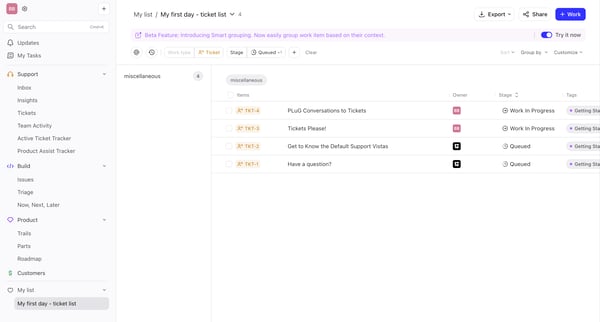
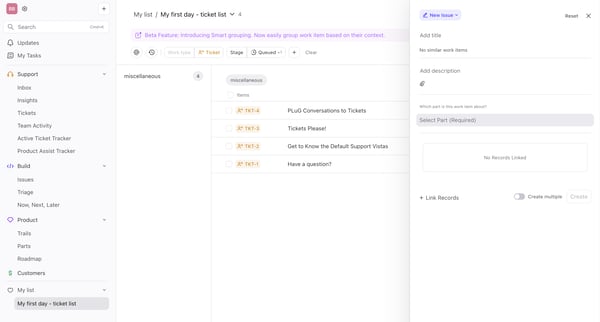
This flow guides a user through managing and organizing support tickets, from viewing tickets to custom grouping and saving custom views.

DevRev logo

Creating new issue

11 screens

·
FromDevRev
DevRev from DevRev
DevRev from DevRev
DevRev from DevRev

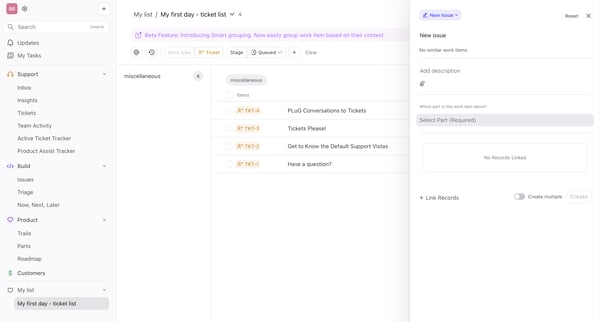
This user flow enables the creation and detailing of a new issue, allowing for the addition and customization of specific attributes, linking of records, and setting dependencies, thereby str
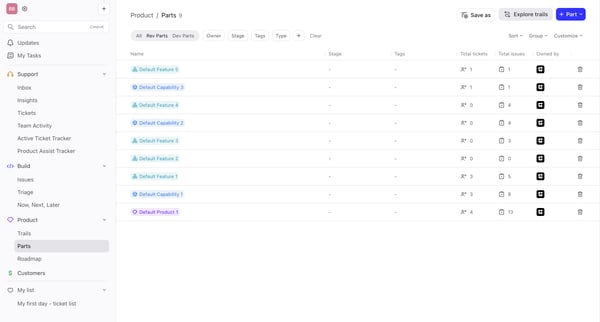
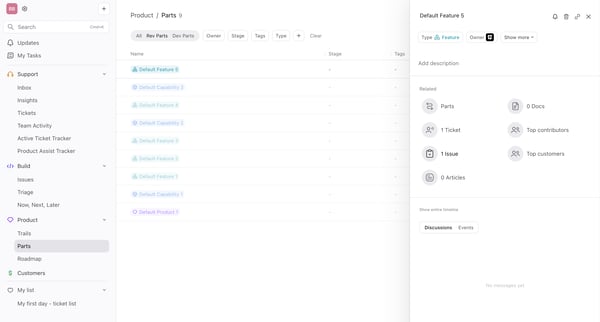
This flow guides users through a product tour, showcasing key features across several apps within the DevRev platform, including support ticketing, task management, and customer relationship

DevRev logo
DevRev from DevRev
DevRev from DevRev
DevRev from DevRev

This flow enables a user to select multiple tickets and perform a bulk update on them, confirming the action, and then viewing the updated status.

This flow allows users to bulk update priority levels for selected tasks, streamlining workflow management in a project tracking interface.

DevRev logo
DevRev from DevRev
DevRev from DevRev
DevRev from DevRev

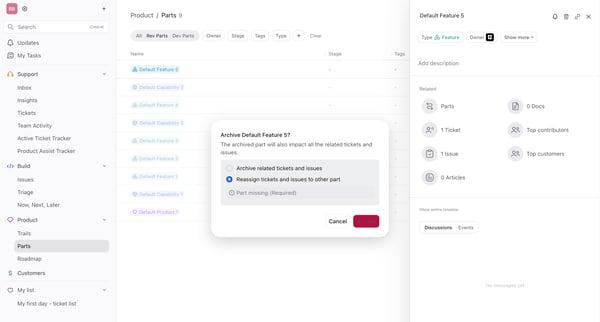
This user flow details the process for managing and archiving parts within a project, impacting related tickets and issues accordingly.
DevRev logo

Filtering parts

4 screens

·
FromDevRev
DevRev from DevRev
DevRev from DevRev
DevRev from DevRev

This user flow facilitates the process of filtering and sorting tasks or tickets within a project management or team activity tracking interface, allowing users to narrow down and organize it

DevRev logo

Creating a task

3 screens

·
FromDevRev
DevRev from DevRev
DevRev from DevRev
DevRev from DevRev

This user flow guides through the process of managing tasks within a productivity tool, from accessing a task list to adding a new task.

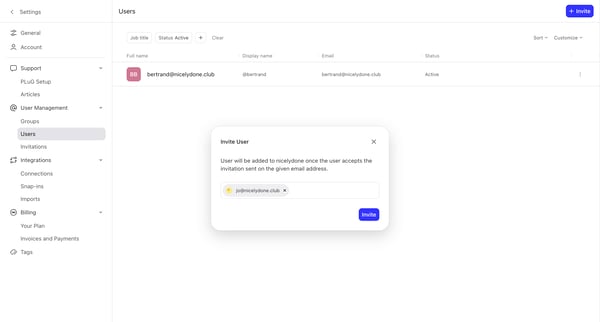
This flow manages application access through the creation, viewing, and revocation of app credentials and tokens, ensuring secure software integration within an organization.

Explore the full SaaS flow library

Browse the full SaaS flow library.

Trusted by the best teams