DevRev marketing pages examples
Explore DevRev website design examples. Preview marketing pages and browse related SaaS page designs. Bridging the gap between developers (Dev) and end-users (Rev) across the globe
Explore the examples


Marketing landing page for DevRev, an AI-powered CRM connecting customer support and software development, featuring product previews, integrations, and a testimonial.
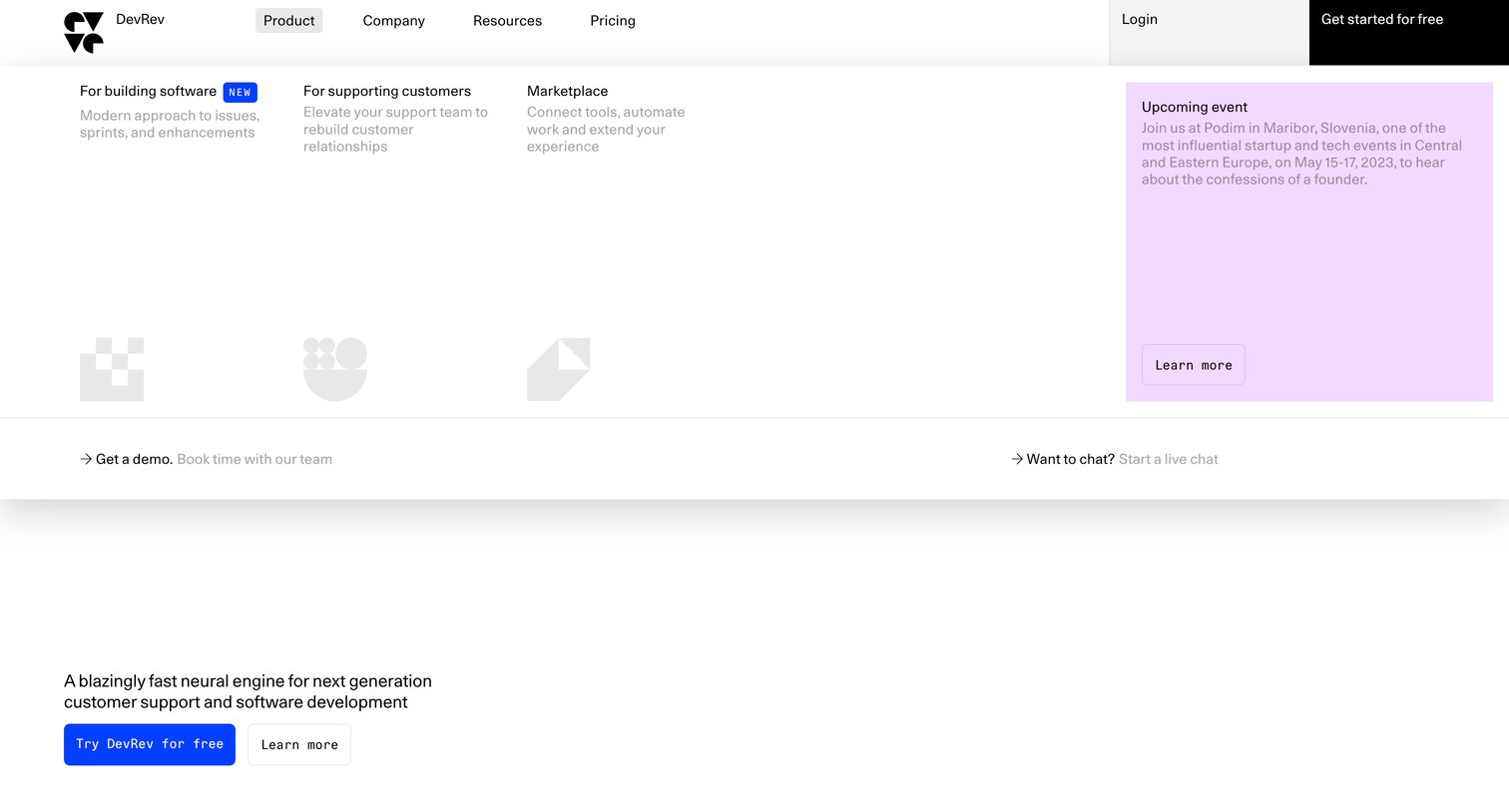
Landing page where the user views the product mega-menu detailing solutions for building software and supporting customers alongside an upcoming event promotion.
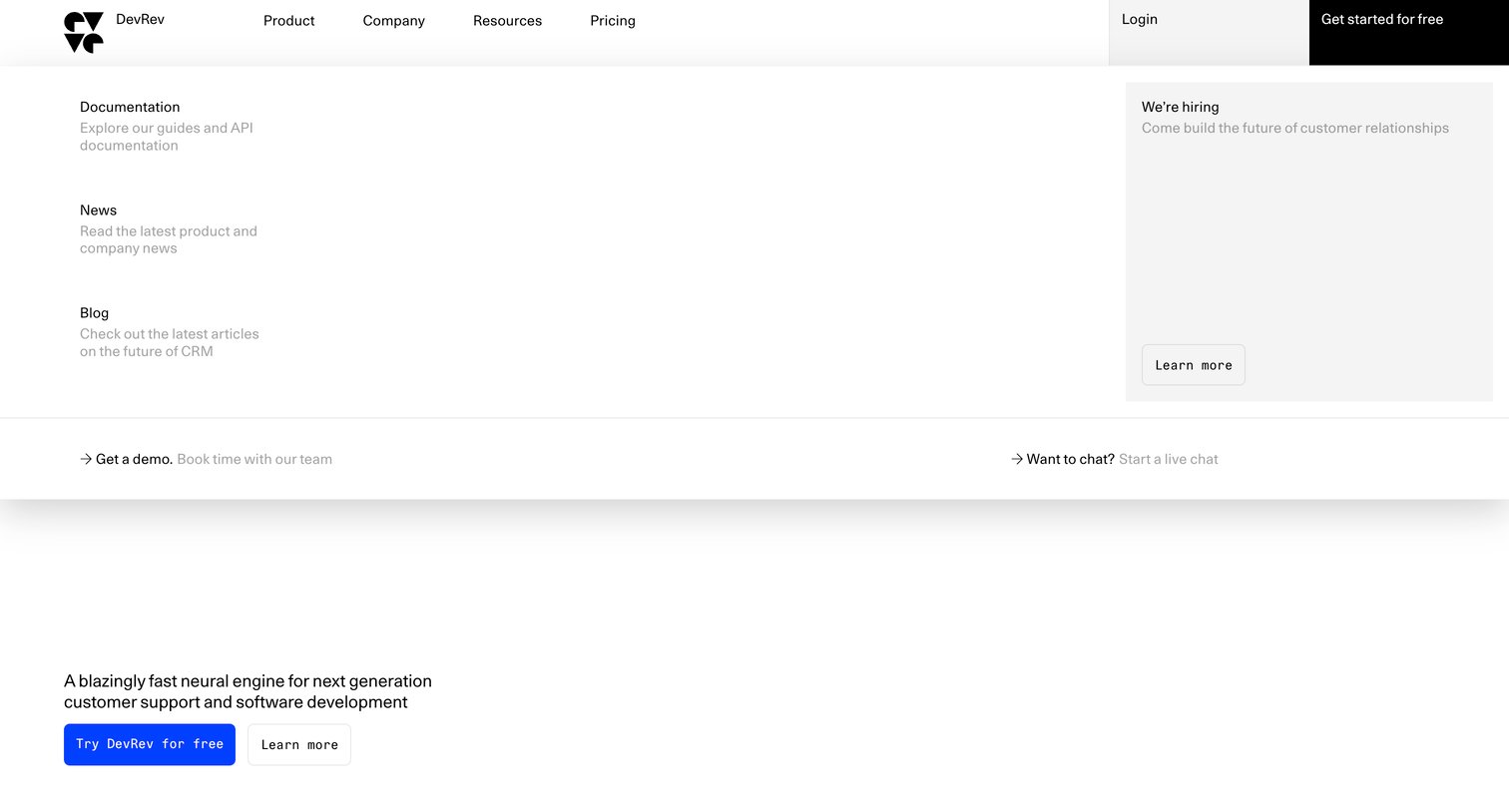
Landing page where the user opens the resources navigation menu to access documentation, news, blog, and hiring information.
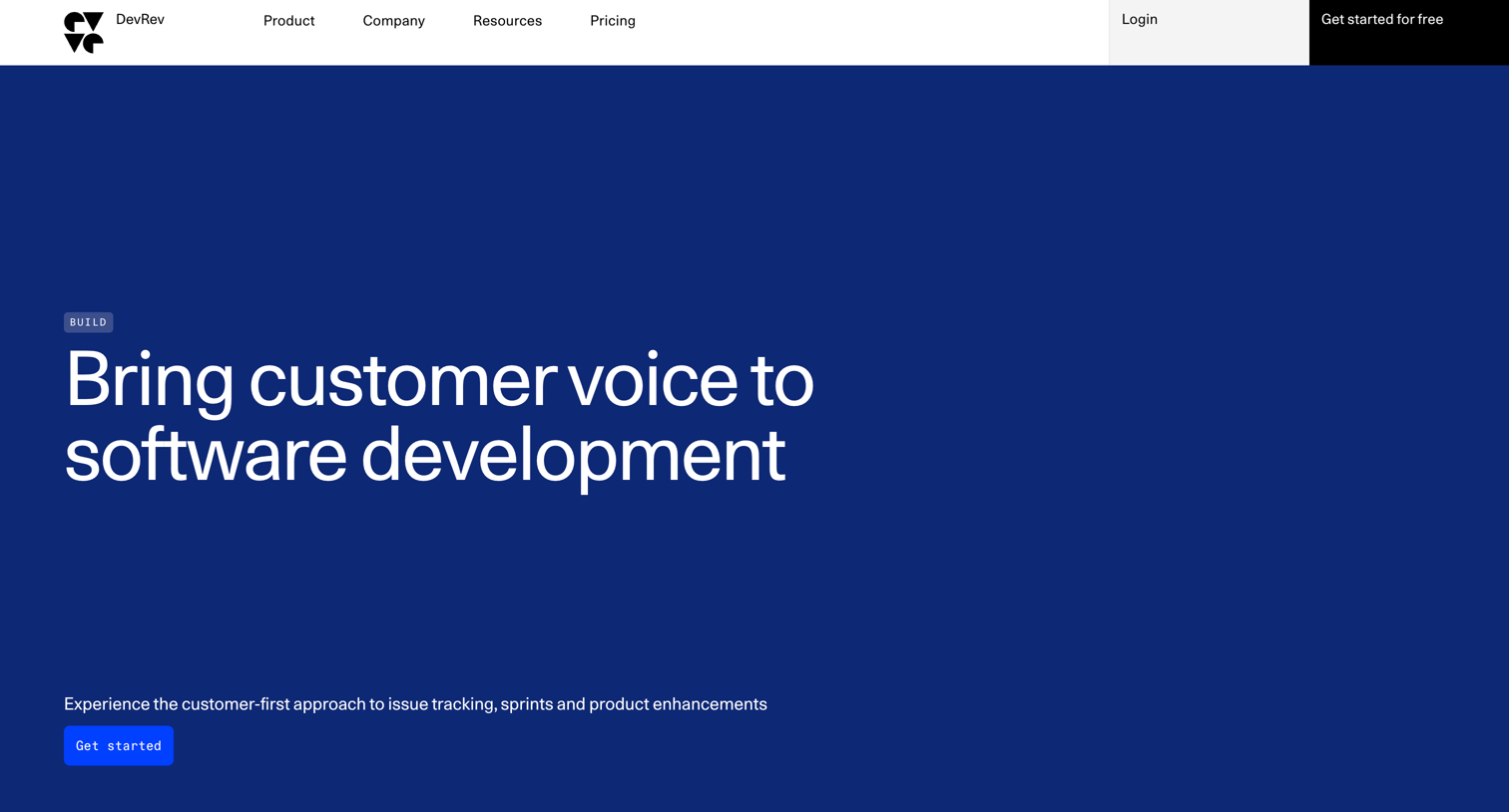
Product page for the Build module detailing how it connects customer insights to software development, issue tracking, and sprint planning.
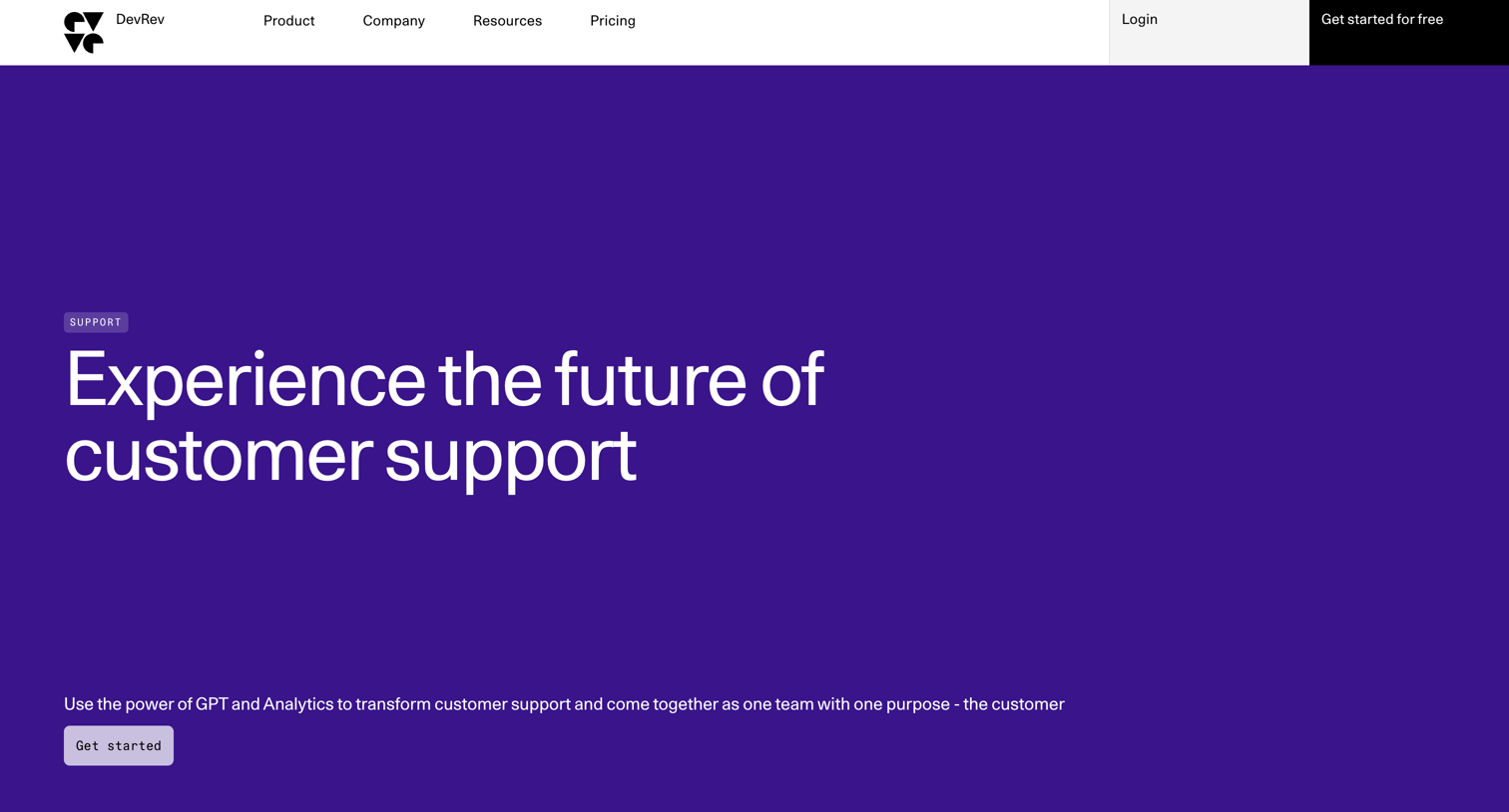
Product page showcasing an AI-powered customer support solution with bento grids displaying mockups of ticket management, in-app chat, and automated insights.
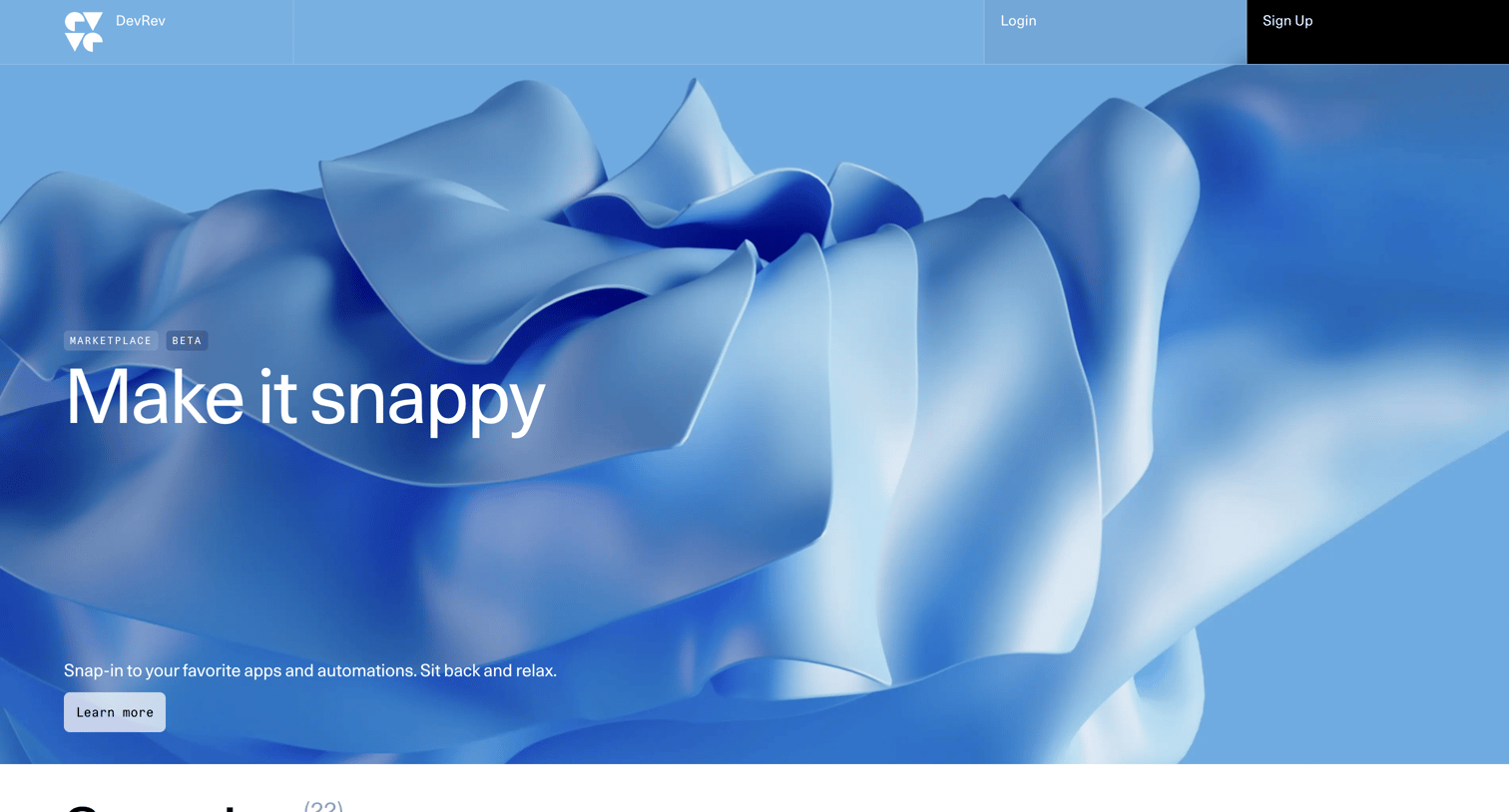
Marketplace directory where the user browses and installs third-party integrations like GitHub, Slack, and Jira across various categories.
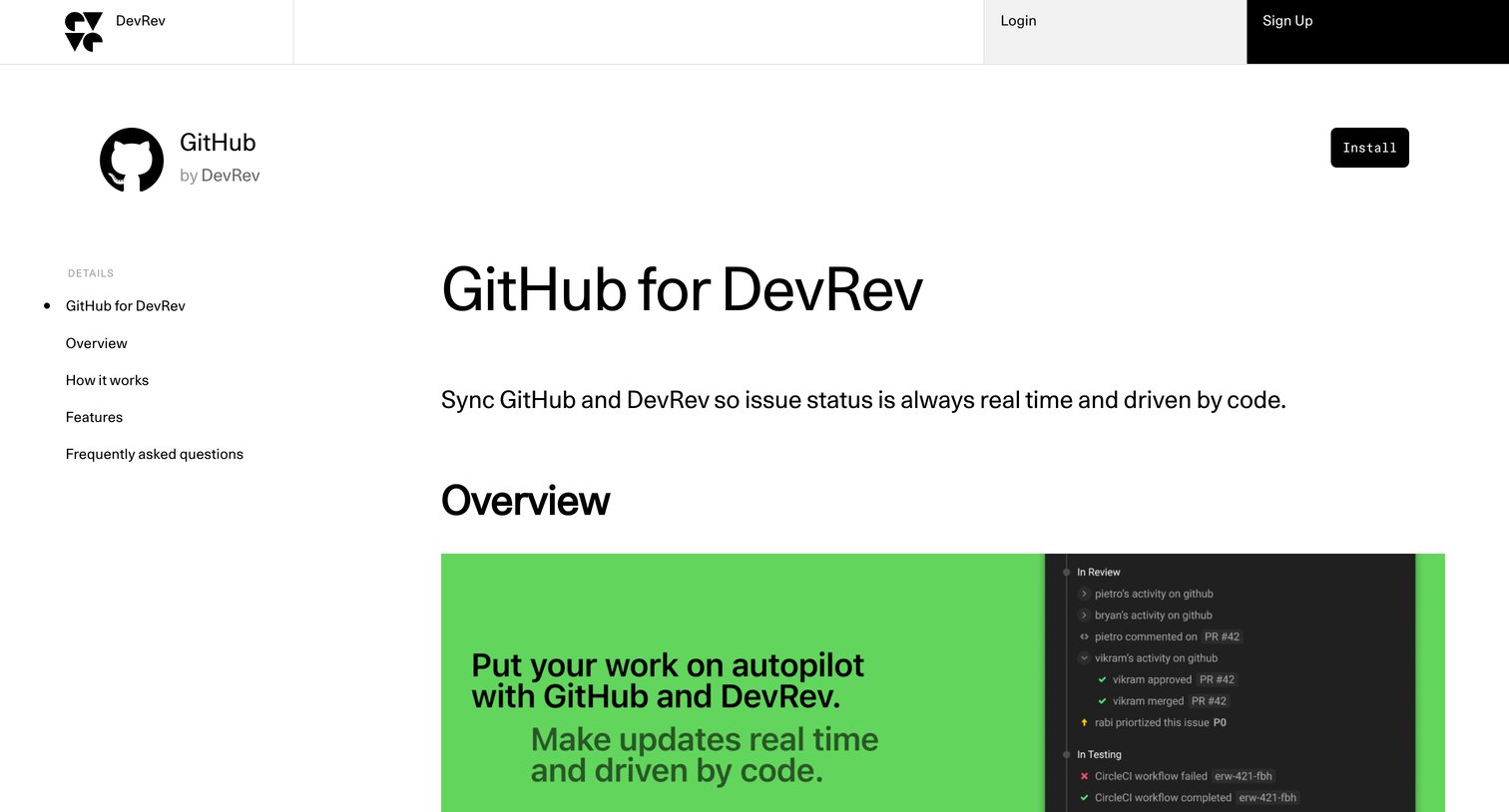
Marketplace listing for the GitHub integration where the user can read about features, how it works, and frequently asked questions, and click to install the snap-in.
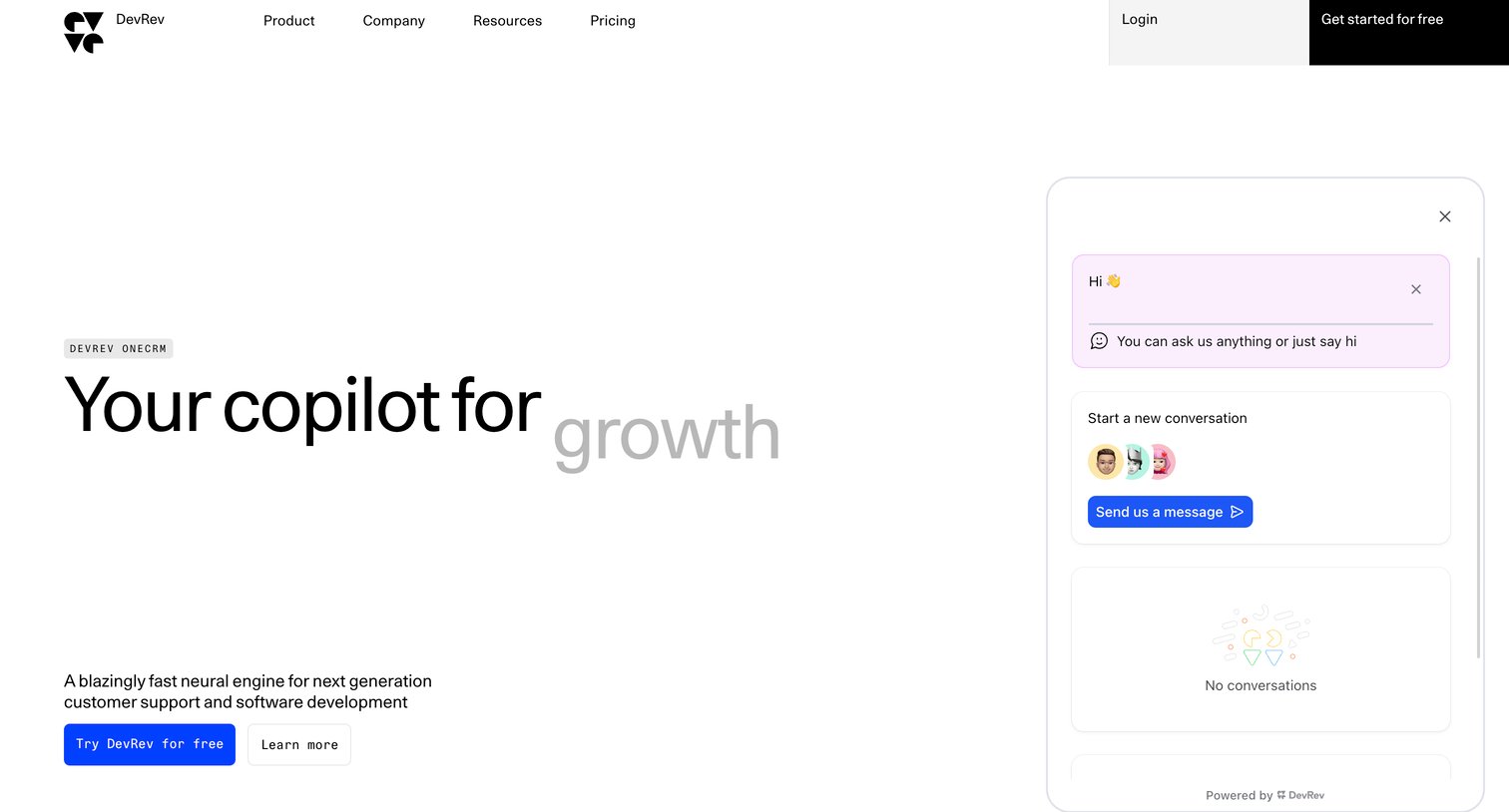
Landing page for an AI-powered CRM and support copilot, featuring a prominent hero section and an open floating support assistant widget.
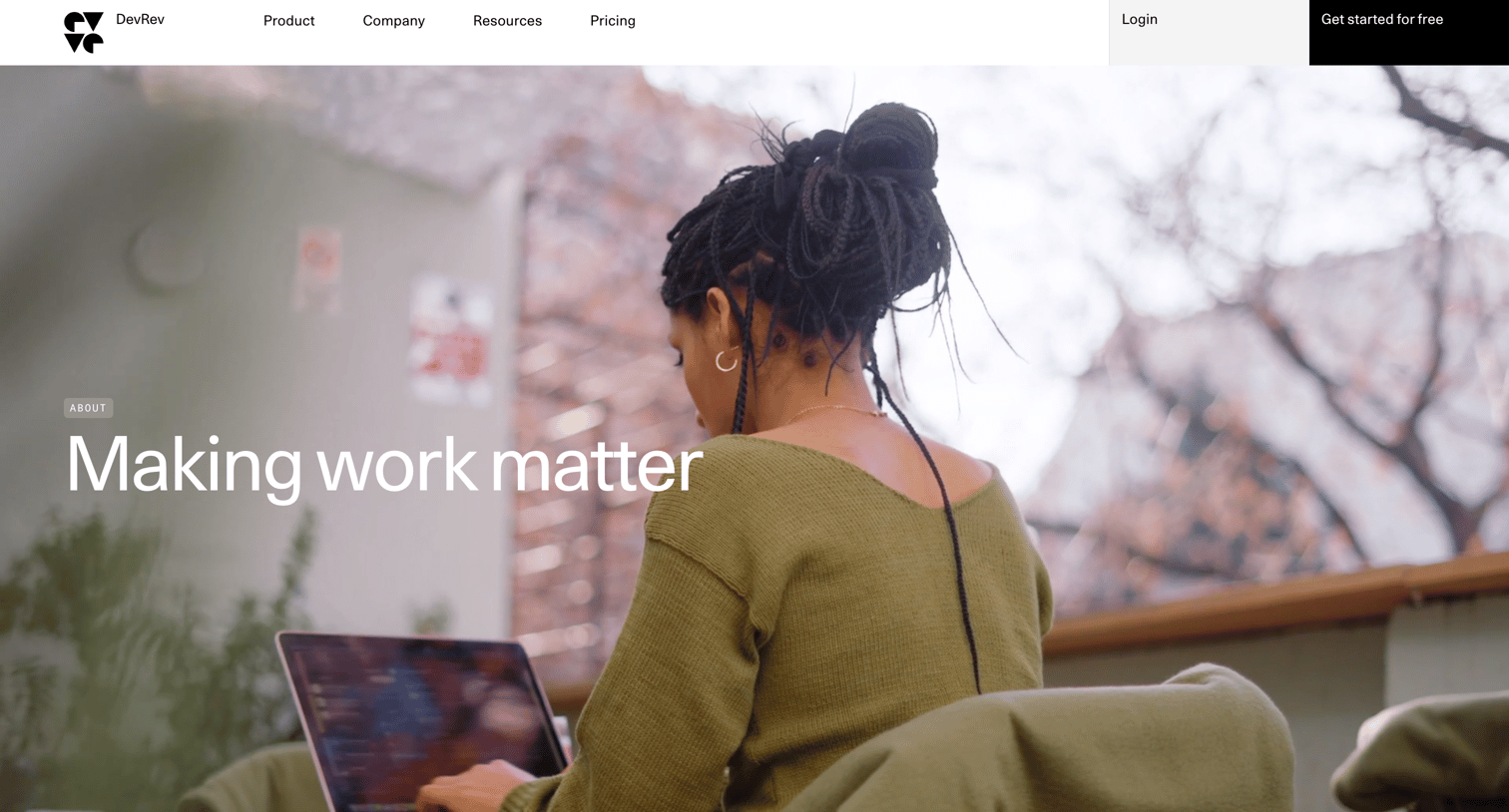
Company about page detailing the mission, core values, founders, investors, and open career locations.
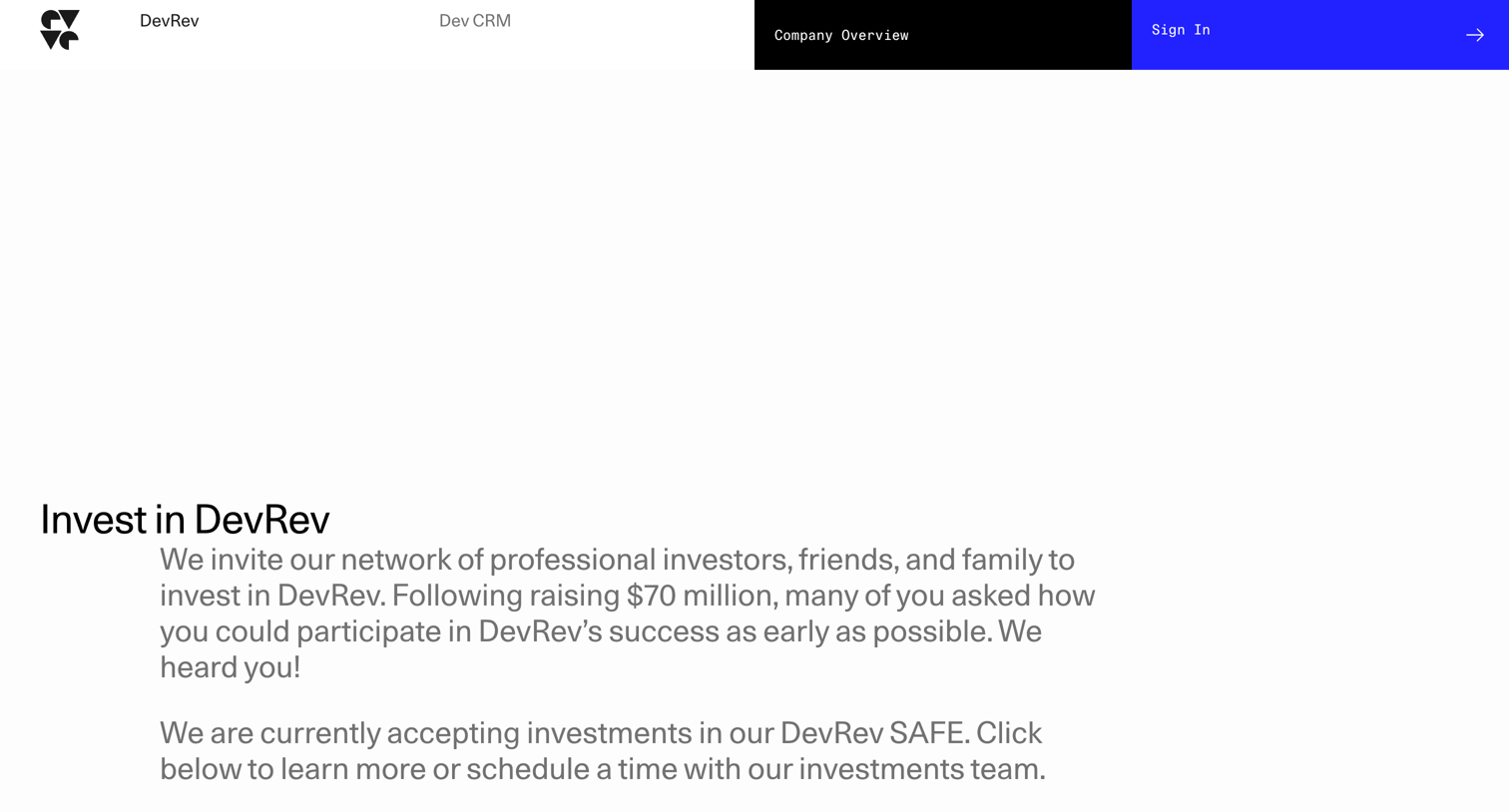
Landing page where potential investors can learn about the DevRev SAFE token, view current investors like Vinod Khosla, and follow a step-by-step guide to submit an investment request.
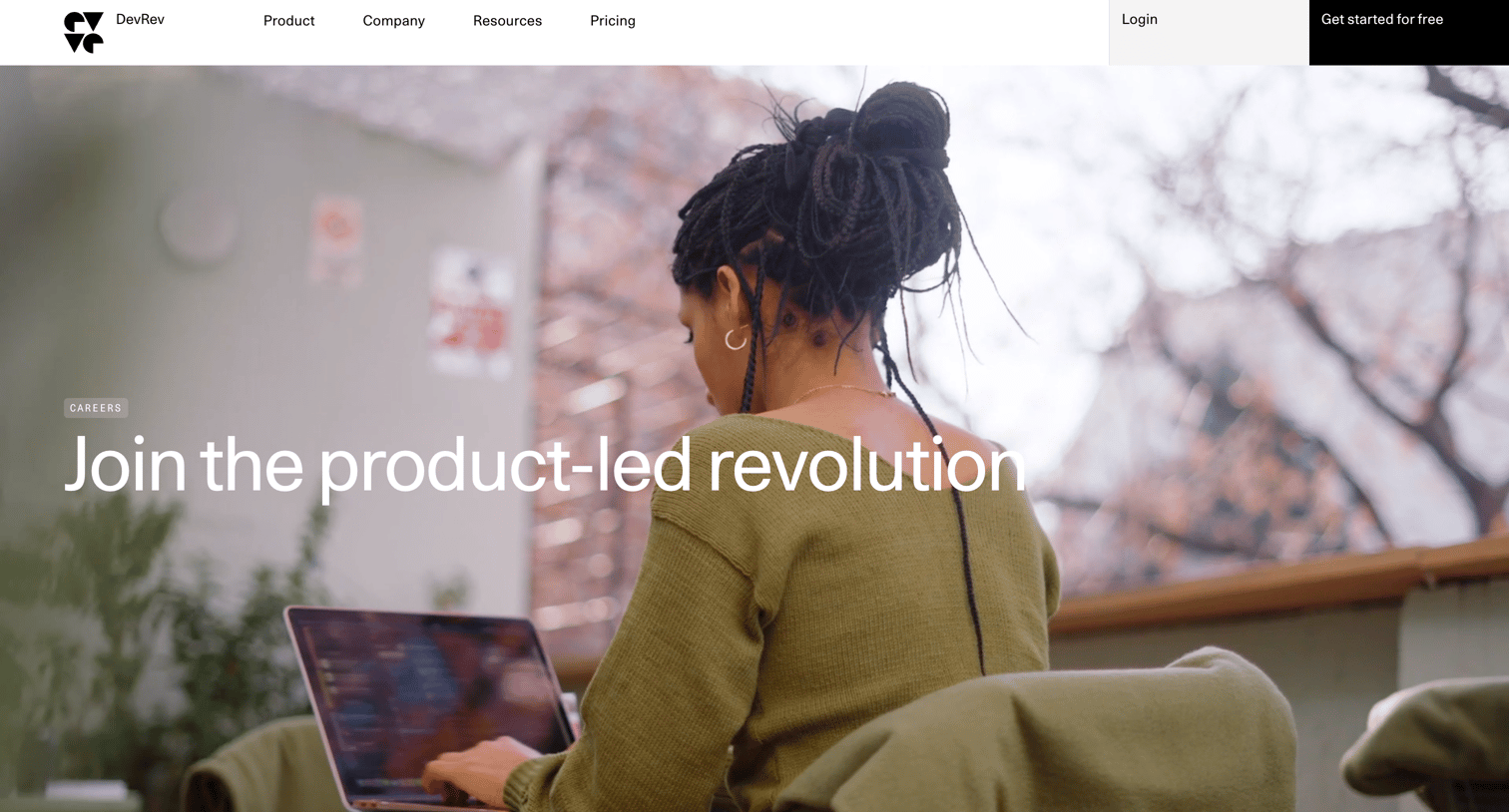
Careers page detailing company values, global office locations, and a filterable list of open job positions.
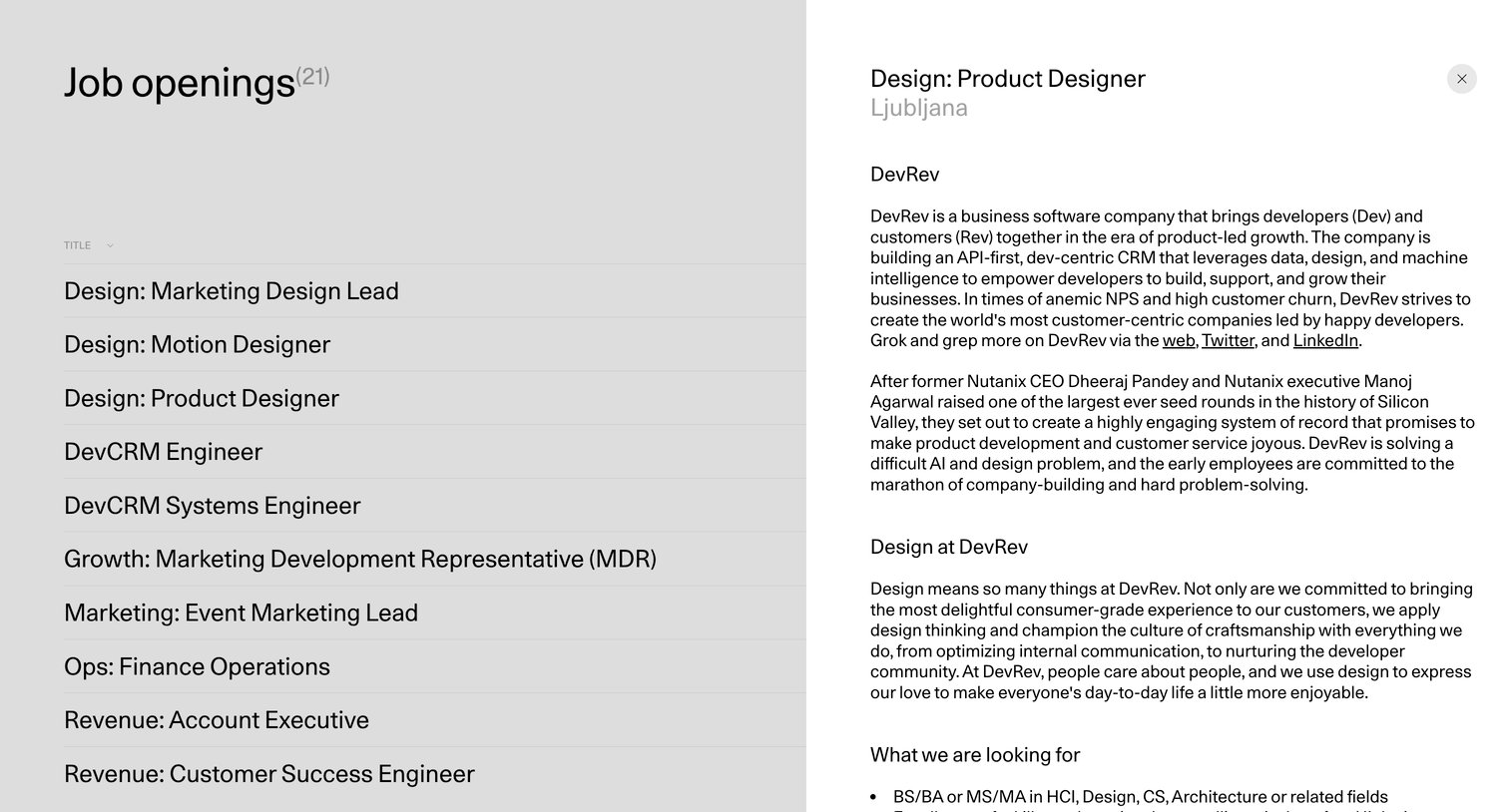
Careers page where the user browses a list of open roles on the left and reads the product designer job description in a side panel on the right.
Explore the full SaaS screen library
Upgrade to unlock the full library.
Trusted by the best teams







