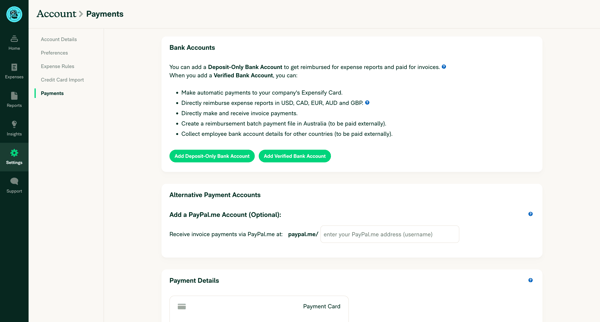
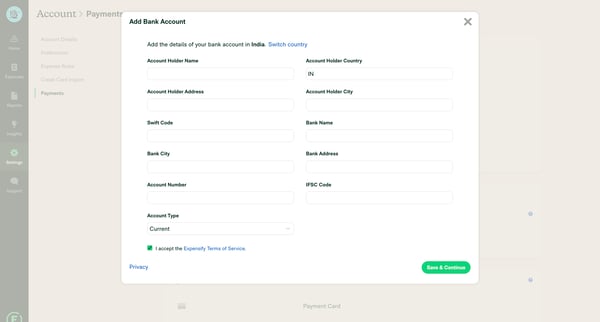
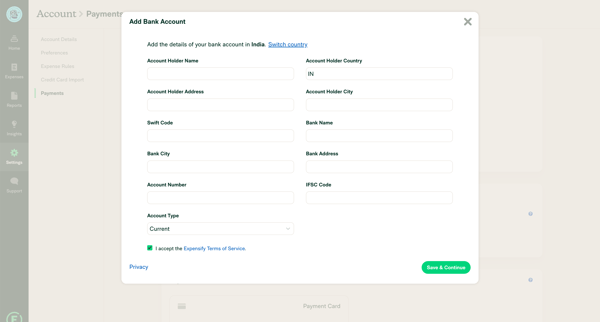
Expensify Flow Example: Adding bank account
Preview this Expensify user flow: Adding bank account. Explore the opening screens.

Related user flows

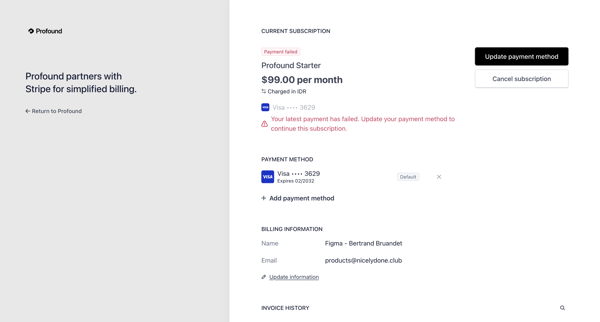
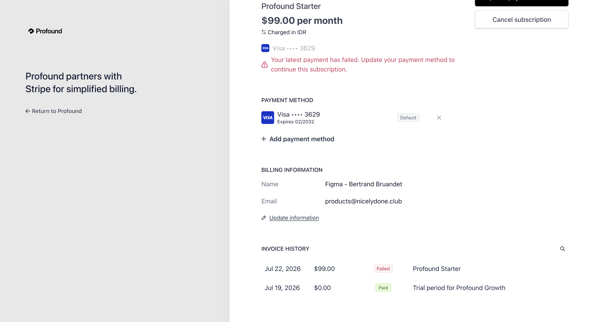
User enters Stripe Billing Portal from Tryprofound settings after a payment failure and views subscription details, failed invoice, current payment method, and options to add a new payment method or cancel subscription.

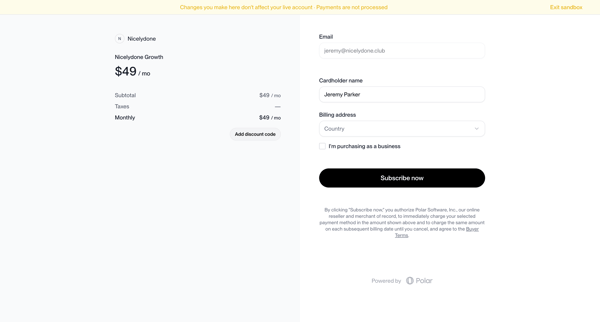
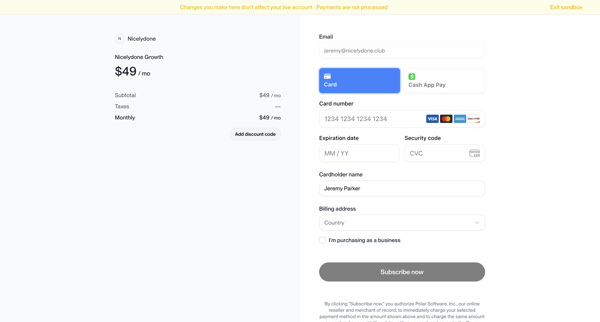
User reviews Nicelydone Growth order summary and enters payment details on checkout form in sandbox mode

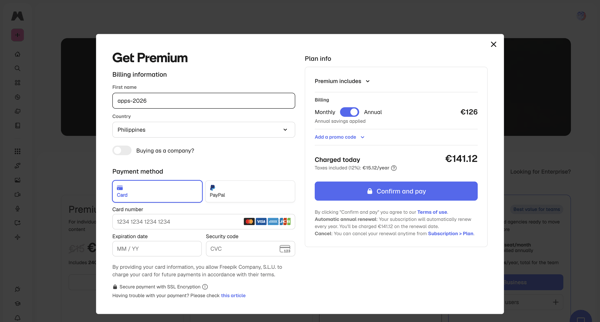
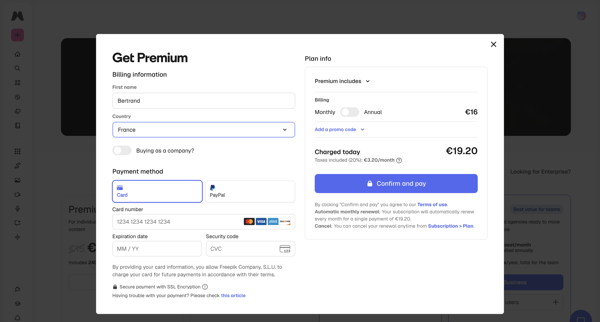
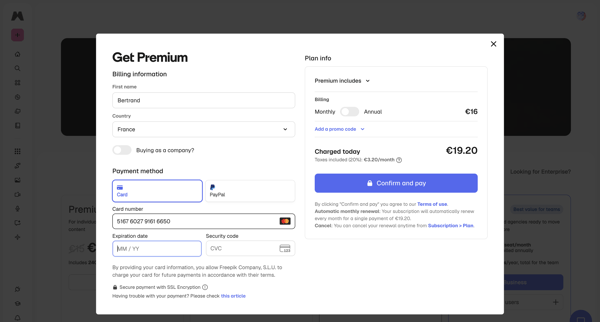
User enters billing details, selects payment method, reviews order summary, and confirms upgrade to Premium plan inside a checkout modal, handling loading and error states

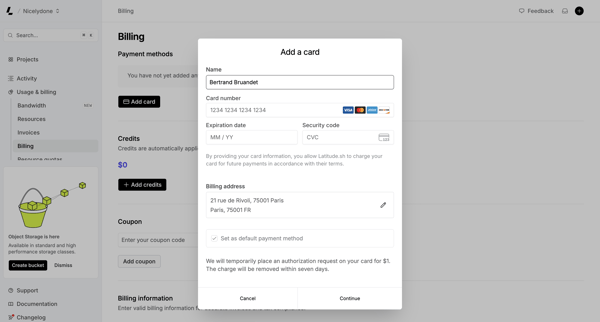
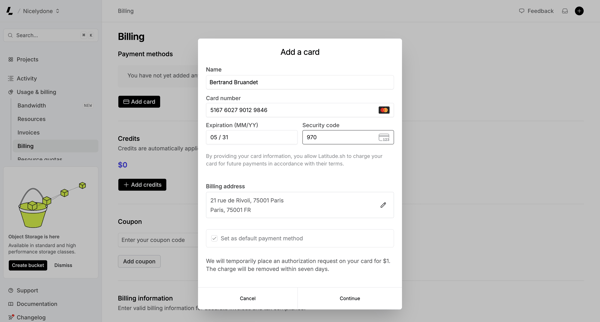
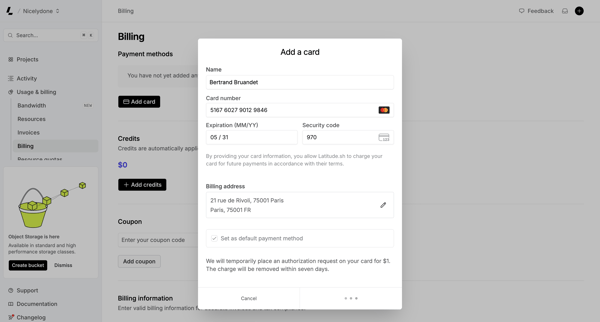
User opens Add Payment Method modal from billing settings and fills credit card and address details, encountering loading and connection error states
Explore the full SaaS flow library
Browse the full SaaS flow library.
Trusted by the best teams







