Height Flow Example: Importing from GitHub
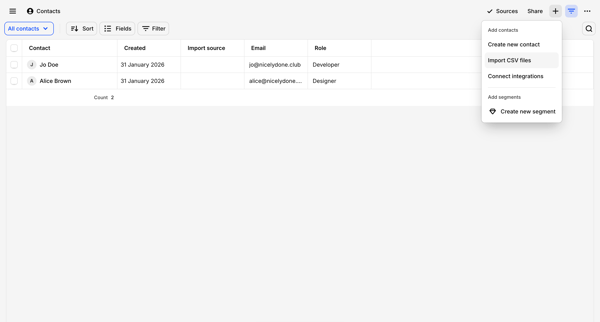
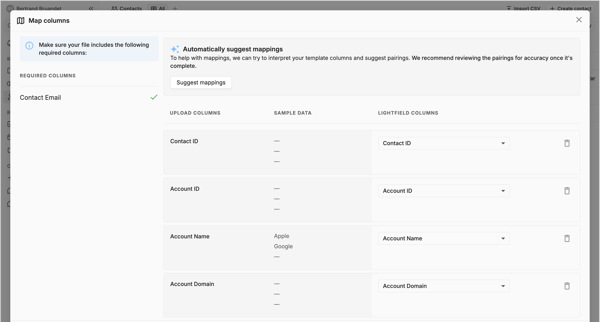
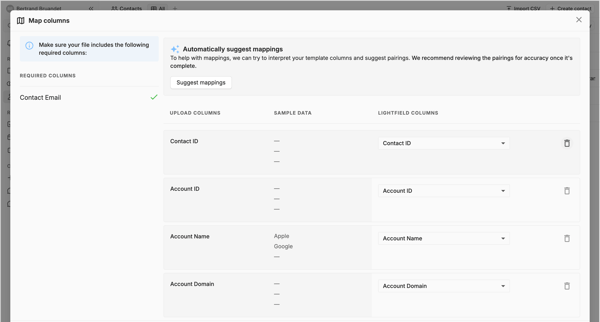
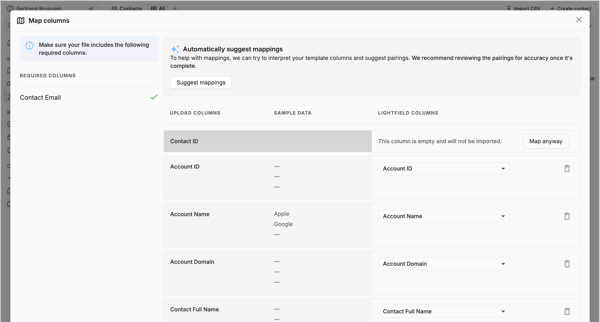
Preview this Height user flow: Importing from GitHub. Explore the opening screens.
Preview these flows

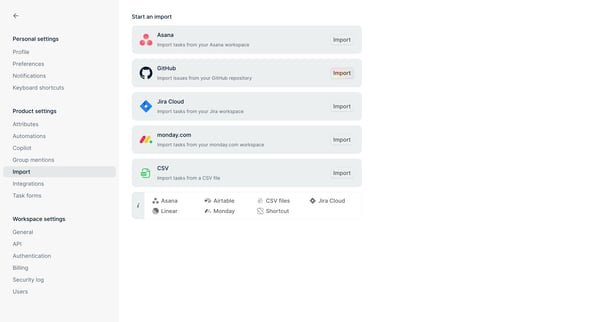

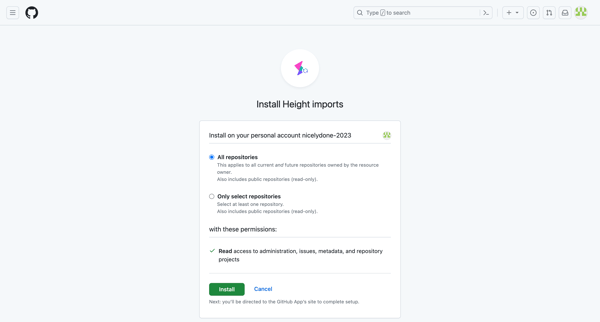
The flow facilitates the process of importing tasks and issues from GitHub to Height, configuring the import settings, and managing attribute mappings.
Related user flows

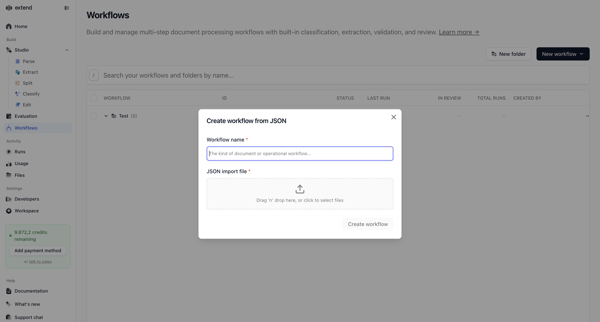
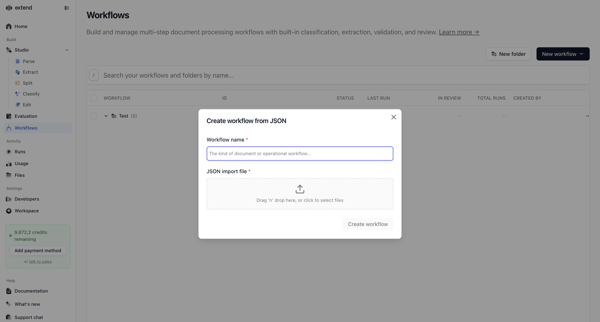
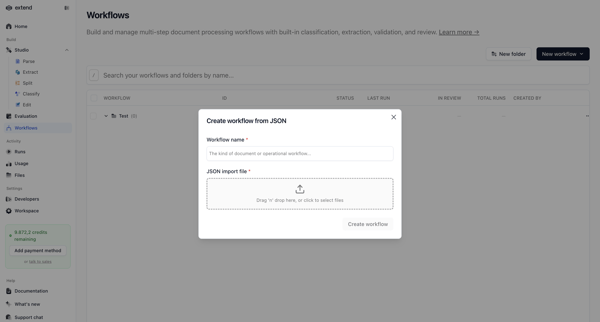
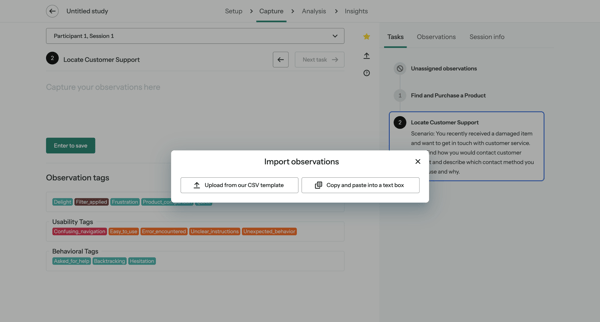
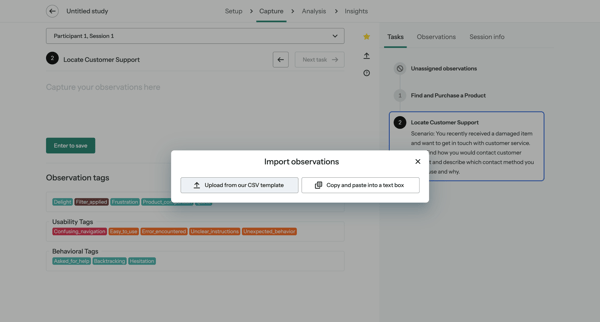
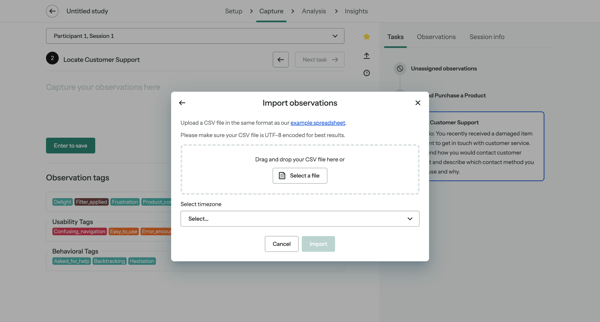
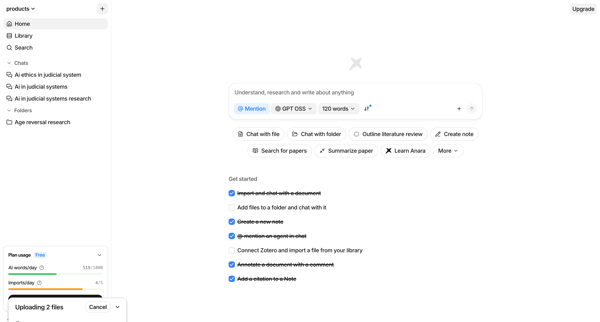
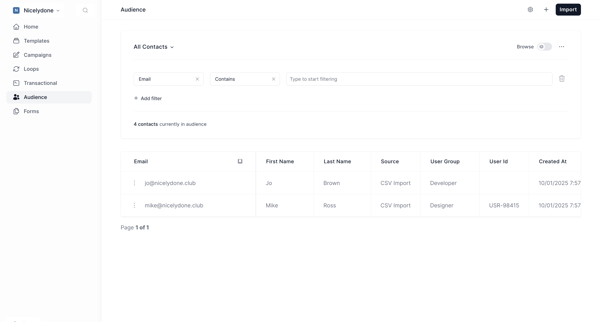
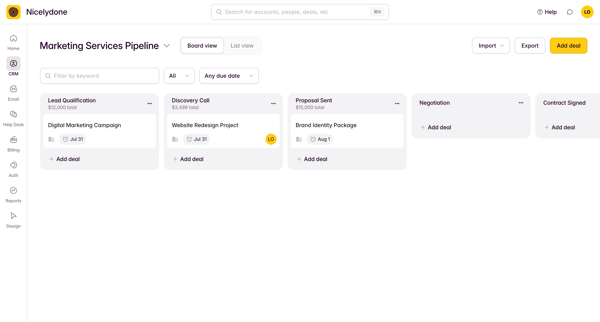
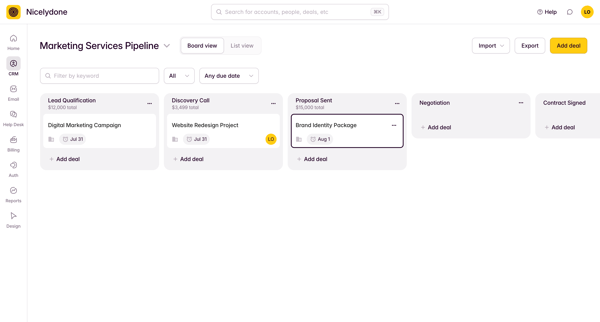
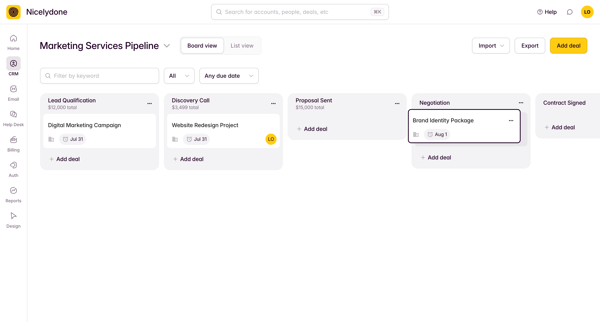
Creating a new document processing workflow by naming it and uploading a JSON configuration file via modal overlay on the workflows list


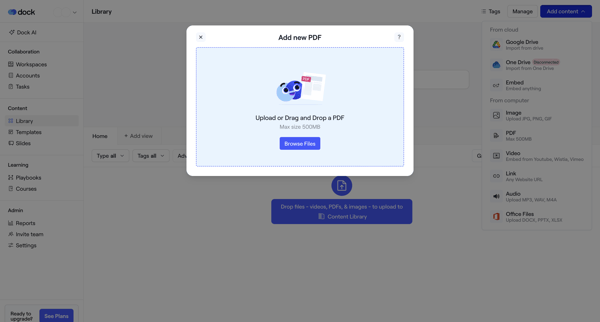
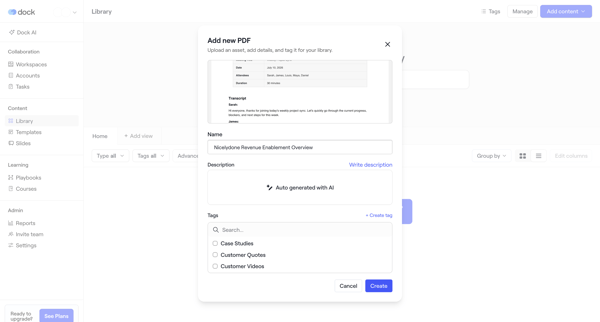
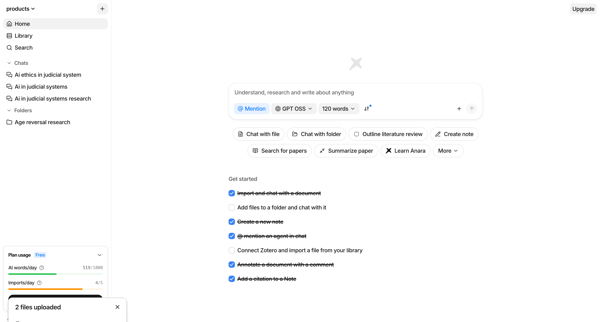
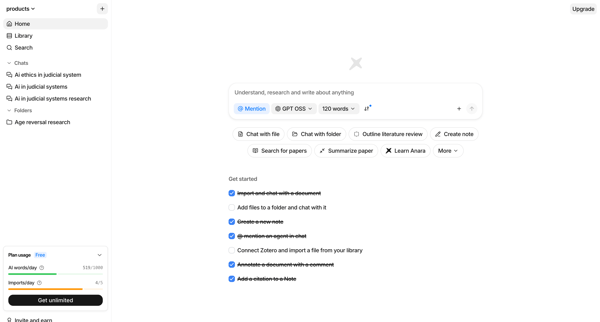
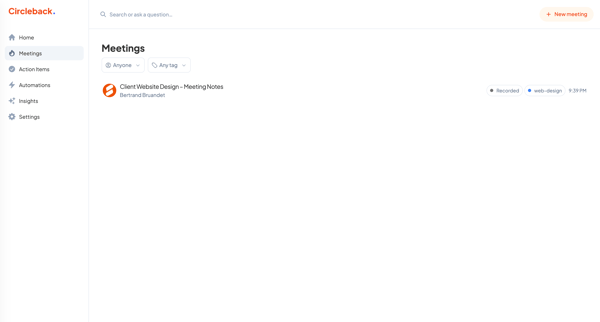
User uploads a PDF via drag-and-drop or import menu in the asset library, adds name, description, and tags including new tag creation, then views the updated library



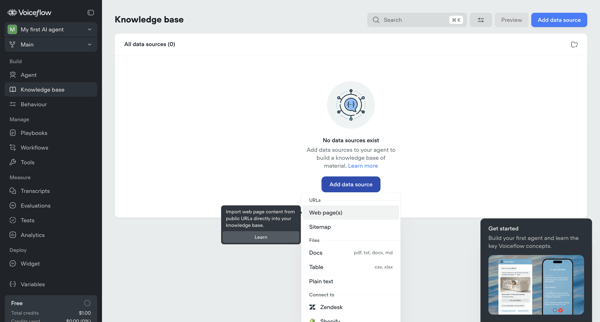
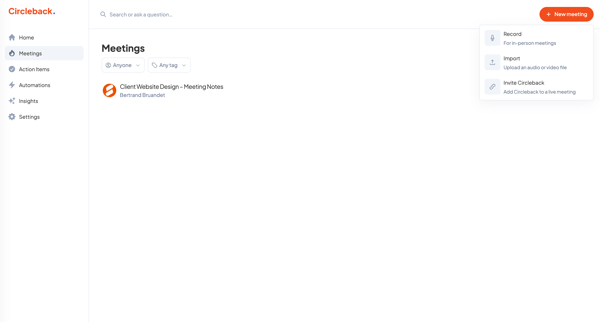
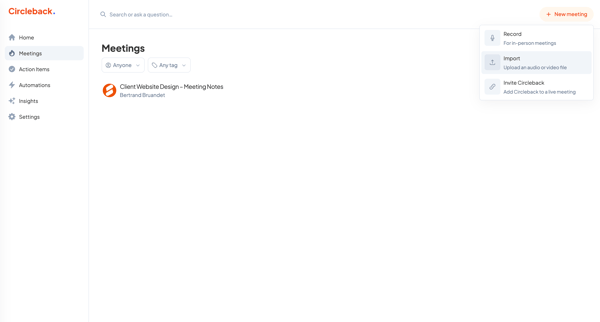
User starts from empty knowledge base state and adds/configures data sources via import modals for URLs and sitemaps, setting sync, chunking, and system prompt options before managing sources in list and settings views













Explore the full SaaS flow library
Browse the full SaaS flow library.
Trusted by the best teams







