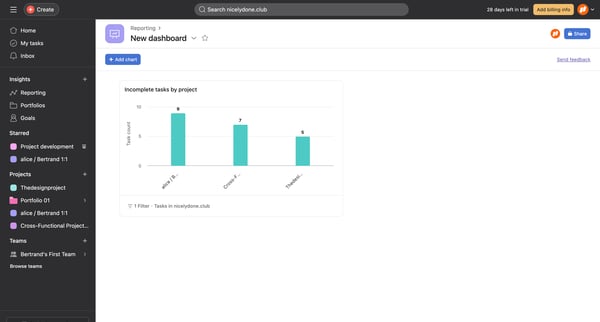
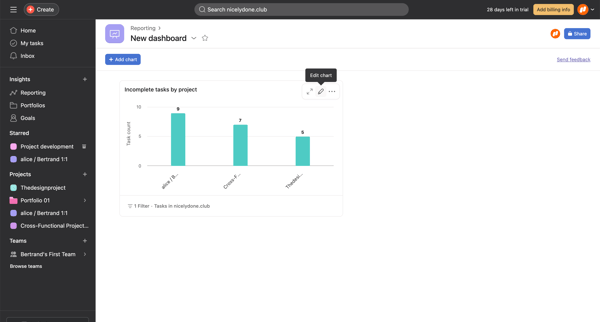
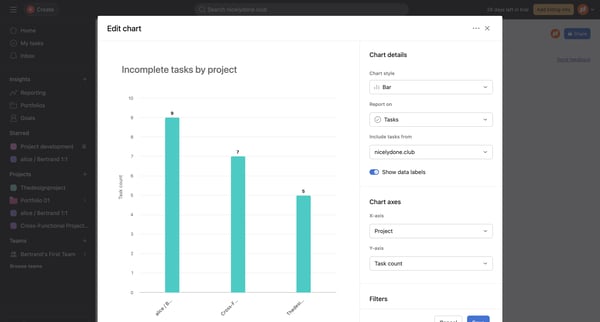
Asana Flow Example: Editing chart
Preview this Asana user flow: Editing chart. Explore the opening screens.

Related user flows

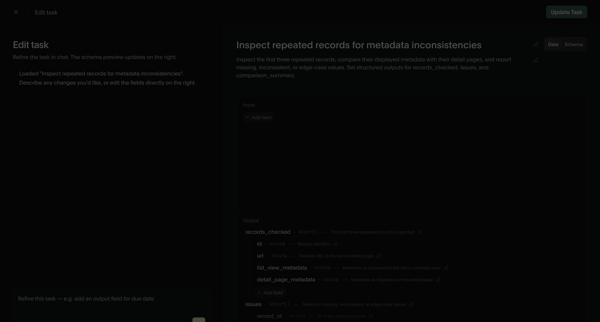
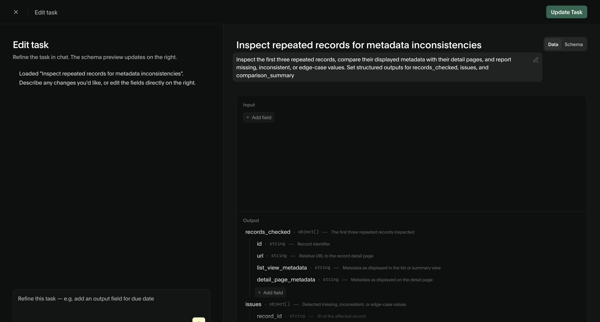
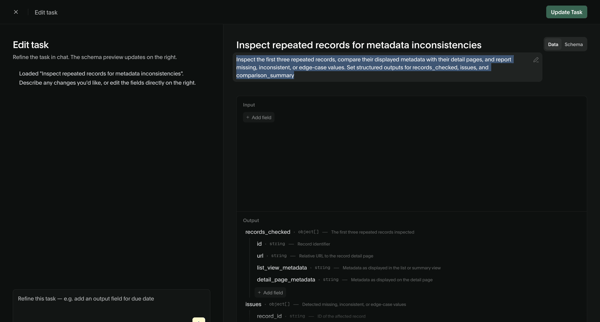
User refines an AI task prompt and input/output schema via chat assistant and structured editor, then views the updated task detail page with schema and performance metrics

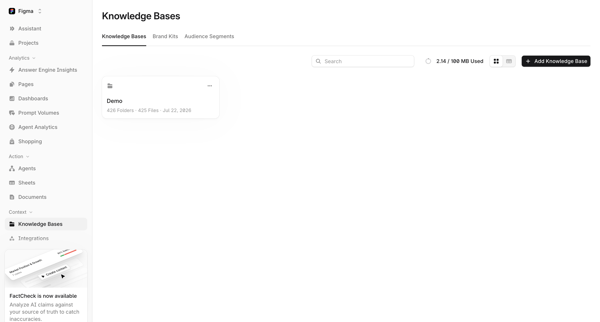
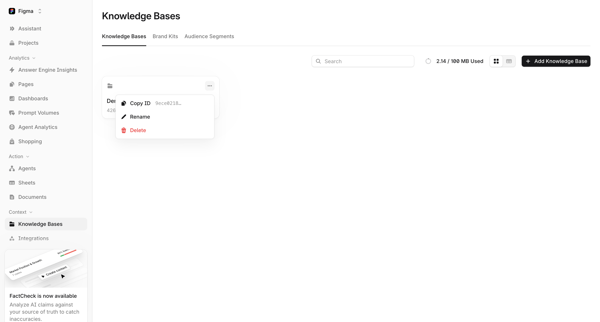
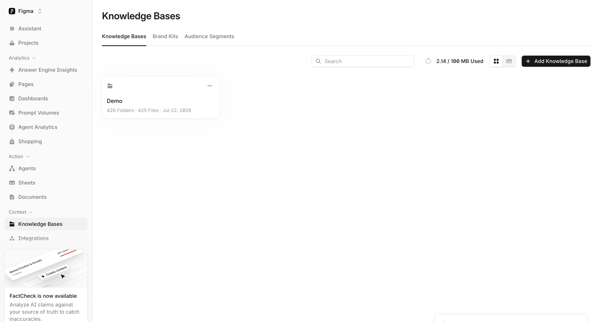

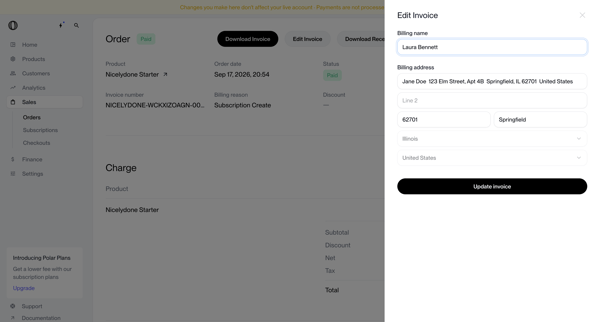
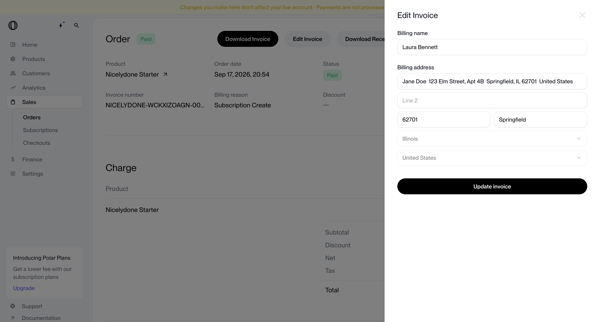
User opens edit invoice drawer from order detail page to update billing name and address on a paid order record

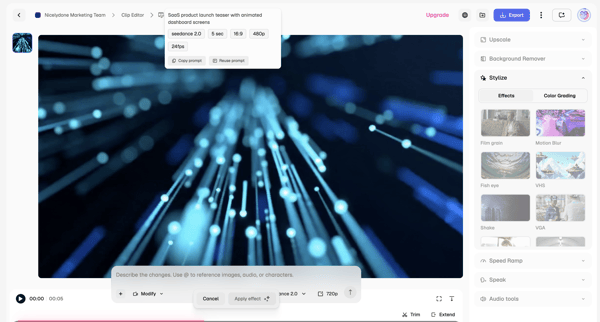
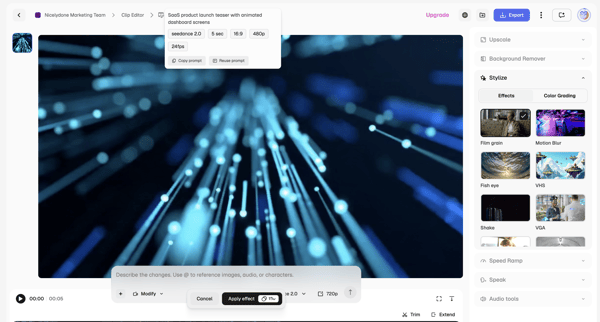
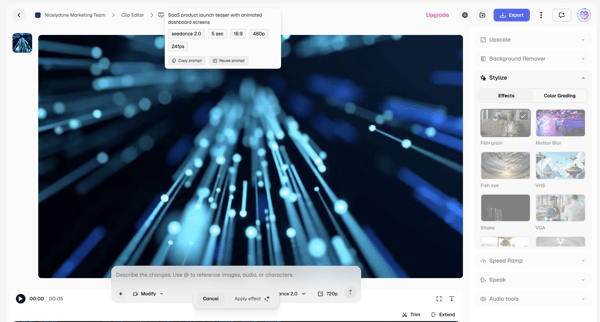
Applying AI stylization effects and modifications to video clips via text prompts and timeline controls in the Magnific editor
Explore the full SaaS flow library
Browse the full SaaS flow library.
Trusted by the best teams







