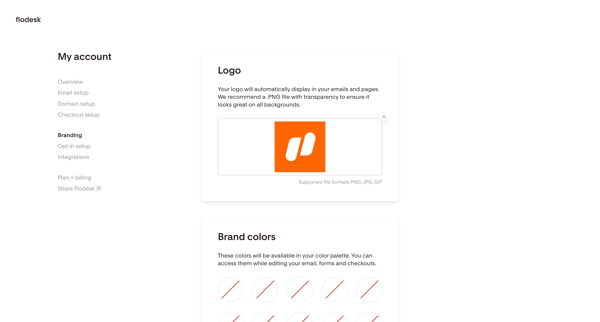
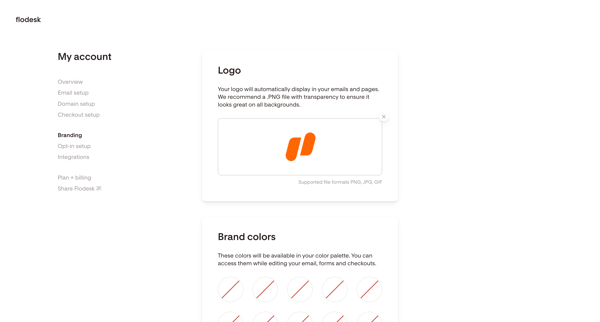
Flodesk Flow Example: Updating brand settings
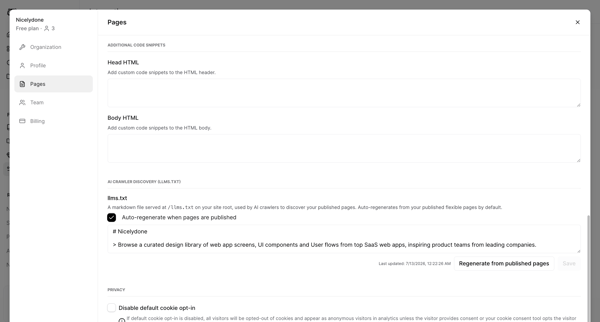
Preview this Flodesk user flow: Updating brand settings. Explore the opening screens.

Related user flows


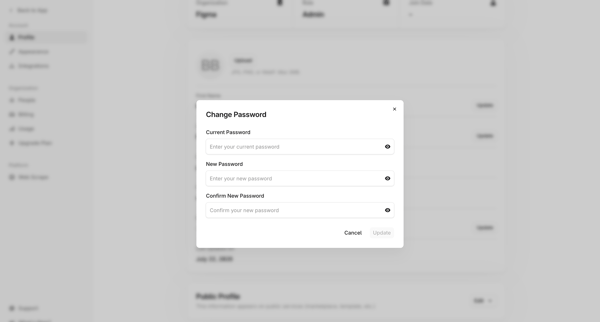
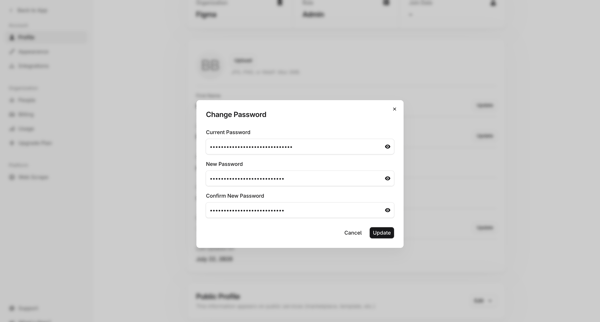
User opens change password modal from profile settings and enters current and new password values

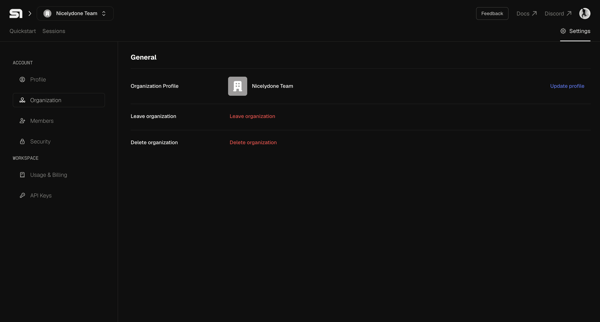
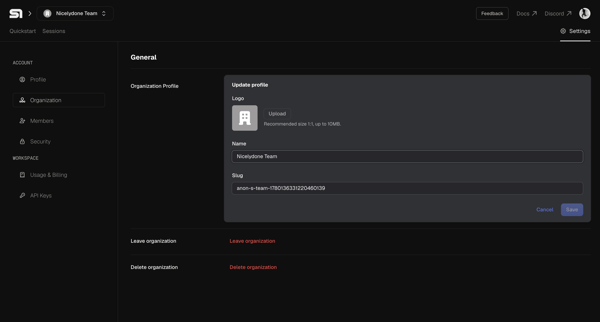

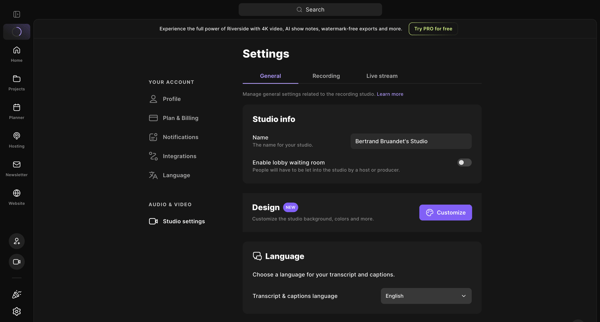
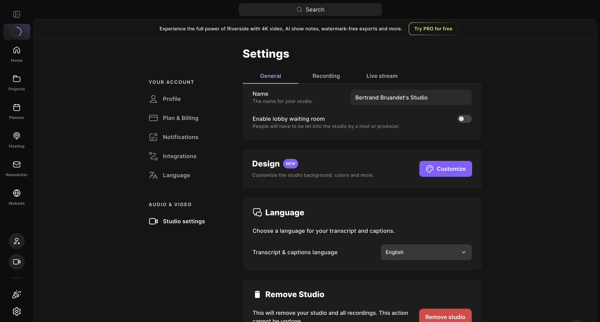
User opens studio settings general tab to review and edit name, lobby waiting room, design customization, transcript language, and remove studio option
Explore the full SaaS flow library
Browse the full SaaS flow library.
Trusted by the best teams







