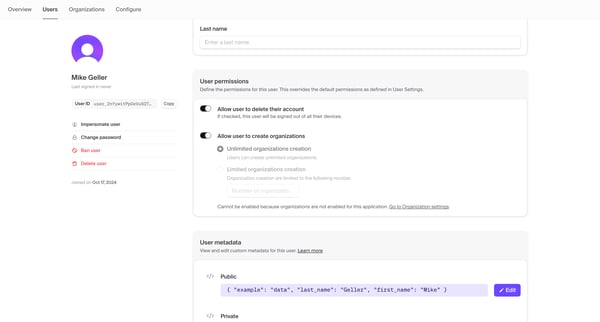
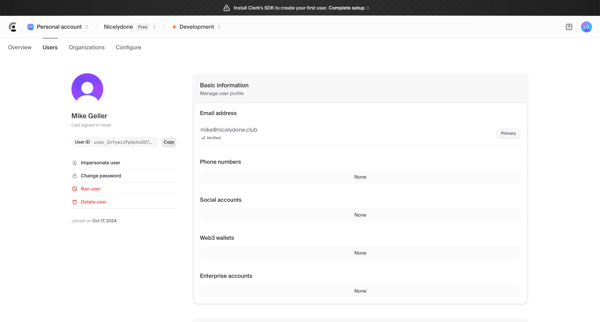
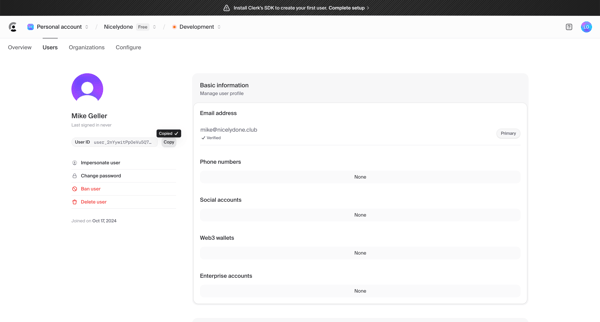
Clerk Flow Example: Managing user profile
Preview this Clerk user flow: Managing user profile. Explore the opening screens.

Related user flows

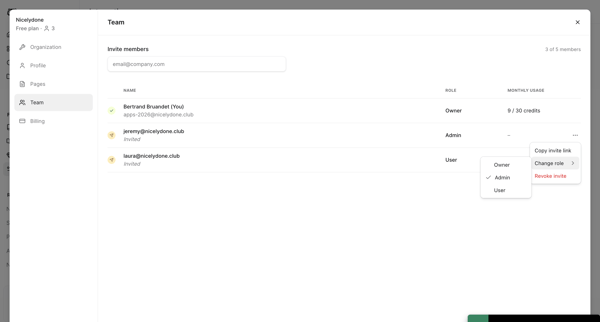
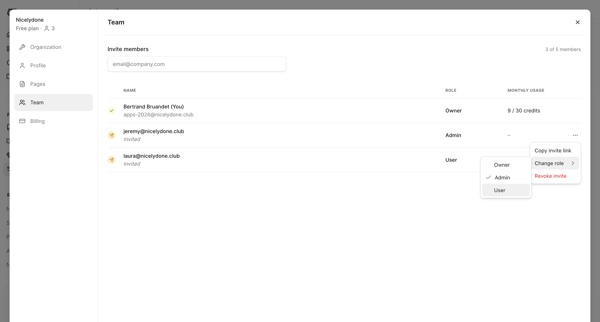
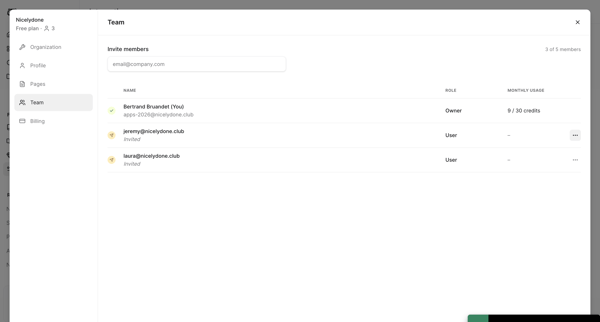
Team settings modal showing active members, pending invites, role assignments, and usage limits with actions to change roles or copy invite links

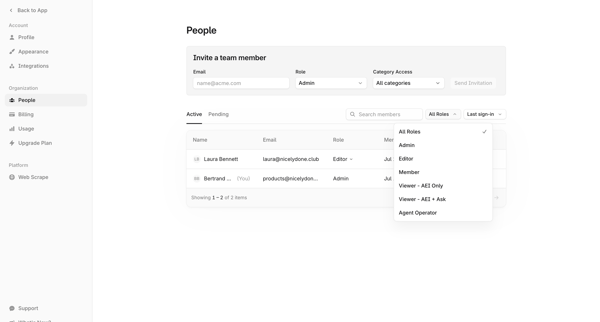
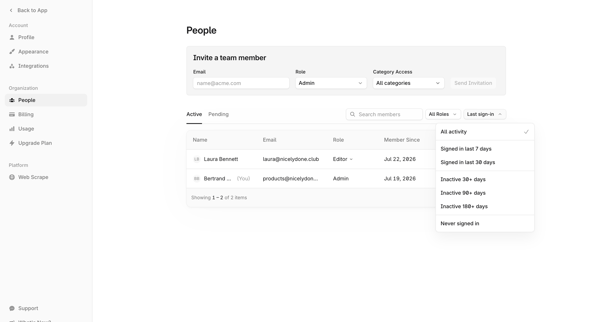

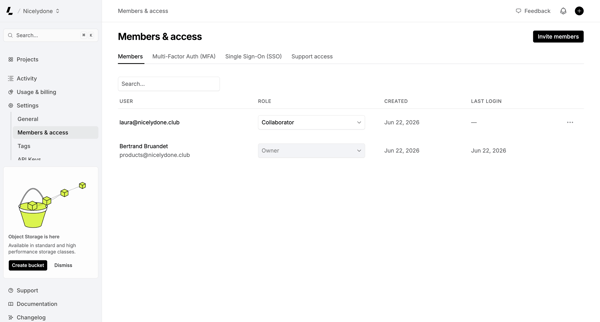
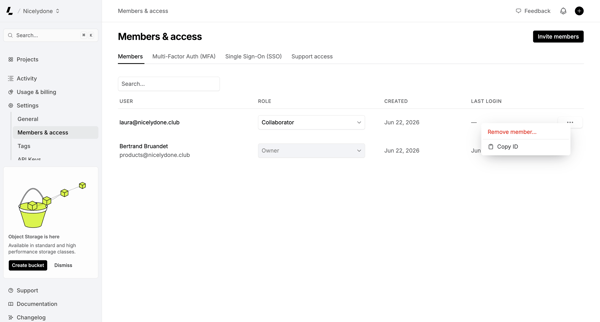
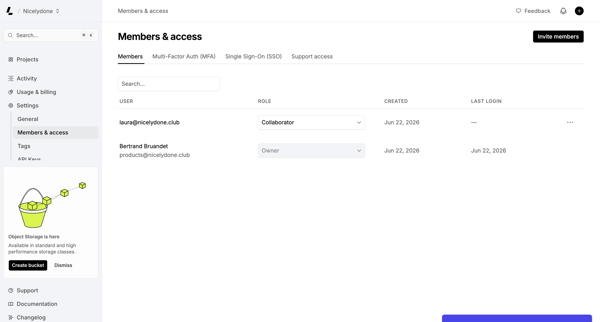
Admin manages workspace members, assigns roles, and configures MFA/SSO from the Members & permissions settings page

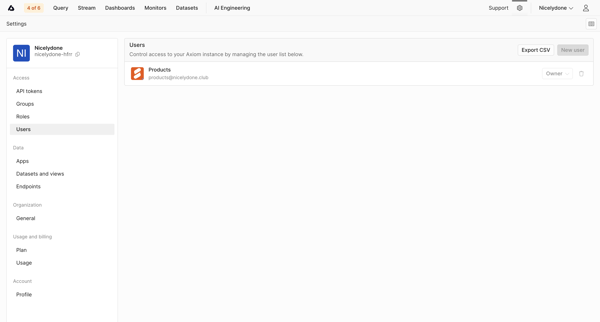
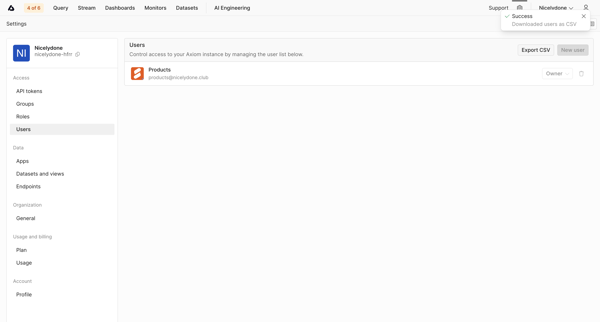
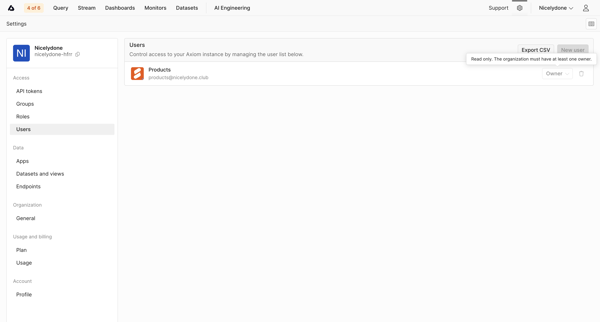
Admin views and manages users list, roles, and exports CSV from Users Settings page
Explore the full SaaS flow library
Browse the full SaaS flow library.
Trusted by the best teams







