Lottie Flow Example: Following product tour
This flow guides users through the key features of Lottie Creator, introducing them to the interface and basic functionalities.

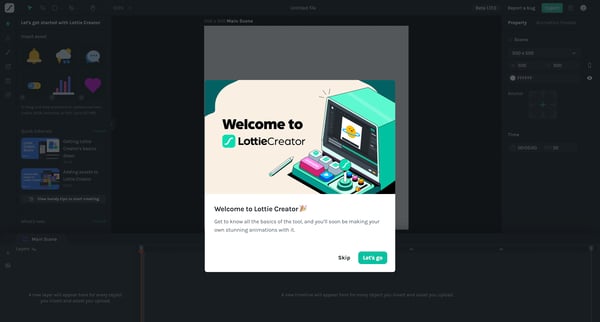
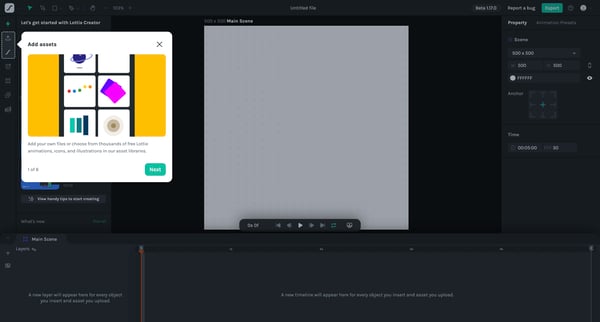
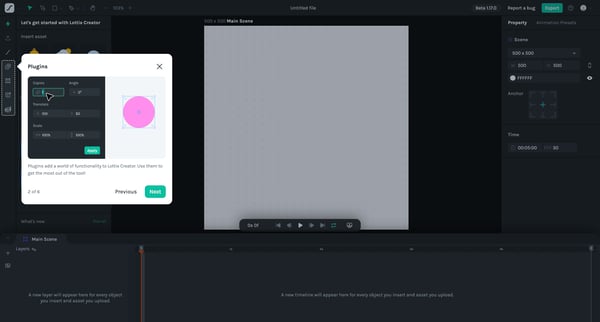
This flow guides users through the key features of Lottie Creator, introducing them to the interface and basic functionalities.
Related user flows

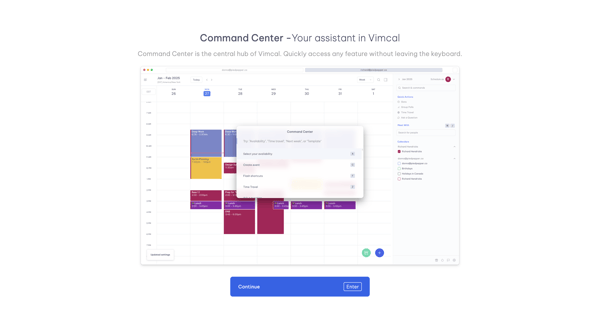
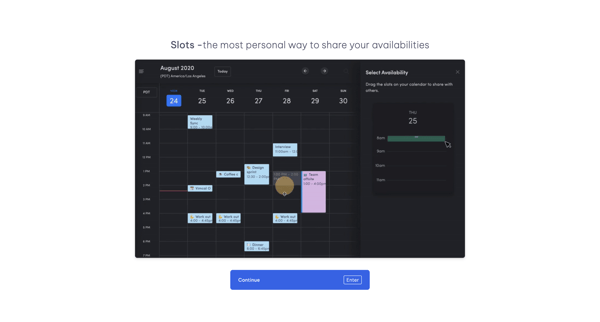
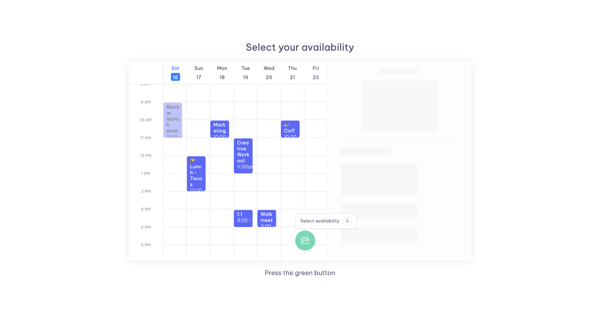
User advances through a 6-step Vimcal onboarding tour highlighting Command Center, Slots availability sharing, calendar selection via floating button, and pre-formatted email templates

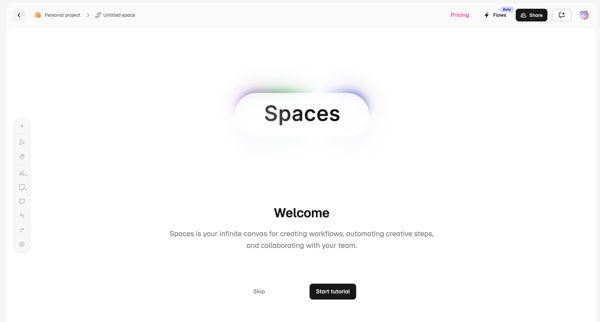
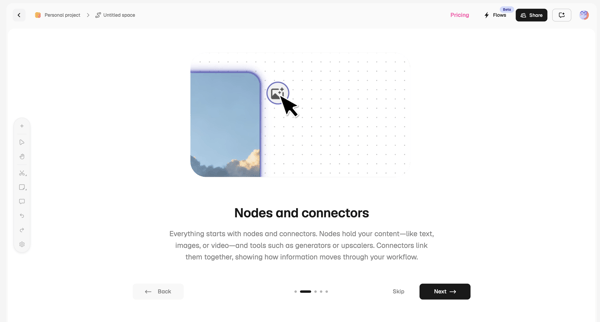
User loads workspace then progresses through empty canvas welcome and two product tour steps explaining nodes/connectors and collaboration features

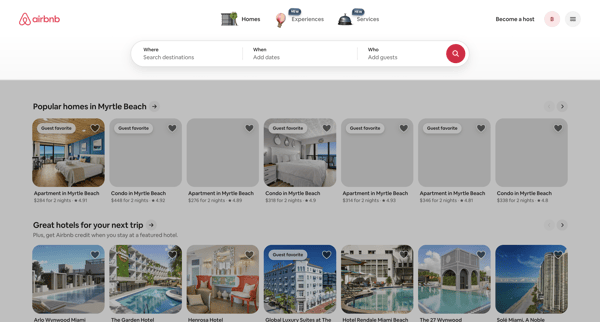
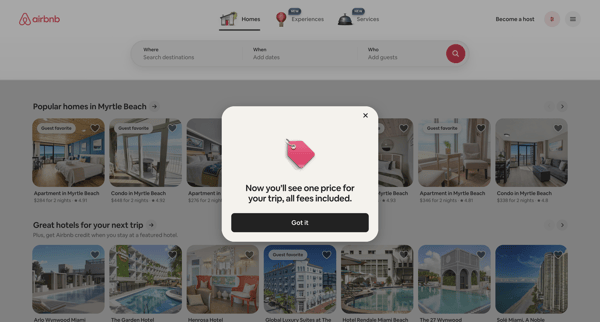
User lands on accommodation search page then encounters sequential modals announcing that trips now display one total price with all fees included

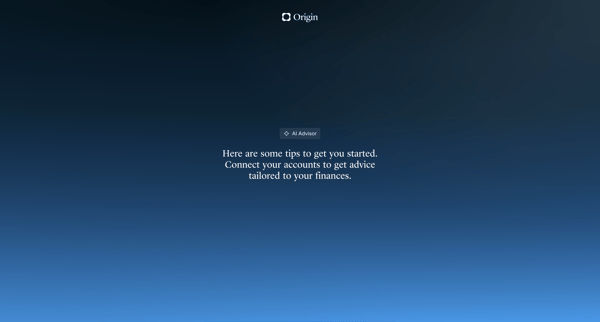
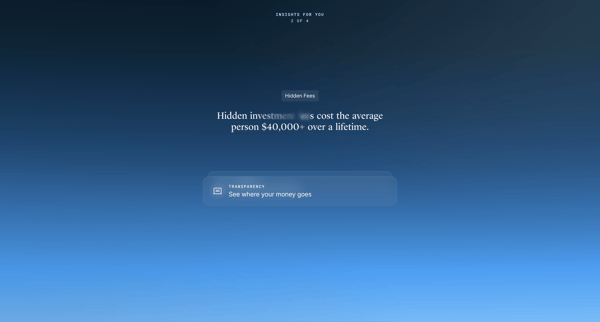
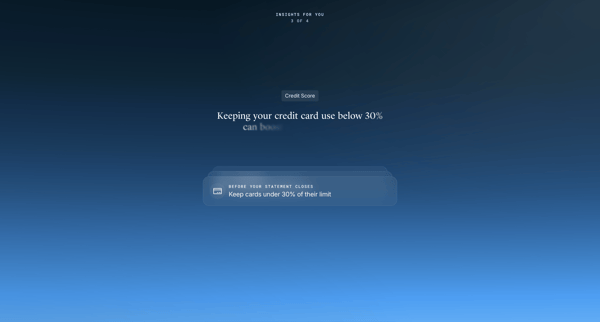
Onboarding sequence introducing the AI Advisor feature through interstitials, account connection prompts, and personalized financial insights before entering the main app experience
Explore the full SaaS flow library
Browse the full SaaS flow library.
Trusted by the best teams







