Notion Flow Example: Updating note icon
This flow guides users through customizing and editing content in a Notion workspace, utilizing various UI components and settings for personalization and organization.

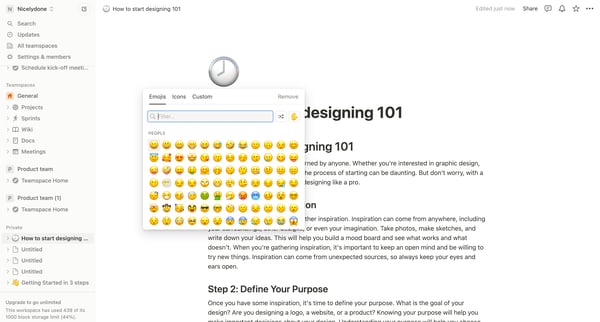
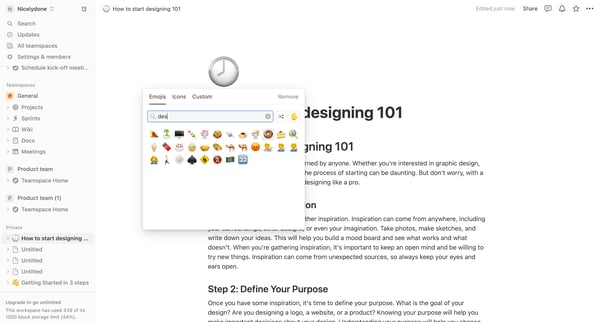
This flow guides users through customizing and editing content in a Notion workspace, utilizing various UI components and settings for personalization and organization.
Related user flows

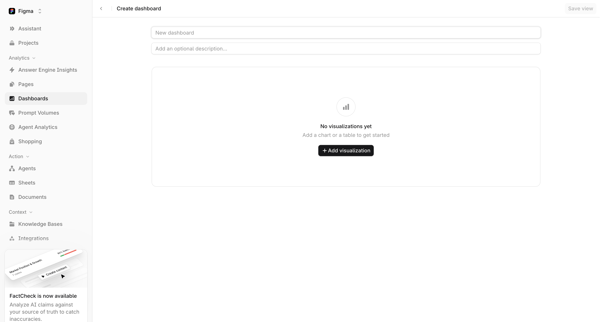
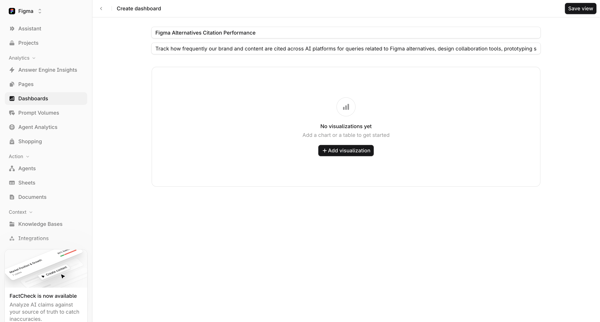

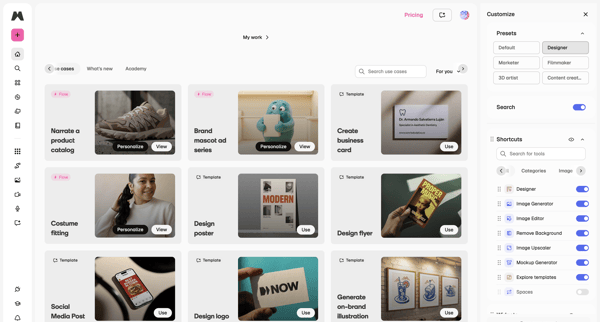
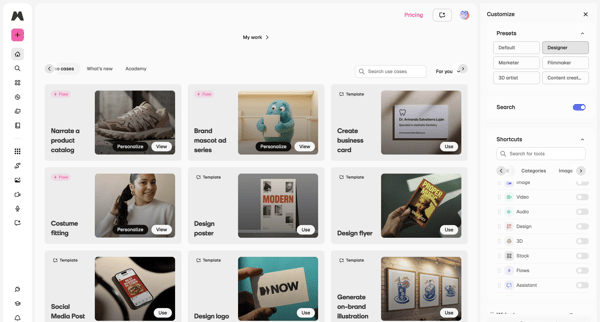
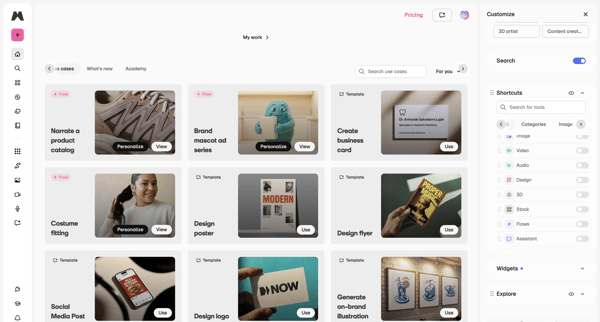
Browsing template galleries and use cases while customizing workspace presets, tool shortcuts, and side panel configuration

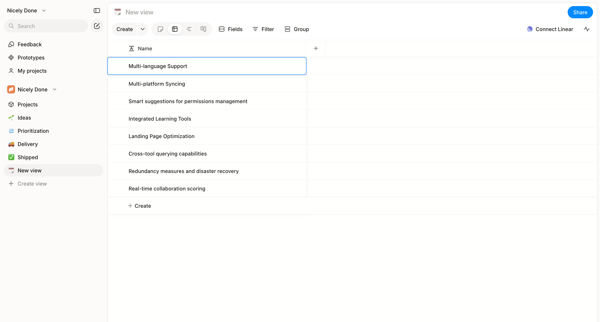
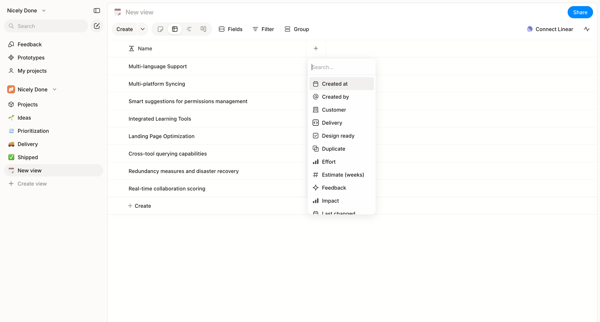
User starts in custom list view and adds columns to a data table via searchable picker in Alloy

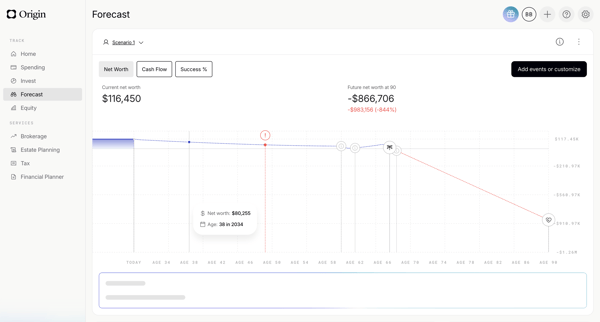
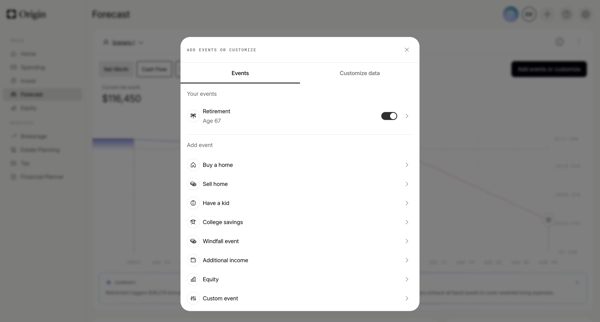
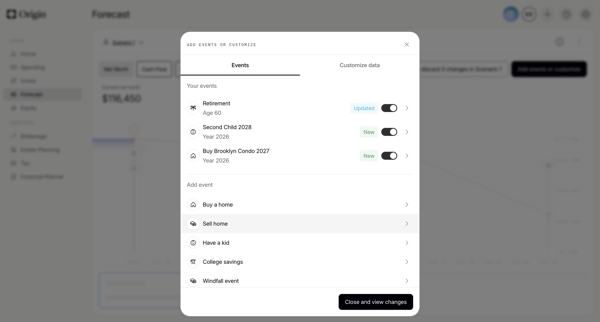
User starts on financial forecast dashboard, opens events modal to toggle or add life events, configures specific events like retirement via forms and sliders, then views updated scenario chart with AI summary
Explore the full SaaS flow library
Browse the full SaaS flow library.
Trusted by the best teams







