Figma Flow Example: Removing team member
This flow facilitates the process of removing a member from a team, indicating changes in team composition and permissions.

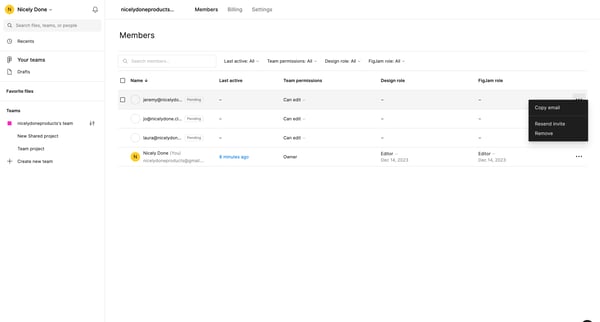
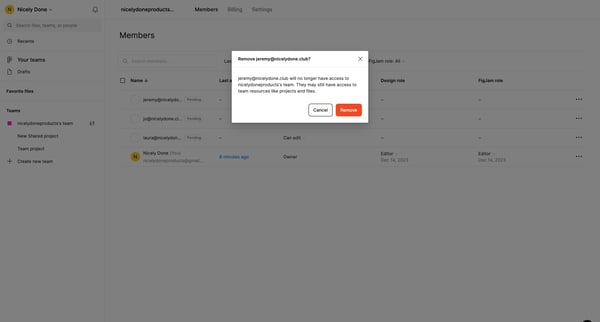
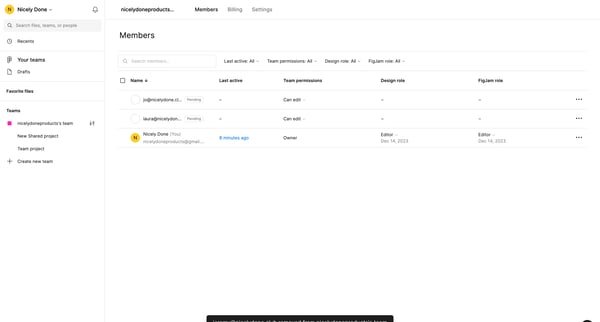
This flow facilitates the process of removing a member from a team, indicating changes in team composition and permissions.
Related user flows

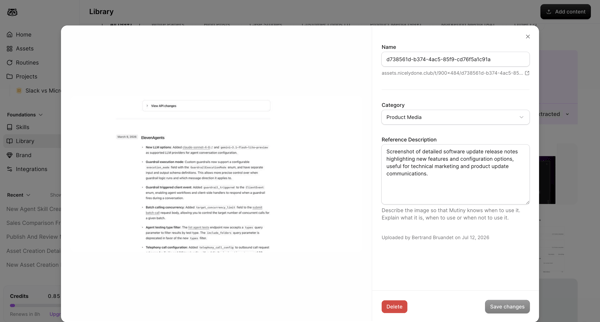
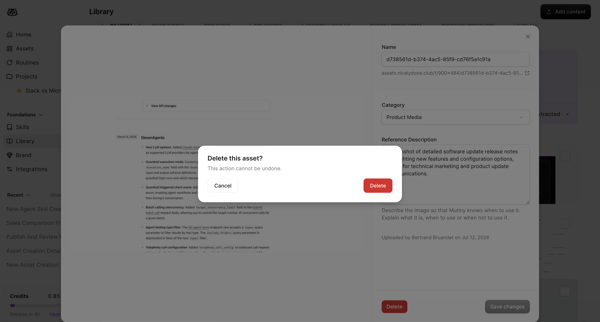
User opens asset detail modal then confirms deletion of a library asset

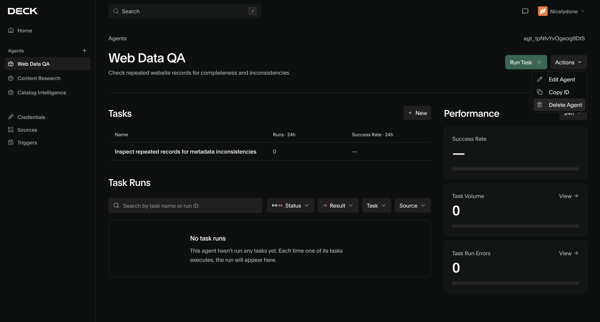

User views agent detail page then opens confirmation modal to delete the Web Data QA agent

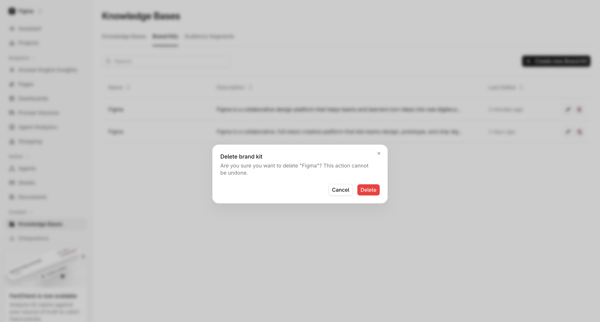
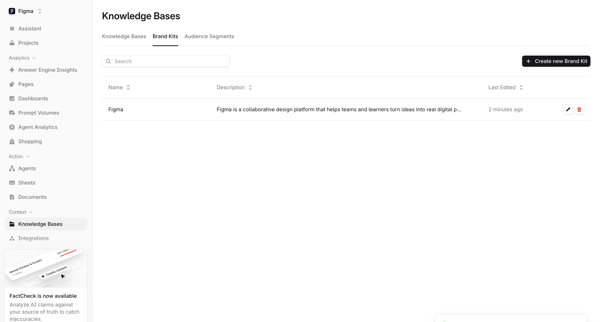

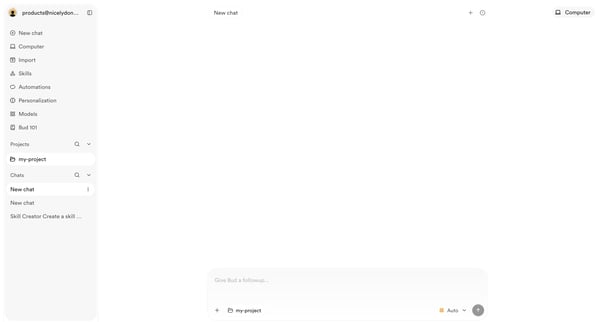
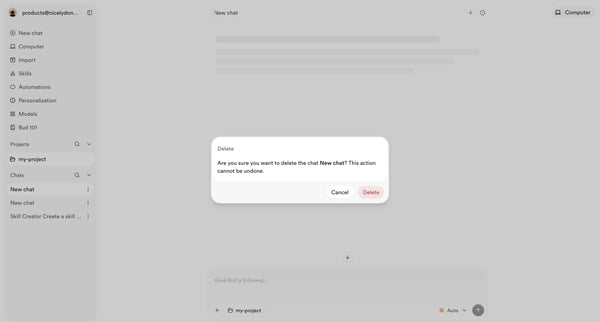
User opens empty AI chat then triggers delete confirmation modal for an existing chat
Explore the full SaaS flow library
Browse the full SaaS flow library.
Trusted by the best teams







