Front Flow Example: Setting up profile and team
This flow guides a new user through setting up their profile and team settings in Front.

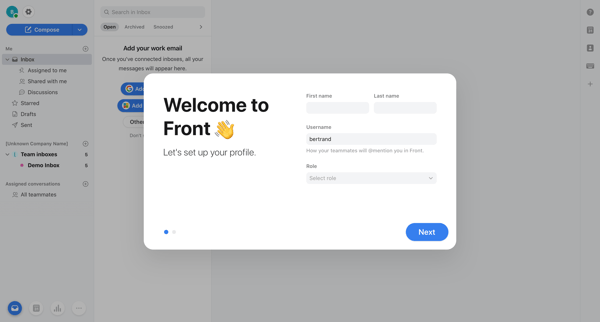
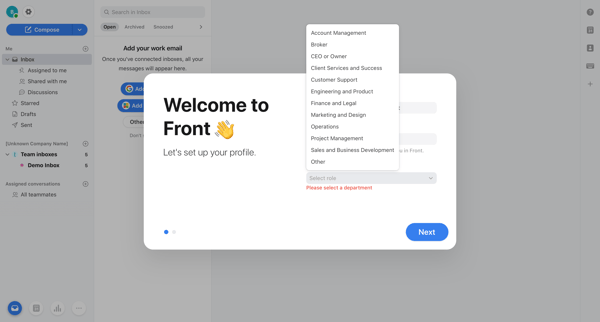
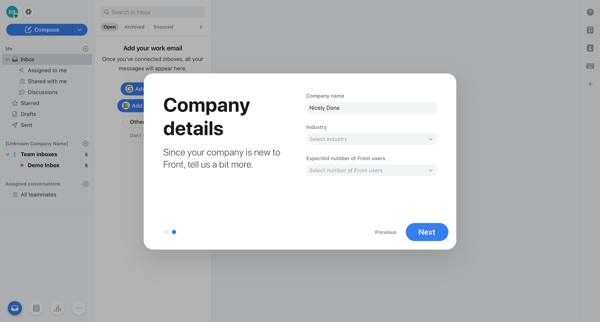
This flow guides a new user through setting up their profile and team settings in Front.
Related user flows

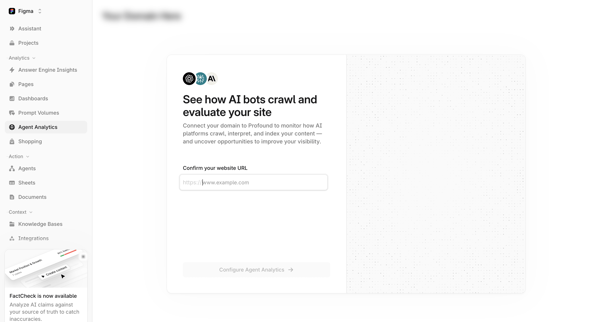
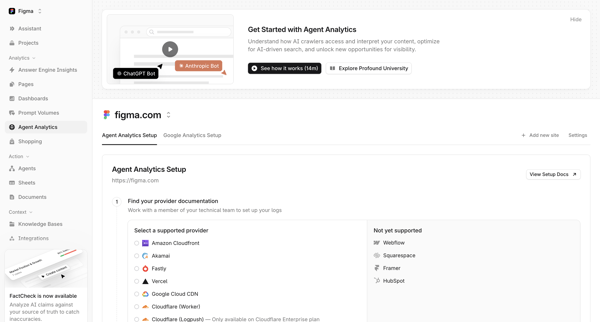
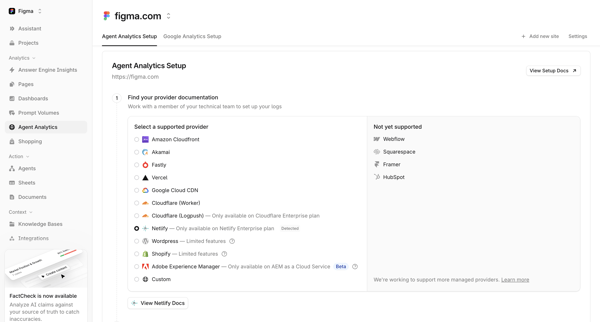

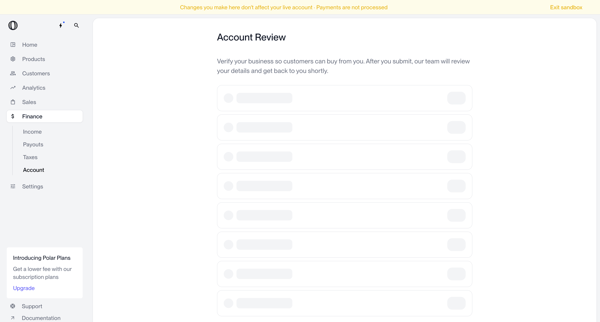
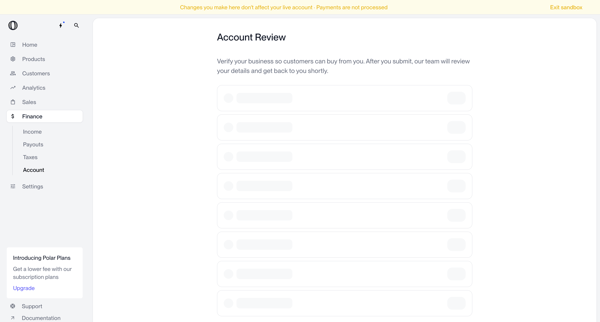
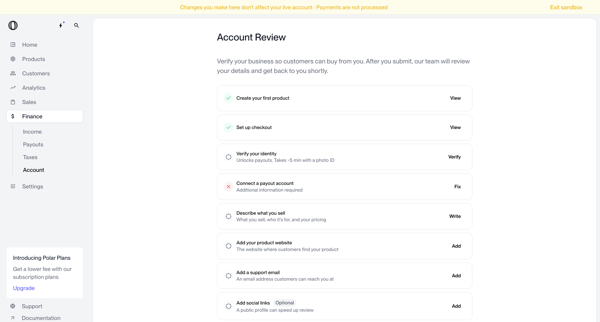
User navigates account review screens in Polar to verify business identity and complete onboarding checklist items before submitting for manual review

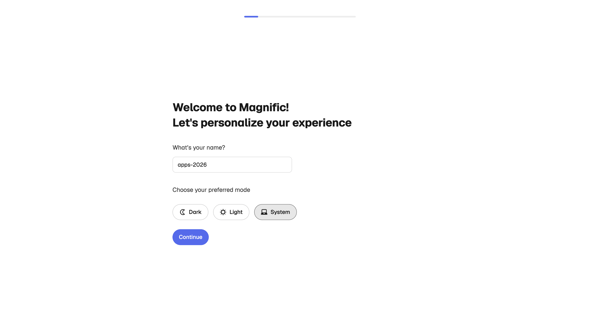
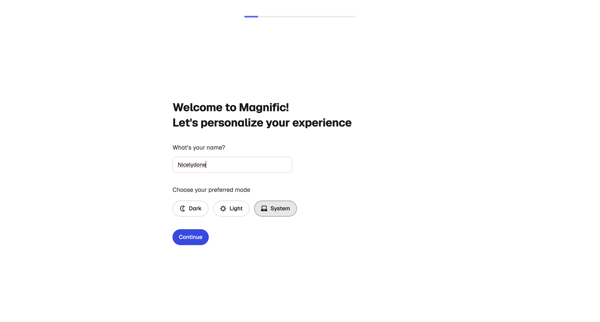
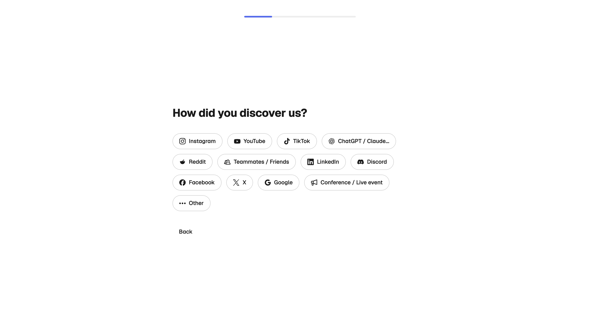
User completes multi-step onboarding in Magnific by personalizing profile, profiling creative needs and experience, selecting use cases, and initializing workspace

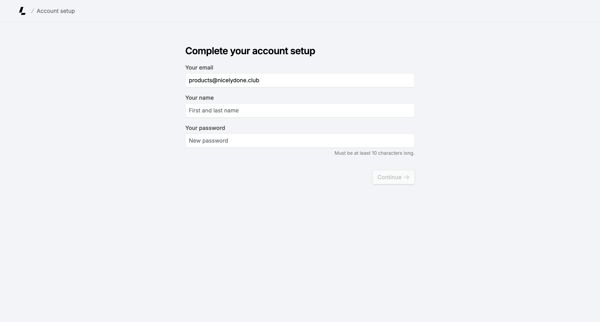
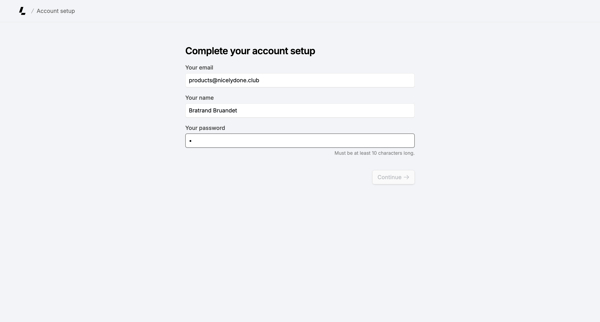
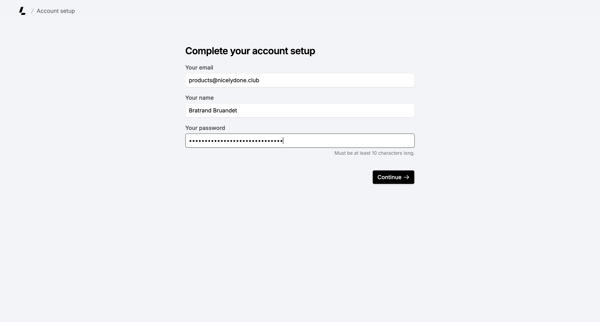
Onboarding form where user confirms email, enters name, and sets password to finish account creation
Explore the full SaaS flow library
Browse the full SaaS flow library.
Trusted by the best teams







