Notion Flow Example: Restoring previous version
This user flow enables a user to restore a previous version of a page in Notion.

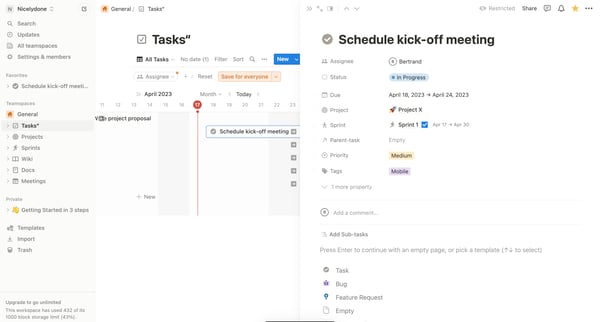
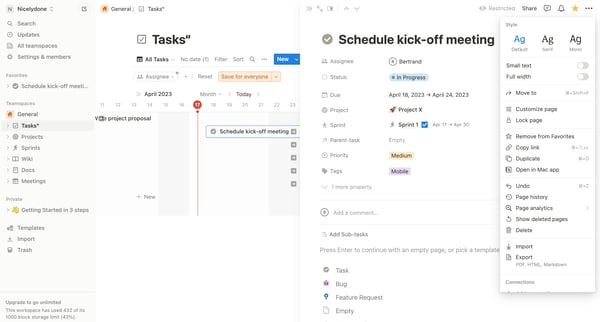
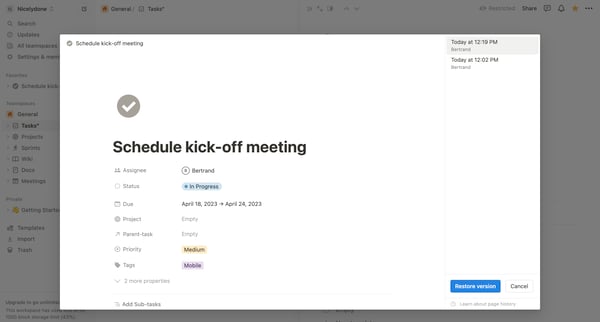
This user flow enables a user to restore a previous version of a page in Notion.
Related user flows

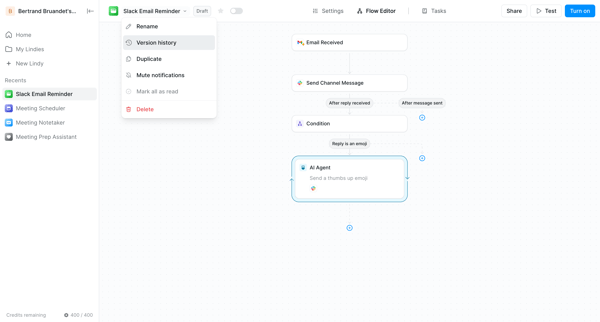
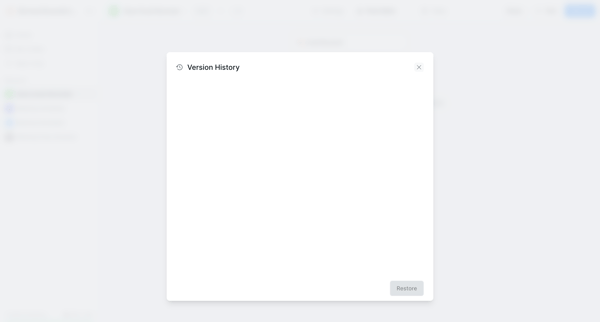
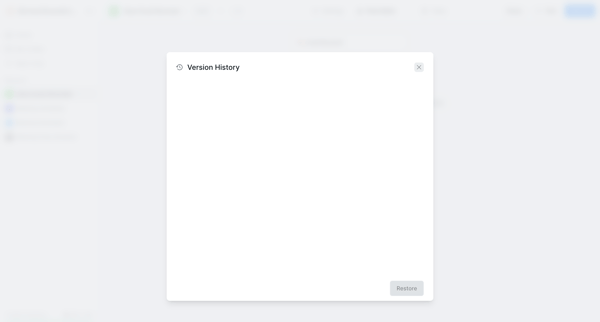

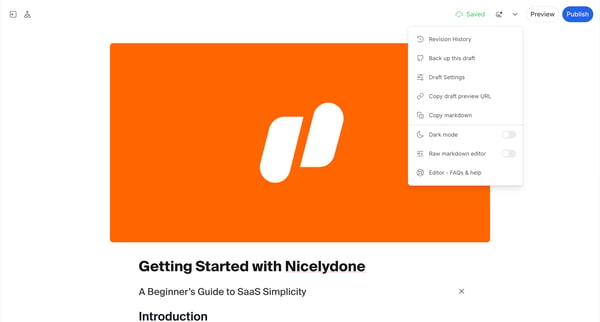
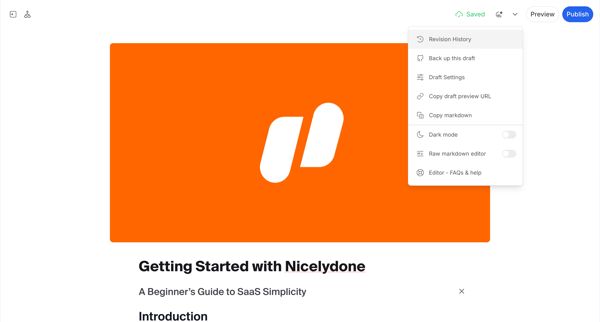
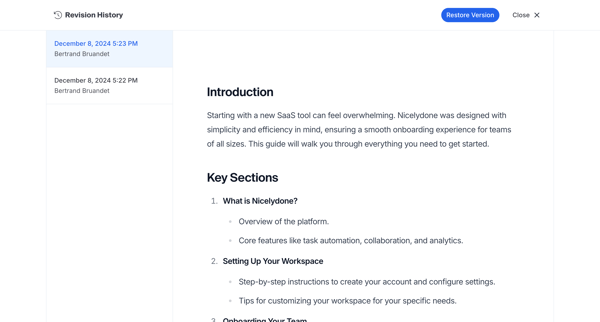

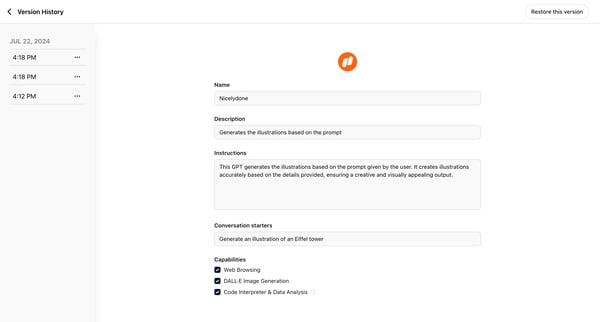
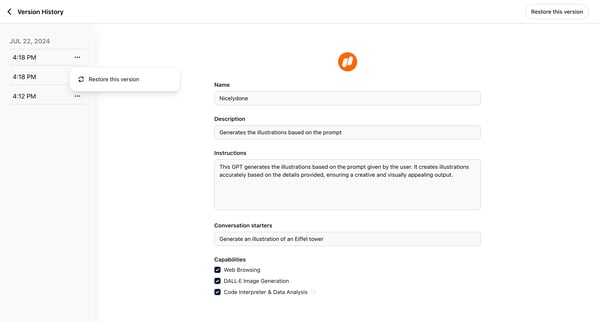
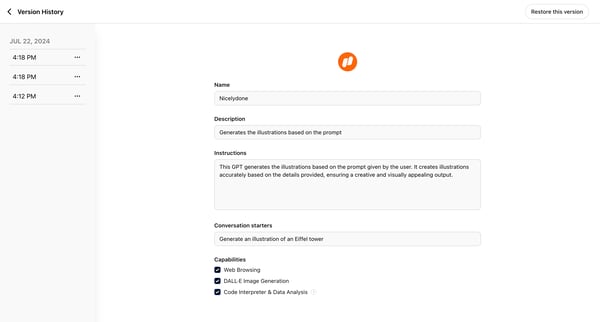
This user flow outlines the process of restoring a previous version of content utilizing a timeline interface, allowing users to revert changes to a specific past state.

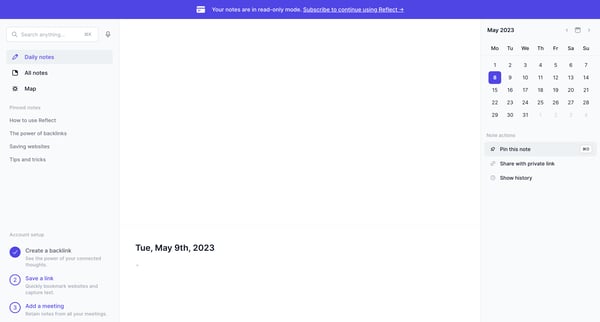
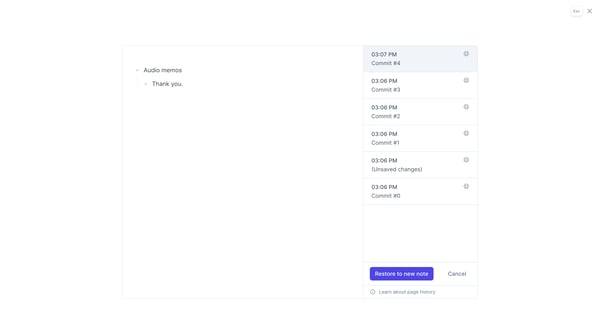
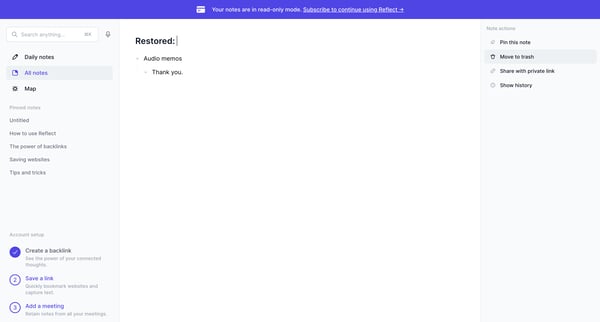
This flow allows users to restore a previous version of a note in Reflect.
Explore the full SaaS flow library
Browse the full SaaS flow library.
Trusted by the best teams







