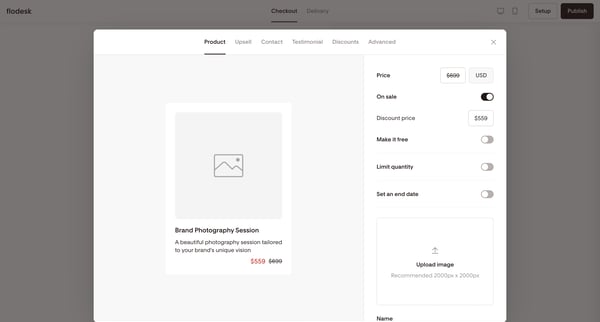
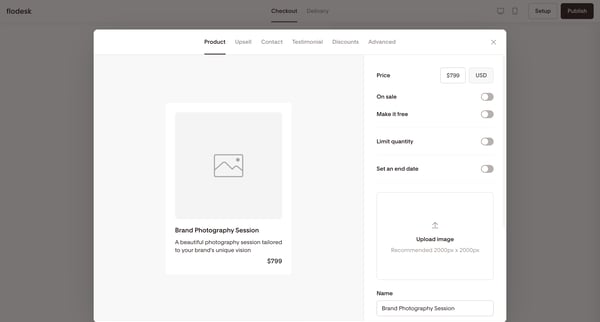
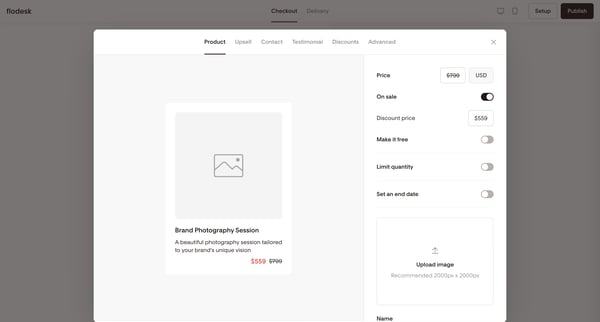
Flodesk Flow Example: Configuring product
Preview this Flodesk user flow: Configuring product. Explore the opening screens.

Related user flows


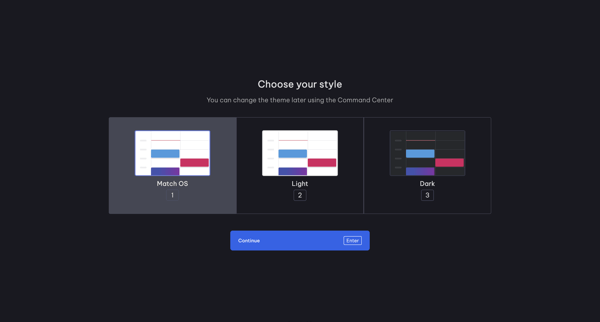
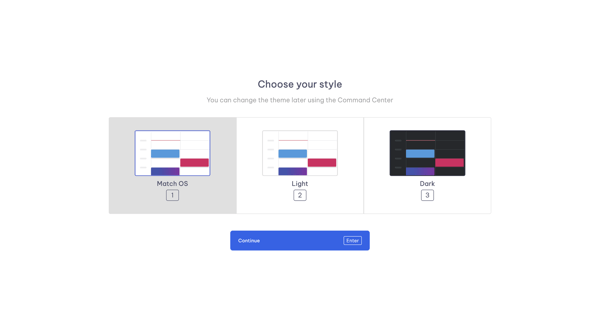
Onboarding step offering Match OS, Light, and Dark theme choices with note about later changes via Command Center

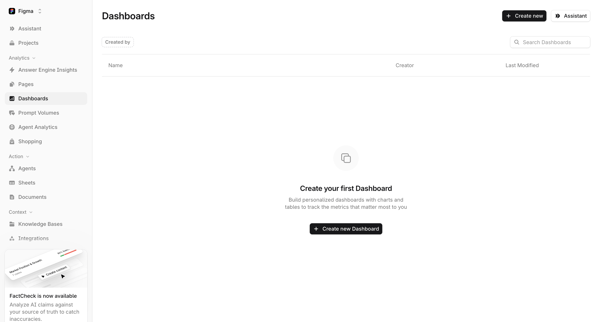
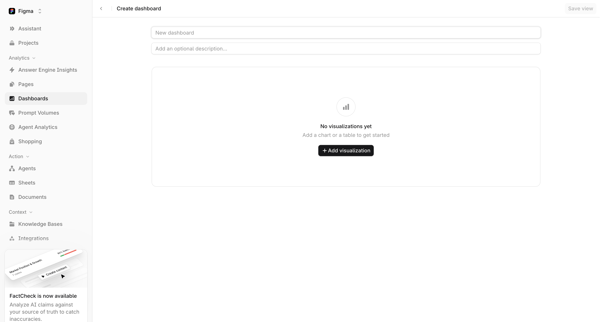
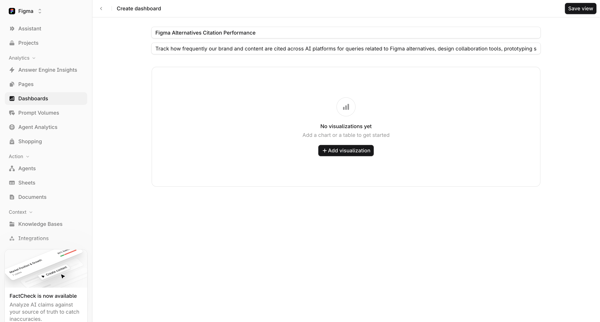

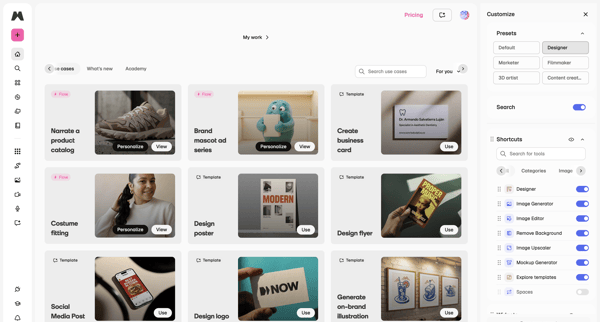
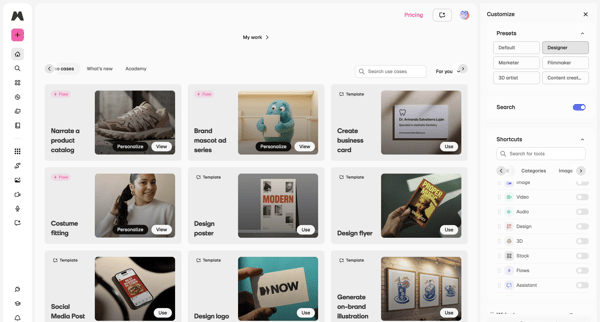
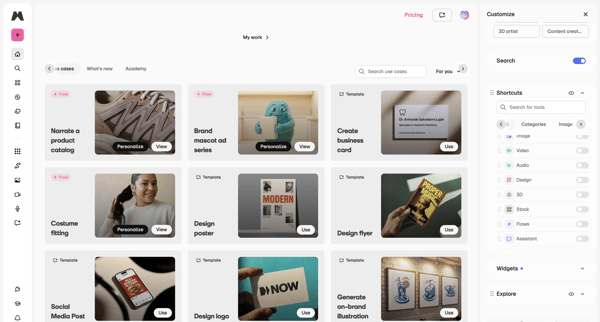
Browsing template galleries and use cases while customizing workspace presets, tool shortcuts, and side panel configuration
Explore the full SaaS flow library
Browse the full SaaS flow library.
Trusted by the best teams







