Adding subscription seats
This flow allows a user to add additional seats to their subscription, updating their billing details according to the new plan.
Preview these flows

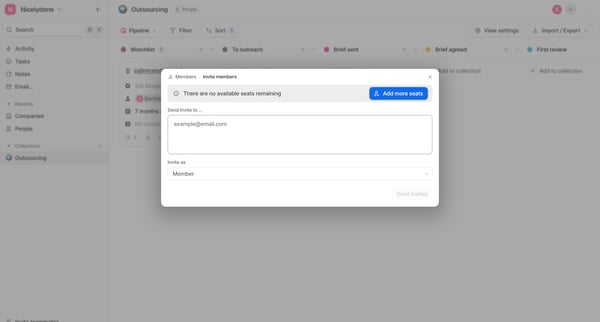
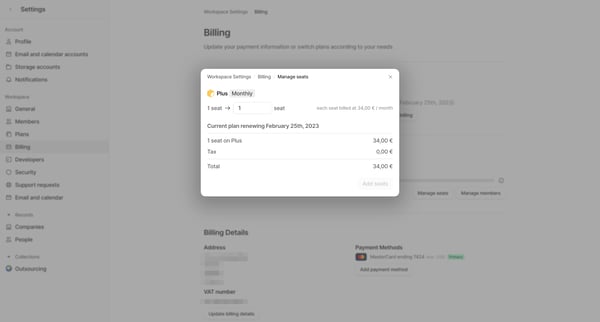
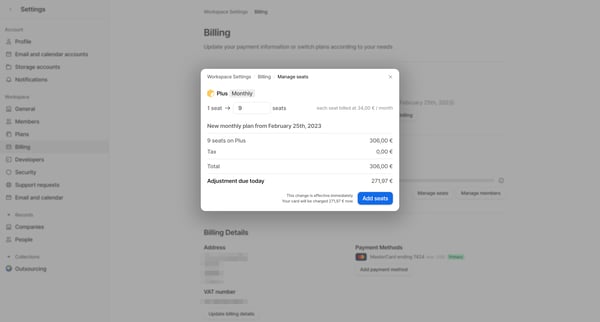
This flow allows a user to add additional seats to their subscription, updating their billing details according to the new plan.
Related user flows

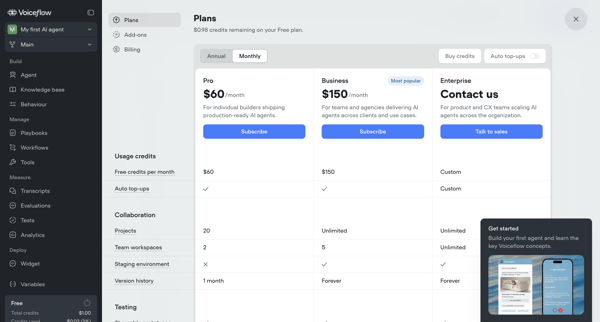
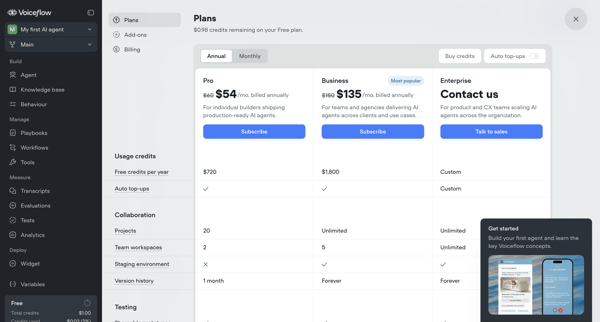
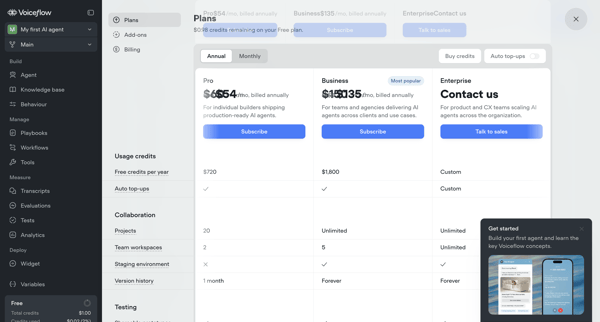
User compares Pro, Business, and Enterprise tiers across billing overlays, modals, and settings pages, toggles annual vs monthly billing, configures add-ons like seats, and manages payment details to complete an upgrade from Free tier.

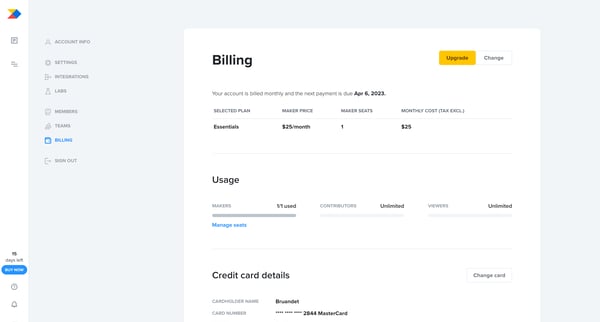
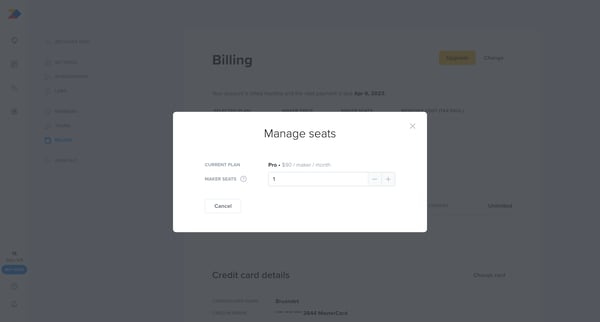
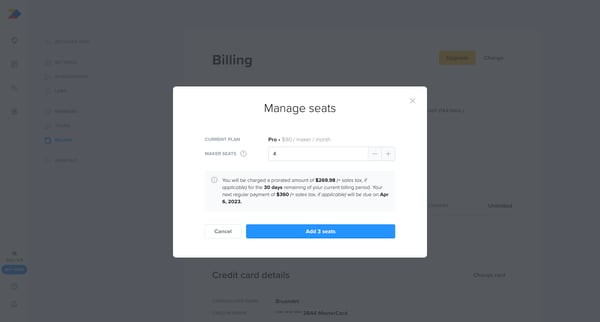
This user flow guides a user through the process of adding additional seats to their current subscription plan within a billing settings context, leading to an updated subscription state.
Explore the full SaaS flow library
Browse the full SaaS flow library.
Trusted by the best teams







