The org UI component
The screenshot displays a user interface for filtering and searching industries, locations, ranges, and stages, with a dropdown menu for industry selection.
Explore the examples
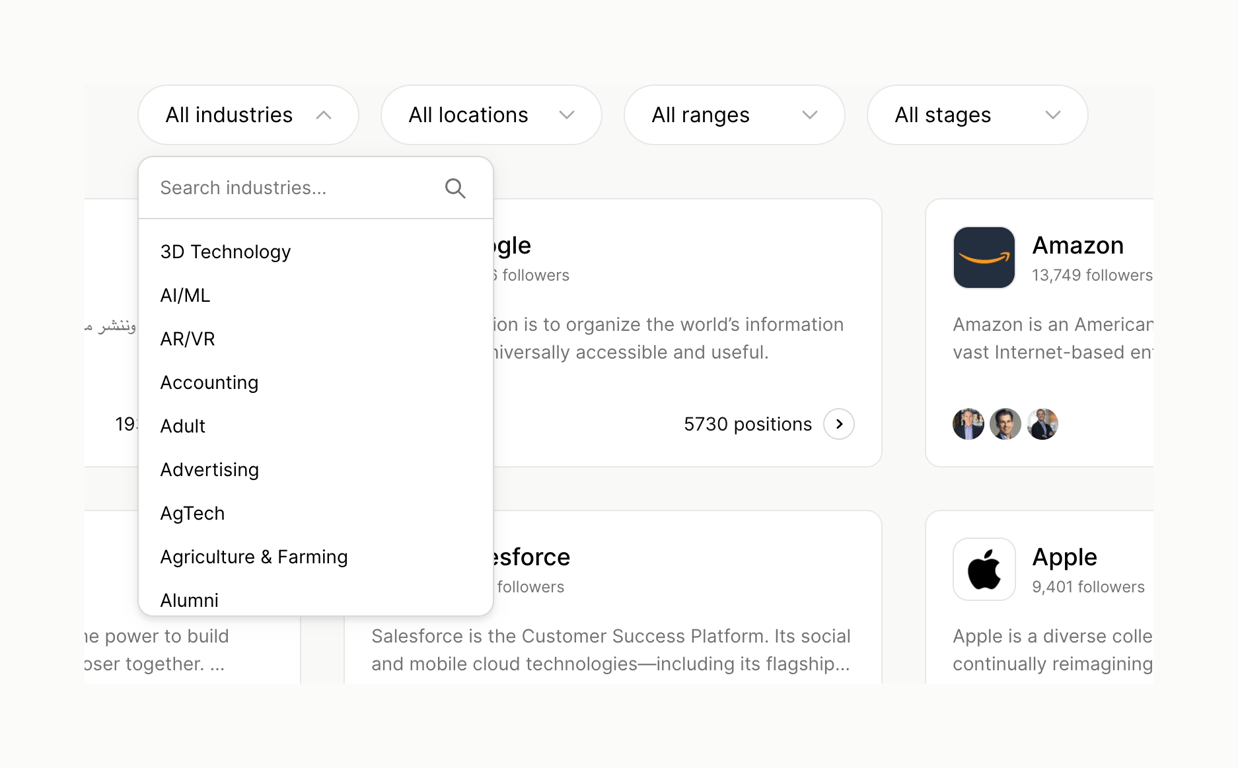

The screenshot displays a user interface for filtering and searching industries, locations, ranges, and stages, with a dropdown menu for industry selection.
Browse the full component library
Browse the full UI component library.
Trusted by the best teams







