Origin Financial user flows examples
Explore Origin Financial user flow examples. Preview the opening screens and steps for each task. All-in-one financial platform for budgeting, investing, and AI-powered planning
Preview these flows

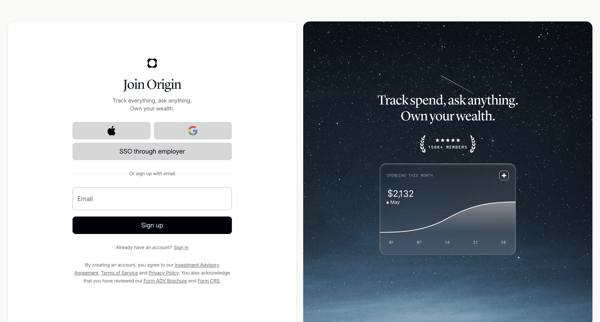
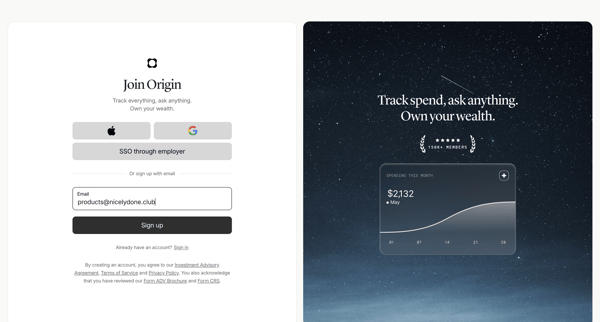
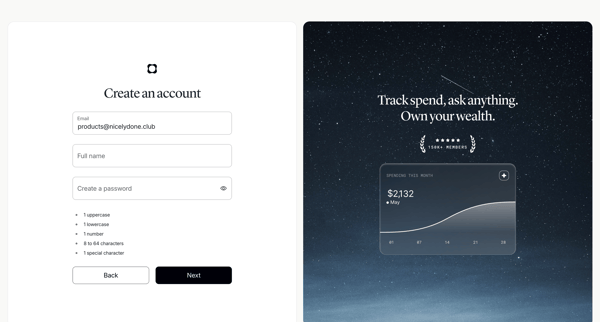
User creates an Origin Financial account via SSO options or email/password form with inline validation and social proof panels
User creates an Origin Financial account via SSO options or email/password form with validation and social proof panels
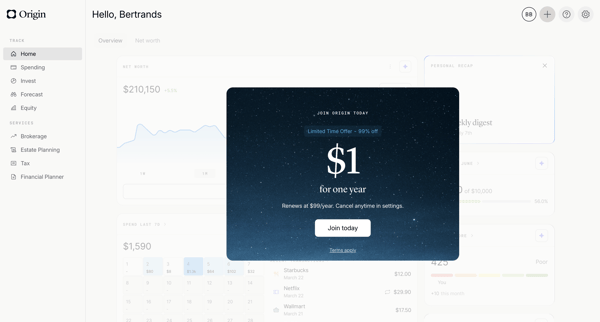
User encounters promotional paywall modals on dashboard, proceeds through Stripe checkout with discounted yearly offer, handles payment entry and errors, completes subscription upgrade

Onboarding sequence introducing the AI Advisor feature through interstitials, account connection prompts, and personalized financial insights before entering the main app experience
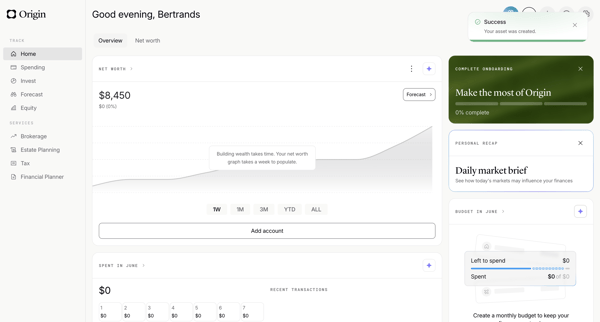
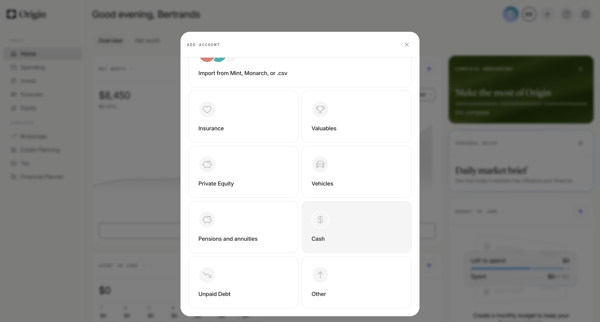
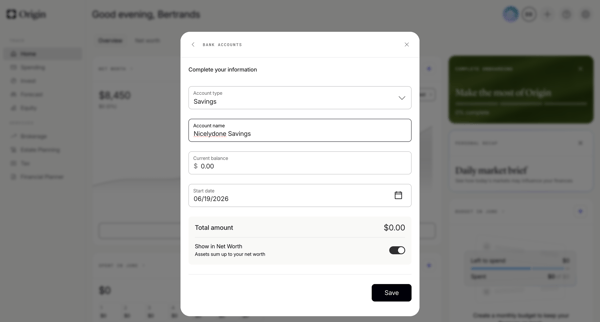
User adds a savings account manually from the personal finance dashboard by selecting asset type then completing multi-step form modals for account name, balance, type, and start date
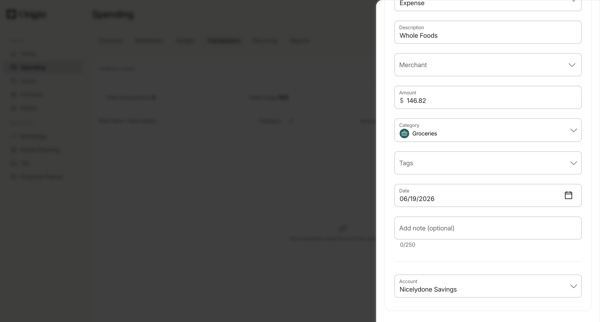
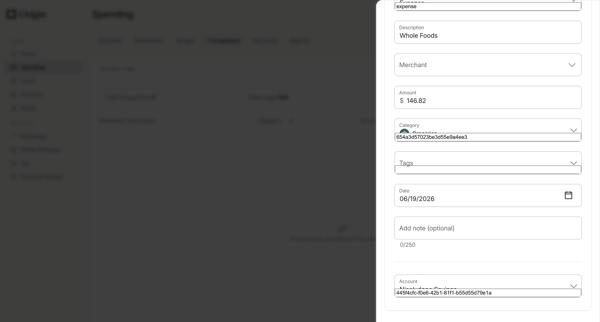
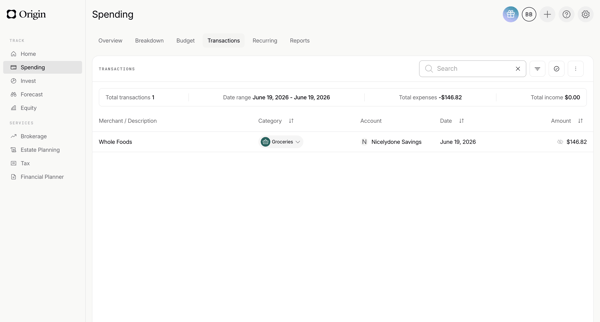
Manually add a new transaction via drawer form with merchant, amount, category, date and account fields, then view the updated list with summary metrics
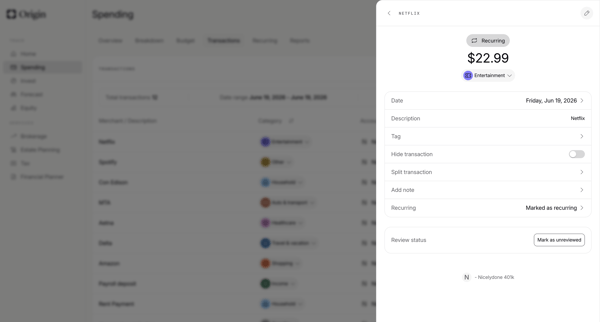
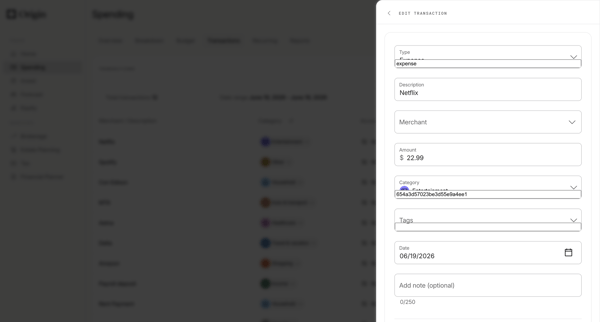
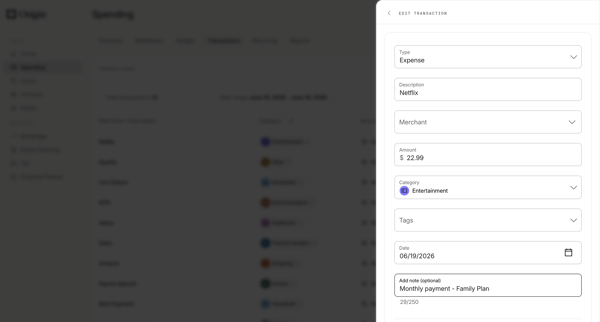
User opens a transaction from list or detail view, edits fields such as merchant, category, amount, date, notes, and tags in a side drawer, with options to delete or mark recurring.
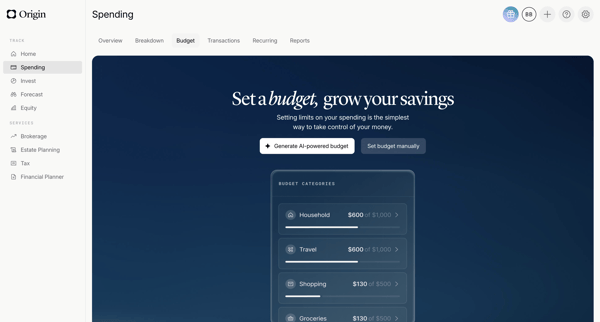
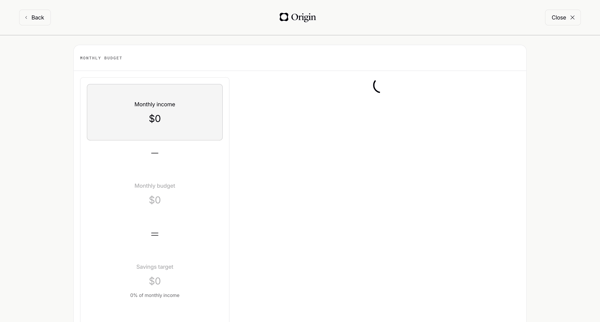
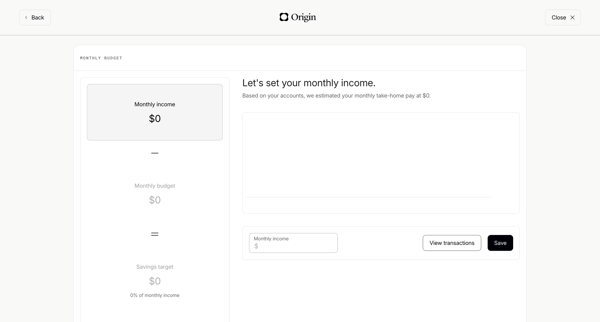
Onboarding flow starting from budget empty state, through monthly income setup and category review, ending at budget overview dashboard
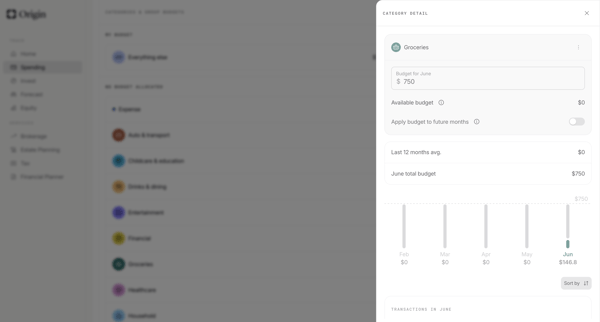
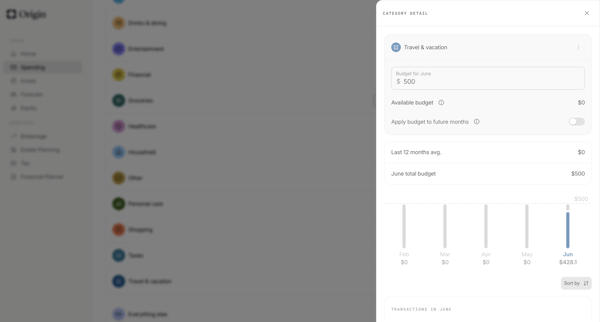
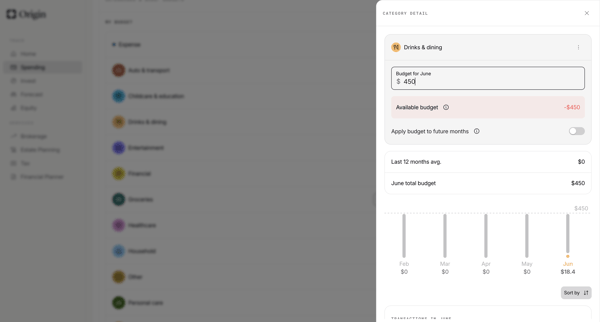
User edits category-level monthly budgets from detail drawers, confirms increases, and updates allocations across settings and dashboard views in Origin Financial



User opens AI advisor modal from dashboard and engages in multi-turn chat to request spending analysis, cash flow summaries, subscription insights, forecasts, and personalized recommendations with generated charts and reasoning steps
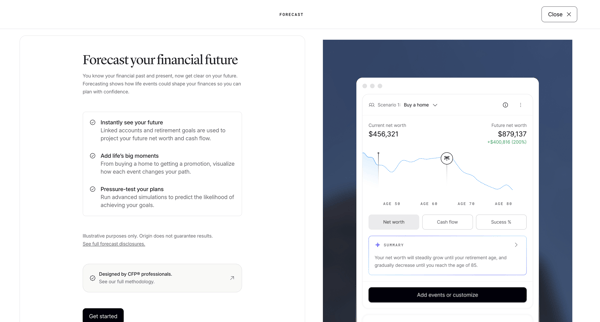
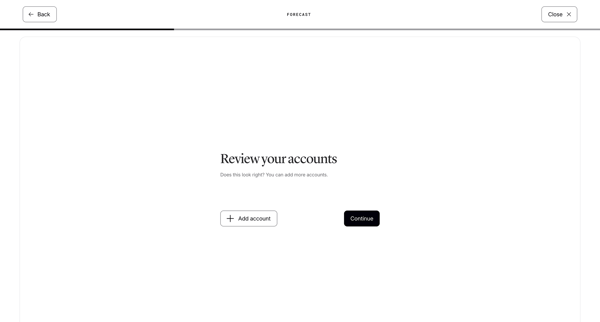
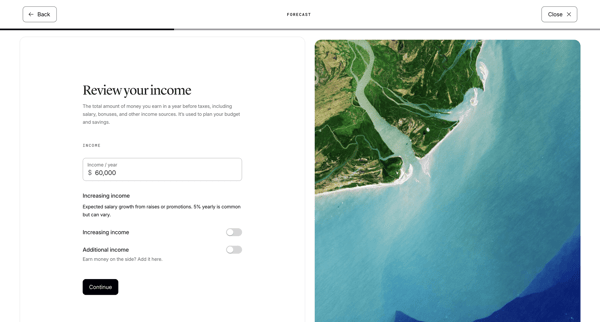
Onboarding sequence that introduces forecasting, connects accounts, reviews income/expenses/liabilities, configures retirement assumptions, and generates a net worth projection dashboard

Onboarding sequence reviewing connected accounts, income, expenses, and liabilities to prepare financial forecast data
Explore the full SaaS flow library
Browse the full SaaS flow library.
Trusted by the best teams







