Threads user flows examples
Explore Threads user flow examples. Preview the opening screens and steps for each task. Threads is a Slack replacement designed for makers
Preview these flows



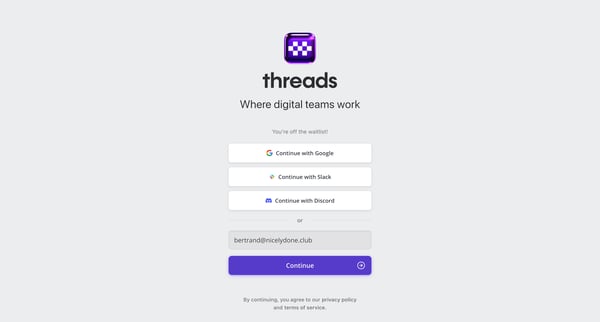
This flow guides a user through the process of transitioning from being waitlisted, through signup, onboarding, and initial setup of their Threads account, ultimately providing them with a co
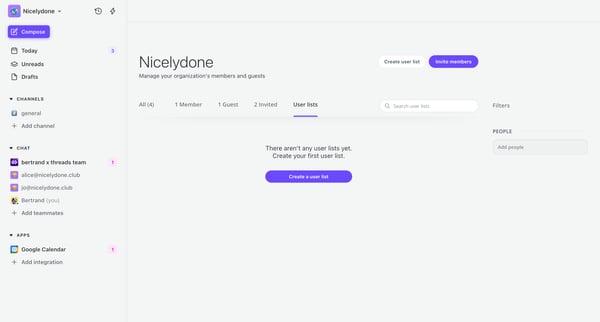
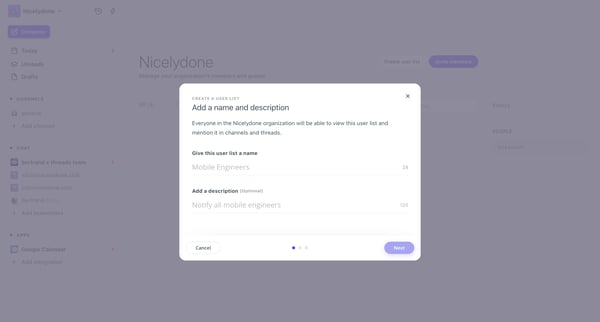
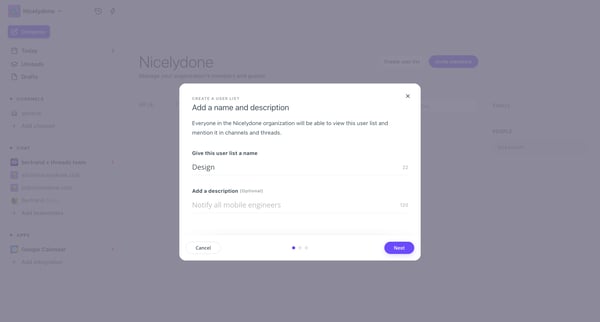
This flow facilitates the creation and configuration of a user list within a team, including naming, describing, importing members, setting privacy, and adding to channels.
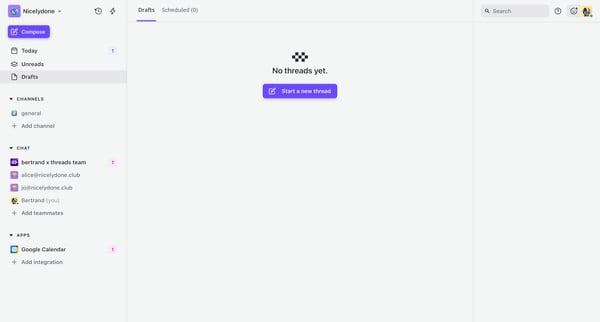


This flow guides a user through creating, editing, and scheduling a thread post within a collaborative platform.
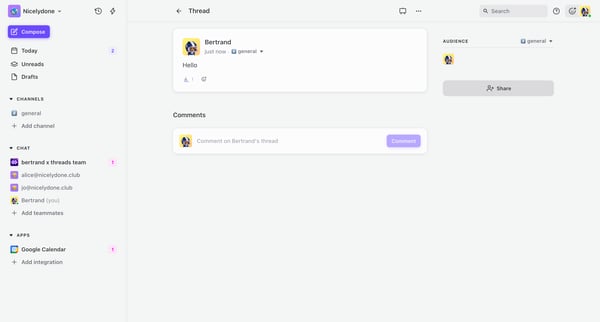

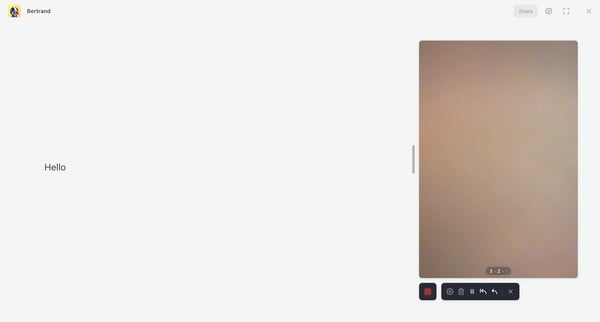
This flow guides a user through the process of creating and modifying a thread, including adding content and finalizing the post with confirmation.
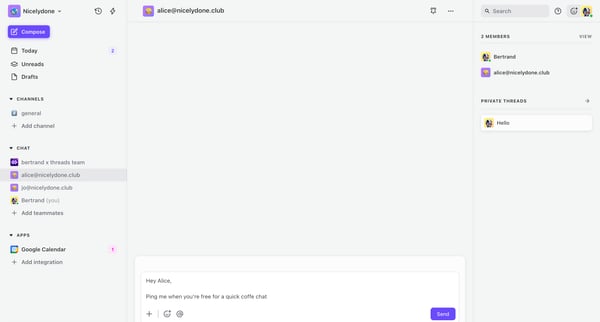
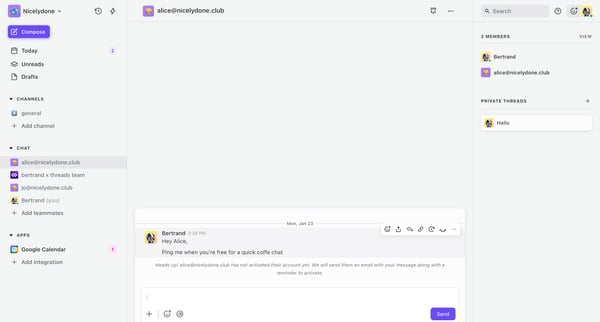
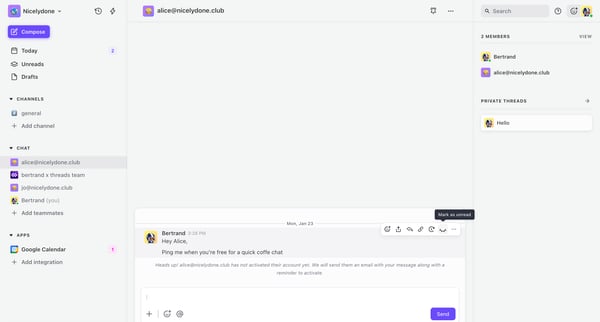
This user flow enables a user to send a message, utilize various messaging features such as adding emojis, mentions, and links, and finally manage chat visibility.
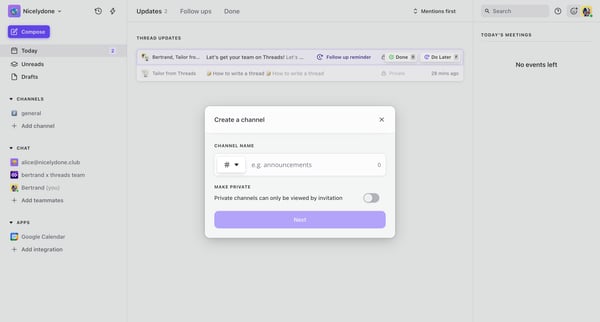
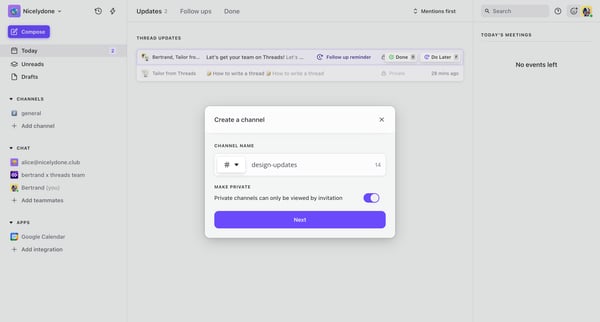
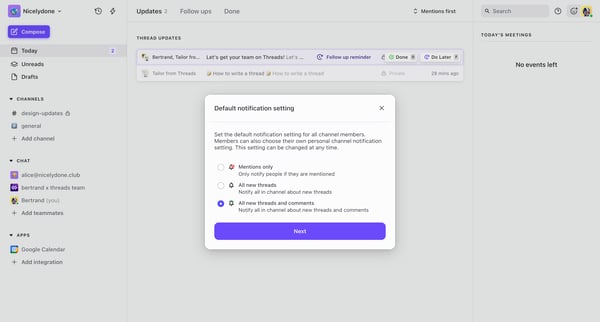
This flow guides a user through creating a private channel in a team communication app, customizing its settings, and inviting teammates.
Explore the full SaaS flow library
Browse the full SaaS flow library.
Trusted by the best teams







