Skip to content

The org product screens examples

Browse The org screen design examples. Preview the interface screenshots and explore related UI patterns. Where great teams live

Explore the examples

The org - Log in | The Org screen
The org logo
The org

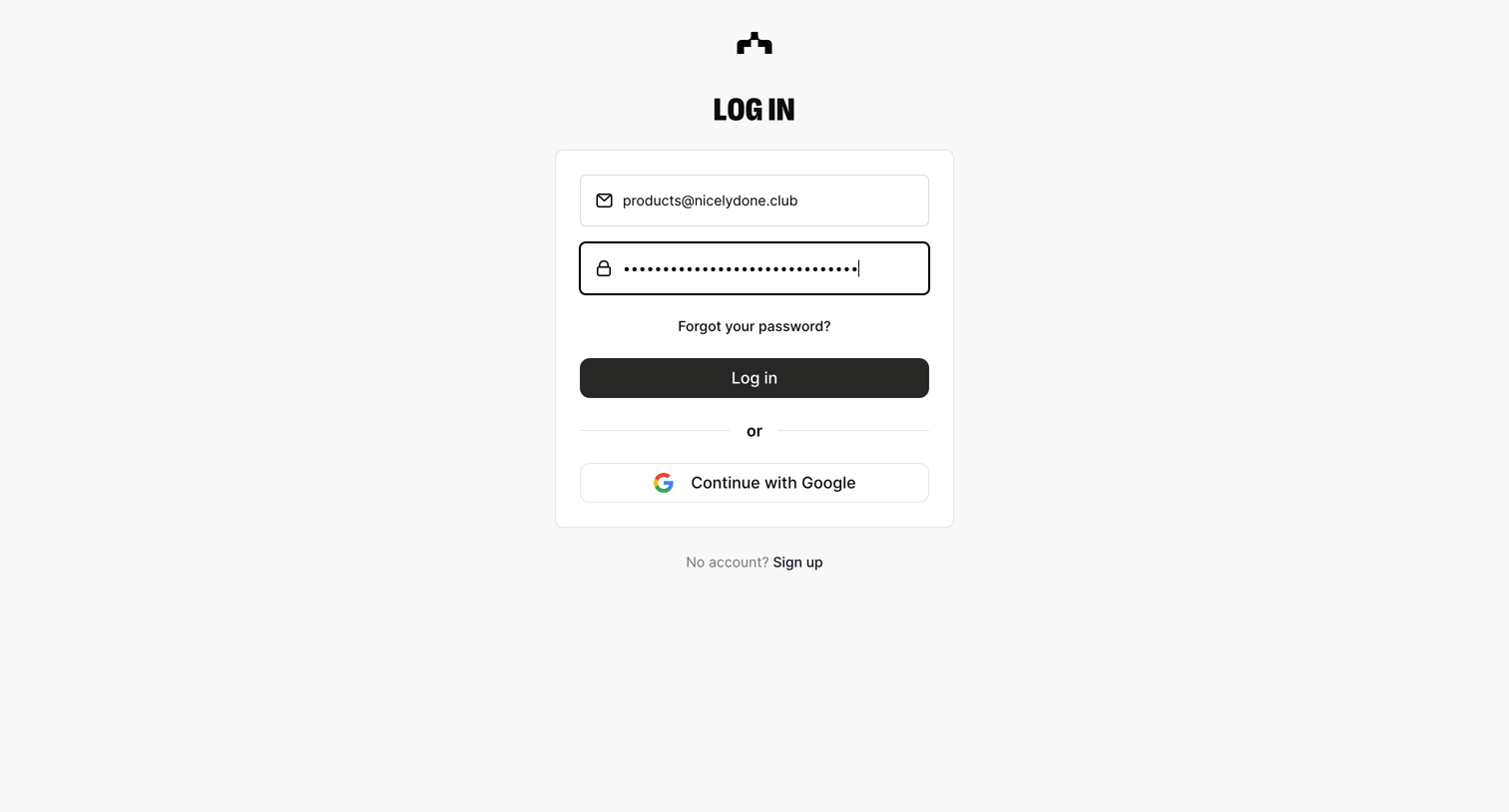
Sign-in screen where the user authenticates with their work email and password, or via Google OAuth.
The org - Log in | The Org screen
The org logo
The org

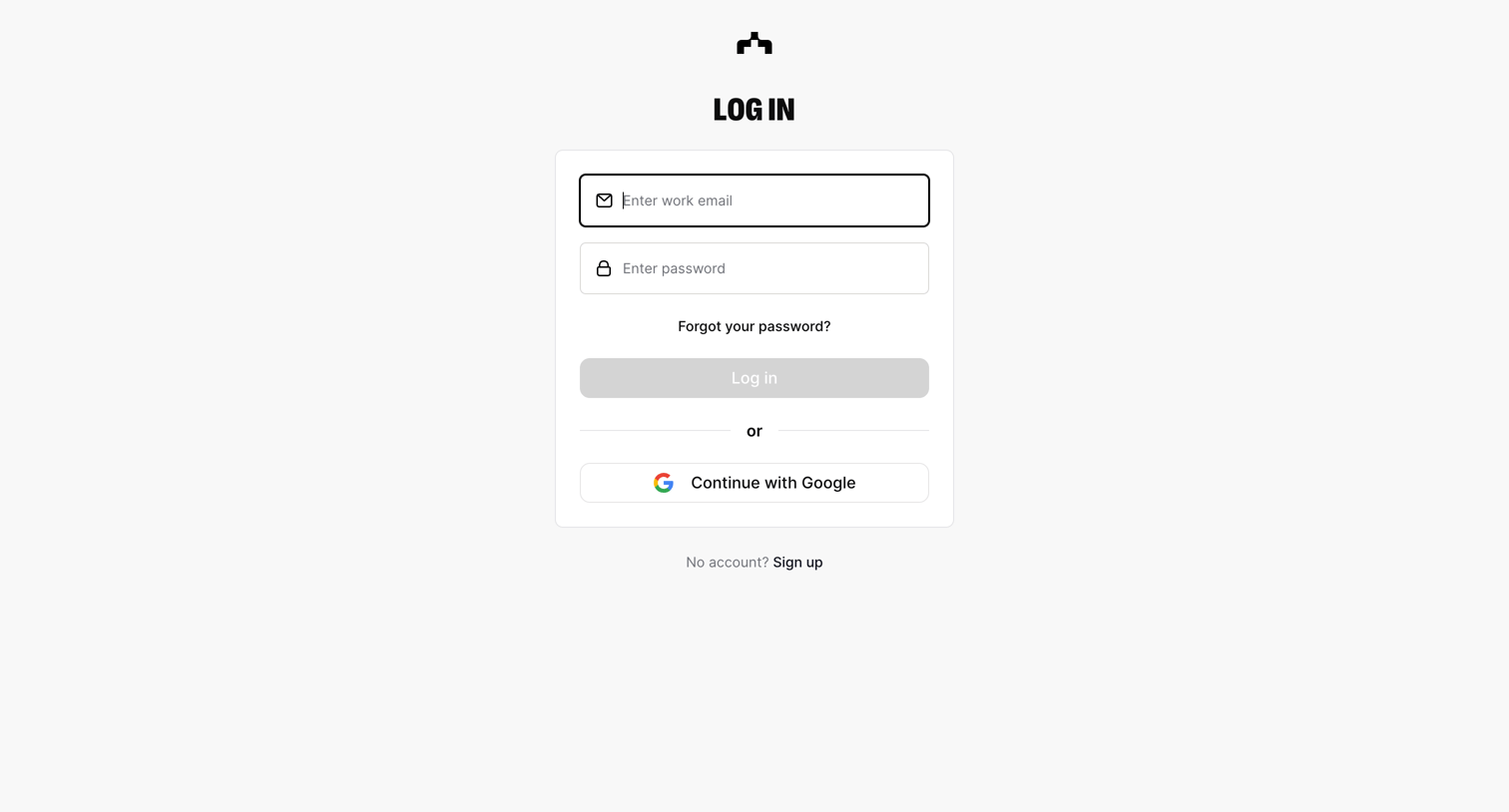
Sign-in screen where the user authenticates with their work email and password or via Google SSO.
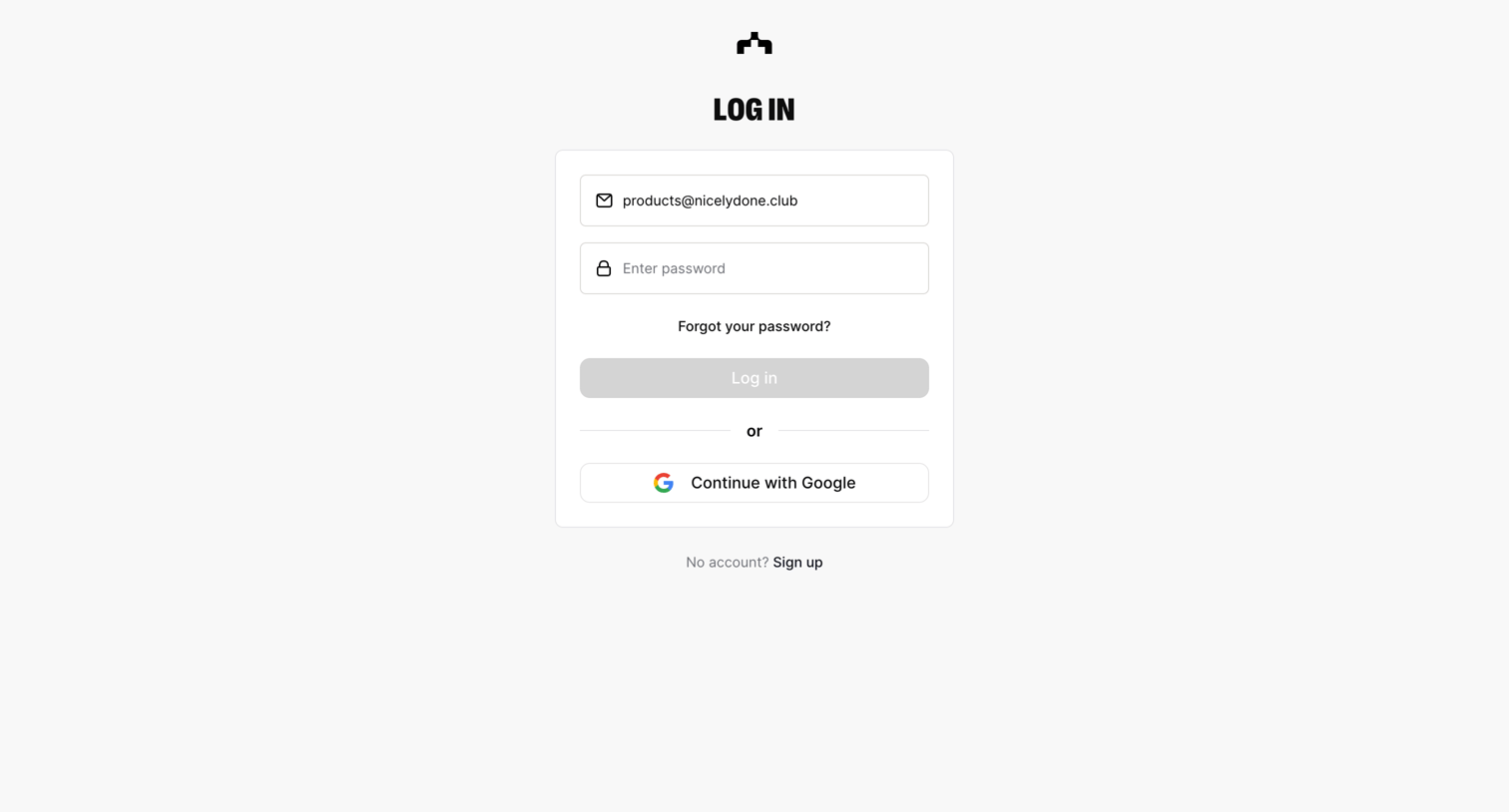
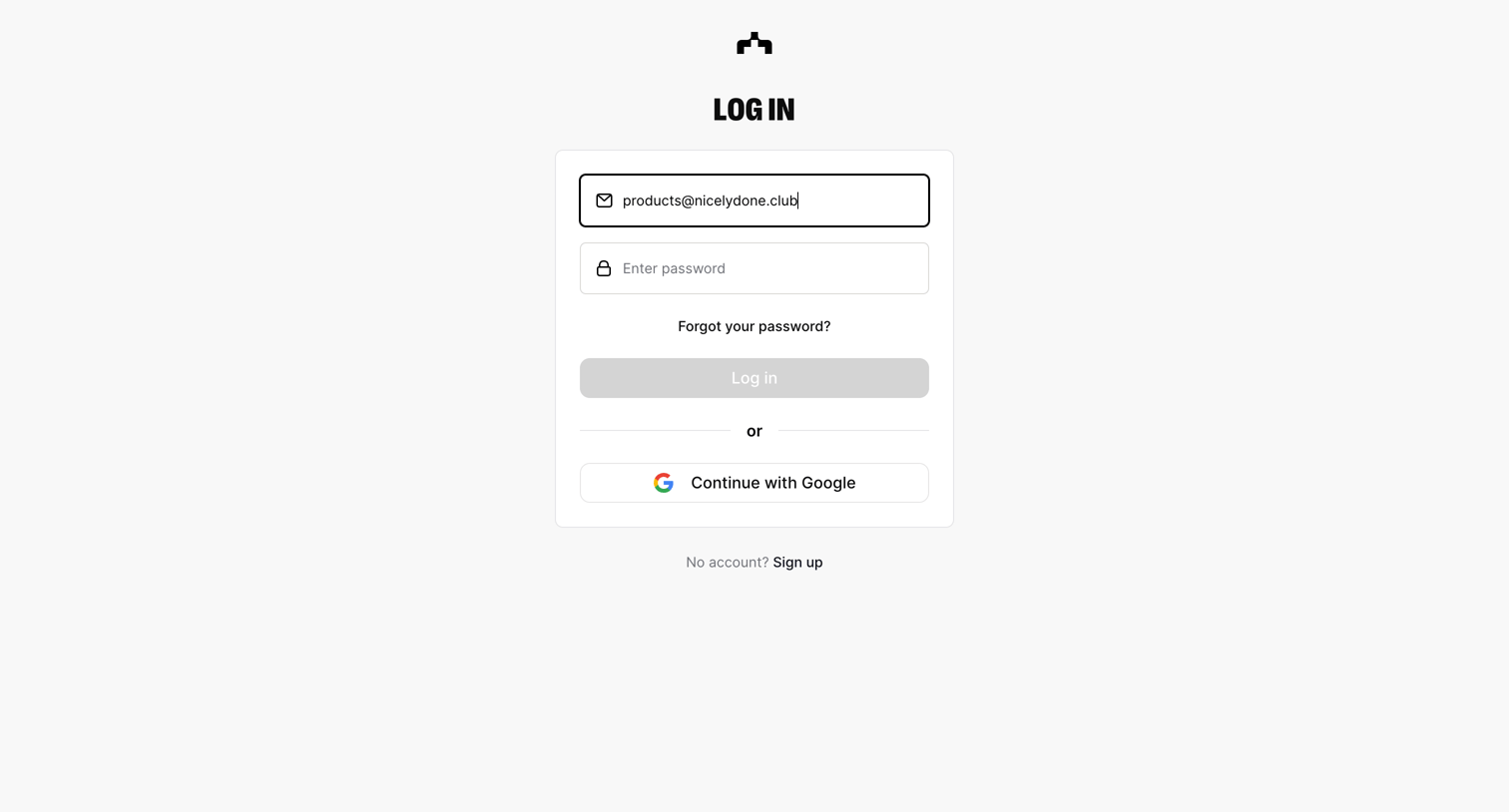
The org - Log in | The Org screen
The org logo
The org

Sign-in screen where the user authenticates using their email and password or via Google SSO.
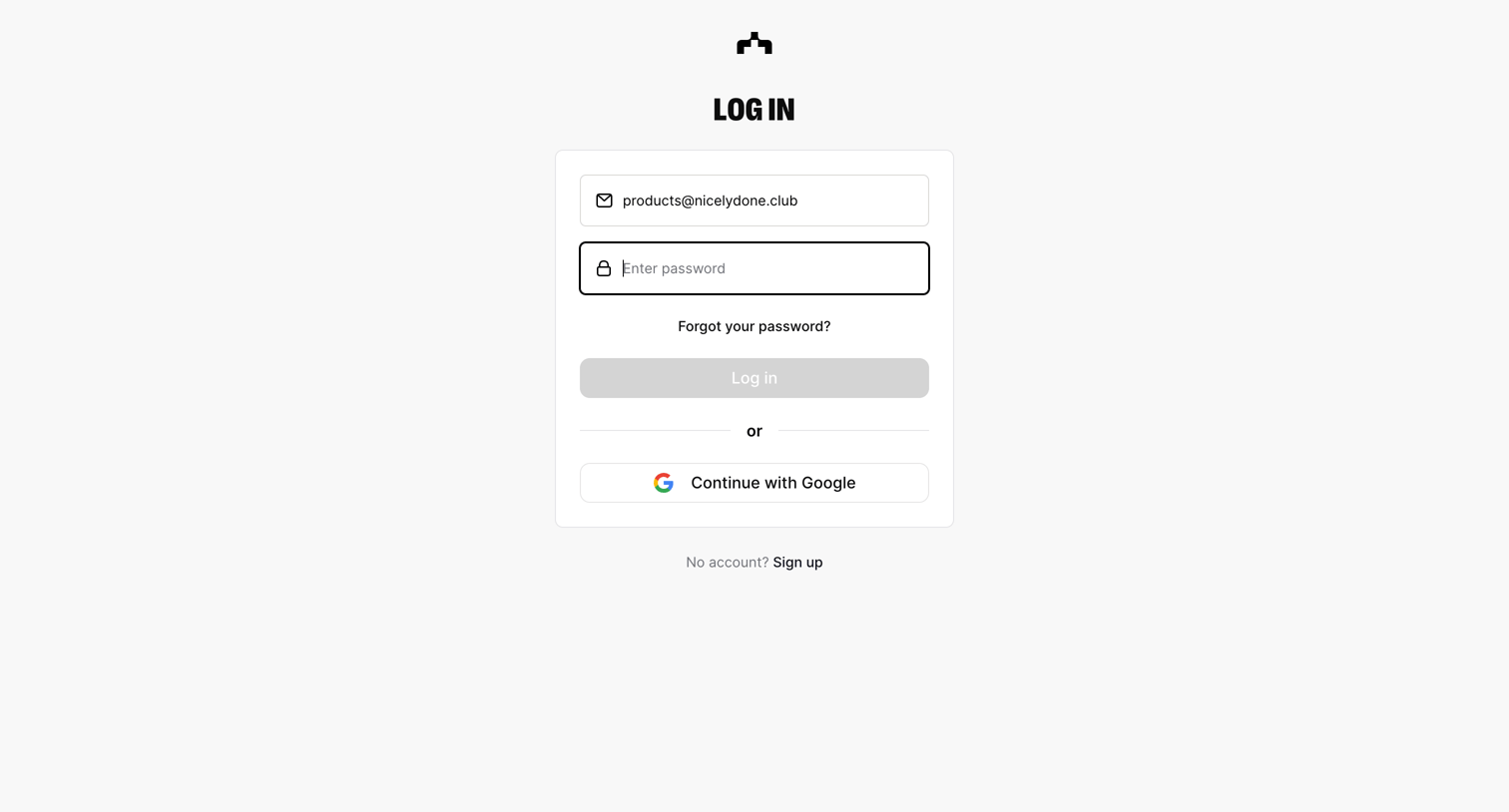
The org - Log in | The Org screen
The org logo
The org

Sign-in screen where the user authenticates using their email and password or via Google SSO.
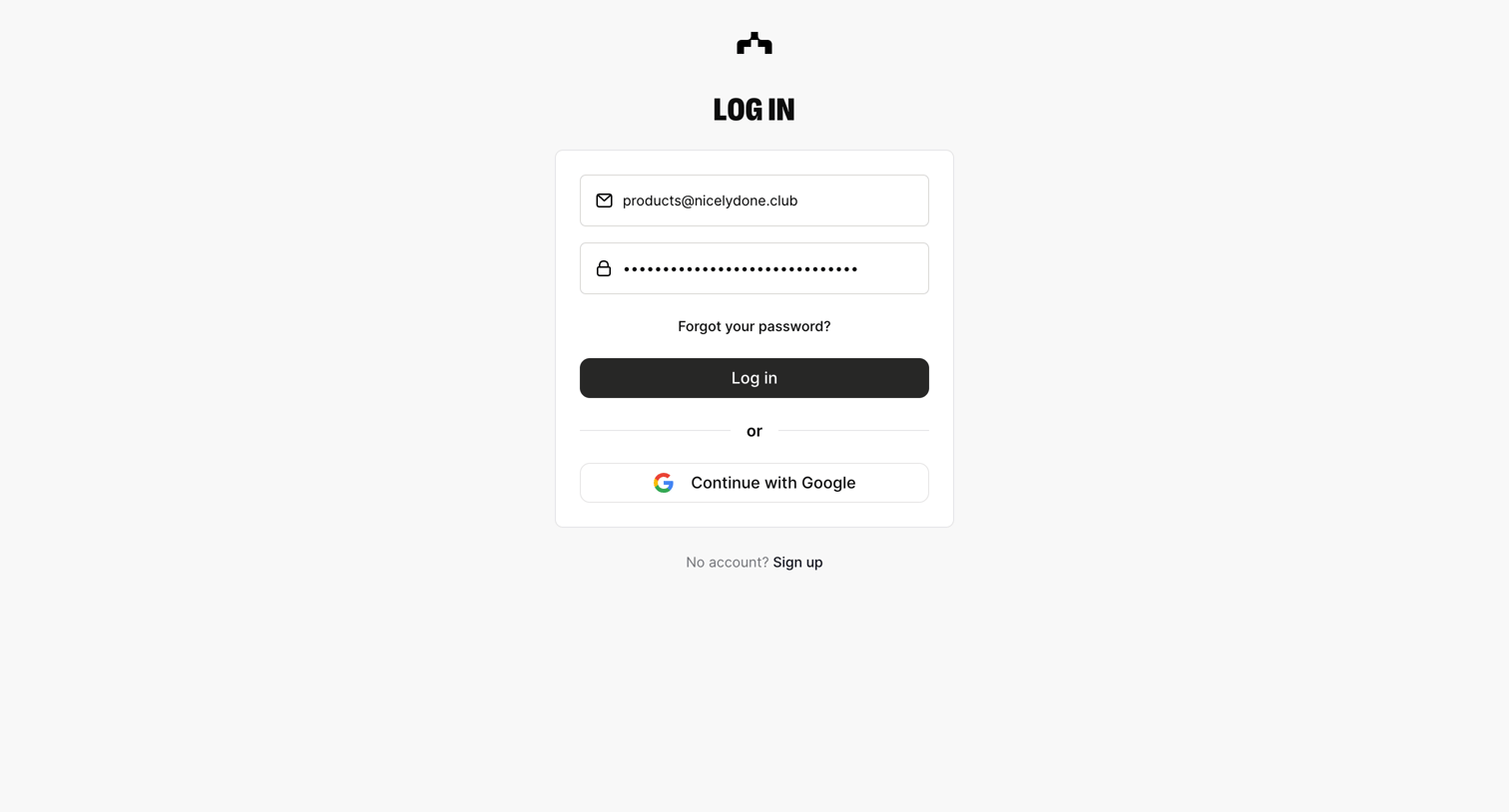
The org - Log in | The Org screen
The org logo
The org

Sign-in screen where the user authenticates with an email and password or continues with Google.

The org - Log in | The Org screen
The org logo
The org

Sign-in screen where the user authenticates with an email and password or continues with Google.

The org - Log in | The Org screen
The org logo
The org

Sign-in screen where the user authenticates with an email and password or continues with Google.

The org - Log in | The Org screen
The org logo
The org

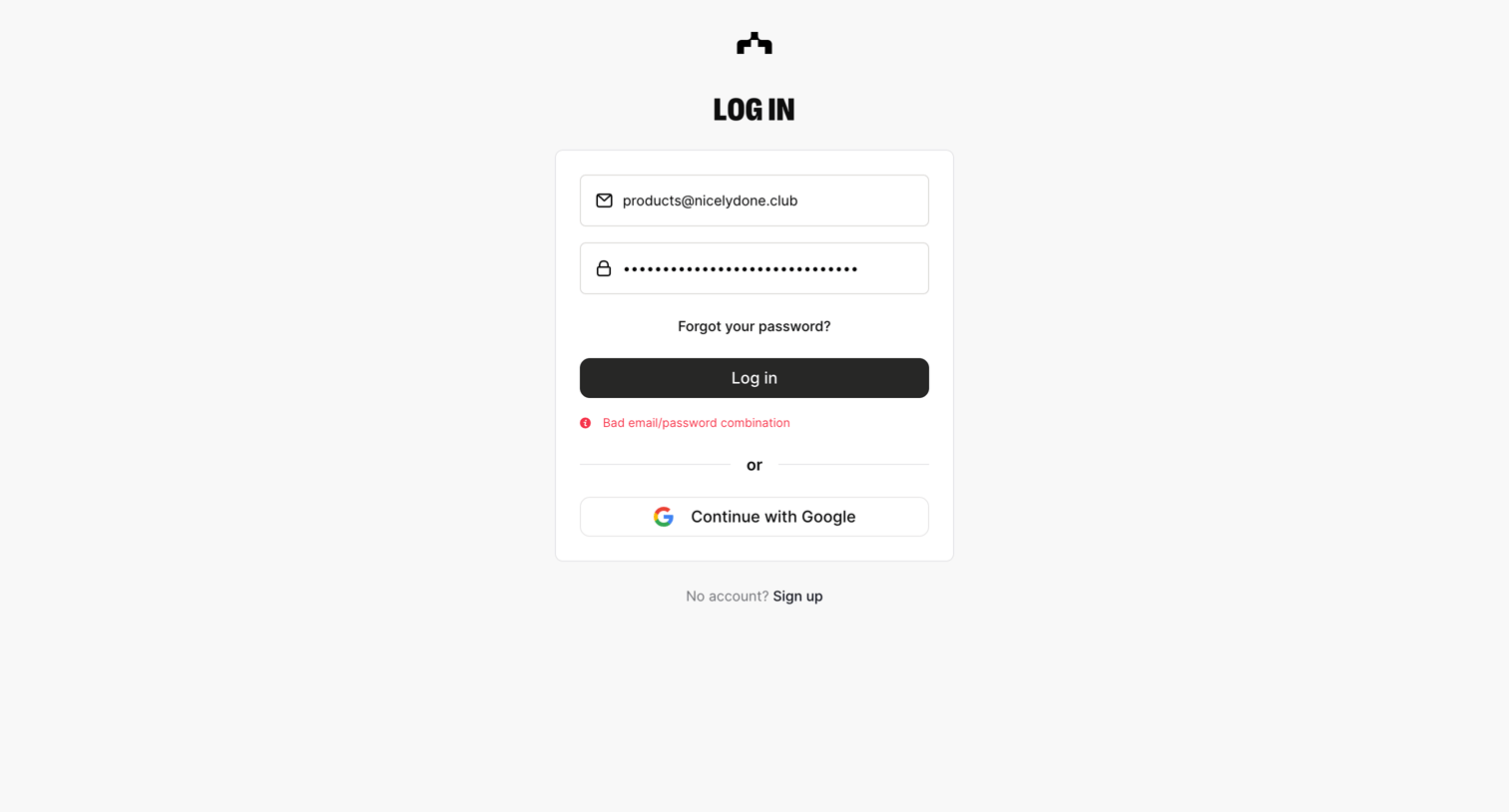
Sign-in screen where the user is shown an error message for a bad email and password combination, with an option to authenticate via Google.

The org - Forgot password | The Org screen
The org logo
The org

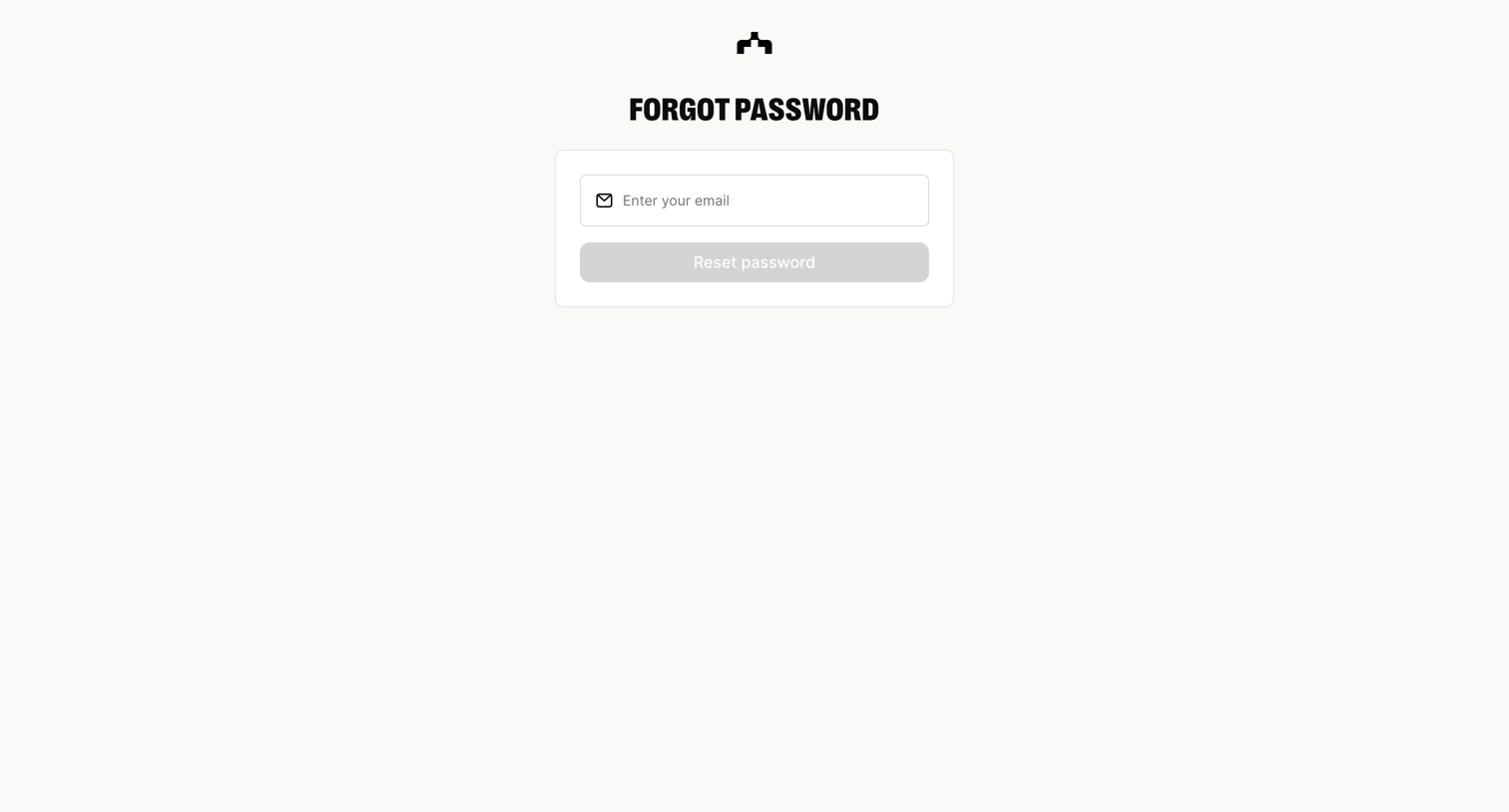
Password recovery screen where the user enters their email address to request a reset link.
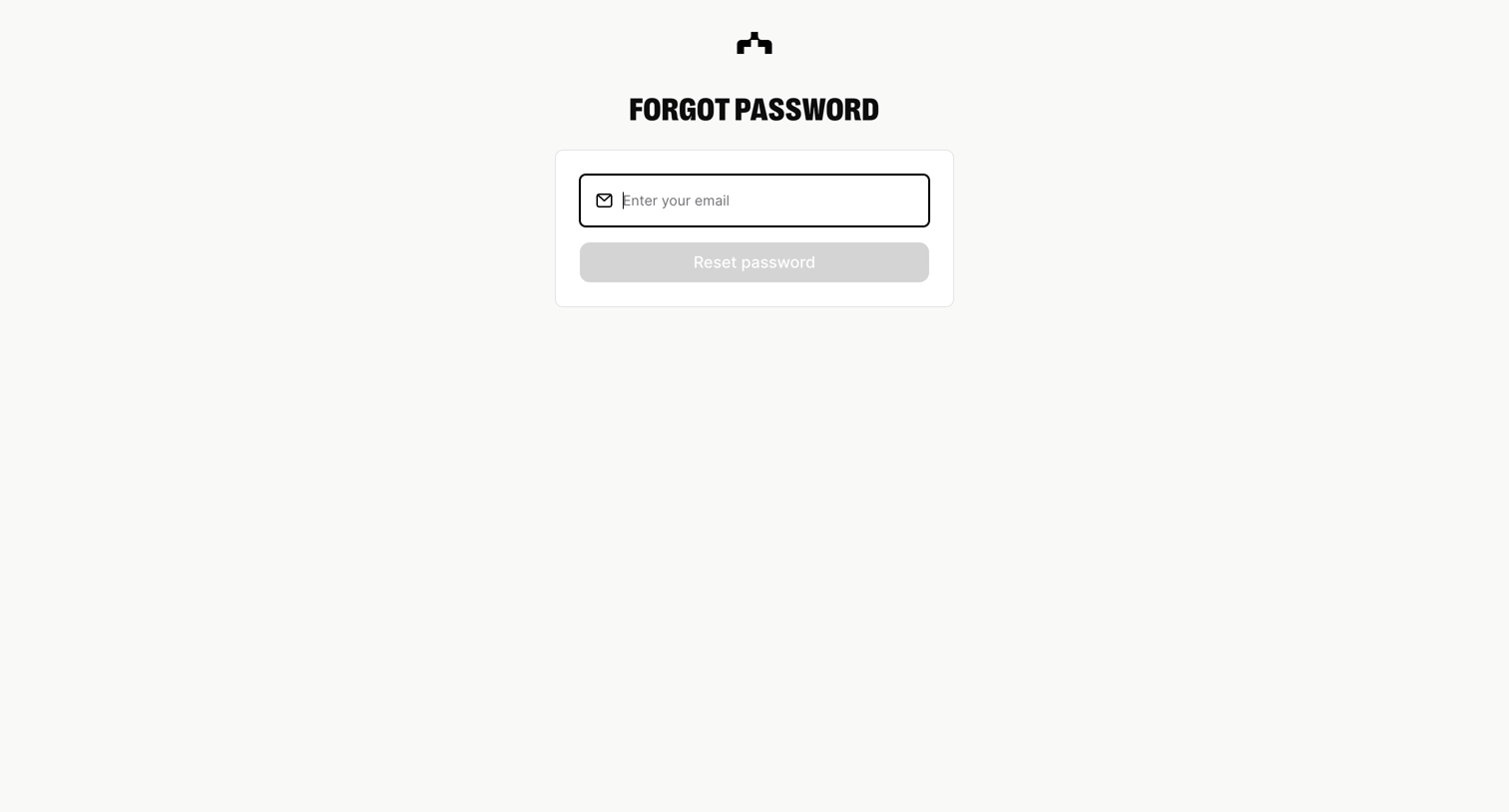
The org - Forgot password | The Org screen
The org logo
The org

Password recovery screen where the user enters their email address to request a reset link.
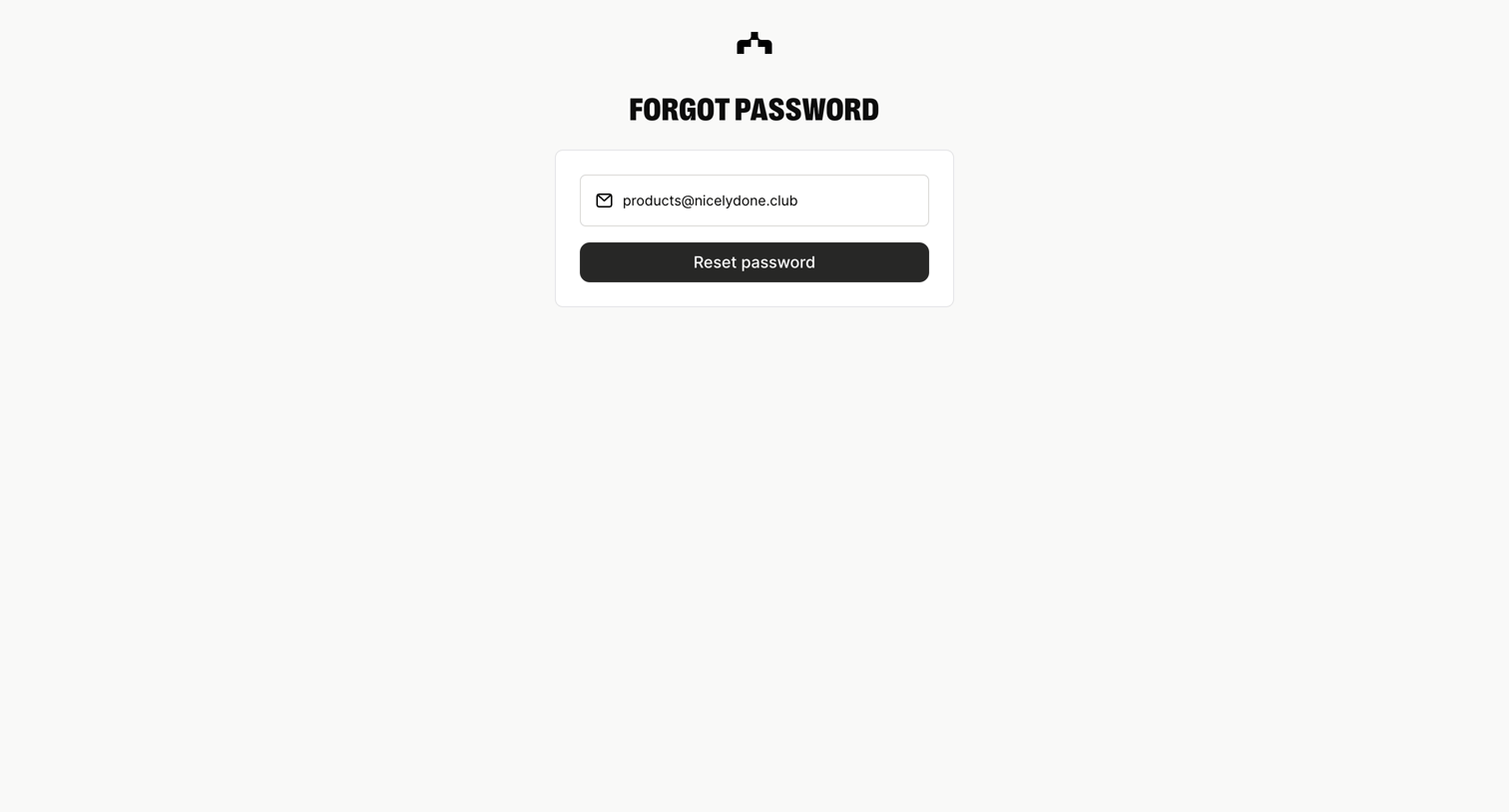
The org - Forgot password | The Org screen
The org logo
The org

Password recovery screen where the user submits their email address to receive a reset link.
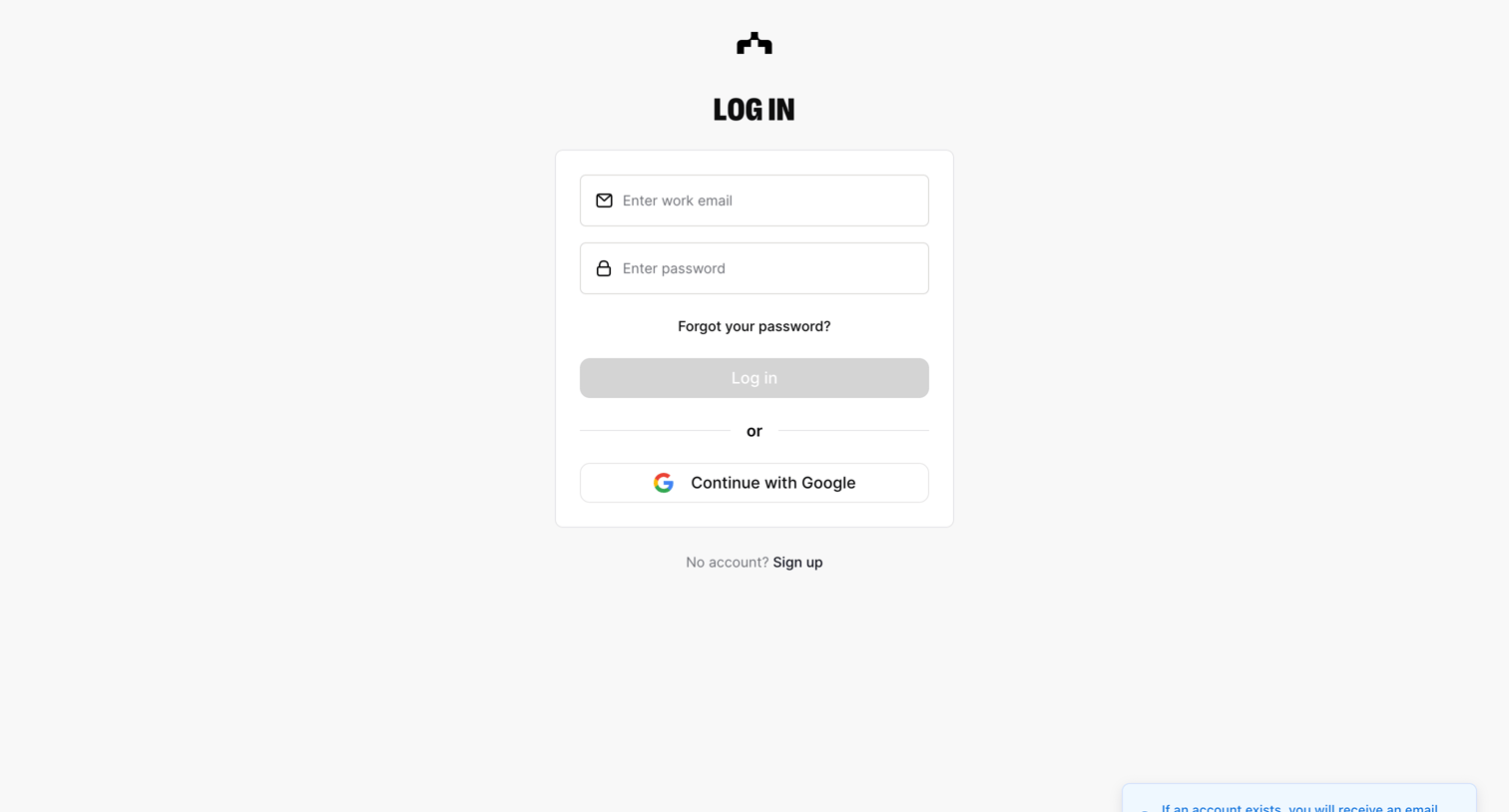
The org - Log in | The Org screen
The org logo
The org

Sign-in screen where the user authenticates with an email and password or via Google, and includes a toast notification confirming a password reset email was sent.

Explore the full SaaS screen library

Upgrade to unlock the full library.

Trusted by the best teams