Super user flows examples
Explore Super user flow examples. Preview the opening screens and steps for each task. AI search and agents, across all your company tools
Preview these flows

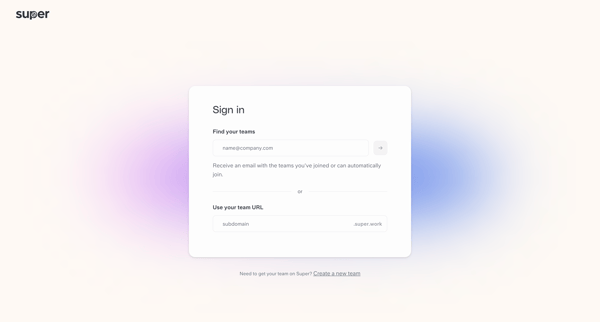
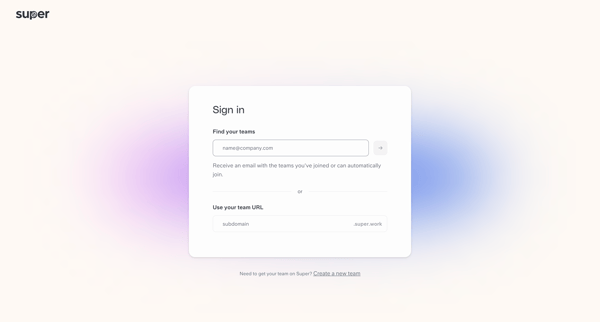
Passwordless sign-in journey discovering teams via email or subdomain then receiving magic link
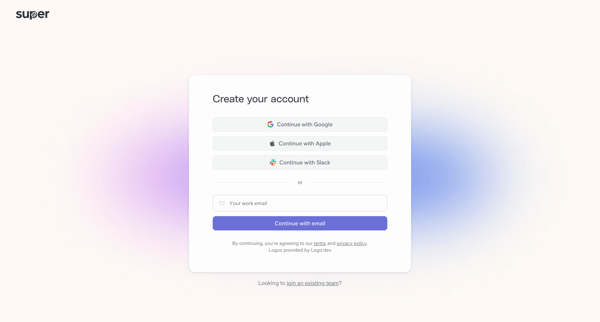
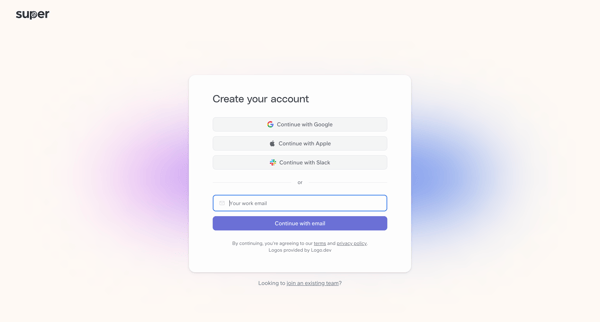
User creates account via OAuth providers or work email, verifies with 6-digit code, sets password, then sees team creation interstitial
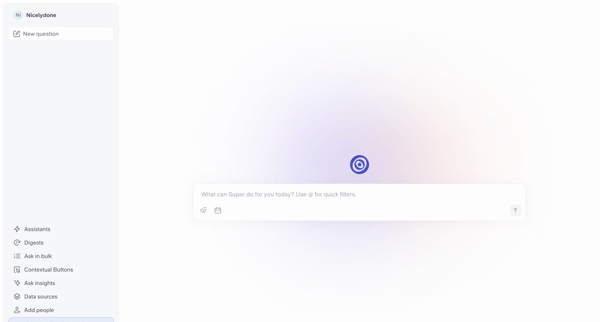
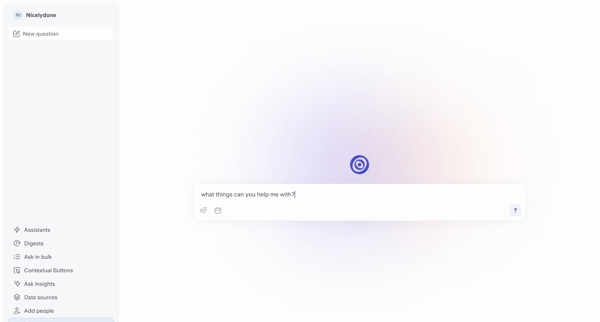
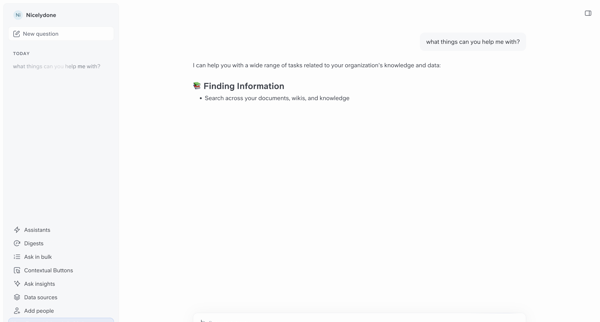
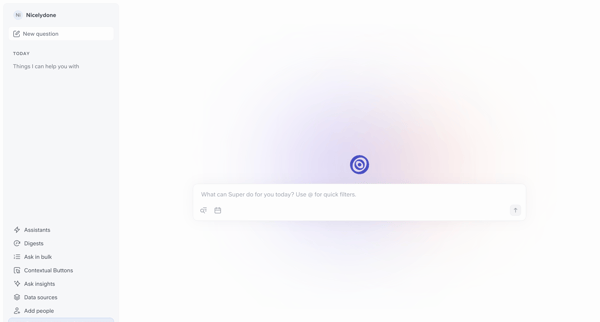
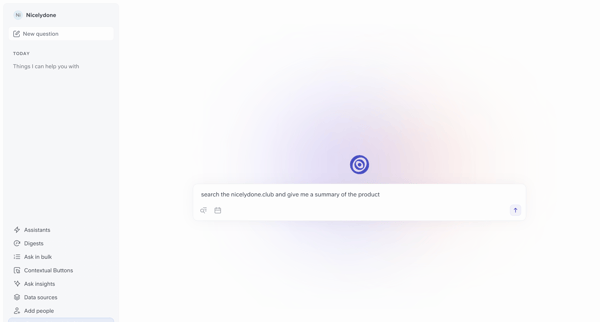
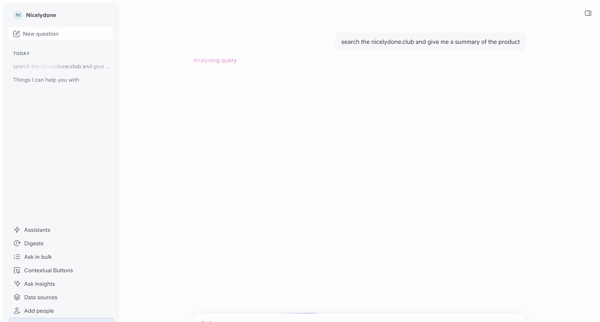
User opens AI chat start screen, enters a product summary query, views loading analysis then generated response with sources, returns to start screen for new queries including date filter
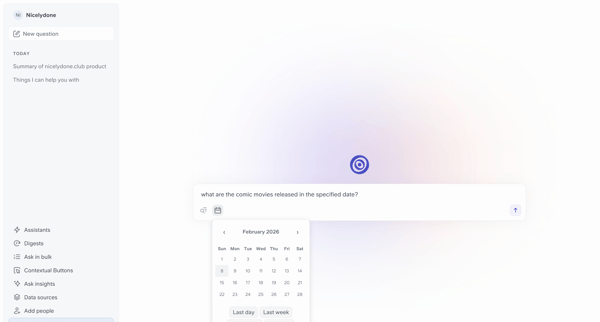
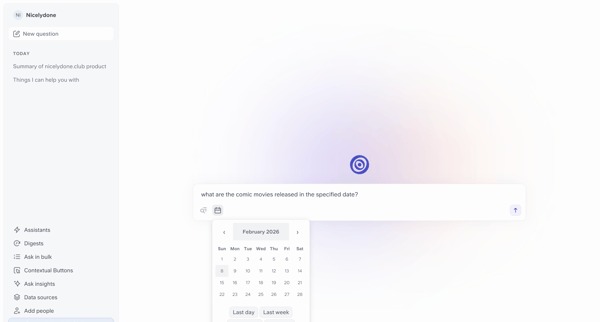
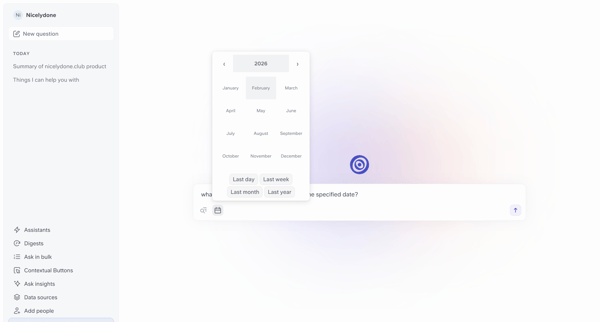
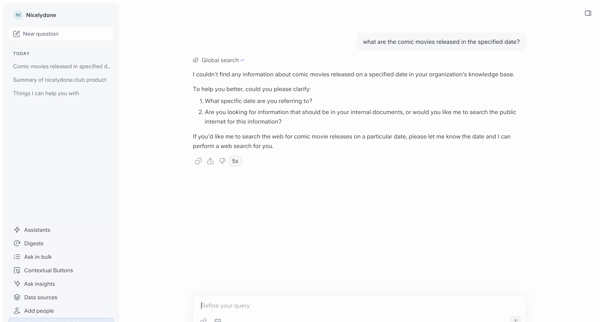
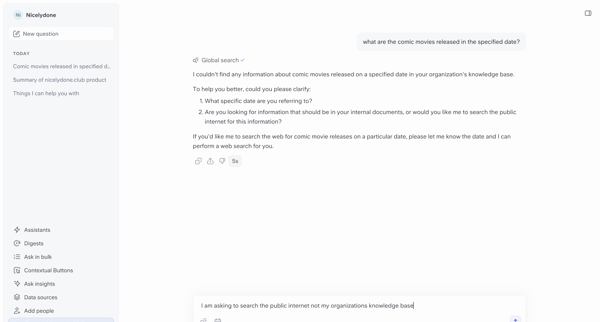
User refines a conversational search for comic movie releases by adding date range filters and instructing web search in the AI chat interface
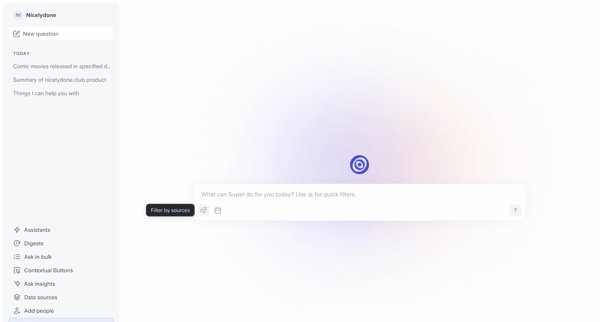
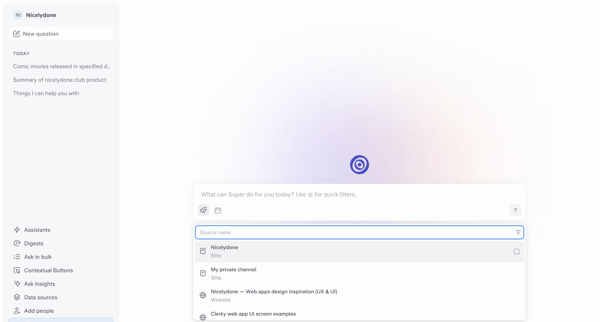
User opens AI chat interface, views recent questions and sidebar options, opens source filter combobox, applies workspace filter, and enters a prompt in the central composer
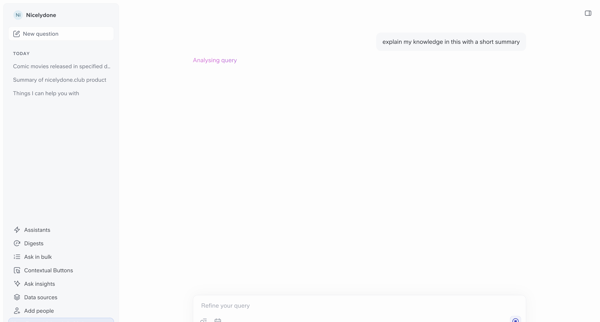
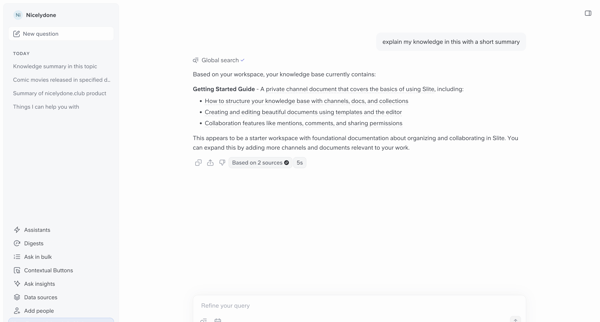
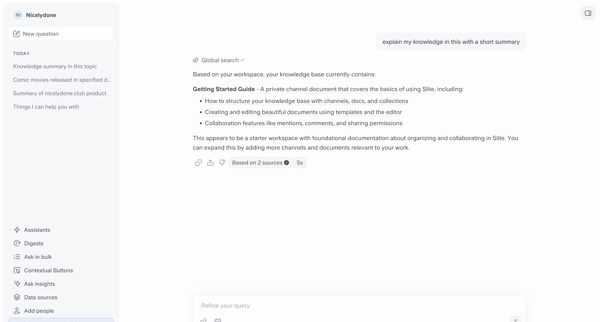
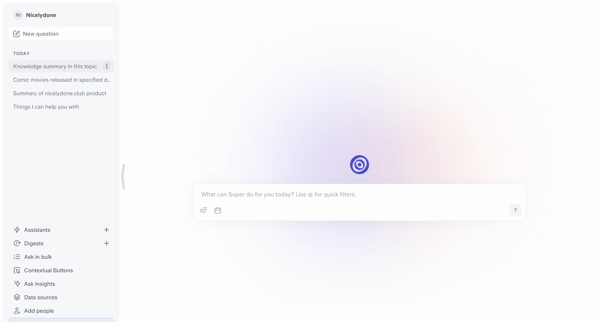
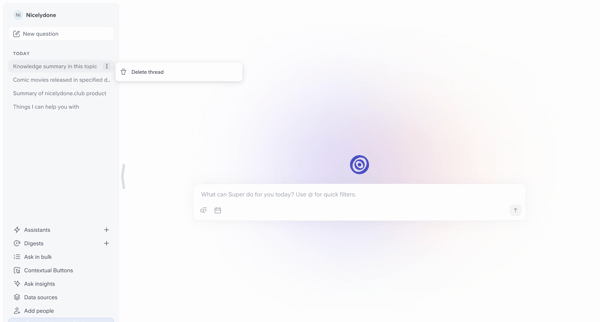
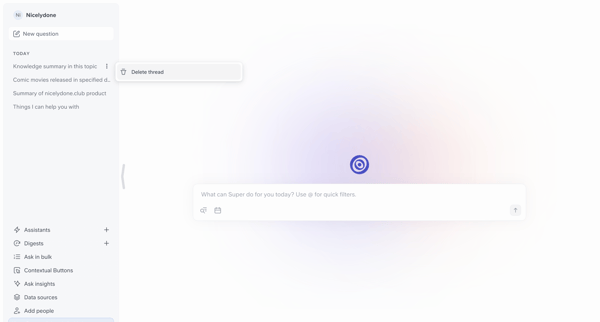
AI chat interface showing sidebar with chat history and visible Delete thread option across multiple empty conversation states
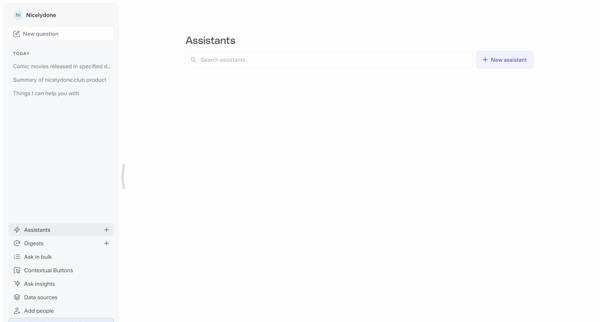
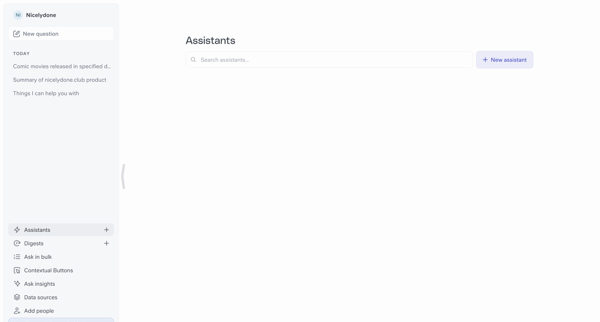
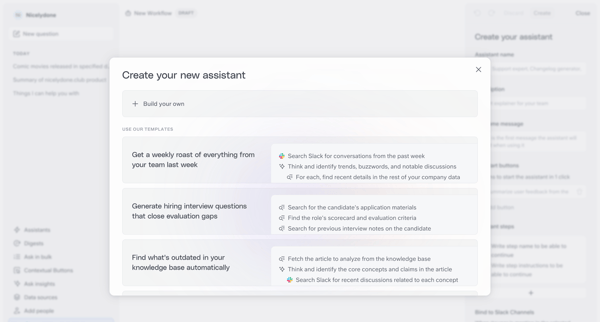
User starts from empty assistants list, opens creation modal, selects template or builds from scratch, enters prompt for AI draft generation, refines configuration in builder with live preview, ends in draft editing state
Explore the full SaaS flow library
Browse the full SaaS flow library.
Trusted by the best teams







