Skip to content

Steel UI components examples

Browse Steel UI component design examples. Preview individual interface elements and explore related component categories. Browser infrastructure for AI agents

Explore the examples
Steel — Code block component
Steel logo
Steel

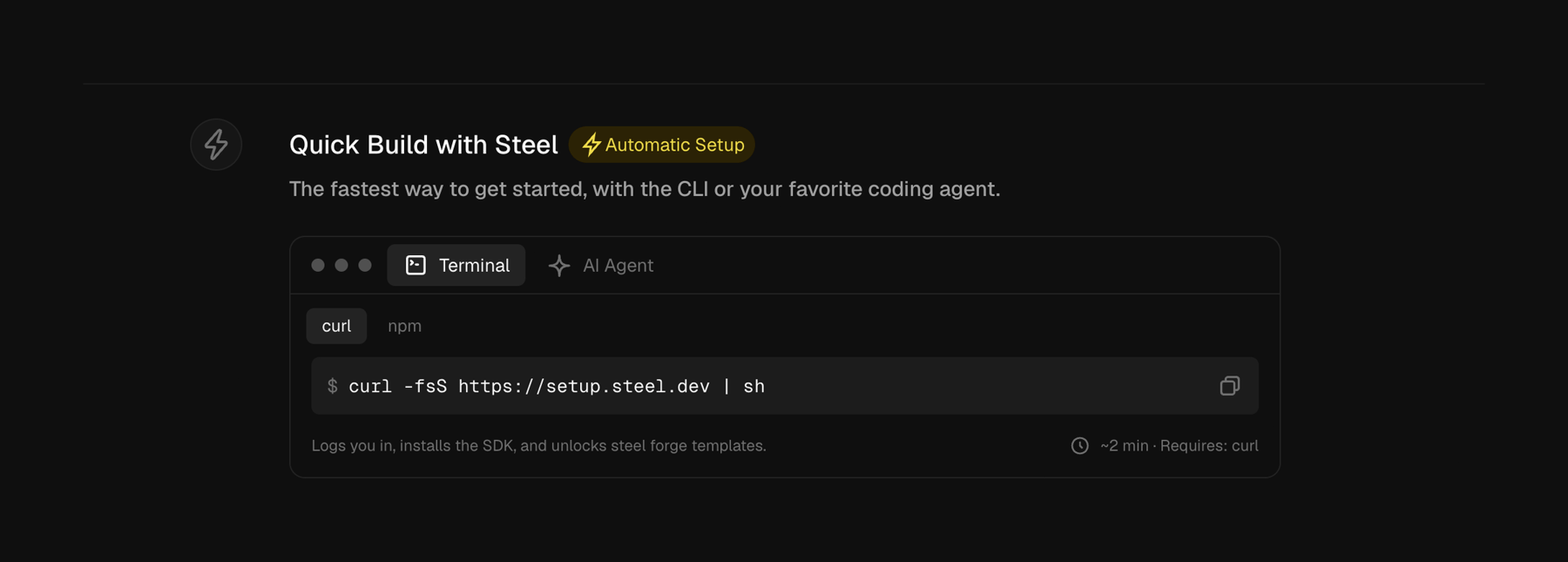
A section detailing a quick build setup process, featuring a command-line interface (CLI) code snippet for installation.
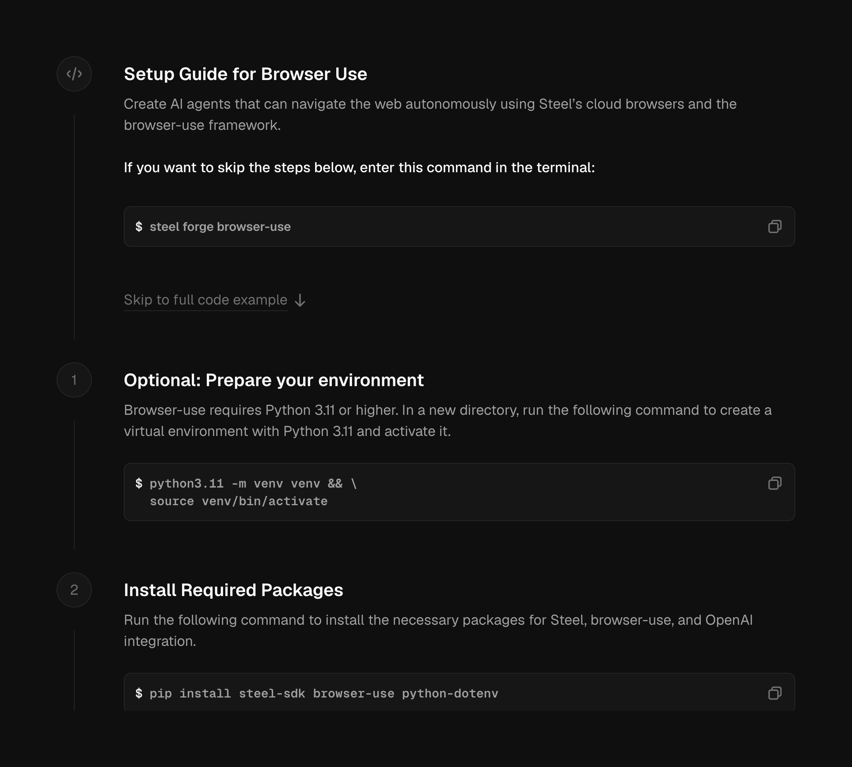

Steel — Stepper component
Steel logo
Steel

A setup guide for browser use with code examples and step-by-step instructions.

Steel — Horizontal navigation component
Steel logo
Steel

A dark-themed web application header with global navigation, team selection, and user profile access.
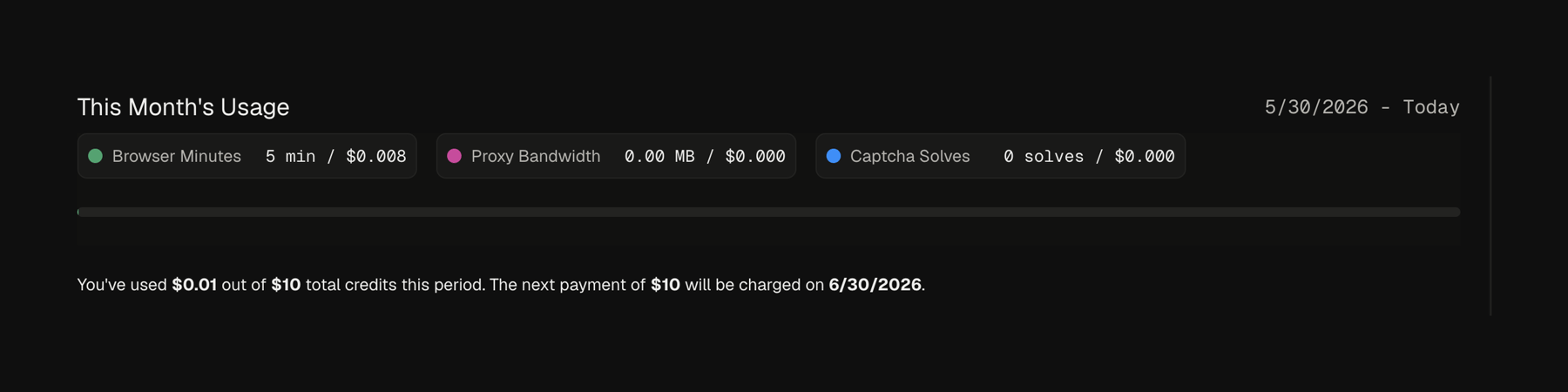
Steel — Progress indicator component
Steel logo
Steel

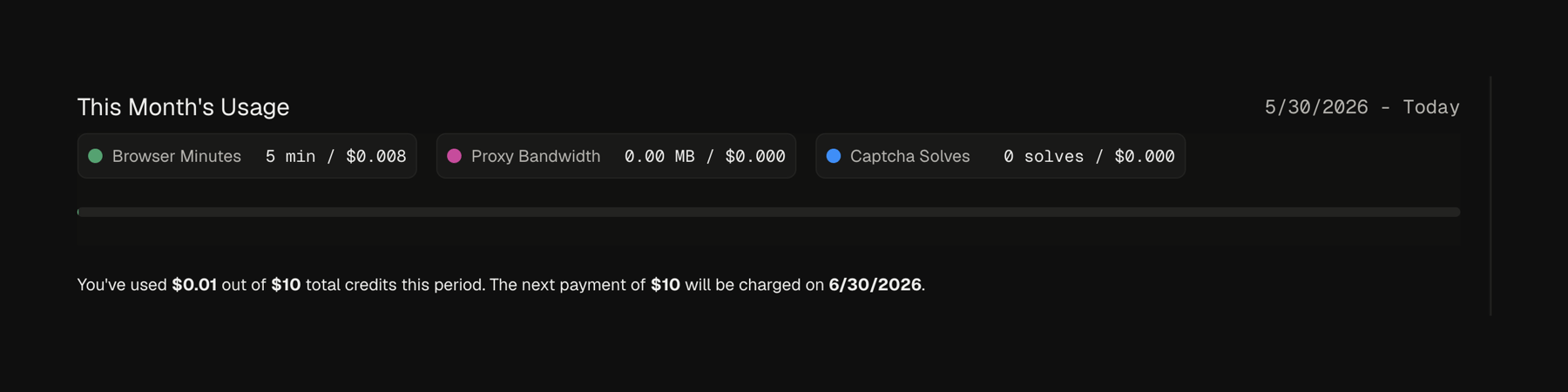
A dashboard displaying monthly usage statistics and billing information.

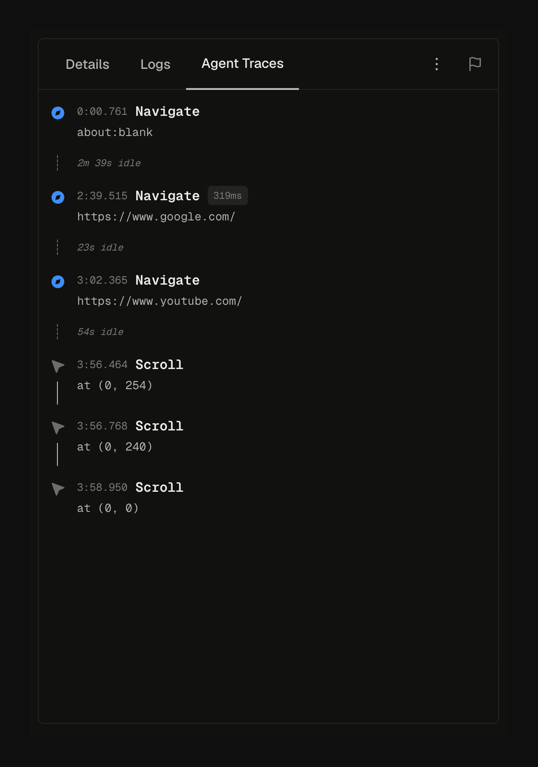
Steel — Timeline & history component
Steel logo
Steel

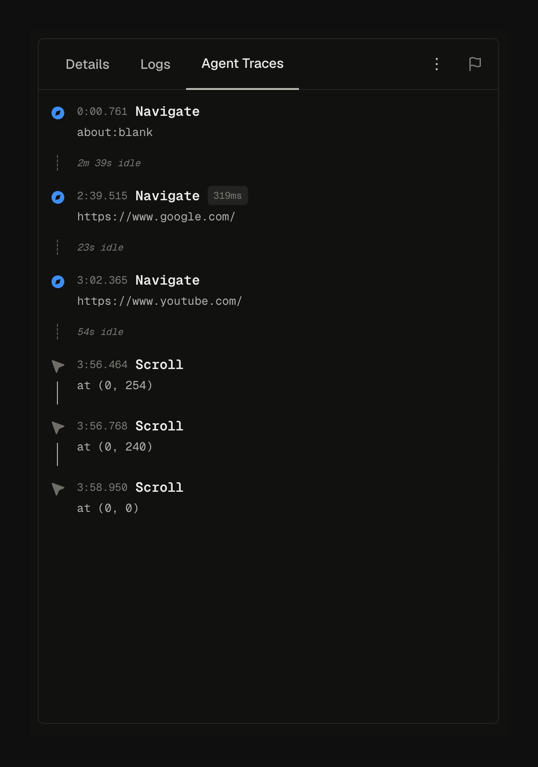
A user interface displaying a chronological log of agent traces, including navigation events to different URLs and scroll actions, organized under a tabbed navigation system.
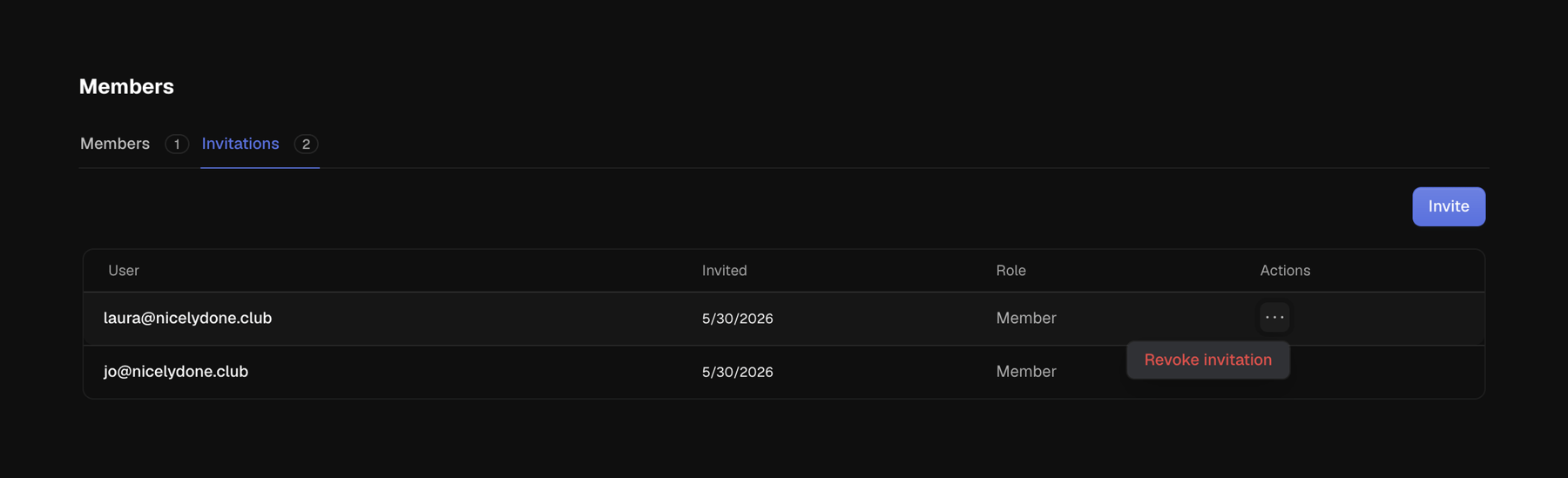
Steel — Table component
Steel logo
Steel

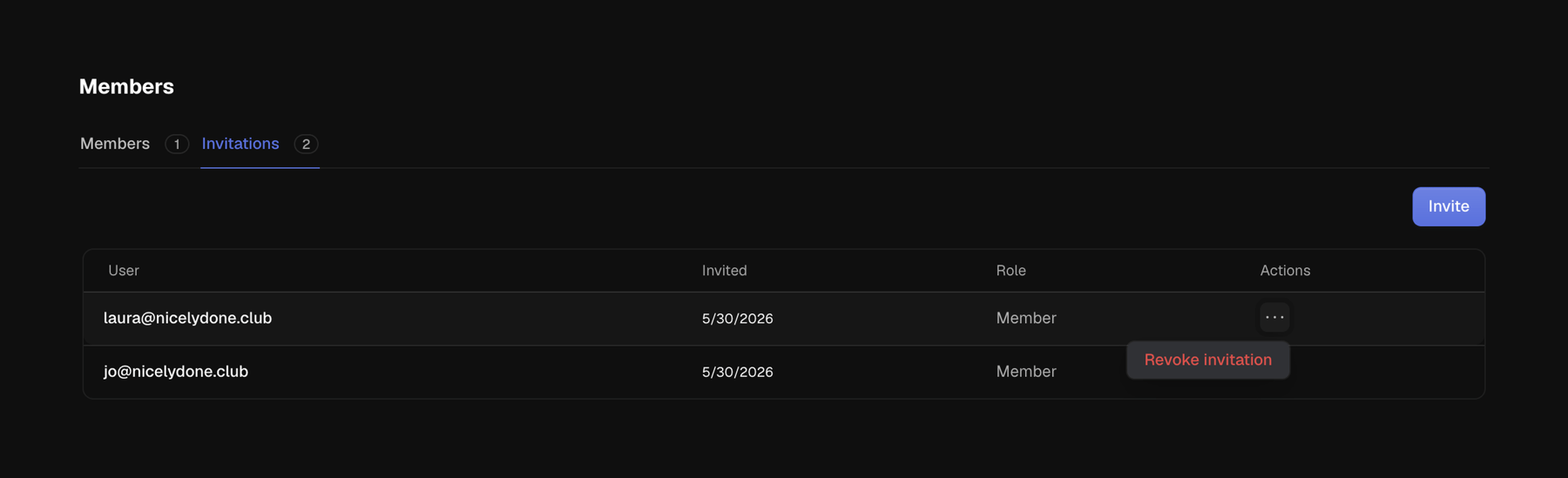
A user interface displaying a list of invited members with their roles and actions, featuring tab navigation.

Steel — Tabs component
Steel logo
Steel

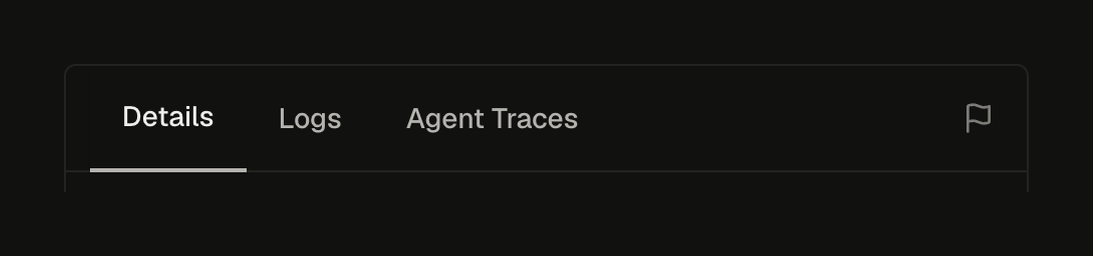
A tabbed navigation component with three tabs and a flag icon on the right side.

Steel — Dropdown menu component
Steel logo
Steel

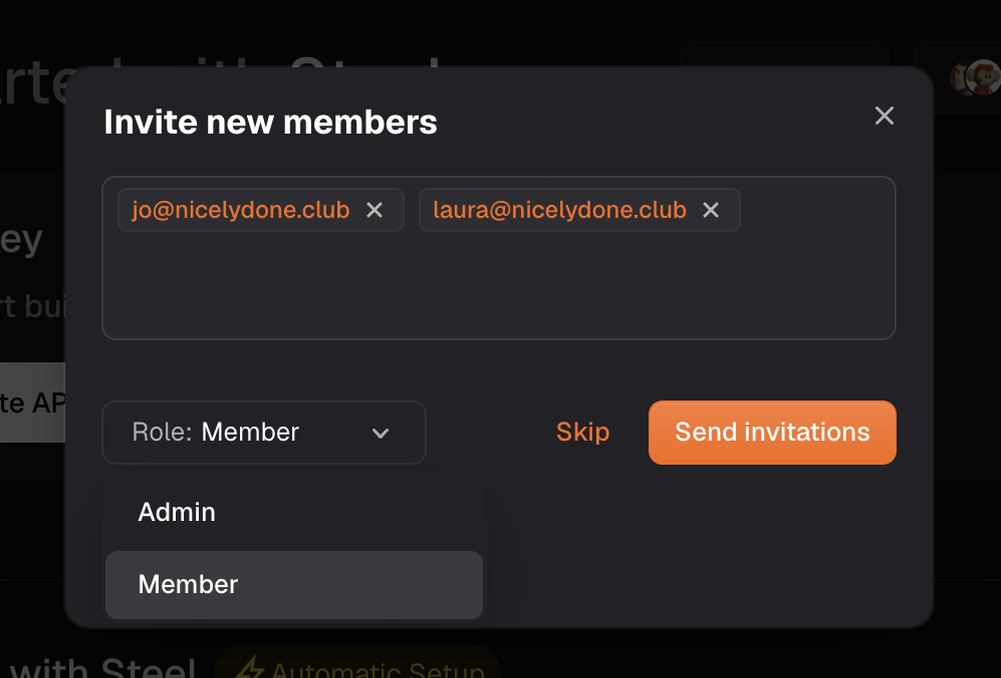
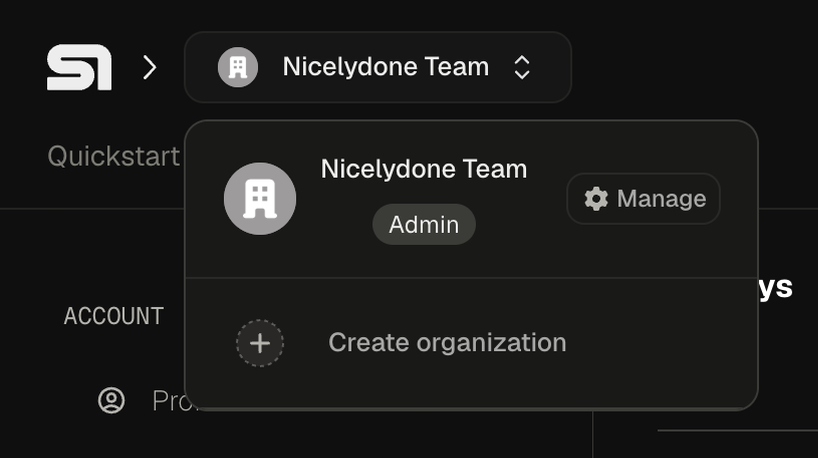
Dropdown menu for team or organization selection and management within a dark mode application interface.
Steel — Progress indicator component
Steel logo
Steel

A dashboard displaying monthly usage statistics and billing information.

Steel — Table component
Steel logo
Steel

A user management interface displaying members and invitations in a table format with tabbed navigation.

Steel — Timeline & history component
Steel logo
Steel

A user interface displaying agent traces with navigation and scroll events in a timeline format.

Browse the full component library

Browse the full UI component library.

Trusted by the best teams