Riverside user flows examples
Explore Riverside user flow examples. Preview the opening screens and steps for each task. HD podcast and video recording and editing software
Preview these flows

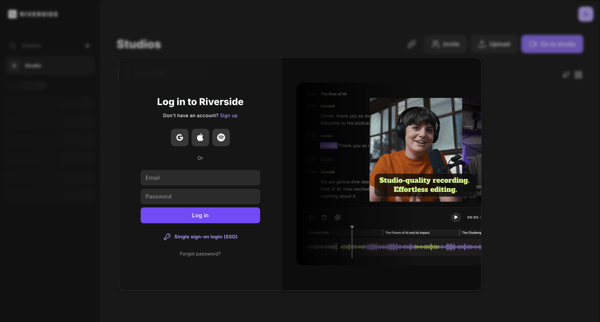
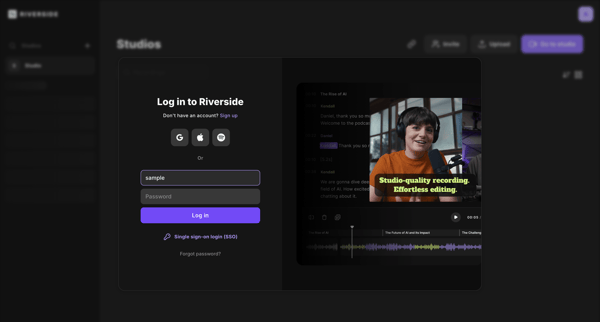
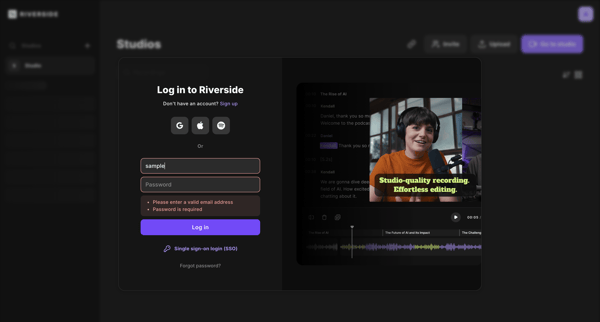
User authenticates via email, social providers, or SSO through repeated states of a split-pane login modal overlaid on the Riverside studio dashboard or editor
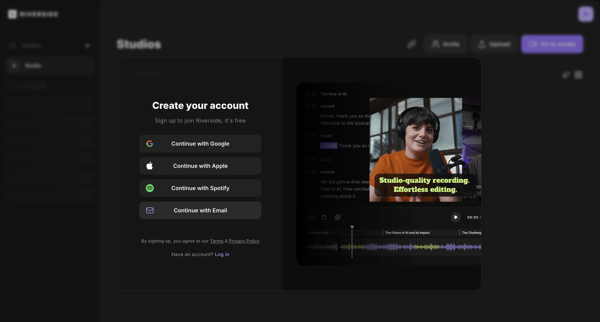
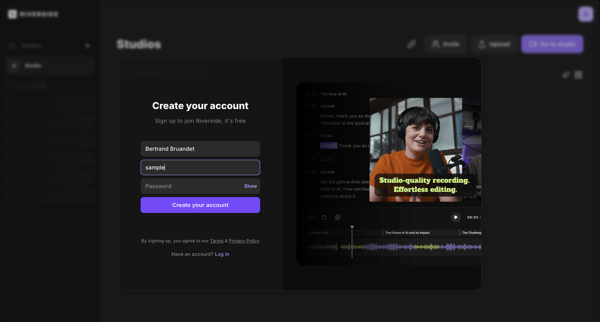
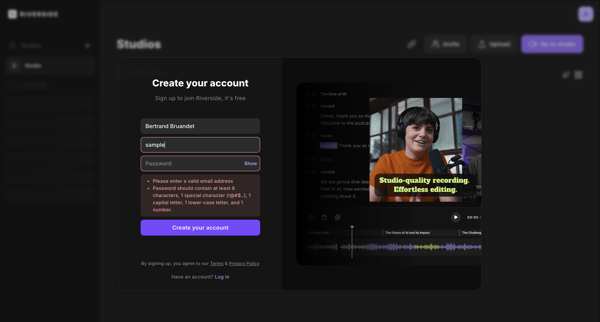
User creates a Riverside account via OAuth options or email/password form inside a split signup modal with validation states
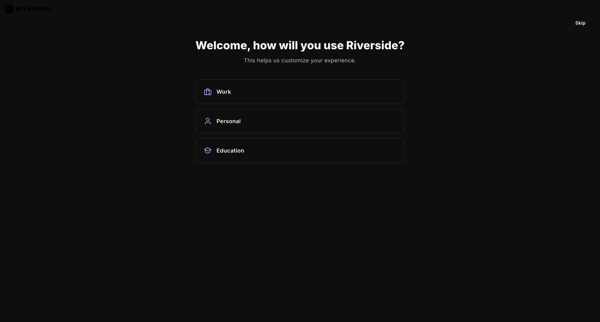
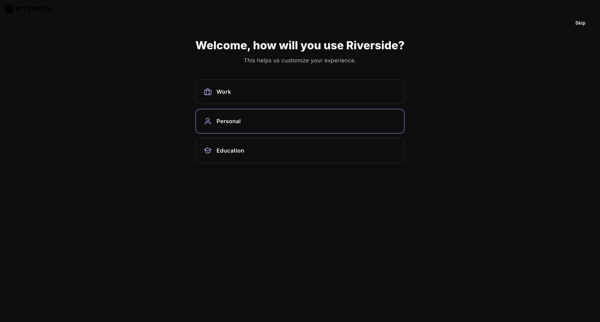
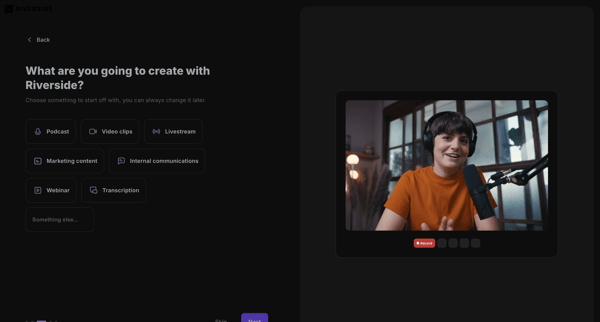
User selects primary use case, content goals, discovery source, and starting tools to personalize workspace in Riverside
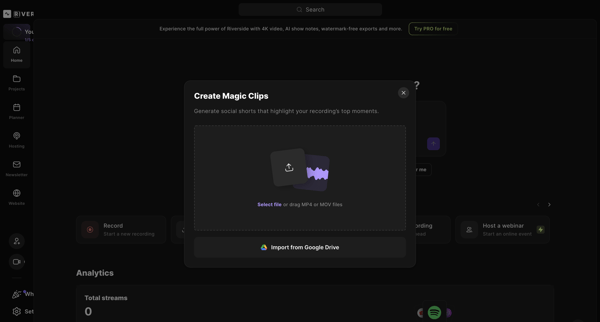
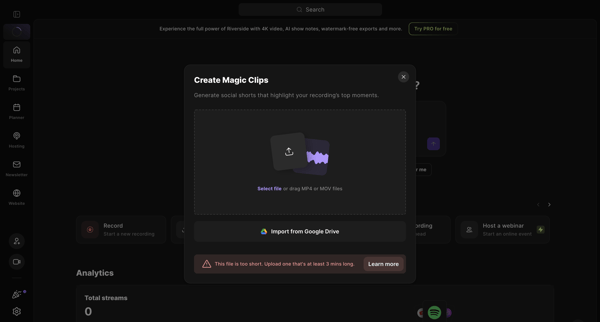
Creator uploads video file via modal, configures speaker count and tracks, then triggers AI processing to generate social shorts from Riverside dashboard
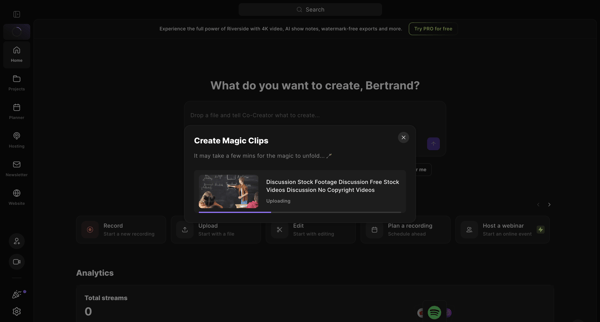
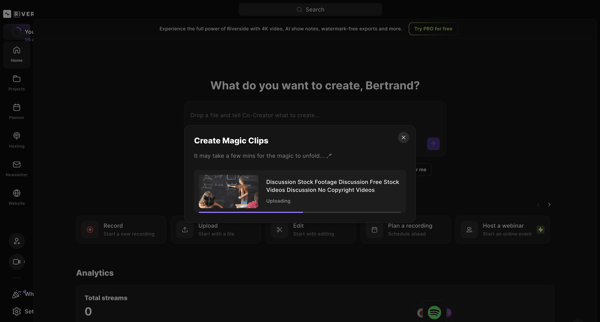
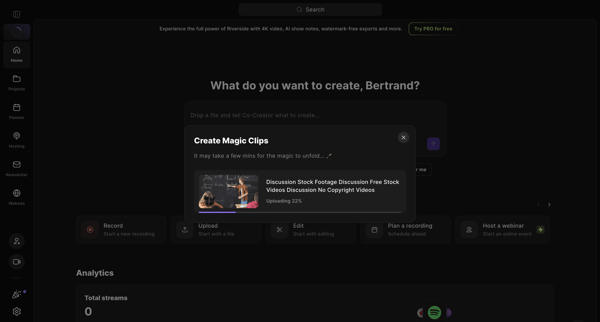
Uploading a video file via modal on the home dashboard and waiting for AI to generate magic clips
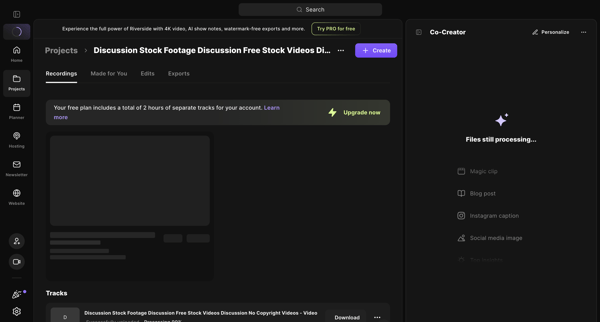
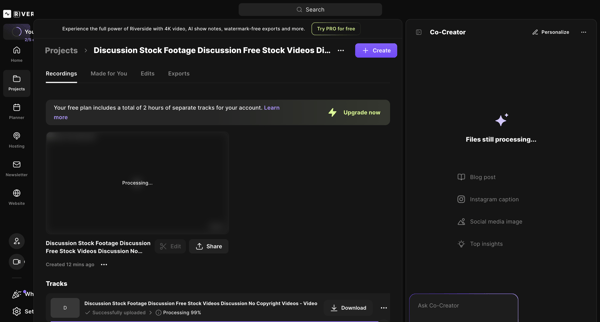
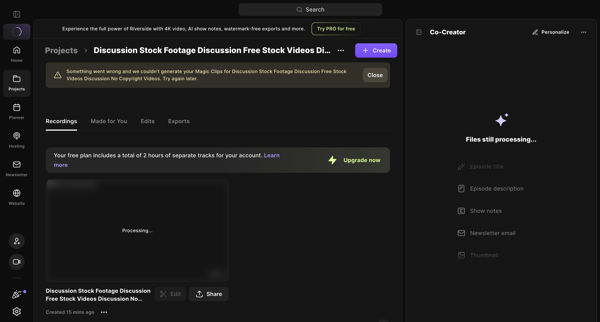
User views project detail page across multiple tabs while files process, AI Co-Creator generates assets, Magic Clips fail with error banner, and exports/edits tabs remain empty
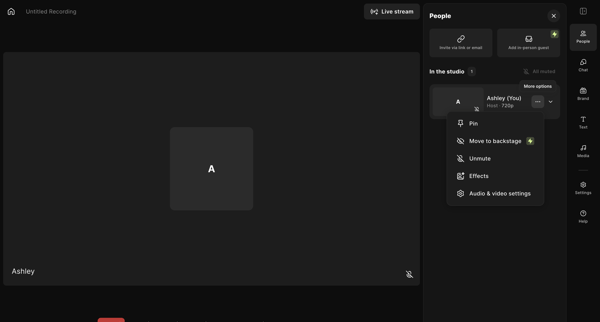
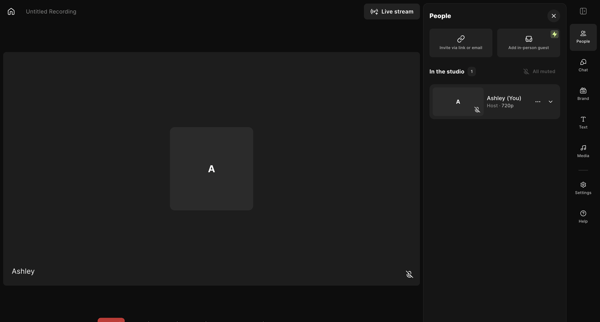
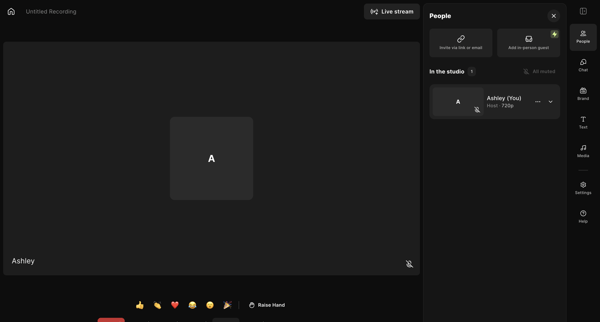
Host enters live recording studio to manage participants, configure AV and layout settings, add media assets, write scripts, and prepare for podcast or video capture
Host enters live recording studio and manages participants via sidebar controls while toggling AV inputs and starting recording
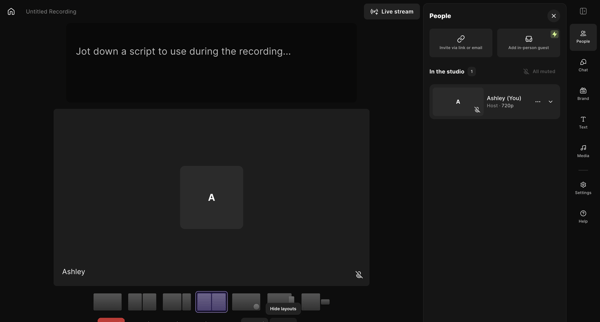
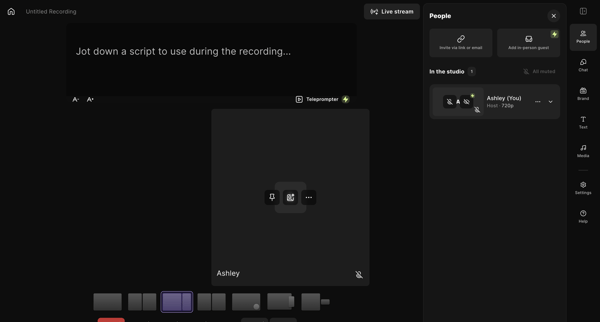
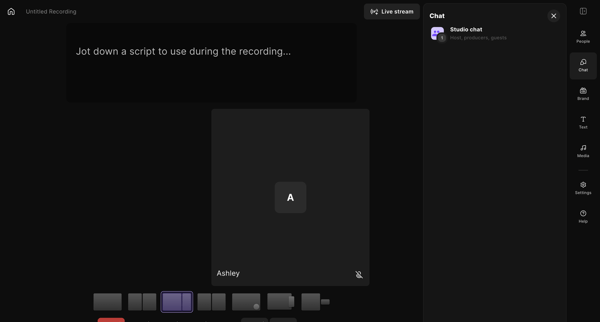
Host adjusts brand colors, fonts, name styles, lower thirds overlays, layouts, and teleprompter settings inside the live recording studio workspace
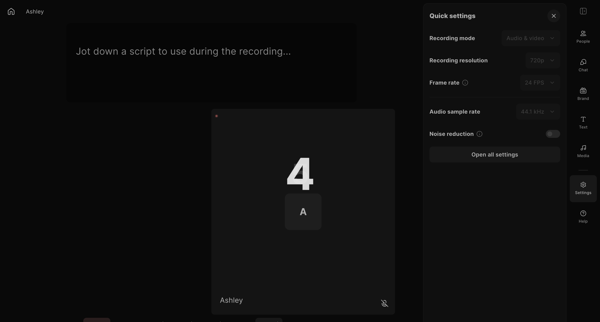
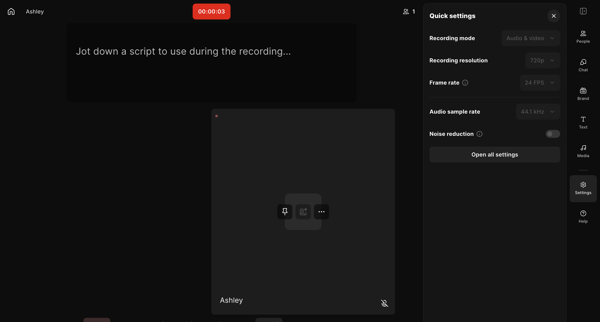
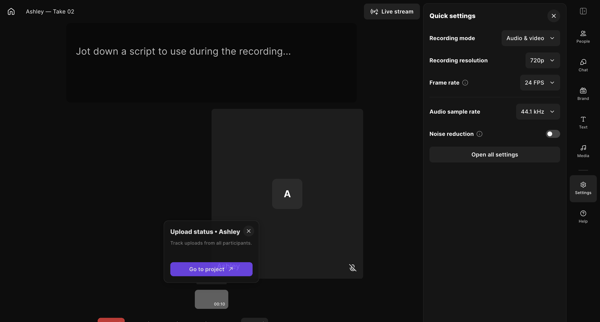
User enters live recording studio to capture audio and video with script support, settings controls, and participant management, then ends the session
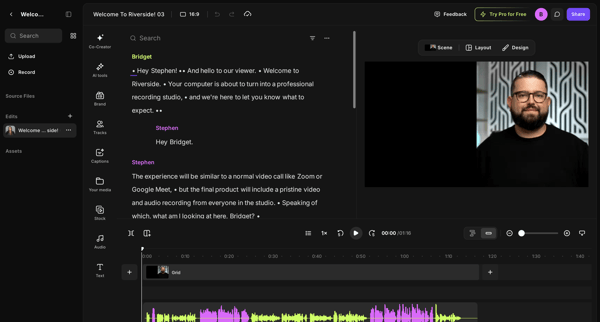
User loads a recording into the Riverside editor and refines it through transcript edits, AI audio fixes, timeline adjustments, brand customization, stock media insertion, and final review before publishing
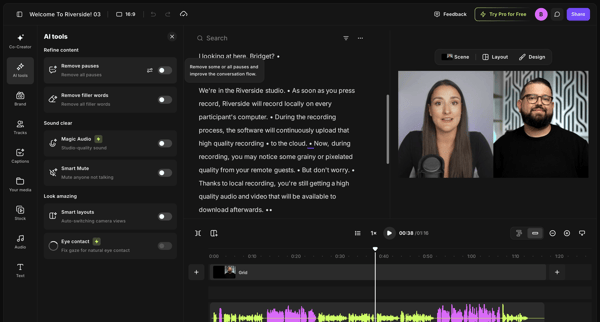
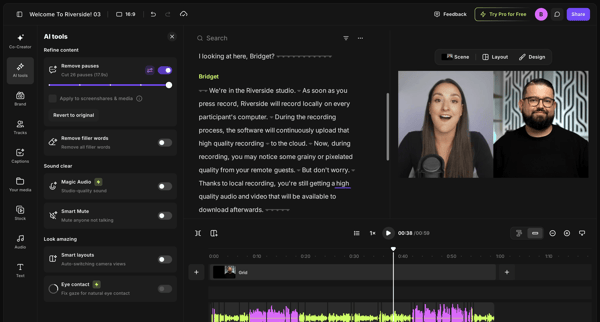
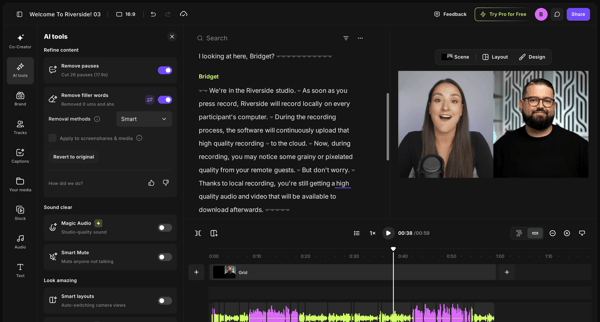
User refines video or podcast recordings in Riverside by editing via transcript and applying AI tools to remove pauses and filler words
Explore the full SaaS flow library
Browse the full SaaS flow library.
Trusted by the best teams







