Skip to content

Reflect UI components examples

Browse Reflect UI component design examples. Preview individual interface elements and explore related component categories. Keep track of your notes, books, and meetings.

Explore the examples
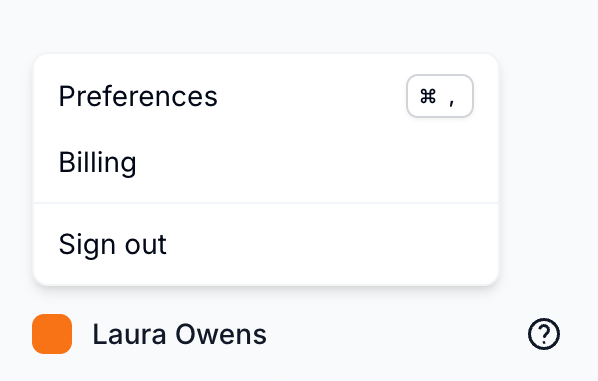
Reflect — Dropdown menu component
Reflect logo
Reflect

A user profile menu with options for preferences, billing, and sign out.

Reflect — Datepicker component
Reflect logo
Reflect

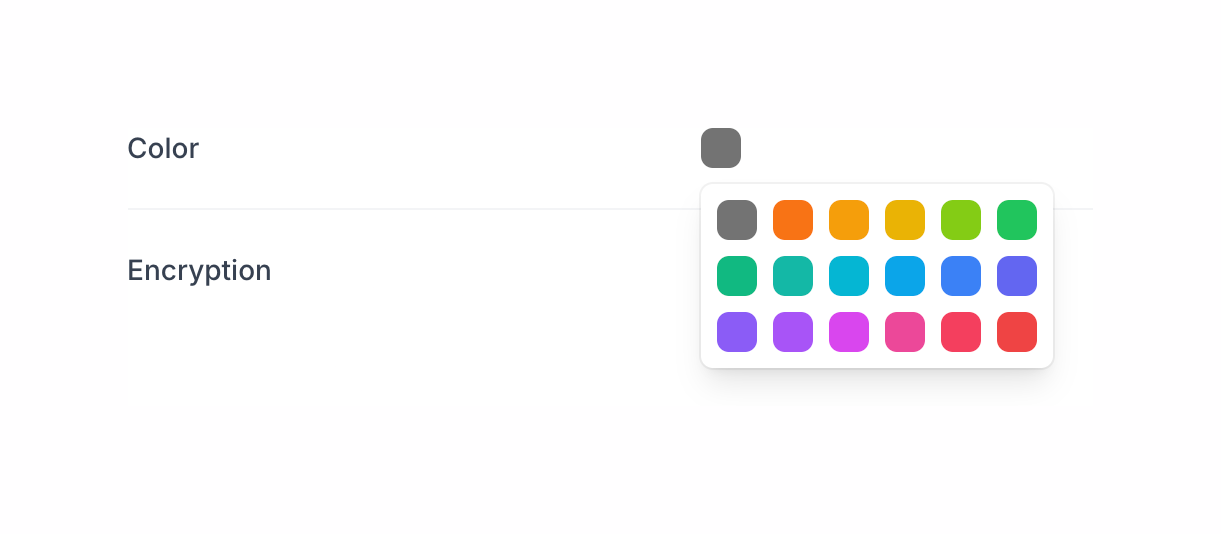
A color palette selection modal.

Reflect — Input multi-select component
Reflect logo
Reflect

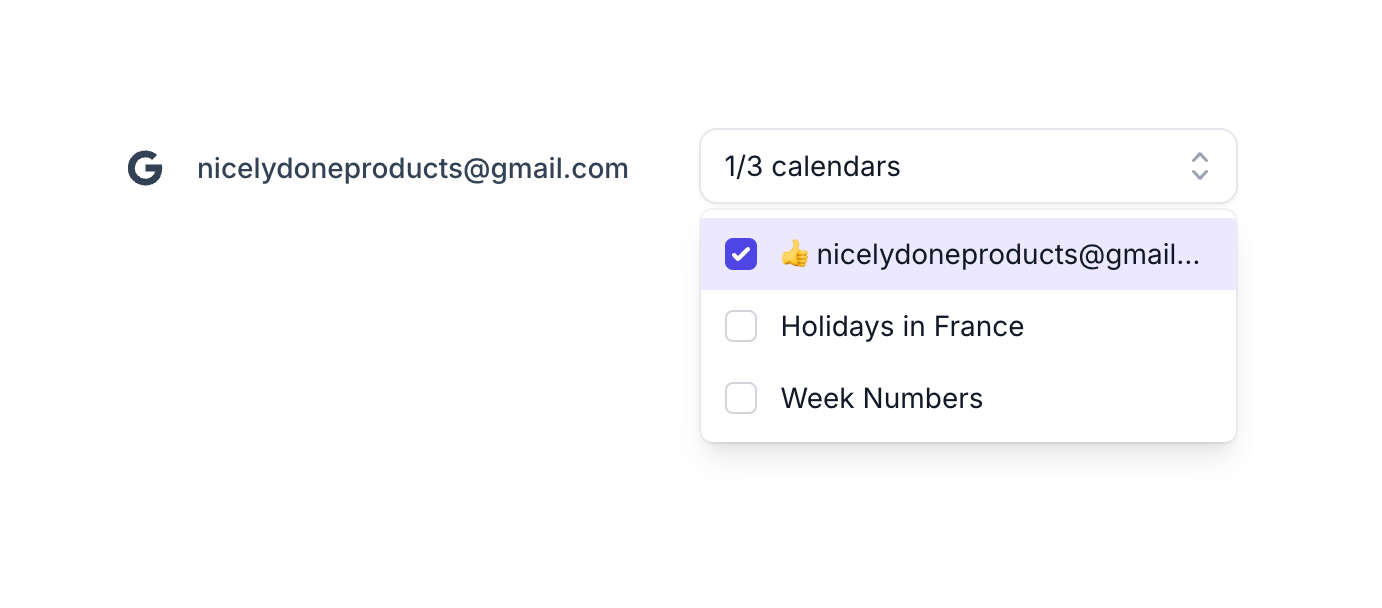
The screenshot displays a modal for calendar selection.

Reflect — Theme settings component
Reflect logo
Reflect

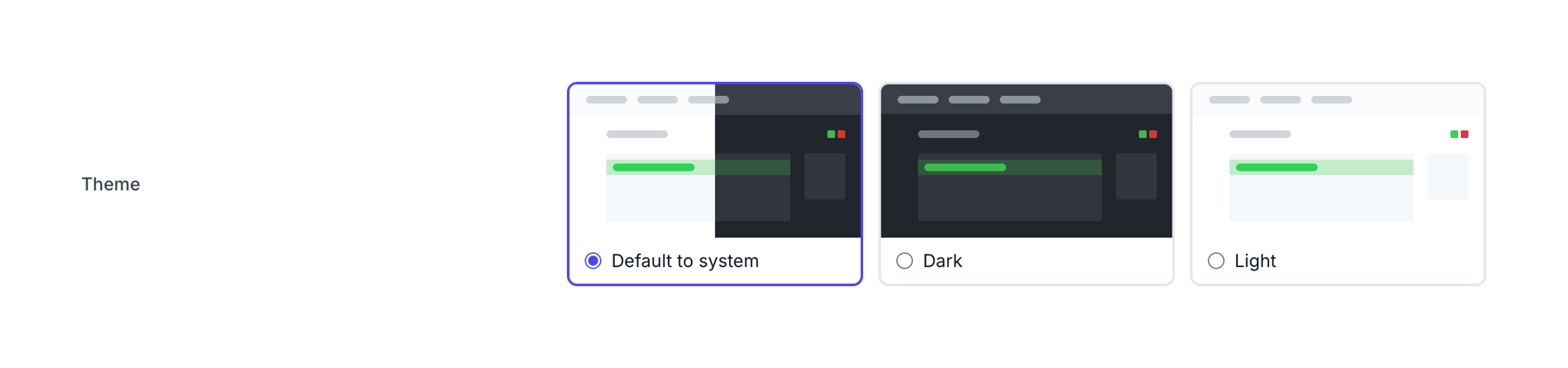
A theme selection interface with light, dark, and system default options.

Reflect — Input select component
Reflect logo
Reflect

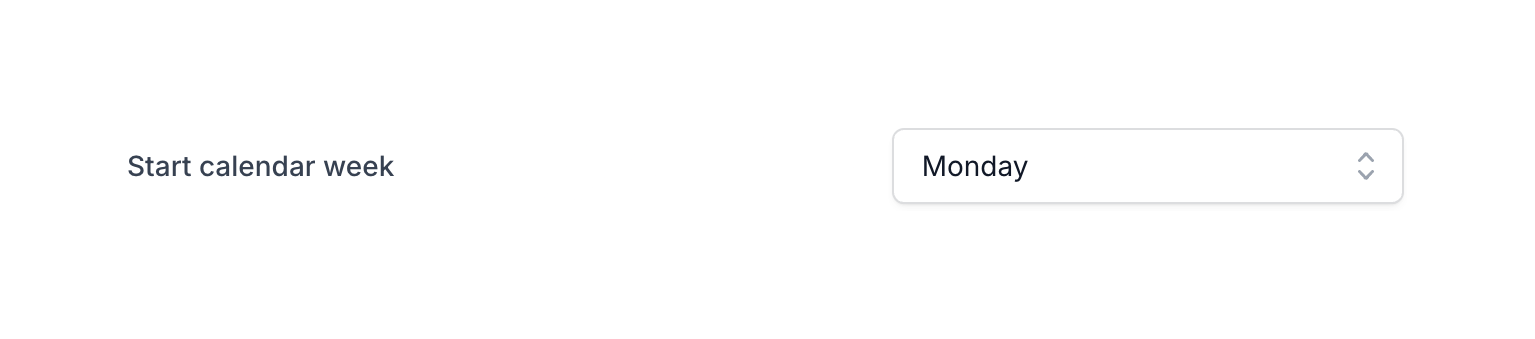
A dropdown menu to select the start day of the week.

Reflect — Toggle/Switch component
Reflect logo
Reflect

A toggle switch for spell checker settings.

Reflect — Audio player component
Reflect logo
Reflect

The screenshot shows a search bar, a shortcut and a recording interface.

Reflect — Input select component
Reflect logo
Reflect

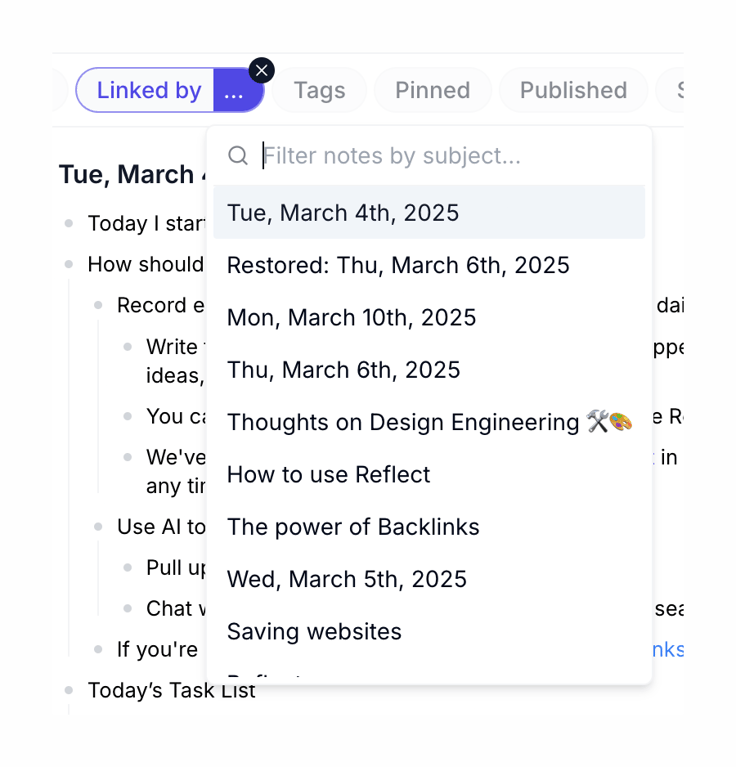
The screenshot displays a modal for filtering notes by subject, featuring a search input and a list of notes with dates and titles.

Reflect — Artificial intelligence component
Reflect logo
Reflect

Screenshot of a search interface with various filter options and search results.

Reflect — Datepicker component
Reflect logo
Reflect

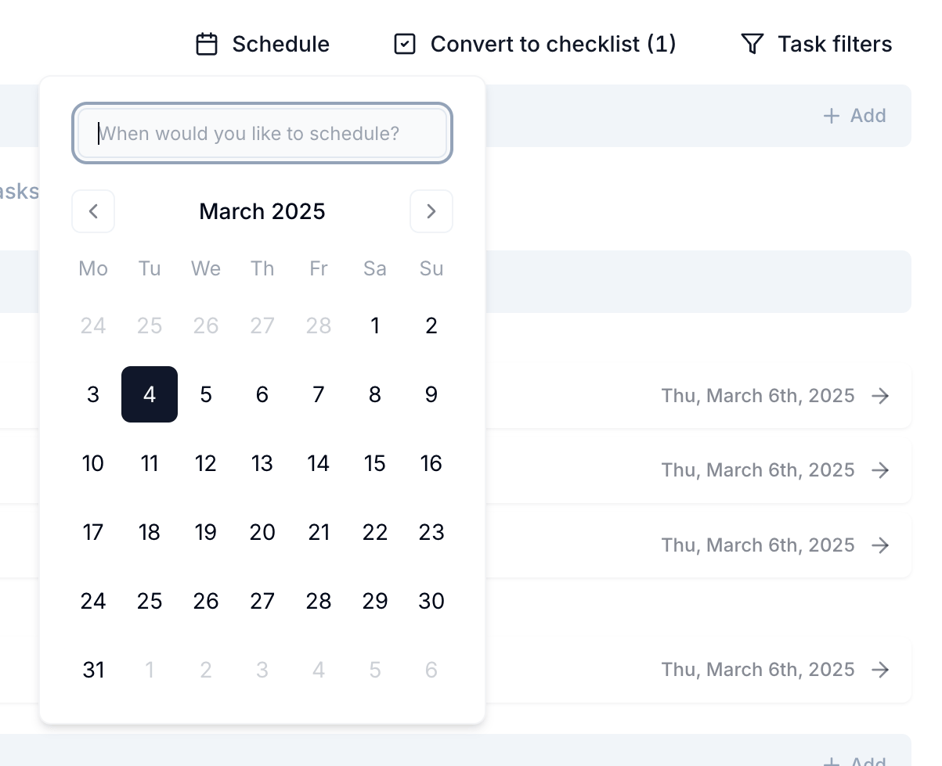
The screenshot shows a date picker modal.

Browse the full component library

Browse the full UI component library.

Trusted by the best teams