Pocket Casts product screens examples
Browse Pocket Casts screen design examples. Preview the interface screenshots and explore related UI patterns. Listen to podcasts with the best free podcasting app
Explore the examples


Sign-in screen where the user authenticates with an email and password, or via Apple and Google OAuth providers.
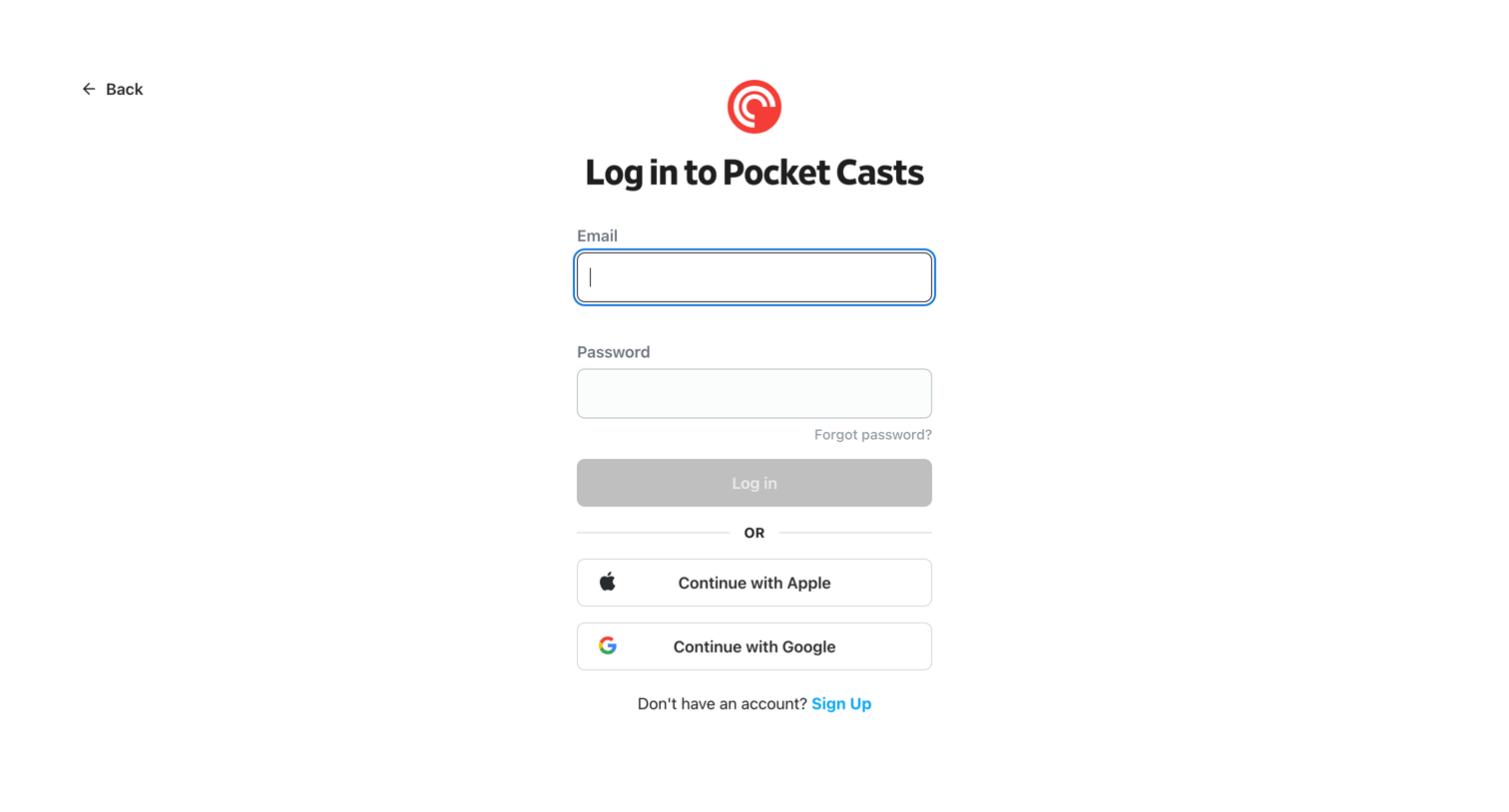
Sign-in screen where the user authenticates with an email and password, or via Apple or Google single sign-on.
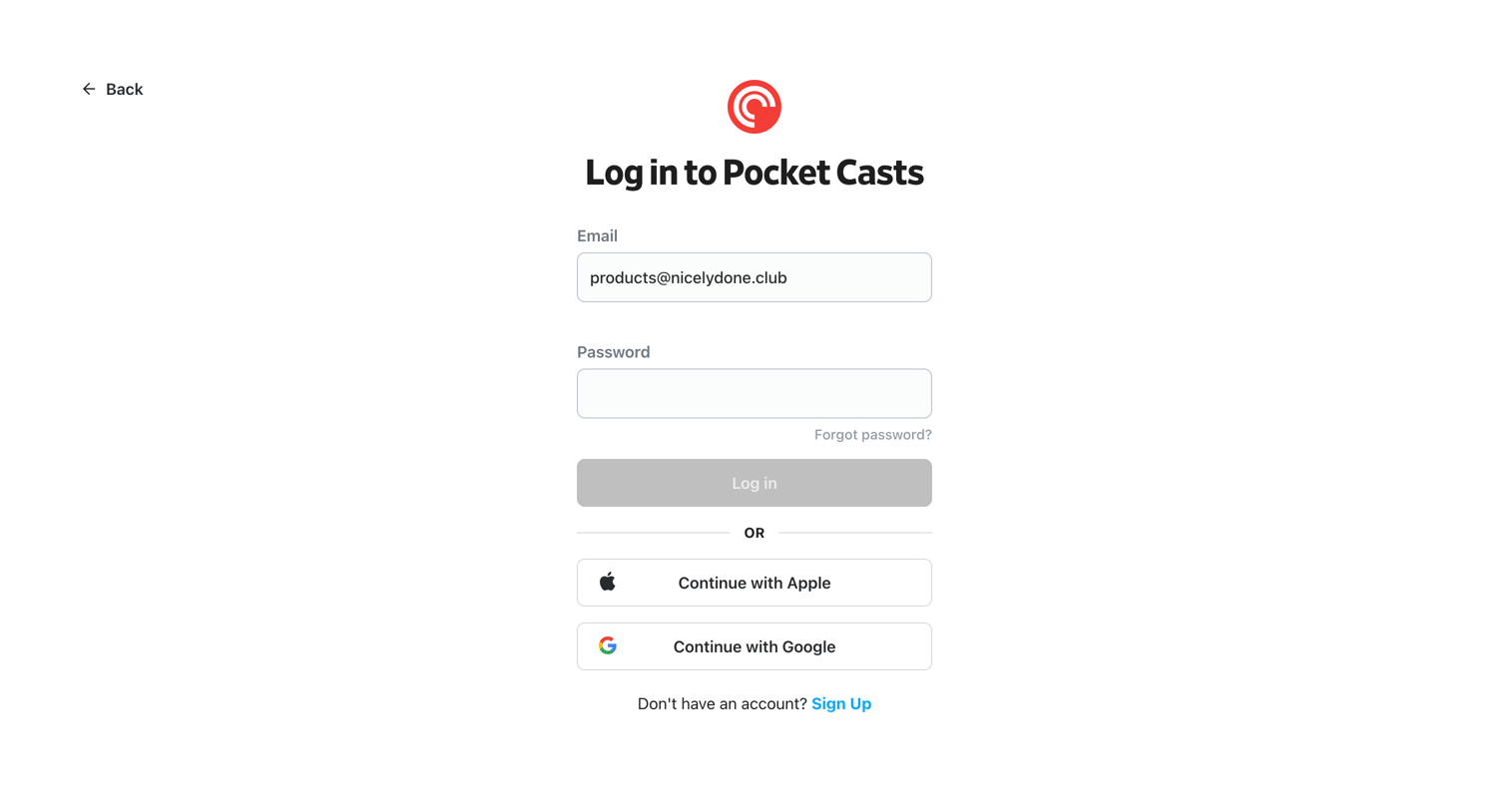
Sign-in screen where the user authenticates with email and password or via Apple and Google SSO.
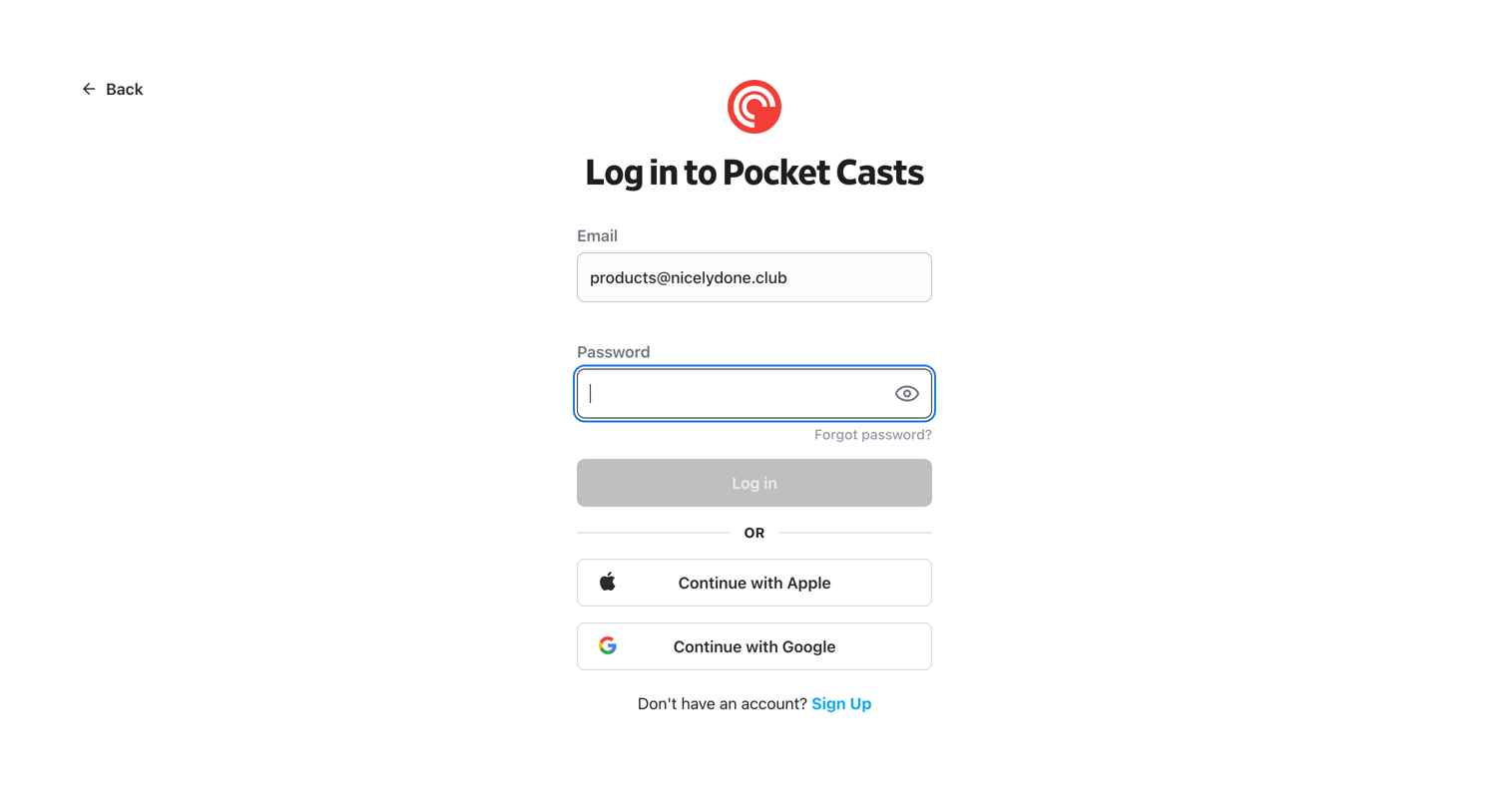
Sign-in screen where the user authenticates with email and password, or via Apple or Google SSO.
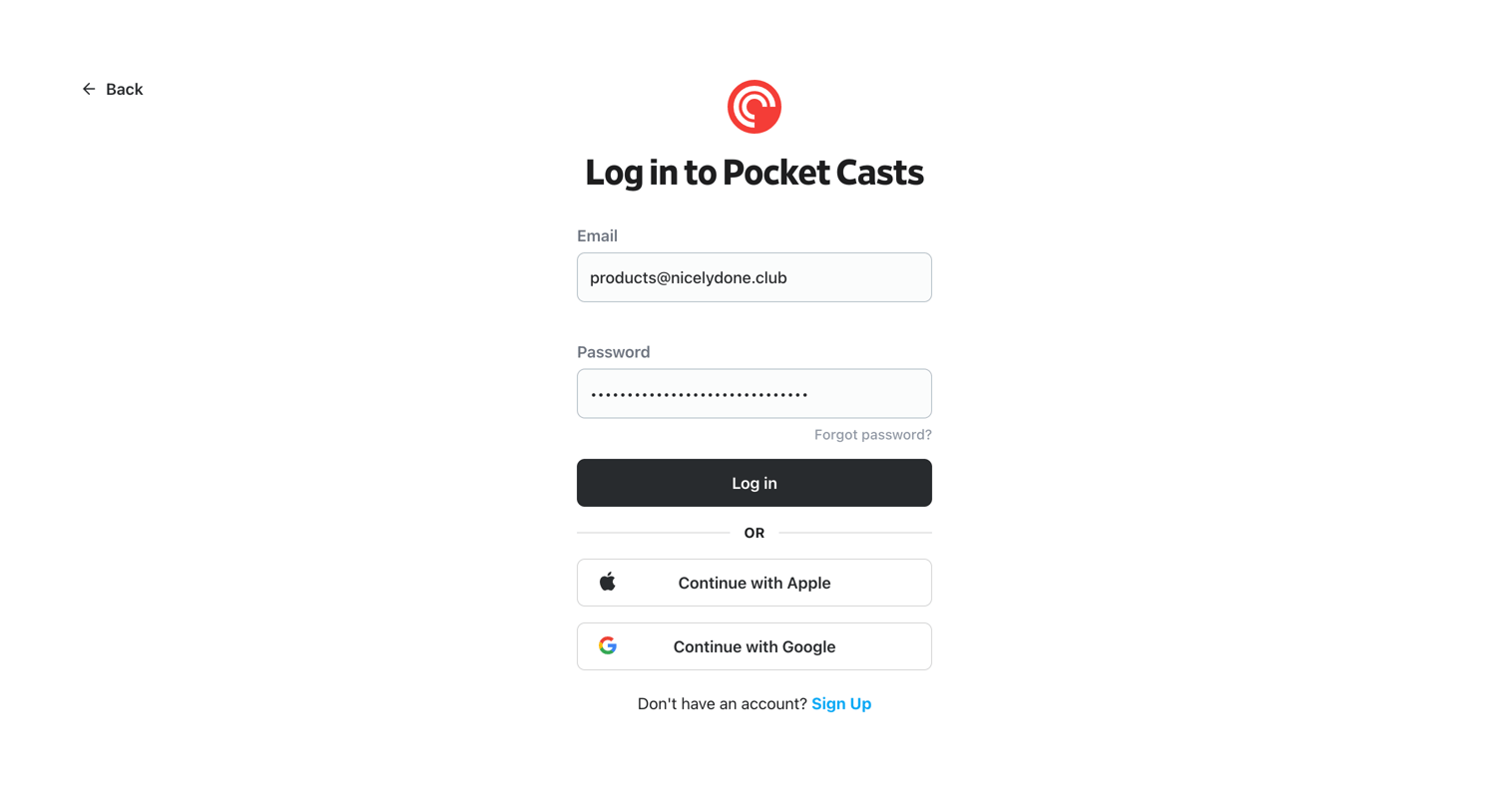
Sign-in screen where the user authenticates with an email and password or via Apple and Google SSO.
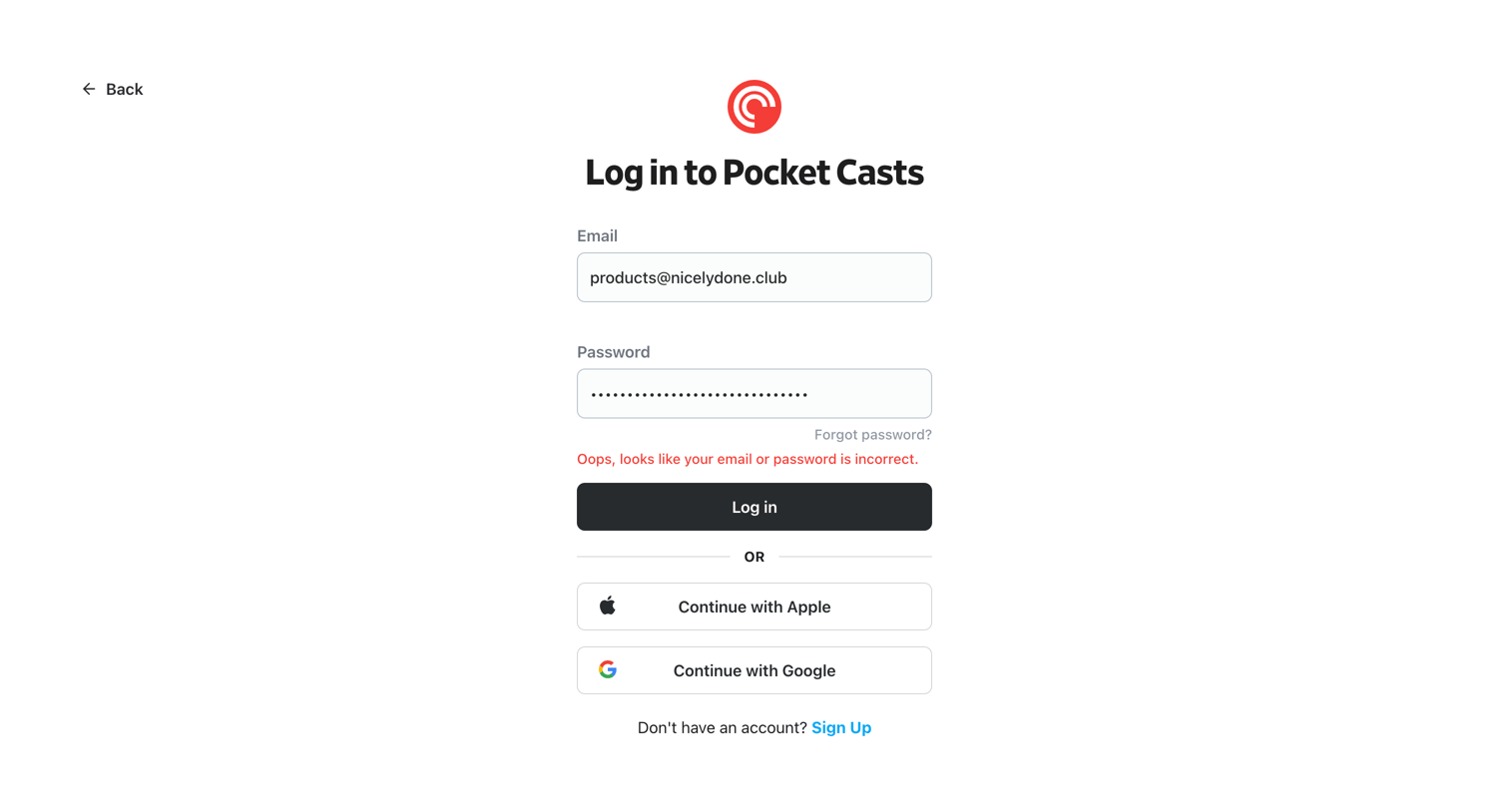
Sign-in screen for a podcast app where the user has entered an incorrect email or password and is shown an inline error message above the login button, with options to continue via Apple or Google.
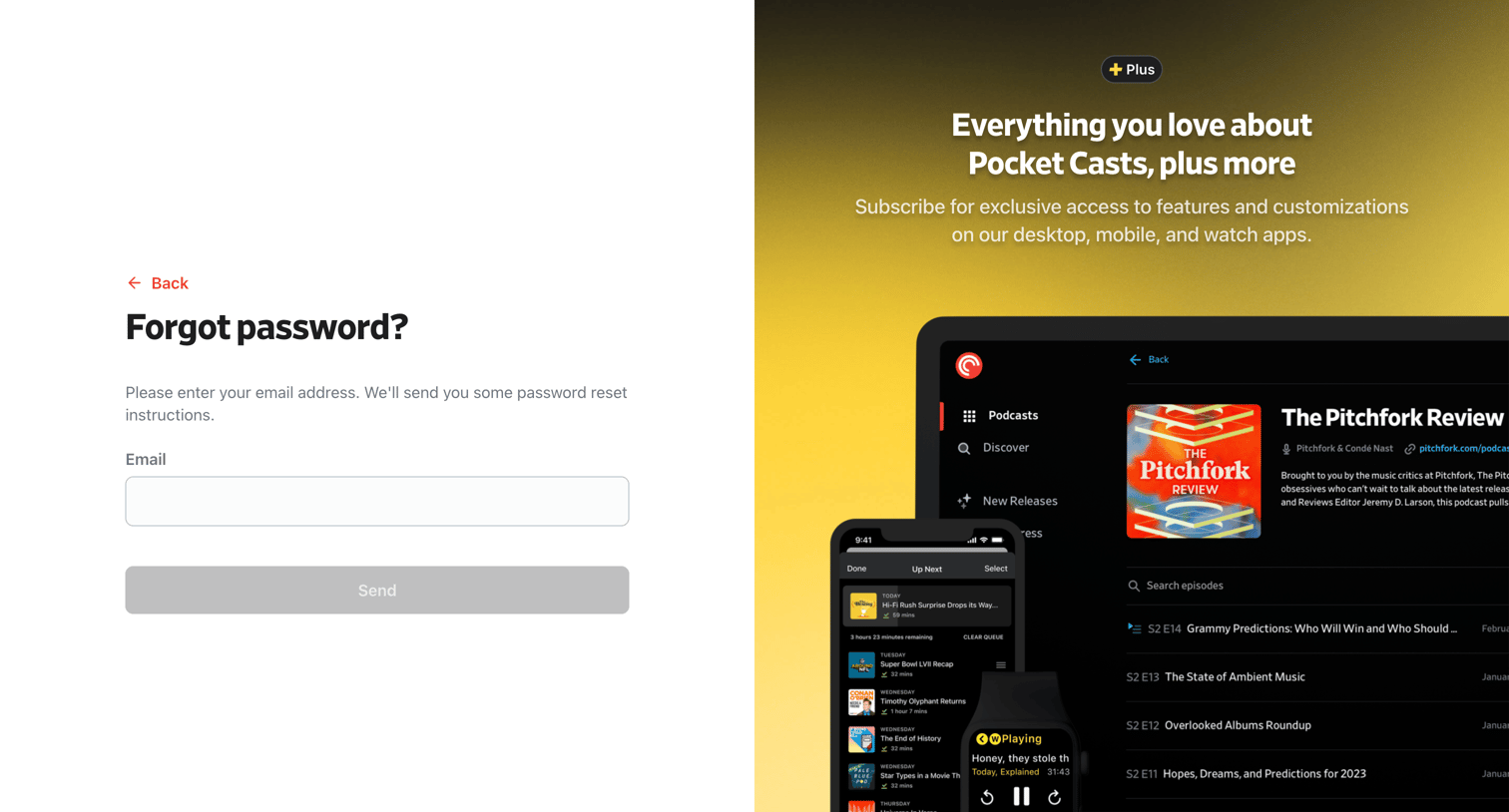
Password recovery screen where the user enters their email address to receive reset instructions, alongside a promotional panel for a premium subscription.
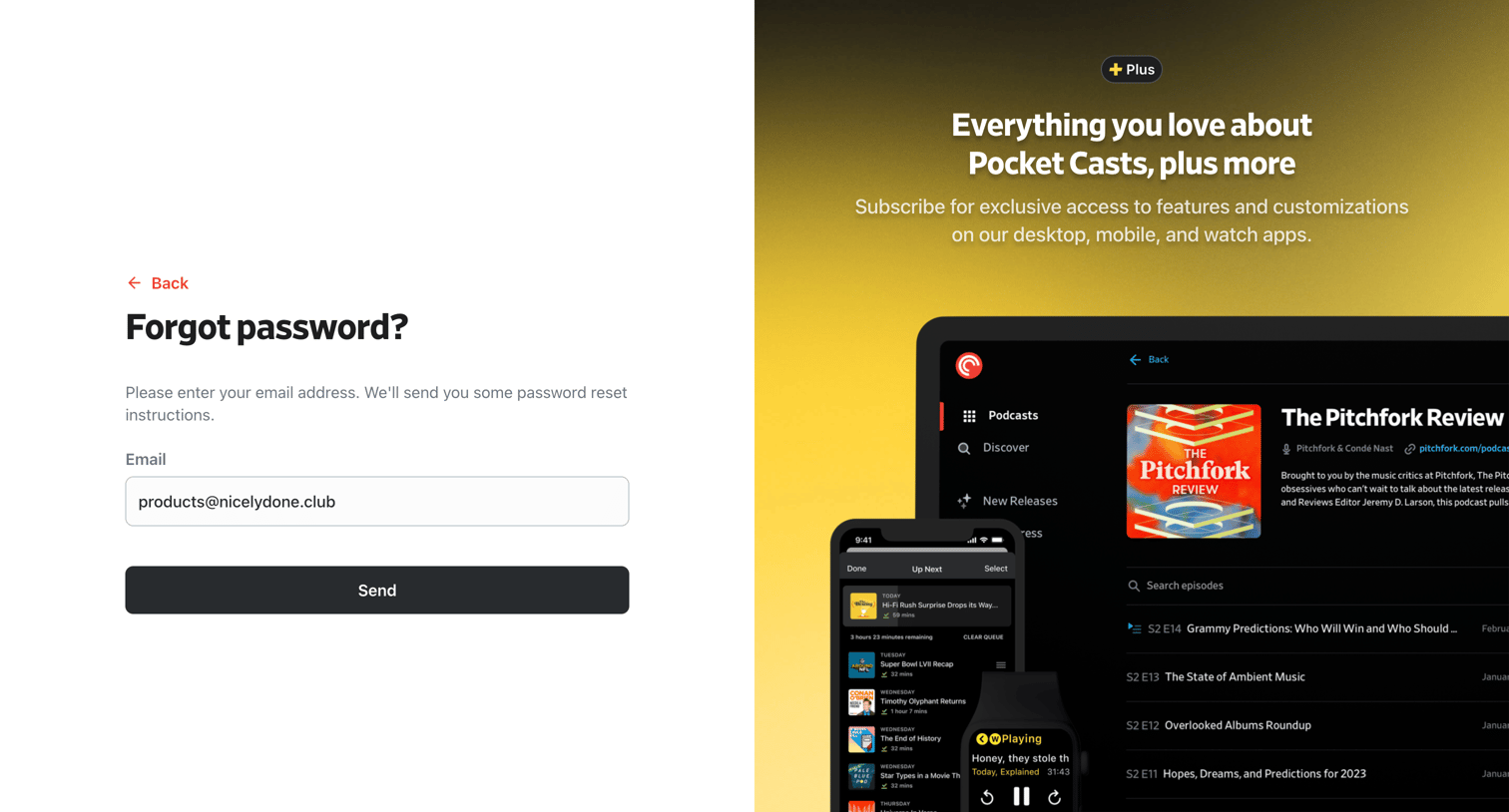
Password recovery screen where the user enters their email address to receive reset instructions, alongside a promotional panel for the Plus subscription.
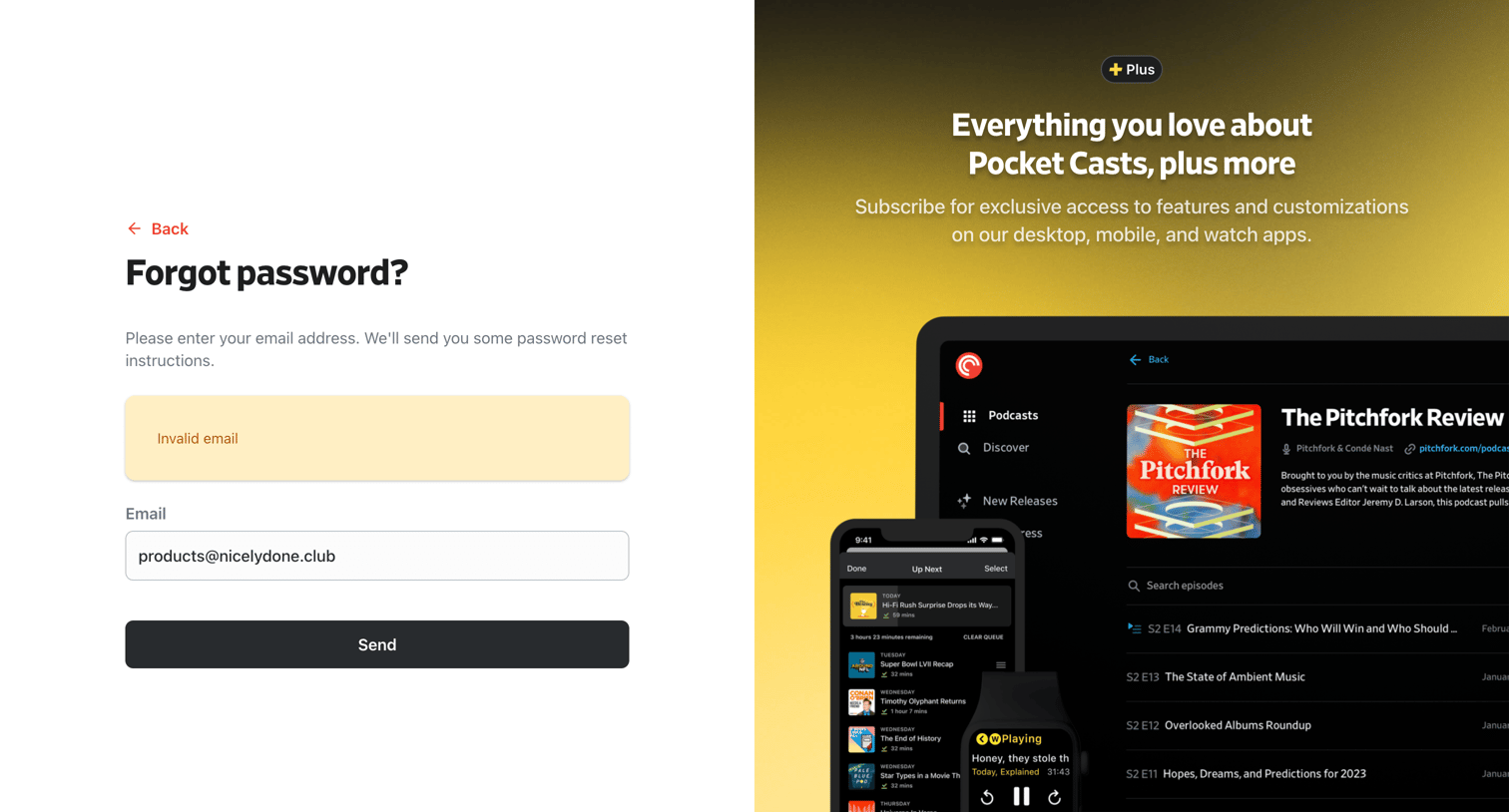
Password recovery screen where the user enters their email address to receive reset instructions, featuring a promotional panel for the Plus subscription.
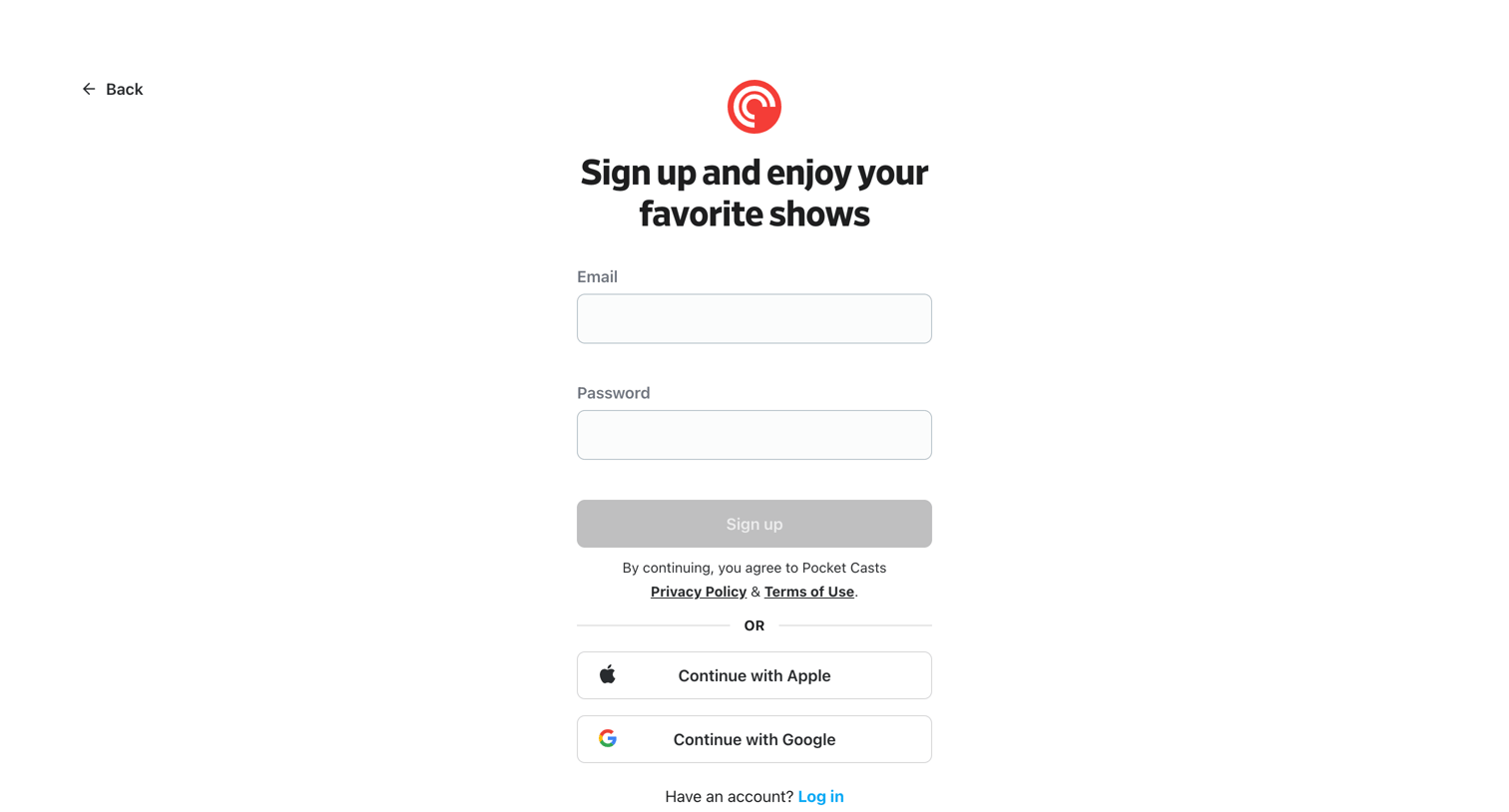
Sign-up screen where the user creates an account using email and password or authenticates via Apple or Google.
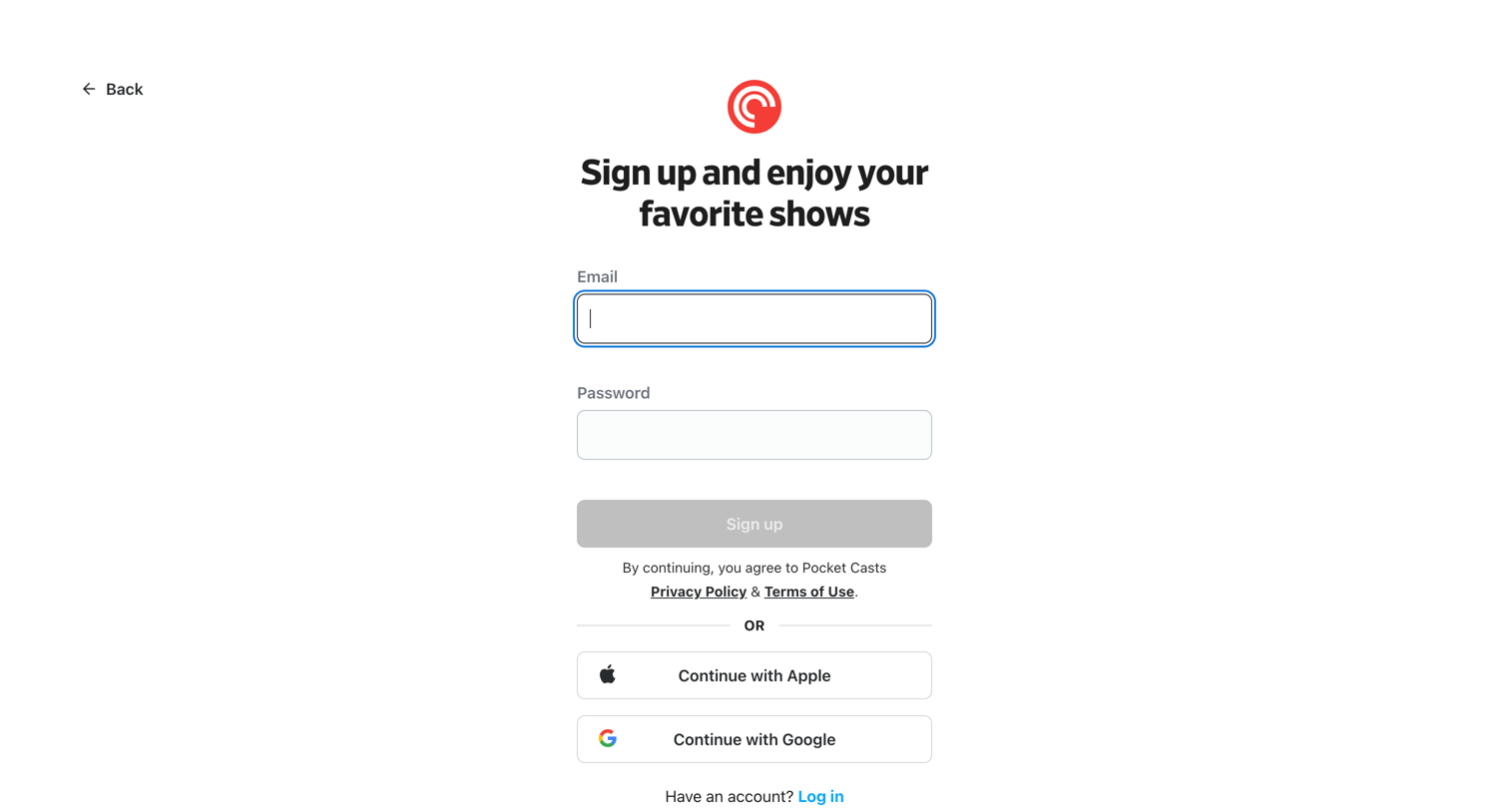
Signup screen where the user can create an account using email and password, or authenticate with Apple or Google.
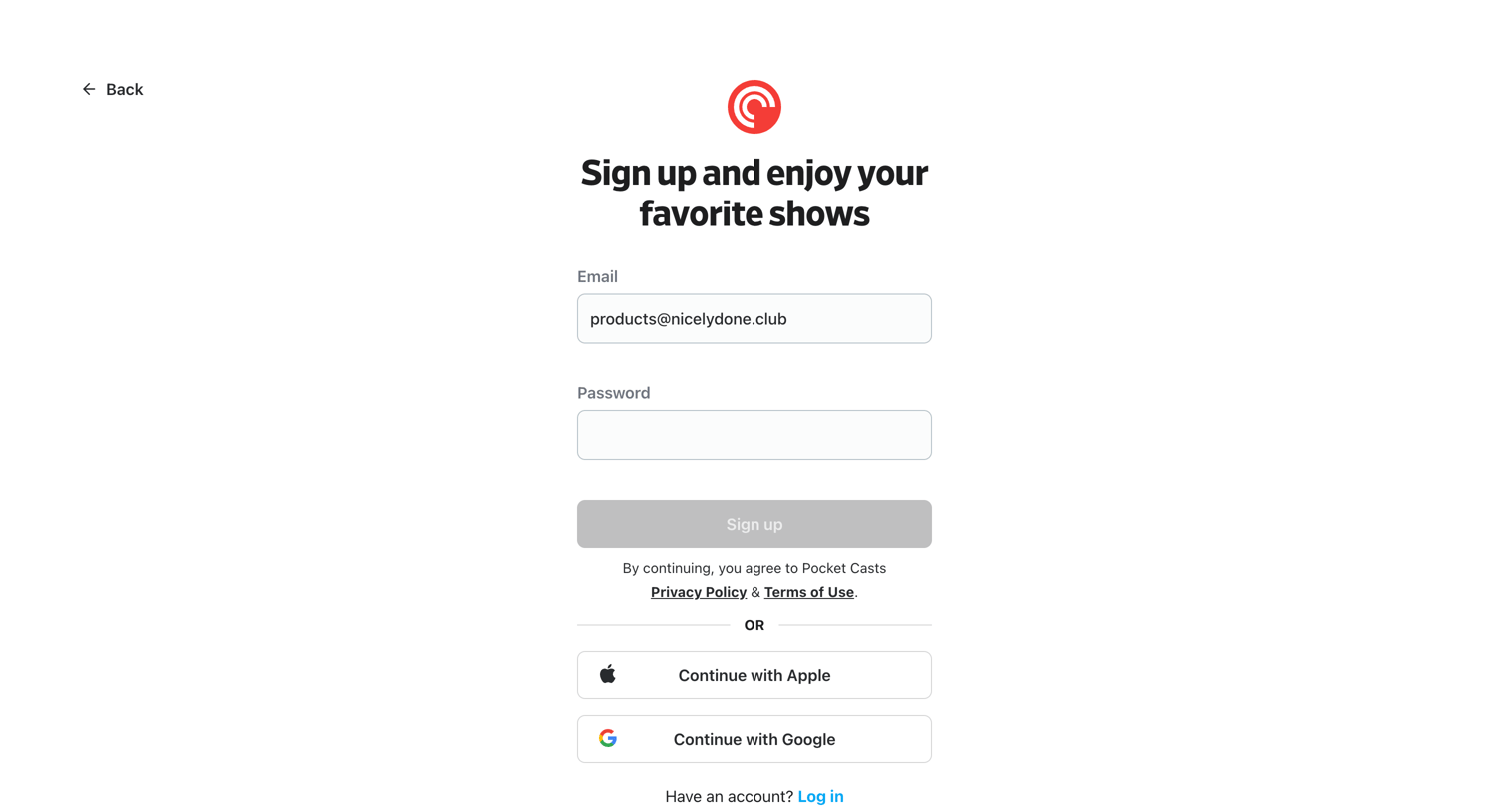
Signup screen where the user can create an account using an email and password or authenticate via Apple or Google.
Explore the full SaaS screen library
Upgrade to unlock the full library.
Trusted by the best teams







