Otter UI components examples
Browse Otter UI component design examples. Preview individual interface elements and explore related component categories. Voice meeting notes
Explore the examples
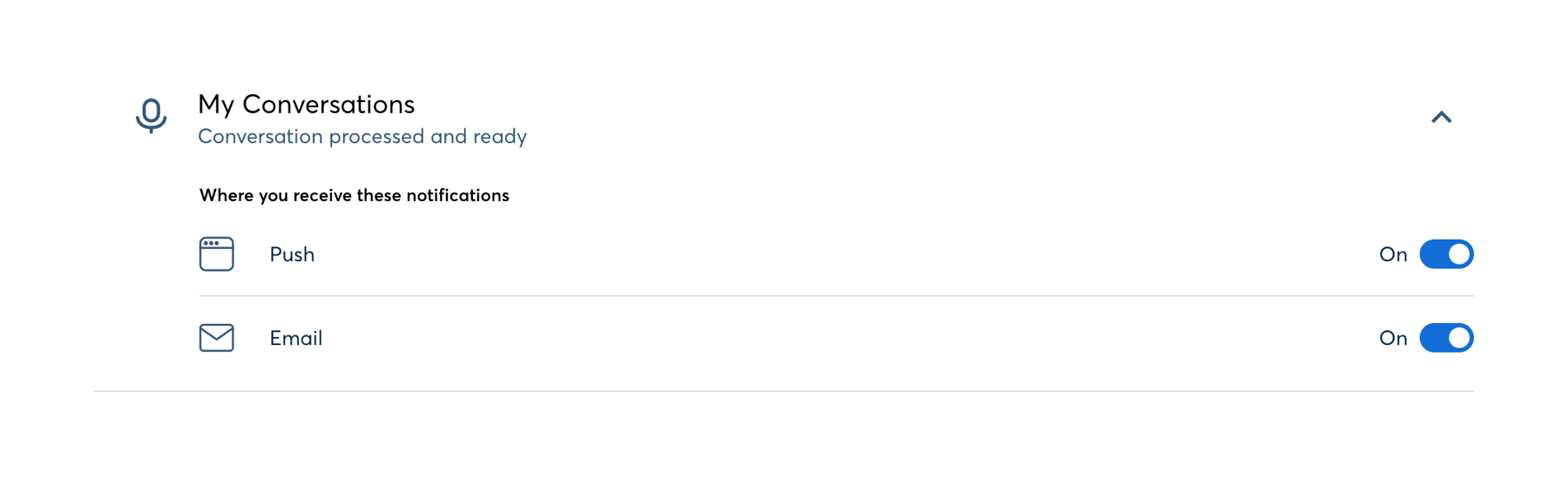

An expanded accordion section for configuring notification preferences. It includes a header with an icon, title, and description, followed by a list of notification channels (Push, Email) with toggle switches.

A card displaying the user's current plan details, including a circular progress indicator for remaining minutes, trial expiration date, upcoming subscription cost, and a call-to-action button to subscribe.

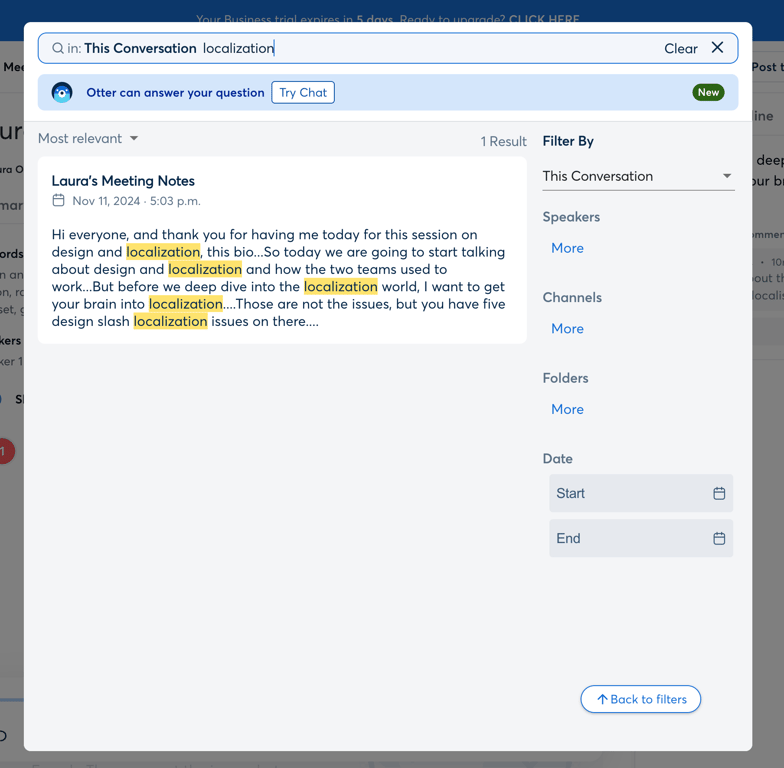

A floating search modal overlay containing a search input scoped to 'This Conversation' and a promotional banner for an AI chat feature.
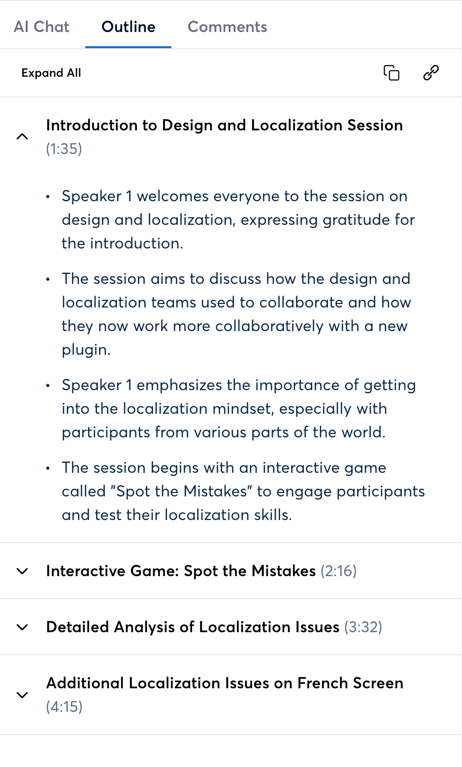
A tabbed panel displaying an AI-generated meeting outline. The active 'Outline' tab shows a list of collapsible sections, each representing a topic discussed in the meeting with a timestamp. The first section is expanded, revealing a bulleted summary.
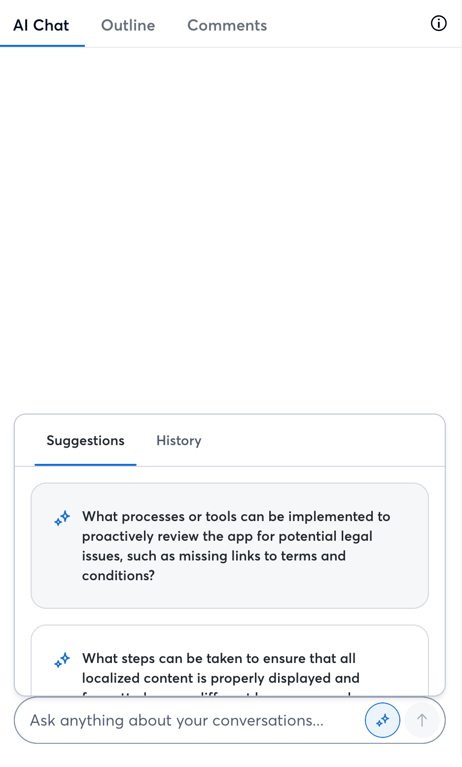
A sidebar panel containing an AI chat interface. It features top-level tabs for AI Chat, Outline, and Comments. The main area displays a chat interface with inner tabs for Suggestions and History, showing suggested prompts. A composer input field is at the bottom.
Browse the full component library
Browse the full UI component library.
Trusted by the best teams







