Lindy UI components examples
Browse Lindy UI component design examples. Preview individual interface elements and explore related component categories. Meet your AI assistant
Explore the examples
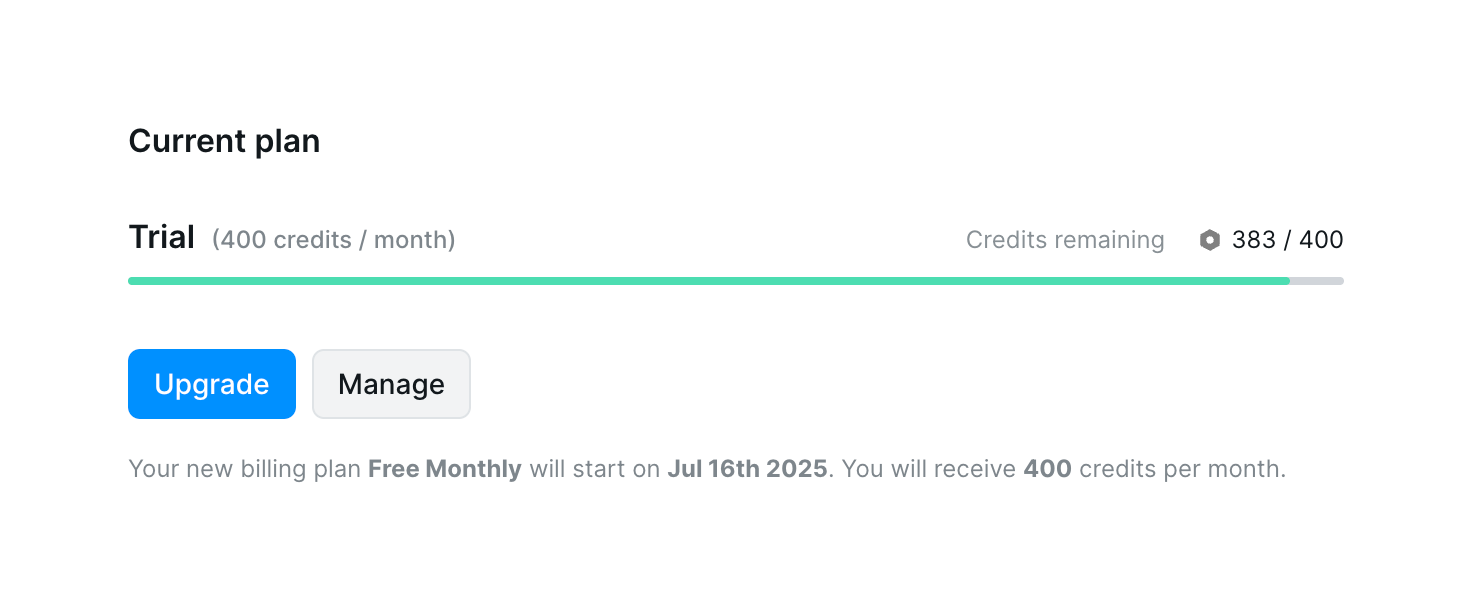

The screenshot shows a user's current plan details, including trial status, credit usage, and billing information.
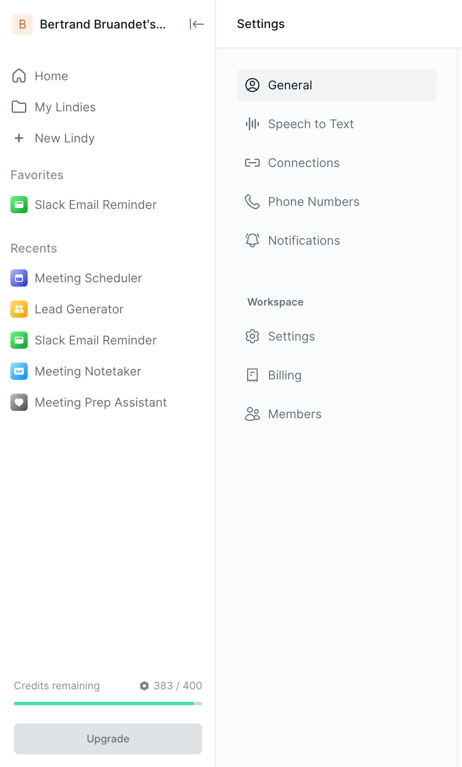
The screenshot displays a settings interface with a navigation menu on the left and settings options on the right.
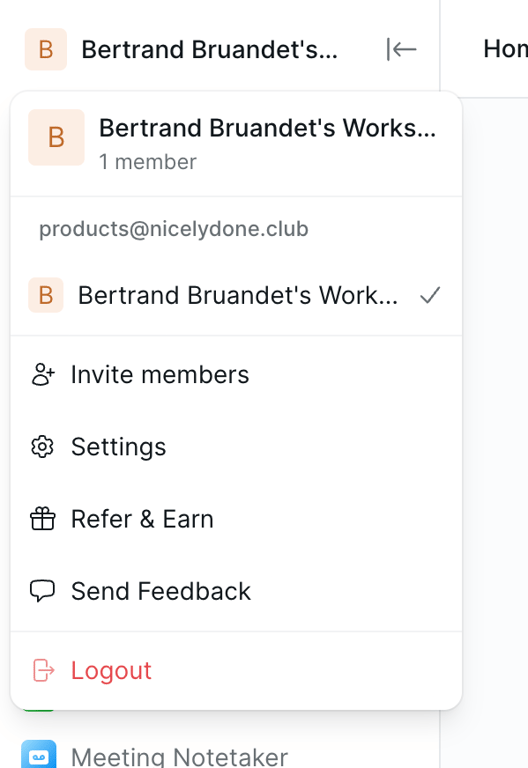
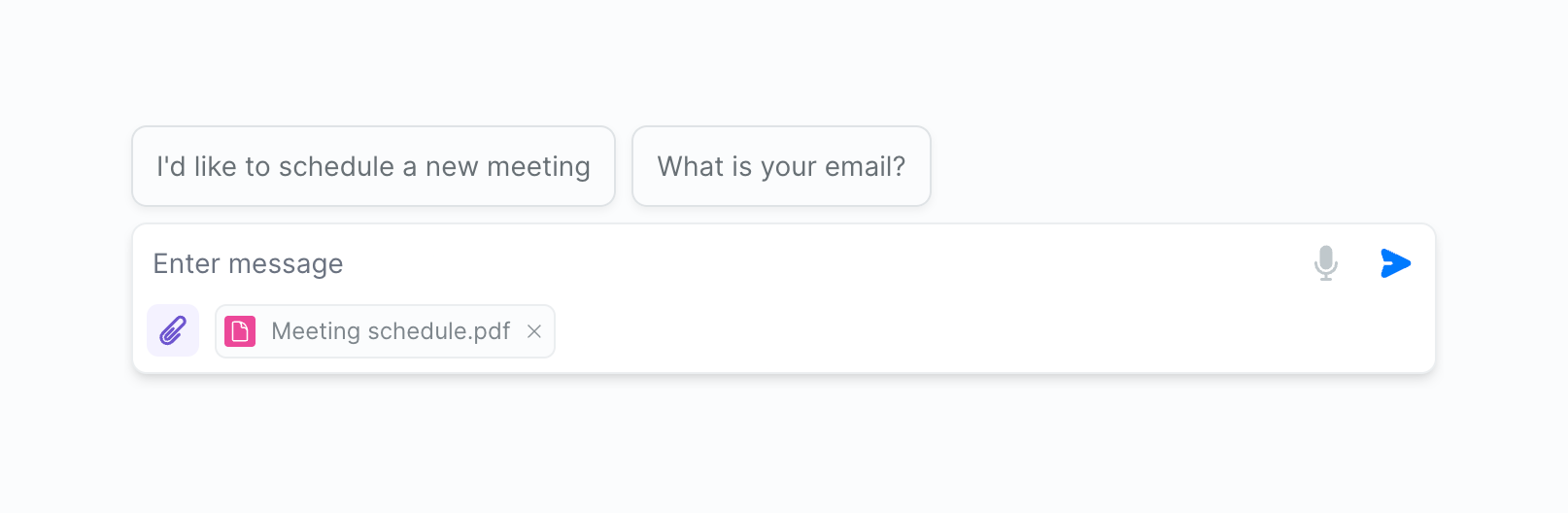
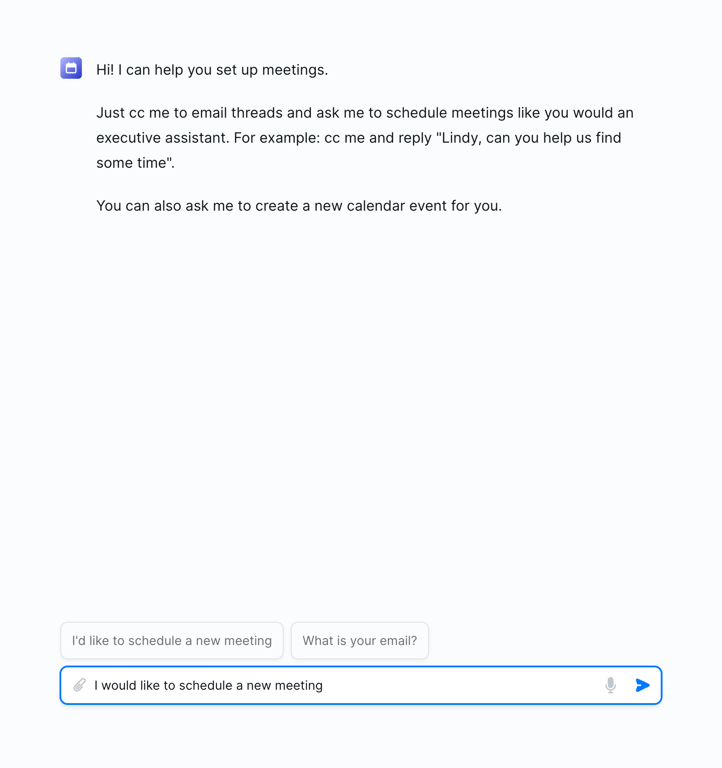
The screenshot displays a meeting scheduling interface with a conversational tone, suggesting an AI assistant feature.
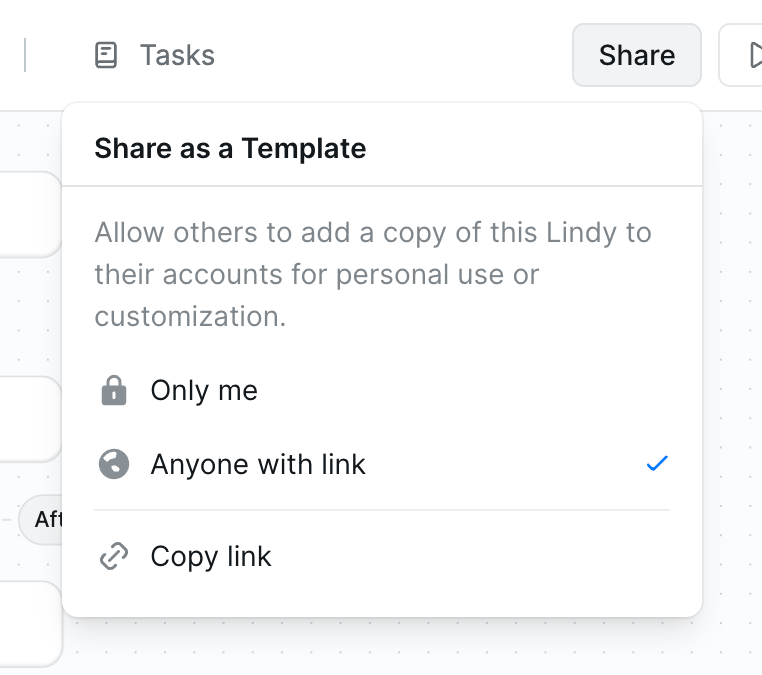
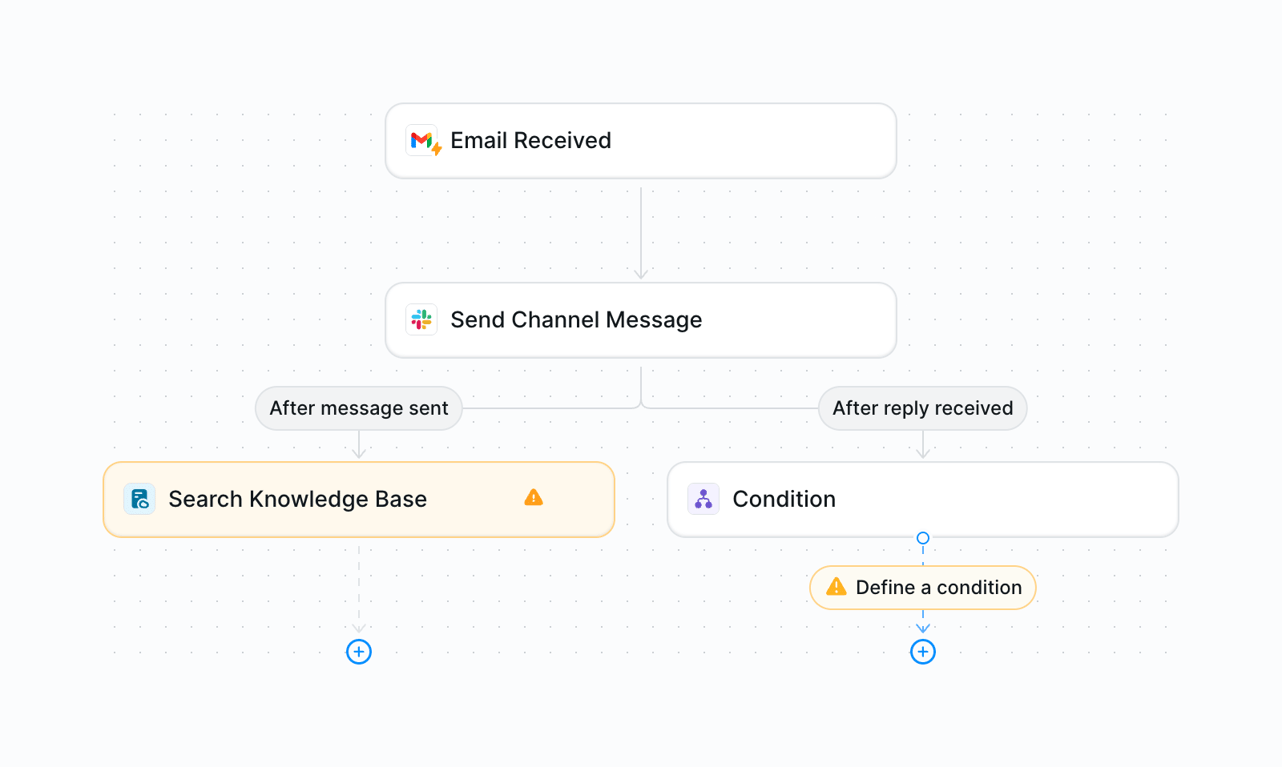
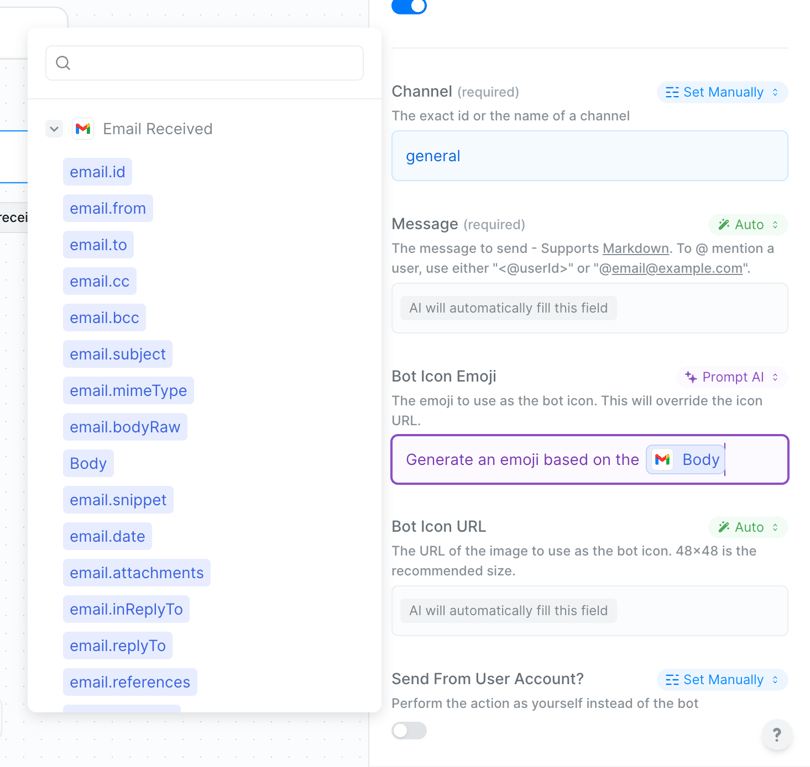
The screenshot displays a user interface for configuring email settings, including channel selection, message composition, and bot icon customization.
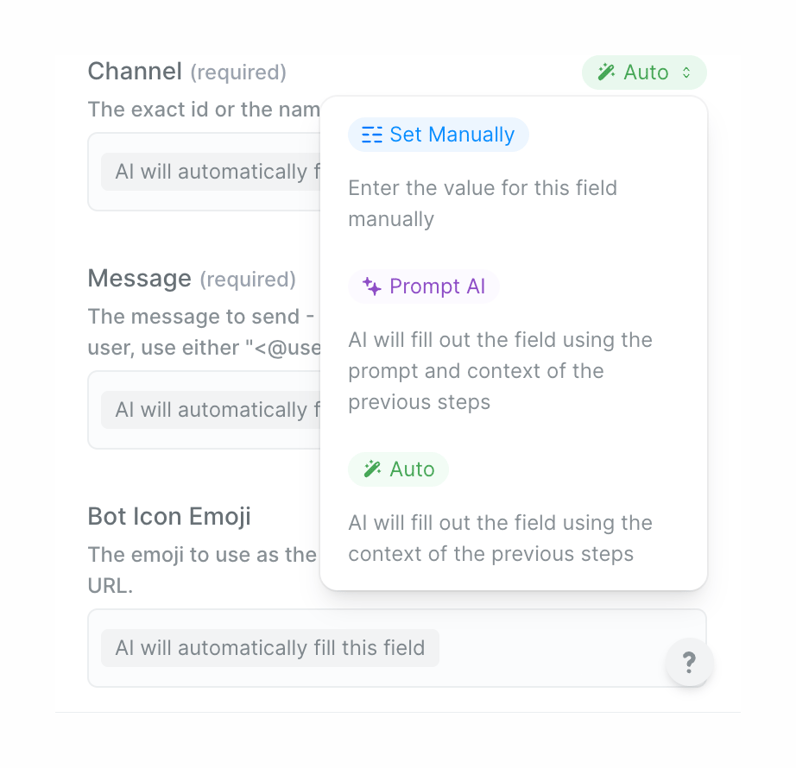
The screenshot shows a modal with options to set a field manually or automatically using AI.
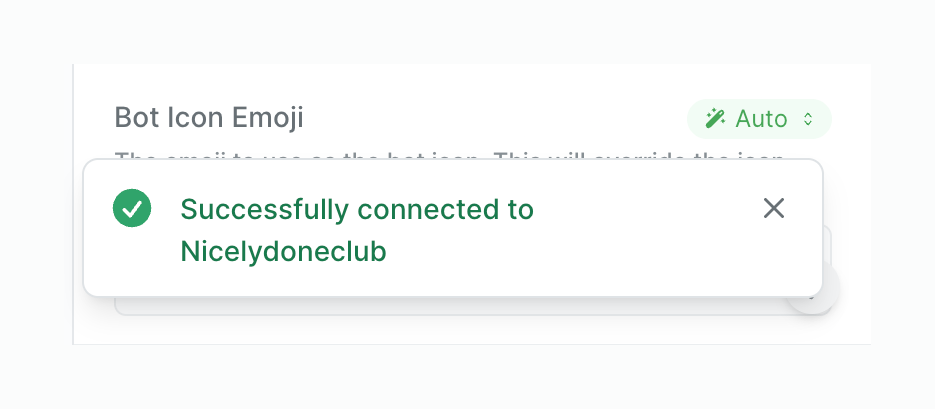
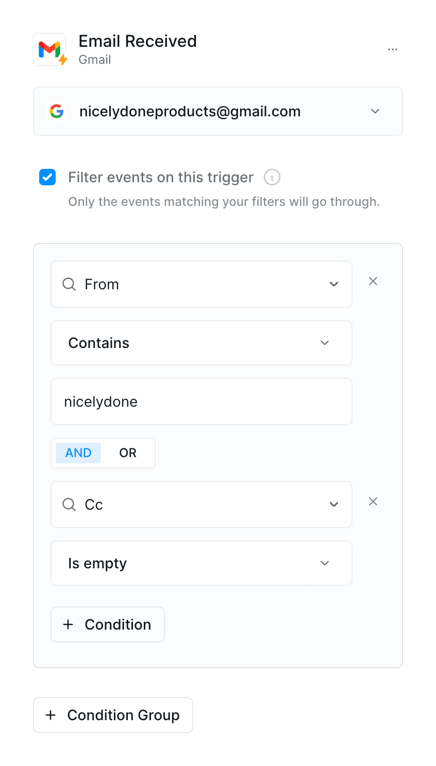
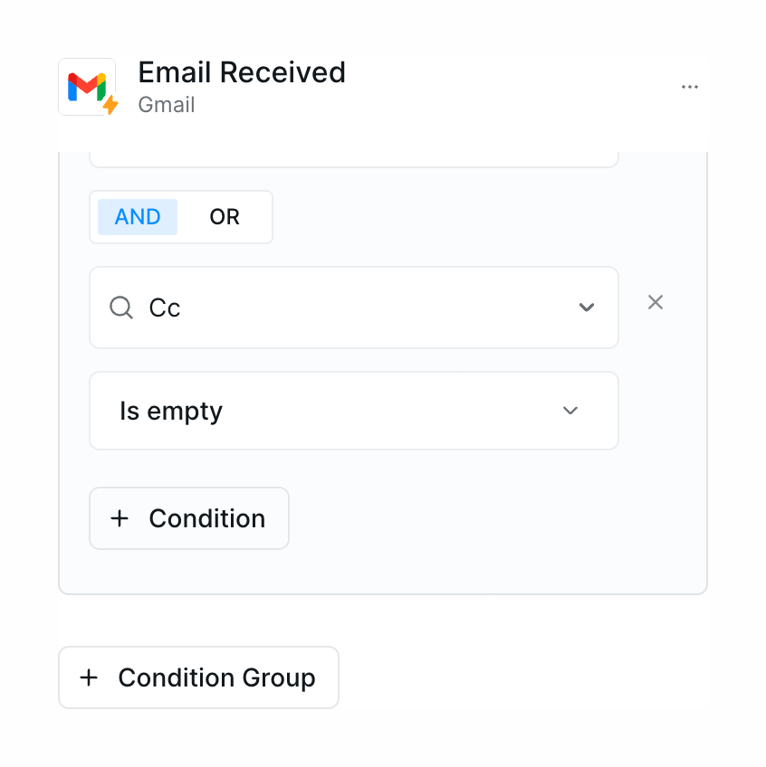
The screenshot shows a modal for filtering email events based on specified conditions.
Browse the full component library
Browse the full UI component library.
Trusted by the best teams







