Skip to content

Kinsta UI components examples

Browse Kinsta UI component design examples. Preview individual interface elements and explore related component categories. Simply better hosting for WordPress

Explore the examples
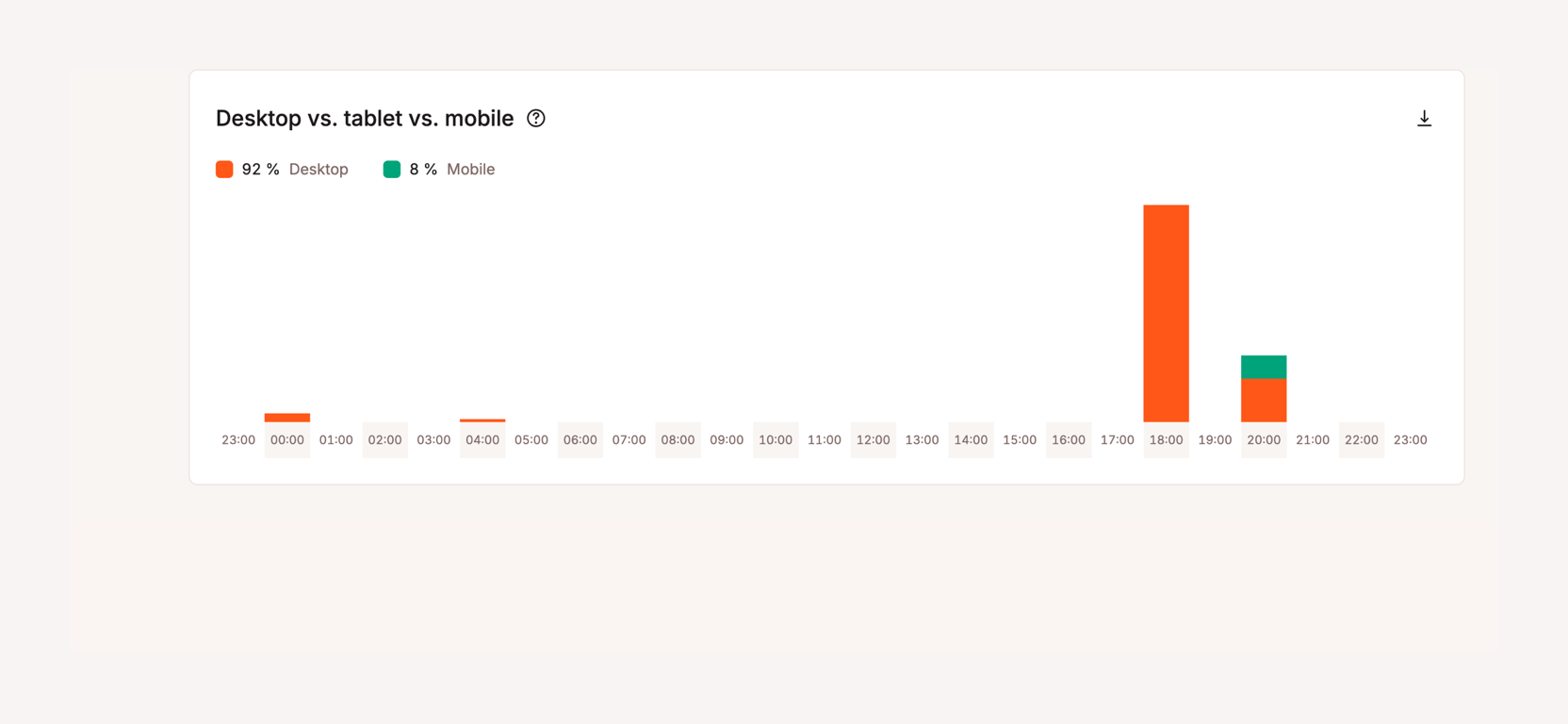
Kinsta — Charts component
Kinsta logo
Kinsta

The screenshot displays a bar chart comparing desktop, tablet, and mobile usage over a 24-hour period.

Kinsta — Charts component
Kinsta logo
Kinsta

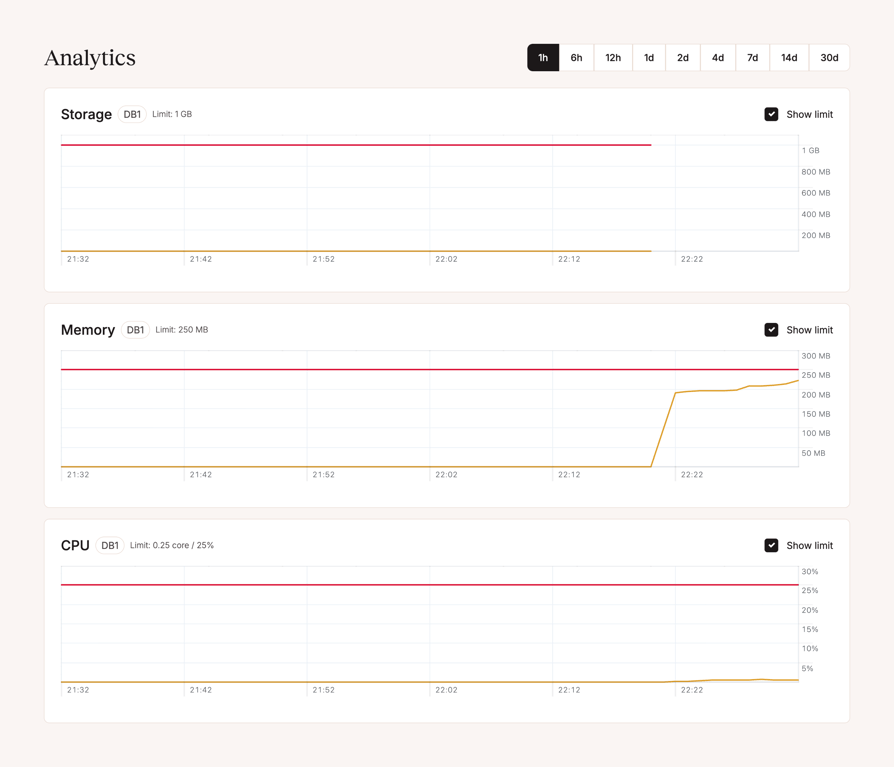
The screenshot displays analytics for storage, memory, and CPU usage over time.

Kinsta — Charts component
Kinsta logo
Kinsta

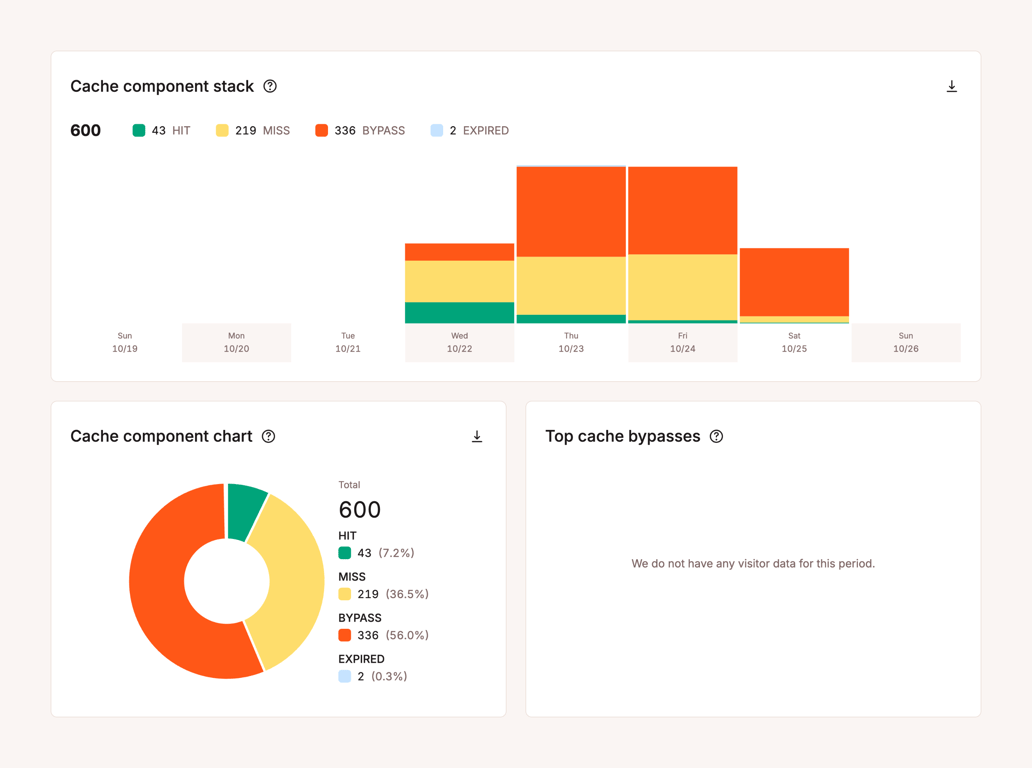
The screenshot displays a dashboard with cache component statistics, including a stacked bar chart and a pie chart.

Kinsta — Charts component
Kinsta logo
Kinsta

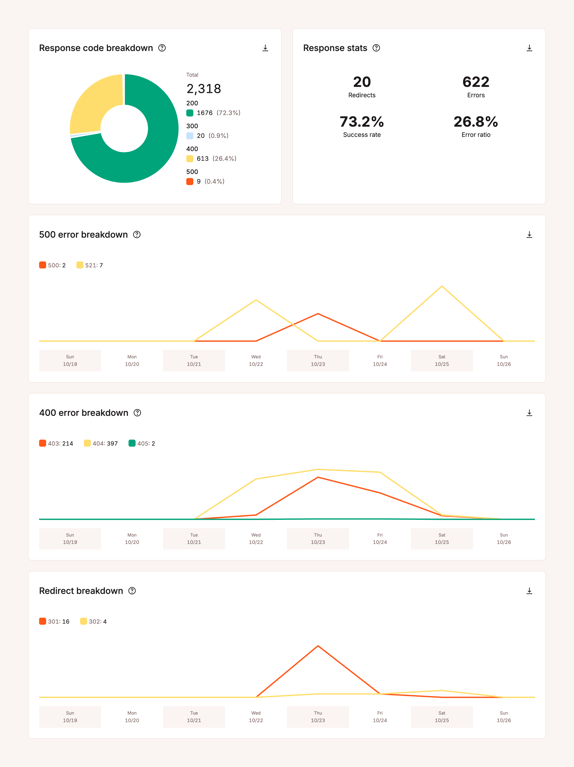
A dashboard displaying response code breakdowns and statistics.

Kinsta — Charts component
Kinsta logo
Kinsta

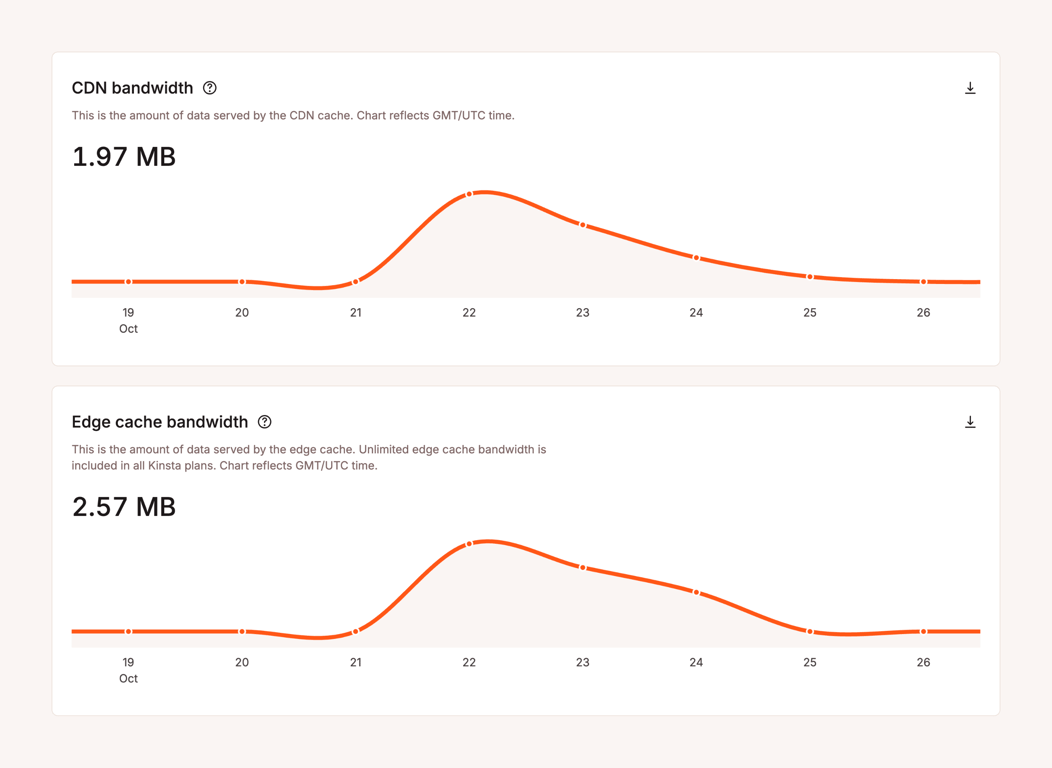
The screenshot shows two line charts displaying CDN and edge cache bandwidth.

Kinsta — Charts component
Kinsta logo
Kinsta

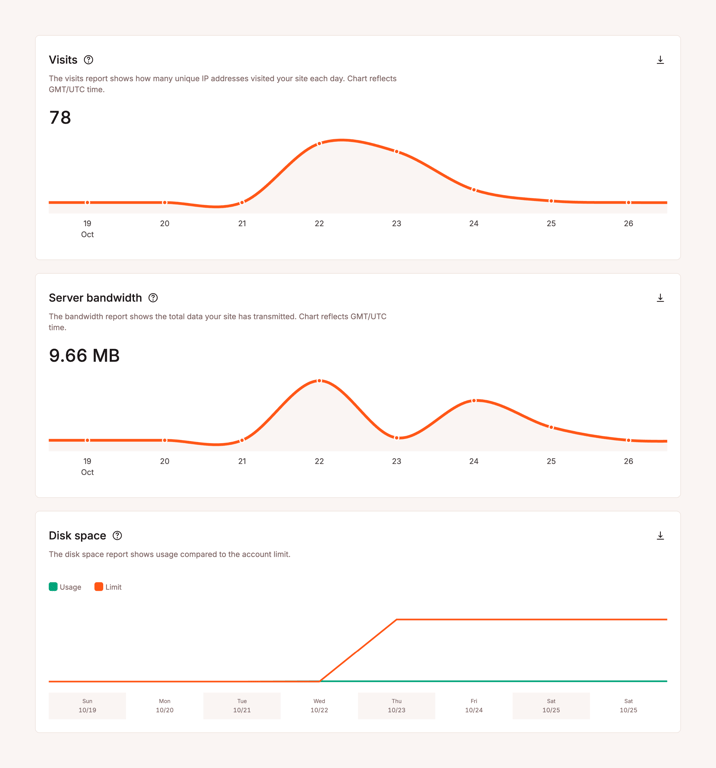
The screenshot displays a dashboard with charts showing website visits, server bandwidth, and disk space usage.

Kinsta — Input number component
Kinsta logo
Kinsta

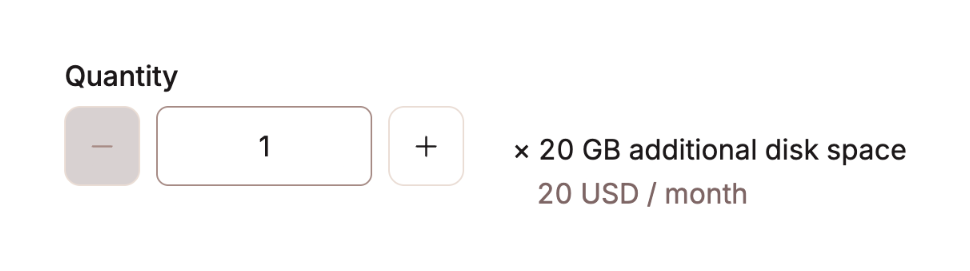
The image shows a quantity selector with increment and decrement buttons, a text field displaying the quantity, and a description of the item being quantified.
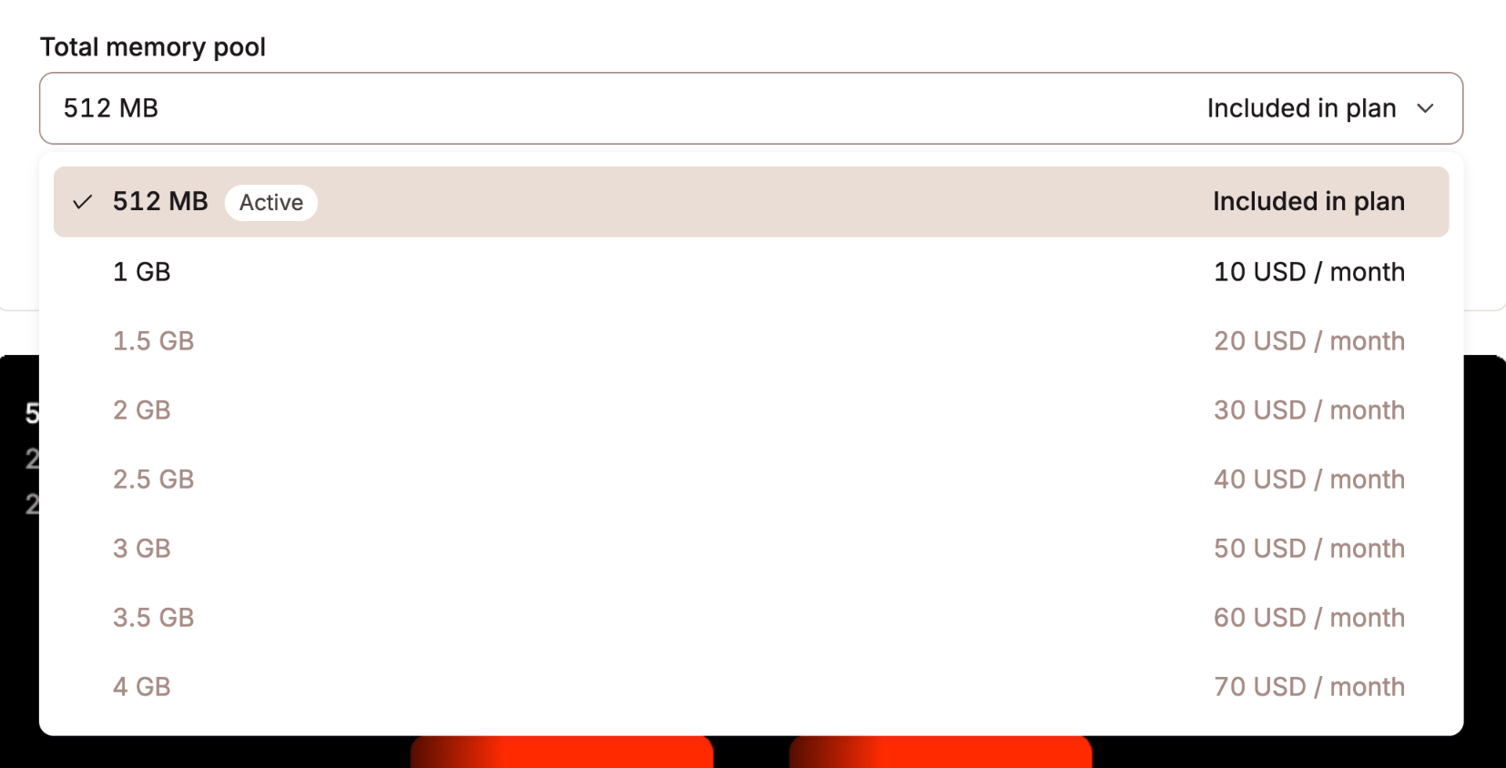
Kinsta — Input select component
Kinsta logo
Kinsta

The screenshot shows a dropdown menu for selecting the total memory pool size, with options ranging from 512 MB to 4 GB, and corresponding monthly costs for each option.
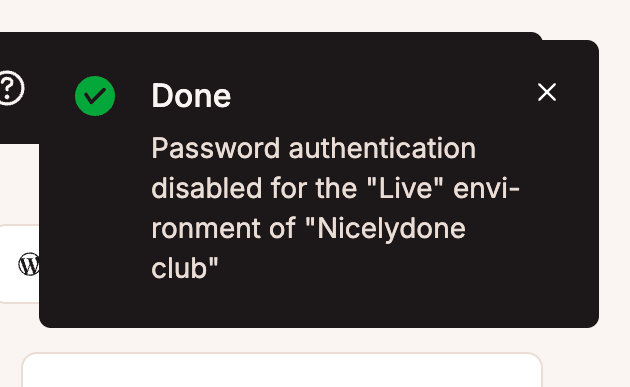
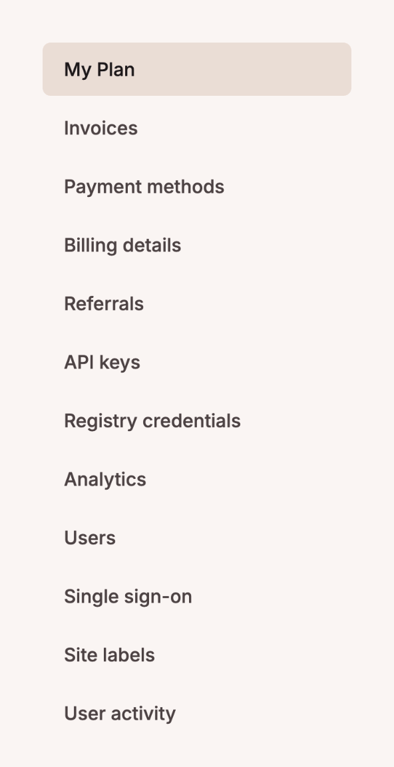
Kinsta — Vertical navigation component
Kinsta logo
Kinsta

A list of settings options.

Browse the full component library

Browse the full UI component library.

Trusted by the best teams